14 DAY TRIAL //
 Keeping a personal diary is a good way to keep track of the things you do during a day and also to cast a look back if and when you so desire. Why look back into your past? First off, because it can prove helpful in your growth as an individual and, from a more physical perspective, because it can ease your work by making you notice things you consider important, to which you can and go back from time to time. And, to be honest, probably everyone had his/her own diary that acts as the legendary "skeleton closet"!
Anyway, traditional diaries - made of paper - are being replaced by digital ones (and I'm not talking about blogs, which are only semi-personal since they can be viewed by the whole wide web) that are more secure, thanks to their encryption capabilities. A simple and capable application that eases the management of a personal diary is Almanah Diary. Formerly known as "Diary," this small app features basic editing, linking (it allows you to link a diary entry to files and URIs), and adding notes to an entry. Its most interesting feature is database encryption, which encrypts your entries so no one - at least no one skilled in database access/cracking techniques - can see what you wrote.
Almanah Diary is available as a source package, so you will have to "work your fingers to the bone" by installing its dependencies and going through the three magic steps of installing something from source: ./configure, make and make install. If you're using Ubuntu, you will have to install even a C compiler, as Ubuntu was probably designed for persons who are scared of the shell and just want to install pre-compiled .deb packages from this distro's repositories or from third-parties. I like Ubuntu, but it still lacks some basic development packages.
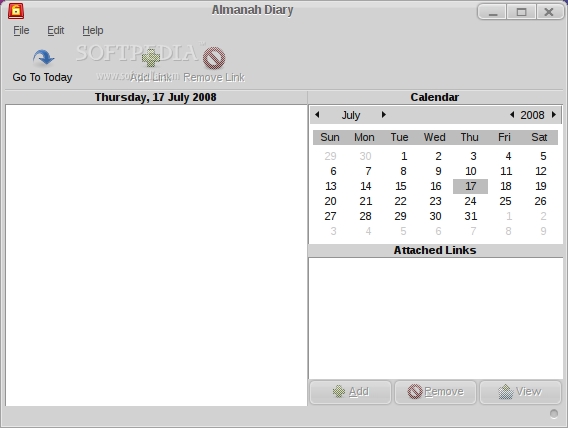
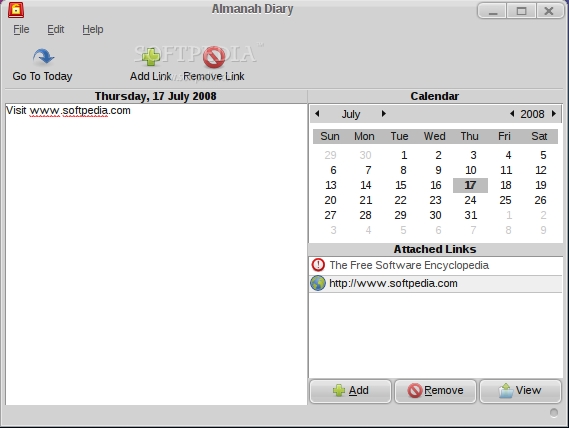
Anyway, let's see what Almanah Diary is all about and test it out. When you first start the application, you get a window made up of three panes: one where you add your notes, one for the attached links, and the other containing a calendar for easy navigation through the days. To differentiate between the days when you posted something and the ones with no entries, the program shows the active dates in bold style. If you want to post something into the "future," you can't! The program won't let you choose a day after the current date. Another useful feature of the calendar is the fact that you can drag and drop a date into the entry you're editing. Unfortunately, there is no undo function present in Almanah Diary, which could be useful when you don't want to delete something and just go a step back into your editing process.
Although this is not connected to the writing process, I've tried to find a way to display the contents of the database where the entries are kept. The database is located in your home directory, under .local/share. It is called diary.db and, if you try to open it with Geany for example, you will see only a line displaying the current version of SQLite. By running SQLite from a terminal, you can then use its .read command to see the content of the last entry that was added to Almanah Diary. There is probably a way to see the other entries too, but I haven't tested that yet.
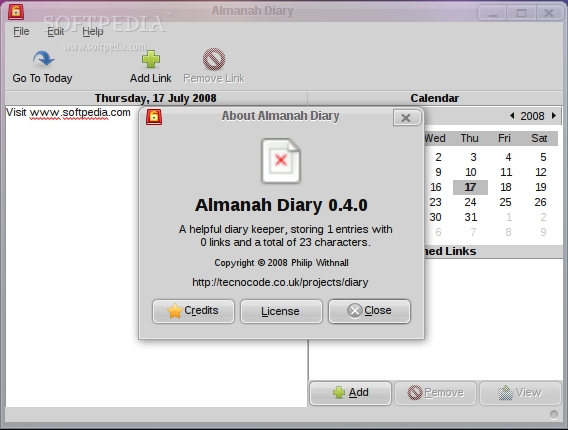
Leaving the database accessing aside, let's see what else Almanah can do. I think there is some sort of glitch in the compiling process - or maybe this problem is something I caused - that doesn't display the right icon of Almanah when you go to the About screen. I only got some sort of "Not Available" icon. Maybe there's something that doesn't link to the correct icon file and that can be fixed. Speaking of the About screen, it will also display the current status of your diary: it counts all the entries, links and characters.
One of the weirdest things I encountered when I was playing around with Almanah Diary was the dialog that appeared from time to time, asking me if I wanted to delete an entry. This is a pesky bug for which I could not find a cause. Another thing I discovered was that an application crash could be created by dragging dates randomly one over the other. After 20 seconds or so, the application crashed with no error message.
The Good:
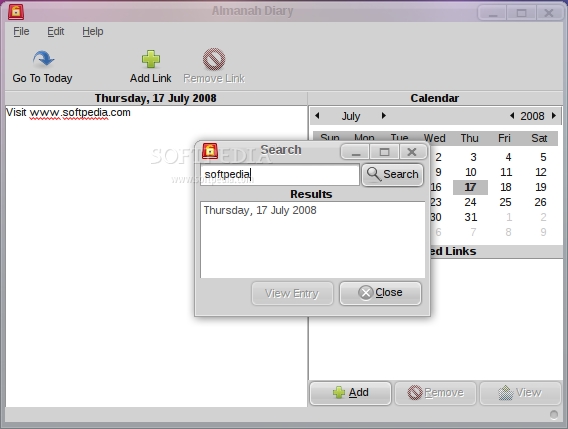
The most important feature of Almanah Diary is its simplicity that leads to ease of use. To use it, you only have to know how to use a text editor, and that's all! Also, it is really fast when it comes to searching after a specified term through your posts.
The Bad:
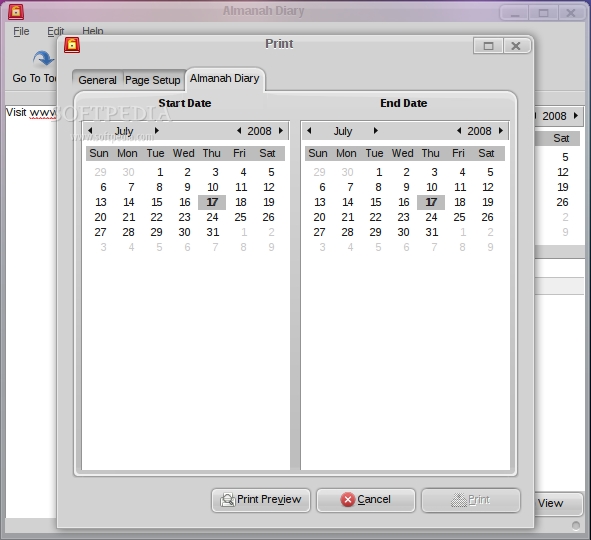
It lacks a few important features, like "Undo," and needs some fixing to the Print Preview option that doesn't send you back to the Print menu after you close it.
The Truth:
There is still a lot of code to clean up and features to add until we can say Almanah Diary is complete. From my point of view, the most important thing is stability, and that's one of the points where Almanah must be improved.
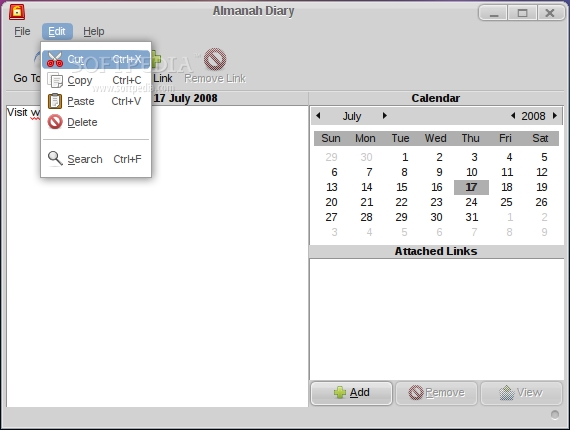
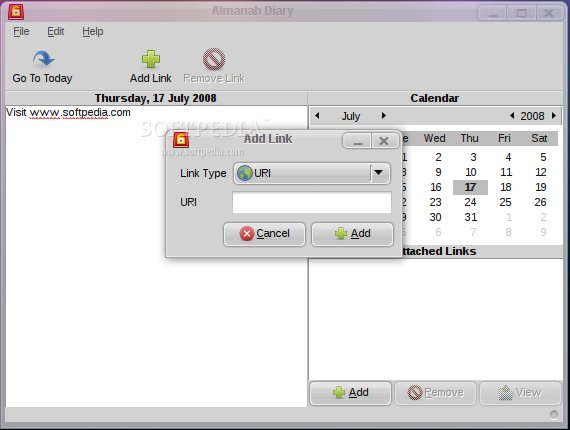
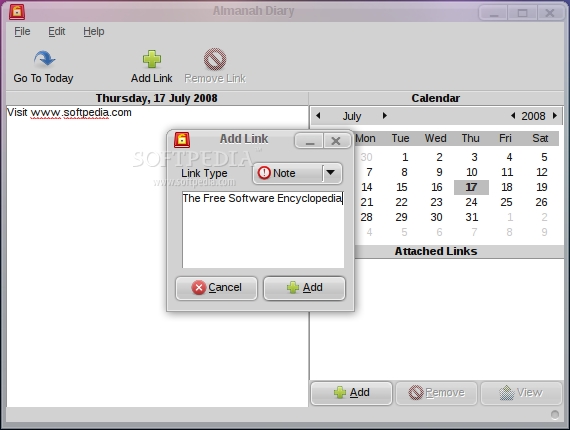
Here are some screenshots with Almanah Diary in action: