14 DAY TRIAL //
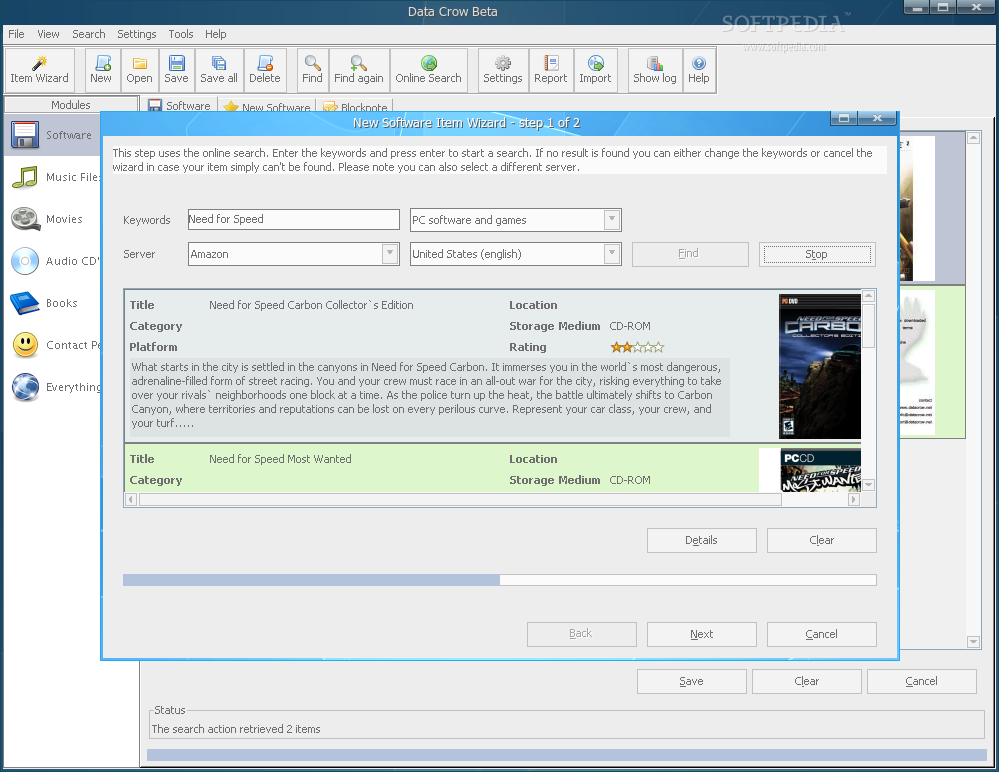
 Have you ever needed to organize all of your collections with one single program? You won't have to search any more because I?ve got exactly what you need. Data Crow is a media cataloger, perfect for those who like to collect software, books, movies and/or music. It enables you to create huge databases containing all your collected items with very little work and time spent. You may be asking yourself "How is it possible?". Well, it's pretty simple. In order to register an item to your collection, you only have to type in the item's name or title and Data Crow fetches the rest of the item information from the web. It's able to search either on Amazon, IMDB or both at the same time. Unfortunately, this feature is available for all modules except "Music Files". However, for music files you'll have to browse to the directory containing the media and Data Crow will read and import the embedded tag information. It supports formats such as mp3, ogg, flac, ape and audio cd's. Moreover, for Audio CD's, you can use the MusicBrainz or FreeDB servers to search for audio albums.
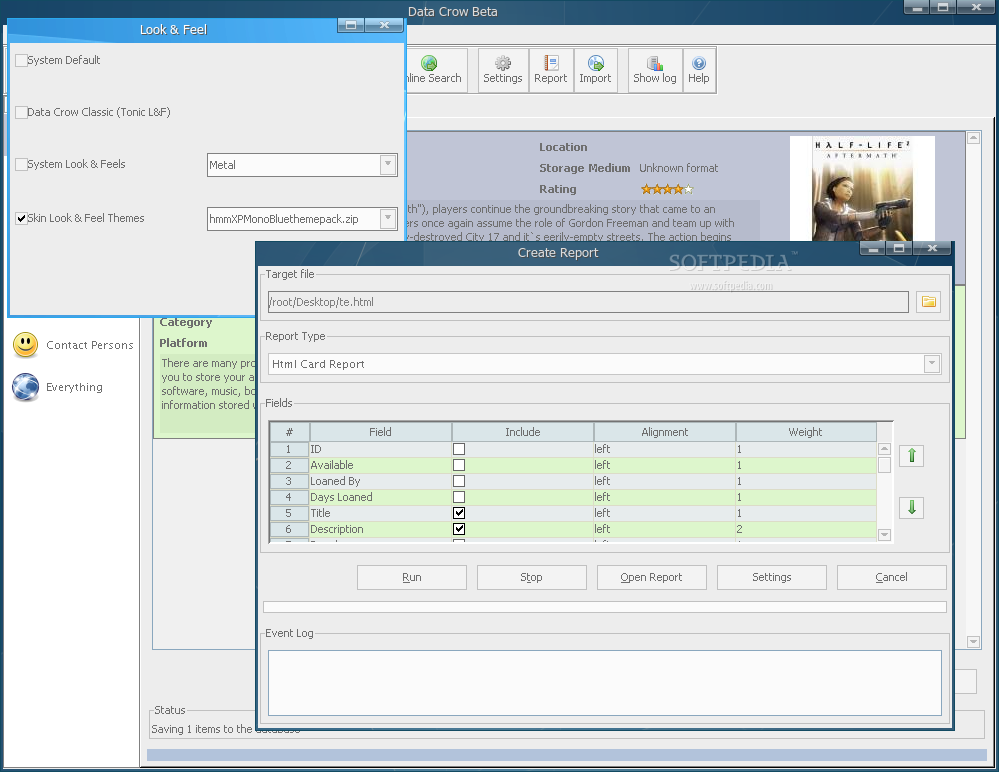
Data Crow has many other features to offer, such as a comprehensive help system, loan administration, reporting tool (to pdf, html or text), backup/restore functions and more. Its interface is nice-looking, easy to use and intuitive. It also supports skinning for the eye-candy lovers.
Because Data Crow is a Java application, you'll need to have Java Runtime Environment installed correctly on your system. However, this enables you to use the binaries provided by the author, skipping the installation process which every beginner fears of. If you choose to download and use the binaries, you'll have Data Crow up'n'running in no time.
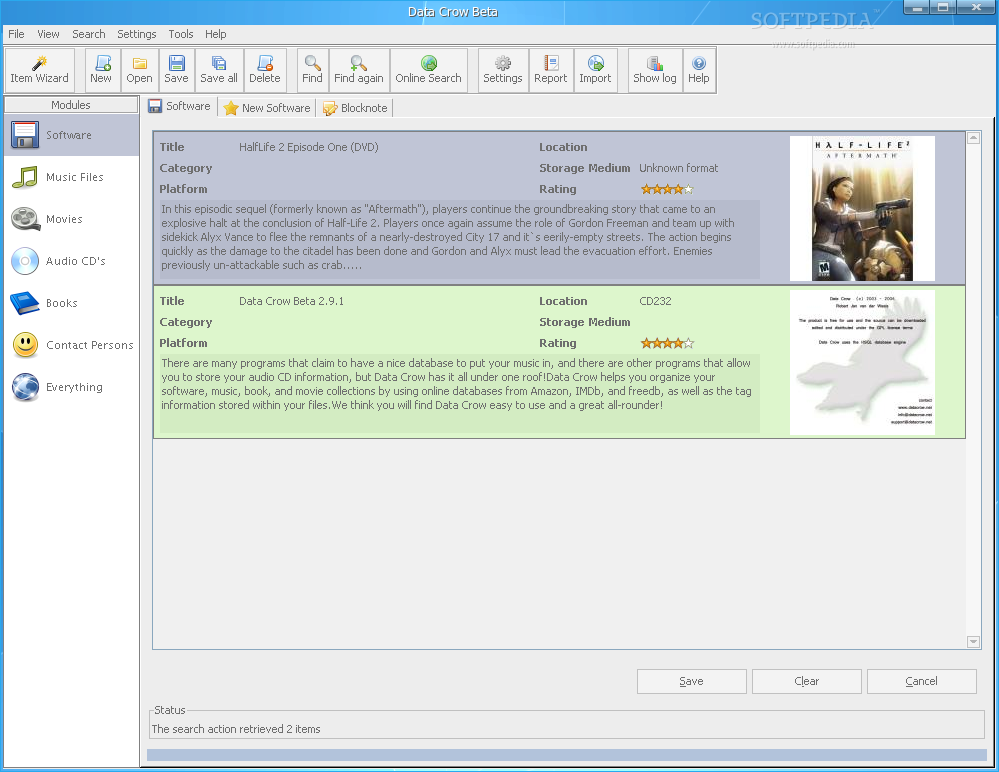
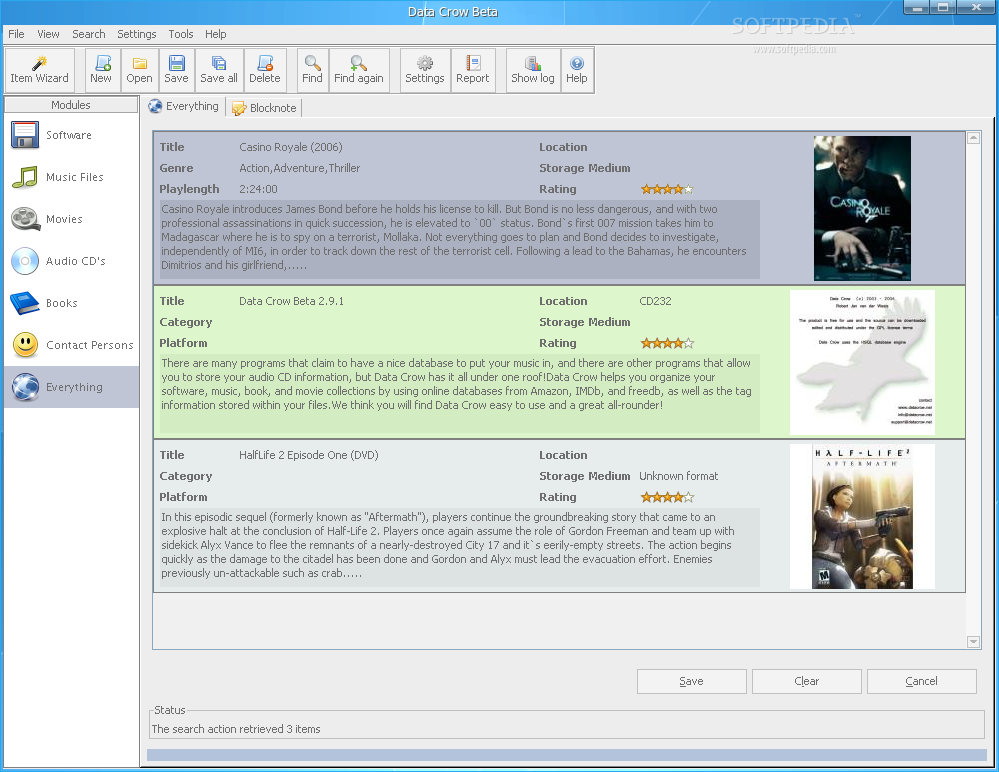
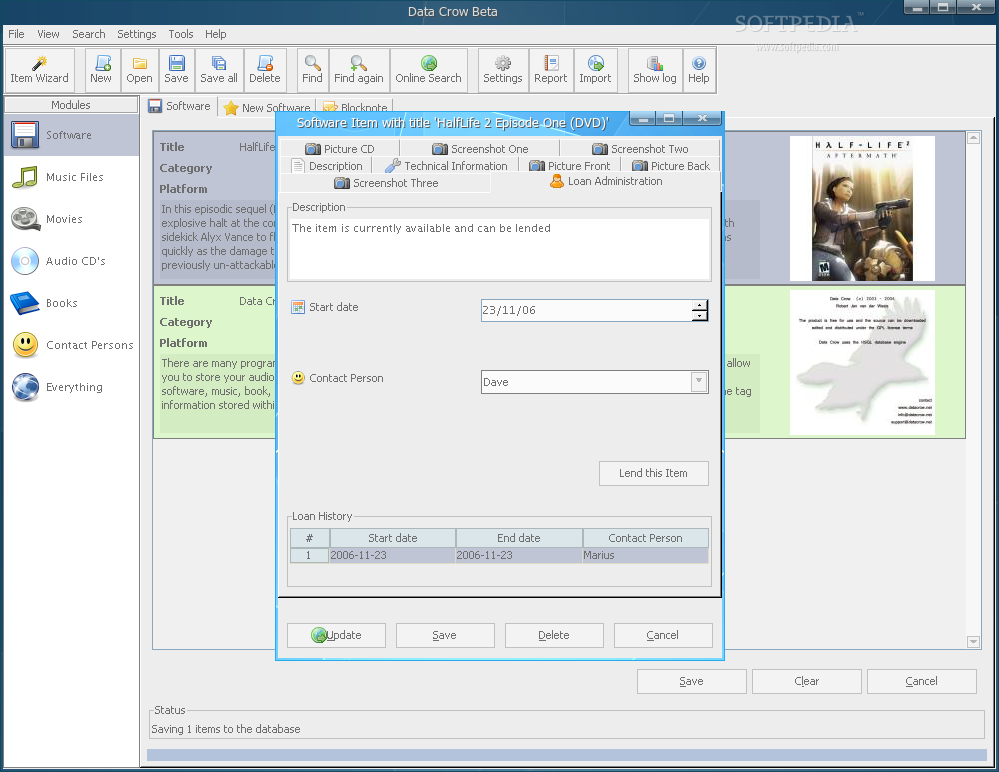
Once Data Crow has been opened, you'll have to manually add every item from your media to the program's database. In the left part of the screen, you are presented with the available modules: Software, Music Files, Movies, Audio CD's, Books, Contact Persons and Everything. The middle and right part of the screen shows item information, like title, storage medium, rating and a small review about it. In the upper part, you'll see the toolbar, which contains buttons needed to add, manage, delete or find items in your collection. Also, the toolbar contains the on-line search button which can be used to look for movies, audio albums, books or software, such as programs or games.
Data Crow has an address book incorporated, which helps you to keep track of your lent items. Unfortunately, I've noticed that the contacts from "Contact Persons" section keep disappearing every time I restart the program. When I try to add the same contacts again, the program notifies me that the contact already exists. Yeah, but where is it? Eh, at least it shows up in the persons to lean to list, in the Loan Administration. Also, I could lend and return items easily so contacts not showing in the "Contact Persons" section isn't that bad after all.
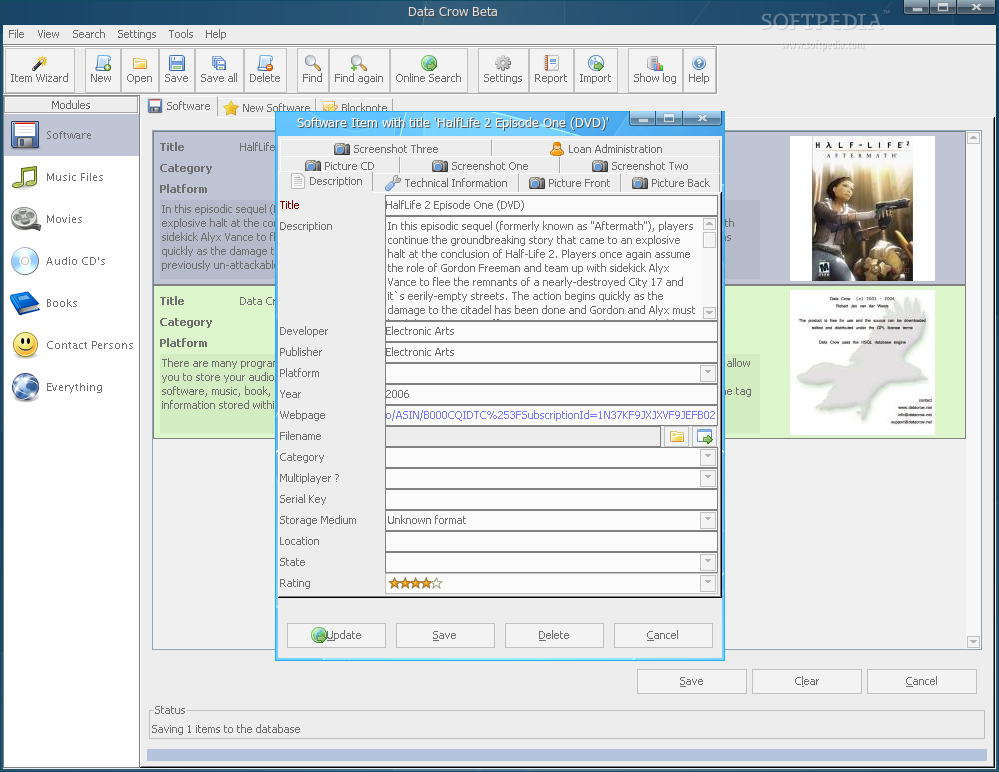
Every item can be edited and personalized if the information fetched from the Internet search engines don't suit you well enough. You can edit fields such as description, developer, publisher, platform, year, serial key, rating, screenshots, and more. Also, there's an interesting filed, named "State". Here you can set the item's state, which can be Lost, Unused, Used or Want to have. These are the default states and can easily be edited by following the menu Tools / Manage states. From the same Tool menu, you can also manage categories, platforms, storage media, templates and so on.
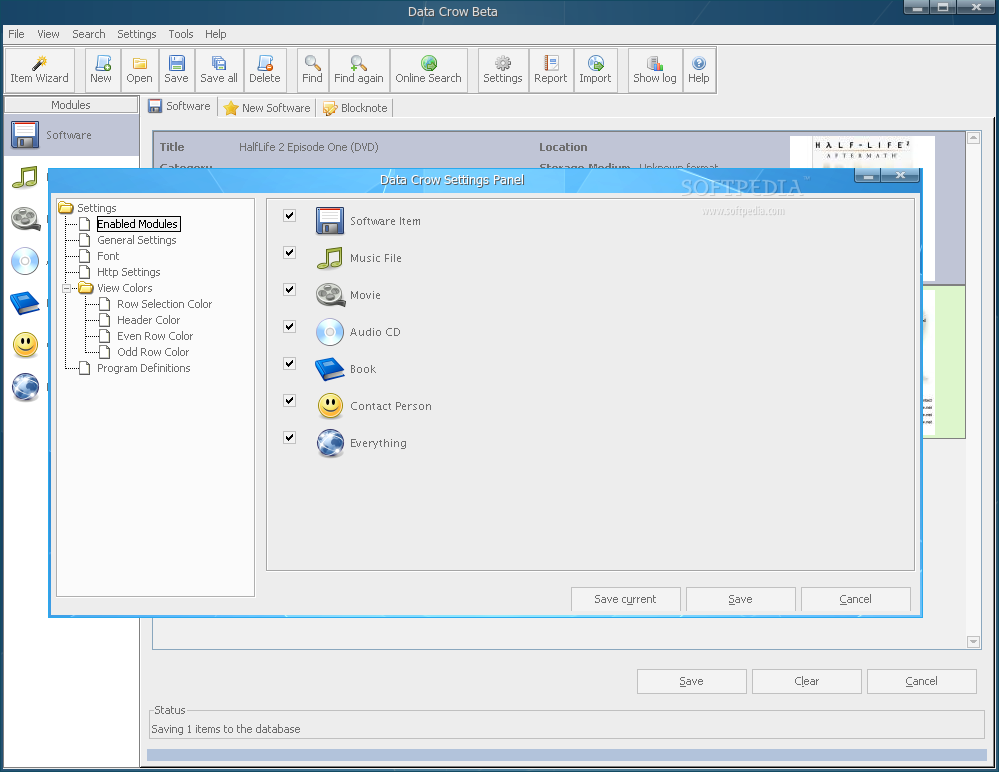
Data Crow can be configured through the Settings Panel, found under the Settings menu, or by pressing Ctrl + M. Here, you can select which modules to be active and which not, you can set the default font for the program, whether to use a proxy and several other options. The interface's theme can be changed from the Look and Feel window, found under the View menu. There are a lot of themes to choose from.
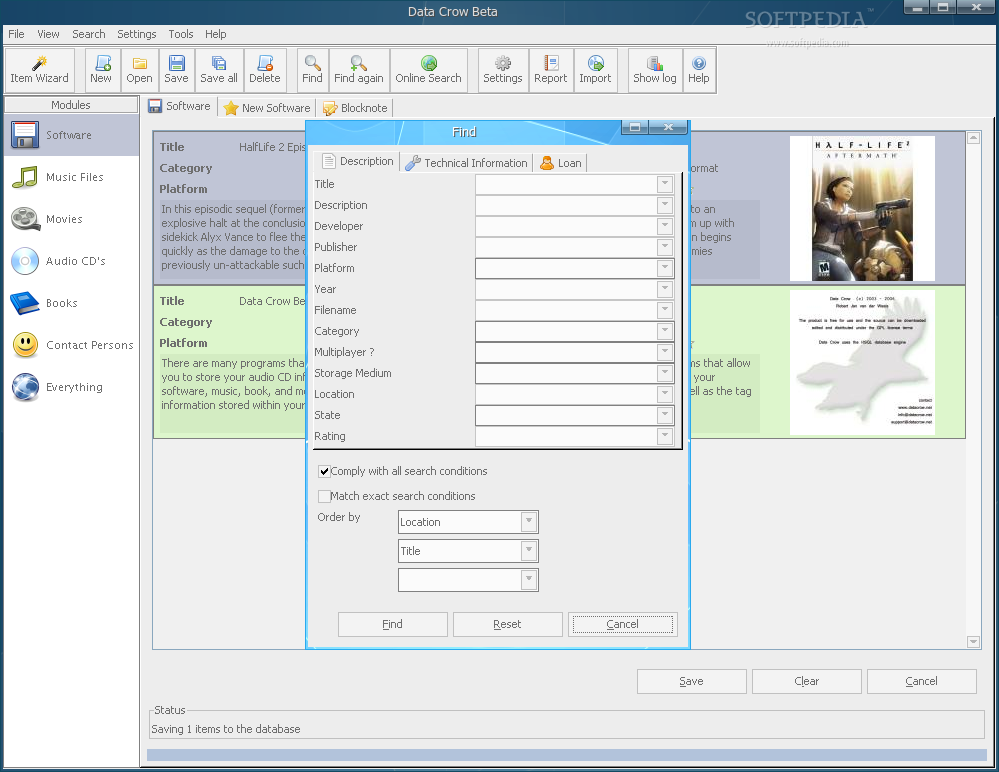
Data Crow also offers a comprehensive search function, which allows you to search through a large database of items for description (title, developer etc), technical information (file size, ASIN), and for loaned or available items.
The Good
Data Crow can be used as the universal media organizer because it offers support for cataloging movies, music, books or software. It fetches related information about your items from an online database, such as Amazon, IMDB, MusicBrainz or FreeDB, making your work a lot easier and less time consuming. It also offers many features that help you manage your collection and make it a more pleasant process.
The Bad
In my opinion, just being a Java program is a bad thing. I guess this comes from the unpleasant experience I had with other Java programs (Azureus). Moreover, in the short time I've spent with this program, I've noticed a few 'bugs" that need polishing. For example, the Contact Persons disappearing items on program restart.
The Truth
Data Crow is a media cataloger software with many features which makes collection managing a very easy and pleasant process. However, it needs a bit more polishing and bug fixes before it could be described as 'perfect'.
Check out some screenshots below: