14 DAY TRIAL //
 Building a software that can catalog an entire planet is not a feat for everyone, and if there is someone out there who is up for the task, then Google is surely the only company capable to do it.
Sure, many have tried to encompass the entire Earth in a single application in the past, but the sheer size of the software would have made this task almost impossible. More importantly, whatever software someone would use, such as an Encyclopedia, it would never cover places that had no special significance.
Many of us are now used with Google Earth, but we must keep in mind that back in 2005, when it was first launched, it made a big impact. Its arrival was made possible by the advent of high-speed Internet which permitted the fast streaming of images.
We have to give credit where it's due. Google did not built this from scratch, but bought a company in 2004, called Keyhole Inc., which at that time was developing a software called EarthViewer 3D. The company was funded by non-others than the CIA.
How they managed to buy it with the approval of the government is beyond me; maybe CIA needed to expand the software and Google had enough money and man power to do this.
Installation
Depending on your operating system, you might have the Google Earth package in your repository. If not, Google provides packages for everyone, including Debian-based operating systems and Red Hat based ones. Both 32-bit and 64-bit architectures are supported.
We've installed it in Ubuntu 12.04 LTS (Precise Pangolin) by downloading the Debian package from the official website. You will need a lot of dependencies so just run the following commands in a terminal, one by one, and everything should be just fine:
sudo dpkg -i google-earth-stable_current_i386.deb sudo apt-get -f install
You should now have Google Earth installed and available from Unity or from your Application menu.
Usage
The number of features crammed in this software is amazing. It would take dozens of pages to go through all of them and in the end no one would understand much of it.
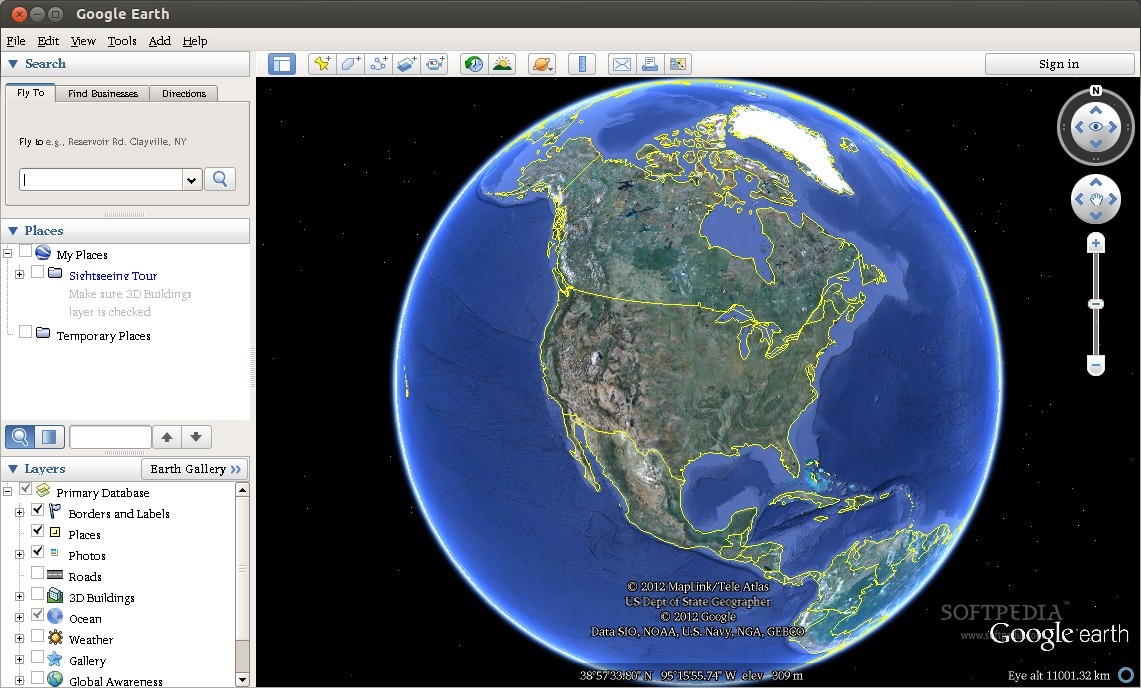
Let's start with the basics. Google Earth is a software that renders the surface of the planet (and more) with the help of satellite imagery, from a myriad of sources.
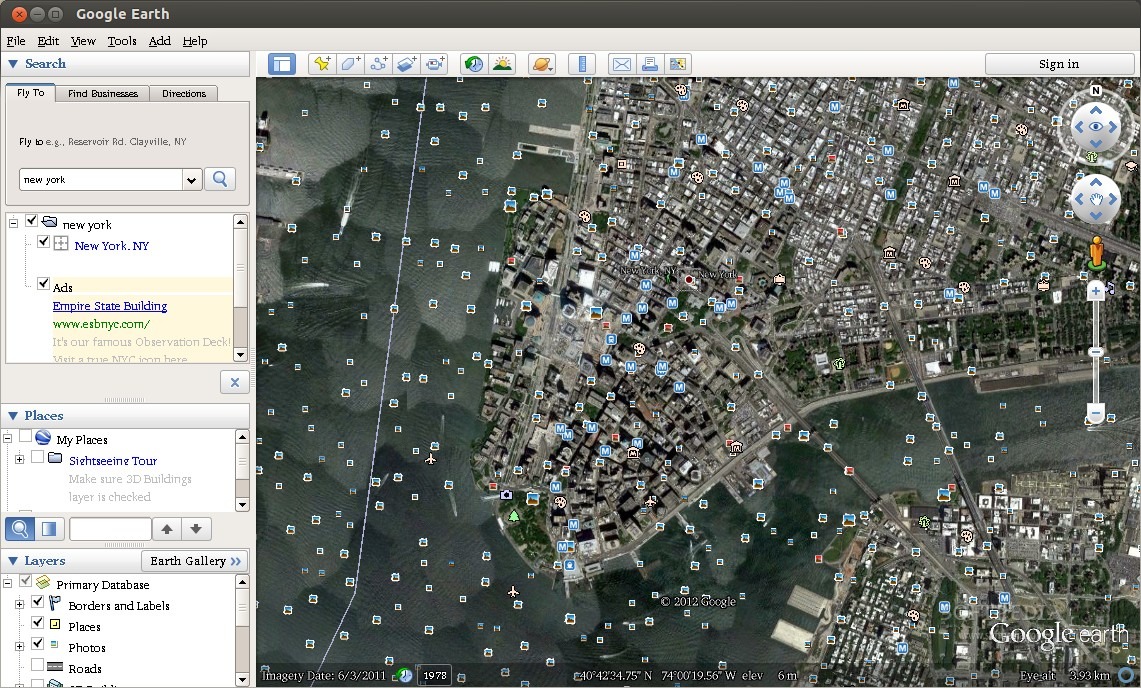
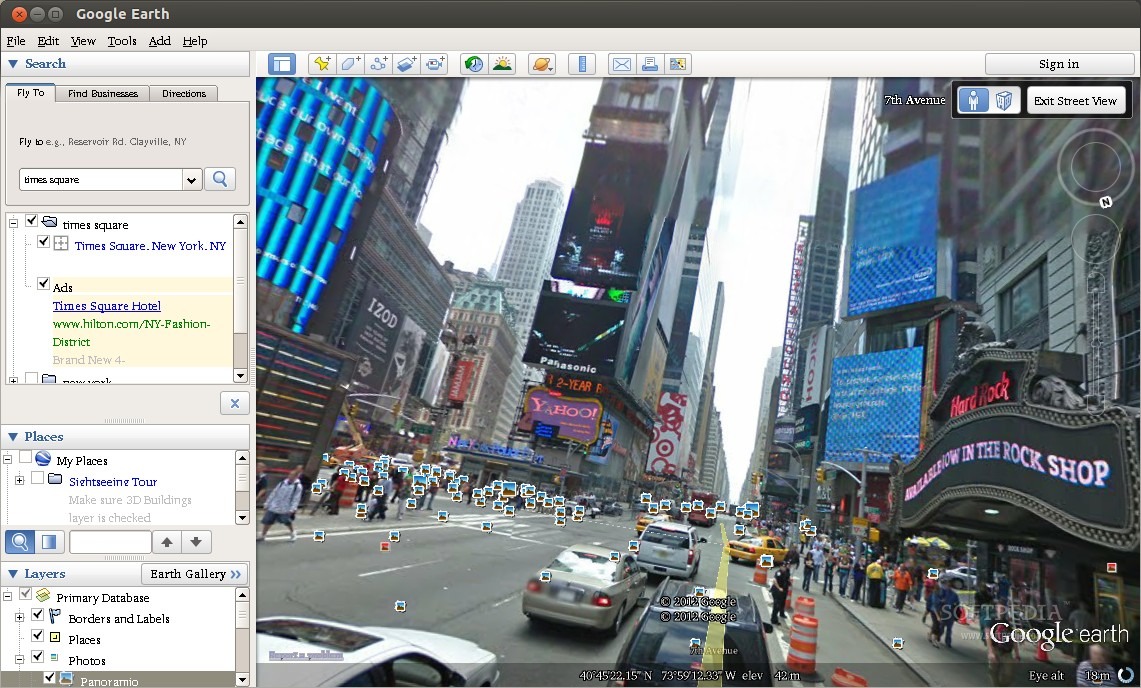
The software can be used as a simple map, searching for locations, plotting routes, and even zooming in at street level. I actually used it a couple of times to find remote interesting ski resorts and even found accommodation with it. It's very versatile and it estimates arrival time with great accuracy.
On top of this fundamental function, there are a lot of implemented layers. You can activate all of them or one at a time. Some are quite basic such as country borders, roads, gallery, photos (including the Panoramio service and 360Cities), 3D buildings (an amazing feature that is beautifully integrated with StreetView), Global Awareness, and many more.
Besides the obvious use, there are a lot of functions that are almost never used, and the average user has no idea that they exist. First off, there's the flight simulator, where users define a starting point and start flying over the landscape in a simple, but relatively correct, flight simulator. A joystick is required for precise flying, of course.
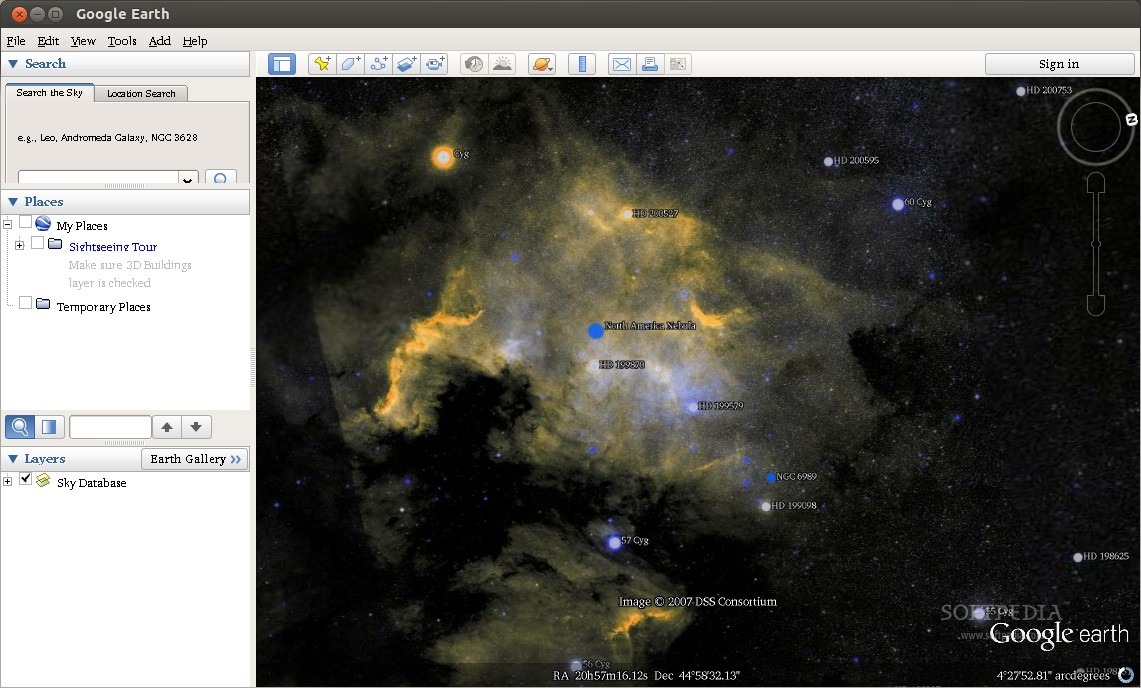
Another important function is the Sky Mode, where users can switch from viewing the Earth in the exactly opposite position, and start looking at the stars. The star charts are amazing and actual images are used to render the sky, including nebulae, galaxies and even star systems.
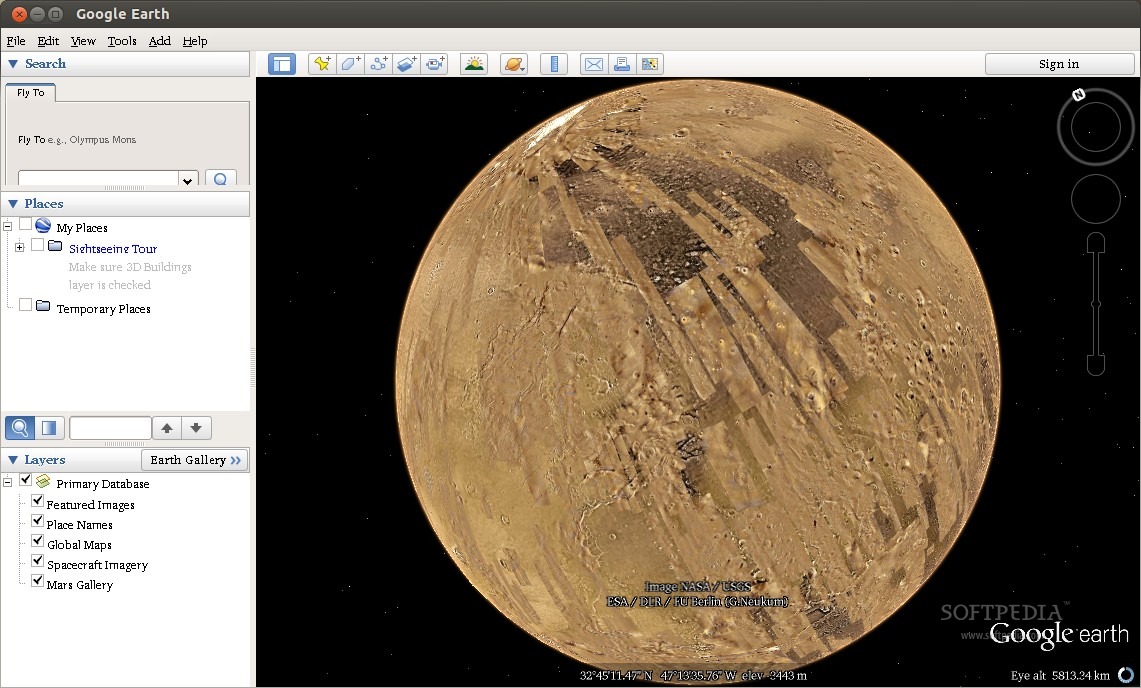
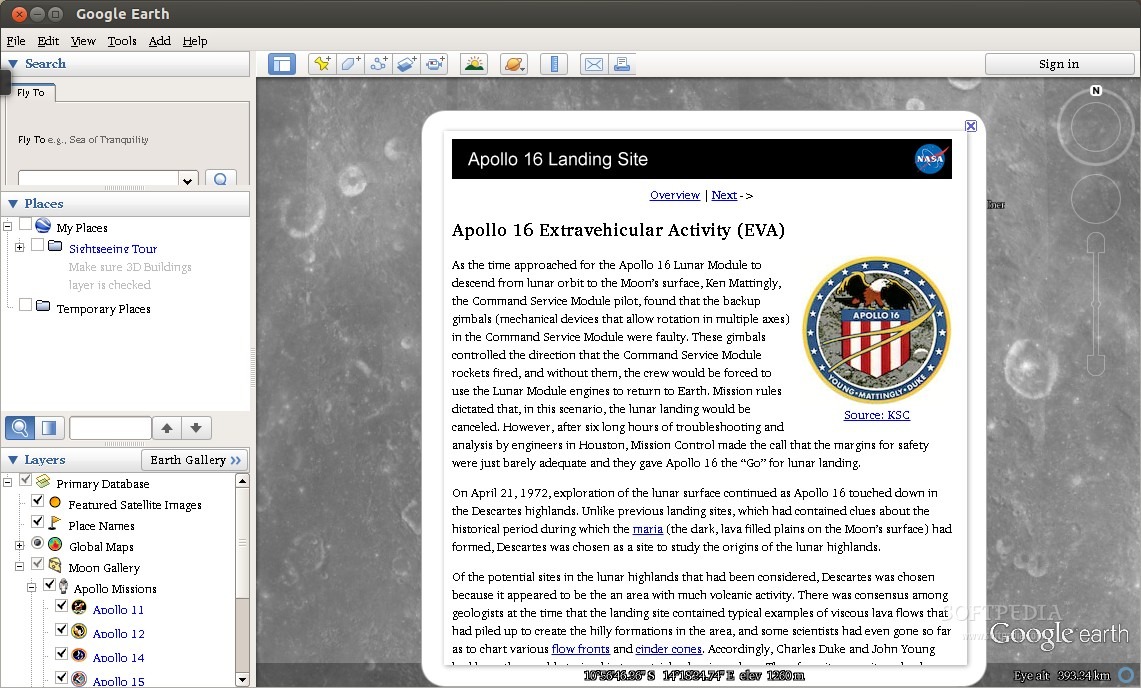
The planet Mars and the Moon are also available in great detail. All the high-res images NASA has taken over the years have been implemented in Google Earth so everyone can enjoy the landscape of other heavenly bodies in the way they truly look.
The Good
The obvious teaching capabilities of the software cannot be expressed in words. There are so many things that can be done with Google Earth, that it's almost impossible not to find use for it.
The streaming of images has improved greatly over the years and the application has managed to keep low hardware requirements.
Google has dedicated a lot of time and effort to this project and it shows. 3D buildings are added all the time, new sources for images are implemented on a regular basis, and they even managed to help government authorities to control a crisis like the one in Haiti by refreshing their images just a few days after the calamity.
The Bad
I have only one reproach and I'm pretty sure that it's a problem only present on the Linux platform, most probably on Ubuntu. I can't say that other distributions have this particular problem as I did not test it. Google Earth uses proprietary Microsoft fonts, but even with the appropriate package installed, the fonts are hard to read and they look terrible.
Conclusion
Google Earth is one the first apps I install on a fresh system, even if I don't have an immediate use for it.
The development of Google Earth has slowed down in the last couple of years and I sincerely hope that Google will continue to pour money into it for further development. It's an amazing project that should continue to exist for many years to come.