14 DAY TRIAL //
 Sometimes I like to play with software designed to create music. At a first glimpse, Hydrogen can do that. After going a little further in the internals of the program, I thought it can't really do much. After playing an hour with it I saw I was wrong.
In fact hydrogen is a drum machine. A very good one too. You don't have to be a skilled drummer to be able to play cool beats. The interface is very user friendly and intuitive. When I first fired the program, I was a little surprised because the frames of the windows looked just like in Win 98. I suspected the program is ported from Windows. Thank God I was wrong again. The graphical interface is based on QT3. Actually the program takes a very small amount of system resources. I didn't manage to get the processor usage to more than 10% and the RAM amount to more than 5 MB. I have an Athlon XP 2200 MHz CPU. I guess this program will have no problem running on a Pentium II.
How can I use Hydrogen?
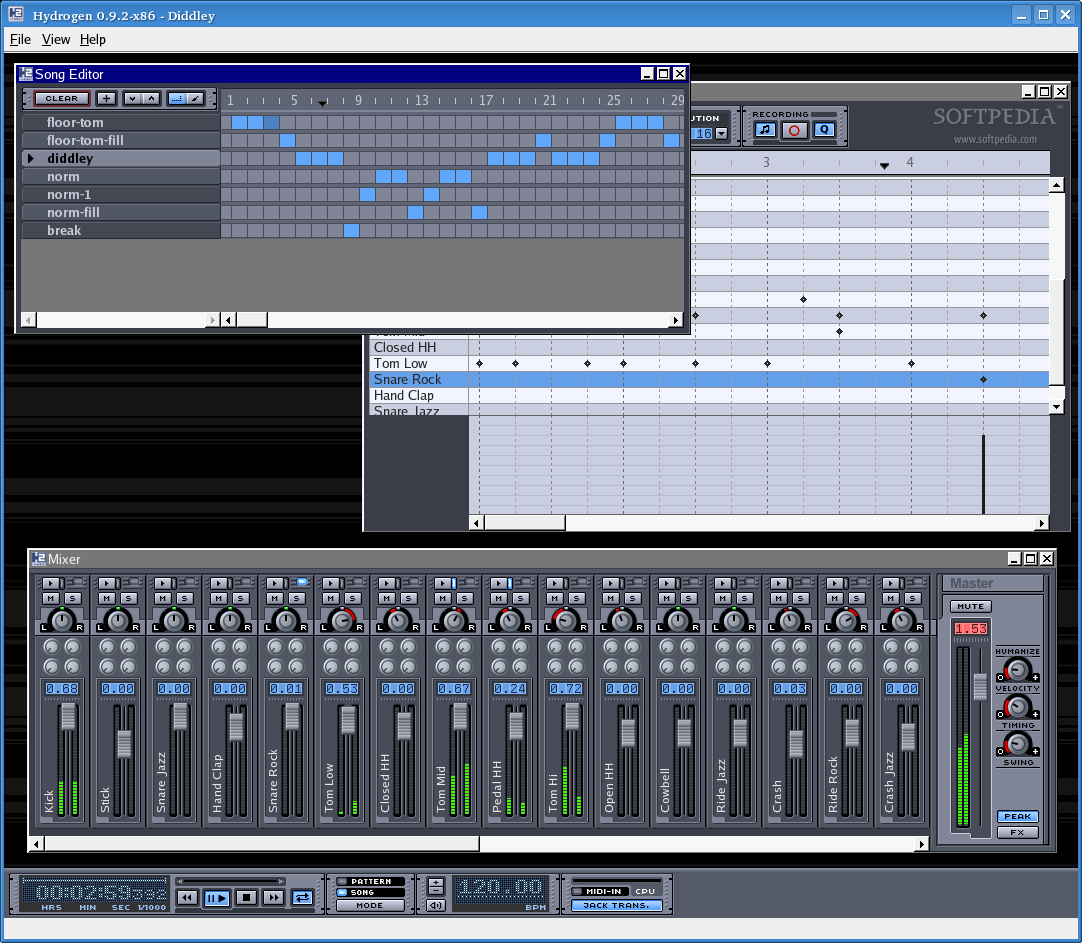
Well, it's easy. Mostly you will work with three windows: The Pattern Editor, The Song Editor and The Mixer. From time to time, you might like to use the advanced Instrument Editor. Before dissecting these frames we'll have to take a quick look at the main toolbar.
In the toolbar there are the main controls used for playback (with space you start the playback), a button to set what you want to play (either a pattern or a song), buttons to set the BPM and a button for Jack. The Beats Per Minute range is between 30 and 400. I guess at 30 BPM you can make the beat line for a slow love song and at 400 you can make some nasty, brain washing, music for ravers that accessories with neon and "mineral water".
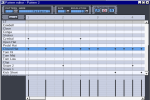
The Pattern Editor
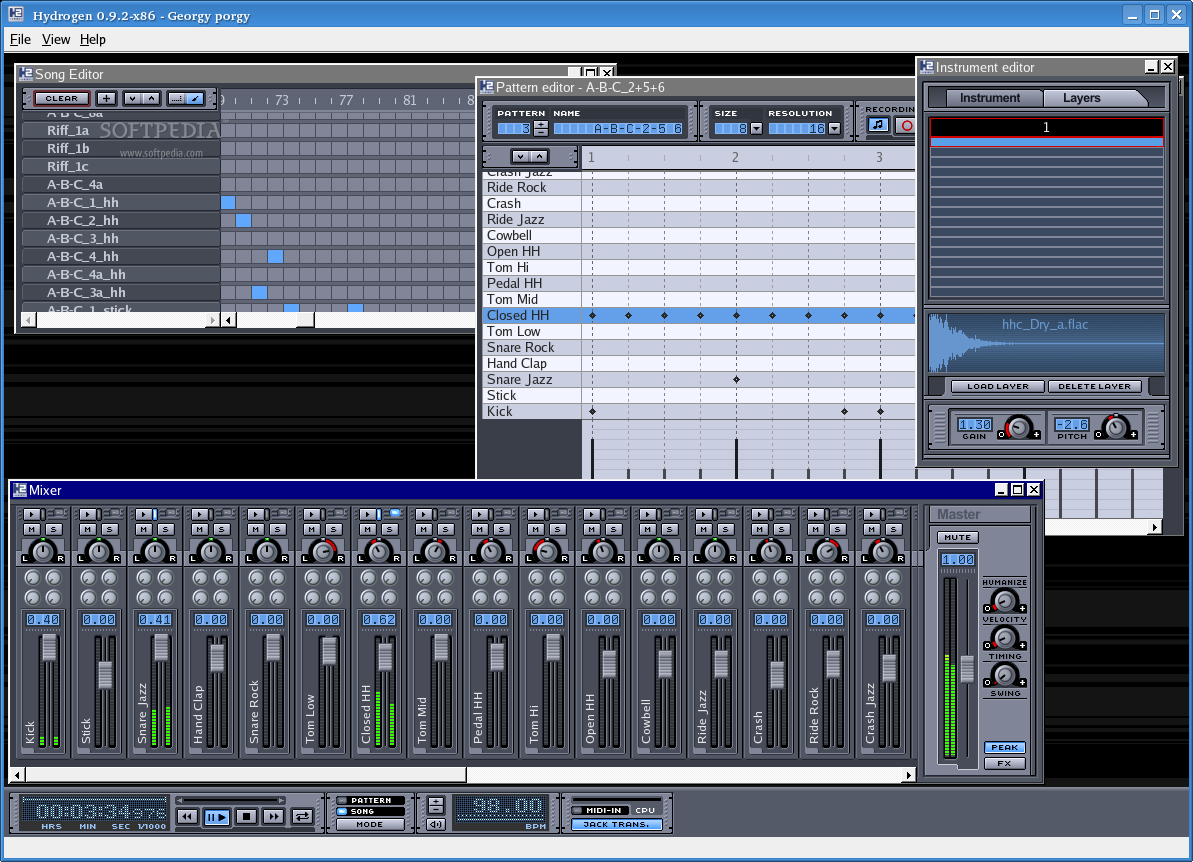
In this window we can create or modify the pattern which is being played, by adding and removing different instruments. We can also modify the intensity of each instrument. This is very suggestive and in a few seconds you can accommodate with it. In the first part of the program you will see several LCD like controls and displays. From the first one you can select the pattern that you want to edit and near it is displayed the name of the pattern. The size of the pattern can be changed from the next button. It supports values between 1 and 32. A unit is made of two beats. The next button allows you to set the resolution of the pattern using two different systems for measuring it. When you add a new note in the pattern, it is played by default. If you want you can turn this off using the button with the note icon. A cool feature of this program is that you can actually use a midi device, like a midi keyboard, to record notes. Each instrument has its own set of features accessible right-clicking on it. If you want to preview the sound of an instrument or just to have fun trying to play some live music, remember that the keys from the left side of your keyboard correspond to different instruments and pushing those plays that instrument.
The Song Editor
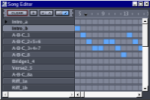
This is also some sort of a pattern editor. The difference is that in this one you take the different patterns created and you combine which of them are played at a certain moment. The advantage of this is that you can have several song patterns and combine them in different ways. The buttons in this window allow us to easily create new patterns, move them up and down and switch back and forth between draw mode and select mode. In select mode you can select several blue boxes and move them all together, and in draw mode you add and remove them individually. Right-clicking on a pattern presents several options. You should take a look at them.
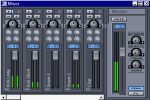
The Mixer
With the mixer you can tune the global or single volume of a drumkit. Near the global volume slider you also have three effects. Swing shifts a few notes back or forward, not randomly, timing modifies timings of the notes and humanize effect randomizes the velocity. Clicking the FX button shows a panel for four special effects. To be able to use them you need the LADSPA plugin library. With each volume slider for individual drums you can modify other attributes like pan and I think also the amount of each special effect. You then have options to mute a drum or to play it solo. By double clicking an instrument in a mixer you bring up an instrument editor.
The Instrument Editor
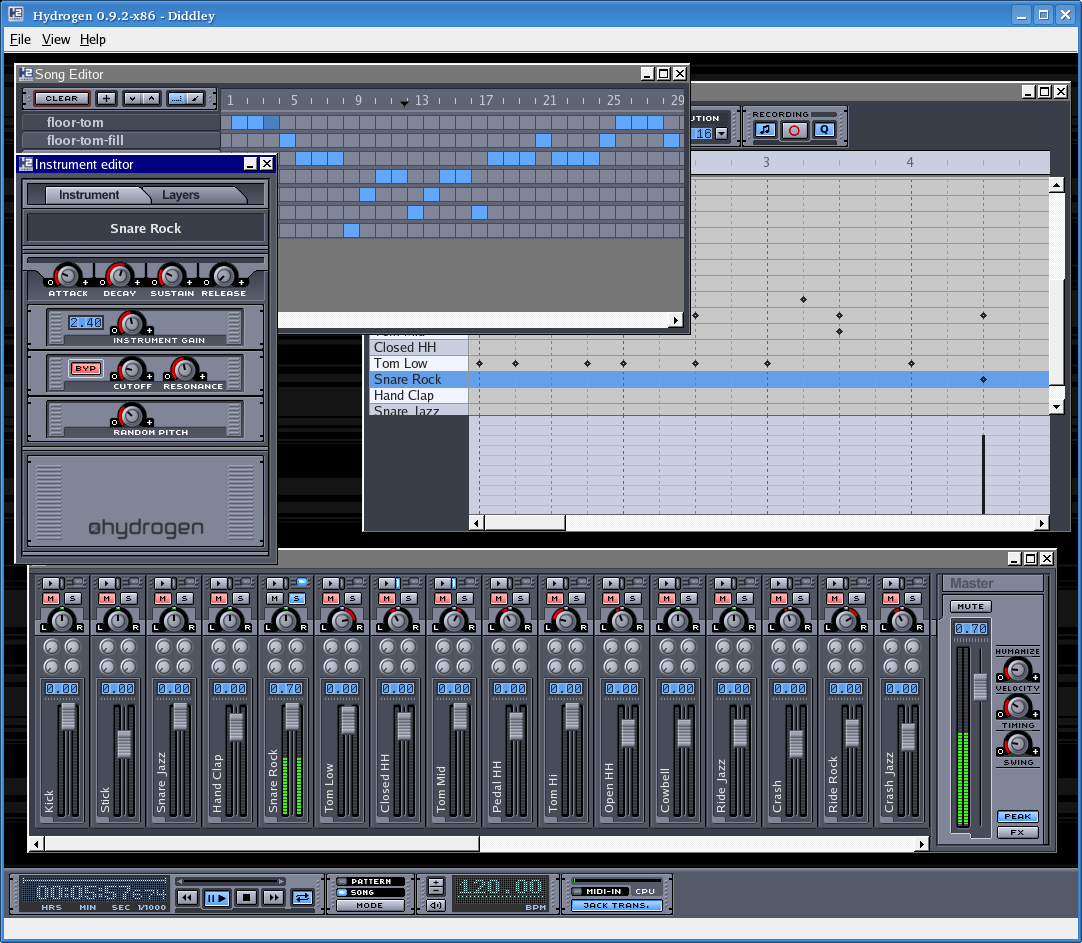
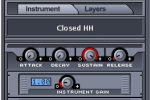
In the first tab of the instrument you can adjust Attack, Decay, Sustain, Release, Cutoff and Resonance or even add a random pitch. Pitch has the greatest impact on a tune and this random pitch can add a little bit of a twist to the song. In the second tab you can add up to 16 layers of wav, aiff, flac and au samples. Here you also have the option to change the gain and the pitch. I tried as a little experiment to change the pitch of an instrument while I was doing playback. I was pleasantly surprised by the cool sound that got out of my speakers. It would have been nice if I had the option to record a live act, without using Jack, when you consider that you can play using the computer's keyboard.
The Good
The simple and intuitive interface, combined with the versatility and the small resources that it consumes makes this program an example for all the developers that want to make of the computer a tool that really makes their life easier.
The Bad
I would like in a future version to be put a little bit more accent on the ability to play and record live acts.
The Truth
Taking into account that this is the only drum machine I've ever used in my life, all I can say is that I got used to it right away. I can't compare it to anything, but I can tell you that it's really a very good program and with the occasion of this review I would like to salute the work of Alessandro Comino and the contributors of this projects.
Some screenshots: