14 DAY TRIAL //
 The days when burning CDs in Linux was only for scientists are gone. Linux users have several user-friendly and, let's not forget, free burning applications. Some of these are K3b, KonCD and X-CD-Roast. NeroLinux is also supposed to be free, but only if you buy the MS Windows version of Nero. Most of the free applications make use of a lot of software, very well known by old school people who used to burn discs in console mode. On the other side, NeroLinux has all the necessary functionality for burning already built in. The current review will have in the spotlight K3b v0.12.10, which in my opinion is the best application for burning CDs and DVDs. This application has the best functionality and eye candy too! The project is actively maintained and the application gets better and better every passing month.
What can K3b do for you?
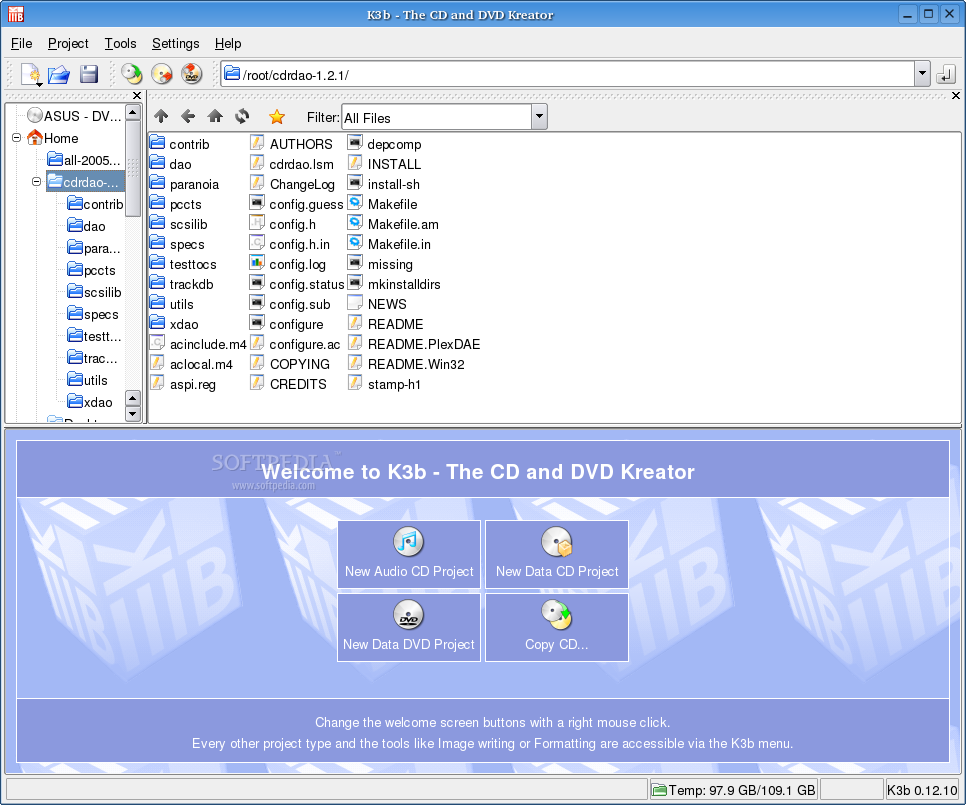
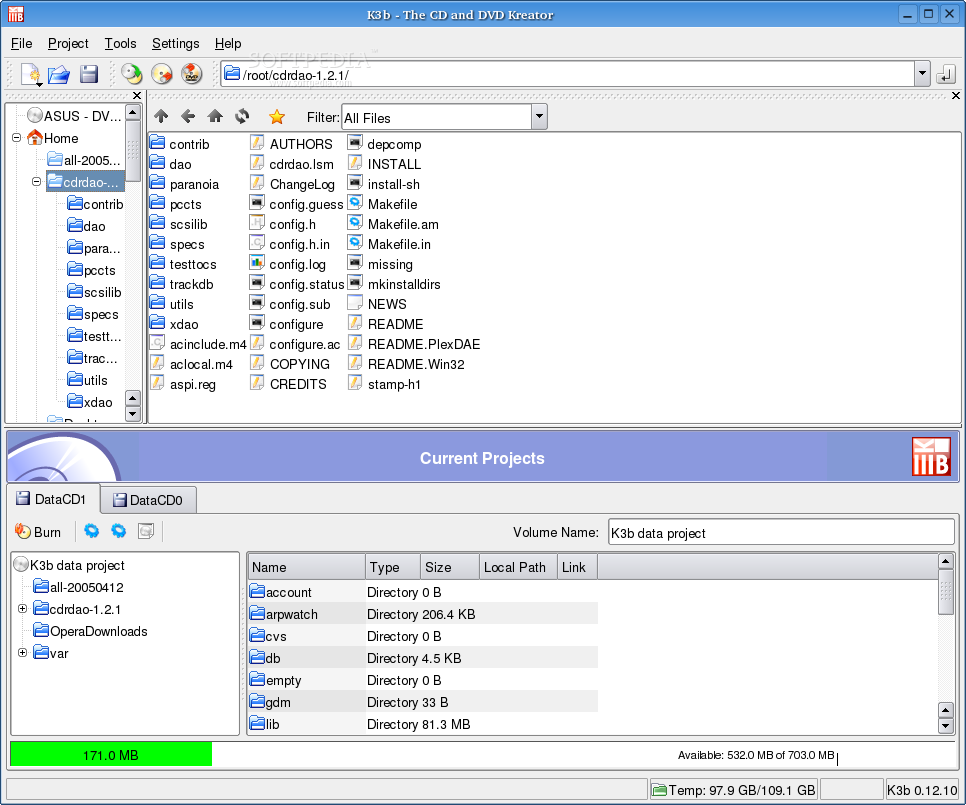
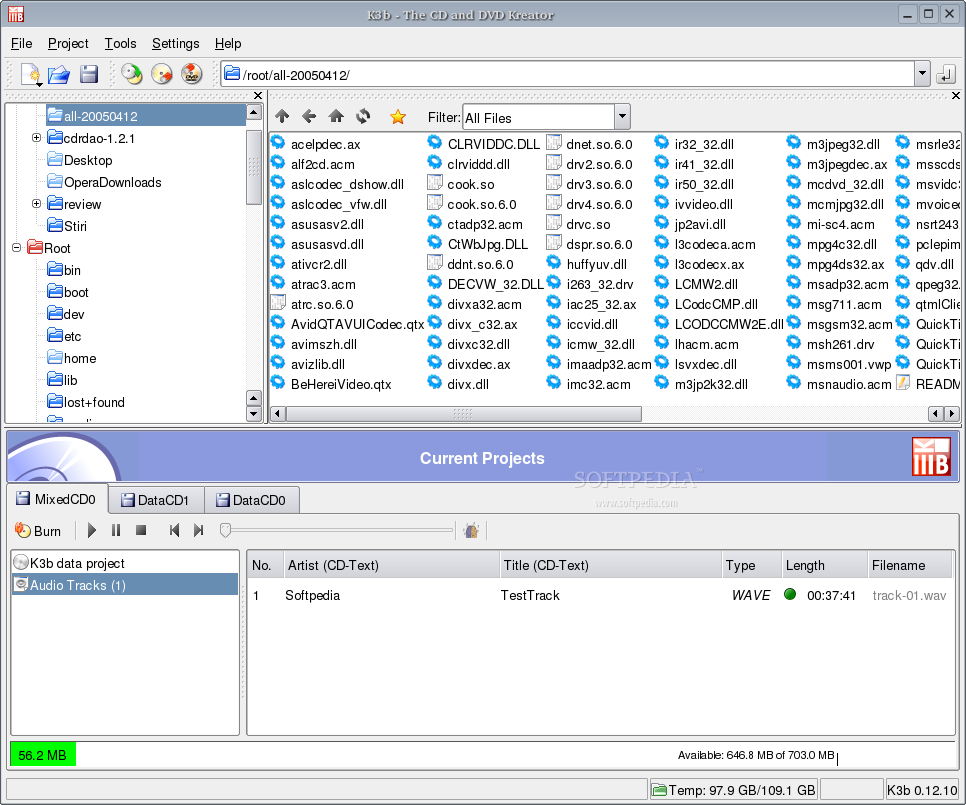
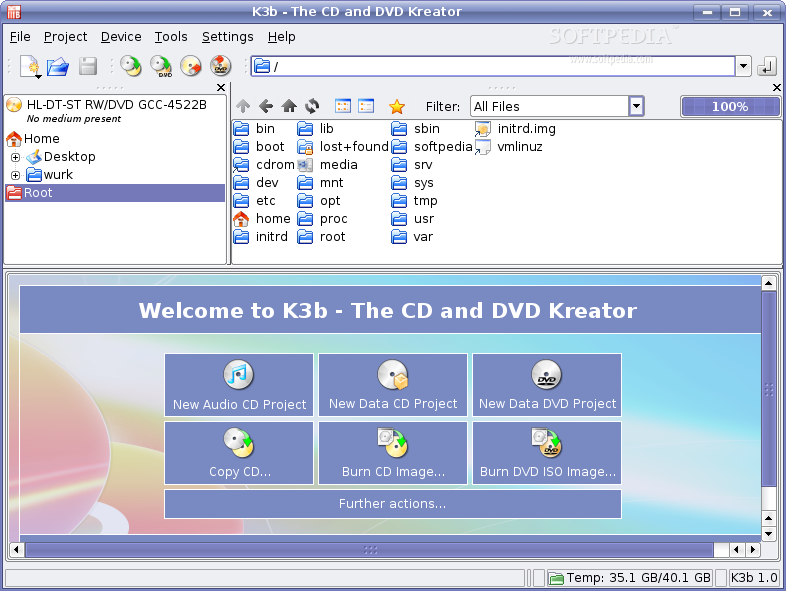
Well, if you just want to burn discs, K3b does it very easy. The first thing you see after everything loads is the project part of the program. Here are four options available: Audio CD Project, Data CD Project, Data DVD Project and Copy CD. Very intuitive, isn't it? Clicking any of these buttons will take you to an area composed of two panels: one where you browse the hard disk and other where you drag and drop the files to. I guess this sounds familiar. Even someone that never burned a CD before can easily manage to do it. On other burning applications under Linux? it is not quite the case. The support for burn free is available and if from some particular reason you want to disable it, it can be done. You can also manually set the writing buffer size.
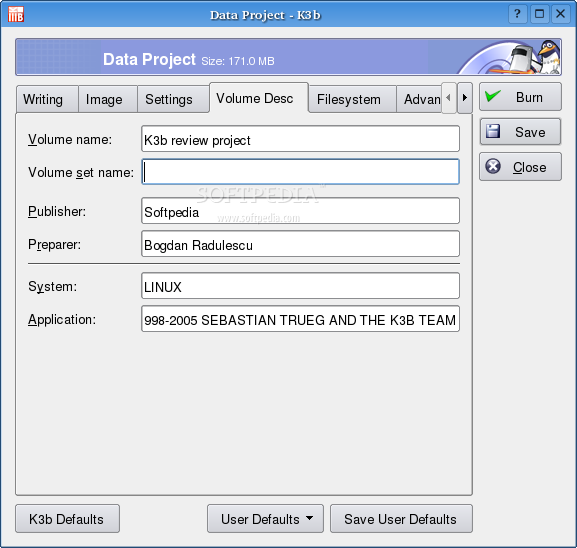
You might think that similar MS Windows applications can manage a lot more projects types, but this is not true. In the File -> New Project menu there are many other types of projects like Mixed Mode CD, Video CD, Video DVD, eMovix CD, eMovix DVD. After compiling any project, if you want to be able to add more files later, the project can be saved in a proprietary format.
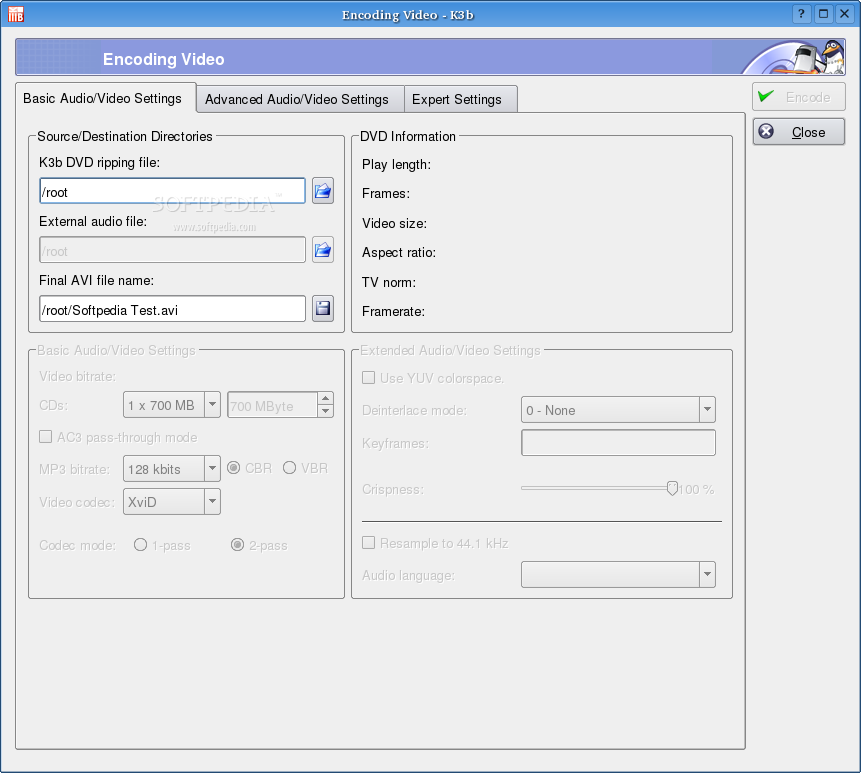
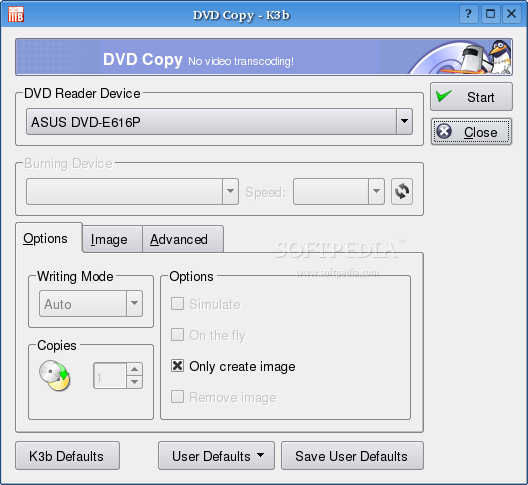
The Tools offers options to copy CDs and DVDs, burn ISO images, erase rewriteables, see the disc info and you can also Encode Video. Honestly, I don't know another burning application for Linux that can do this.
The Options
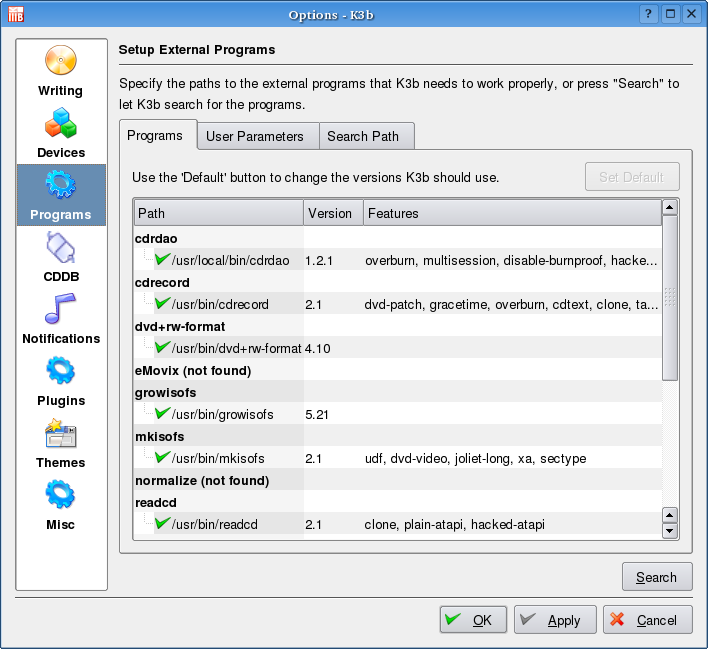
Under the Settings menu you can Configure K3b. On the left side of the window that opens are buttons from where you can setup different options. These are very simple to understand and require a minimum knowledge from the user.
From the Writing button I've setup the option to "Allow overburning", because you never know when you put your hands on one of those 705 MB CDs or when you just want to squeeze an extra mp3 in the compilation.
The Devices option displays your drives and if it happens not to see one of them you can manually add it. I don't think it will be the case because I am an old user and this never happened.
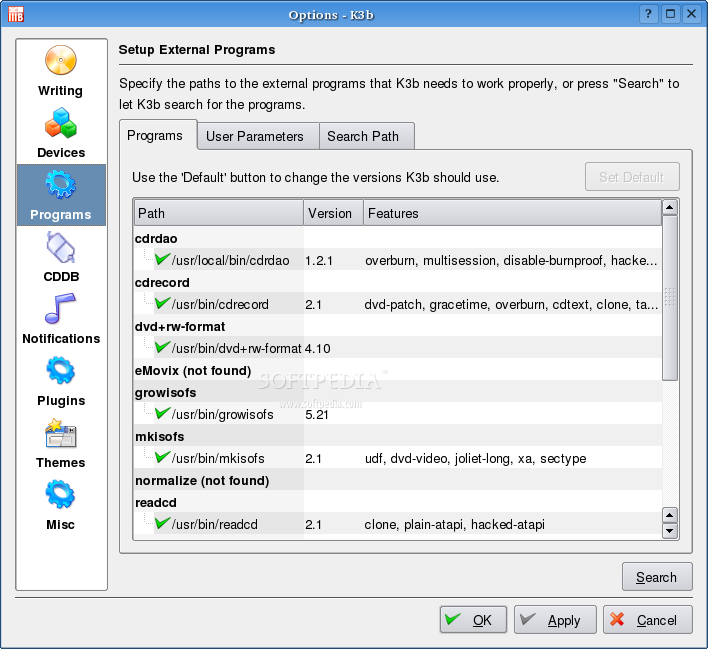
The Programs option is where K3b gets its power. Without adequate stuff here you will not be able to do much. Actually it doesn't even work at all without some of them. Others are for eMovix, VideoCD and other stuff. For the advanced users there is an option to add special parameters to the installed programs in this section.
K3b has support for CDDB and also a panel for the configuration of this feature. This feature will be appreciated by people who like to write the Audio CDs with the CD-TEXT option. Three notifications are available and they can be extensively configured. Personally, I like to hear a sound when the application successfully burns a medium but there are also a lot of other notification methods.
The plugins that come preinstalled with K3b are all related to audio. Some of this gives Audio CD Project the option to handle multiple different audio file formats, like OGG and FLAC. Hopefully in the future more plugins will be available.
A cool feature that improves the eye candy level is the theme support. As the popularity increases, I am sure that a lot of themes will become available because they are very easy to create.
The Good
There are a lot of things on the good side, the most important being the ease of use and the very good functionality. The DCOP interface allows the control of K3b from other software or from the distribution.
The Bad
K3B doesn't have an option to burn bootable CDs and I find this a very big inconvenience. Another thing that I don't like is that it doesn't warn you to install the appropriate dependencies to convert from mp3 when burning audio CDs.
The Truth
K3B is the best option for every user because it is both easy to use and powerful. The only place where is not suitable is when you need to write files over the network or make bootable CDs.