14 DAY TRIAL //
 For some, transferring files trough FTP is part of a daily routine. For me I can definitely tell you this is the case. Sometimes I upload files through FTP, sometimes through SFTP but most of the time I browse FTP servers looking for something interesting to download. Until today I mostly used Kasablanca and the old fashion method of browsing using Konqueror. Today things changed a little because as I was browsing the Internet, I encountered a very cool FTP client called KFTPGrabber. I heard of it before but I didn't bother to install it. My loss!
The first thing that attracted me to it was the support for FXP. This allows you to copy files from one FTP server to another. Advantages are many. First of all the speed of your Internet connection doesn't matter anymore. It is important only the speed between the two hosts. You can synchronize large files using dial-up with several MB/s if the two FTP servers have a broadband connection. Even if you are transferring several small files FXP can come in handy because you don't have to copy them from a FTP site to your computer and from your computer to another FTP site. Saves you from unnecessary complication. The FTP servers only have to support PASV mode and have to allow PORT commands to foreign hosts. As far as I know PASV is generally supported, but PORT to foreign connection is not always supported. Because of this I wasn't able to transfer through FXP on any of the sites I tried. It was a big disappointment for me.
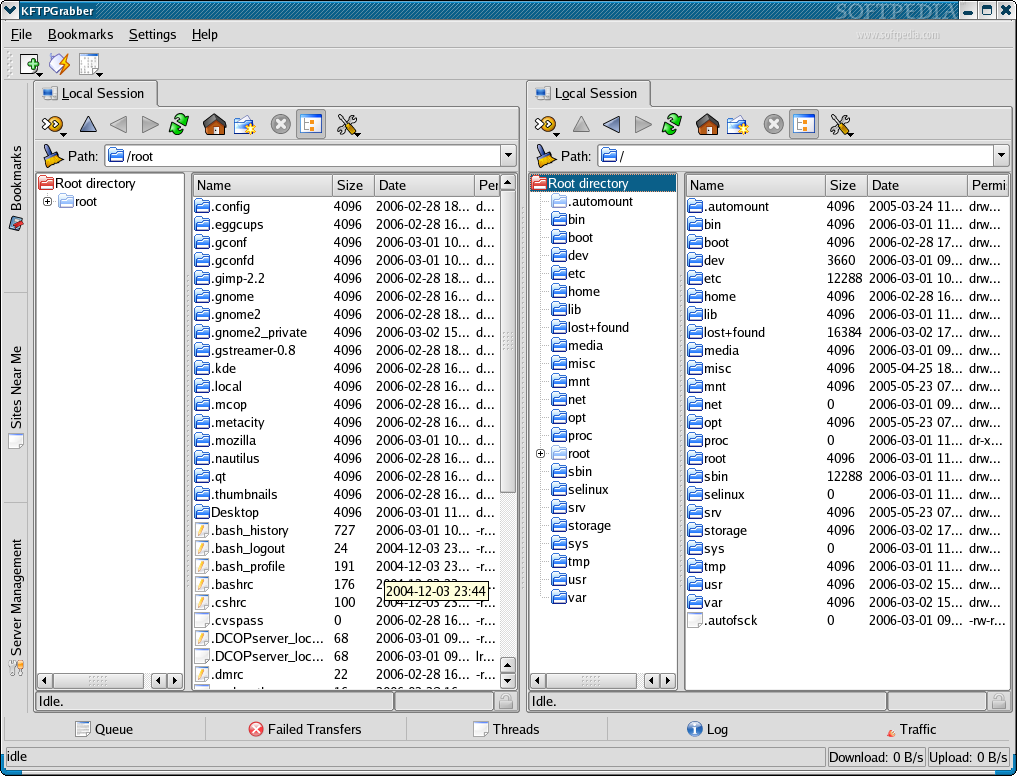
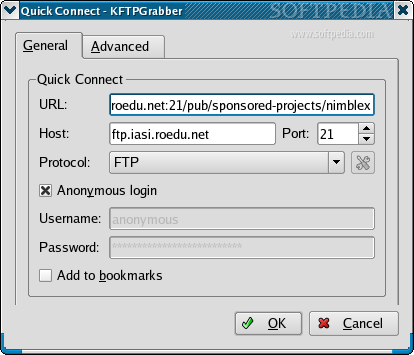
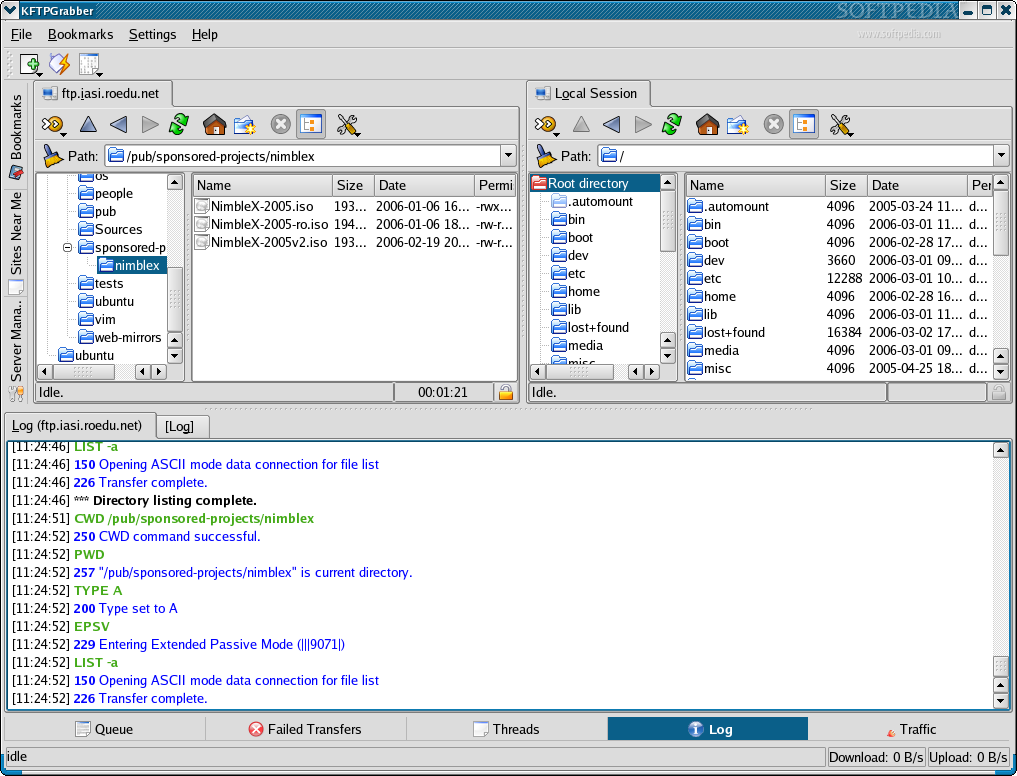
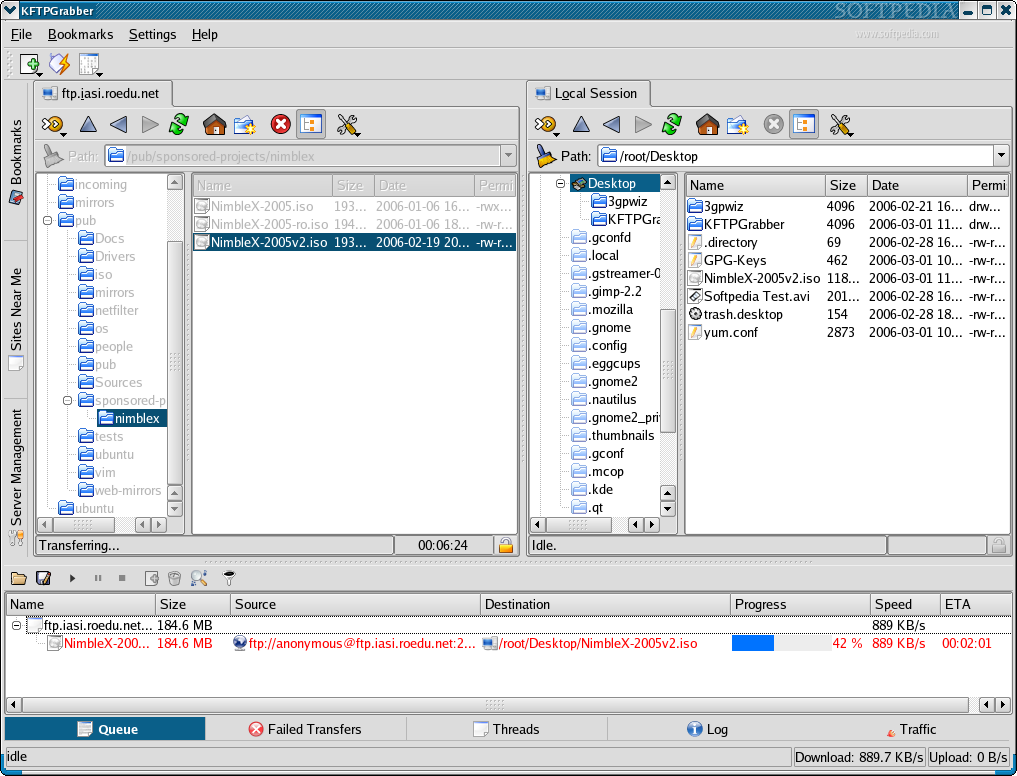
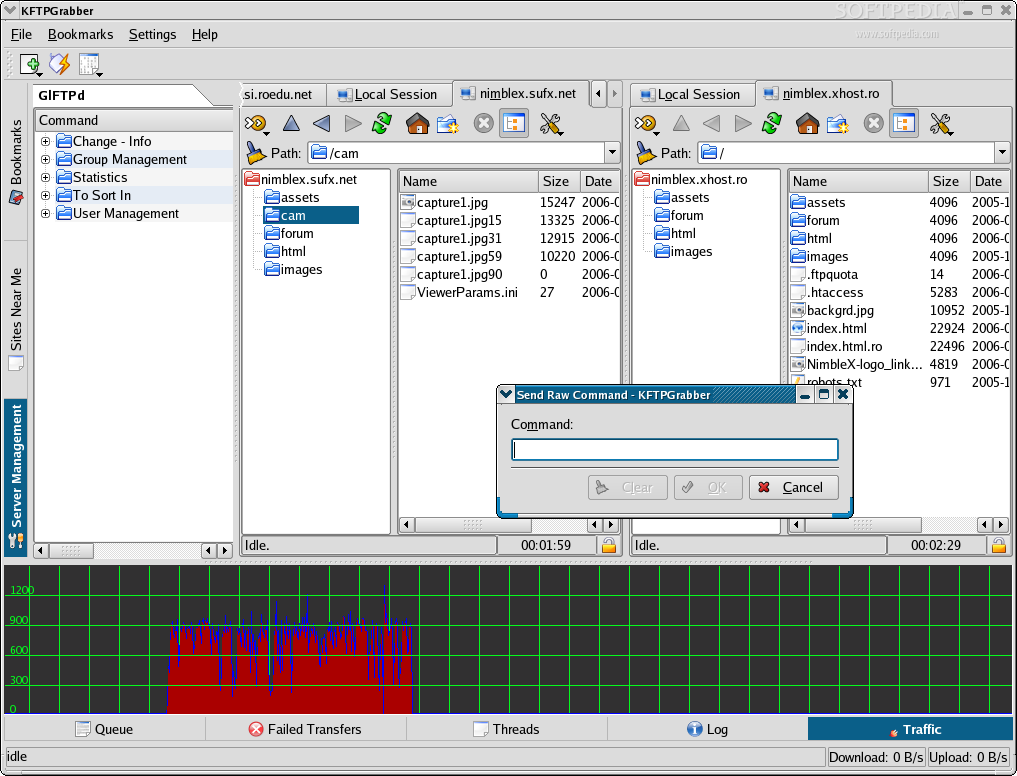
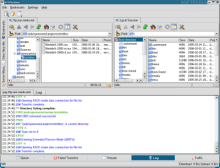
Another cool thing is the support for tabs. In this way I can open multiple FTP sessions and browse all of them in the same time. Imagine how FXP will shine in this case. In each tab you open are available some very useful buttons. The first one is for connecting. It's actually a drop down button that allows you to make a quick connection, to connect to bookmarked sites and, most interesting, to do offline browsing through the cached directory tree. Are also available some buttons needed for navigation, one that allows you to switch the tree view on and off and then another drop down button for more advanced actions.
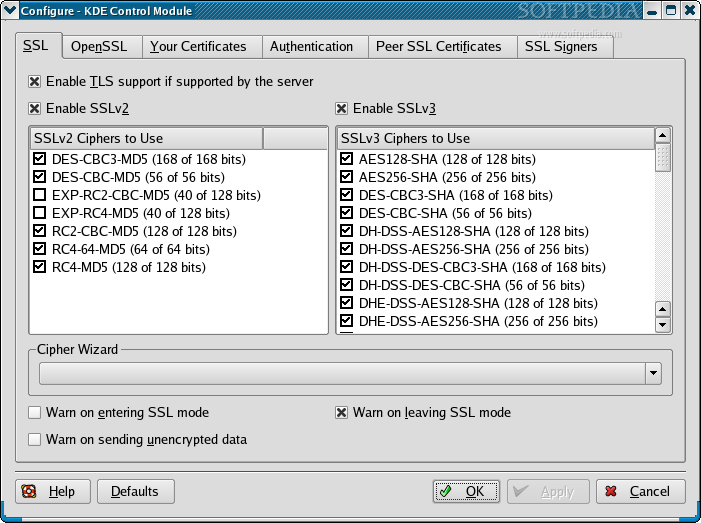
If your transfers require a secure connection you should know that KFTPGrabber has support for TLS and SSL encrypted connections. For this it uses some features present in KDE. When SSL secured connection is available, a small closed lock is displayed at the bottom of a panel. You can click it to do some settings and see more details. Actually you will configure global SSL encryption. The SFTP protocol is also supported.
The interface is very user friendly and would successfully be appreciated by both beginners and advanced users. It provides a lot of functionality and in the same time it looks good.
In the left side of the screen you have three tabs for bookmarks, the sites near me and for server management. In the first one, as we all suspected, are displayed bookmarks. Bookmarks are very useful because they can be configured pretty nice and I would also like to add that they can be imported from other clients. Kassablanca is not yet supported. In the second one I expected to see a list with some FTP servers that are in my vicinity because I wanted to download some files with the speed of light. Unfortunately in the beta version I don't think is implemented this feature yet. It says that no sites are published. Hmmm.... Server management is interesting if the server you want to use it on has the site commands configured. Almost off all them have site help. I will try to implement on my test server several site commands just to use them with KFTPGrabber.
At the bottom of the program's window is another set of tabs, generally useful to display more info about what happens when you transfer files. All of them are very useful and the information is displayed very nicely. The only small problem is in the Log tab. Sometimes test overlaps and it is a little harder to read. On the other hand, the log is easy to read because it highlights different commands and actions.
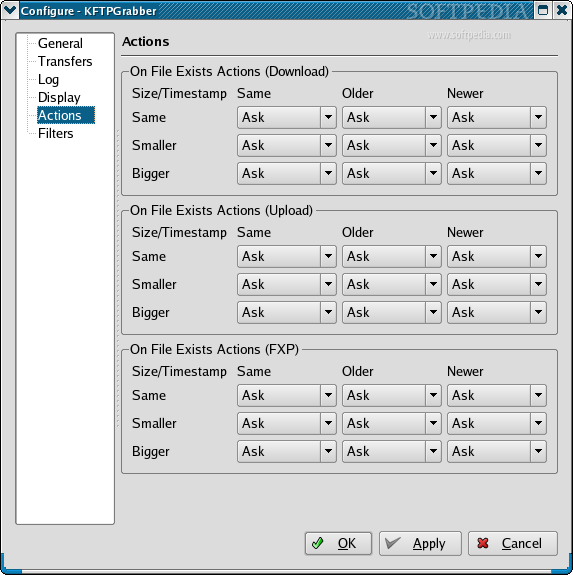
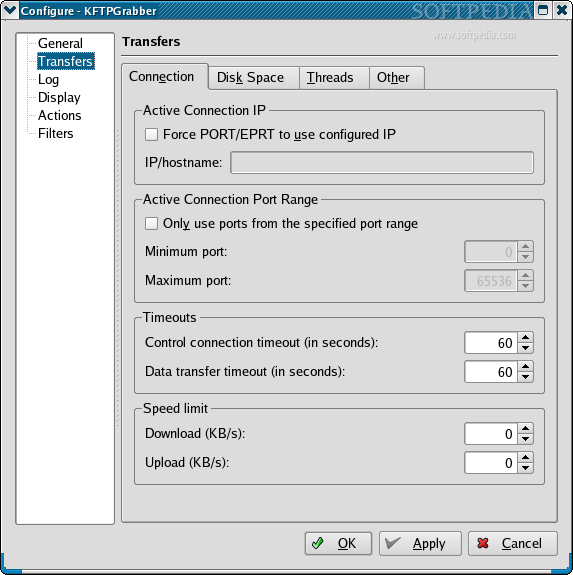
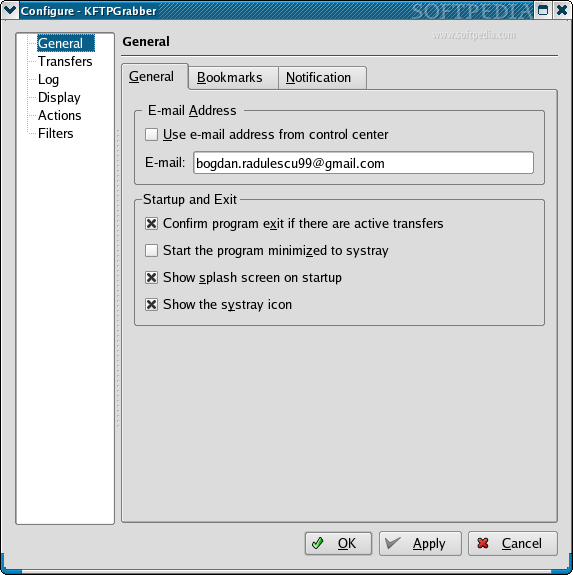
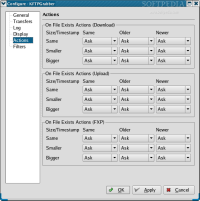
When it comes to configuring I must say that KFTPGrabber has everything I wish for. This program can show a balloon that notifies you when transfer completes and when a connection retry succeeds. If you want you can turn all this notifications off. This can be set from the general configuration. In here you can also set a default local directory, the number of retries and the retry delay. It is interesting that passwords from bookmarks can be encrypted in KWallet. The most useful settings from transfers are related to setting a speed limit for upload and download, setting a minimum space on the disk to be considered and the number of threads per session. If you remember, before I said that the log has the text highlighted and now I have even more good news. You can personalize the colors used in the log and the output can be dumped in a file. In the Display sections are available some settings related to the way things are displayed in the file browser. Actions related to Download, Upload and FXP events are all set to Ask. You can modify them individually to actions like skip, overwrite, resume and rename. You have also the option to configure some filters, but to be honest I really don't know what this can be useful for.
The Good
The graphical interface looks good; the program is easy and also full featured. I like that I can edit my bookmarks and also that the log is color encoded. Files in Queue can be paused and a speed limit can be set. For whatever reason I also like the traffic display a lot.
The Bad
It would have been cool if the program could do scheduled uploads and downloads but at this moment it can't. On the website the developers say they will bring new features to KFTPGrabber and I hope this is one of them.
The Truth
The truth is that from this day on this is my new favorite FTP client. I advise all the people that use FTP to try this software. I'm just waiting for the 0.7 stable!
Don't forget to check out these screenshots!