14 DAY TRIAL //
 If you thought there is no powerful video editor for Linux, think again. Kino hasn't ceased to impress a lot of people from its first release up until now. And reaching the 1.0 final version, Kino has shaped up to be a great free and open-source alternative to various (proprietary or not) programs such as Microsoft Movie Maker and so on. It offers easy and reliable digital video editing, for the GNU/Linux desktop and works well with IEEE-1394 to capture digital video and provide video tape recorder control.
Kino can easily be used by both beginner, as well as professional users in their line of work. Anyone can use Kino to load several video clips, cut and paste pieces of video or audio and save it as an edit decision list in SML XML format. Besides various DV formats, Kono can also export to a variety of other video formats, such as MPEG-1,2,3 and WAV, MP3. Ogg, Vorbis. It can also export still frames in most common image formats.
Kino has reached version 1.0 a couple of days ago, so you won't be able to install this version using your distribution's package manager just yet, so to get this version, either wait for an update in the repositories, or download and compile the source package. I've chosen the second option, but during compilation, I had to install a few dependencies which terminated the configure process. The packages were libdv-dev, libavc1394-dev, libiec61883-dev and libglade2-dev. However, those dependencies may differ on various systems, depending on which packages you have or don't have installed.
Kino also supports transferring videos from a camcorder to a PC through an IEEE1394. To do this, connect your camcorder to the PC by IEEE1394 and run the command kino from any terminal or from the Alt+F2 dialog.
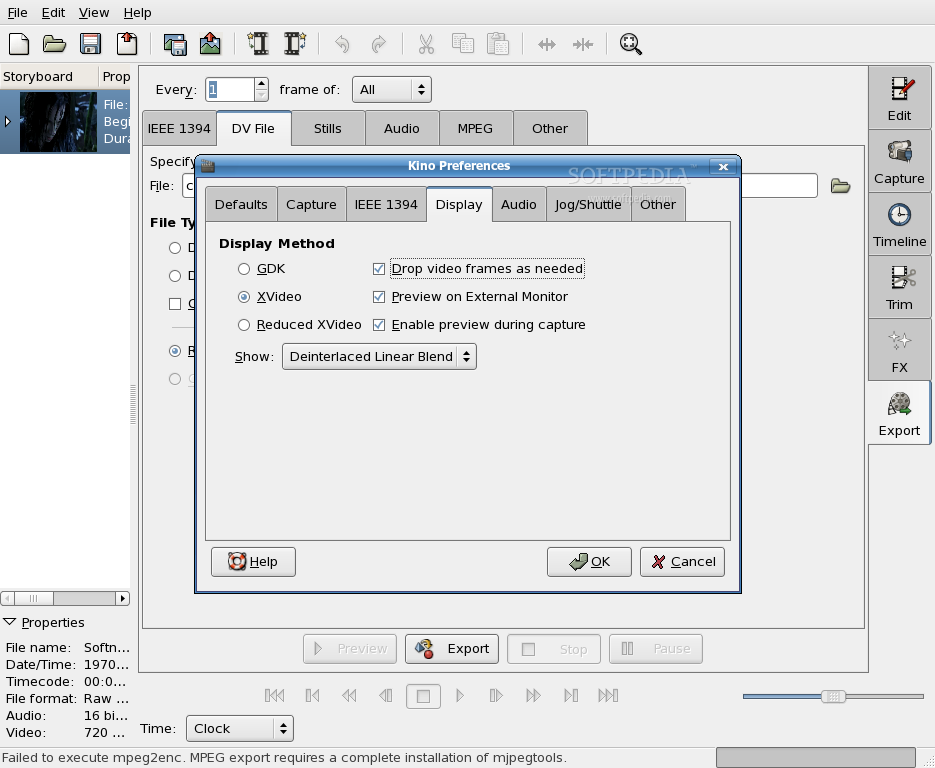
Its interface is easy to understand. For instance, if you want to capture video, click the Capture tab on the right. Before starting a capture, it's best to check your preferences. Click on Edit menu and select Preferences. In the provided dialog, set Normalization, Audio and Aspect Ratio according to your camcorder. Also, parameters depend on the camcorder model and the country where you bought it from. For instance, the NTSC standard is used in USA, Canada and Japan, while the PAL standard is used in Europe and basically everywhere else. Also, captured frames can be stored in three formats, RAW .dv and two kinds of .avi files.
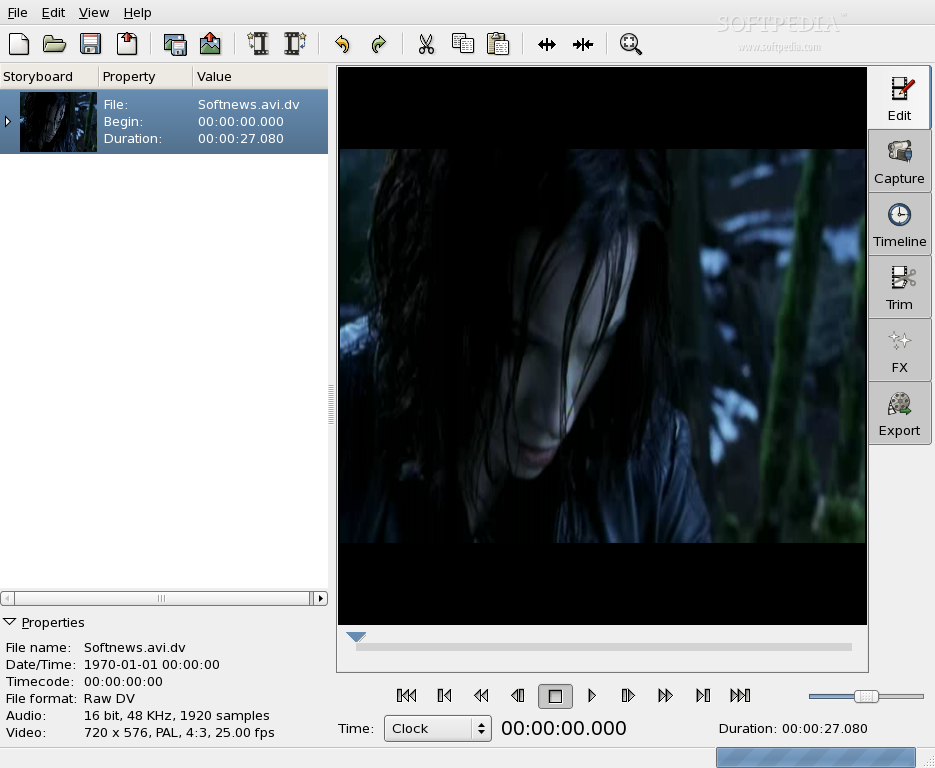
After setting the preferences, press Capture and enter a filename for the captured video but without using an extension. Go to 1-2 seconds before the position where you want to start and click the Capture button. Kino will then start the camcorder and capture your video. Press Stop at any time to stop the capturing process. You'll see the transferred videos in the scene list on the left part of the Kino screen.
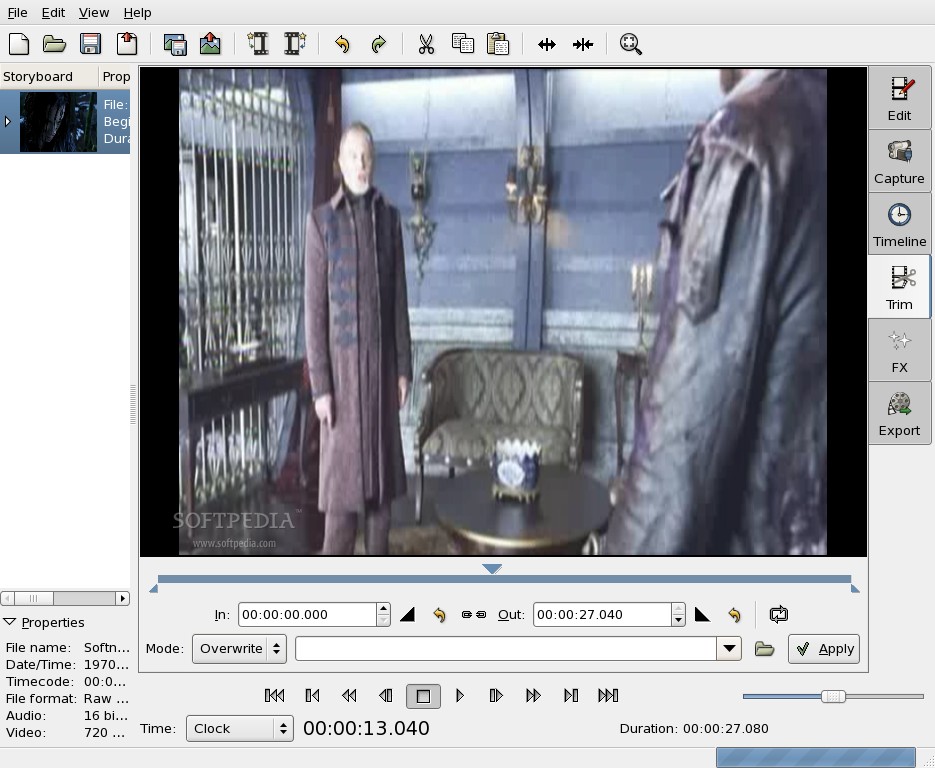
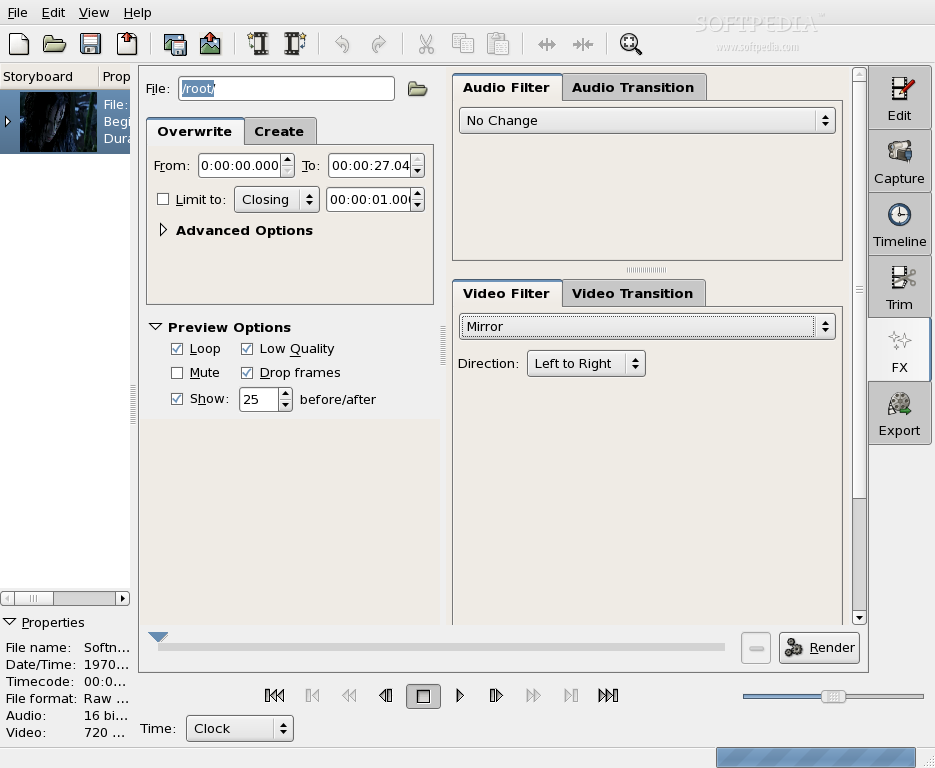
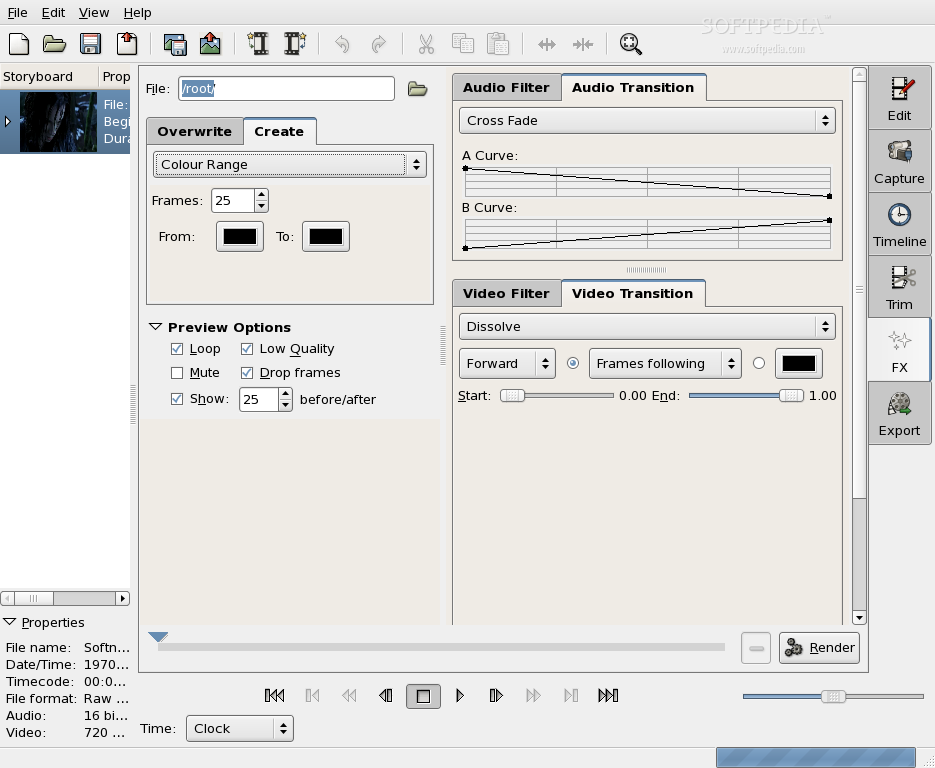
When the capture process is done, you can start editing the video but this is, however, an optional step. But if you really want to edit your video before saving it to disk, you can choose from a multitude of effects. Some of the built-in effects include color video generator, gradient video generator, generate video from stills, video noise generator, audio gain envelope, audio dub, audio fade in or out, monochrome, sepia, inverse, blur, soften, flip, mirror image, kaleidoscope and many more. For editing you can also use the split function in order to separate frames and then insert a video transition effect between them. Moreover, you can use the Trim function, which fixes problems with the first or last frames in a scene. To use Trim, select the scene in the Storyboard and click Trim. You should then see a scrub bar and two text boxes, the left one being labeled IN, while the right one is labeled OUT.
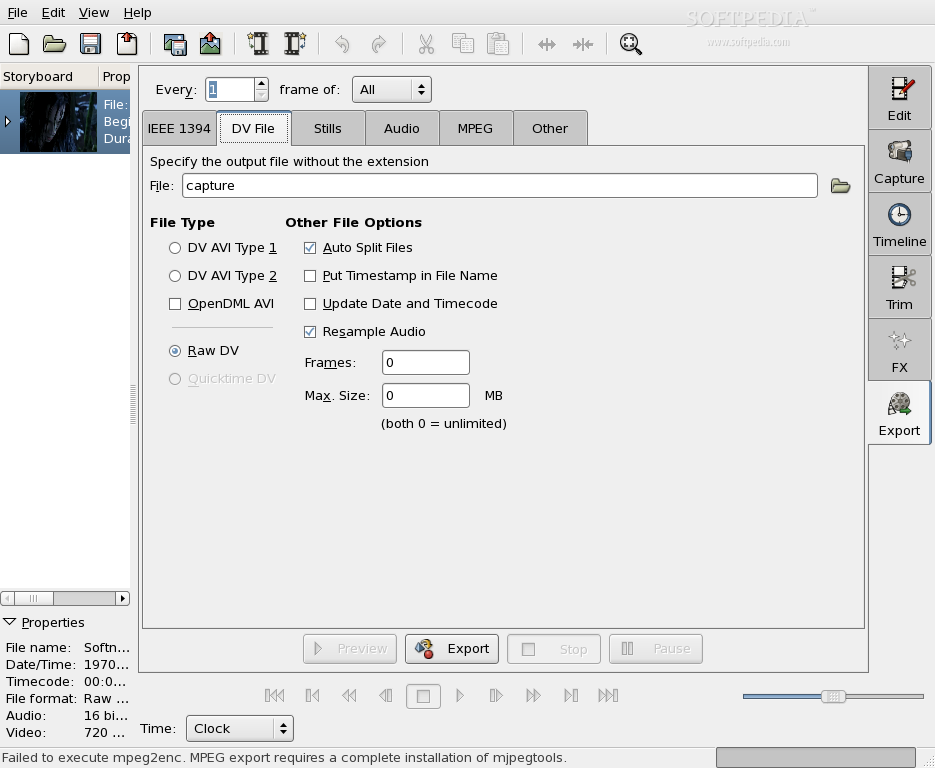
When everything is put together, you can render the edited movie. You can also export the movie as a file or a set of files. Kino, with additional programs, provides a DV file that stores the movie in a new file format, which can be used further for compression and exporting without the Kino interface. Stills save the movie as a sequence of images in JPEG format. MPEG codes the movie to MPEG or DIVX. Audio lets you save only the audio tracks, while the DV pipe gives you a nice tool to create your own method of saving movies.
The Good
Kino is a free, non-liner DV (digital video) editor for GNU/Linux. It provides integration with IEEE-1394 for capture, VTR control and recording back to the camera. Also, it can load movies and export the composite movie in a number of formats: DV over IEEE 1394, Raw DV, DV AVI, still frames, WAV, MP3, Ogg Vorbis, DivX and more.
The Bad
Kino lacked a few functions in past versions, but with 1.0 release, it makes a good replacement for many proprietary programs. Nothing bad about this version.
The Truth
Kino is a good replacement for Windows Movie Maker and such programs so if you're one of the people who switched from Windows to Linux and need a software like Movie Maker, than you should really give Kino a try. You'll be really impressed.
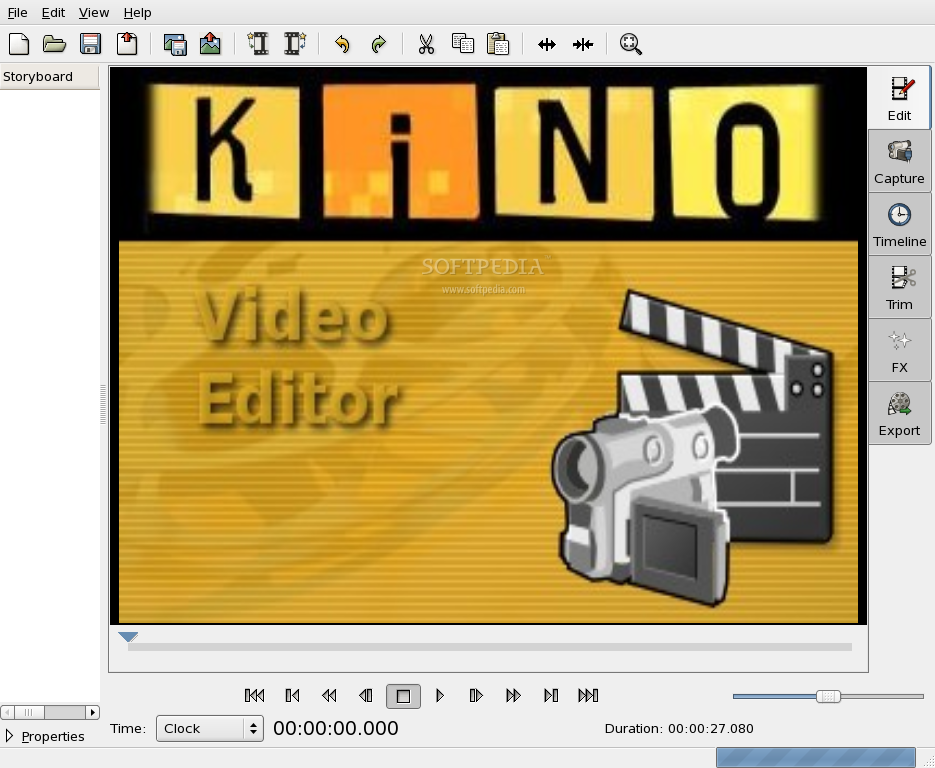
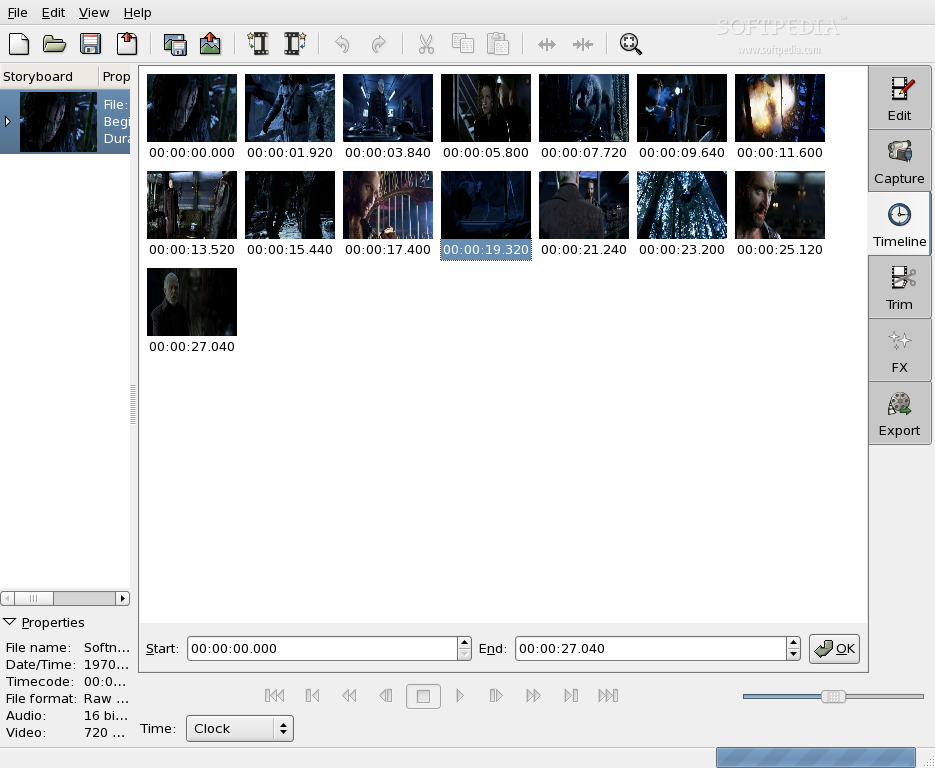
Check out some screenshots below: