14 DAY TRIAL //
 Konqueror was developed to be a universal file manager, web browser and file viewer for the K Desktop Environment. It was released to the world on 14 June, 2000. At that time, it was described as "the next generation web browser, file manager and document viewer". This isn't very far from the truth as you well know it, if you're using a recent version of KDE. Konqueror came a long way since its first public release and now it's reached a point where some final modifications are made and the few remaining annoyances are being removed.
The Web Browser
As any other web browser, Konqueror has its good and bad parts. However, the bad parts are very few compared to the good ones. Let's start with the good ones.
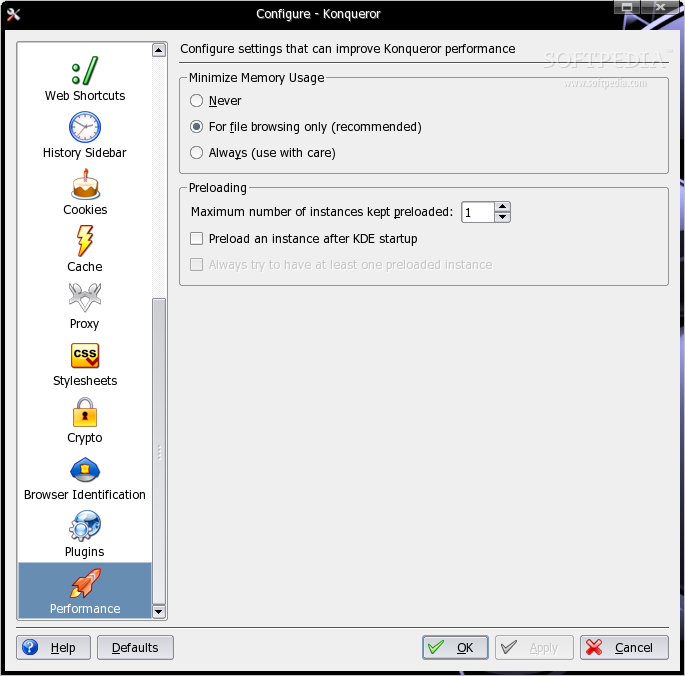
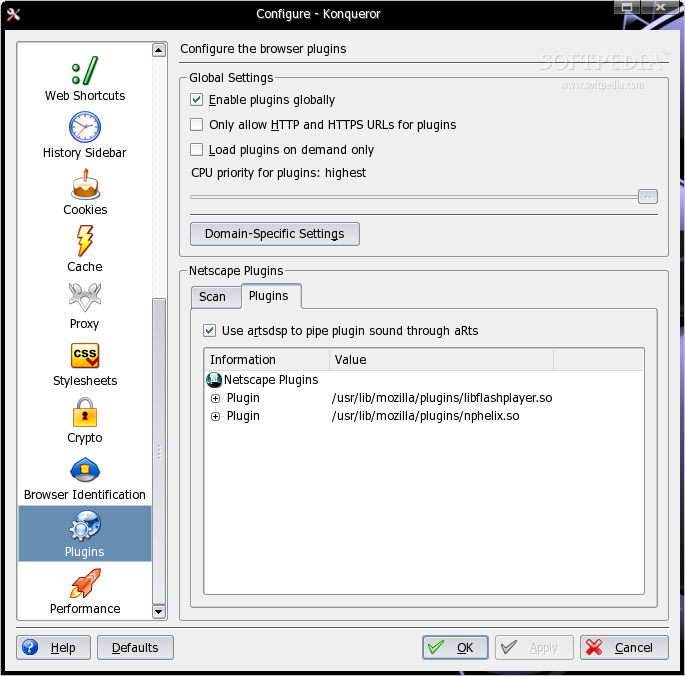
It's fast. Very fast. The fastest. It starts-up faster than any other browser as it's part of the KDE GUI which is already running. It loads the recently visited web pages faster and also, it renders the pages more accurately, excepting the pages with malformed HTML, which drives Konqueror crazy and reaches very high load times. But this is the web page's fault, not Konqueror's. It uses KHTML as the layout engine and it's compatible with the most relevant open standards like HTML, JavaScript, CSS, SSL and so on. Moreover, it has plugin support, so rendering QuickTime movies or Flash Player animations won't be a problem.
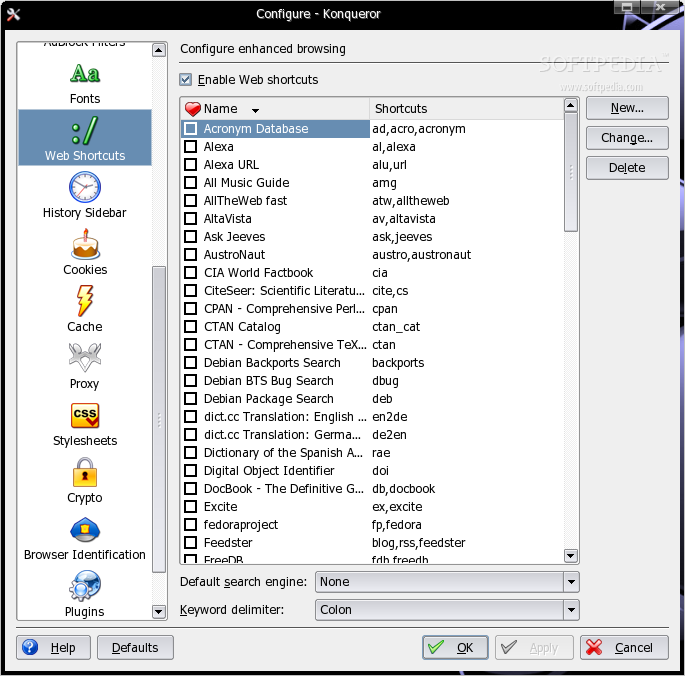
Konqueror has several web shortcuts which make Konqueror a powerful web search tool. For instance, to search Google from the nav bar, enter this code: gg:[search terms].
Another example, to search for a movie on the IMDB website, you can use the following code: imdb:[movie name].
Konqueror integrates perfectly with KDE so it can be used simultaneously with other KDE applications. RSS and Atom feeds are automatically detected and new subscriptions can be set directly in Akregator. Also, files can be downloaded with KGet and audio streams played in AmaroK.
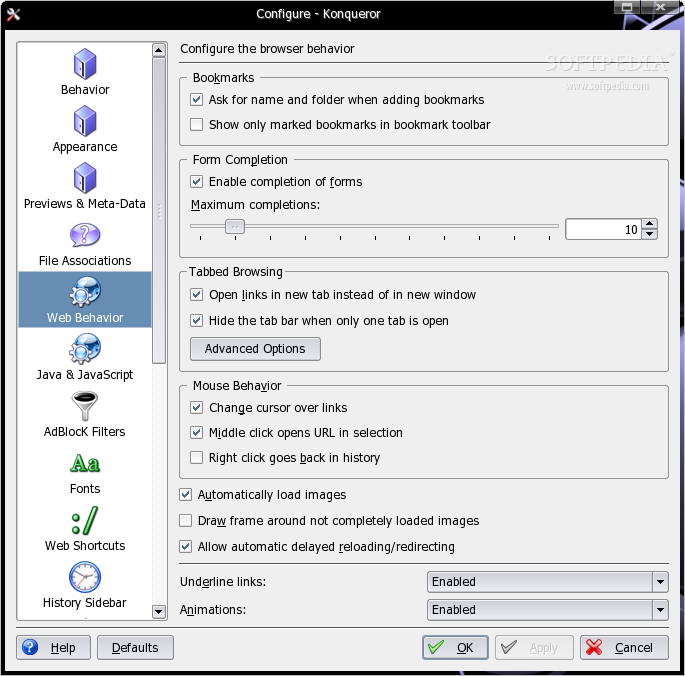
Another great feature is the tabbed browsing support. Yes, every serious web browser supports this, but Konqueror went even further and introduced split windows. Every window can be split vertically or horizontally or even both, offering the possibility to keep an important window opened at all times.
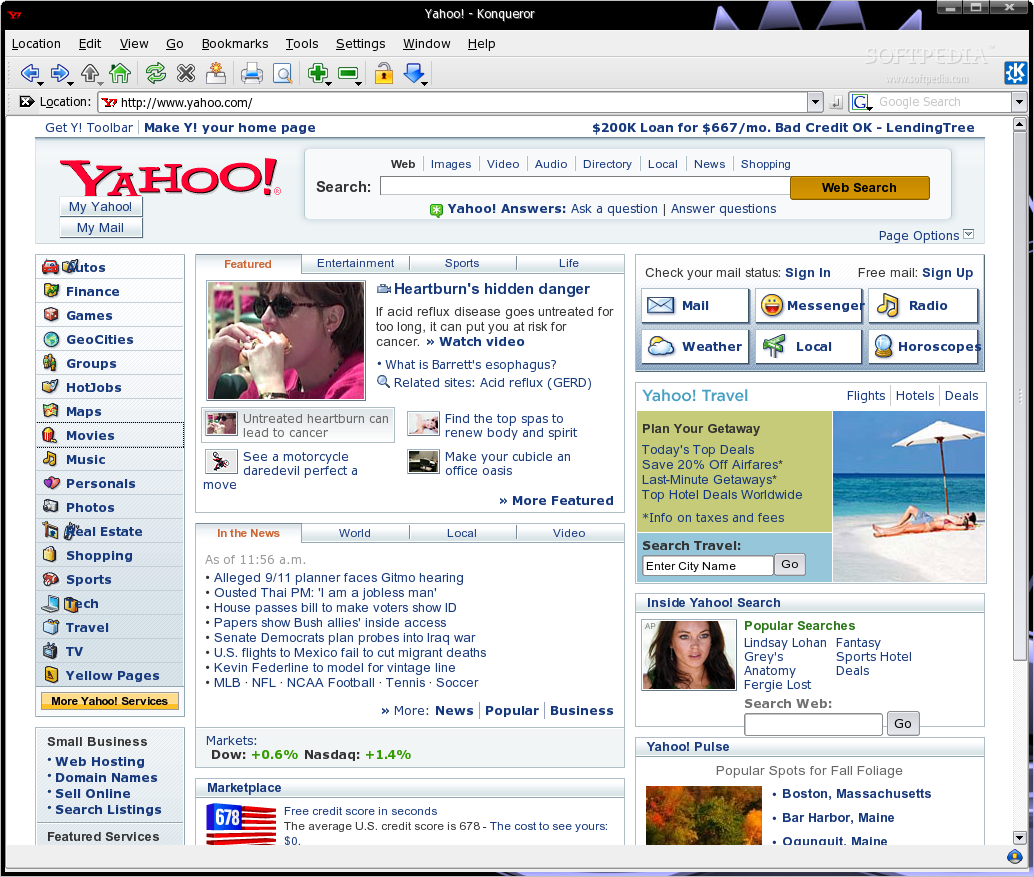
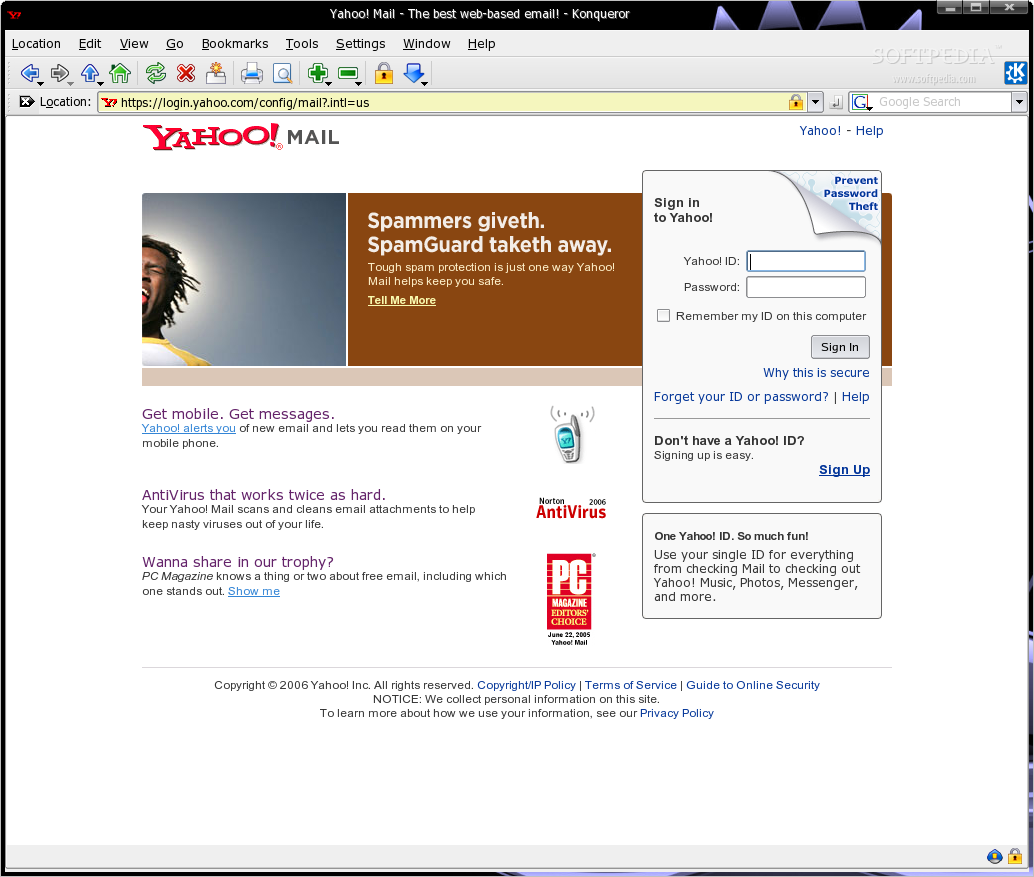
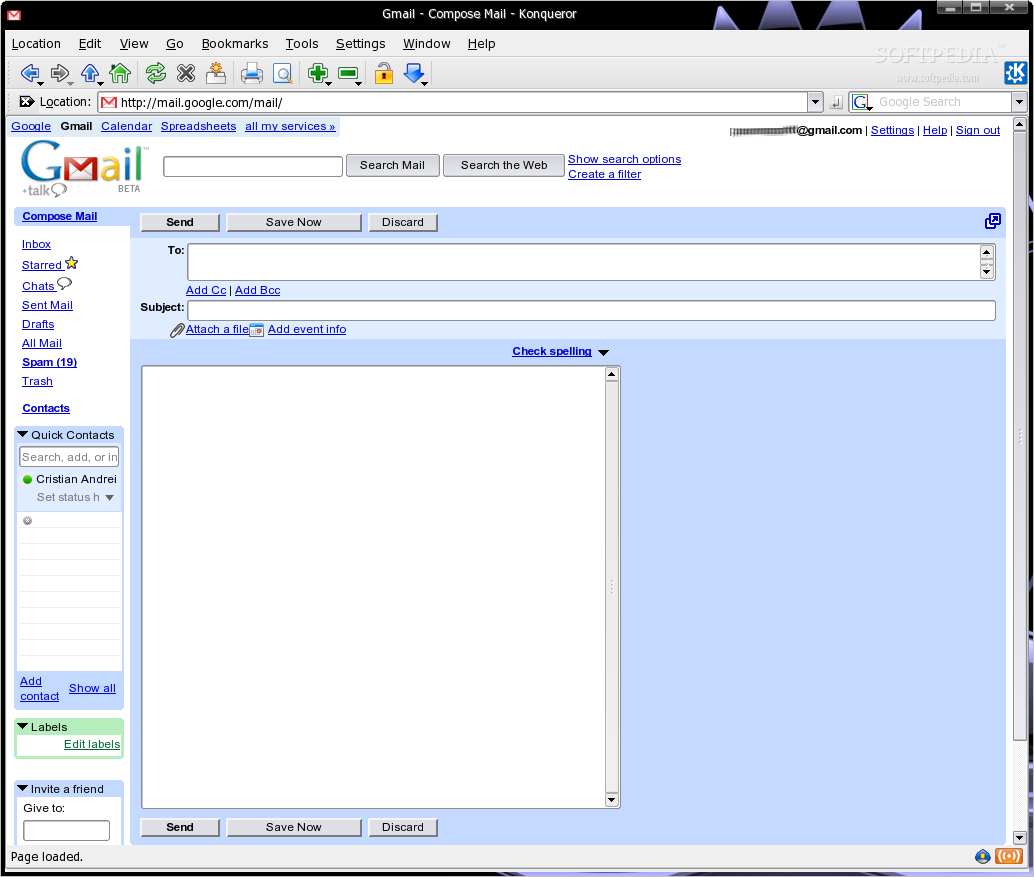
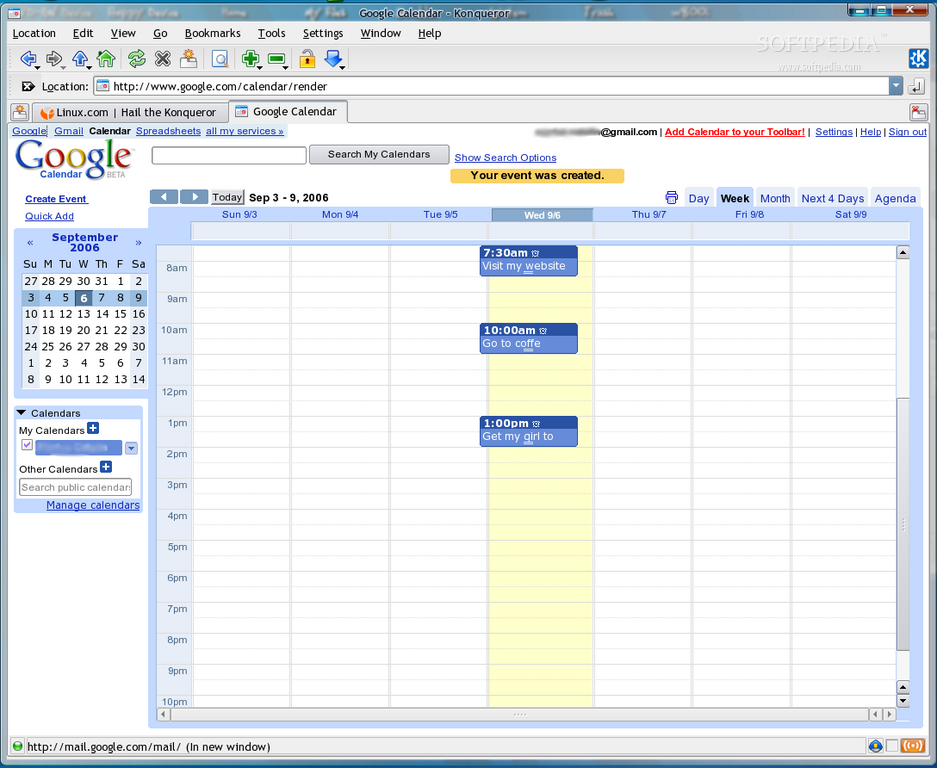
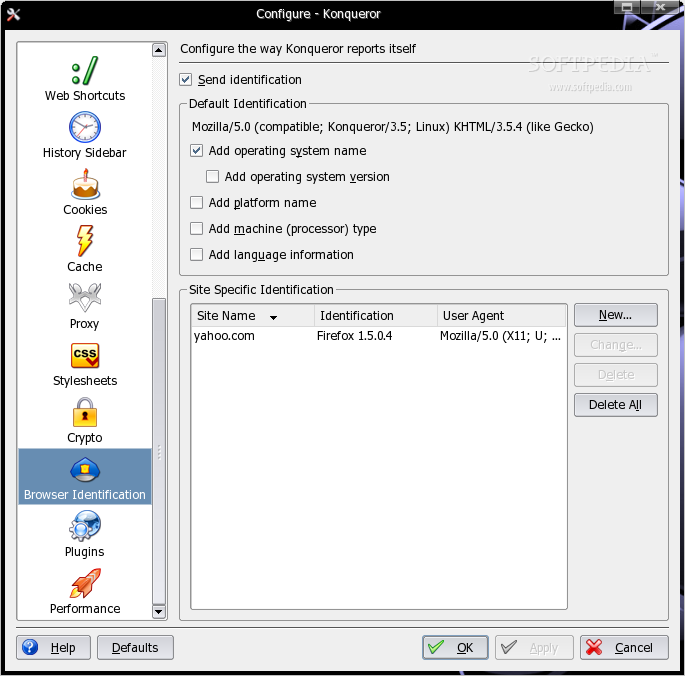
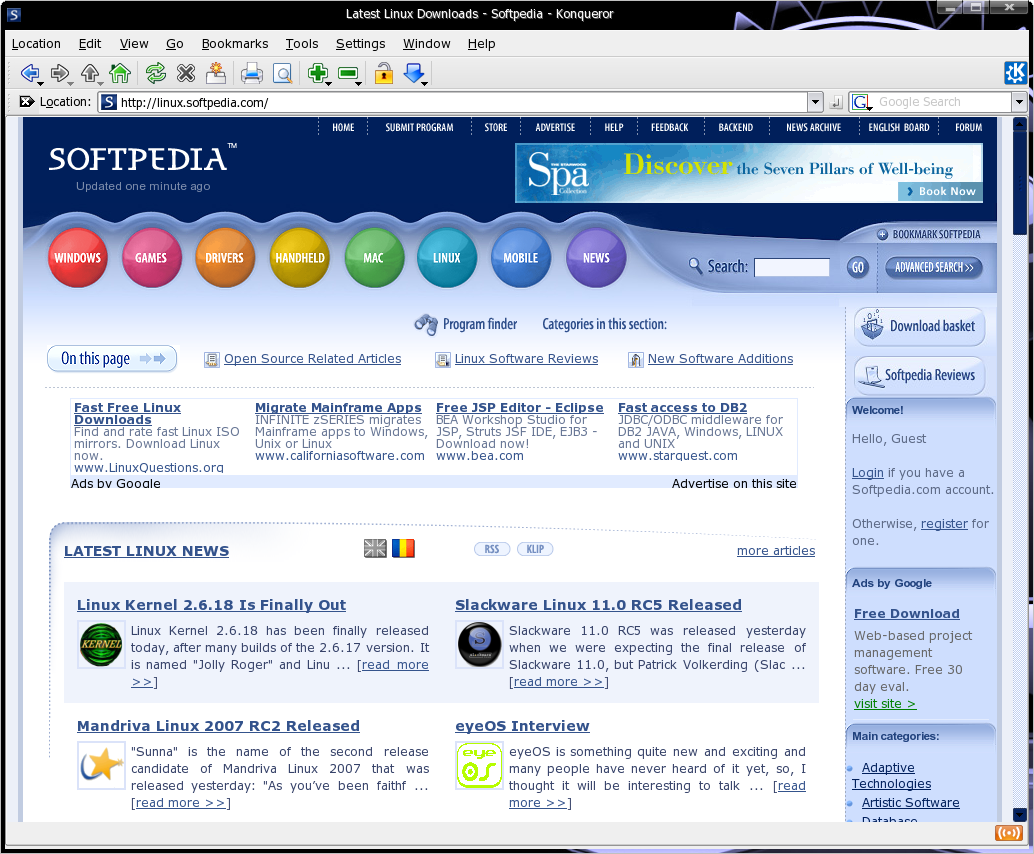
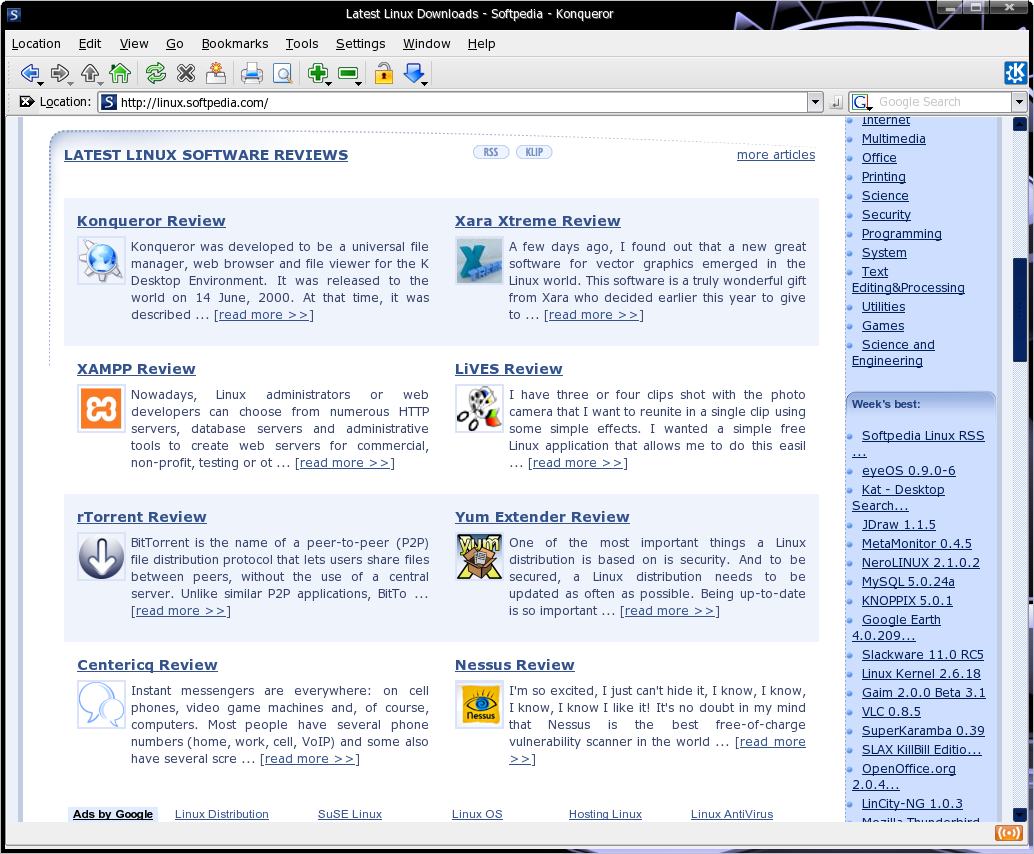
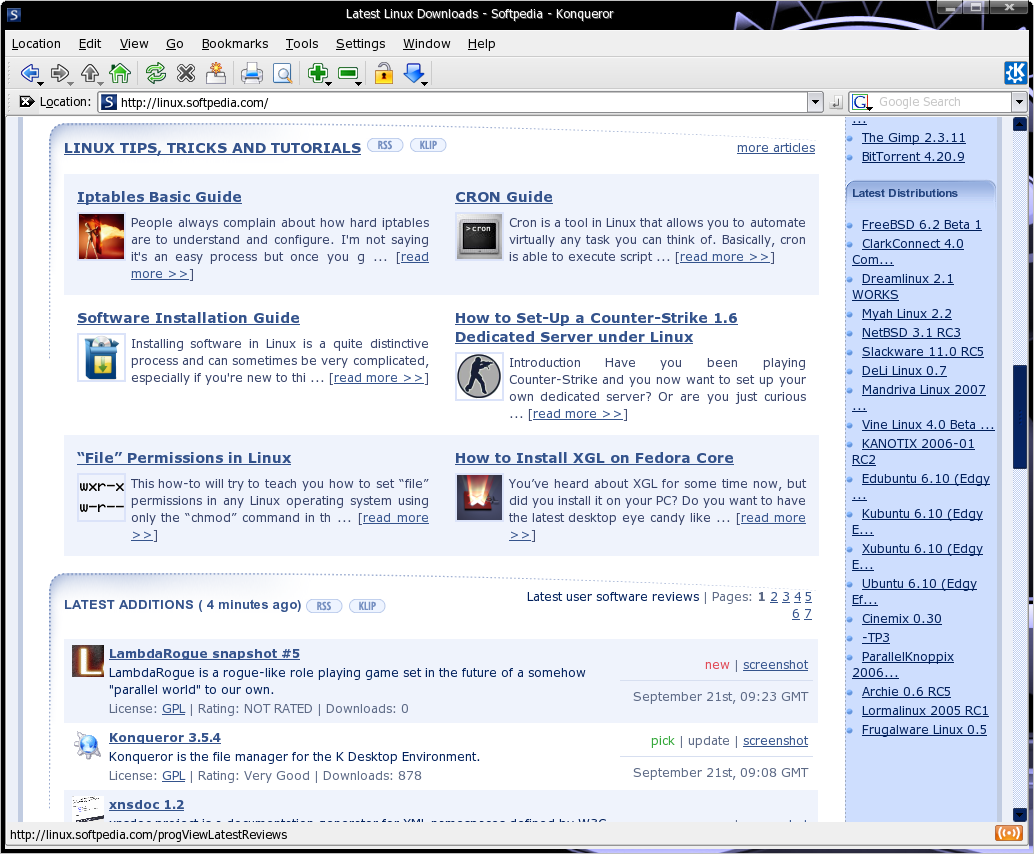
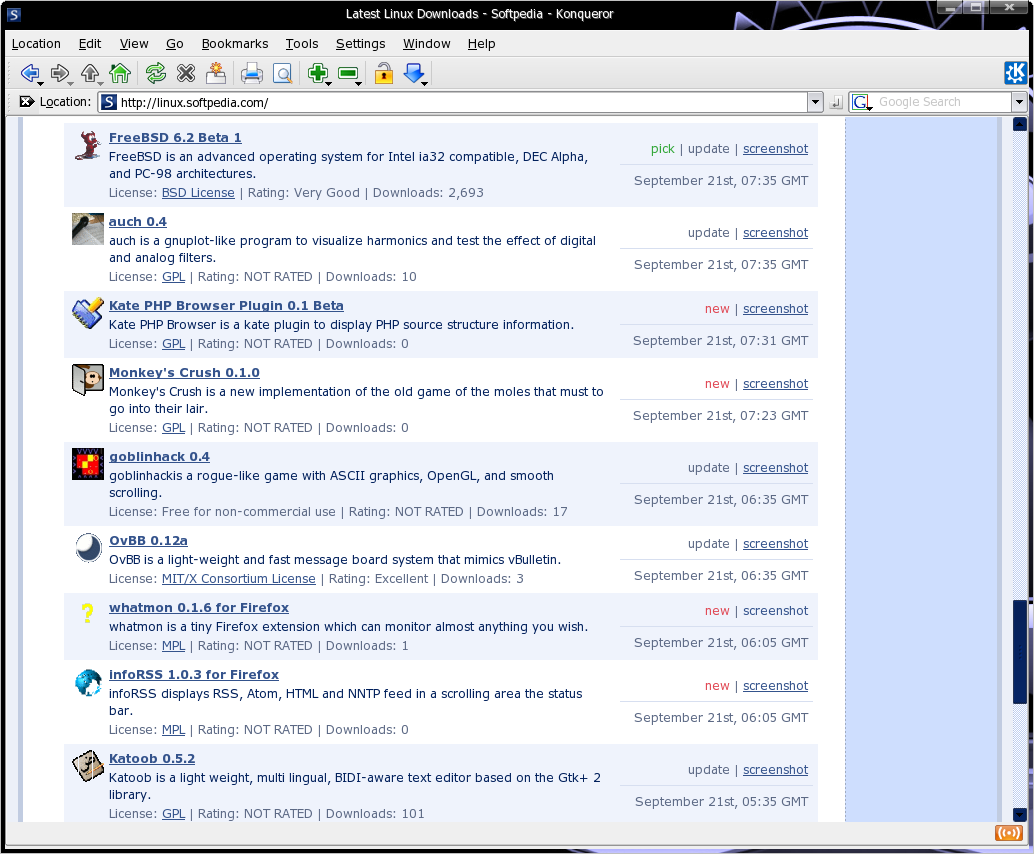
Now for the bad parts. Apparently, Konqueror has certain issues with "Web 2.0" sites. Websites like Yahoo, Gmail or Goolge Calendar don't identify Konqueror unless you set the browser identification to Firefox or IExplore. This way, you won't have any problems with other Web 2.0 sites. So, don't believe reviews that say Konqueror can't read those websites. Check the screenshots below that prove the functionality.
Another shortcoming I've noticed is the extension support, but no extensions can actually be found.
The File Manager and Viewer
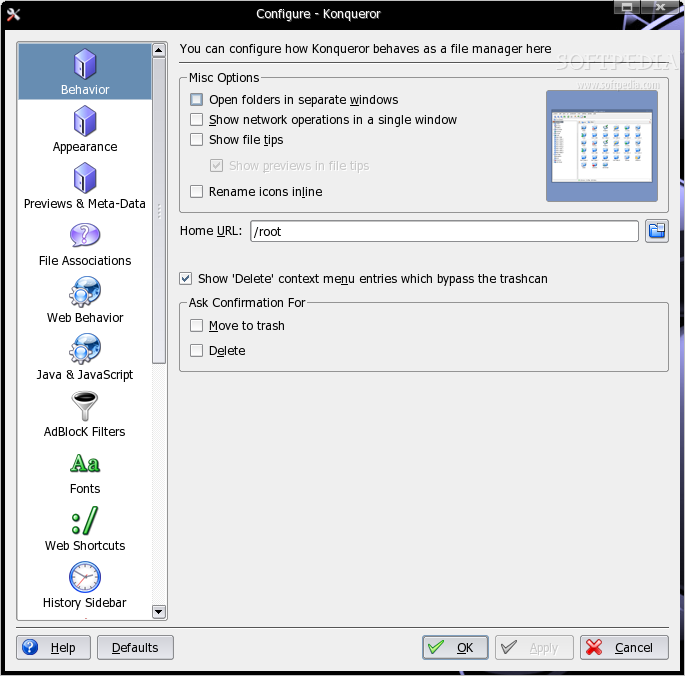
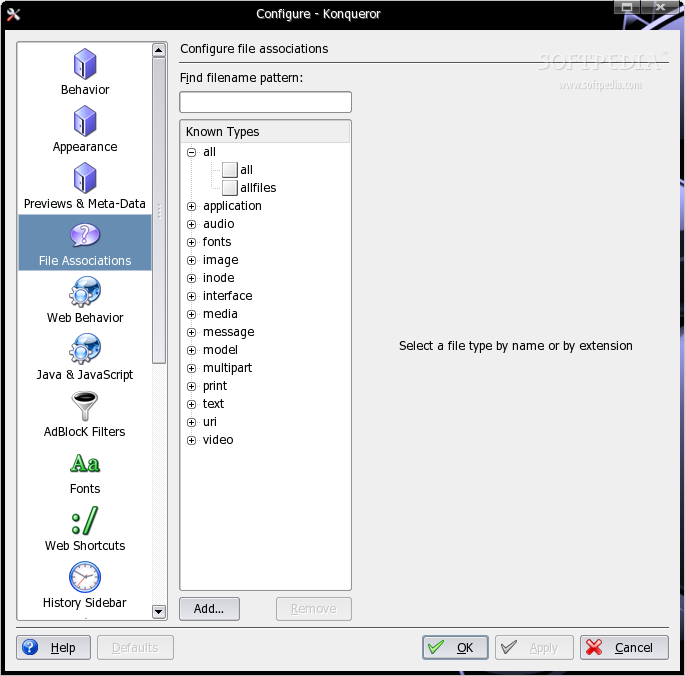
At first, Konqueror looks like an ordinary file manager. But the first impression can be deceiving. It has the same features as any other file manager and even more. A lot more. It supports thumbnail preview of images, can read TXT, PDF, audio, and a lot more file types, can even browse through ISO images. Usually, common file types are recognized and passed to the appropriate handler.
Additionally, Konqueror uses KIO (Konqueror I/O plugin system) to extend its browsing capabilities beyond the common HTTP and FTP protocols. It can read archive files such as zip, tar, gz, can access Windows shares, Audio CDs, even browse another site using SSH or Secure FTP. For example, to manage files on another server through SSH, go to nav bar and type the following code: fish://user@hostname:port
For quick access to GNU Info pages or MAN pages, use the codes: info:program-name or man:program-command.
Basically, Konqueror is one single application to be used with all kinds of files over the Internet. The features I've talked about earlier are only the most important ones, there are a lot more advanced features Konqueror has to offer anyone using the K Desktop Environment.
The Good:
Konqueror is a universal file manager and viewer, as well as a web browser. It has all the features needed to make an easier life for anyone using KDE.
The Bad:
For the moment, Konqueror has a few troubles with "Web 2.0" sites and some web applications. Some of them will eventually work if an advanced option is set, but some will not work at all until, probably, a future version.
The Truth:
While using KDE, Konqueror is the one application you need for browsing the Web and managing local or remote stored files. It still has some flaws but overall, it's an excellent application.
Check out some screenshots below: