14 DAY TRIAL //
 We all love music, and I'm willing to bet money on that any given day of the week. I'm positive nobody could argue with me when I say that there's not a single person in this world who hasn't spent at least a few hours listening to their favorite tunes. That's one of the reasons I'd like to tell you about a very nice music player that I stumbled upon a few days ago named Last.fm.
The main highlight of this application is that it's a radio music player, it doesn't play anything stored locally on your computer. This is its primary purpose, to provide a useful interface for you to better organize your preferred music, and it does a pretty good job at it. That's why, in my opinion, we cannot say it's a downfall that it doesn't play local music, since it wasn't designed for this to start with. But don't worry, I assure you it has a huge song data base that will offer you anything you could possibly want. Actually, the fact that it loads music from the site may be a good thing, this way saving you plenty disk space.
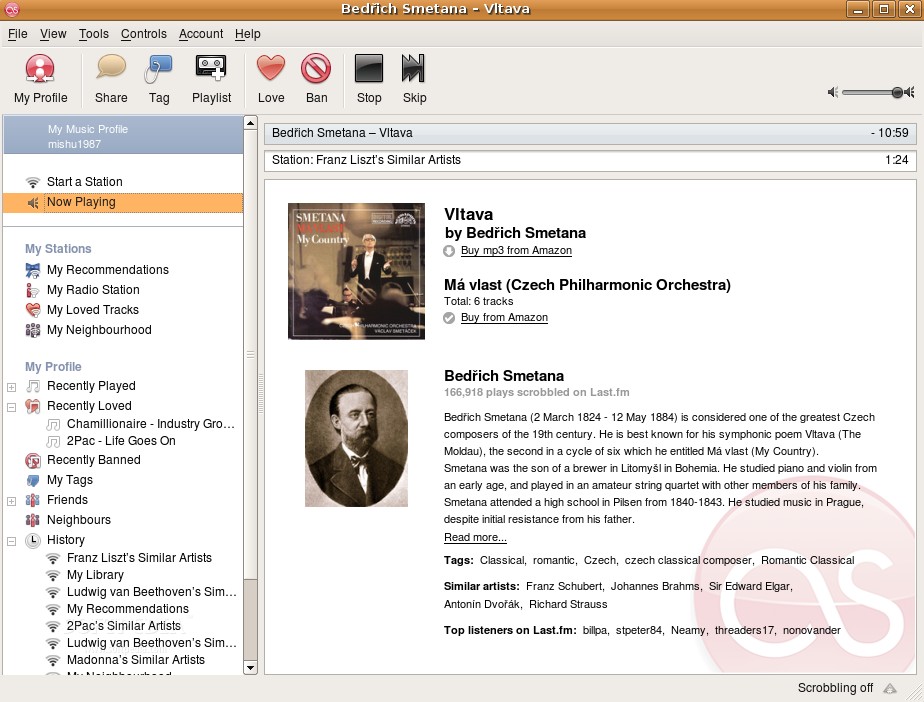
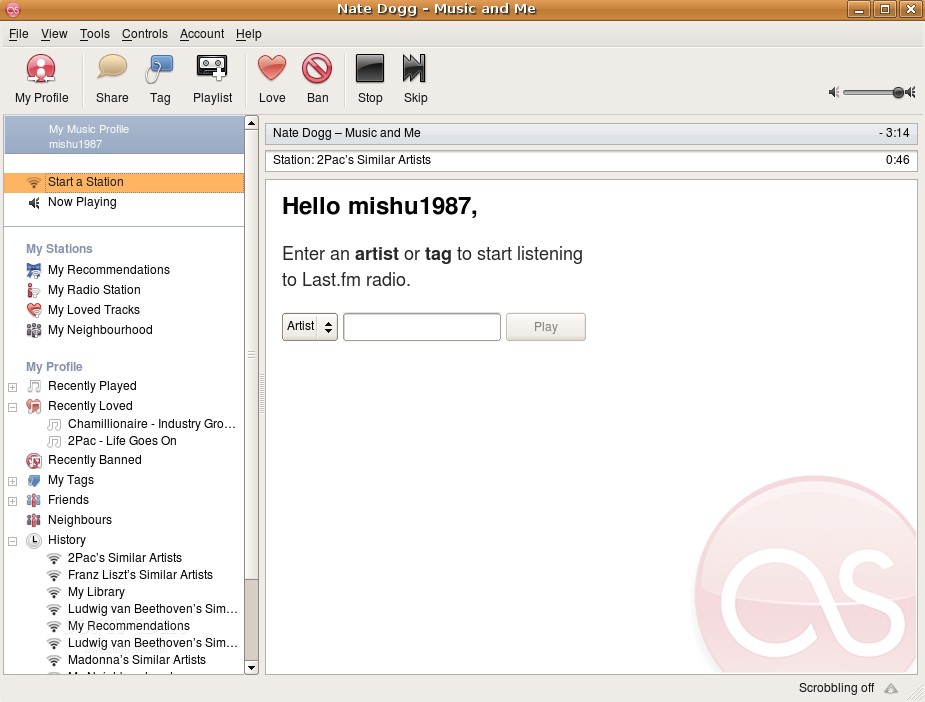
The first thing that really got my attention was the interface, a very appealing and intuitive one. It somewhat lacks the complexity of other music players, but that's a small compromise for its other functionality. On the left, you have your profile options like favorite stations, recommendations, loved tracks, recently played or banned. Let's now go further and detail some of them.
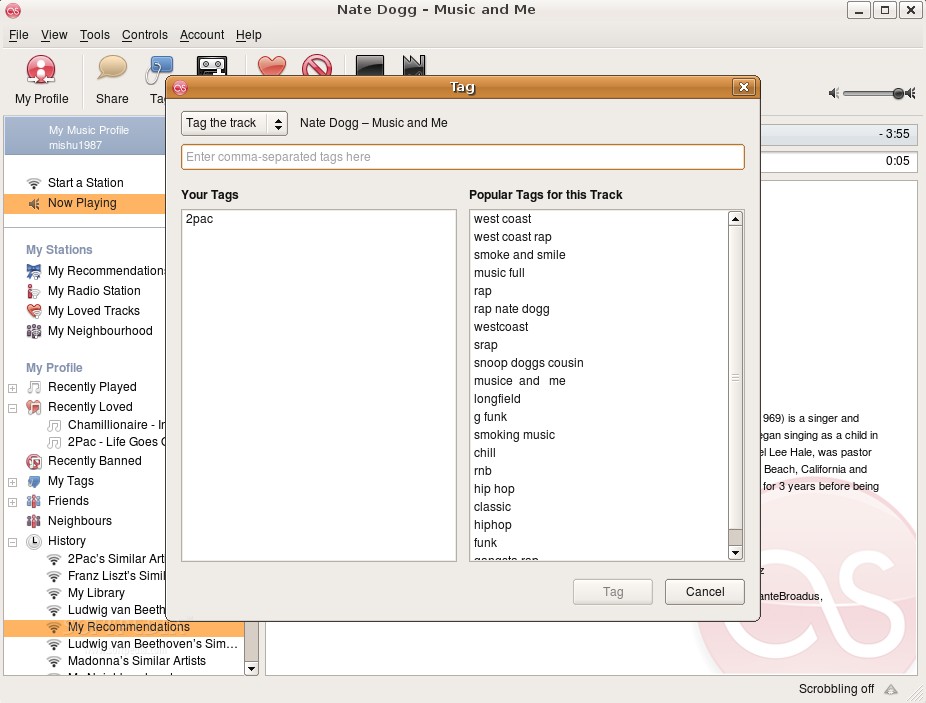
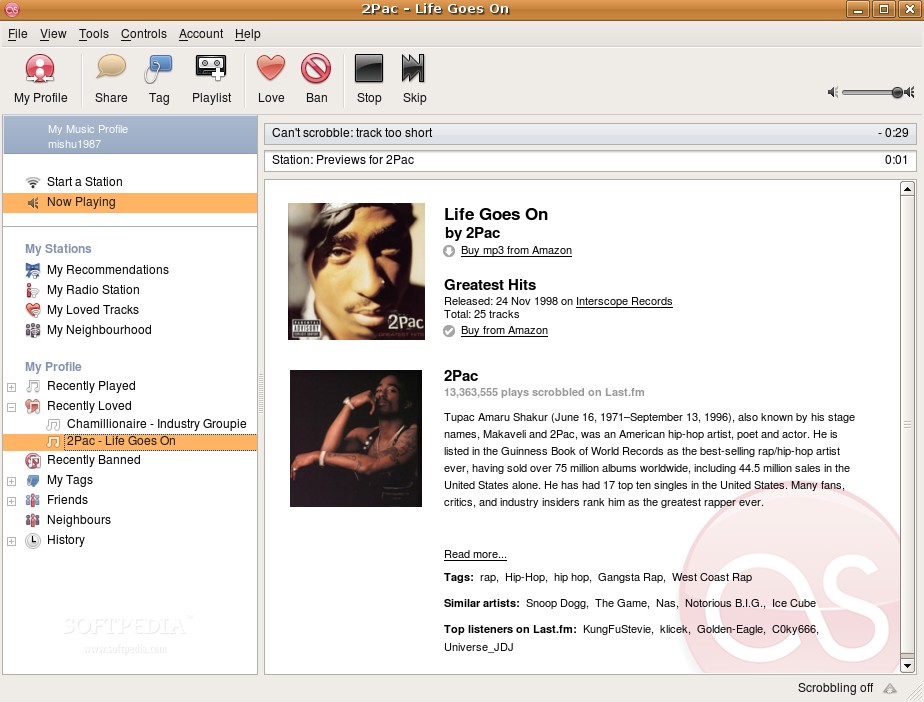
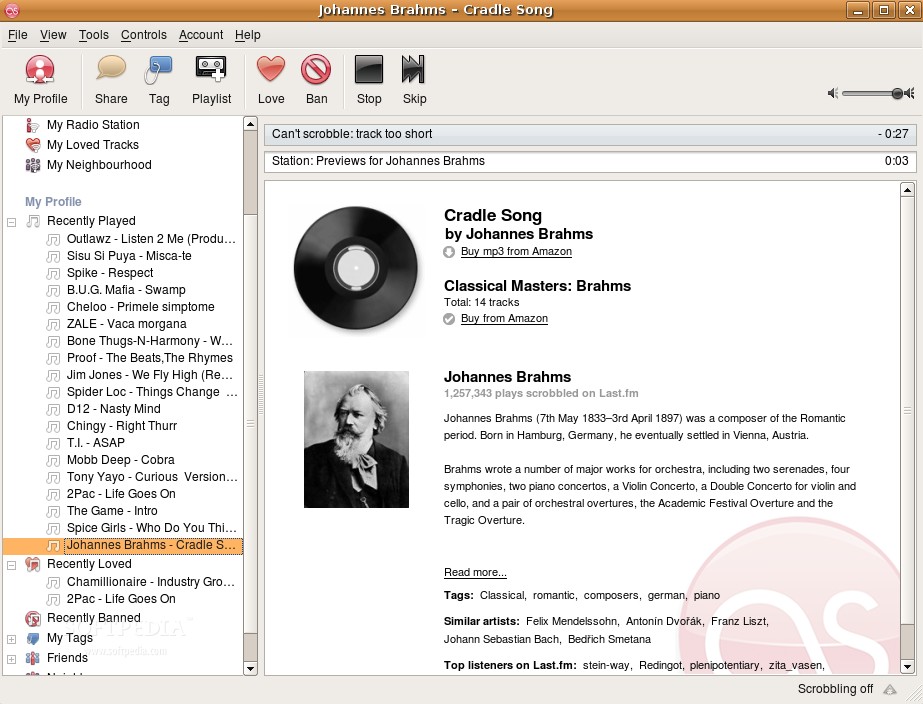
When you create your Last.fm account, you are asked to fill in some names of your favorite artists, whose songs will start playing as soon as you double click My Recommendations. You certainly have the option to later add or remove any artist in that list, in case you want to experiment with something else. The recently played and recently loved categories provide exactly what their name say, and they prove to be quite handy in certain occasions, for example, when you are listening to a great song and you want to later show it to a friend. However, this becomes easier if your friend also has a Last.fm account, as you can easily share it with him, and even add a message to accompany the share request. Something I didn't like here was the fact that you can't play a track again, for instance, when you look back on the recently played list and you decide you want to hear it once more. Only a 30-second preview is available, unfortunately. But I guess that I can live with this, given that it's still a radio station and that we all know we can't control which tracks are currently played.
The banned section is for the tracks that you hated so much that you couldn’t stand the thought of hearing them again but, personally, I find it rather useless and I'll give you two reasons to back this up. First, you already select what artists you would like to listen, so what are the chances of such an awful track to pop up to make you want to ban it? Secondly, there's always the option of skipping the current song if you so desire, which results in another track starting seconds after.
The simplest way to listen to music in this player, which I personally use exclusively, is the top button in the profile window, simply called Start a Station. I find it very convenient to just start the computer, wait until the system loads, launch the player, fill in an artist’s name you are in the mood for and just sit back and enjoy the fine music. That's indeed very nice – and I also noticed that all accessed stations are kept in the History list for later reference.
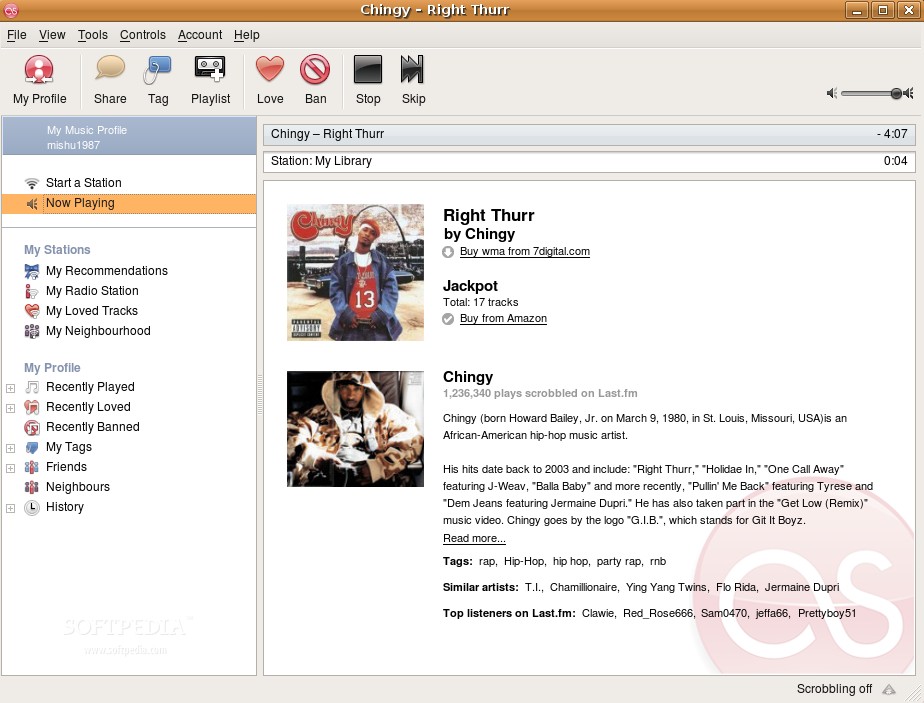
I'm not a big biography fan, meaning I don't care about the artist too much, I just want to enjoy the tracks, but still, a few lines about the artist are quite appropriate. To my surprise, I found myself a few times reading not only the provided biography, but also searching for additional information elsewhere. That happened mostly with classical masters of the past by whom, I must admit, I've always been fascinated, but others as well, like rap musicians or famous rock bands.
The Good:
It's definitely a very good player which I'm sure will give you hours of good quality music and may even lead to your making it your default music player. The fact that it's not too ambiguous and that it provides an excellent track repository are its major highlights.
The Bad:
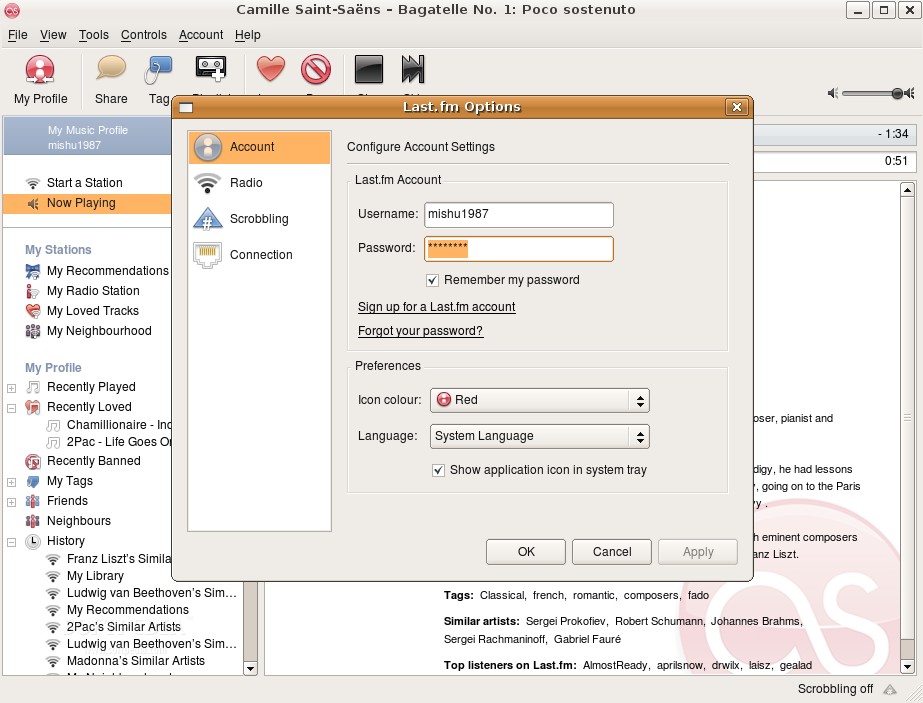
Although I don't want to say anything that could make you not want it, because it really isn't bad, there are a few issues I didn't quite like. First, there is the fact that there's no way to listen to a track that you liked again, while the My Loved Tracks button is inaccessible without subscribing first. The second and last thing that bugged me was that the software is too connected to the developer's website, meaning too many links direct you there, which also means that you can't make any changes to your account directly.
The Truth:
Do not think that just because "the bad" section is bigger than the “good” one means this app is highly flawed, because you'd be missing out on a great player that could be just the thing for you. I'd say, give it a chance and just maybe it will do the same for you as it did for me – taking the place of my previous main music player.