14 DAY TRIAL //
 Everything is moving online these days, it seems, and entertainment is no different. With YouTube, Hulu, Netflix and plenty of other sites and services to choose from, it might seem that the days of actually owning a movie are gone. But we're not quite there yet, there's still a place for DVDs and you're going to want to keep your home videos on your computer, even if you may also upload them to YouTube. And if you do that, you're going to need a video player.
If you're a Linux user, things used to be murky. We've all had files encoded in some esoteric format and seen video players coming with lists of tens of dependencies. Fortunately, things have evolved in the past few years and multimedia support on Linux has reached a more mature state. There are plenty of movie or media players to choose from on Linux, each with their own advantages and goals, but, for this review, I've gone outside the beaten track and tested Parole Media Player, a lightweight and somewhat spartan video player designed for the XFCE desktop environment.
Installing Parole Media Player
Given that Parole is specifically targeted at XFCE, I've used the latest Xubuntu 10.04 Beta 2 as the underlying operating system. It really shouldn't make any difference what distro you're using, as long as you have XFCE and GStreamer you should be set. There is a recent stable build, Parole 0.2.0.2, but getting it up and running on your system may be a bit tricky.
The player isn't available in Ubuntu's default repositories and there aren't any handy .deb packages (or anything else, for that matter) available from any official source, so you're left with two options. Either roll up your sleeves and compile the thing from scratch, or get it from an unofficial PPA, which, luck would have it, happens to exist.
If you decide to go with the first option, you’re now faced with another choice, getting the latest builds from the Git repository or playing it safe and getting the source code for the latest stable build. You can grab the source code for the latest stable build, Parole 0.2.0.2, right here on Softpedia from the download link above. Unzip the archive and start baking with the typical set of commands.
make
make install (as root)
make
make install (as root)
The looks and feel
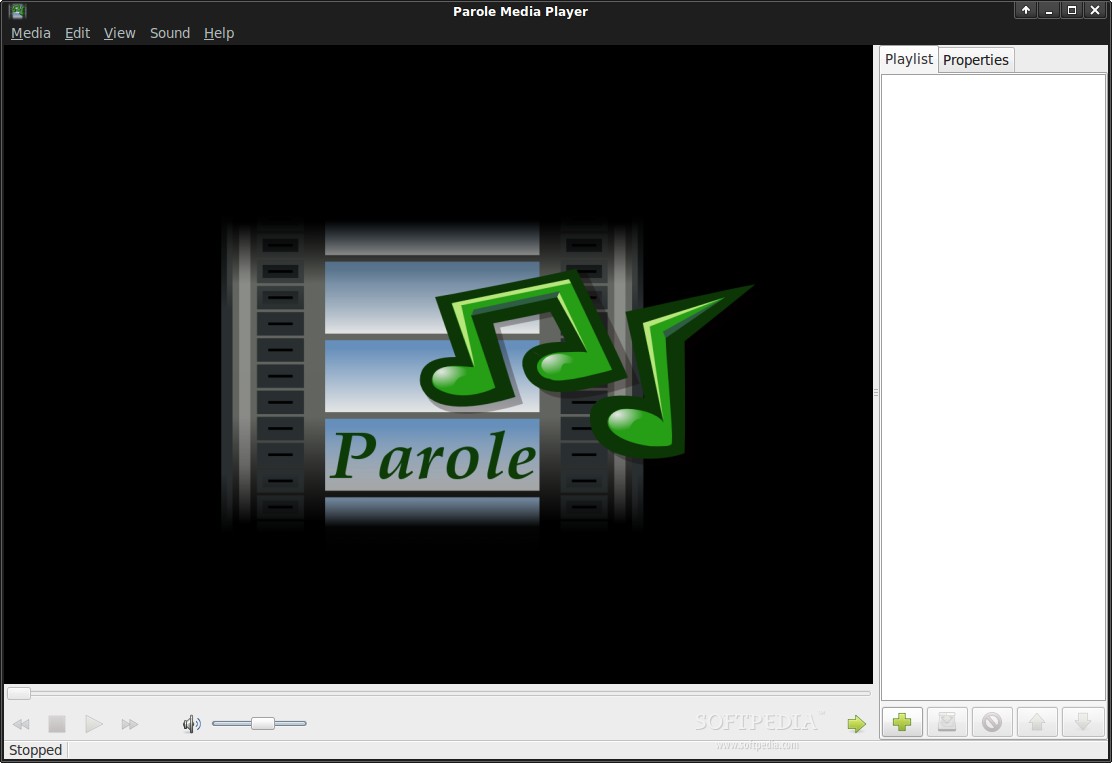
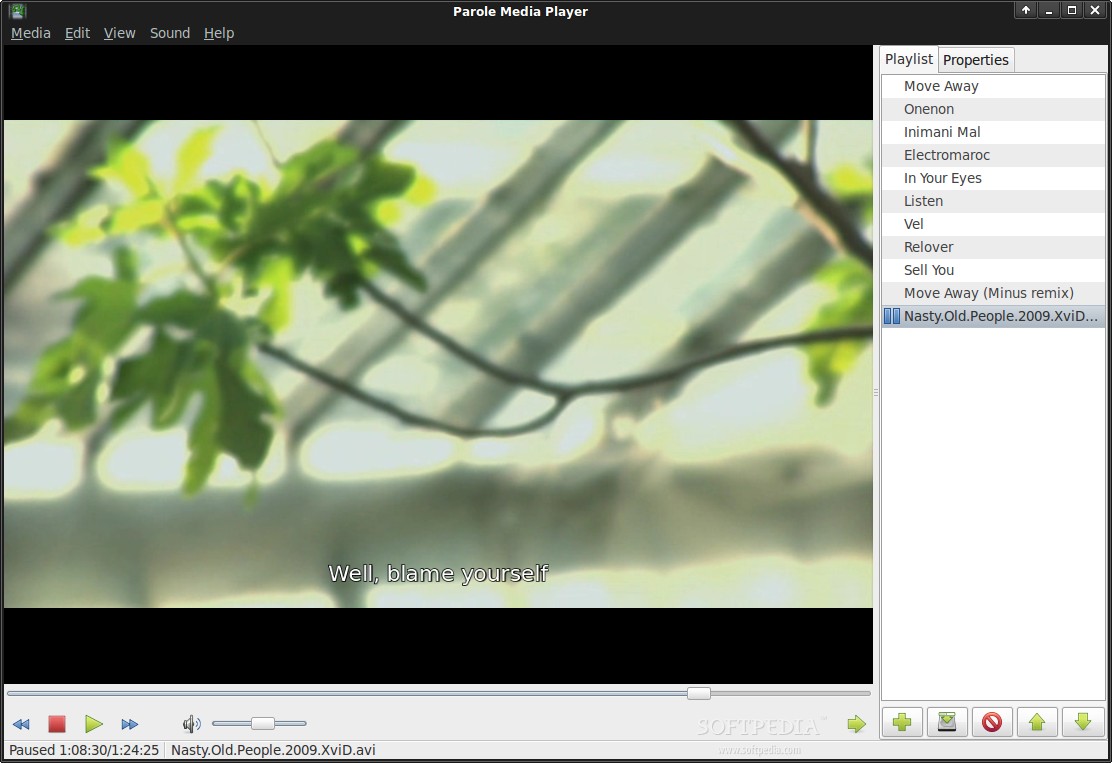
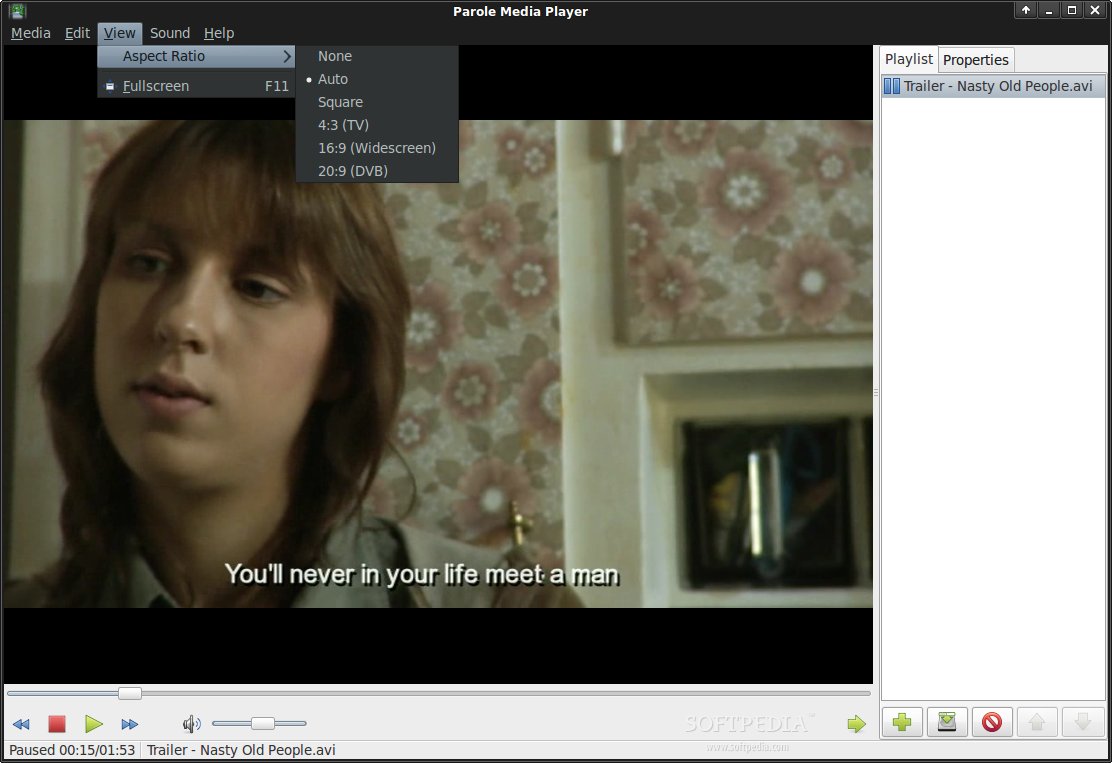
Now that you've gotten everything working, let's find out if it was worth the trouble. Parole Media Player aims to be a general-purpose player, in a way, XFCE's answer to GNOME's Totem Movie Player. In fact, the similarities are striking, Parole replicates most of Totem's features, but with an XFCE flavor. The layout is split into three main areas, the actual video overlay, a playback toolbar at the bottom and a sidebar/playlist. Everything is built using the native GTK framework, so there's no flashy graphics and animations like those you'd get in a bunch of other media players, thus a welcomed relief.
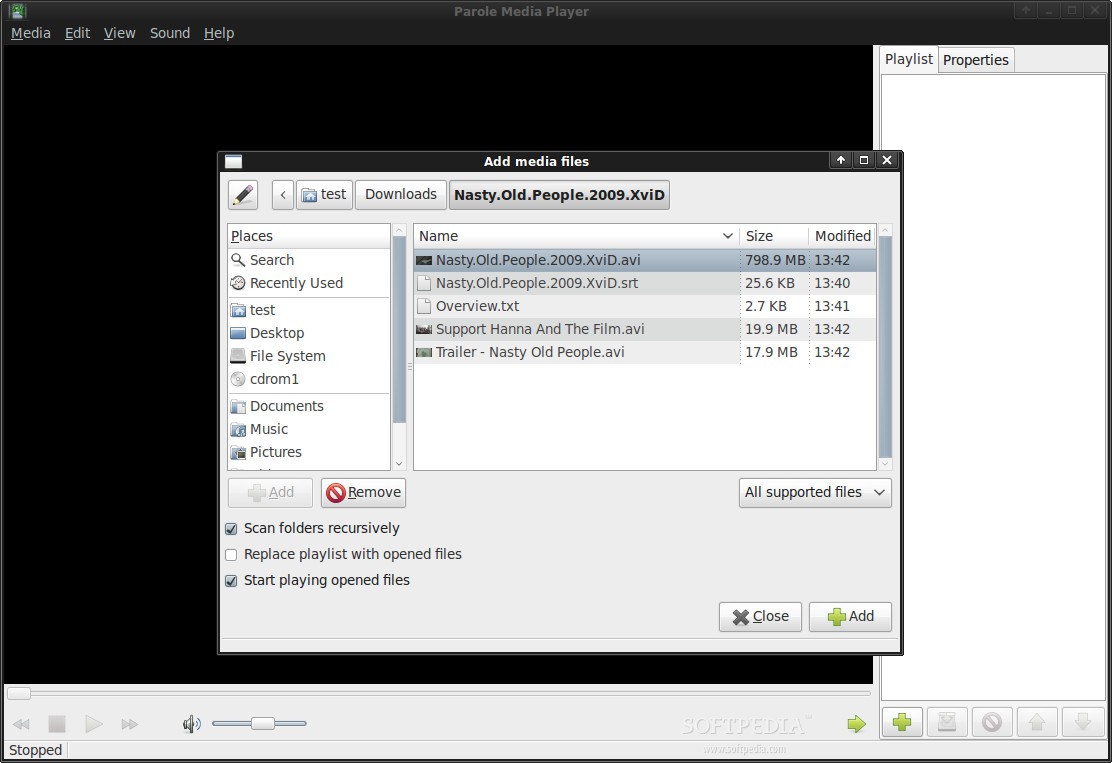
Parole tries to keep things simple, which is probably its biggest advantage, but maybe its biggest drawback as well. It has everything you need to play a video or an audio file and nothing else. You get the usual playback control buttons and a volume slider in the bottom toolbar and you can add and arrange files in the playlist on the right. And that's pretty much it.
Media-file support and playback
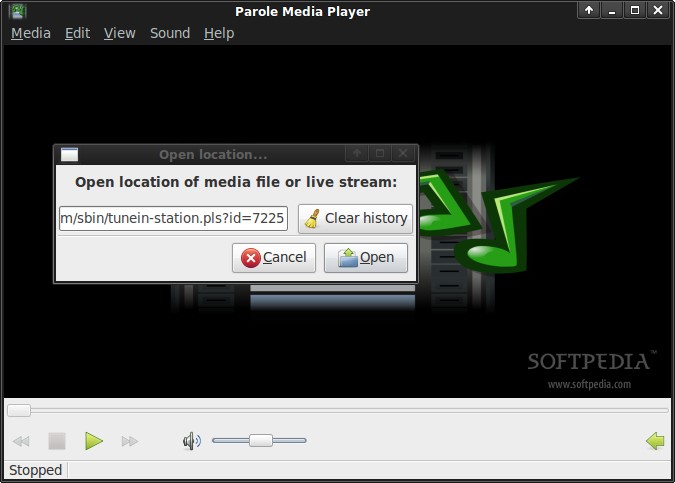
One thing that you don't have to worry about with Parole is media-format support. Because it's built on top of the very capable GStreamer multimedia framework, Parole should be able to handle any media file you can throw at it, including DVDs. It can also play live streams from your local network or anywhere online.
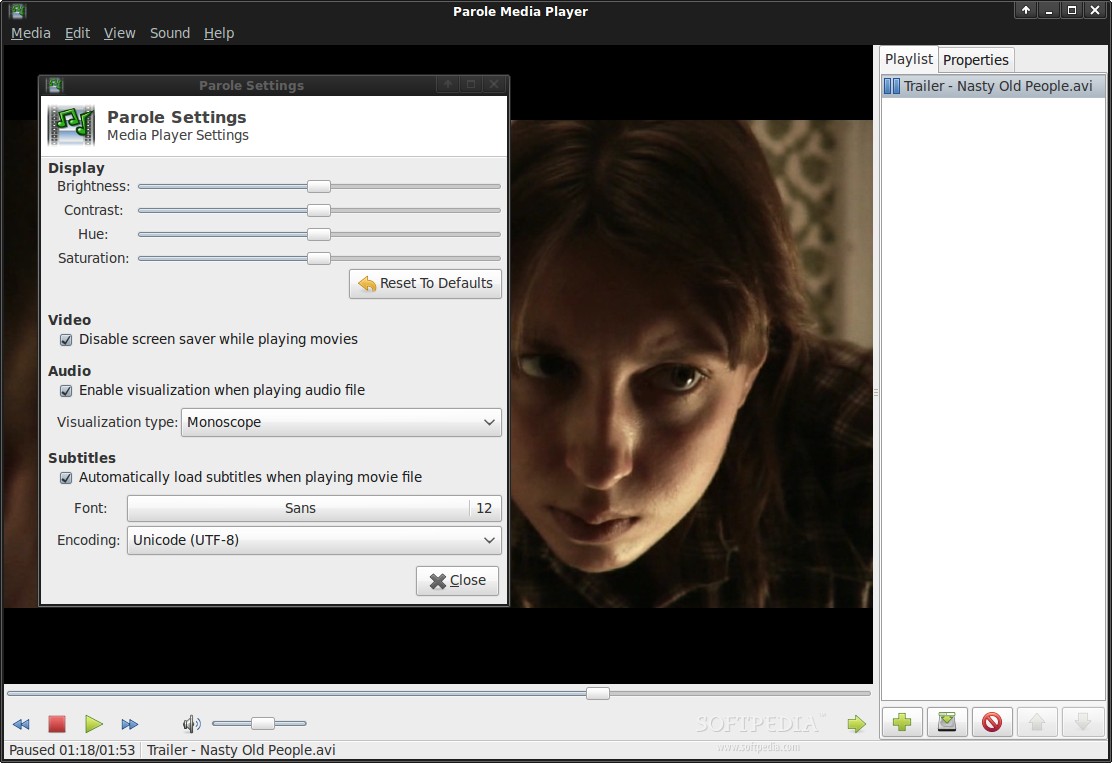
Video. If all you want is to load a movie and start enjoying it, then Parole is for you. You get all the expected controls and settings for playback, there's nothing spectacular in this part, but there really doesn't need to be. You can also adjust the image settings, all the basic stuff is there, brightness, contrast, hue and saturation, until you get things just the way you like them. As far as video is concerned, Parole gets the job done, but doesn't provide anything above the strict necessities.
Audio. Parole can also double as an audio player, but again, don't expect anything too fancy. You can create a playlist, arrange the tracks in the order you want and hit 'play,' and you also get 'shuffle' and 'repeat' options. There's not much else to say other than the fact that it works.
Conclusion
Parole Media Player is definitely not aimed at even the moderate movie enthusiast. If you want to turn your machine into a multimedia powerhouse, Parole is not for you. But, if your desktop environment of choice is XFCE and all you want is to play a video or watch a movie once in a while or listen to the occasional MP3, then look no further. Parole is a simple tool with a simple goal and, in that, there's nothing you can fault it for. It does what it was intended to, namely play media files, well and nothing more. However, Parole is still in early development, so new features should be coming as things progress.