14 DAY TRIAL //
 There once was a pidgin, a strange kind of pidgin... I am talking about that latest instant messaging client from the Gaim series, called Pidgin 2.0.0, which came after a long period of waiting and broke the download tops. Why Pidgin 2.0.0 and not Gaim 2.0.0 is an old story, of which I'm pretty sure you all are aware; the story begins a long time ago, when AOL used to complain about Gaim's original name, GTK+ AOL Instant Messenger. Now, when AOL trademarked the AIM acronym too, Gaim had nothing left to do than change its name again. Pidgin came as the most suitable alternative, as it best describes this application's purpose and usage. The word pidgin defines a second language used as a means of communication between groups of individuals who do not share a common language. Even though it was designed for the Unix-like operating systems, Pidgin can now run on platforms such as Windows, Solaris, SkyOS and Qtopia, beside FreeBSD and Linux of course.
The most popular feature provided by Pidgin would be the support for multiple protocols. Protocols like Yahoo! Messenger, Jabber, IRC, OSCAR (AIM, ICQ), Gadu-Gadu, .NET Messenger Service, Zephyr and others are working just fine with the stable Pidgin 2.0.0 version. Even though it does not offer exotic features, such as webcam support, voice messaging or built-in games, Pidgin gained enough popularity and through this version it has now become the download of the day on many freeware websites.
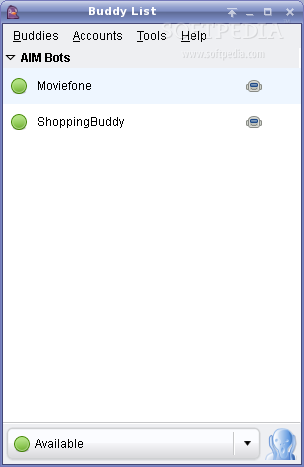
In order to have Pidgin running on your computer, you must first go through an ordinary manual installation, where you should be asked for some more or less, depending on your system, additional packages. Once you got through with the installation, things become very simple and intuitive. Simple and intuitive are actually the words I also chose to describe this application's interface. With a rather ordinary and not very friendly look, this interface provides a pretty good management and easy access to all of its functions and I must also admit it looks a bit better than the previous version.
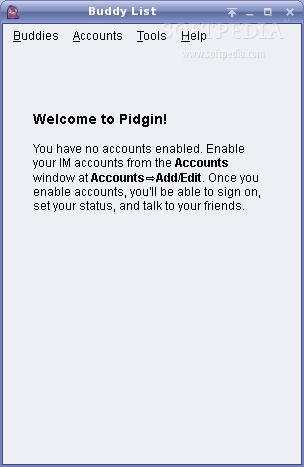
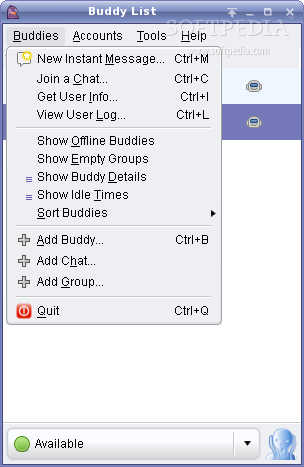
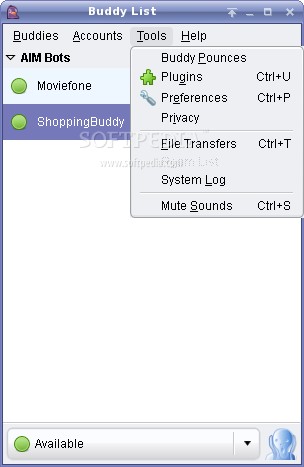
At a first run, you will be asked to set up an account, where you will provide all related information, such as protocol, screen name, password, server a.s.o .You can then add (or edit the already existing ones) as many accounts as you want, from the Accounts place on the menu toolbar. You will not need any buddy list import as this is done automatically. It also benefits from a long plug-ins list that should provide you features such as auto-accept file transfer or the possibility to autoreply for all used protocols. Another thing one could find useful would be, in my opinion, the way it handles the user's privacy. The privacy tool provides a well-defined list from where you can select which users are allowed to contact you and which of them are not. Any change will take place immediately. If you take a look at the Tools you will find also other exciting features provided by Pidgin. The one I liked the most was the Buddy Pounces. This option allows you to set alerts for whenever one or more of your buddies you select signs on/off, becomes idle or goes out of idle, goes away a.s.o. The alert you can set is either a notification or a sound or even a command that would be executed anytime the pounced buddy performs one of the selected actions.
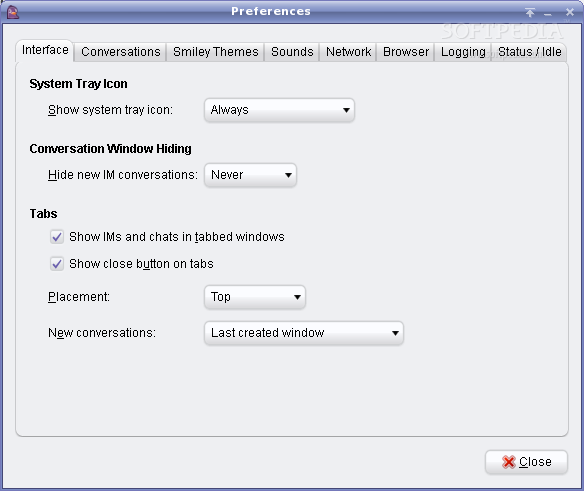
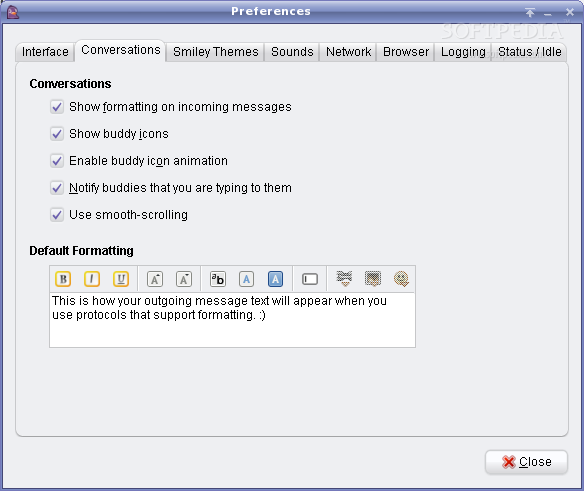
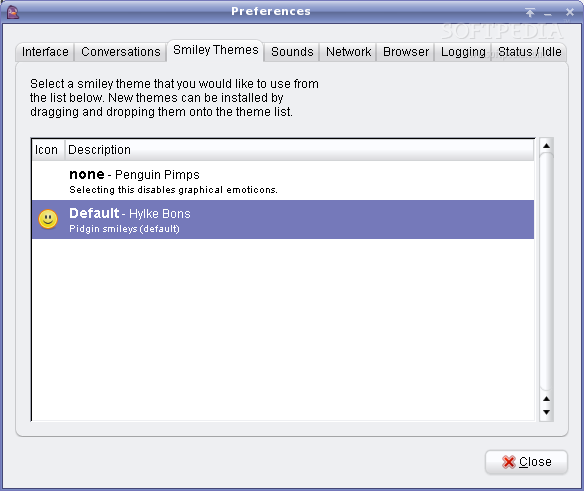
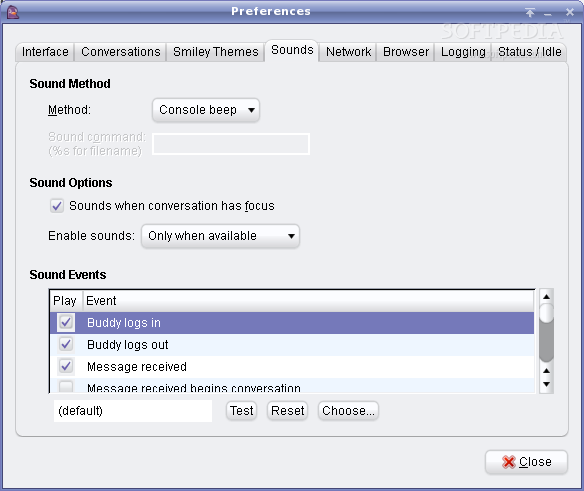
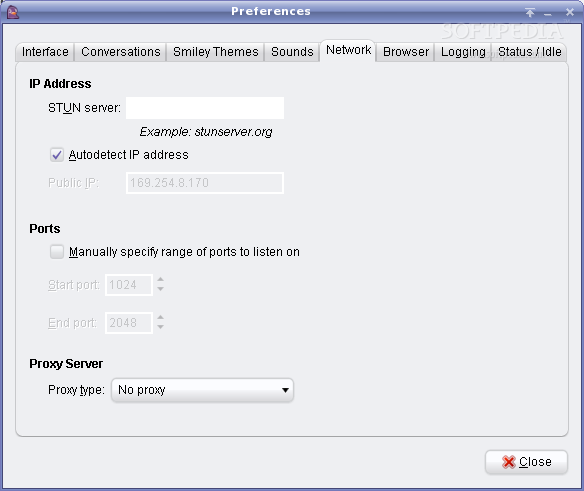
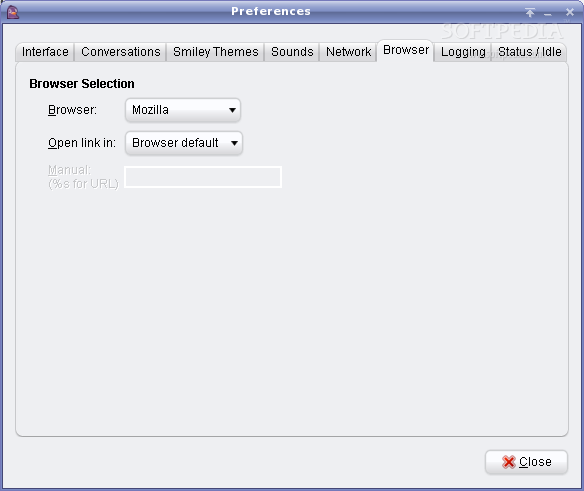
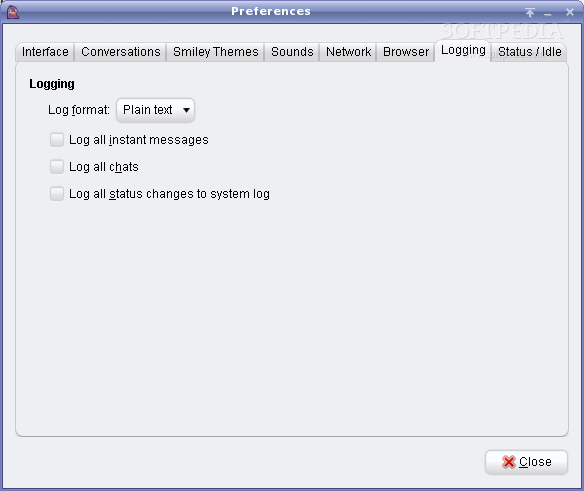
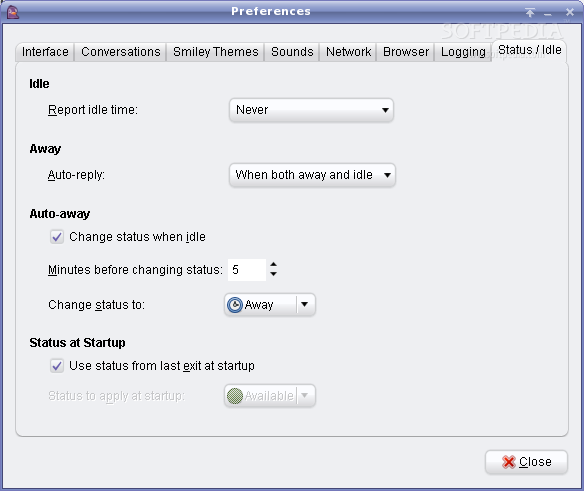
Pidgin also provides an easy way of accessing the configuring panel for your preferences. The Tools -> Preferences path opens a dialog where you can define your own preferences regarding the interface, sounds, network connection or check options such as chats logging or the way according to which your status is turned to idle. This dialog also provides options related to the text formatting, such as font type, size or color. The themes list does not offer you many options by default; you can select the none option which will disable graphical emoticons or the default Hylke Bons, which is pretty simplistic and neither does it come with sophisticated pallet of graphical features. But you can install new themes very easily by simply dragging and then dropping them onto the themes list.
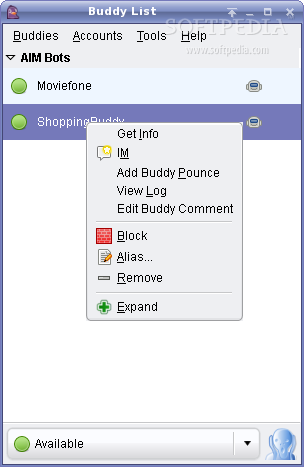
Contact aliasing and grouping multiple buddies into a single contact can also be counted among the enhancements Pidgins enjoys. I could also give it some credit here for the interesting way it manages the conversations using tabbed message windows and to the clever options of hiding/showing the empty groups or the offline users.
The Good
With an impressive power of customization, Pidgin 2.0 comes with all the good stuff provided by the former Gaim. The text-only version, here called Finch (which was formerly known as gaim-text), allows you to chat with your buddies from a command line in the same way as if you were in a graphical environment. The default configuration is worth mentioning too, as I find it very useful. For example when you close it, Pidgin goes to the system tray; in older versions I had to make this happen by myself.
The Bad
What I don't like about this version is that, the same as with the previous ones, it lacks themes, and the user interface is quite simplistic, not to say too standardized to a much too common model. I would also like to mention here the lack of support for webcam or voice messaging.
The Truth
Pidgin is an instant messaging client compatible with a variety of platforms, supporting a wide range of protocols and offering the possibility to log in to multiple accounts simultaneously. It comes with many popular features, such as file transfer and typing notifications but it also brings up unique ones, and a pretty large plug-ins collection.
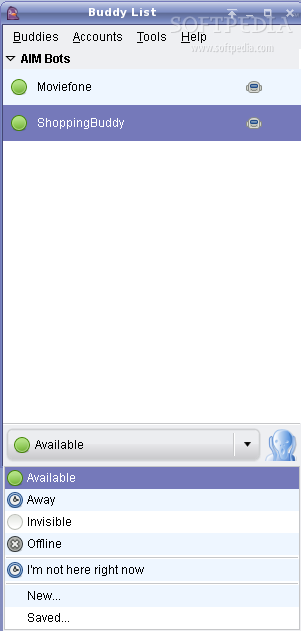
Curious about Pidgin? You can take a look at the screenshots below: