14 DAY TRIAL //
 You've started your own business and you want to print some training manuals for your employees. Besides that, you want to create a newsletter and inform your clients about your new products and services. What about the business cards? You'll need those too, so people can get in touch with you. If we add the fact that you own a newspaper or magazine, you will surely need a DTP program. There are some apps out there, but most of them just don't do all you want quickly and easy. Don't get discouraged, because Scribus is here to help you!
The situations I described above are only a few that might take place in the real world. There are many other tasks that require a desktop publishing application, such as interactive PDF forms for presentations or cgi/php form submission through PDF.
I've installed Scribus by using its Debian and Ubuntu repository. Thus, whenever a new version is available, I can simply update Scribus. To add the repository, I opened up Synaptic and went into Settings -> Repositories. Here I selected the Third Party Software tab, where I clicked on the "Add" button. The next thing I did - and you'll also do, if you use Ubuntu Gutsy - was to add the following line in the window that appeared:
gpg --armor --export EEF818CF | sudo apt-key add -
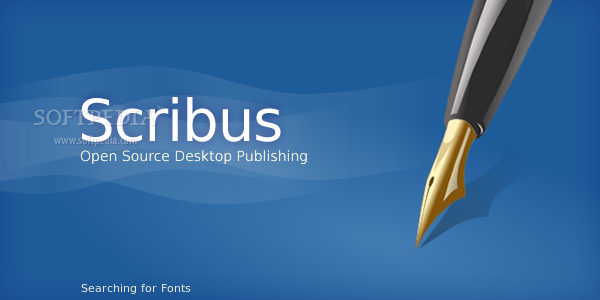
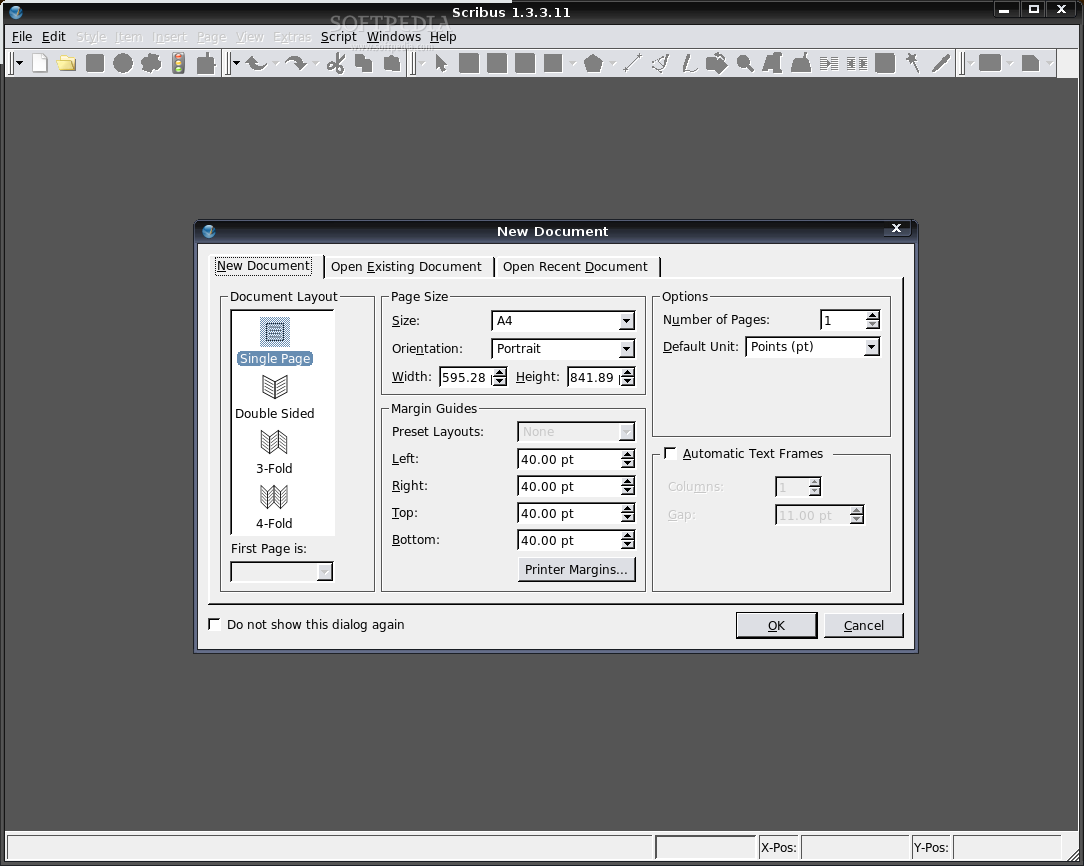
Okay, so we've installed Scribus. What's next? Let's start it and see what it can do for us. In Ubuntu, you'll find it in Main Menu (or Applications) -> Office. A blue splash screen is the first thing you will see when you launch Scribus. It looks very clean and neat, but it's disappointing that it contrasts with the rest of Scribus. The next thing you get is a "New Document" window, where you can choose from four different document layouts or open an existing document. I selected the Single Page layout for the beginning. By playing around, I've noticed that an image cannot be scaled to the image frame's size. This can only be done by using an external image editor, like GIMP.
If you might need to add bar codes to your products or ISBN codes on books and magazines, you will be glad to know that Scribus has such a feature. It can automatically produce 18 different bar codes, and to add another good thing to that, you can change the color of the bars, text and background. When the code is generated, you can drag and drop it wherever you want in your project. For those of you who like to add their own features to Scribus, without too much editing, I have some good news: you can extend Scribus with Python scripts which can help you out in the future. There are already two default scripts included in Scribus, CalendarWizard and FontSample, which can be used as inspiration for your scripts.
A neat thing I found out is the distance measuring tool which is very useful for a better precision in positioning the elements of a page. You can also opt for a fast and fine way of distribution and alignment, by using the "Align and Distribute" tool located in the "Windows" menu. In case you're not satisfied with it, you can move the images, text boxes, shapes, etc. manually, by dragging them on the page. A complementary feature is the grid, which can be really helpful in the exact positioning of the things you make.
The developers implemented some sort of clipboard, if I could call it this way, that bears the name "Scrapbook". The Scrapbook is used for retaining elements you use often. They are not cleared from the Scrapbook unless you delete them, which could turn out as a good thing, if you create different projects and you want to use previously created shapes, text boxes, etc. Speaking of shapes, I hardly found a way to change their background. Actually it was so simple that I didn't notice it! I only had to right click on the shape and go to Properties, a menu that's full of neat options, like changing the looks, colors, borders, opacity, etc., which really impressed me. It turns out to be good for professionals and for beginners too.
After playing around, I tried to save from a pre-defined template already made by Scribus' team. Although I used a stable version, I received a message that's telling me I was using a development version, and the template was made in version 1.2.3 or lower, which could render the document useless in the older version. Anyway, I've saved the document and moved on.
The Good
Scribus is one of the best DTP solutions available at this moment, and if you think about the fact that it's free, a sincere "WOW!" might slip out of your mouth. Another white ball for Scribus: it runs on the most used platforms at this moment, Linux/Unix, MacOS X and Windows. Not to mention the fact that it can be used by both professionals and novices.
The Bad
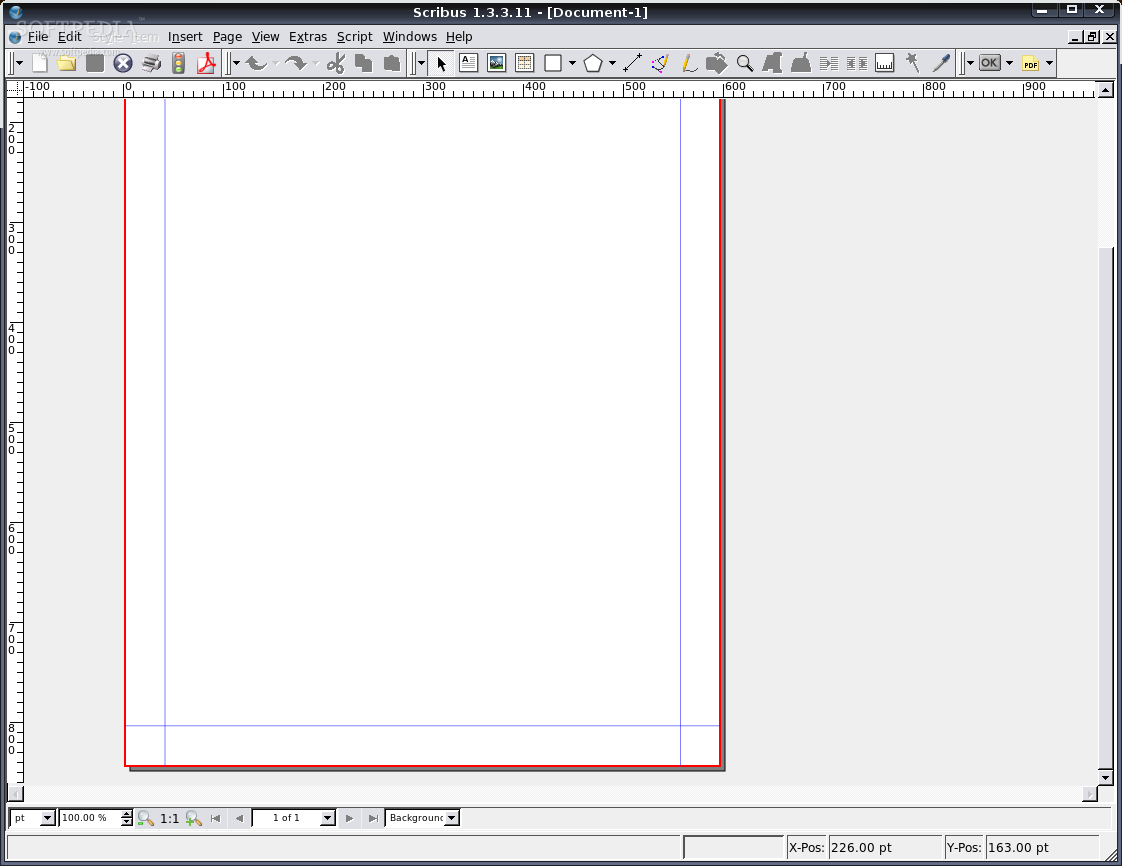
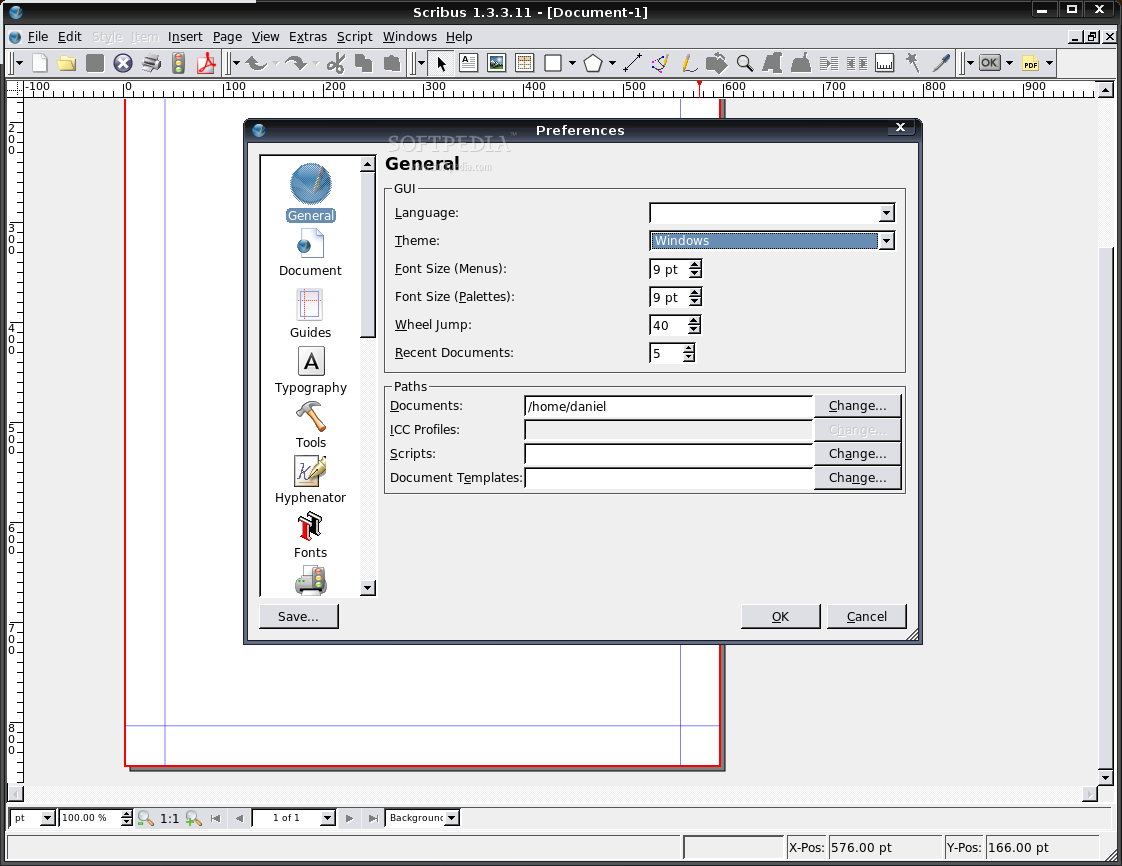
From my point of view, the worst thing about Scribus is it's aspect. The splash screen is way too beautiful, but the rest looks old. It has a few themes included, but they all look gray and depressing.
The Truth
There is more work to be done to Scribus, but it's the best app you may find at this moment. There is commercial software which can do the same things as Scribus, but why should you pay for something that doesn't even have all of Scribus's features? Also, the commercial ones might be targeted only at professionals and the beginners get left out.
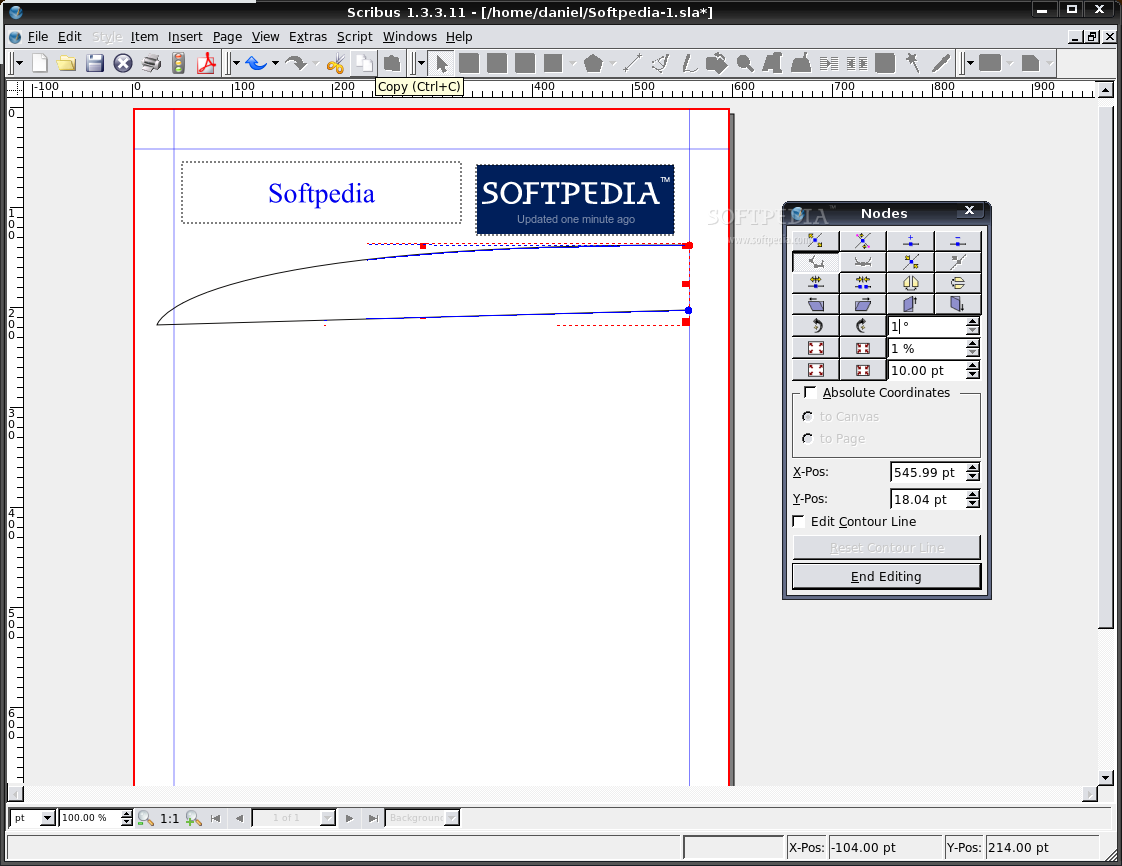
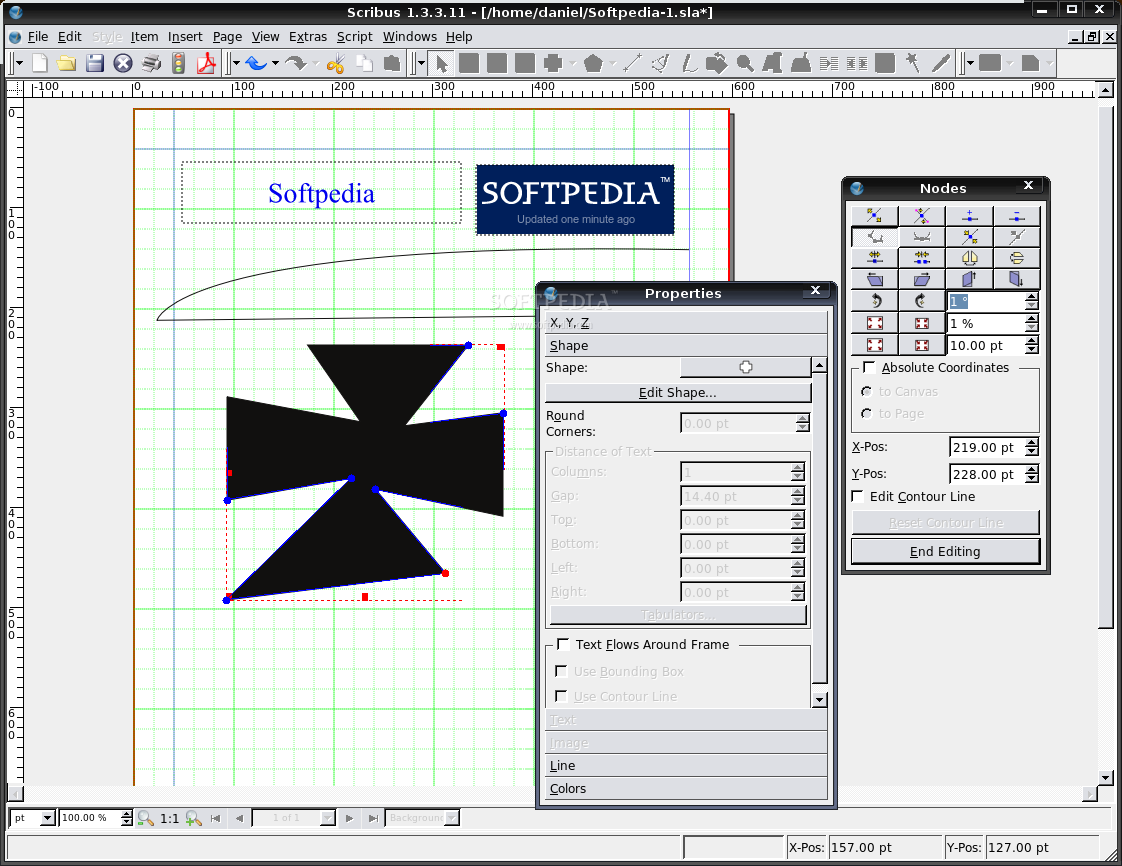
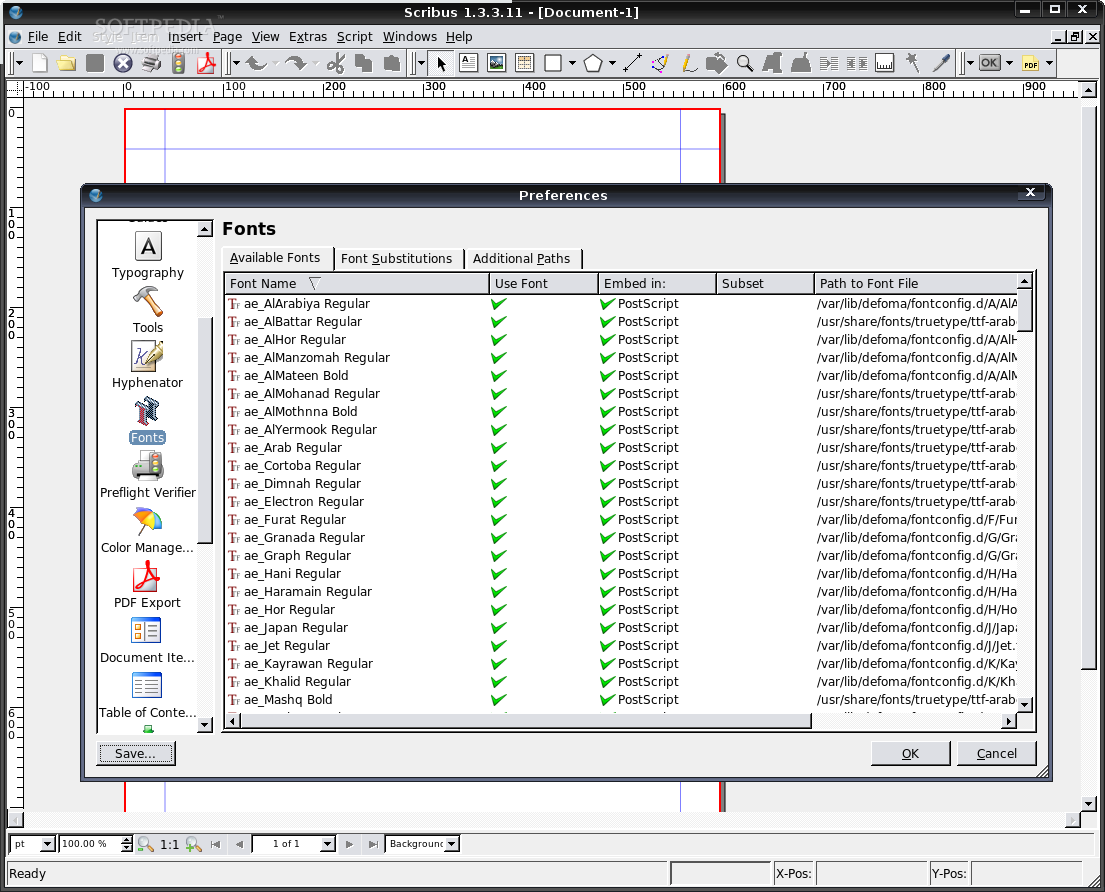
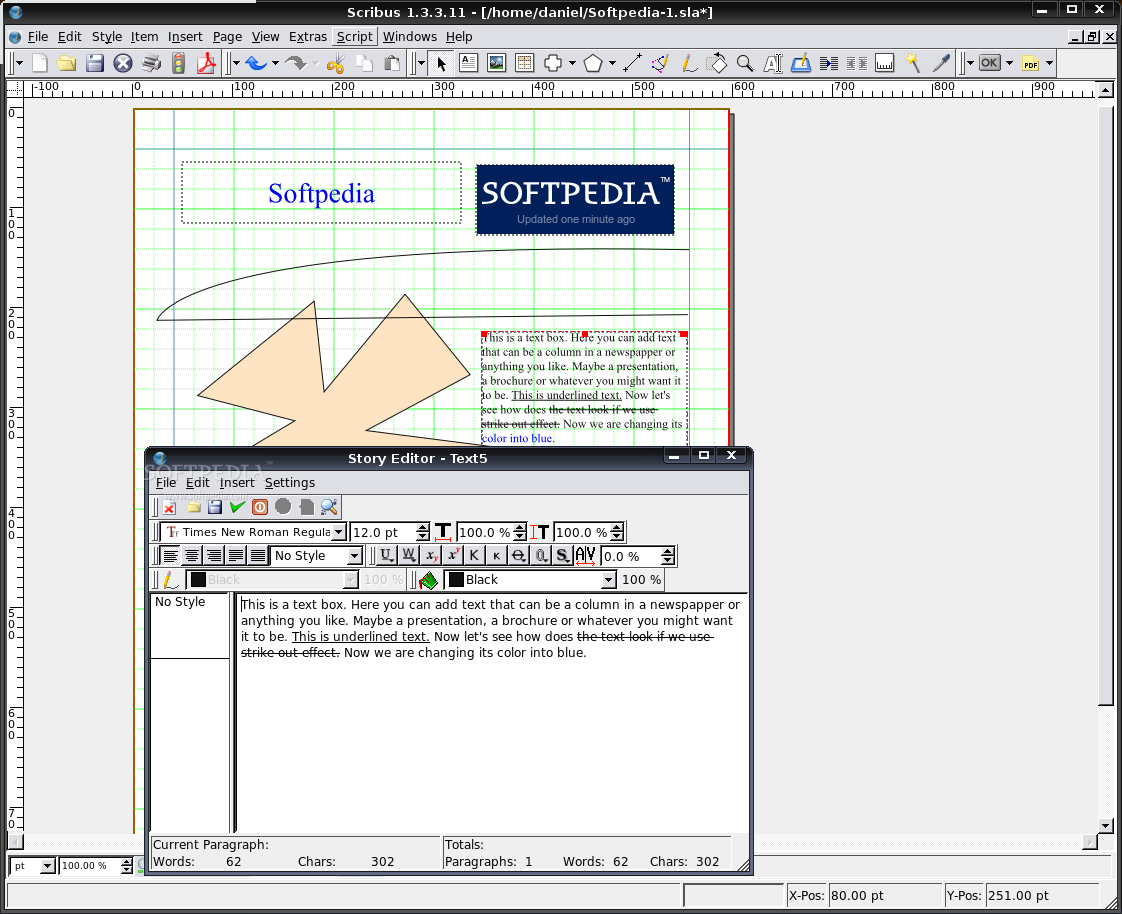
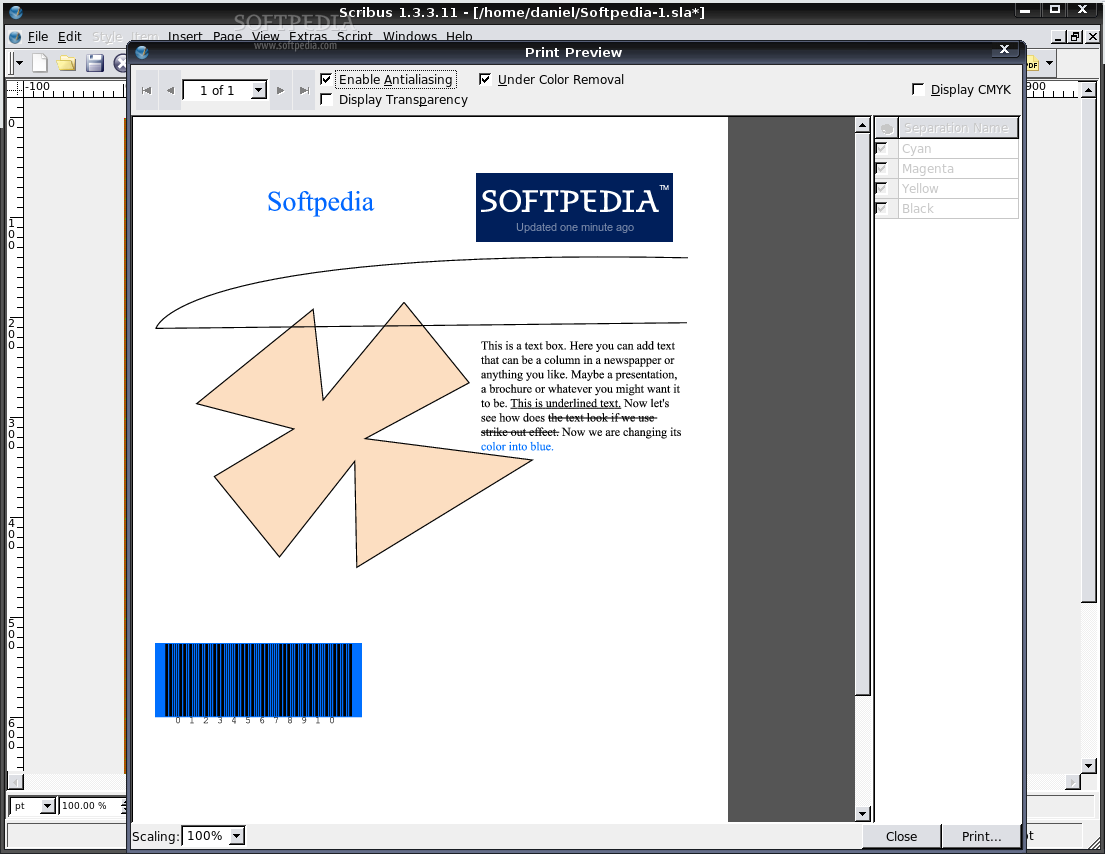
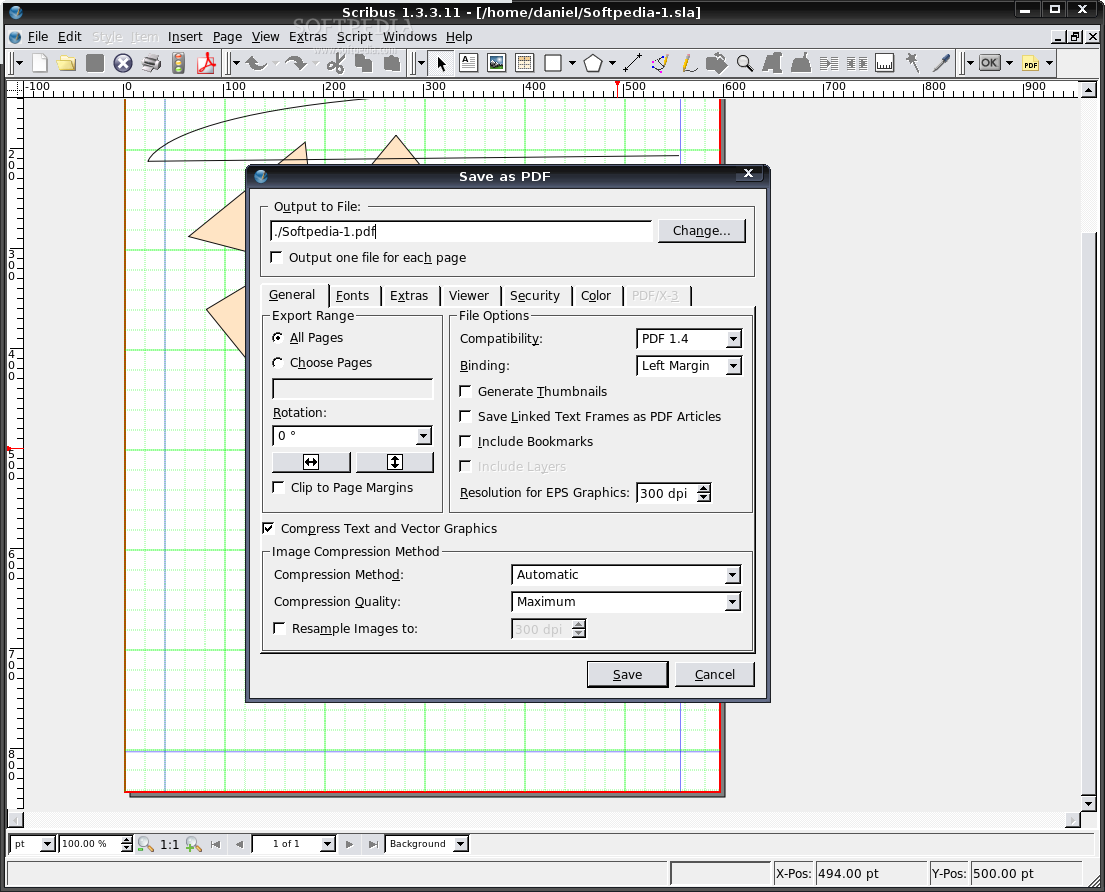
Here are some screenshots with Scribus in action: