14 DAY TRIAL //
 I first heard of Sweep two or three years ago. I knew all along it is an interesting audio editor but I never had the kick to give it a try. I don't really know how but it got installed on my computer and for this reason I finally decided to see what's it all about.
The first thing that surprised me was the support for many audio formats. It is able to work with Mp3, WAV, AIFF, Ogg Vorbis, Speex and many more. Most of the support is provided by libsndfile, which is very good at supporting most PCM sound file formats. The biggest surprise was the support for Speex, which is an open source codec designed for VoIP.
One of the coolest features of Sweep is the support for LADSPA plugins. LADSPA stands for Linux Audio Developer's Simple Plugin API and it provides a standard base for developing audio processors as plugins. LADSPA is supported by applications like Gstreamer, MusE, Rosengarden-4, Ardour and many more. This means that once a plugin is created it can be shared between all this applications.
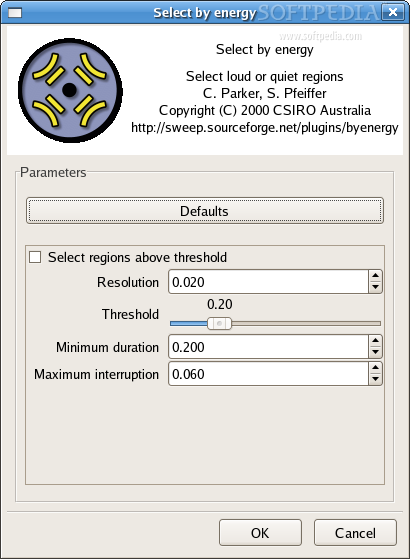
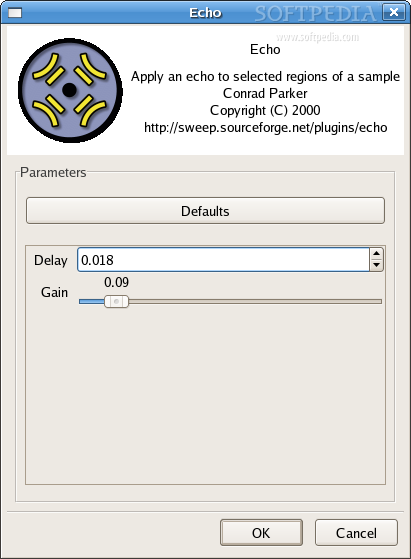
Plugins give great versatility to applications and the good news is that I was able to find over 40 plugins that can be used with Sweep. The most useful are included by default, but if you want a little more from this software, others should be used. Sweep automatically finds the plugins and builds a simple user interface for them.
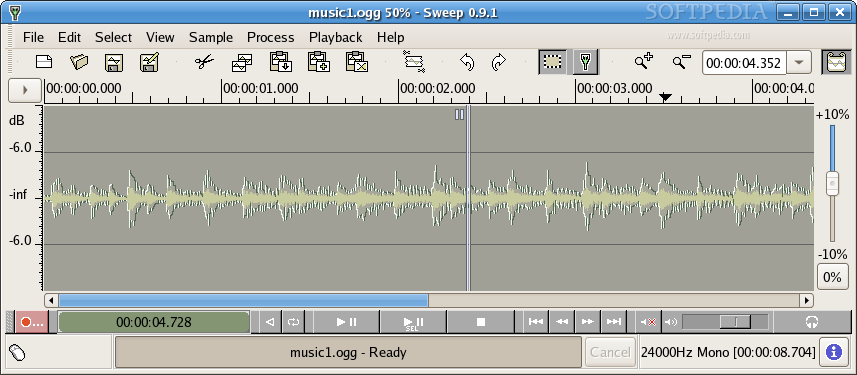
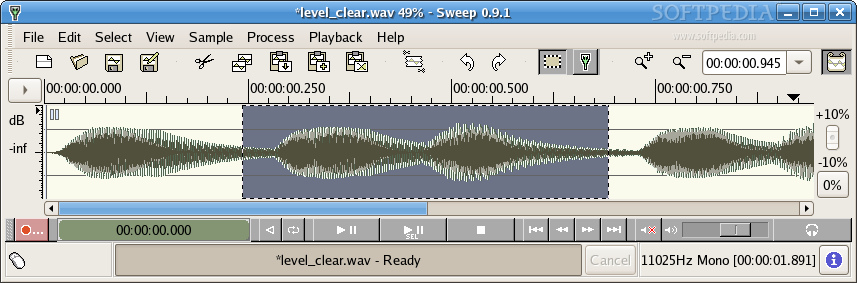
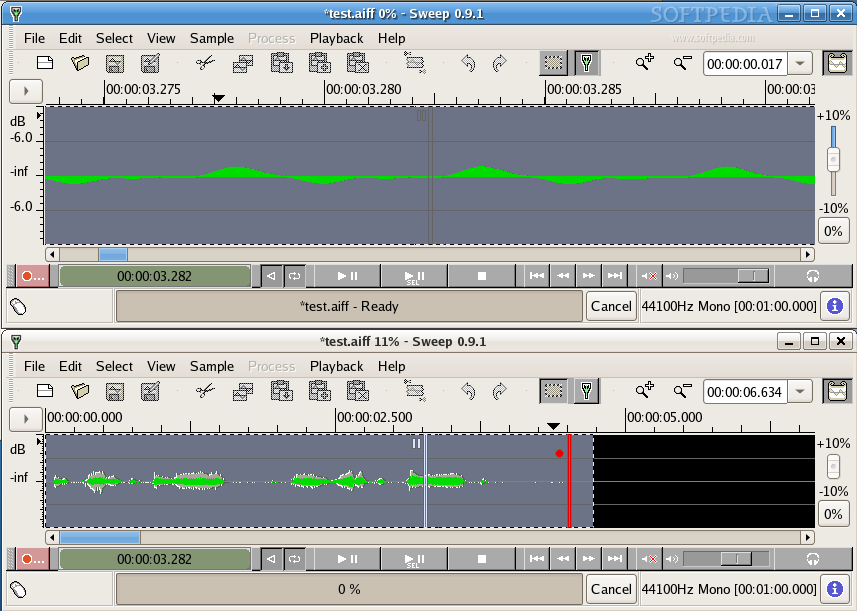
The intuitive visualization is present; it can't really miss from this type of application. It has all the features you expect from it, like zooming, auto scrolling and even support for eight color schemes. Color schemes are useful if you work with multiple files at the same time. They allow an easier differentiation. The color schemes can be found in the View menu. For zooming in and out the waveform you can easily use the mouse wheel.
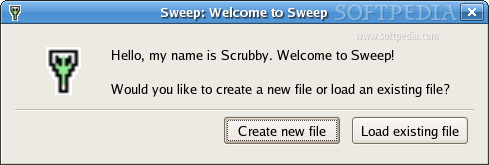
Sweep has a feature that makes its developers very proud. It is Scrubby, a tool that can be used to play the content of an audio file. An interesting thing is how it works. You are able to drag it around the waveform and play the file from that point forward. This is useful for choosing exactly the point where you want to make an edit. When you move it over the waveform it gives a "scratching" effect and, if you have the skills, perhaps DJ-ing is possible with Sweep.
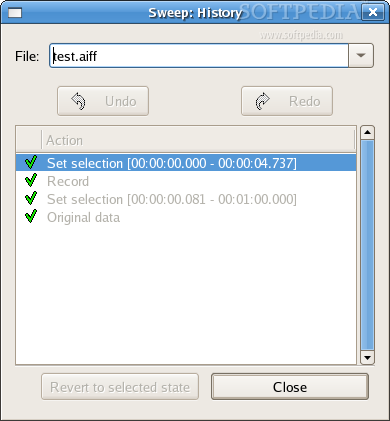
Sweep has an advanced history function that allows unlimited undo/redo. In the history window you can see all the actions related to that file and at any point you can revert to a previous state.
Recording is very flexible. You can record sound in a loop and even in reverse. Levels can be set either for the previous sound or for the recorded one, so you can record your voice over a present wave. This is pretty cool, but usually it's done by using a different channel for the voice. Since here you work directly with the sound file and a proprietary format to retain more info doesn't exist, you can't use different "layers" and this approach should be used.
The Good
Sweep is easy to use and has support for LADSPA, so this makes it pretty versatile.
The Bad
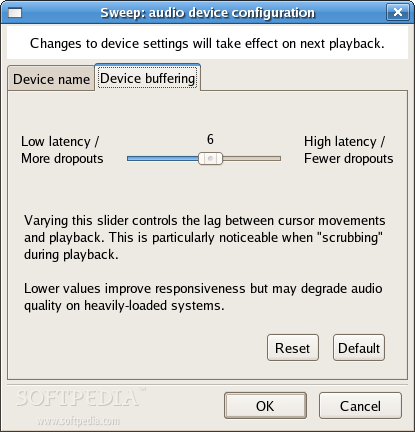
The latency is somehow high so it can't be efficiently used in real time.
The Truth
Sweep is a very nice application and provides enough functionality to get the job done. It is a strong competitor for Audacity. I can't really find a strong reason but I like Audacity more.
Check out some screenshots of Sweep: