14 DAY TRIAL //
 A lot of people turned away from Ubuntu because Canonical has slowly, but surely, taken out a lot of customization options, making some of the most menial tasks a chore, pushing back usability and ease of access, as they were a few years ago. Ubuntu Tweaks aims to correct these shortcomings and it's doing it beautifully.
Ubuntu lost some of its features along the way, starting with Ubuntu 10.04 LTS. I believe the apogee was reached with Ubuntu 12.04 LTS where you can't even install a new theme or a mouse icon, even if it was possible in the previous versions of Ubuntu.
Don't get me wrong, you can still install themes, but it's not exactly an elegant process. I won't even mention other lost features like the location of the window buttons, login customization, and so on.
I'm sure that despite all the issues with Ubuntu 12.04 LTS and its older brothers, there are a lot of users that still prefer it for other 100 minute benefits it brings, myself included.
The developer of Ubuntu Tweak, Ding Zhou, has seen the open wound of the Ubuntu community and surgically repaired it. It's not a patch job, it's a solution that strives to replace and even enhance all the necessary attributes of a Linux distribution.
Installation
Ding Zhou provides packages for Ubuntu 11.10 and Ubuntu 12.04 LTS, but also a source package for users who want to compile it.
If you have downloaded one of the .deb packages, just follow the usual steps, starting by opening a terminal and typing:
sudo dpkg -i ubuntu-tweak_0.7.1-1~precise1_all.deb
or
sudo dpkg -i ubuntu-tweak_0.7.1-1~oneiric1_all.deb
Depending on your version of Ubuntu, there is also an easier way to keep up with the latest updates and that means you will have to add the PPA and update the system. Enter the following commands in a terminal near you.
sudo add-apt-repository ppa:tualatrix/ppa sudo apt-get update sudo apt-get install ubuntu-tweak
Usage
There are so many uses for Ubuntu Tweak that it will be almost impossible to enumerate them all and still hope that by the end, the potential readers are still awake.
The software is divided in four major parts, Overview, Tweaks, Admins, and Janitor. We'll try to detail some of their functionalities.
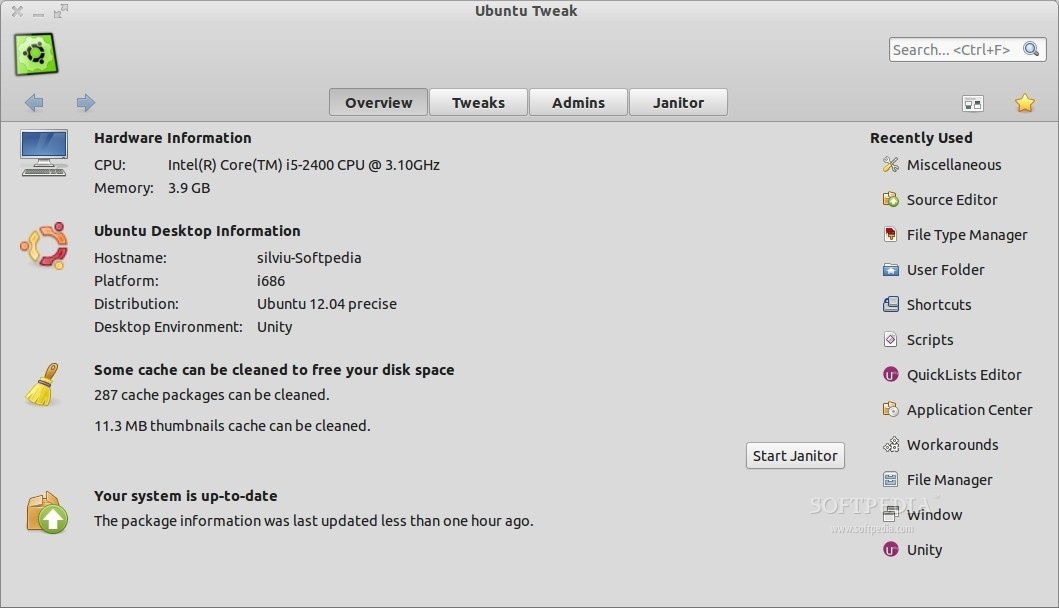
In Overview, users will get some basic information about the system, such as the CPU, the amount of memory used, the distribution, the desktop environment, needed updates and whether the OS needs cleaning or not.
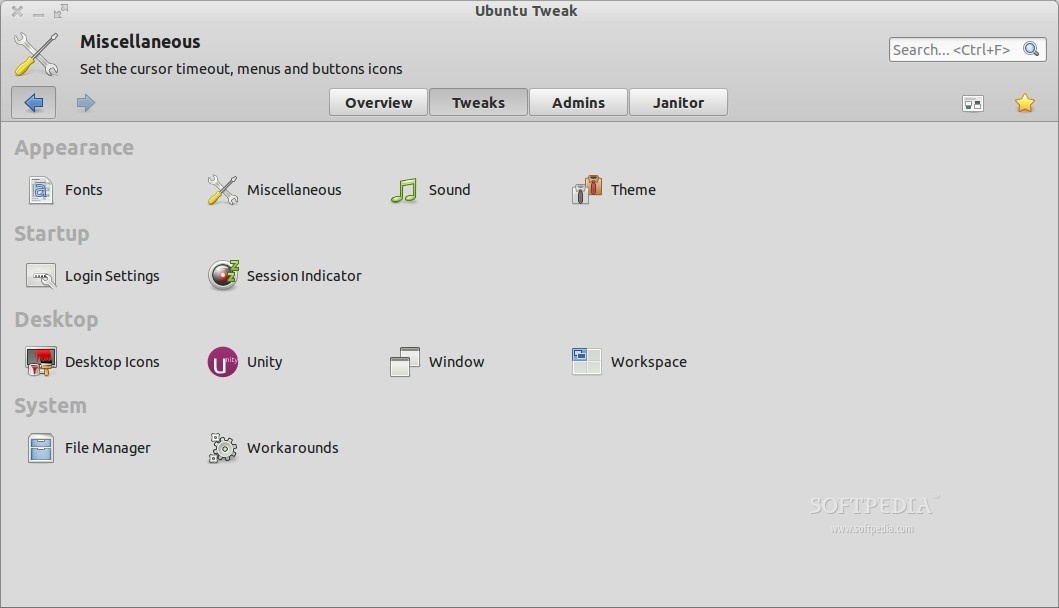
The second part of the application is called Tweaks. Here's where things start to get really interesting. I said earlier that Ubuntu lost some of its basic configuration options, but in fact everything is still present, only that there's no way to reach them.
The Tweaks section is also separated into four different categories: Appearance, Startup, Desktop and System. In "Appearance" users will be able to change font options, disable printing, disable Fast User Switching, make some system-wide sound modifications, and most importantly gain access to a menu where you can easily install themes.
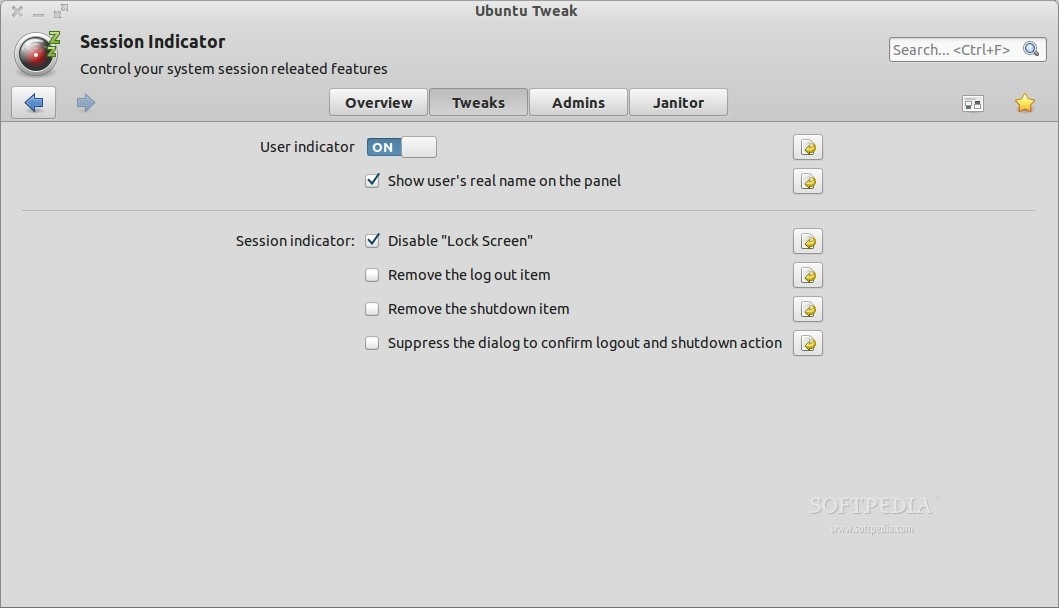
"Startup" deals with settings for LightDM, enabling users to change everything about it, including some options for Session Indicator (display real name and other stuff like that).
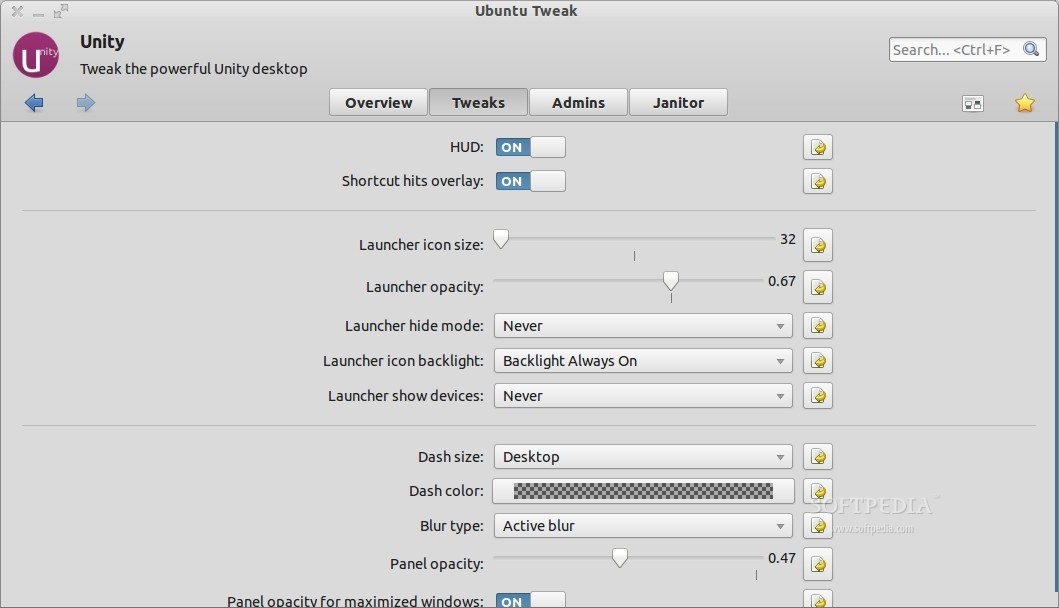
Some nice Windows-like option can be found in the "Desktop" category. Here users can choose to enable desktop icons such as Computer, Home Folder, Trash, and so on. It also holds settings for Unity.
Various Windows, File Manager, Workspace, and Workarounds options are also available, with tons of specific functions and features.
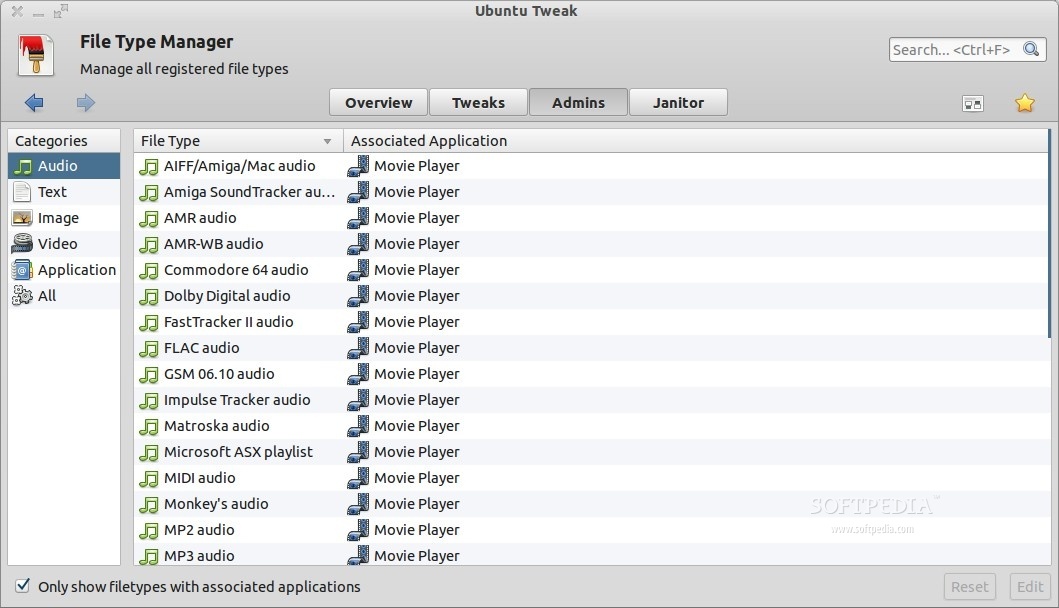
The third major category is Admins, which in turn is separated in several other subsections. They are too many to be counted, but users will be able to find new applications used by other people around the world, can load Nautilus scripts, assign new shortcuts, define the user folder, define what applications open which files, and there's even a PPA source editor.
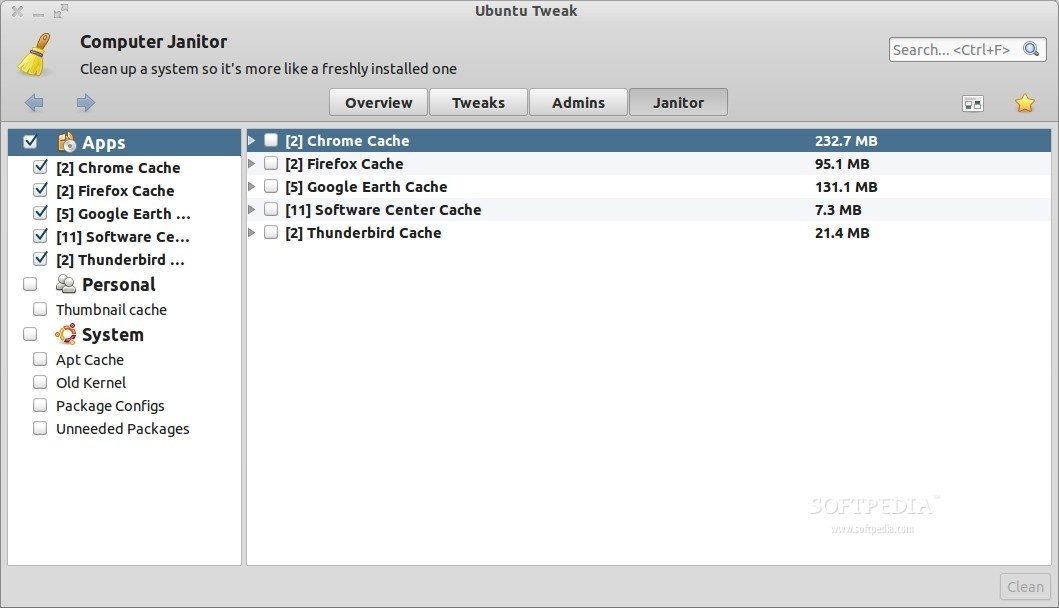
The last category, Janitor, is pretty self-explanatory. Ubuntu Tweak can clean up the cache of various other applications such as Google Chrome, Firefox and so on, the thumbnail cache from Ubuntu, and old packages from previous kernel upgrades and such.
The Bad
The Good
I can finally make Ubuntu look and act in the way I want it, without having to install a lot of programs. Everything I could think of is provided and I'm quite sure more will arrive soon.