14 DAY TRIAL //
 A few days ago, I found out that a new great software for vector graphics emerged in the Linux world. This software is a truly wonderful gift from Xara who decided earlier this year to give to the open source community Xara Xtreme. Now, the process of porting has gone very far and in my opinion, is ready for the mainstream public.
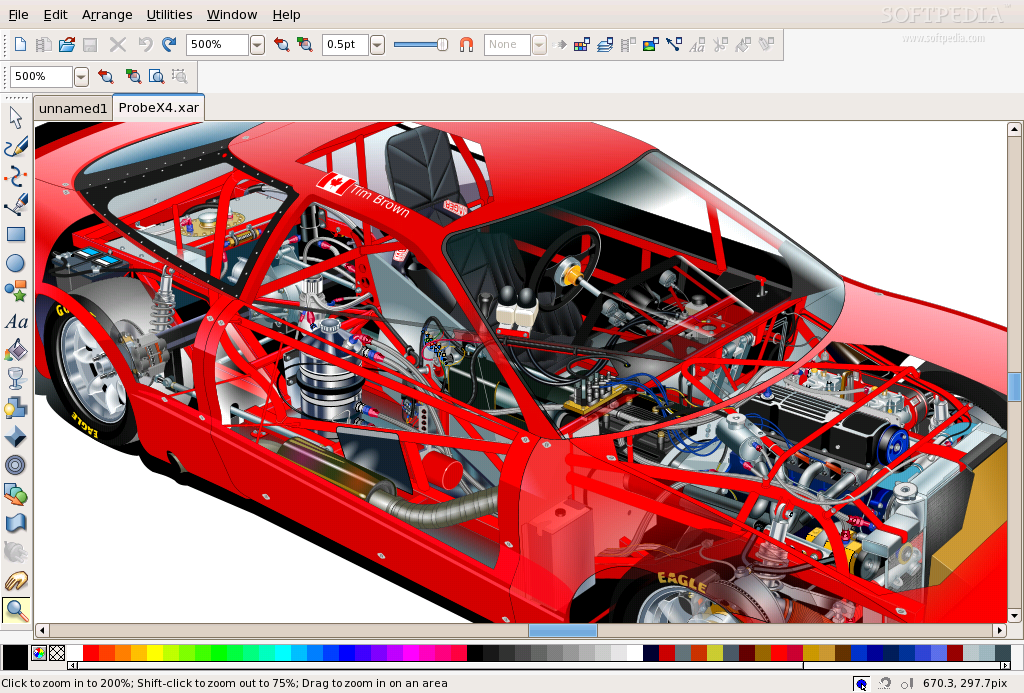
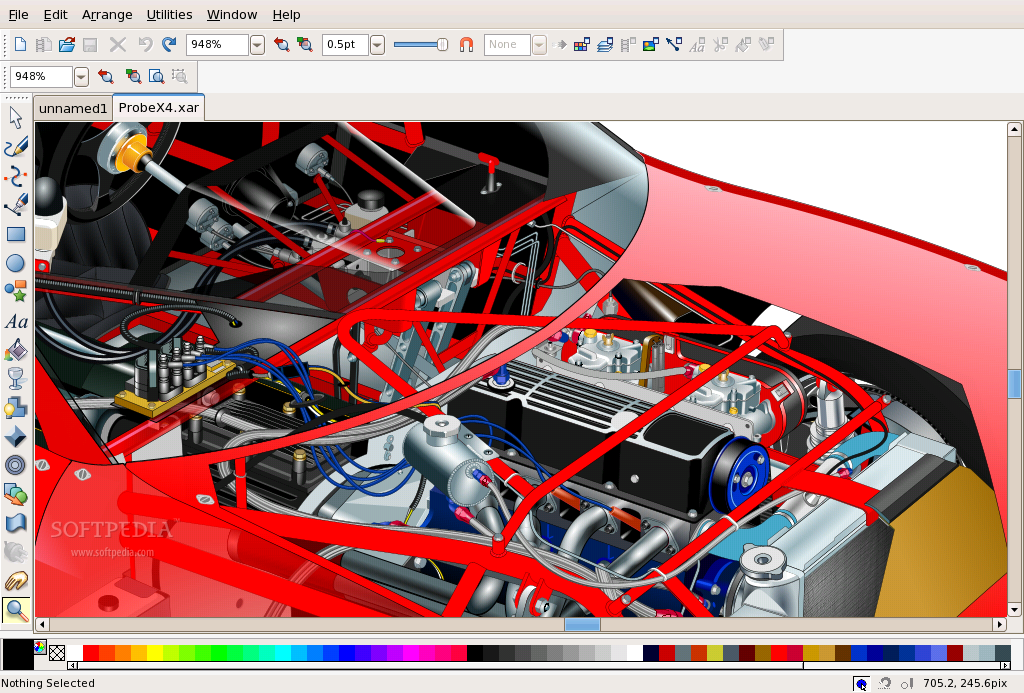
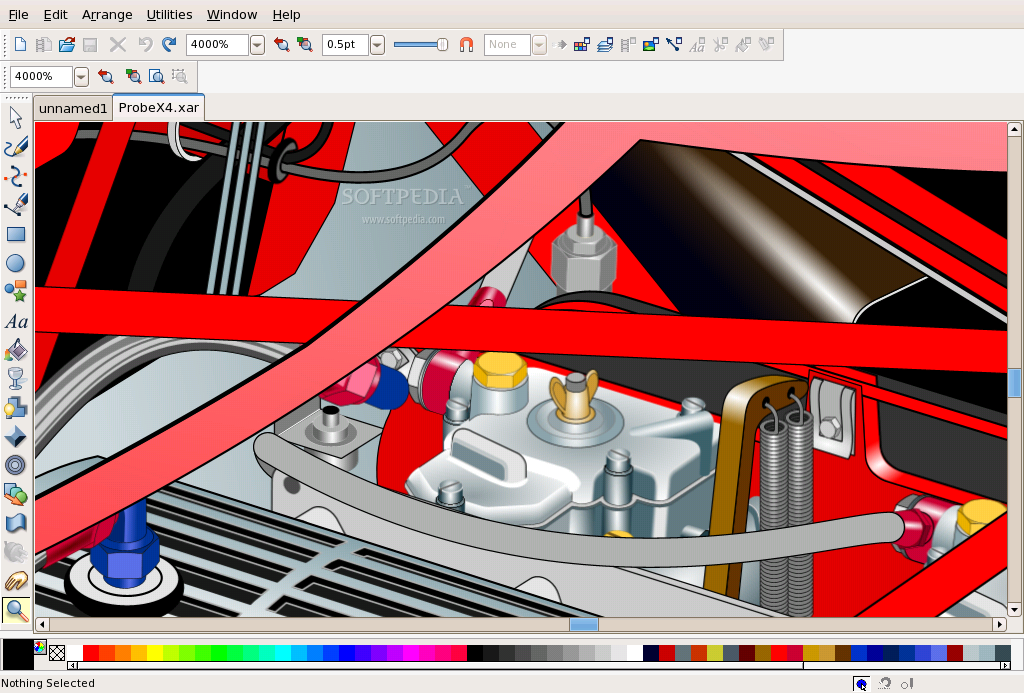
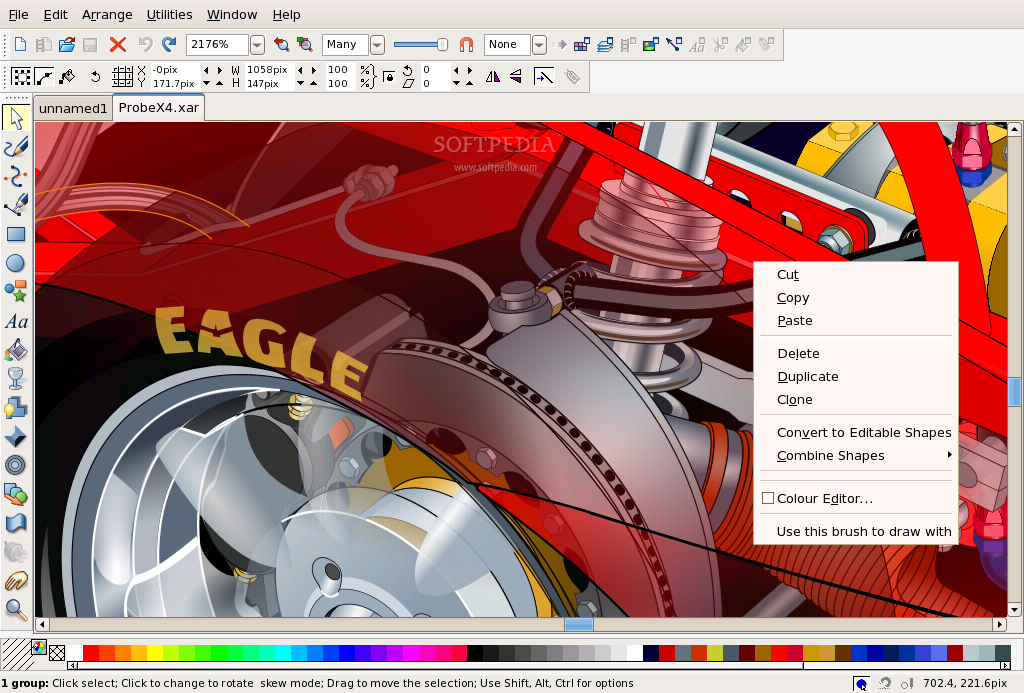
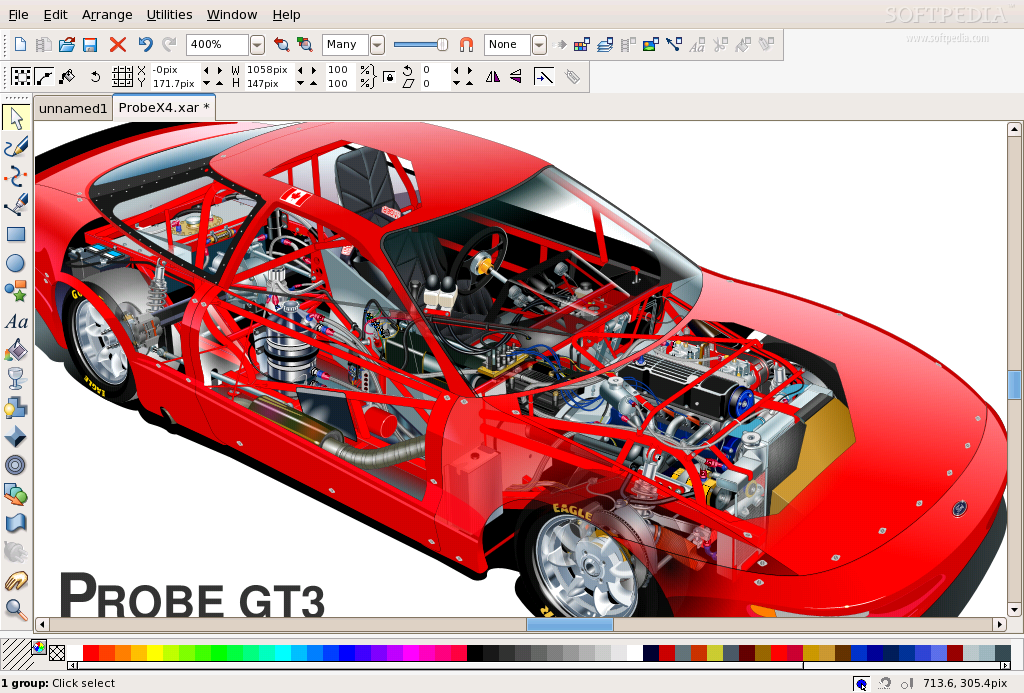
Xara Xtreme is very famous for its speed. To be honest with you, I never believed anyone that stated that their software is the best or the fastest or things like that. That's why I decided to see that for myself. Since it's a vector drawing software, I wanted to test it with some complex SVG files but Xara doesn't support SVG yet. I don't like to start like this, but it couldn't have come as a greater disappointment. Support for SVG is critical, but I've seen on the forum that this is a work in progress and we will have it in Xara, so more good news are yet to come. I tested the speed with the ProbeX16.xar file and I'm really impressed that it is able to load that incredible amount of details in a more than acceptable amount of time. I've then created my own ProbeX1.xar to work with and for every action I performed, the response was in real time. This really blows my mind because I have a 1.5GHz processor that I never considered for high detail graphics. This software is really fast because I remember that other vector graphics software took more time to render drawings that where less complex.
The Interface
Xara Xtreme has a very nice, uncluttered and easy to use interface. Even though it might seem to have a few buttons, an experienced user can do truly amazing things with Xara.
Most of the tools are located in the left hand side of the screen and after selecting a tool, its settings will be shown in an upper toolbar as you are used to from all the other programs. The icons are very intuitive and for every button, there is a tooltip that gives you a hint about what it does and sometimes about the keyboard shortcuts that apply. From what I've seen so far, the tools are Xtreme. They pack a lot of power in the simplest form possible.
In the main menu, little functions where available. This is somehow strange, because even though most people wouldn't access them from there, the main menu gave a rough idea about what are some of the features. I personally like this approach because a lot of accent is put on functionality.
On my first try with the software, I was able to make some interesting graphics. I think in a few hours I could really get to know Xara which is a very complex software. I was just surfing on their website and I located some advertising movies. They where excellent! The few hours necessary to get familiar with Xara are now down to a lot less and the chances to get things right are much bigger. I really want to see some tutorial movies that demonstrate some techniques because if they will be available, then this great tool can become a delight to virtually anyone.
Xara is a great photo editing tool. It's very easy to use and even though it doesn't come close to GIMP at this stage, it can perform most of the actions a normal user would ever want to perform a lot easier than he can do it in GIMP. It can work with all the popular formats that are used for photography and also in this area demonstrates an incredible speed and versatility. The plugins feature hasn't been implemented in version 0.7 but I've read that Xara plans to use GIMP plugins and that they are also thinking of making the Photoshop plugins work.
Considering where Xara Xtreme for Linux stands at this point and what features are still planned for implementing, I honestly think that this application can be the best.
The Good
Xara Xtreme is fast, is versatile, is easy to use and now it's FREE. Xara Xtreme is great with vector graphics but it's also very good with bitmaps.
The Bad
I can't really say bad things about Xara because it's a work in progress and the things that bothered me will not be there in the final product.
The Truth
Xara Xtreme is a great gift that will push Linux a step further into the future. I can only be happy that great tools are now available for Linux and even better, they are now free. I once believed that Inkscape is the greatest graphics software around but now, I know that Xara Xtreme will take the lead.
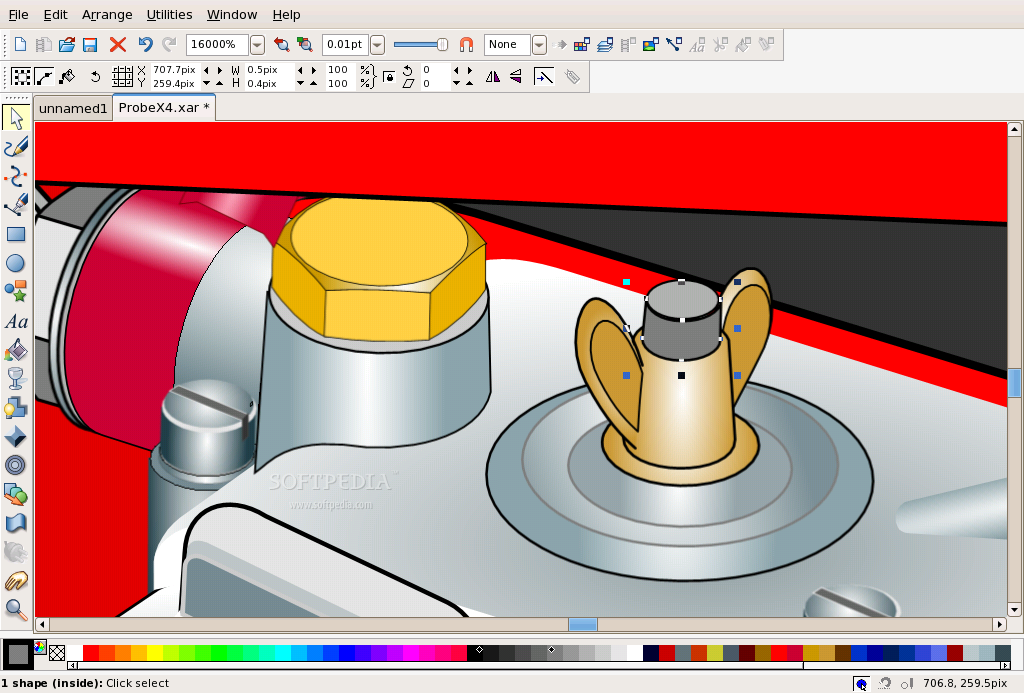
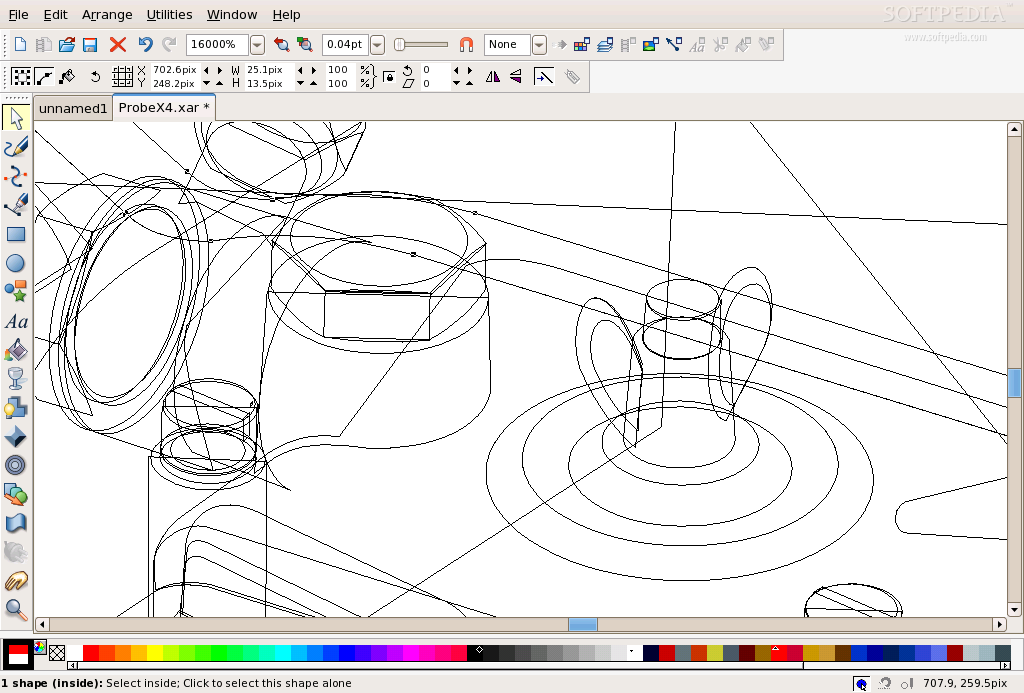
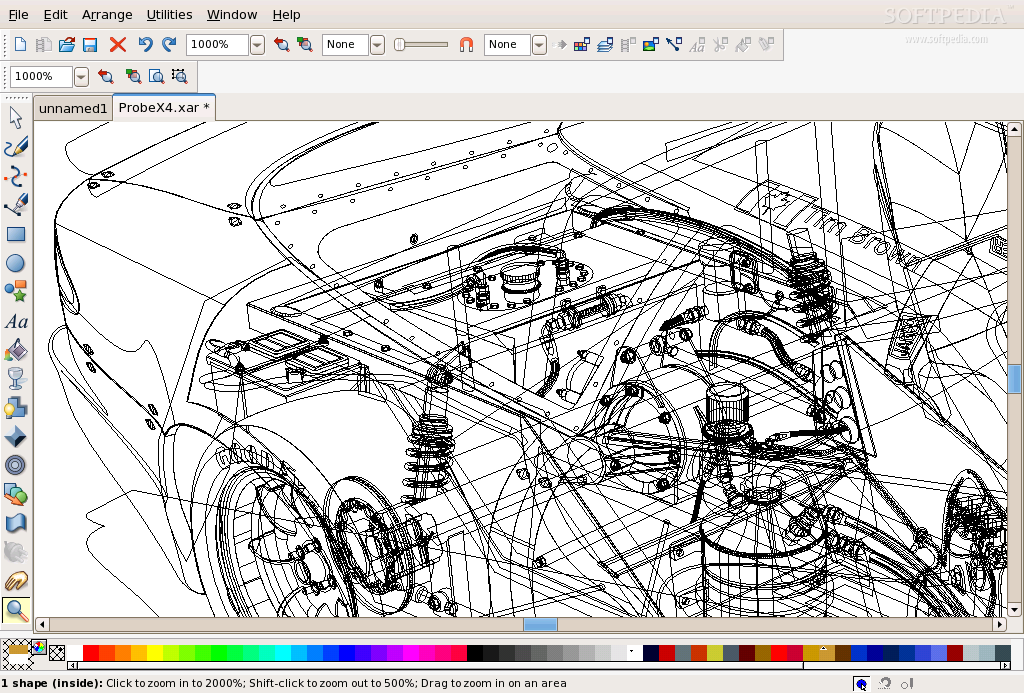
Check out some screenshots of Xara Xtreme for Linux with a detailed Ford Probe GT: