14 DAY TRIAL //
 Many people use Microsoft's instant messaging service, but there are many more IM clients out there. Some of them implement all the popular protocols (Jabber, IRC, Yahoo Messenger, ICQ, AIM and others). If you only have an MSN account, there's no need to use a multi protocol client because you will not communicate using other IM protocols beside MSN.
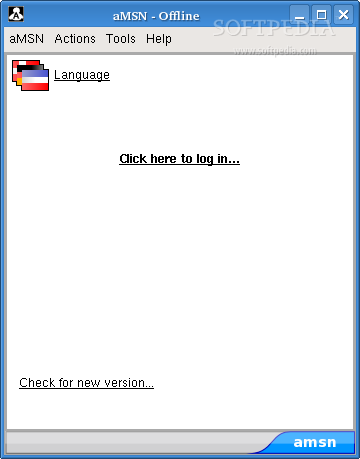
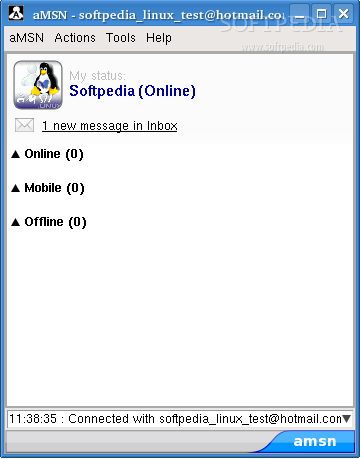
Alvaro's Messenger, aMSN, is an open source Microsoft Messenger clone. MSN messenger is only available for Windows and Apple's operating systems. Alvaro's Messenger runs on Linux, attempts to emulate the look and feel of MSN Messenger and supports many of its features. To run aMSN you will need Tcl/Tk 8.4 or above.
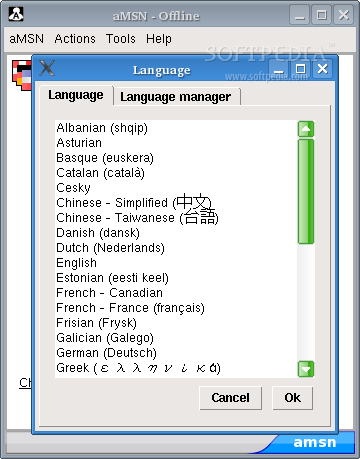
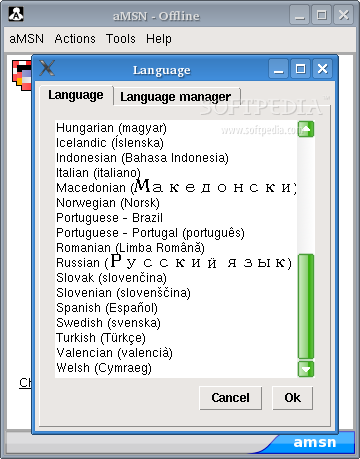
There are advantages to using aMSN because it's very customizable. It has many pretty cool skins and alarms; users are able to open many profiles at once and to see others who have removed them from their contact list. It also has internationalization support; there are lots of languages to choose from: Russian, Greek, Chinese and so on. A restart of the application id needed in order to apply the language change.
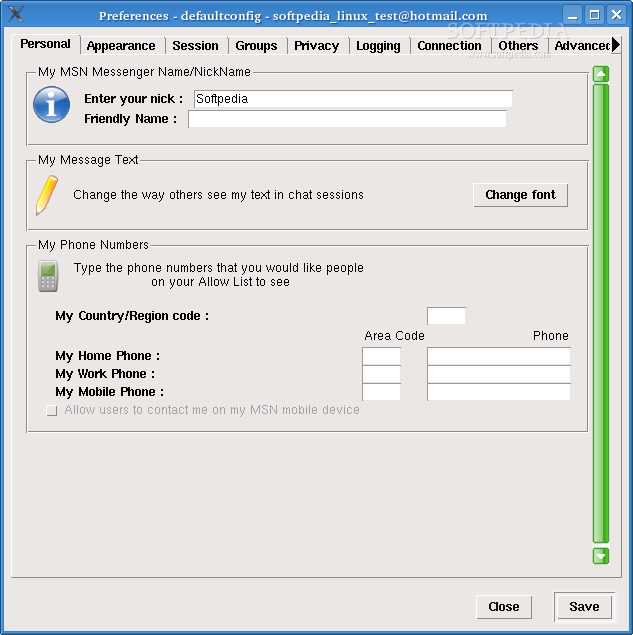
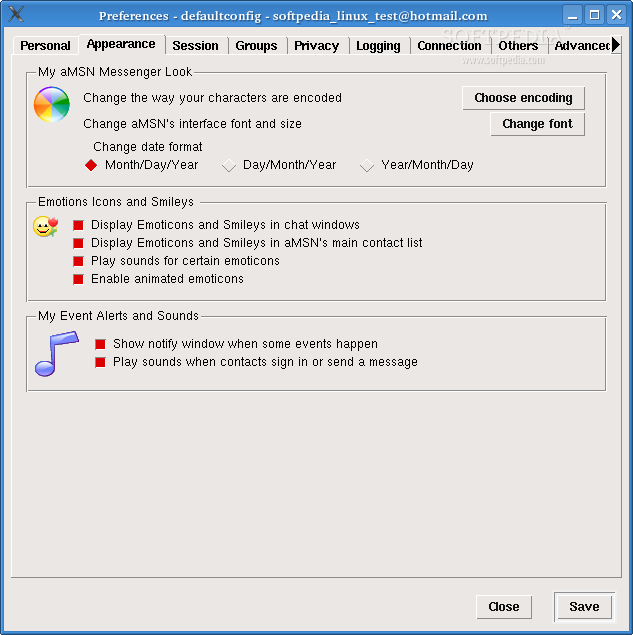
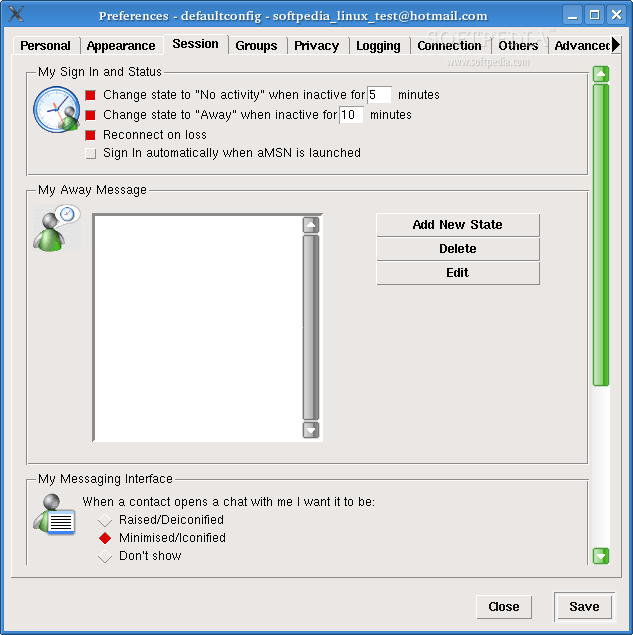
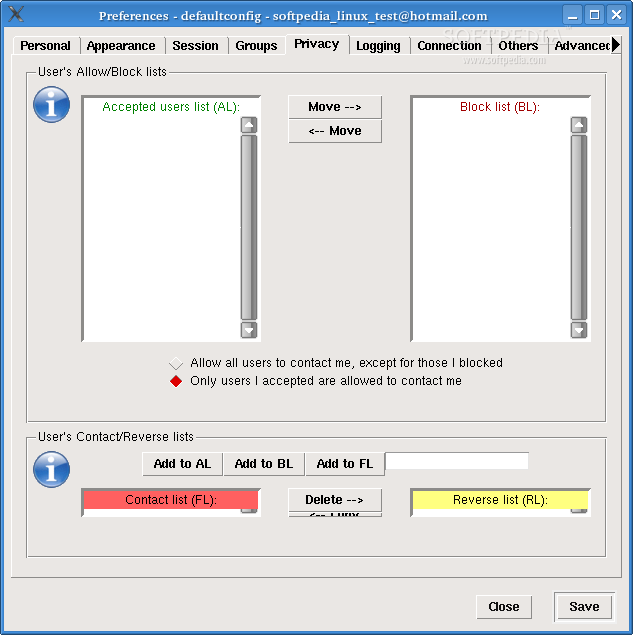
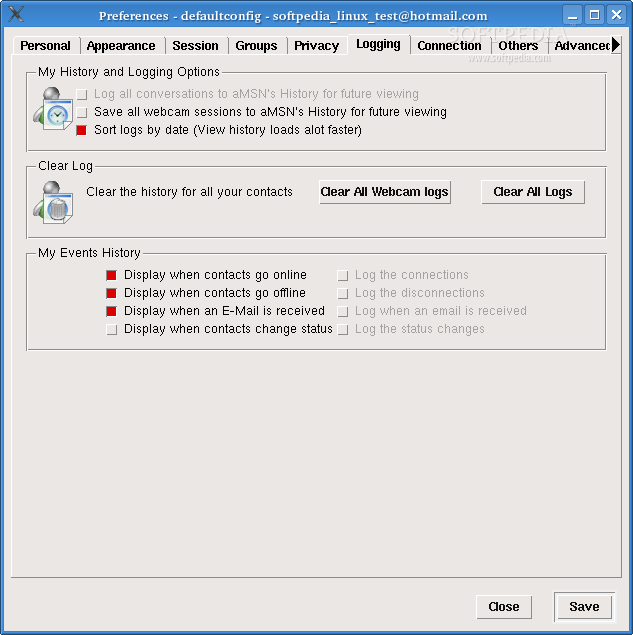
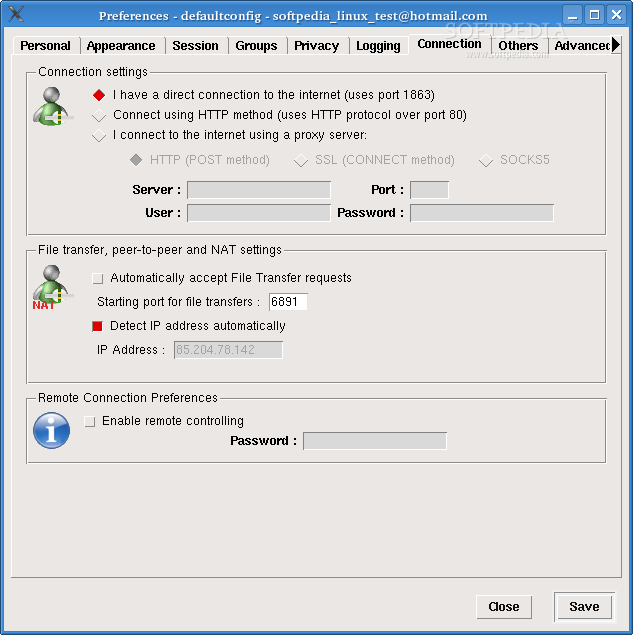
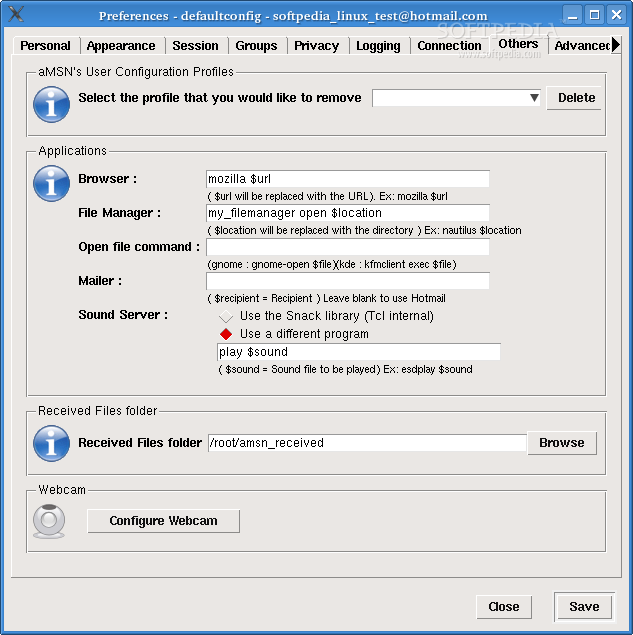
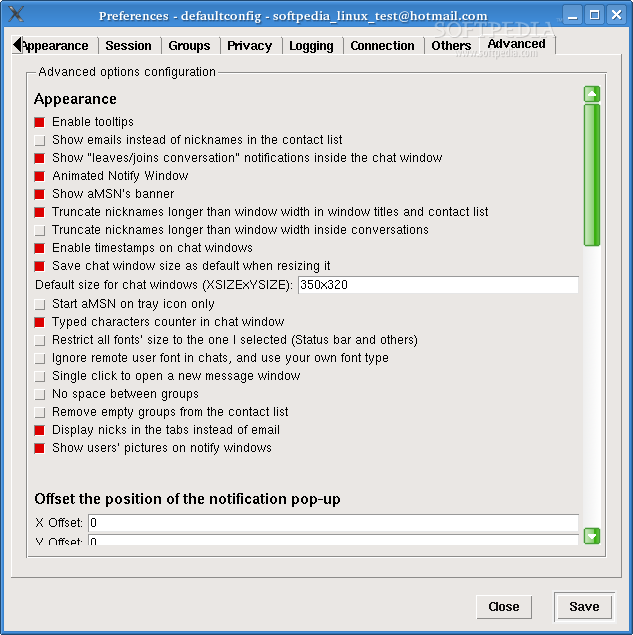
You can change the behavior of aMSN by selecting Preferences from the Tools menu. It has all the settings you need. aMSN can be further tweaked with the use of the freely available plugins.
The programs works fine, looks nice and has great functionality. It supports file transfer and webcams. The webcam wizard is an easy way to configure and fine-tune your webcam. The wizard can be started from within a chat window by clicking 'Actions' and choosing Configure Webcam. As I didn't have one around, I couldn't test how it behaves, but the quality should be the same as for the official MSN client. If the image is of a poor quality, it's probably because the other user's webcam is low end.
One of the features that I like is that it uses only one window for chatting, with tabs for each conversation. This keeps your taskbar and desktop from becoming cluttered. When you chat with many friends at the same time there will not be separate windows for each chat.
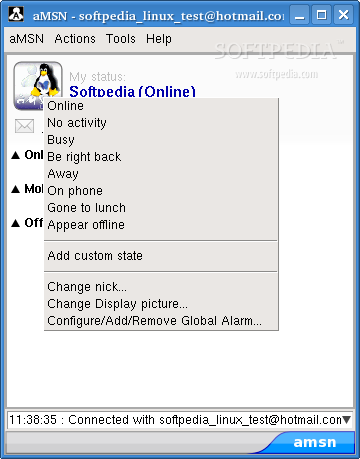
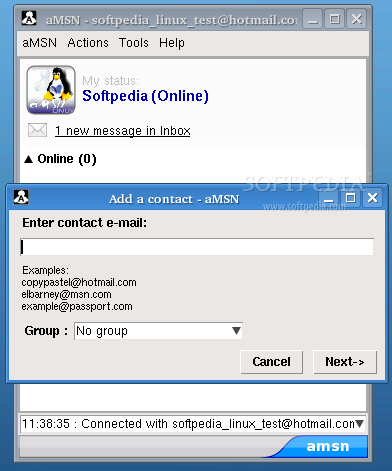
You can arrange your contacts into groups and sort them by name. If you want to save conversations, you can log them to a file. If someone which you don't know bothers you, add him to the block list and you won't see messages from him/her again.
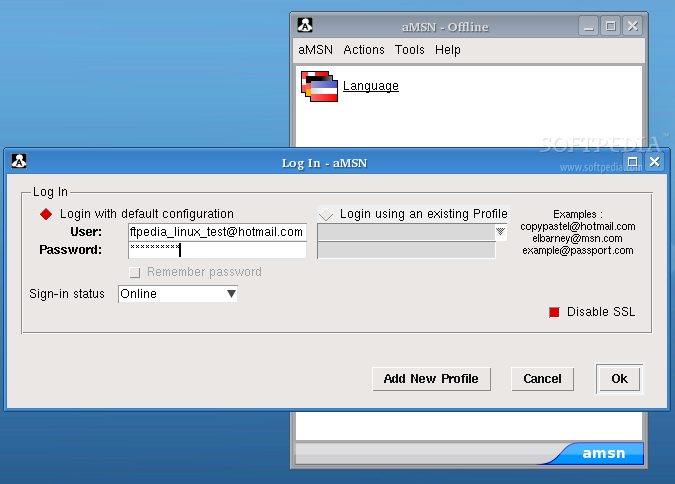
You can log on to your mail account automatically by using aMSN, but it didn't work when I tried this with the Mozilla Firefox browser. It went to the Hotmail page but it didn't log in so I had to enter the username and password manually.
Ok, you can send files, show yourself to your friends with a webcam but what about hearing and actually speaking with your friends? I didn't find any microphone settings. For now, aMSN does not have audio support. This did not bother me because I rarely do audio conferences, but it may bother some people.
The Good
A very nice MSN compatible Instant Messenger application. Works pretty much like its Windows based counterpart. You can use it as substitute of the official MSN messenger. There are a lot of nice themes available for download so you'll never get bored of it.
The Bad
Users might be disappointed with the lack of audio support and the fact that you can't play any of the MSN games. Besides this, there are no problems.
The Truth
aMSN was intended to be only a client for MSN. If you don't have other IM accounts use aMSN; if not, there are many multi-protocol open source clients that you can use, for example Gaim or Kopete.