14 DAY TRIAL //
 People usually use a different program for every task related to their music collection. They use a program for ripping audio CDs, another program for converting the audio files to various formats, another program for normalizing the volume level and another program for editing the tags. If you're one of those people, you will most likely be glad to find out that all four tasks, including others, can easily be done with one single program, called gnormalize.
gnormalize decodes the MP3/MP4/MPC/OGG/APE/FLAC file to WAV, then normalizes the WAV to a targeted volume level and re-encodes it. Moreover, gnormalize can extract Audio CD track and output as various popular audio formats (MP3, MP4, MPC, OGG, APE, FLAC, WAV) with fast speed and high quality.
gnormalize can also convert audio format between MP3, MP4, MPC, OGG, APE and FLAC with high fidelity, which meets your need to play and collect audio files. It can change the encoding and Metadata (tag) properties of final normalized files.
gnormalize can be used to adjust the volume of audio files to a standard volume level, where different recording levels on different albums can cause the volume to vary greatly from song to song.
Unfortunately, gnormalize can't be installed through apt-get, yum or other package managers because it isn?t (yet) available in the distribution repositories. However, installing it from the sources package is a process very much simplified by the install script provided with it. Once you've downloaded and uncompressed the sources, you will need to run the install script and answer a few questions related to the additional Perl modules you would like to be installed. The modules provided with gnormalize are CDDB_get, MP3-Info and Audio-CD. The latest, however, will require libcdaudio and its development package to be installed on your system.
Even if gnormalize only required two packages to run (perl and perl-Gtk2), it won't be able to play or convert to formats such as mp3, ape or flac by default. So, if you need to play or convert an audio file to one of these formats, you'll need to install a few more dependecies: mac to encode and decode APE format, flac to encode and decode FLAC format, faac to encode WAV to MP4 format and faad to decode MP4 to WAV.
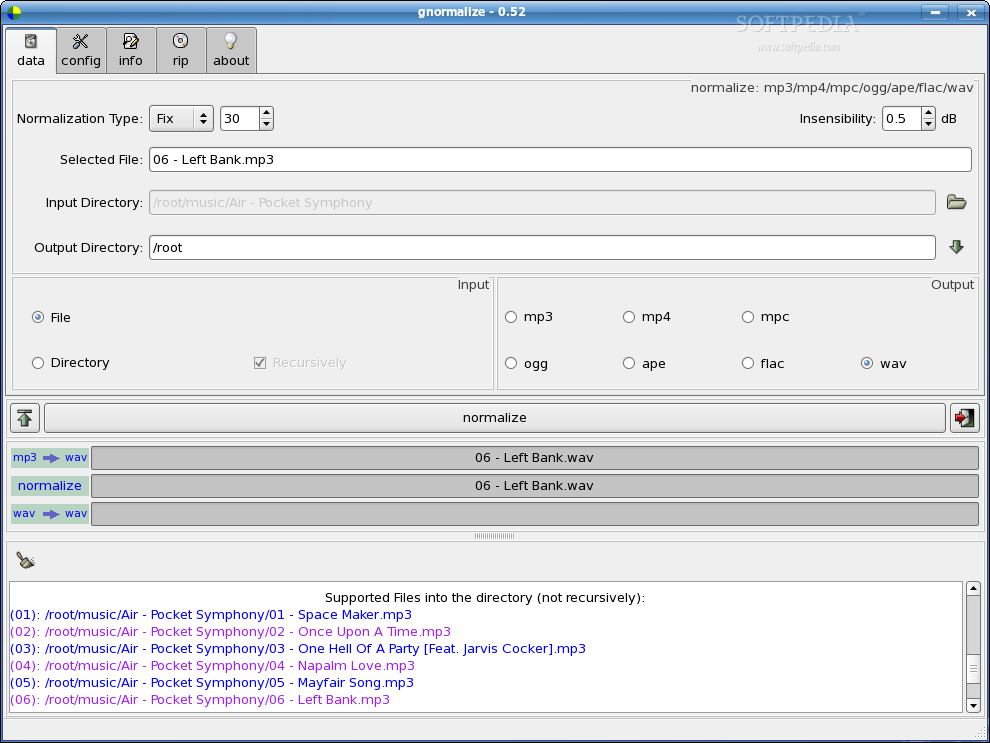
Once the program is installed, together with the additional dependencies needed for encode/decode the filetypes you need, you can start gnormalize by typing its name in a terminal or in the Alt+F2 dialog. You'll notice that its interface is very intuitive and most of the items are explained through tool tips. Moreover, the interface is divided into five tabs, each tab having its own special utility. The first tab allows you to convert various audio files to mp3, mp4, mpc, ogg, ape, flac or wav formats and it also enables you to adjust the volume of audio files to a standard volume level.
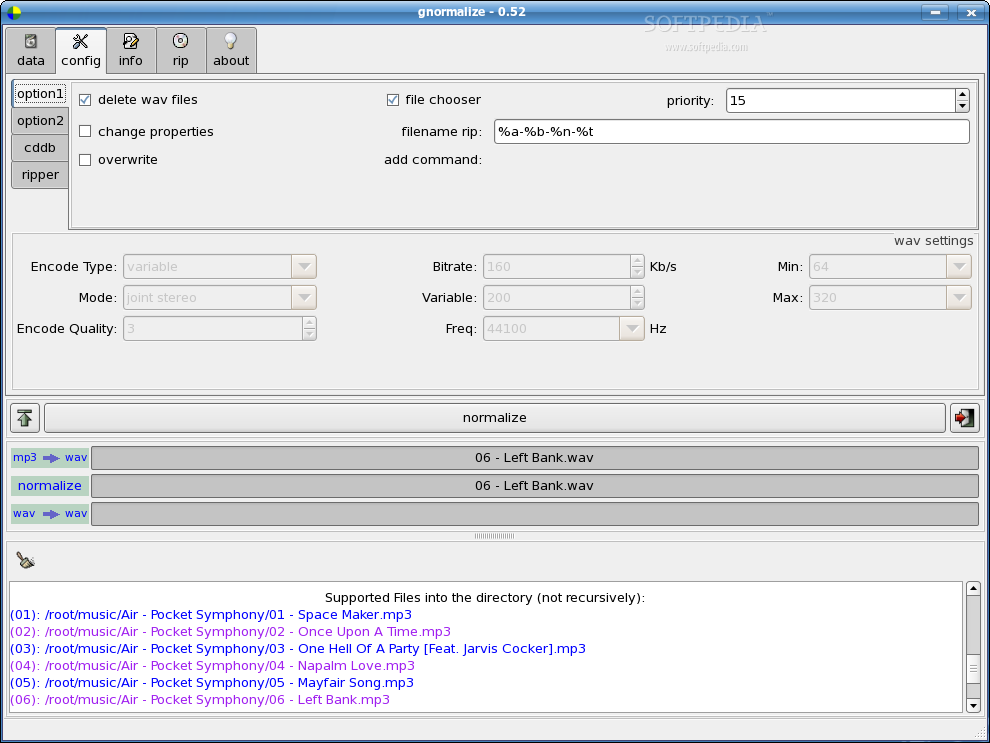
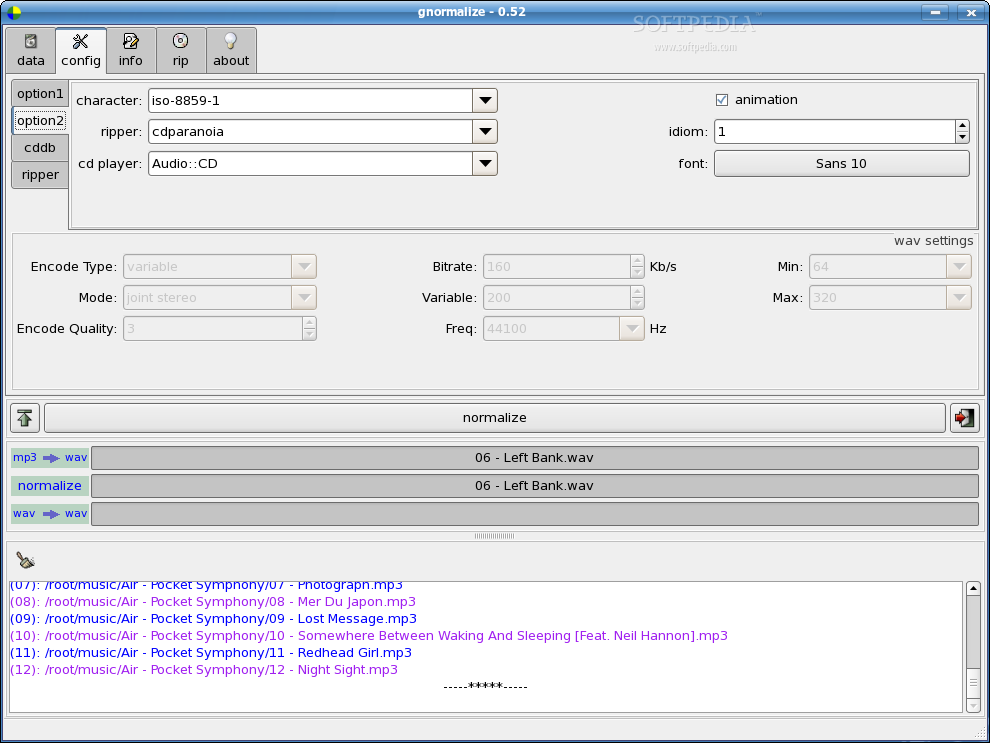
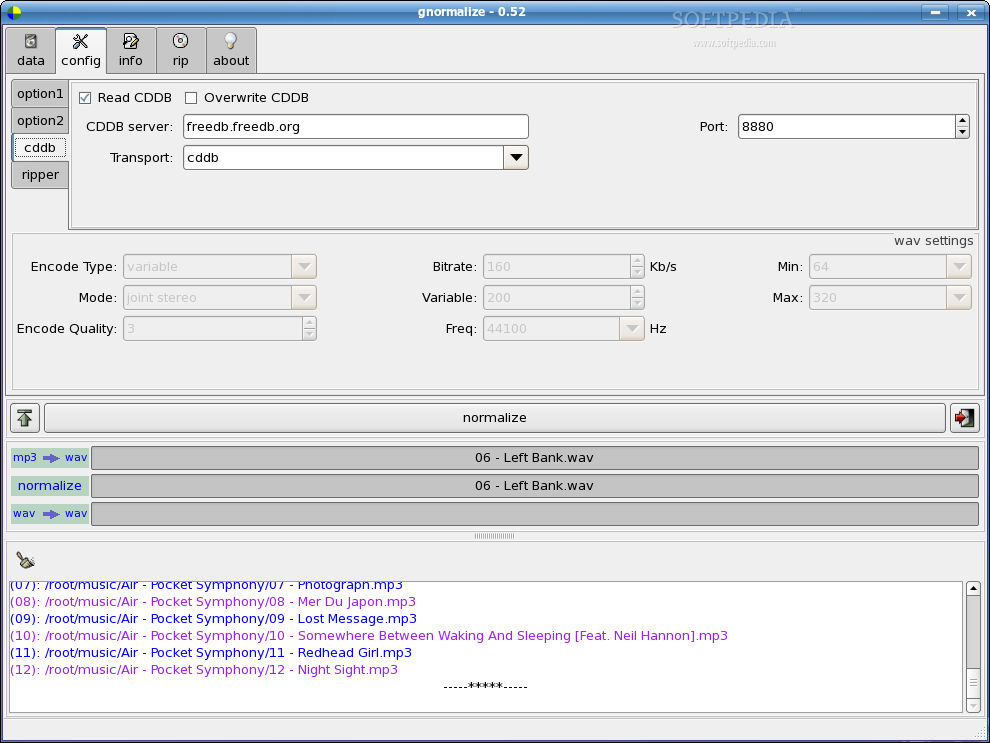
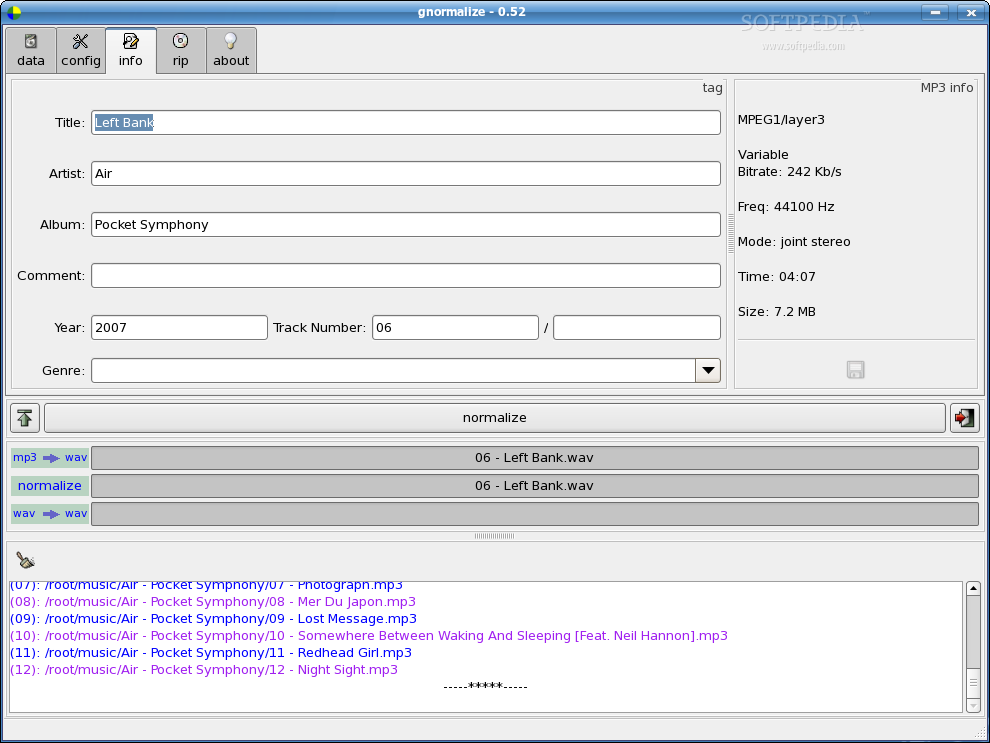
The second tab enables you to config various encoding/decoding options and also to select whether the read CDDB function is enabled. In this tab, you can also press the "Show the command line", which acts as a console and displays any warning message it can occur. This is a very helpful feature as it acts like a console and shows what went wrong and which executable is missing, allowing you to easily repair things. The third is the info tab, which displays the MP3 Info and also allows you to make modifications to the tag.
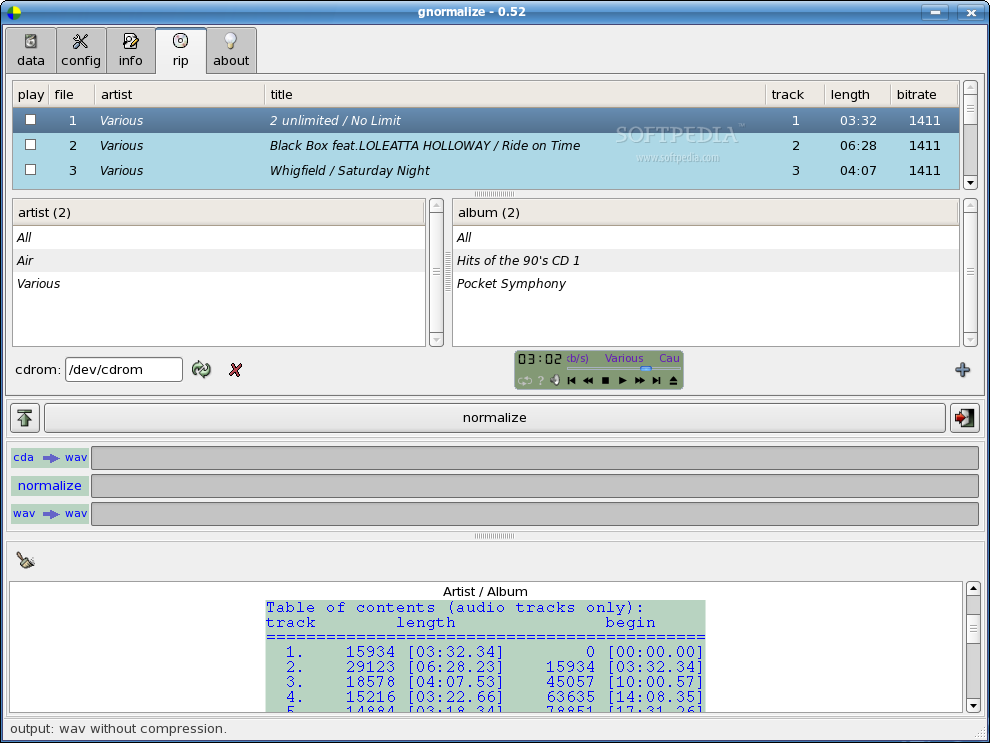
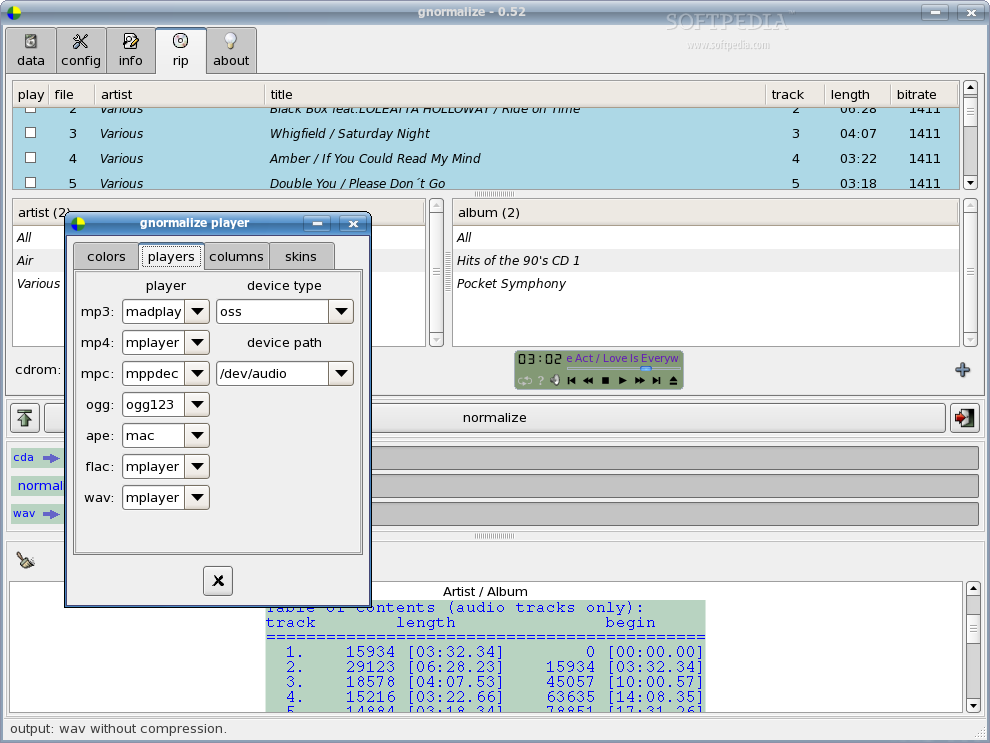
Next tab, rip, allows you to rip audio CDs but also acts as an audio player. Here, you can select which tracks you want to convert to digital format and you can also preview them with the integrated audio player. If you right click the player, it detaches from the main window and hides it. The player offers basic functions such as eject, play, pause, next etc. The player's appearance, as well as the programs used for playing various formats can be configured through a dialog, which pops-up once you click the scrolling information. The last tab displays a short description of gnormalize and a random Tux animation. Funny.
The Good
gnormalize is able to decode various audio formats to WAV, normalize the WAV to a targeted volume level and re-encode to the original format or, optionally, to another. The whole normalize feature is optional as you can only convert an audio file from a format to another. gnormalize can also rip audio CDs to a custom digital format and can also display and edit the file's Metadata (tag).
The Bad
Most of the interface's items are explained through tool tips but there is no documentation available. The progress bar button also acts as the command line button so if you want to view both, you'll need to push the button twice. I guess it's better this way, but this is something every one needs to figure out as it's not explained anywhere.
The Truth
gnormalize frees you from the need of having three or four programs to manage your audio files. It's a front-end to several programs and it brings their features into a single program. Its interface is very intuitive and easy to use, even if there is no documentation available. Definitely worth trying.
Check out some screenshots below: