14 DAY TRIAL //
 If you download large files, you know how important a download manager can be. For instance, if you're downloading Linux ISOs and your connection fails, a download manager can resume your download unlike starting it all over again if you would have downloaded directly. There are a variety of download managers available for Linux, one of the most popular ones is called KGet.
KGet is integrated into the KDE desktop system, so you most likely have it already installed. In fact, if you're using Konqueror for browsing, you probably already see it in the notification area (system tray). If not, you can easily launch KGet by clicking its icon found in KMenu > Internet.
The first time you run KGet, it will ask if you want it to enable Konqueror integration. This means that whenever you click a download link while browsing with Konqueror, the file will be downloaded by Kget instead of Konqueror's download manager. Immediately, the KGet icon will appear in the tray, allowing easy access to the program's window and configuration menu.
Once KGet has been integrated into Konqueror, all download links will be passed to it. However, there is another way that the downloads could be added to this download manager - using KGet's Drop Target feature. This feature adds a big blue arrow to your desktop which can be moved to a specific desktop location and also can be set sticky, that's the same thing as being always on top. Drop Target allows you to drag'n'drop links, files, even images to the blue arrow in order to be downloaded to your hard drive by KGet.
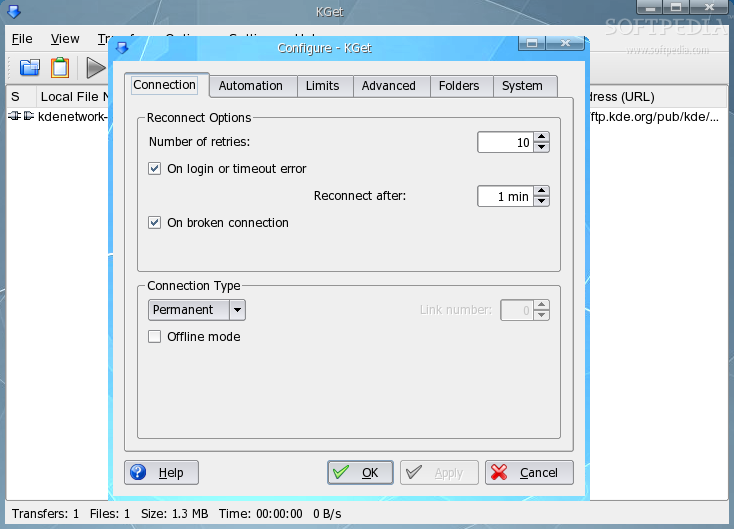
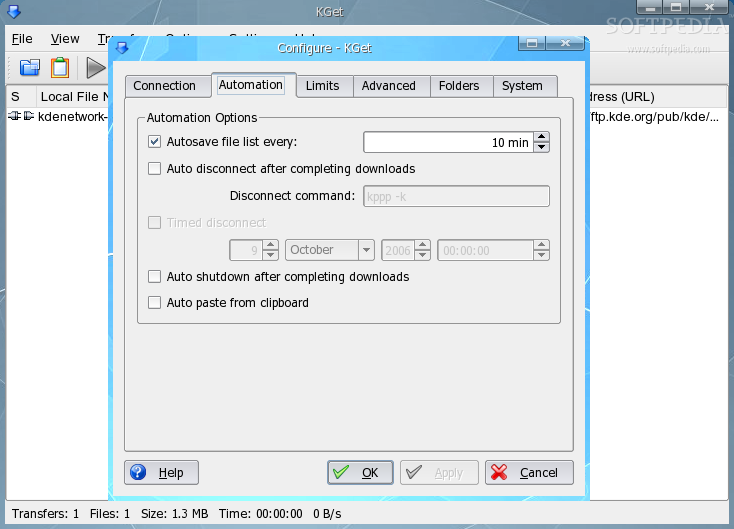
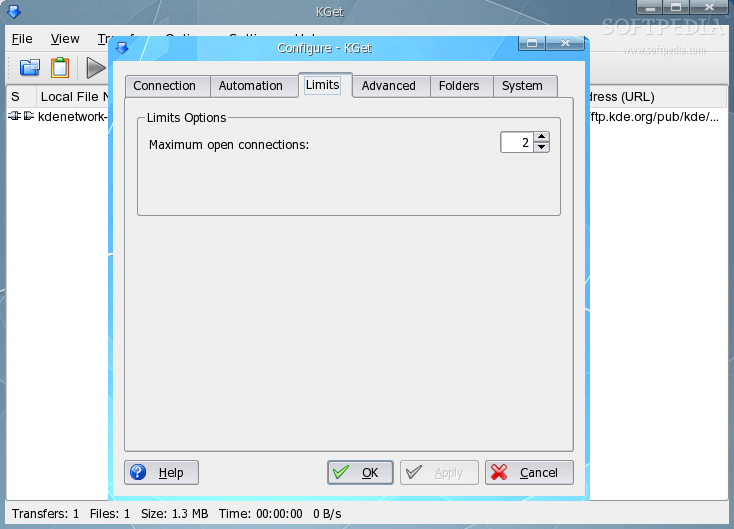
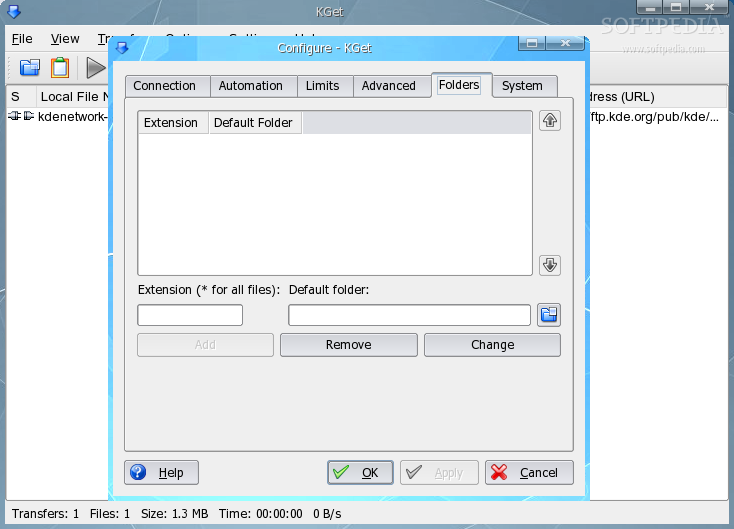
KGet comes with some more features that simplify the download process. For instance, you can configure KGet to automatically restart failing downloads, disconnect or shutdown PC when download is completed, set a destination folder for each file extension or even configure the number of simultaneous downloads. Unfortunately, KGet does not support segmented downloads (download the same file from different location at the same time in order to increase the download speed).
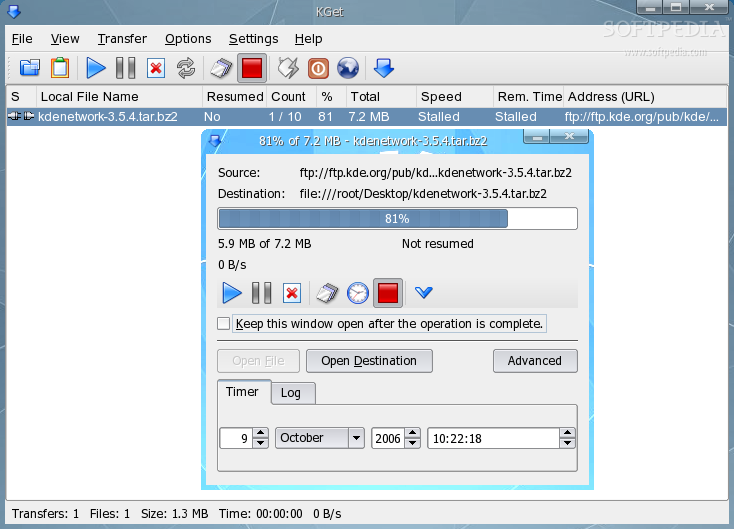
Also, KGet has a nice Timer function which enables you to start a download at a certain time. To use the timer function is a bit trickier, but quite easy once you get the hang of it. First, set KGet in Offline Mode, load a download link using Drop Target or Paste function, double click the file in the download list, click the Advanced button and choose a date and time for the download to begin and close the new window. Finally, select the Timer button and change back to Online Mode. The Offline Mode can also be used if you don't want the file transfers to start before your work at the computer is done. Set KGet to Offline Mode, add the files to the queue as usual and when you're finished and ready to leave your computer, set it back to Online Mode and the downloads will start as usual.
Another method of downloading files at a later time is by using the Import Text File function. Simply write down the download links to a text file, save it and import it to KGet when you can.
If there's a list of files that you regularly download from the Internet, you can store this list of files in order to be automatically re-downloaded at a later time. Under the menu option File, click the Export transfer list to save the files currently in queue and use Import transfer list to recall the list at any time.
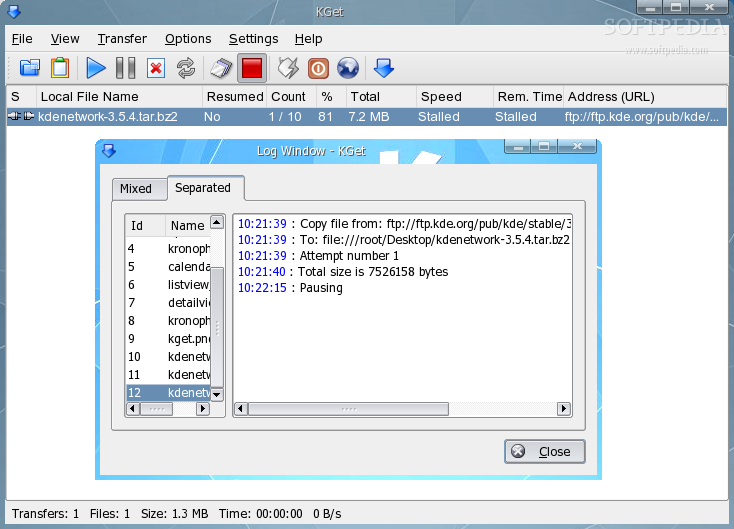
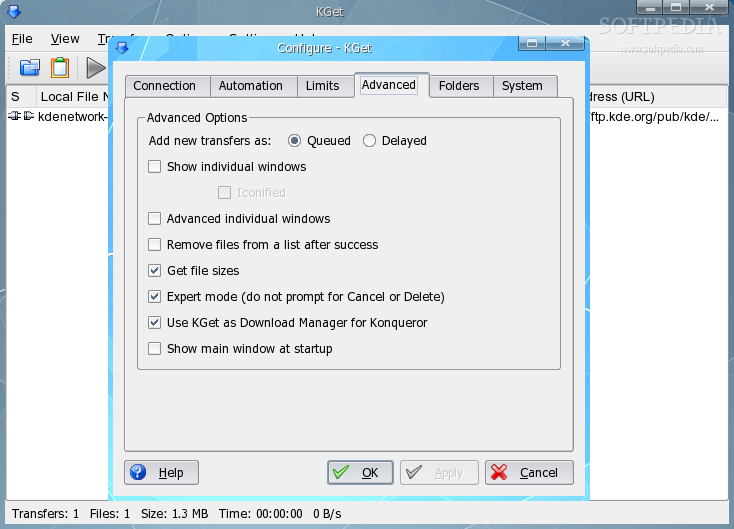
KGet also features a Transfer Log Window which contains the whole download log and the log for each application. This feature is useful when you want to know if and how a file transfer has been completed and you have the option "Remove file from list after success" selected in the configuration menu.
KGet has a pretty intuitive and easy to use interface so the rest of the configuration is pretty straightforward so you won't have a hard time configuring it.
The Good
KGet is a KDE/Konqueror integrated download manager with an easy to use interface and many functions that make the download process easier. It supports multiple downloads, automatically restart failing ones, delaying some downloads such that others can complete and it also offers the ability to select an unique target directory for each file extension downloaded from the Internet. It also supports queuing, scheduled downloads and computer shutdown when downloads complete successfully.
The Bad
Unfortunately, KGet doesn't allow better control over bandwidth usage for each download and it doesn't support segmented downloads. However, the segmented download function has been listed on the TODO list, so we will expect it in a future version.
The Truth
Overall, KGet is a pretty good download manager which works excellent with Konqueror. It has a lot of useful features that makes downloading easier and more reliable but it's still missing some features that increase the download speed, such as the ability to download from multiple locations and also, it wouldn't hurt to have more control over each task's download speed.
Check out some screenshots below: