14 DAY TRIAL //
 xine is mainly a free, high-performance multimedia playback engine. Xine is also a pretty good multimedia player and for this purpose uses its engine. You might ask: Why do I care about the engine? The only thing that matters to me is the player. Well, you should care because there are only a few engines available in Linux. Most commonly known are xine and mplayer. At least they are very good open source engines. Most of the other popular video players are actually frontends, or let's say software based on powerful APIs. The default frontend that comes with xine is xine-ui. This is the software we are currently reviewing. Other popular frontends are kaffenie (for KDE) and totem (for Gnome). There is also a ?console frontend? for xine called toxine. I like this idea, because some people just love the console at extremes. :)
A few words about the engine
xine engine is actually a shared library (xine-lib). A cool thing about it is that it can be compiled very easy because the only required dependence is zlib. Sometimes satisfying dependencies can be very annoying, but is not the case at all here. Anyway xine can't do much in this form. You must also install a bunch of other dependencies to be able to play any known format of multimedia files. Don't run away, because I haven't installed them manually. In mainstream distros the dependencies are satisfied automatically.
The video engine of xine is responsible for synchronizing audio, video and overlays. I like that it supports a well implemented On Screen Display. xine also supports fast MMX, MMXEXT, 3DNow! and SSE memory transfers and high performance communication functionality. Because of this, the data moves more efficiently across plugins without requiring extra copies to be made. And that's not all of it: xine also has support for multi-threading.
When it comes to what media this engine handles, I can easily say it has it all covered, all the domains: audio/video formats, hardware devices, streaming protocols, video drivers... everything.
The engine is absolutely great. Competition would die for an engine like this. If the default frontend (xine-ui) could rise to the quality of the engine it would have definitely been a winner application. Fortunately, other good (maybe better) frontends are also available and some of them are in heavy development.
The Interface (xine-ui)
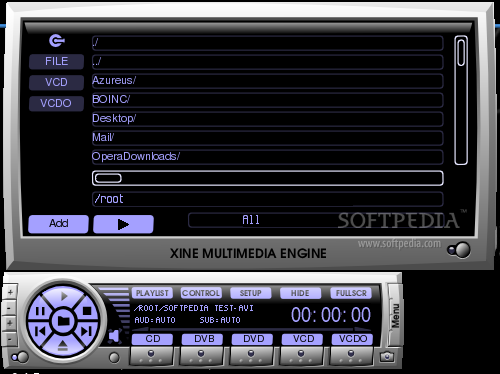
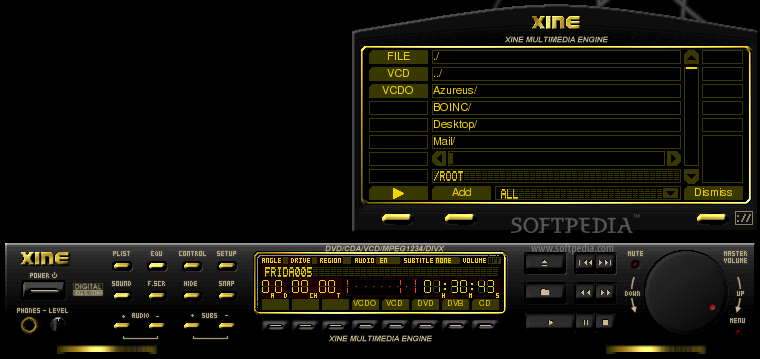
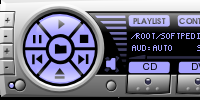
The first thing you notice is that the GUI really looks nice. The frame where the movie is played even has a nice animation. This type of animation can also be seen in kaffeine. Guess why! The frame for controls actually looks like a DVD decoder, or something like that. It combines perfectly a nice complexity with the ease of use.
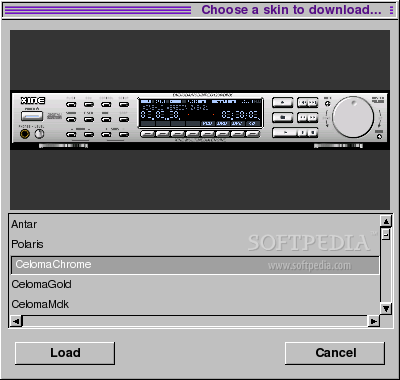
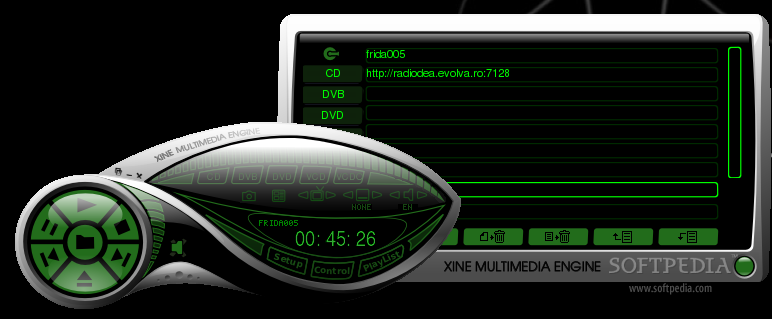
The interface is fully skinable. And it gets even better! If you want to apply other themes you don't have to go through a meticulous process to use a new theme. All you have to do is press Ctrl+D and a window that displays the available skins on the official website appears. It provides a preview of the skins and if you like it, go ahead and click the Load button. In the OSD is displayed the process of the download. This is rare functionality and really does the trick.
xine setup
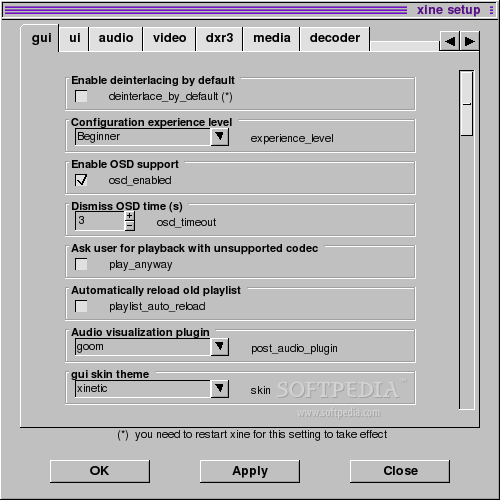
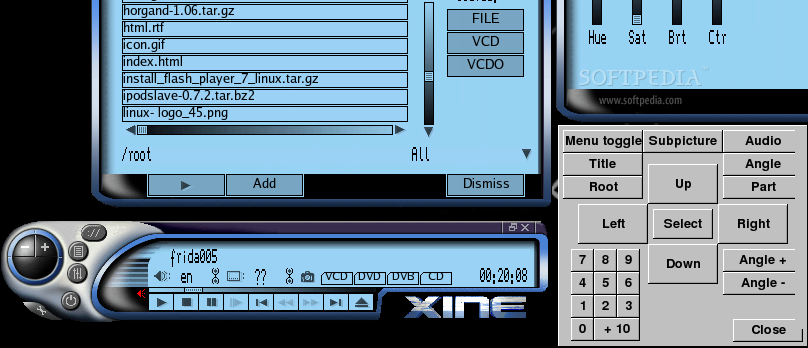
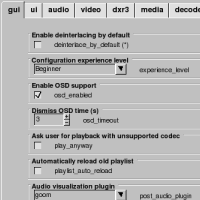
The setup window disappointed me a little. First of all, it looks very legacy. I don't know what programming language was used but I can tell you that it is not suitable at all for a multimedia player. Most of the people, when they go for a little multimedia entertainment, just want a nice clean interface. This one is an ugly dark gray. It reminds me of the original UNIX system or of Sun's OS. Spearing of this, xine supports UNIX, Solaris and OS/2.
The developers were very inspired when they added the option to configure the experience level. Saves a lot of people from having headaches. The default beginner experience level should do the trick in more than 90% of the cases. I don't advise you to be mister fix-it and set the level to ?master of the known universe?. If you modify parameters just to see what they do it is very likely to break the player. The only good thing that can come out of this is the new knowledge you will gain when documenting about the various parameters you modified. Because developers implemented this experience level, I am not going to explain more. As a last comment regarding setup I must say that under heavy loading it crashed once or twice and that the looks are just wrong for this beautiful application.
Some Additional Notes
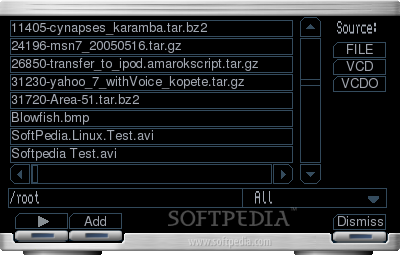
This is the first DVD player for Linux that supports navigation through menu. I was pleasantly surprised when the menu behaved just like it should on the DVDs I tested. I really don't want to say that the ugly aspect of the navigation menu has the tendency to hold you down from using it. I just hope the developers will make some changes in this direction.
The Good
When it comes to speed this engine/player excels. When it comes to the media it can handle, it's one of the best. Skin support is great. What bad things can hold you down for using it?
The Bad
Software is not perfect and xine is not an exception.
The Truth
xine is a great video engine. It could even be the best with some extra work. For the tome being though, xine didn't convince me to make the switch from mplayer. It might be a matter of personal preference, but I will still use mplayer.