14 DAY TRIAL //
 Finding the right color for the perfect color scheme is never easy. Most of the applications provide a color browser window by default, but if you are a web developer, what you need are the HEX, RGB and HSL color values. And if you have already found the color but you still have to experience in order to get the correct code, that is sheer torture. As a solution to this problem, Color Picker Pro allows you to get the information just by pressing a short hot key combination: ⌘X.
The Looks
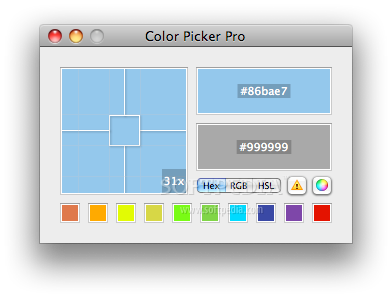
The Color Picker Pro window is quite small, very compact and efficient. On the left, you can see the Zoom window, with the current zoom rate displayed on the bottom right corner. The Zoom can be adjusted from the menu bar, but also by using a hot key combination: ⌘+ and ⌘-, or by using the scroll and it varies from 1x to 32x. On the right, you can see the Live Color area that displays the current color and the Copy Color area that provides the code for the last captured color. Right under them, you can set the code type for the color display, but you may also access the default Color Browser window. On the bottom of the main window, there are ten boxes that allow you to store your favorite colors so they can always be at hand. If the boxes prove to be insufficient, you may also use the Color Browser storage space.
The Works
When you launch Color Picker Pro, in the Zoom area you can see a representation of the desktop area, situated under your cursor. This way you can get the code representation for any color you can see on your desktop. All you have to do is make sure that the center most pixel area displays the desired color and press the hot key combination. To make the process easier, you also have the possibility to lock and unlock the zoom image by pressing ⌘L. In this case, if you press on a certain pixel, it is automatically transferred to the center. That moment, the captured color is in the copy color area, along with its value, according to the selected Color Format button. You can copy that value with the usual ⌘C combination, but you can also use drag and drop. You may use the drag and drop feature to store them as favorite colors, but you may also use hot key combinations varying from ⌘1 to ⌘0.
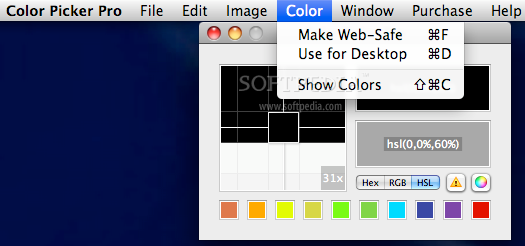
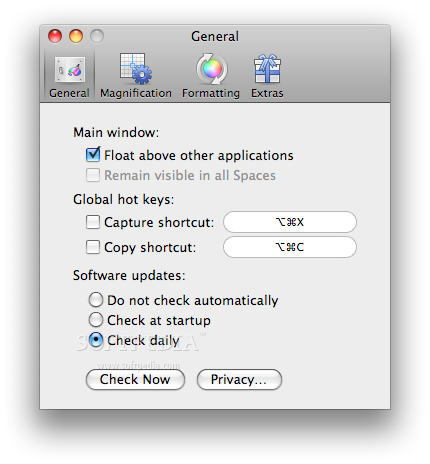
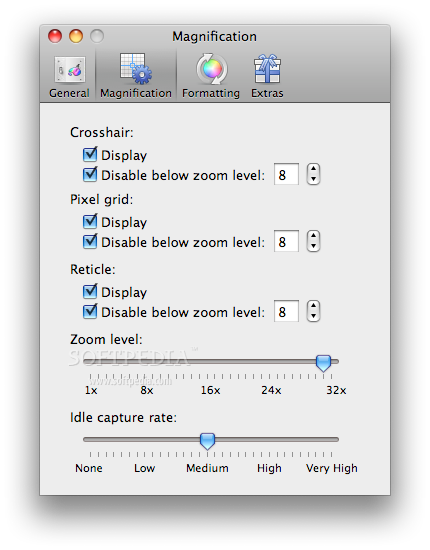
Although it could be considered a bit out of fashion, Color Picker Pro allows you to alter a certain color by making it web-safe. You can achieve that by pressing ⌘F but also by accessing the Color menu. The same menu allows you to set the selected color as background for your desktop. If you want to always have the application at hand, you can enable the float above other features from the Preferences menu. The same panel allows you to change the global hot key combinations, and permits you to adjust the update rate. The Magnification panel allows you to adjust the zoom level and the idle capture rate. The crosshair, pixel grid and reticle lines can be disabled in all cases or only under a certain zoom level.
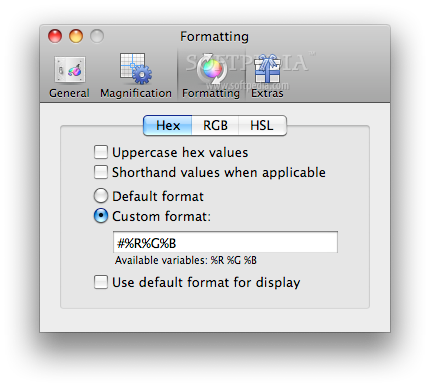
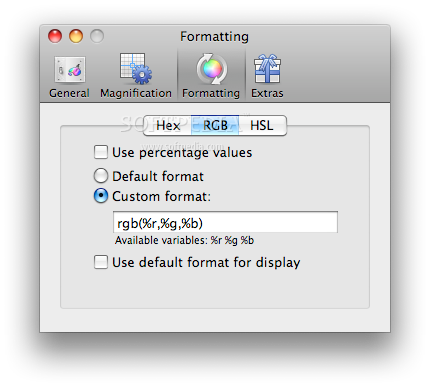
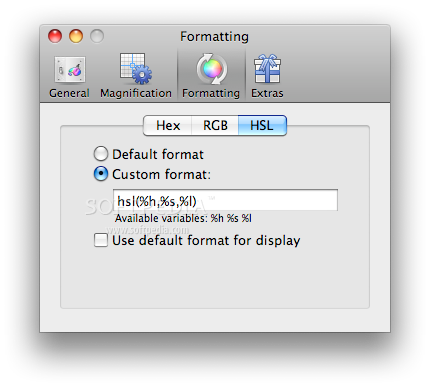
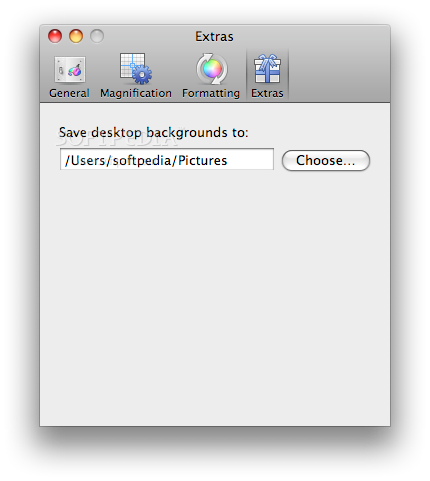
The Formatting panel allows you to use the default HEX, RGB and HSL formats in order to create your own format displays. This way, you can use uppercase or shorthand HEX values, percentage values for RGB or you can change the custom display mode. And if you want to store the desktop backgrounds you have created, the Extras panel permits you to set the default saving folder for them.
The Good
The Bad
The Truth
Here are some snapshots of the application in action: