14 DAY TRIAL //
 A tool that Mac OS X sadly doesn’t offer out-of-the-box, SoundBunny allows you to set the volume high for a movie or game you're playing, and set the volume low for your alerts and notifications, and so on.
Sometimes the simplest pieces of software leave such a good impression that one simply must do a writeup and spread the word. SoundBunny is one of those apps.
The looks
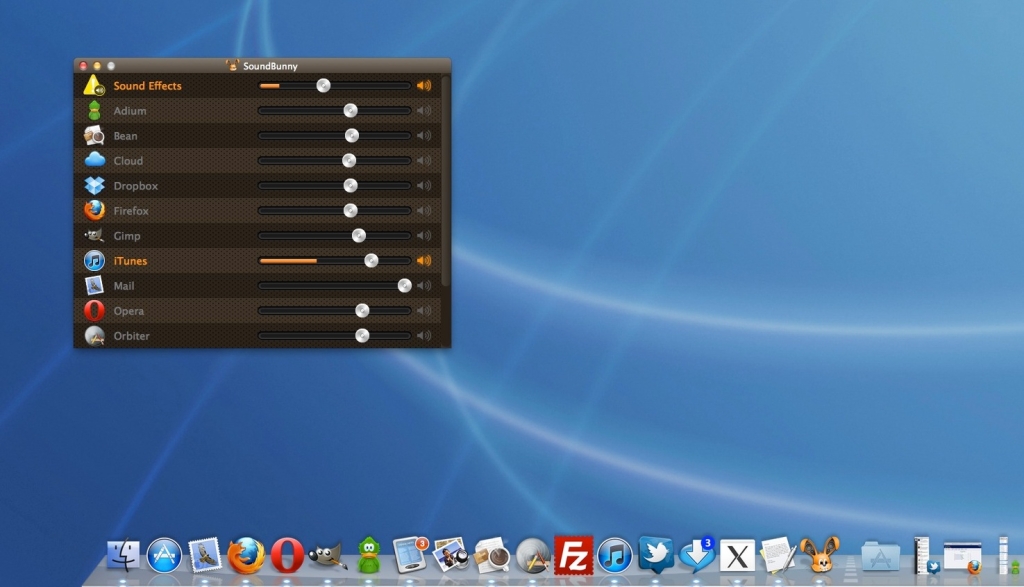
It’s all smooth sailing after the imposed reboot as you install SoundBunny. You’re presented with this straightforward interface where all your open applications are nicely arranged, each with its own sound slider.
These allow you to control the volume of each app, individually. Don’t freak out if you hear some bouncing going on in the background. It’s the bunny effect that lets you know how much volume you’re getting out of each app.
You get some visual feedback from those apps that are currently outputting sound (in my case, iTunes) in the form of an orange gauge. When I’m listening to a radio station while browsing the web, it’s easy to slide iTunes to mute and hit play on YouTube to watch a short clip, then slide the iTunes volume back up as the clip ends.
The works
SoundBunny lets me tone down some annoying notification sounds. For instance, I always want to hear when Mail has something new for me, even in my free time, but I don’t want the alerts to break my chill-out sessions either. Sure enough, SoundBunny hopped to the rescue by giving me the option to have Mail’s sound notifications delivered to me in a minimalistic manner.
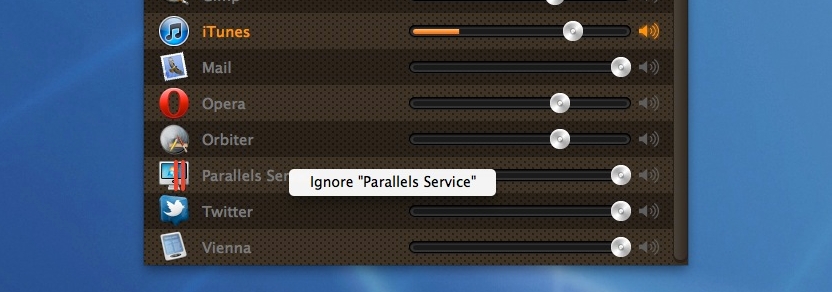
For example, I’m pretty sure I won’t be using Parallels to virtualize anything today.
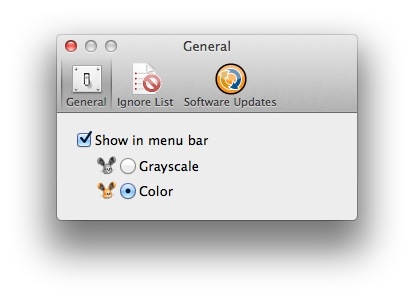
· You get a set of General tweaks which basically let you toggle between a grayscale and a color appearance of the app’s menubar icon (along with the option to show / not show SoundBunny in the menubar altogether);
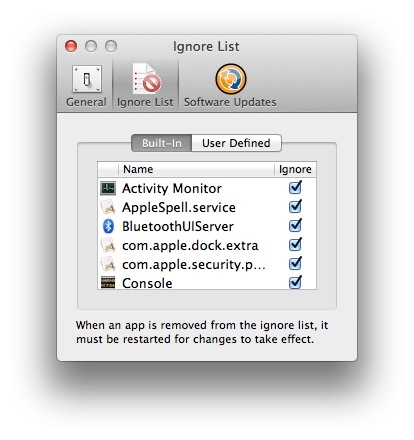
 · A second tab holds the Ignore List which, as its name implies, allows you to select and deselect items that you want SoundBunny to index as default (complete with a user-defined list);
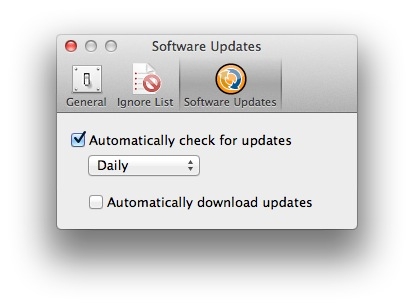
 · And then there’s the Software Updates tab where you can tell SoundBunny to automatically check for newer versions of itself on an hourly / daily / weekly / monthly basis, as well as to automatically download any future update made available by the gents at Prosoft Engineering.
 SoundBunny has its own dedicated Help menu. It’s ironical, considering that I’ve reviewed much more complex apps that didn’t have a Help module. Nonetheless, hats off to Prosoft for covering all bases. The Help menu offers an introduction to the app, tech support, setup instructions (including how to properly uninstall the software), activation instructions, usage tips, the release notes for the newest version (currently there aren’t any, since this is the initial release), and credits for all the people who helped make SoundBunny a reality.
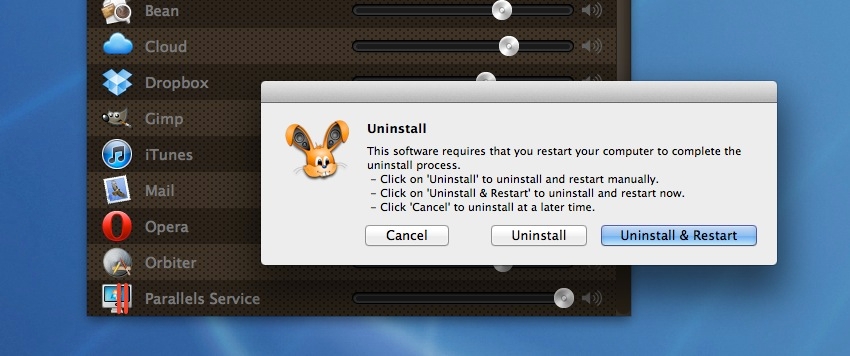
Oh, and speaking of uninstalling SoundBunny - it’s as easy as choosing Uninstall from the app's main menu (next to the Apple menu, with the app selected as forefront). This also requires a reboot, so that the core system processes are reloaded appropriately.