14 DAY TRIAL //
 Unlike PCs where there are so many different technologies and manufacturers, Macs are only made by Apple. Also, because Apple releases a rather small number of models each year, it is very easy to gauge to a certain degree just how fast or slow a certain Mac model is when compared to others. Also, because the innards of our computers are hand picked by Apple, we can be sure that everything will work well together. Because of this, benchmarks are not that important to a Mac user. However, there are times when we need to compare two Macs, or two components or see if our computer really is slower than it was last month, or we are just imagining it. Enter Xbench.
What does it do? Xbench is a benchmark tool that almost everyone uses to gauge the performance of their computer. Unlike other benchmarks that throw a number at the end of the tests, Xbench gives you a thorough breakdown of the different components and activities that your computer performs everyday.
Not only is Xbench the tool used by most reviewers to compare Mac hardware and software, which means that you have an adequate benchmark result against which you can compare your own results. Although this is great for the power users who like to know all the dirty little details, the average user can also make comparisons.
Head to head At the end of the day, the scope of a benchmark is to give you a common ruler against which to measure different computers. But benchmarking is not only useful to measure up your computer against another, but also to measure your computer against itself. Changing components, installing new versions of the system and other various software can have an impact upon your computer's performance. If you perform benchmarks before and after these upgrades you can have a clear indicator of the change.
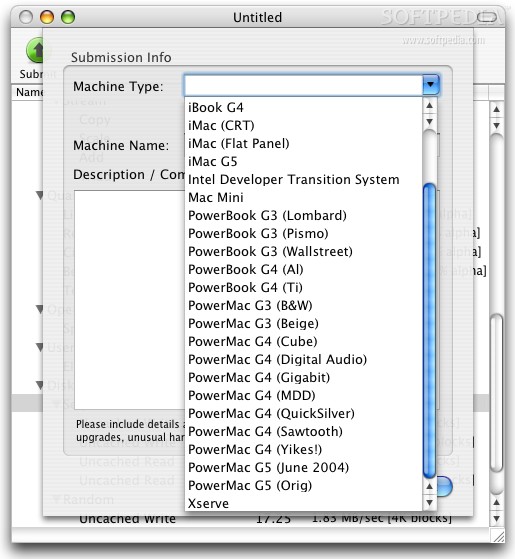
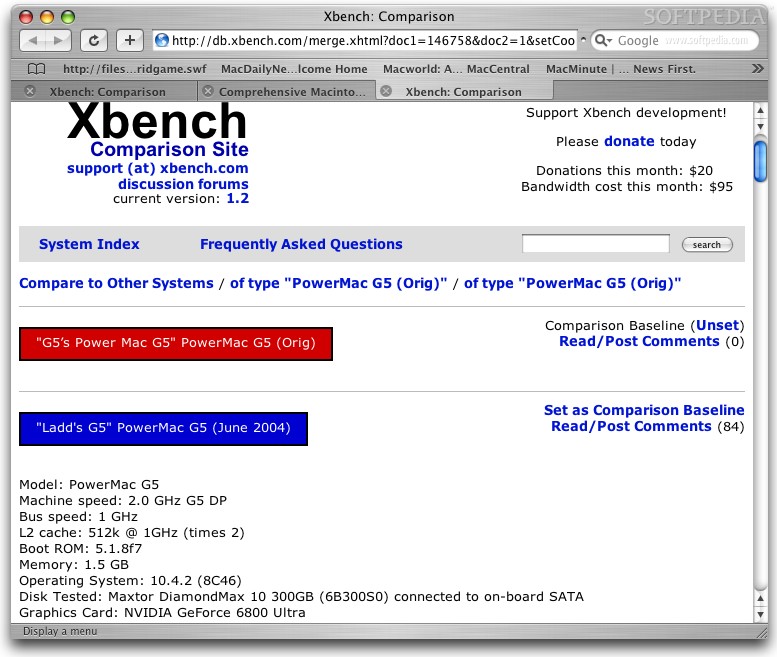
Whenever you perform a benchmark using Xbench, you are asked whether you want to submit your results to the Xbench server. If you do so, you will be shown a head to head comparison of your computer and the average results of other users using the same computer. This is useful if you do not perform and keep regular benchmark results which you can go back to and compare against.
The only shortcoming of the program is that it has no local way of loading two benchmark results and giving you a visual head to head representation. You have to load the two files and alternate between them to see where the results differ and how much.
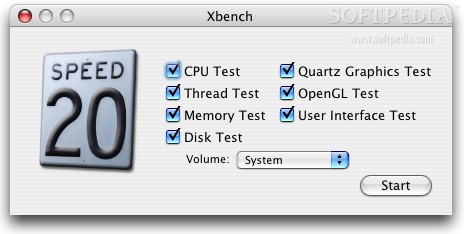
Detailed breakdown There are several types of tests that Xbench can run, and for each one, there are certain subtests that go into testing the overall performance of a device.
In brief, these are:
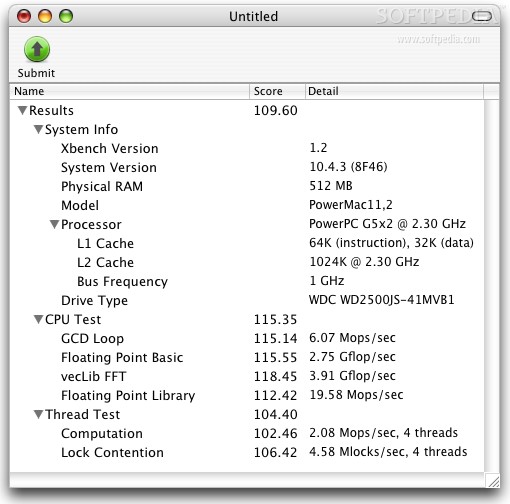
CPU Test This is a single processor test that gauges the performance of an application doing single processor work. It has several subtests that include: Floating Point Basic, GCD Recursion, AltiVec Basic, vecLib FFT and Floating Point Library.
Thread Test This is a test that gauges the performance of multiple applications, or one application doing multithreading. It has several subtests that include: Computation and Lock Contention.
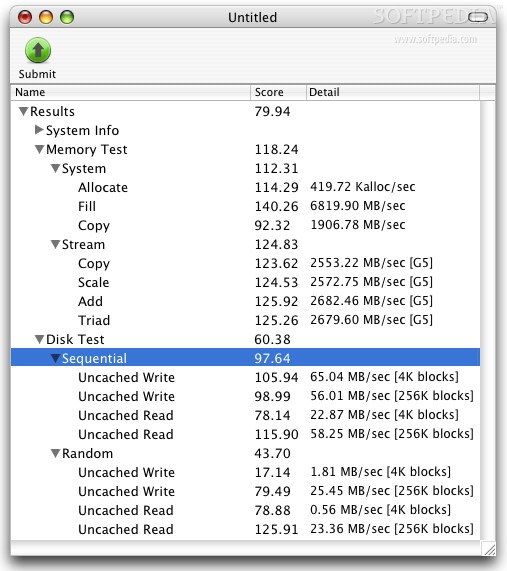
Memory Test This test gauges the ability of your computer to work with the memory it has. It has several subtests split in two categories: System, which tests the ability to Allocate, Fill and Copy data blocks; and Stream, which uses 64-bit doubles and AltiVec cache prefetching, and measures several functions such as copy, Scale, Add and Triad.
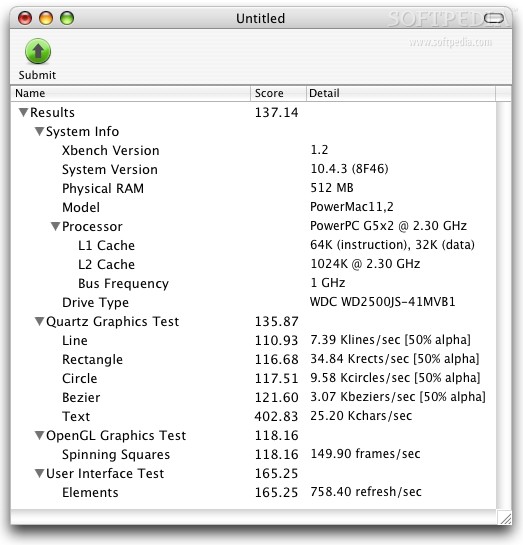
Quartz Graphics Test This test measures how well your computer performs in rendering various elements. The test has several phases, and in each, a different type of element is drawn: Line, Rectangle, Circle, Bezier and Text.
OpenGL Test This test gauges the performance of your computer with OpenGL applications such as games. However, since the test is run in a window, it is not a precise indicator of performance in full-screen mode.
User Interface Test This test will measure how fast your computer can draw and redraw a typical system window, the kind you interact with everyday.
Disk Test Disk tests gauge how fast the rest of the computer can interact with your hard drive. The test is split into two parts: Sequential which measures the typical throughput of the drive and is further split into Uncached Read and Uncached Write; and Random, which is sensitive to the seek times of the drive, and is split into Uncached Read and Uncached Write.
The Good Is the most widespread benchmark tool for the Mac so you will often be able to directly compare the results of hardware and software reviews directly to your own. You can also compare to the other users of Xbench over the Internet and get a visual representation.
The Bad No feature to be able to see a visual representation of a comparison between two tests you have already made.
The Truth If you need a benchmark tool, Xbench is the commonly accepted Mac standard. It is free and easy to use.
Here are some screenshots, click to enlarge: