14 DAY TRIAL //
 Mobile devices are taking over the world. Nobody can argue with that. Day by day manufacturers find/invent a new utility or feature for making their product stand out into the eye of the public. The iPod started as a simple modern replacement for the much appreciated walkman from Sony. It made a revolution out of listening to music. Now it has video rendering capabilities as well. Who knows what it is going to evolve into.
Now it is time for video to get mobile and migrate towards other media than computer monitor or TV. Almost any modern portable device is video ready and getting that favorite movie on it is not too much of a problem provided that the right software tools are employed.
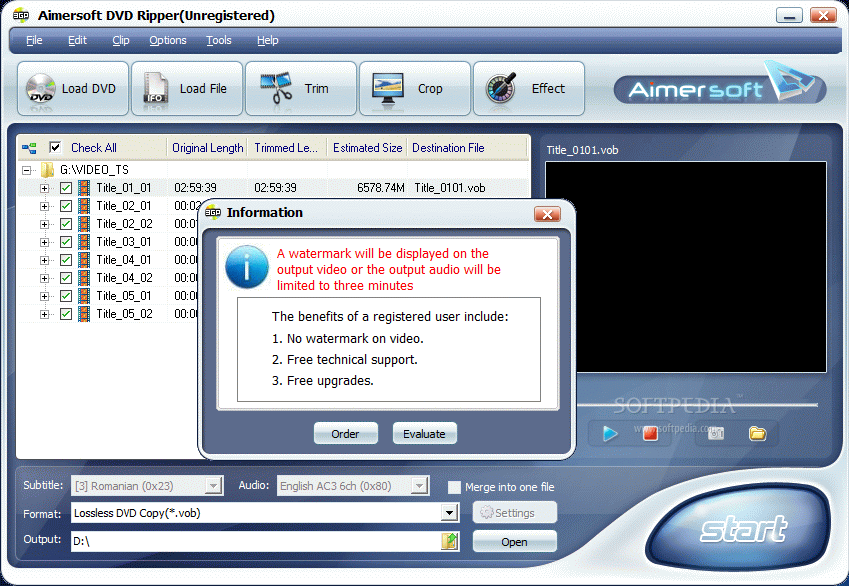
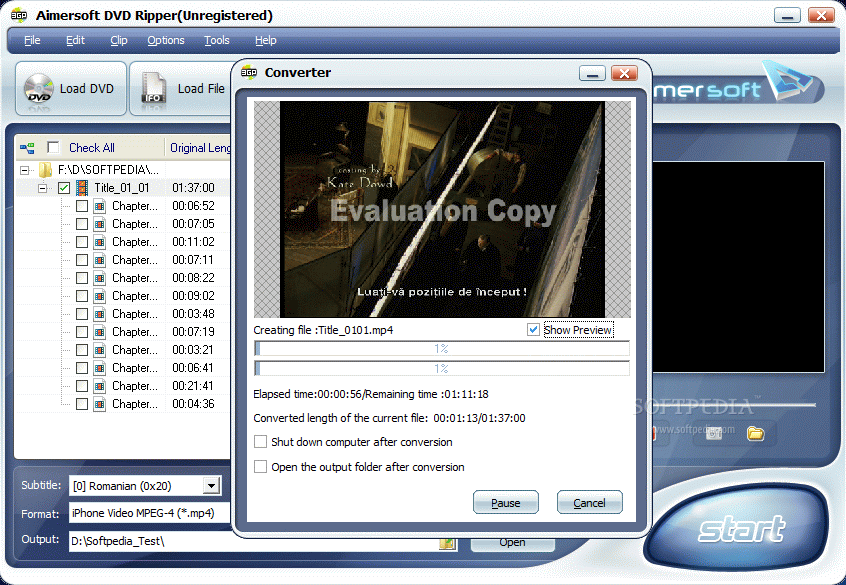
Aimersoft DVD Ripper comes at a price of $35 and is ready to provide you with the instruments necessary for making your DVDs suitable for rendering on any mobile device that supports video rendering. There is no trial period available, but there will be some limitations and restrictions imposed by the developer. These include applying a watermark of the software on the resulting video or limiting the audio to only three minutes.
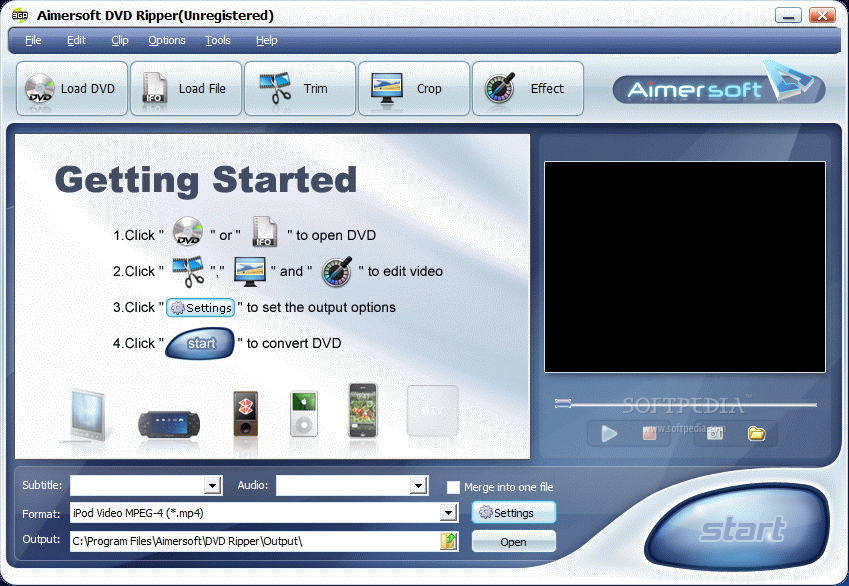
With a glossy interface, Aimersoft DVD Ripper provides easy use of the application and effortless access to all the options available. As soon as you get by the registration screen popping up immediately after loading the program, you are welcomed by a starting screen which displays the first steps to be taken in order to start your DVD ripping.
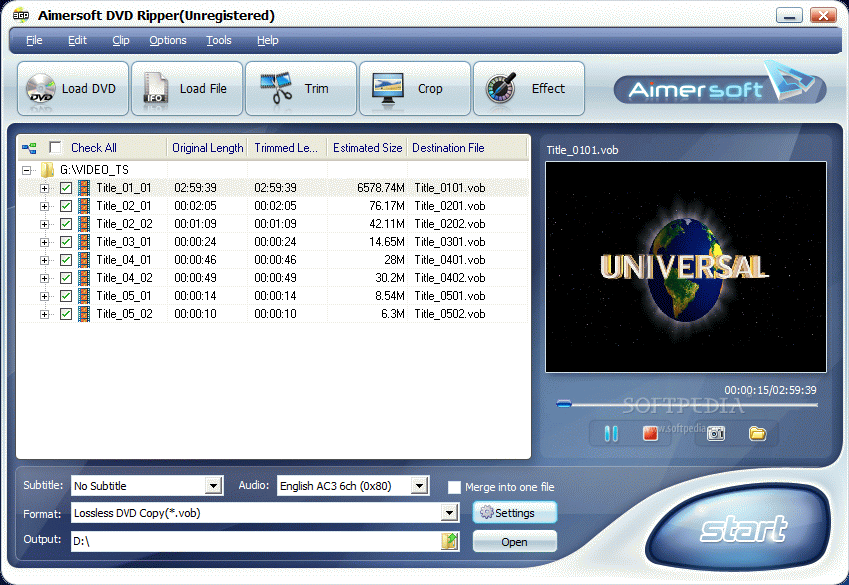
DVDs can be ripped directly from the DVD unit or, if you have it backed up somewhere on the drive, from a disk location. The only condition for riping the DVD movie from hard disk is to have the IFO file. After that it is piece of cake.
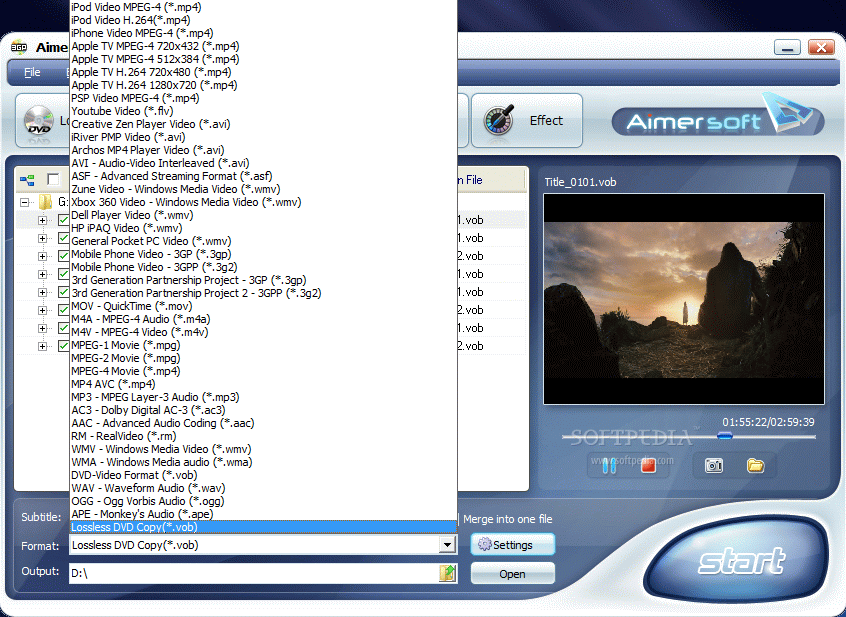
To tell you the truth Aimersoft DVD Ripper comes prepared for so many formats (both video and audio) that it would be a bit uncomfortable to enumerate them all. But itemizing the most important of them will give you an idea on its pervasiveness. The application can create rip DVD Videos into a myriad of formats like MP4, FLV, AVI, ASF, WMV, 3GP, 3G2, MOV, M4A, M4V, MPG, MP3, AC3, AAC, WMA, OGG or APE. All these are perfect for mobile contraptions like iPod, Zune, PSP, XBOX, Pocket PC and even the much-discussed, recently-released iPhone.
The program will optimize the video settings for each of the above mentioned devices so all you have to do is just select it and hit the big Start button in the lower right hand corner of the application.
In the lower part of the main application window there is settings area allowing you to choose the subtitle and audio language for the output result. An additional option lets you integrate these both in a single file so for an easier play on the mobile device.
The application is also equipped with a preview window in the right hand part of the main window. The video player is not top notch, but it'll give you a clue on the image quality of the movie. The only controls available are Play and Stop.
More options are to be found in the toolbar where accessing trimming, cropping and effects can be accessed with a single click of the button. For each of these three options you will get a live preview of the DVD going to be processed.
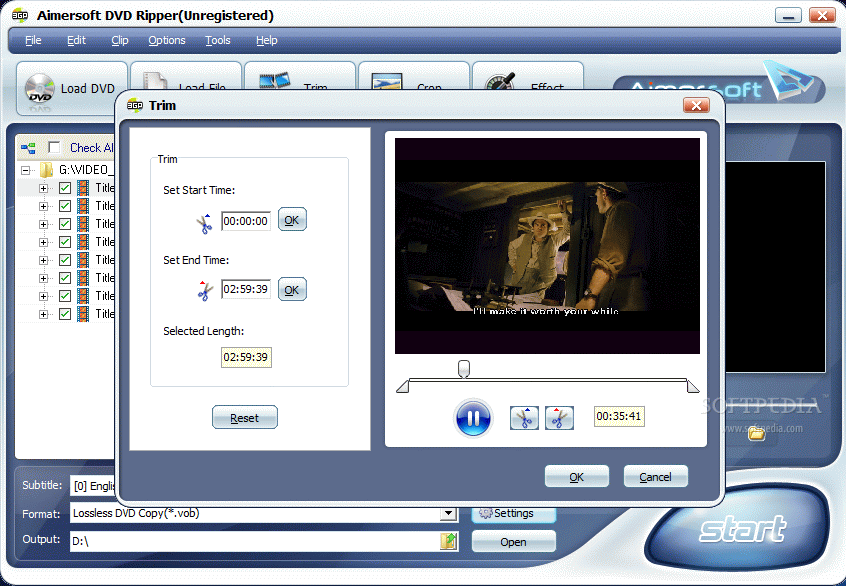
There is absolutely no complication in trimming a video as all options are setting the start and end time of the chunk of movie and hit OK button. Upon converting into the desired format the application will process only the trimmed part of the video.
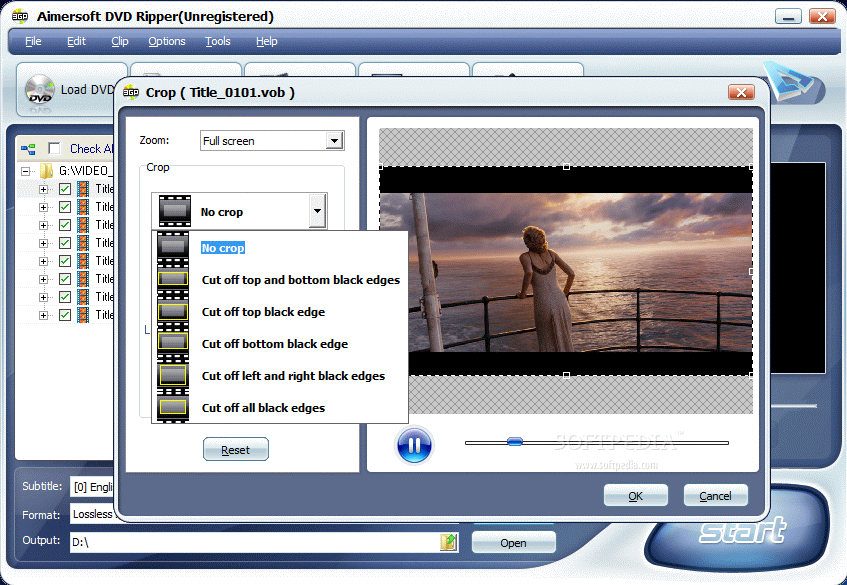
In Crop menu the job is even easier, as you work with presets. You can choose to get rid of the top and bottom black edges, the edges on the sides, all of them or you can define your own area. The operation is easy as it involves a mere adjusting of the area in the preview by simply dragging from the correspondent points (the little squares).
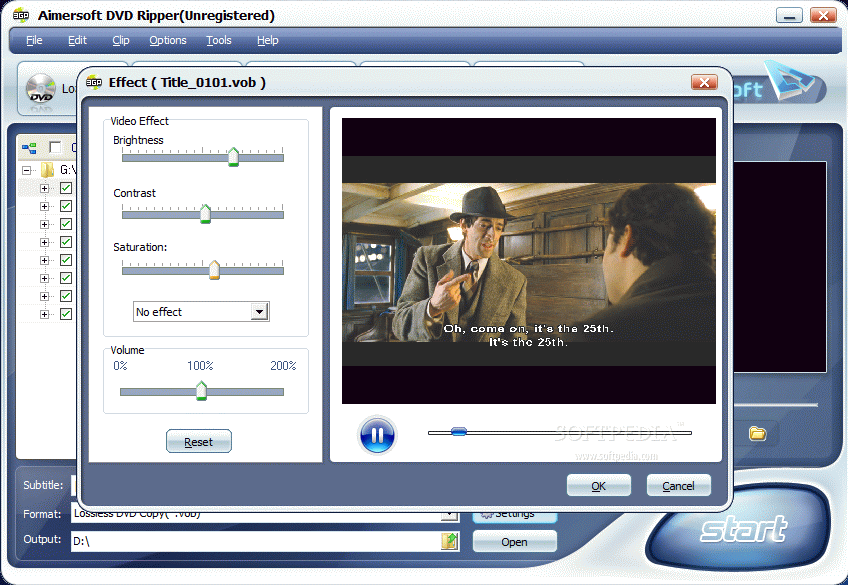
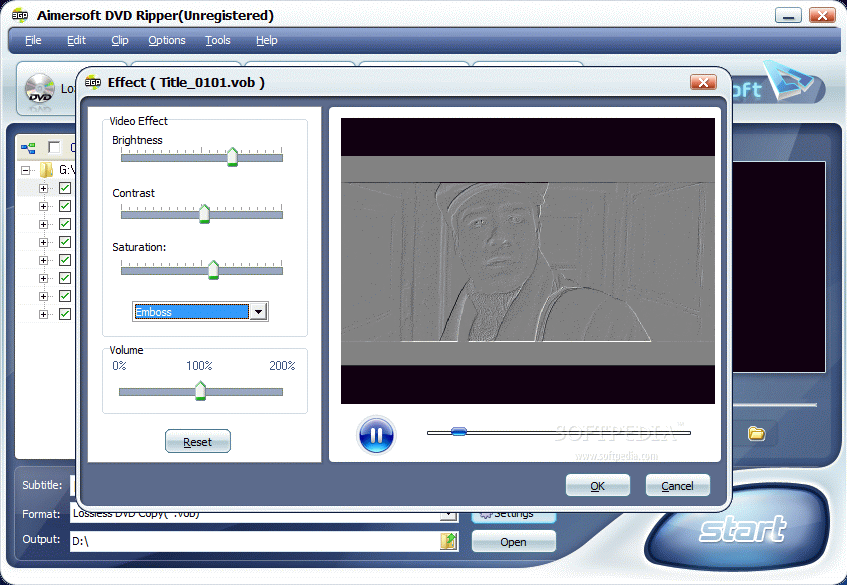
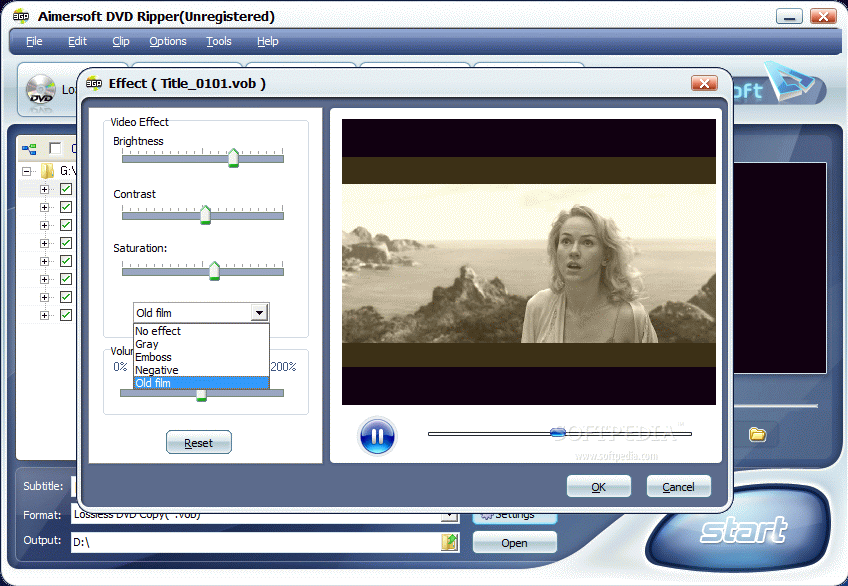
With Effects the most difficult task is deciding upon one. Besides the presets available (Gray effect, Emboss, Negative and Old Film) you can also make some adjustments to the image in what concerns brightness, contrast and saturation. Volume can also be pumped up to 200% for better hearing.
Aimersoft DVD Ripper is not at all a complicated DVD converter and Help file is quite useless as the intuitive interface provides every tip possible. However, there are some downsides of the application. During testing we repeatedly tried to backup a DVD on the hard disk. The program did its job quite fast (a DVD 9 disc was completed in about 15 minutes) but only the VOB files were extracted and there was no way to view the subtitles. The video file on the other hand was perfect and had no Evaluation Copy mark embedded.
The Good
Very easy to handle, Aimersoft DVD Ripper makes DVD converting to the supported file formats a walk in the park. Once all the settings have been made all you have to do is wait for the process to complete.
Trimming, Cropping and Effects are a nice bonus if you want to add a bite of twist to your video. Also, with all the presets available converting the DVD for iPhone, iPod, PSP or XBOX playing is a piece of cake.
The user can modify the settings for the preset formats for better adjustment to the device the video is intended for rendering on.
The Bad
The duration of the conversion is quite long and sometimes it takes longer than watching the movie. During our last test we converted 2'35'' of video in a bit under four minutes (3'59'').
The Truth
Crop, trim, effects, snapshot taking (BMP and JPG only) and a myriad of formats to convert your DVD Video into. And all this with the least effort from the user. This is what Aimersoft DVD Ripper offers for $35. You be the judge of that.
Here are some snapshots of the application in action: