14 DAY TRIAL //
 We all know the legend of Prometheus, who stole the fire from the gods for us mortal creatures not to shiver in the cold anymore. Well, we played and we played with fire until we created CD and DVD burners.
A friend's mother told me that fire is a phenomenon of combustion and that it is not a state of matter, but an exothermic chemical reaction accompanied by intense heat. I told her that does me no good because I do my burning with Ashampoo. She said she never heard of such chemical element.
Ashampoo Burning Studio 6 is a product of Ashampoo GmbH & Co. KG and costs $29.99. This version runs under Windows 98, ME, 2000, and XP. If you use Windows 2000, it is recommended that you have Service Pack 2 or later installed. The computer must have a minimum of 64 MB of RAM and 20MB of hard disk space.
The CDs burned with Ashampoo Burning Studio 6 are compatible with all computer systems.
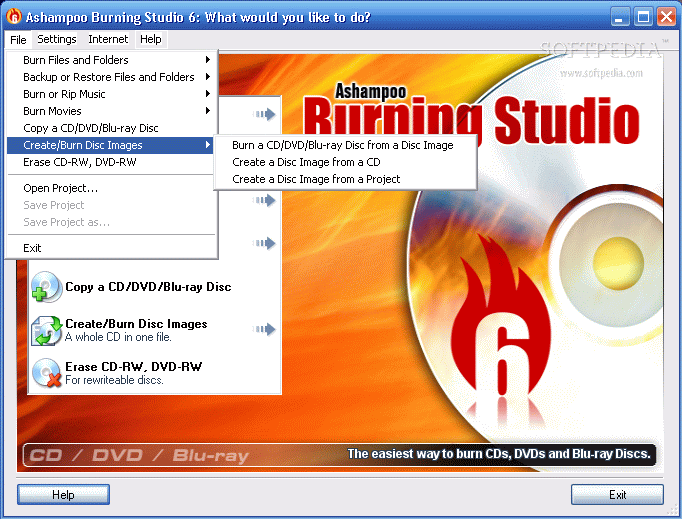
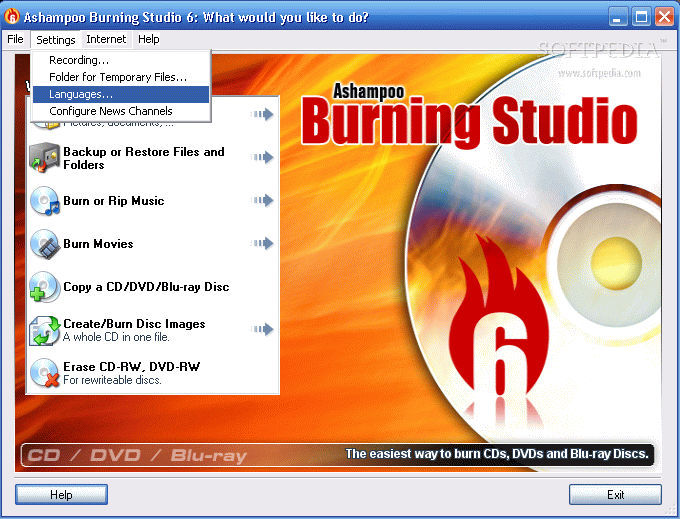
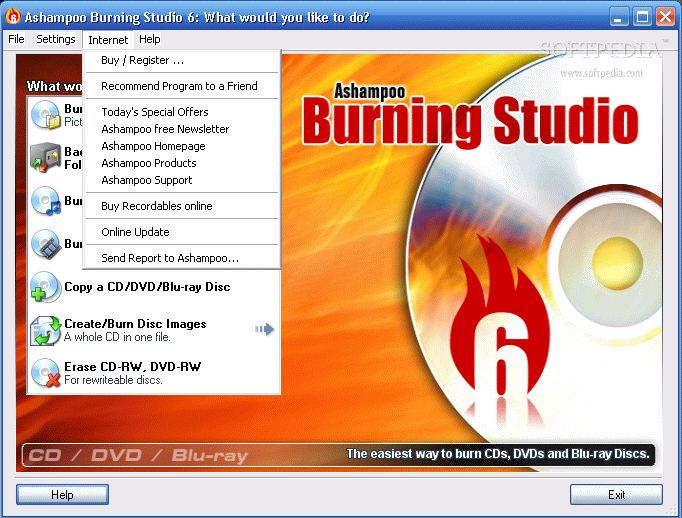
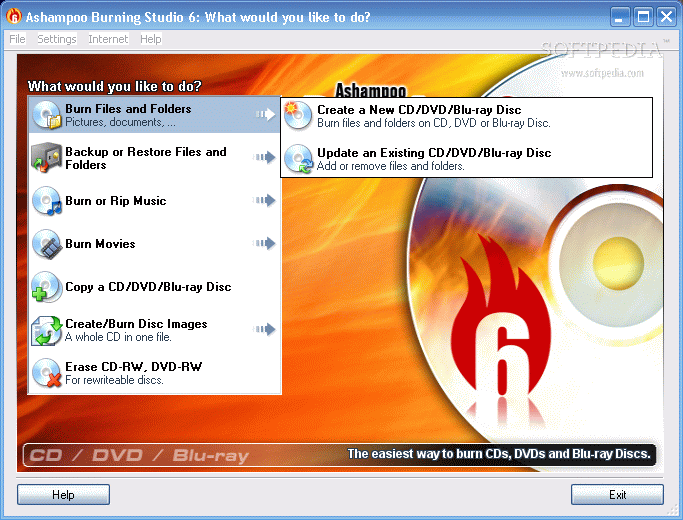
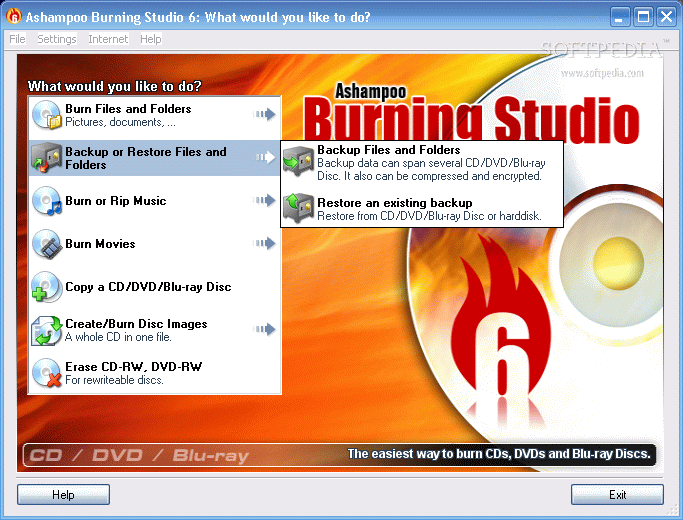
The wizard-like interface is burning red (what color would be more suited?) and very easy to use. Even a monkey could do a great job. It contains a set of options (seven of them) in the right part of the application window.
Some of the options have submenus that help the user choose the type of action. This little software (the installation file is 9,3 MB and in Program Files it takes 25,3MB) does everything a burning software should and even more.
Besides the now classic burning activities (burning files and folders on CDs and DVDs and erasing the RWs), Ashampoo proves that it can keep up with technology and offers the possibility to burn Blu-ray discs. Unfortunately, we couldn't test this option so we cannot give you any details.
Choose what you want to do in the first window and follow the wizard. Keep hitting the "Next" button until it turns into the "Write CD/DVD/Blu-ray" button.
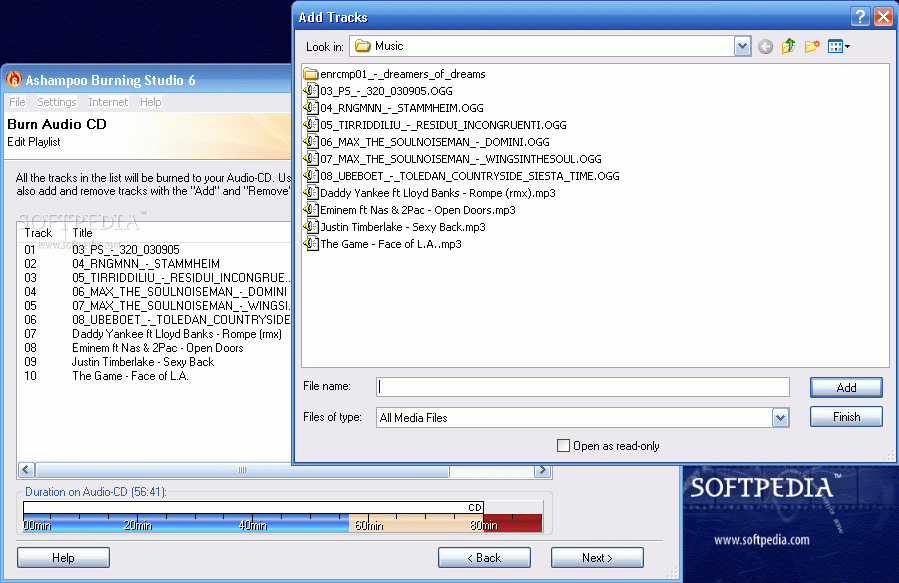
The application also gives you the option to burn disc images (CUE/BIN, ISO and ASHDISC - Ashampoo file). In "Burn or Rip Music" you can create Audio CDs, MP3 or WMA discs and even rip an audio CD.
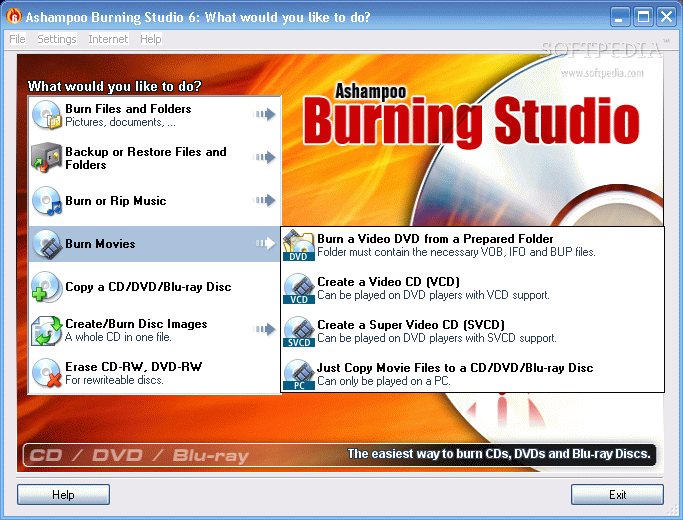
In "Burn Movies" the user can Burn a Video DVD from a folder on the computer, a VCD, SVCD or just copy a video file to a CD/DVD/Blu-ray disc. According to the file burning option and the disc type you want to write, the software will make the necessary checks for compatibility.
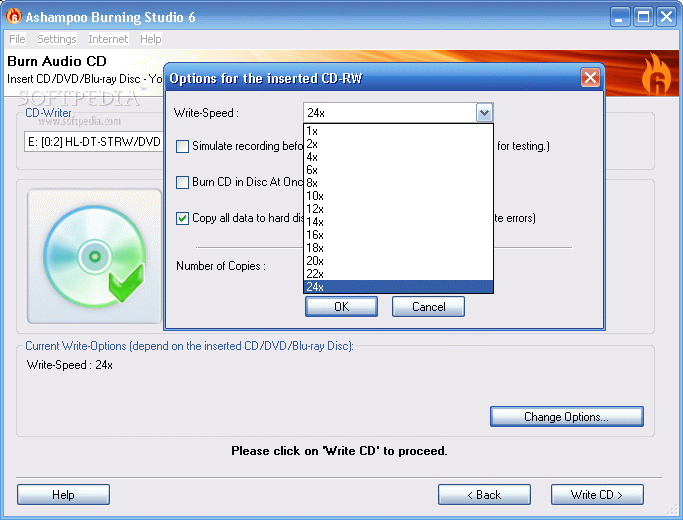
As for the burning options, these are a little limited as the user cannot label the disc. Other than this, one can change the writing speed, and number of copies; make a checking of the written files and folders after recording; finalize the CD/DVD/Blu-ray disc (no further writing is possible); choose "Disc-at- Once" option (recommended for Audio CDs); copy the data to hard image before writing and simulate a recording before burning.
Checking the files after writing and the last two options, if enabled, will affect the time of writing the data.
For ripping Audio CDs, the options are not so many as one would expect, but they were carefully chosen. Thus you can select an output format (either WAV or WMA), make the rip options (read speed, sample rate, up to 44100Hz, the channels (mono or stereo)) and the quality level.
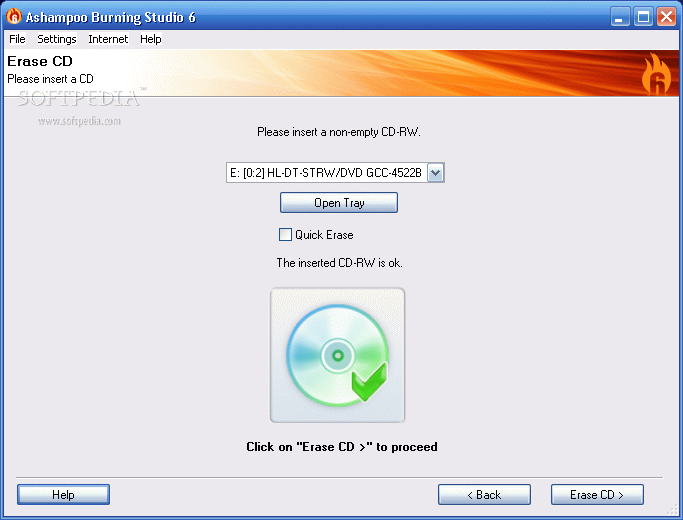
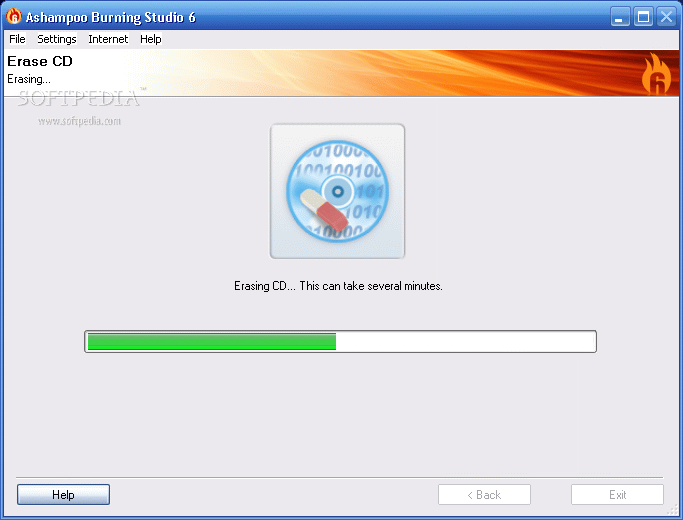
The "Erase disc" option does exactly what it promises: erases the disc (of course, it has to be a RW). You can enable/disable the quick erase option.
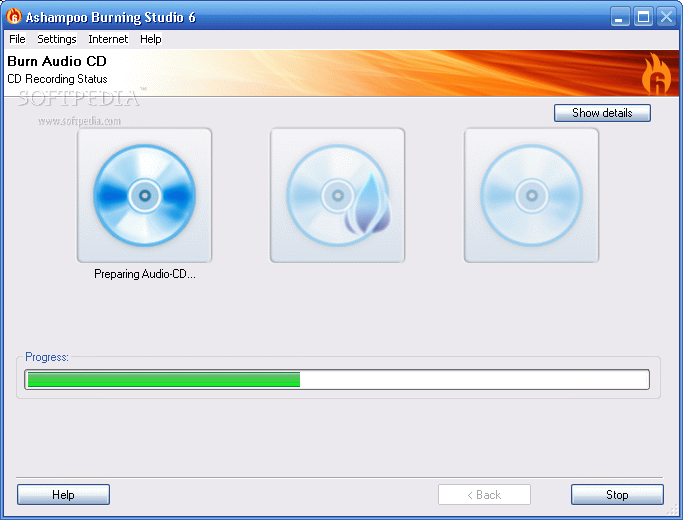
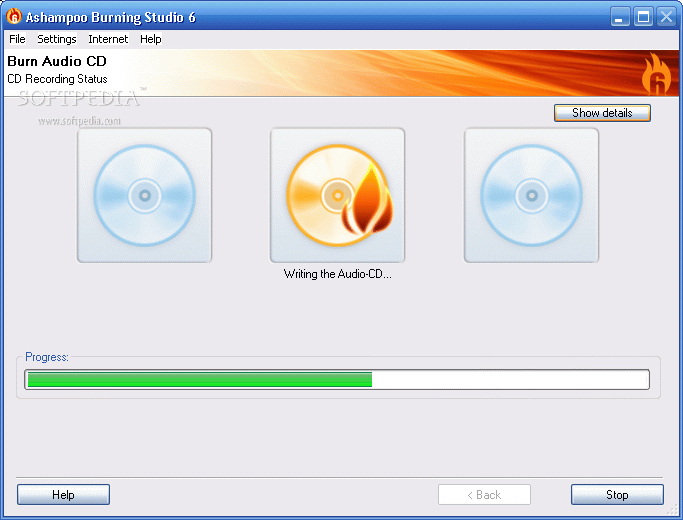
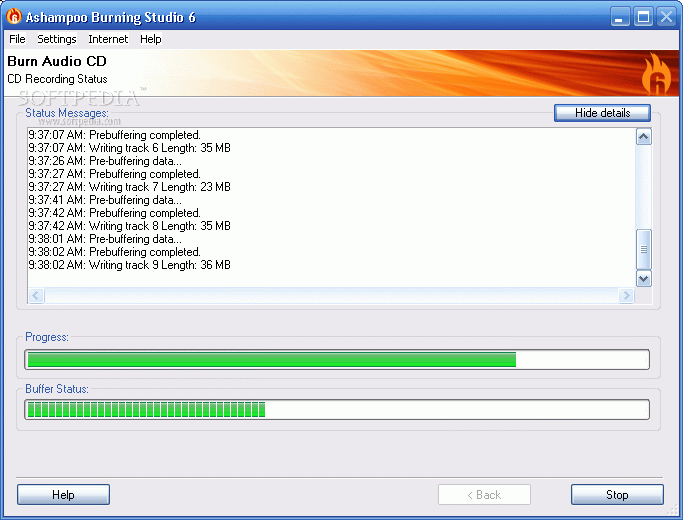
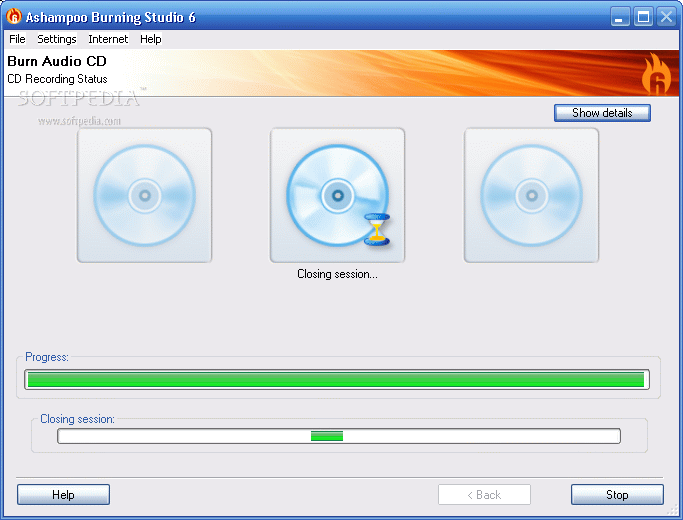
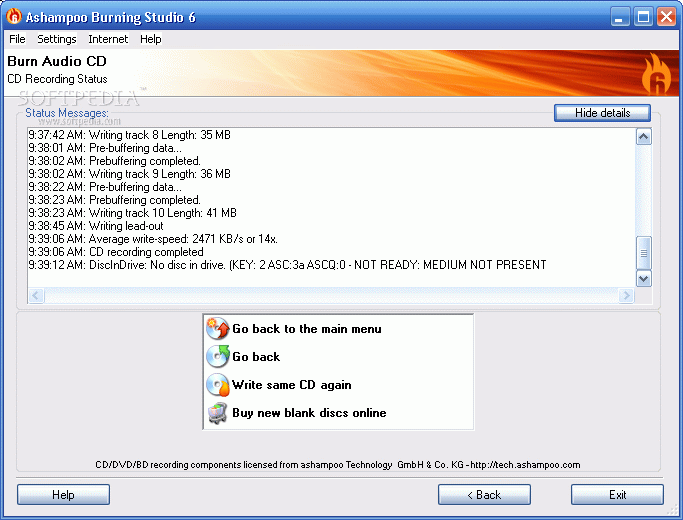
For every activity Ashampoo executes, the user can monitor the status by choosing to display the details (caching of the files, pre-buffering, recording status, writing lead-in/out).
The Good
The software is easy to use and the application offers all the necessary options for writing all types of discs. It supports burning all types of data and the user can rip audio CDs into WAV and WMV formats. The cost is pretty low, only $29.99, as the program offers exactly what you need. I don't think that you're going to have any problems with this software, as it comes with integrated support for over 1,700 CD, DVD and Blu-ray burners.
The Bad
I particularly did not like the fact that the software does not display the time for burning the data.
The Truth
The software does not address power users, but the users that want to do a fast job, with no complications. The 30 day trial period is more than enough to decide upon it. The application loads very fast and the menu is very easy to use. There are no complicated terms to confuse the user. Other than the bad things above (which I think that are pretty important) the software works great. I wish I could have tested it on writing a Blu-ray disc, but if the burning is the same as in DVDs and CDs, than the software is definitely worth keeping.
Here are some snapshots of the application in action: