 14 DAY TRIAL //
 While avast! Internet Security is not the flagship product of AVAST, the suite incorporates the full spectrum of security layers the Czech company offers to home users.
We’ve already dealt with the free edition of the antimalware, which shows some nifty features yet to be seen even in similar paid products. Although the list of components included in the freebie is not too extensive, besides the basic protection against all kinds of malware, it includes additional protection through the community-based web reputation system and sandboxing of suspicious items.
The Internet Security bundle adds to these SafeZone, a virtualized web browsing environment, a firewall capable of taking decisions on its own and spam filtering. The price for the full suite is $49.99.
Installing the application is not much different than what we’ve experienced with the free edition. We still had to choose one of the three installation modes, minimal, typical and custom, with no change in options between the first two; Chrome was still available to be put on the systems without it and a quick check of the machine was still performed.
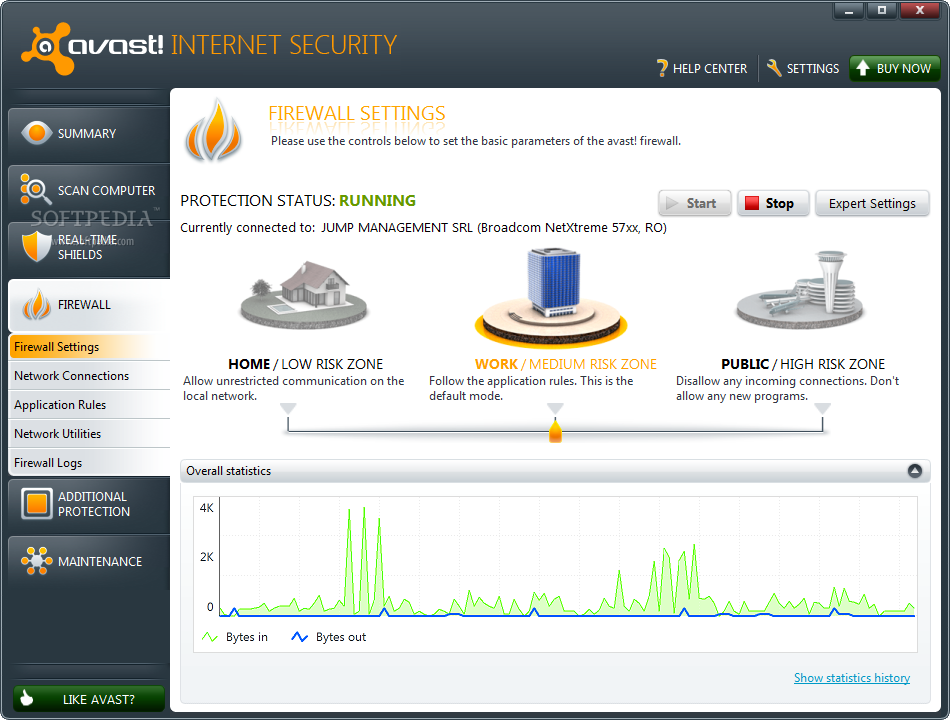
However, we had to restart the machine for the firewall to be enabled. After Windows, loaded we had to pick one of the three security levels of the firewall by selecting Home (low risk), Work (medium risk), which is also the default, or Public (high risk). Depending on which of these security settings we chose, external connections would be more or less limited.
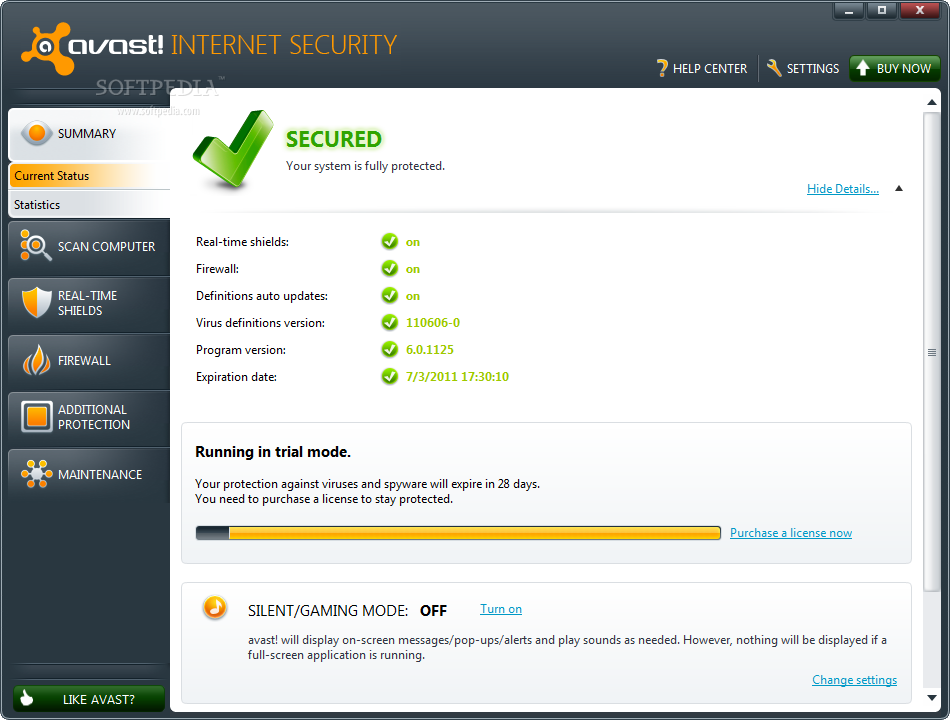
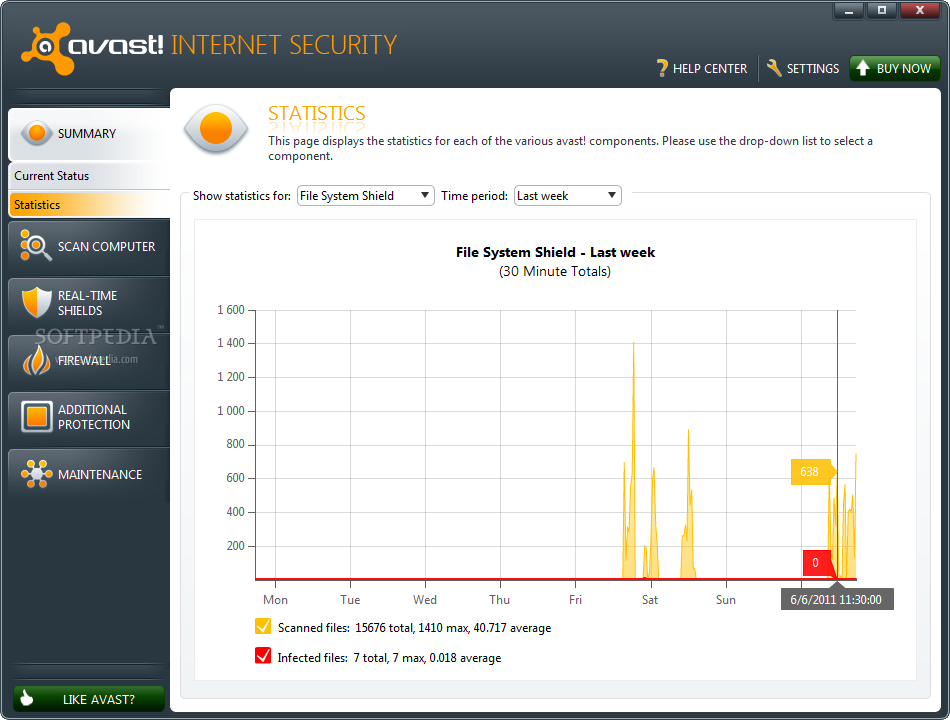
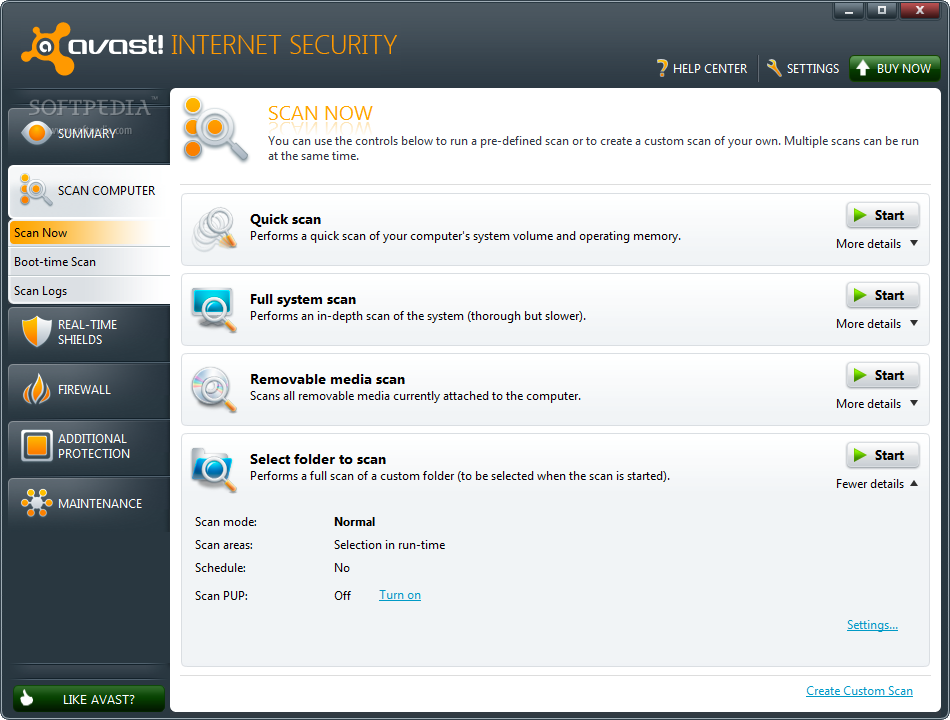
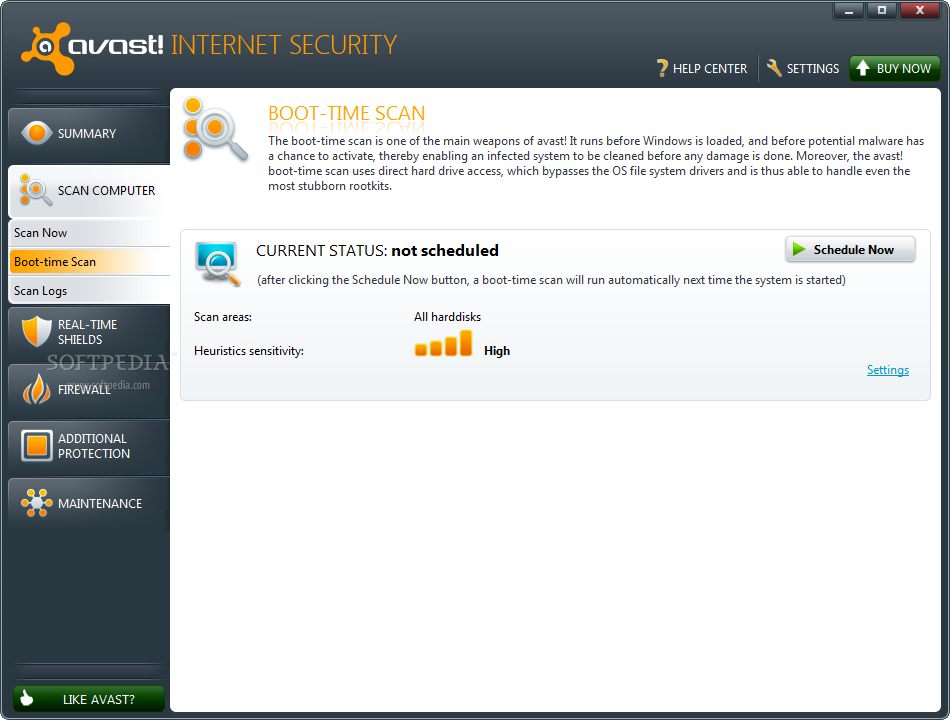
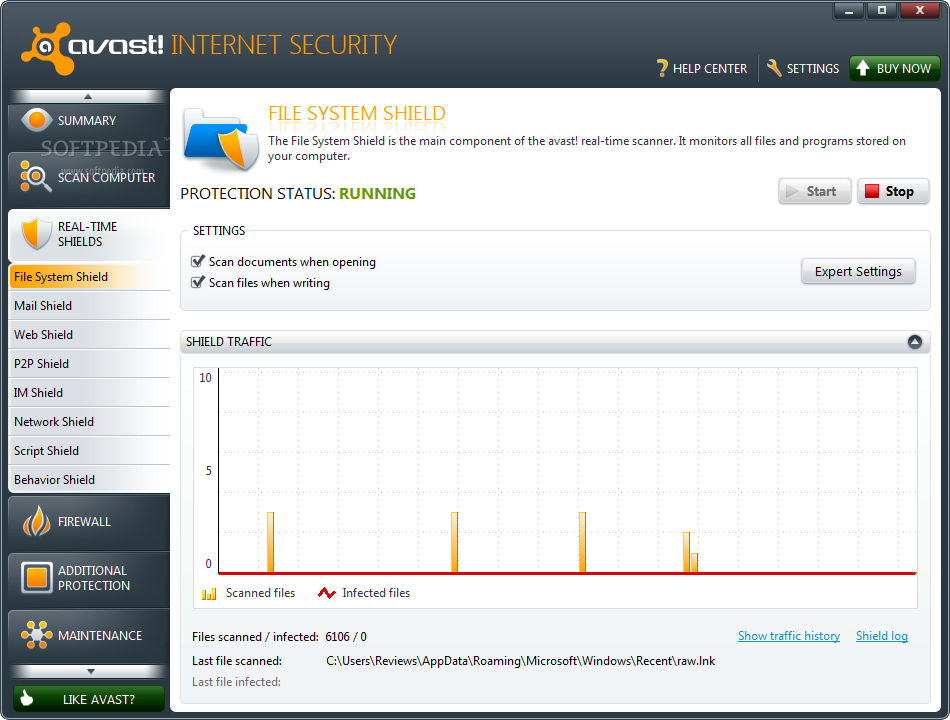
The same user-friendly interface, with components within easy reach, is available in this edition of the product. Menus run down in the left hand part of the application window and there isn’t much configuration to be done, since the program is designed with the average Joe in mind.
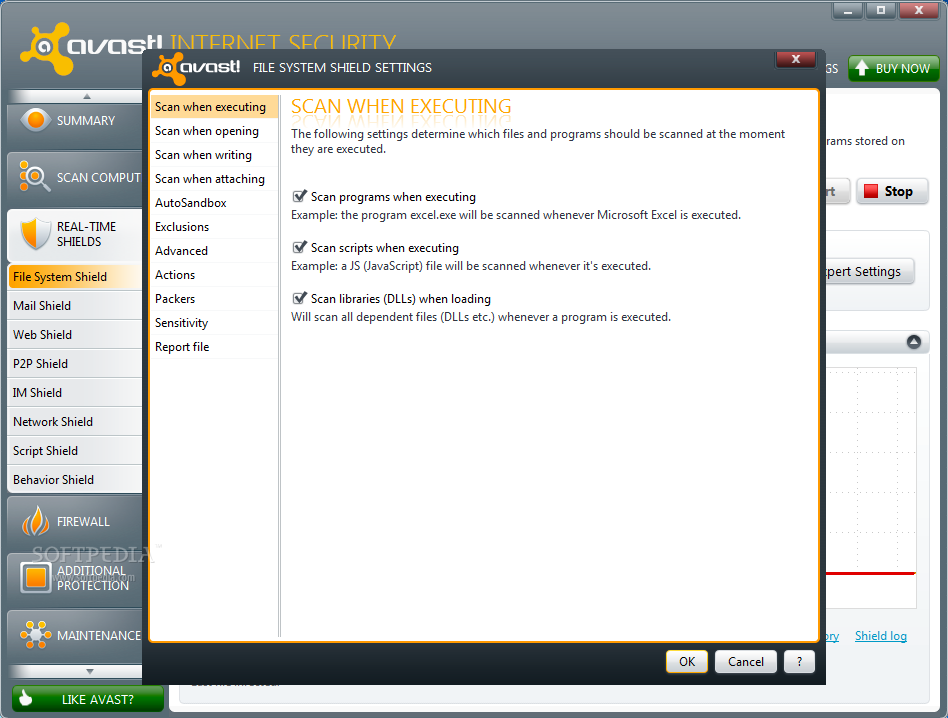
Nevertheless, this is not to say that the advanced users do not have access to granular control settings. Almost all security layers come with expert settings, where you get to make the necessary tweaks so that avast! protection fits your needs.
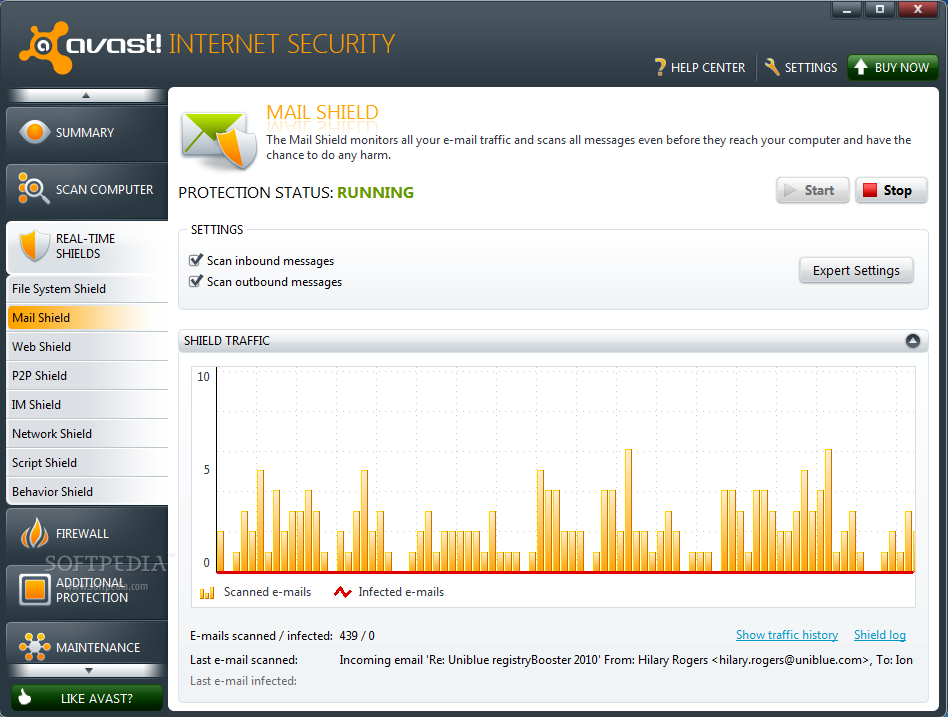
Scan area and the list of real-time shields are absolutely identical with what you get in avast! Free Antivirus. The layers constantly guarding your system make sure that data is scanned as soon as it is accessed; thery check email messages for malware, verifying the web traffic for safe navigation on the Internet, monitor data coming through P2P and instant messaging software. Network traffic is also subject to investigation.
For our malware detection tests, we used the same database as in the case of Panda Global Protection 2012: 370 handpicked samples including all range of malware, from Trojans and spyware, to rootkits and scareware.
After all scanning completed, avast! left 33 threats untouched. Translated into percentage the result shows a 91% detection rate. This was achieved with only heuristics and signature-based protection. When the behavioral component got to do its job, 4 more samples got caught, rising the detection percentage to 92.
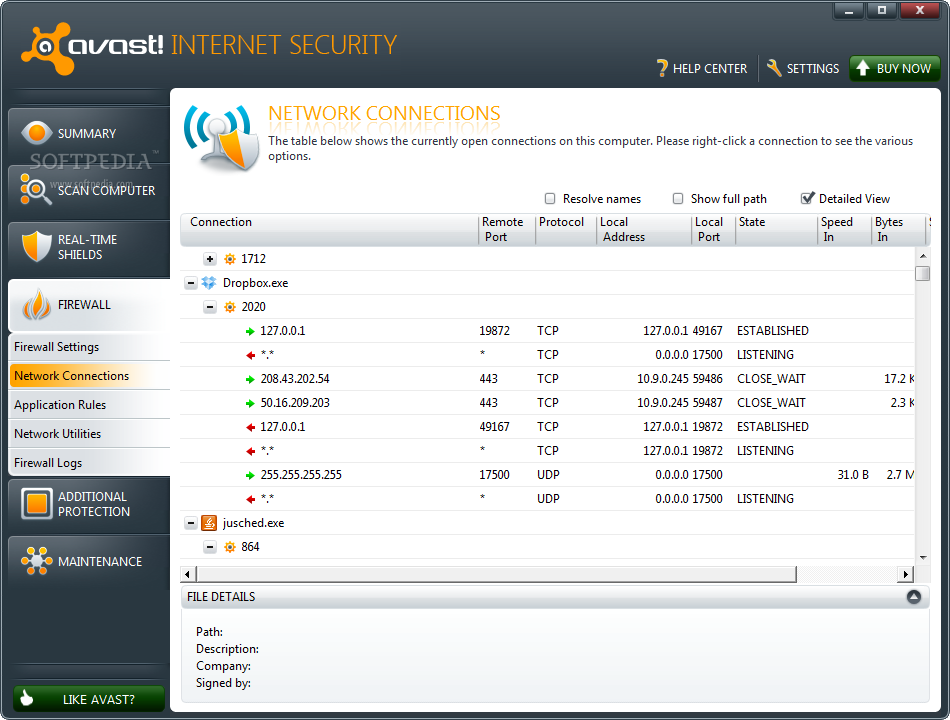
Firewall module is in tone with the entire bundle: easy to configure, with options for beginner and advanced users alike. It can function completely automatically, but you can also instruct it to ask what to do when programs with no defined rules are detected.
The configuration of the firewall is very flexible, as it allows you to define different actions (allow, block, ask, auto-decide) to be triggered by new connections according to the current network mode. If you put the firewall on auto-decide, apps from trusted publishers (signature is checked) will be allowed. Other criteria are also used to determine if said program is safe to allow connection or not.
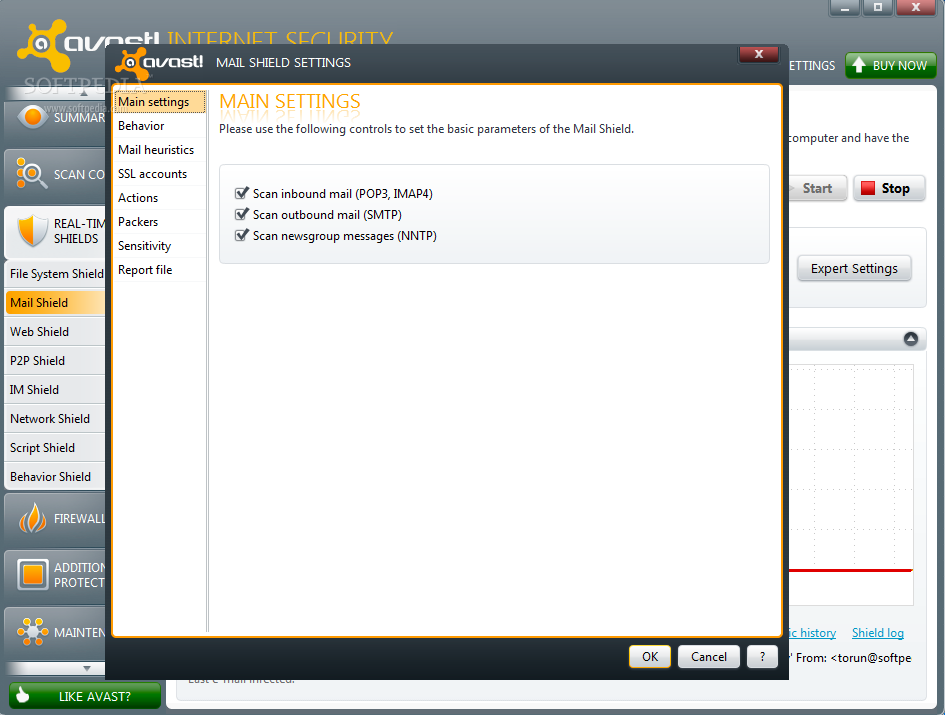
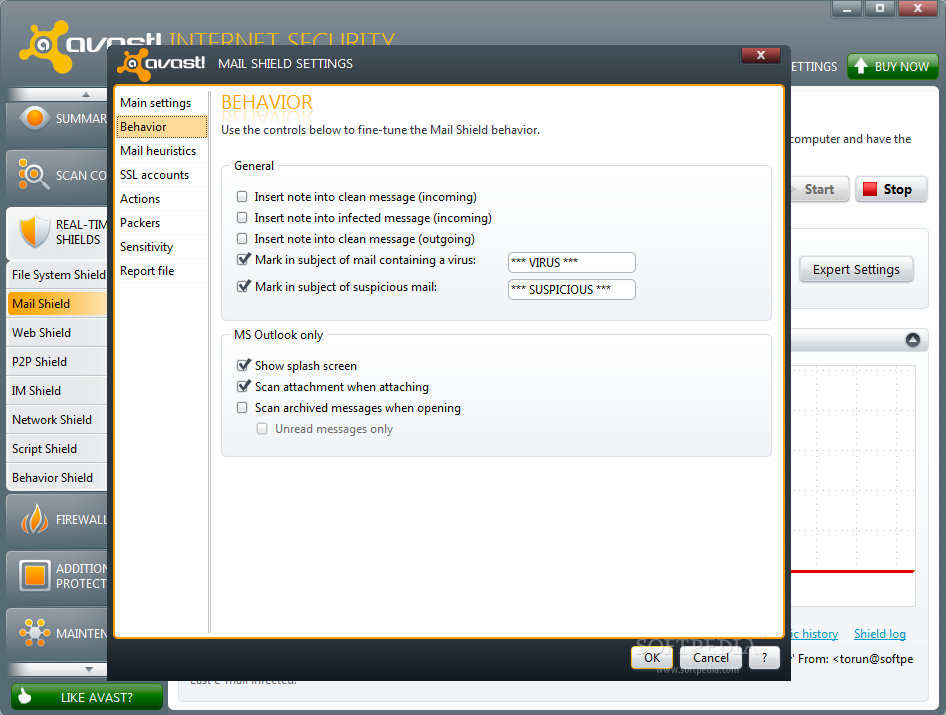
For a user working mostly with known programs, the auto-decide option of the firewall will work wonderfully, but those testing new software are likely to bump into false positives.
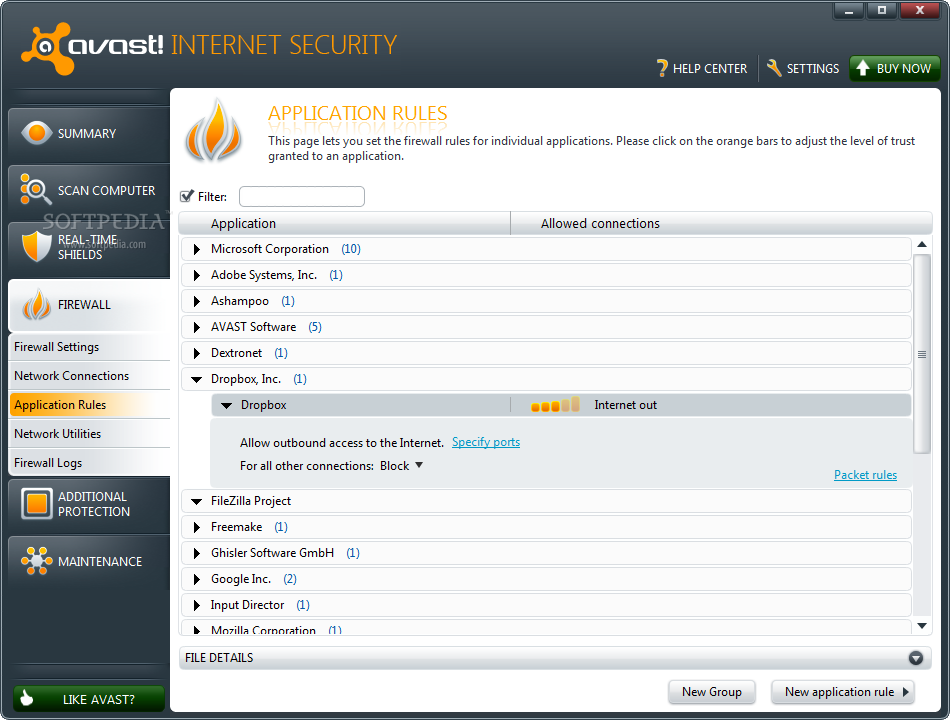
Defining the application rules in avast! Internet Security is quite an easy job, fit even for beginners. Simply drag by a slider to permit or limit inbound / outbound connections. You also get to specify the ports that can be used.
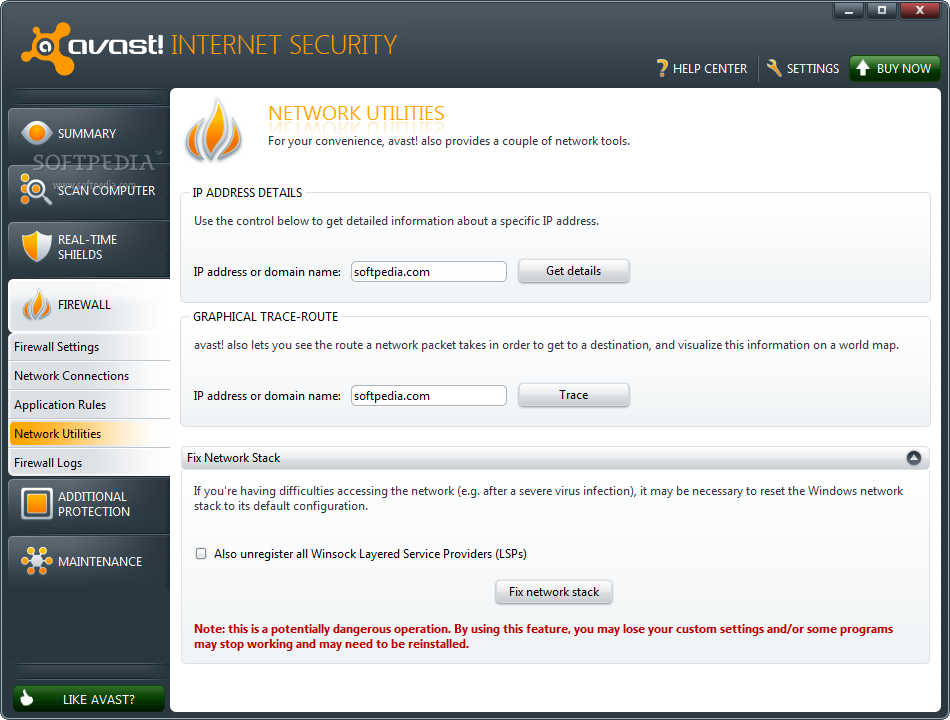
A special section of the Firewall module is Network Utilities. This menu comprises tools that can help you retrieve details about a given IP address or to check the route a network packet takes to reach destination.
Our tests with the firewall showed that it is not the strongest on the market, but it can stand mild attacks. However, during our evaluation, it failed to fend off more elaborated types of assault, such as DLL injection.
As far as anti-spam filtering is concerned, the application automatically detects the type of connection used to send the messages and interposes between the email server and the email client. By doing this, it will actually take over the security of the connection (SSL/TLs). Because of this, you have to disable the encryption in the email client; otherwise scanning the messages is no longer possible.
There is no major tweaking to be made. Your choices are limited to providing the message that marks spam in the subject line, and creating the lists of approved email addresses and domain names. Also, you will have to create a rule in your email client to direct marked spam to a folder of your choice. Accuracy improvement does not depend on the user, but the anti-spam rules provided by avast!.
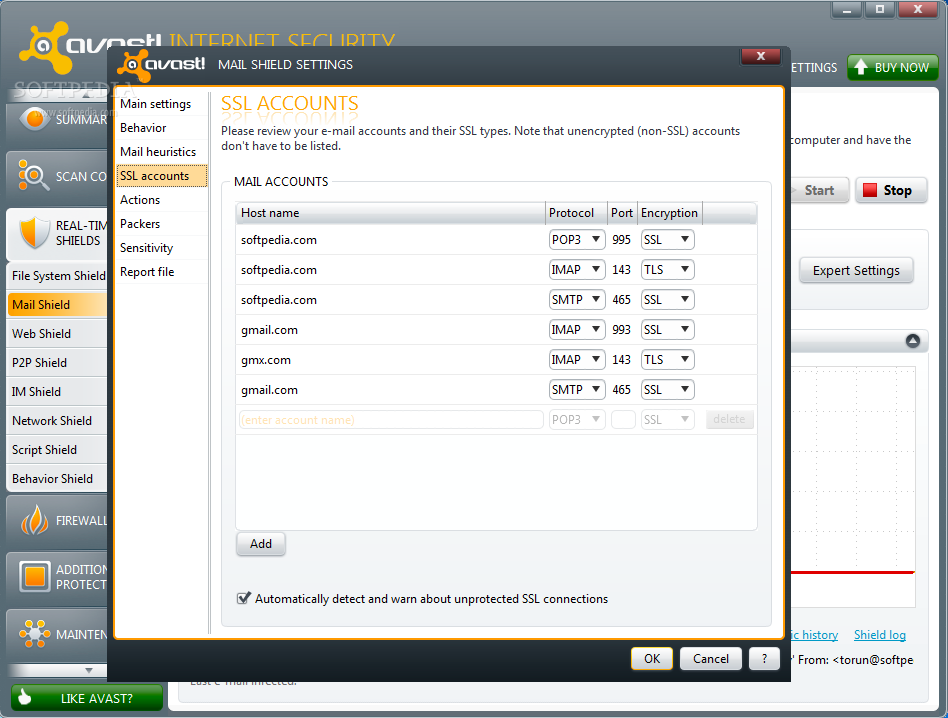
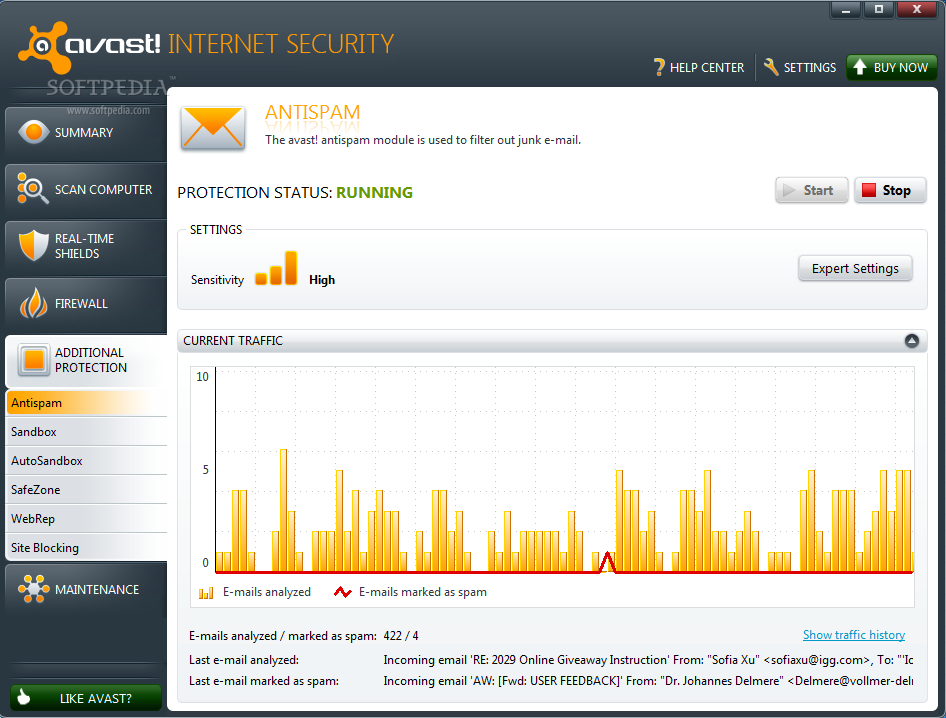
Our experience with the filter showed that it is not the best choice when it comes to getting rid of unwanted messages. Out of the 1296 scanned messages, it accurately detected 15 spam messages, but it also flagged 26 legitimate emails as unwanted items.
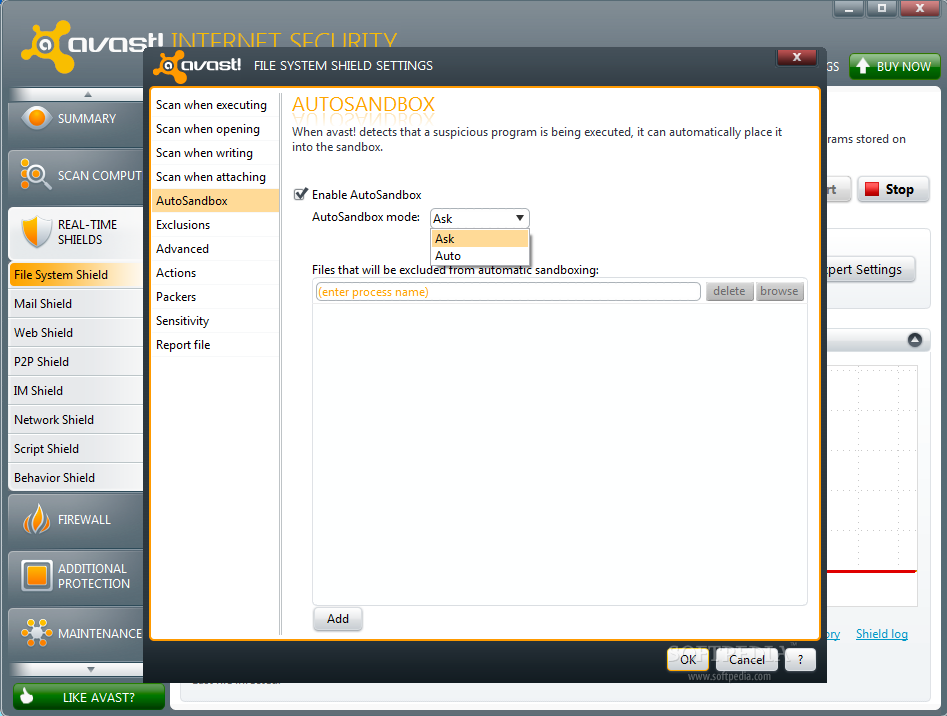
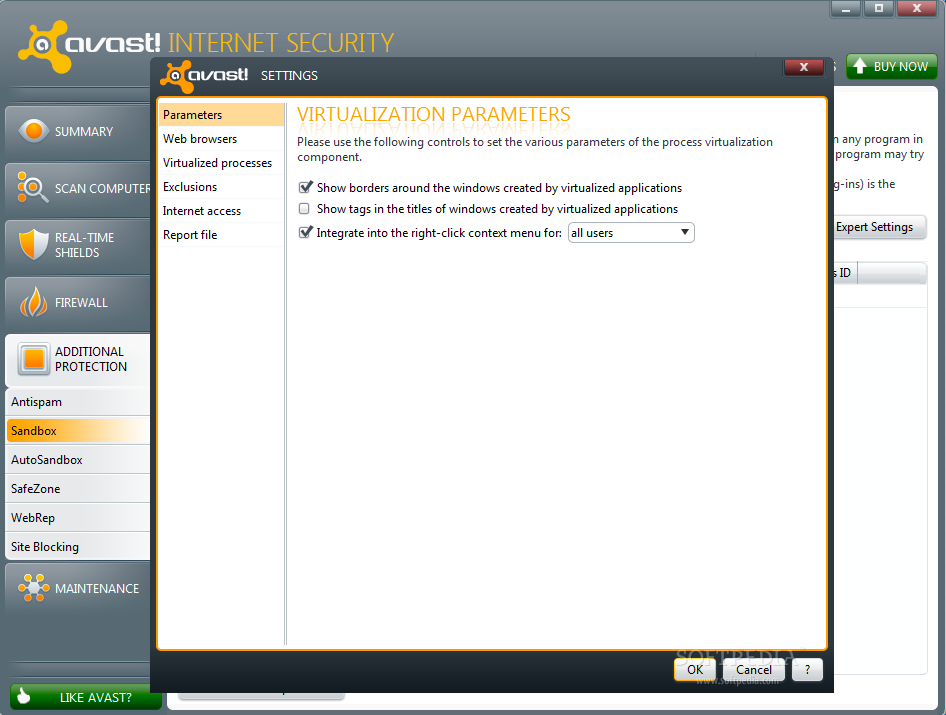
avast! Internet Security makes available the full range of virtualization features the company has to offer. Sandbox component lets you run a program isolated from the real operating system; this is useful when you want to navigate to shady alleys of the Internet without the risk of getting the real system infected.
The application automatically isolates suspicious processes in the sandbox. This is also available in the free version of the antivirus. However, you must keep in mind that, although they run in a virtual environment, spyware programs such as keyloggers are perfectly capable of logging information and sending it away.
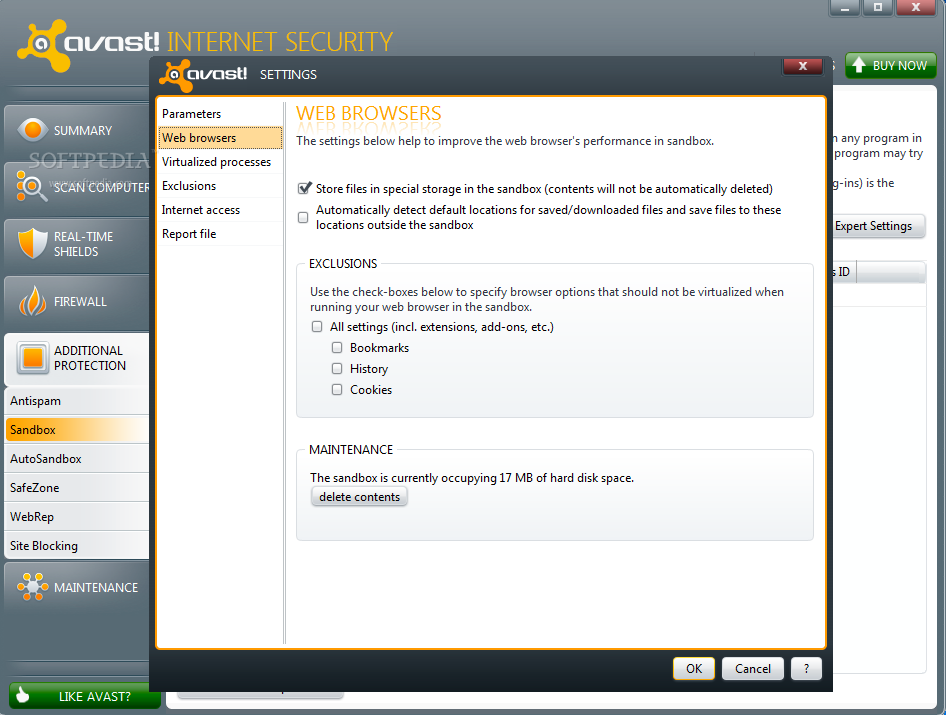
The configuration parameters let you specify which elements should not be virtualized when web browsers are loaded: bookmarks, history or cookies. Additionally, downloaded items can be stored in the sandbox. Further set up includes the possibility to create a list with virtualized apps that are allowed to access the Internet.
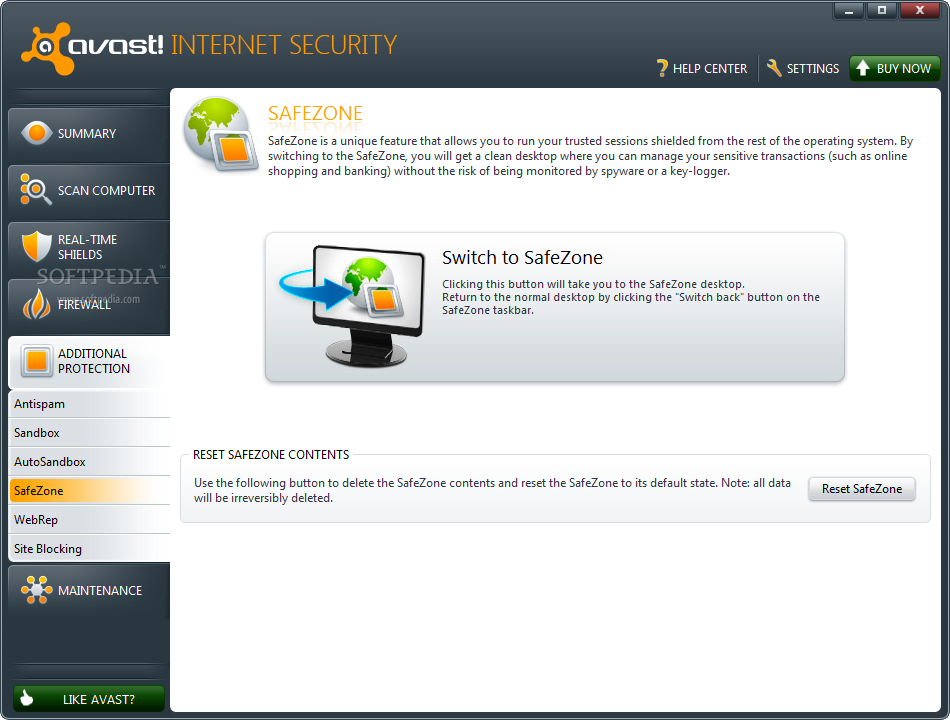
Another form of virtualization available in avast! Internet Security is SafeZone. Although a sandbox itself, it serves a different purpose, since it is designed to create an environment isolated from the operating system, where you can securely conduct sensitive transactions.
When you switch to this environment, you’ll get a brand new desktop screen equipped only with a modified Chrome browser. All navigation in this area is shielded from the real operating system, allowing safe banking operations and other sensitive procedures.
So, the difference between Sandbox and SafeZone is that the first prevents malware from reaching the operating system while the second locks threats outside, making available a clean area where you can safely run financial transactions.
Properly configured, the firewall can handle the connections on its own, depending on the network type you choose. Thanks to virtualization components, you can run any program in an environment isolated from the real operating system; secure web browsing is also done in a virtual environment that can be reset to its default state at a click of a button. The anti-spam filter has no switches to pull in order to improve its accuracy. Also, in our case, it managed to mark plenty of valid mail as spam, while some unwanted messages (very few) got through. Virtualization options coupled with the bundle’s real-time shields and the community-based web reputation system make for an awesome security mix. NOTE: We have 10 licenses for avast! Internet Security 6 to give away. Check out this article for the details on how to grab one.
The Good
The Bad
The Truth
