14 DAY TRIAL //
 BearShare?
By now it?s pretty much a matter of preference isn?t it? It?s all subjective. I?m talking about what file sharing program you use. GASP! I said it, file sharing. I might get sued. Well, it seems like it?s spread like the plague and we?ve all succumbed to the magical wonders of downloading. Yet we still can?t decide which is the best file sharer of them all.
You?re tired of all the crappy spyware that comes with Kazaa and LimeWire doesn?t always get you the file that you need. Torrents only offer you the latest media and you?re just generally tired of trying to find a good sharing program that has a good user following who actually share their files.
Because Sharing is Caring I was a user of BearShare back in the day of its conception. Back when it was trying to take all the competition away from Napster and others of its day. Now, because I?ve had an early onset of pessimism, I wonder what BearShare can offer that I can?t get on LimeWire or Kazaa, or for the more recent users, Ares. Can this Gnutella Network really be as good as they say it is? Let?s see.
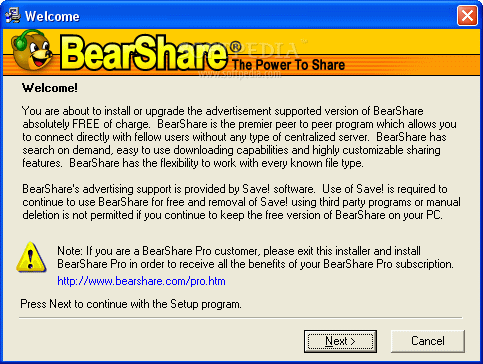
You?ve read this before, the good old copyright agreement which tells you that by using their software ?you acknowledge that you are responsible for complying with all federal and state laws applicable to the content you download and share using the Software, including copyright laws. Unauthorized copying, distribution, modification, public display, or public performance of copyrighted works may be an infringement of the copyright holders' rights in certain circumstances.?
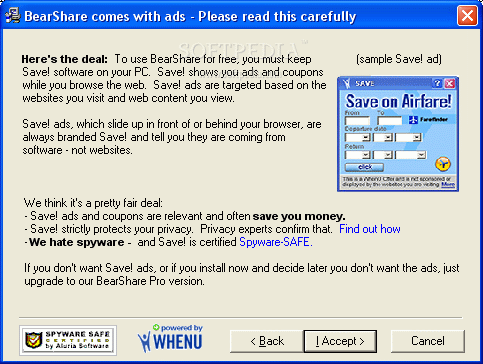
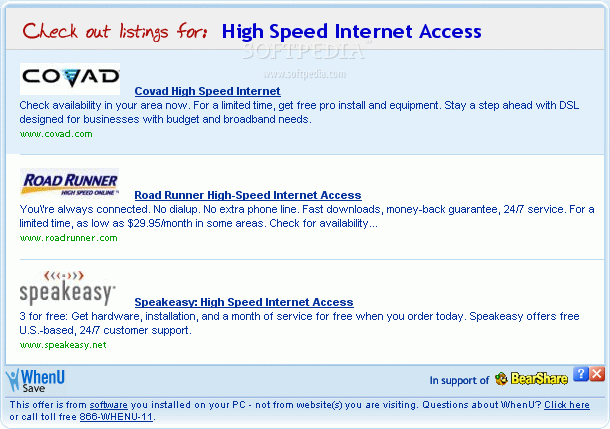
I was a bit peeved when I had to deal with the next install window that told me BearShare comes with ads (but still spyware safe? Can that happen?).
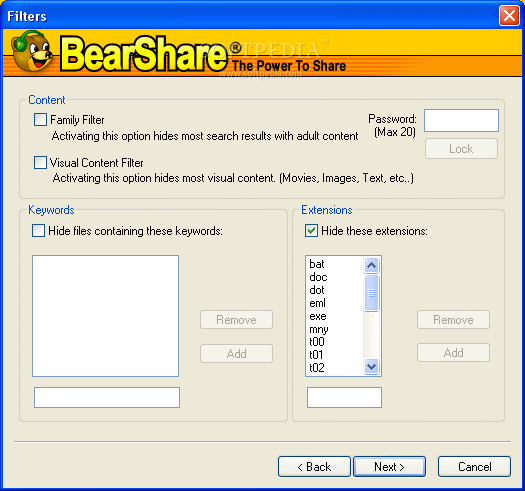
The fact that this file sharer had a family filter that could be enabled by parents was a nice addition. There?s enough adult content on file sharing programs that get plenty of advertising. BearShare also gives you the option of putting up a visual content filter which hides most movies, images, etc.
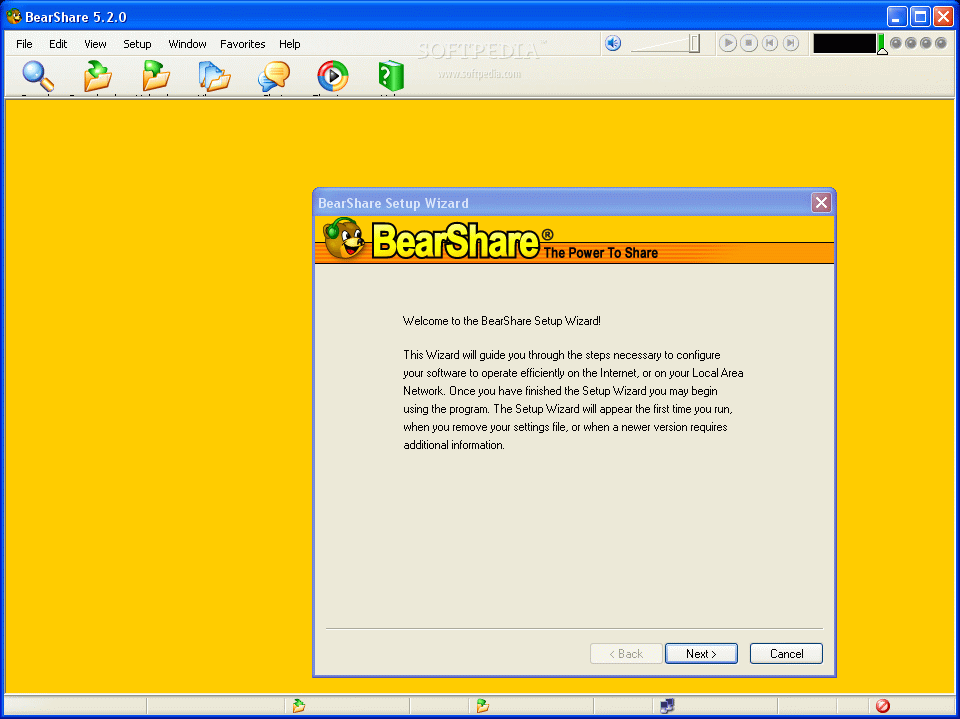
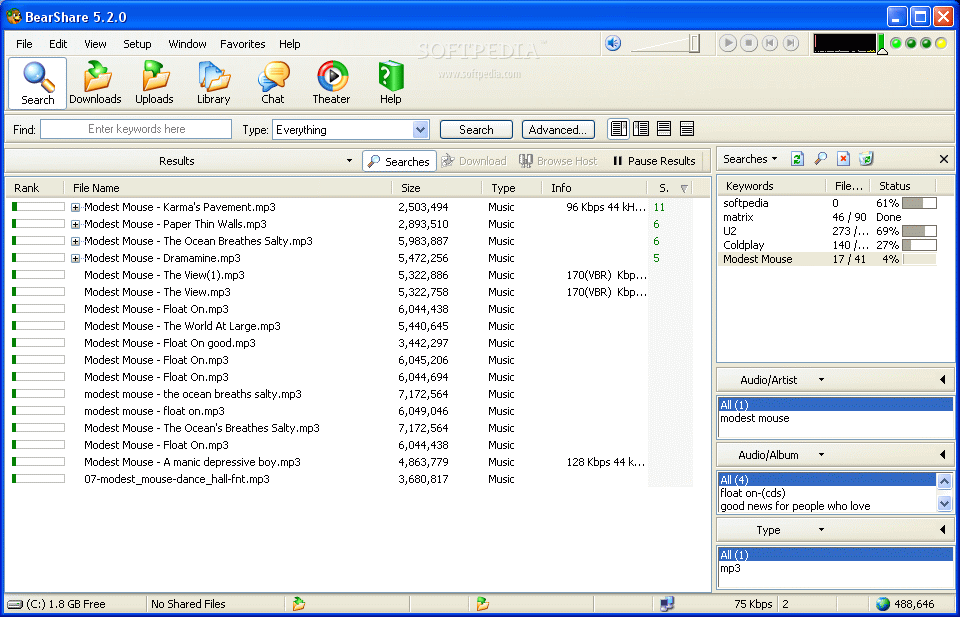
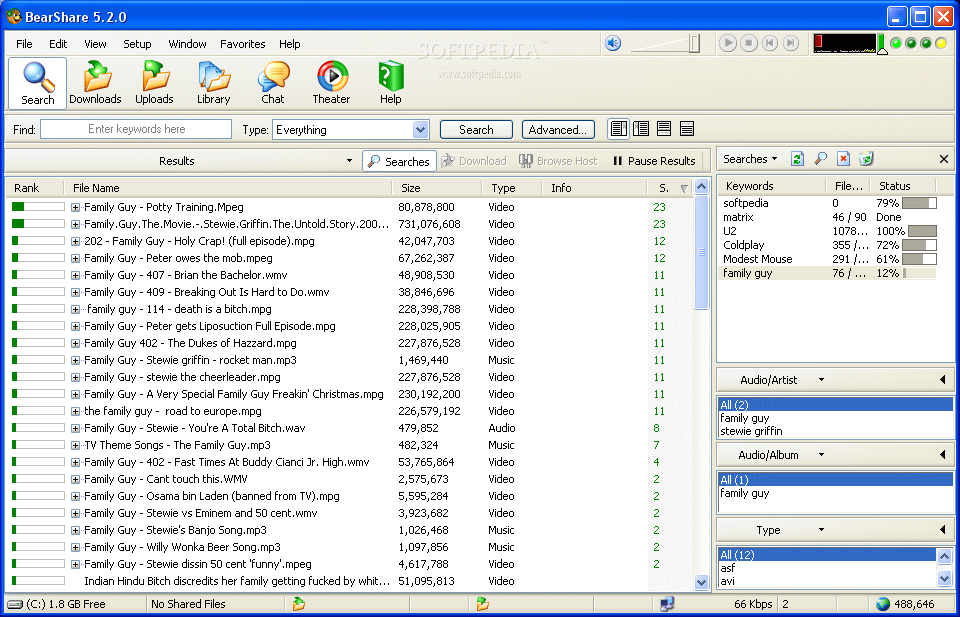
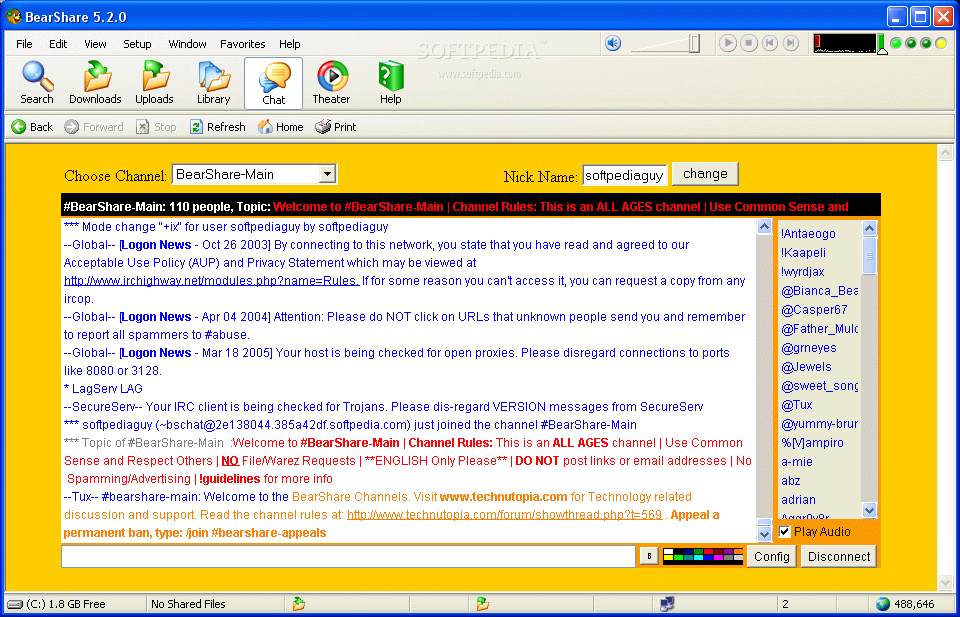
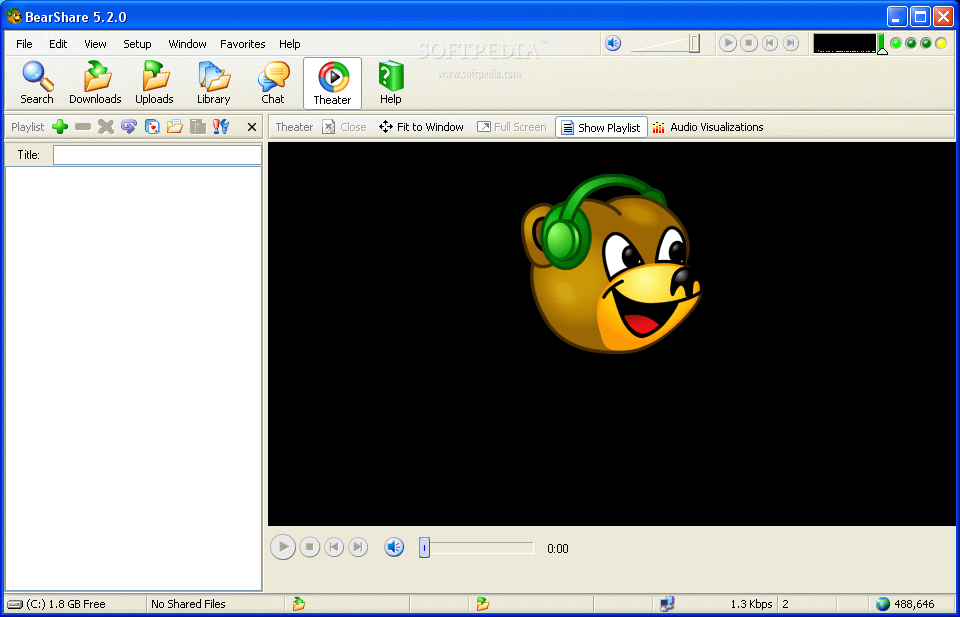
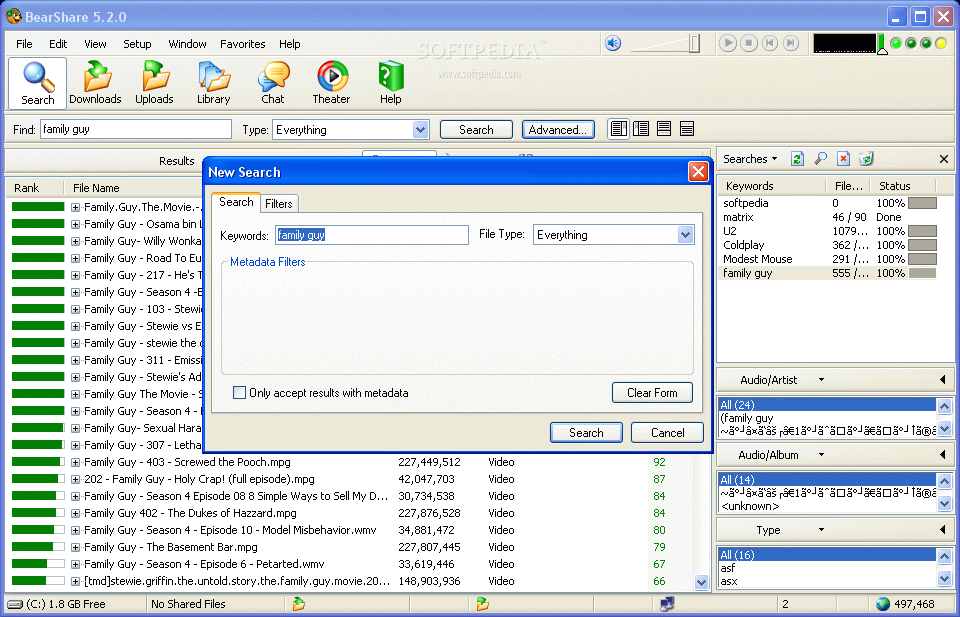
BearShare has the basic interface that you?re already used to if you?ve ever used a file sharing program. You?ve got your basic tab separators on top (Search, Downloads, Uploads, Library, Chat, Theater and Help). You know that you plug-in what you?re looking for in search, you double click to download it and you can set what you?re sharing in the library field.
It?s fairly easy to use and it can find some of the files that you can?t get on LimeWire (I had an average of 600,000 people using BearShare when I was logged on). I can say that it all comes down to preference, but I?d be lying to people who actually read my reviews. Guys, pay attention cause here?s the important part.
Do you really want adware?
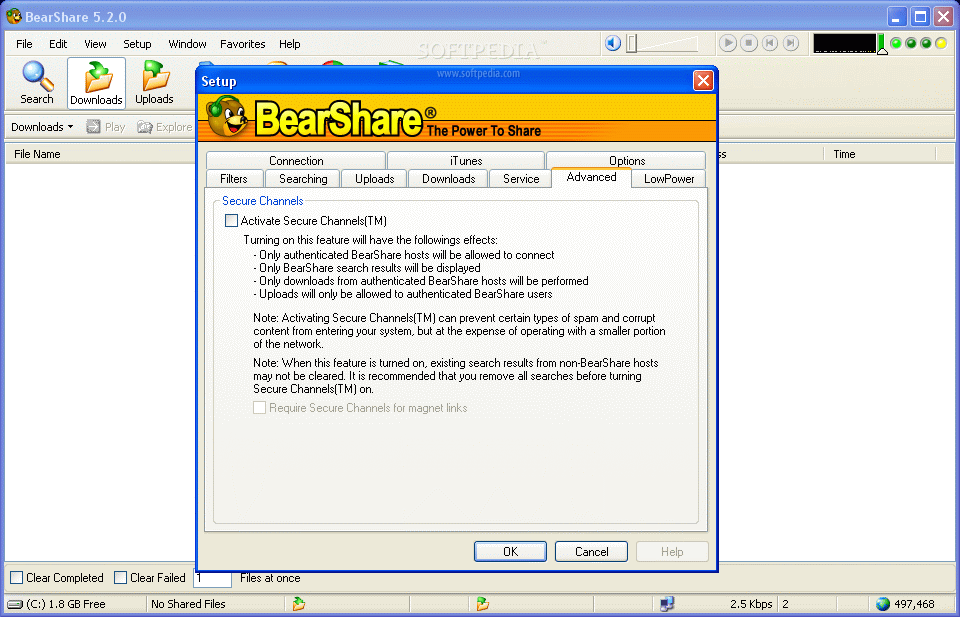
If you answered NO to the question above, that?s a good enough reason not to get this program. Yes, it?s advertised on the download, but it becomes annoying and dangerous to have on your system. What really pisses me off is that on their Web site, in the download/install FAQ, they include screenshots of everything BUT the window where it tells you about the adware.
I guess that we can all overlook this slight flaw because you can upgrade to BearShare Pro for a higher price. But why would I do that when I can get the exact things for free from other file sharing programs?
The Good
It?s got good features, good speed and you can find some files that you can?t get on other file sharers. It has a solid family filtering system, but it?s still hard to catch everything.
The Bad Well, do you want to know about the adware that?s on your computer? Or the adware that?s on your computer? Did I mention adware? Why pay for a program to get rid of its adware when you can find another one who does it for free? It also bugged me that after I set the option of closing BearShare when I click that big X, it keeps on asking me if I want to minimize it to tray whenever closing. Why in the world would I set the auto close option if it keeps on asking me to minimize to tray everytime? (This last bit almost made me give it a 1/5 stars.)
The Truth
There are plenty of file sharing programs out there that don?t have adware with their packaging. You can try this one if you feel confident; you can remove the adware once it?s gone, but I don?t see why you?d ever want it on your machine in the first place. BearShare has indeed made a name for itself in the file sharing department, but if it hasn?t moved up the ranks in the time that it?s been on the market, you now know why. Look up Ares, DC++ or LimeWire.
Check out the screenshots below.