14 DAY TRIAL //
 Like DVDs?
If you haven't' heard of DVD Shrink, then you're either not an avid movie watcher, or you don't have a DVD player on your computer. It's ok, there's no need to worry, both of these things can be remedied. I've taken a look at DVD Shrink lately and I can honestly say that I was blown away by the functionality, simplicity, practicality and effectiveness of this program.
When I'm able to take a 4.3 Gig file and compress it to 2.0 Gigs, then that's when you know you have a good compressor on your hands. For avid movie watchers who enjoy burning DVD's, you should have this program on your computer. If you haven't' already, there's still time to rectify the situation.
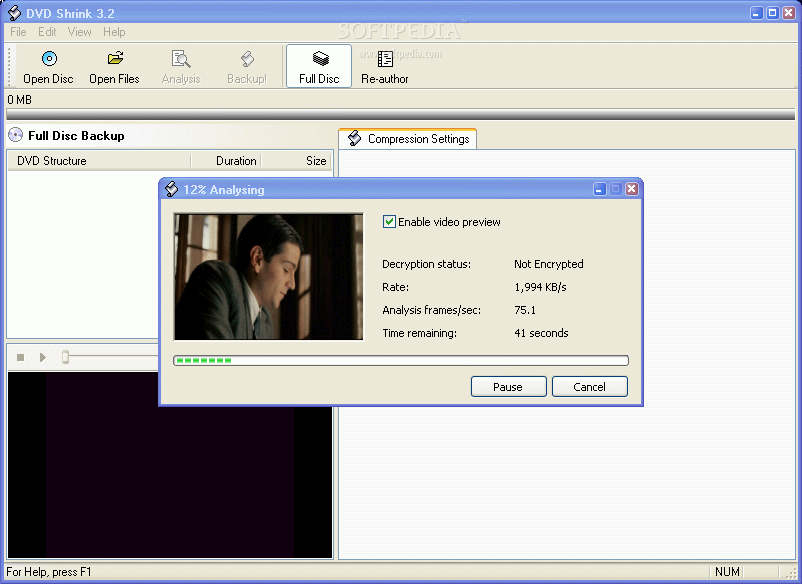
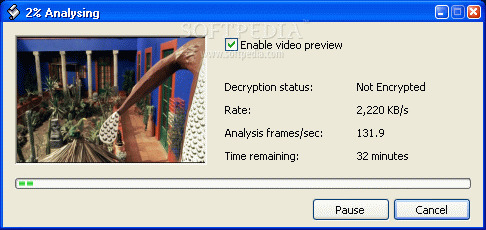
I found an interface that was clean, simple and intuitive the first time I used DVD Shrink. When you first start using the program, it runs a preliminary analysis of the inserted DVD. With 'video preview' enabled, you can also view the movie while it's analyzing. If you haven't seen the movie, I'd recommend you turn this option off because it might give away some upcoming scenes. The analysis goes fairly quickly so you won't actually see the whole movie, but I'd still recommend turning it off for unseen movies.
Re-Authoring
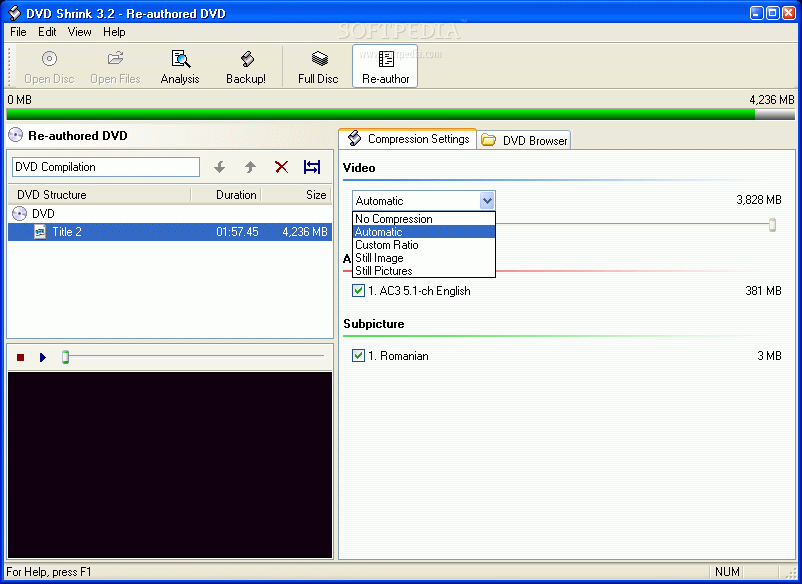
DVD Shrink isn't just a compression program, it'll let you mess with a few other things as well. A main one is the ability to re-author some of the material found on your disk. You're able to extract menus, audios and subtitles from with this option.
This option works great if there are about twenty subtitles that you don't necessarily need and you want to get rid of them. Just drag-and-drop what you want and get rid of what's extra. You may be able to get rid of a lot of useless aspects of the DVD with this tool. It's a good way to make some space.
Backing Up
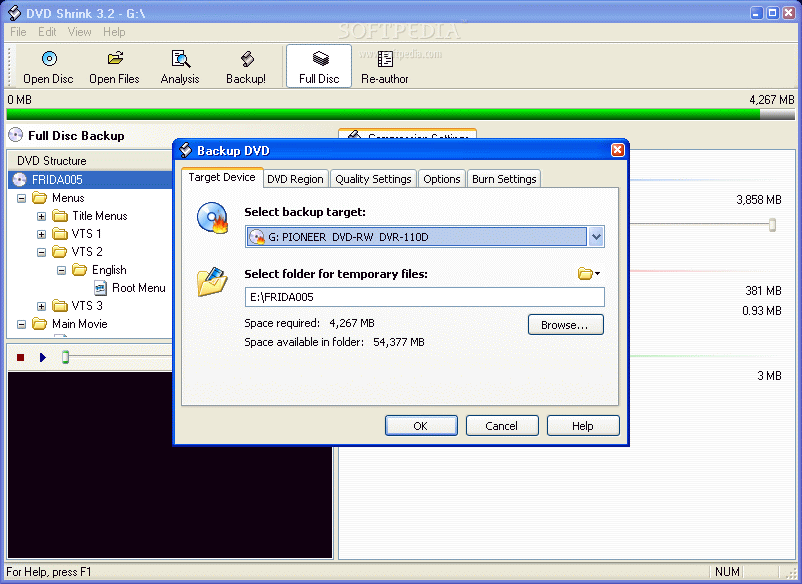
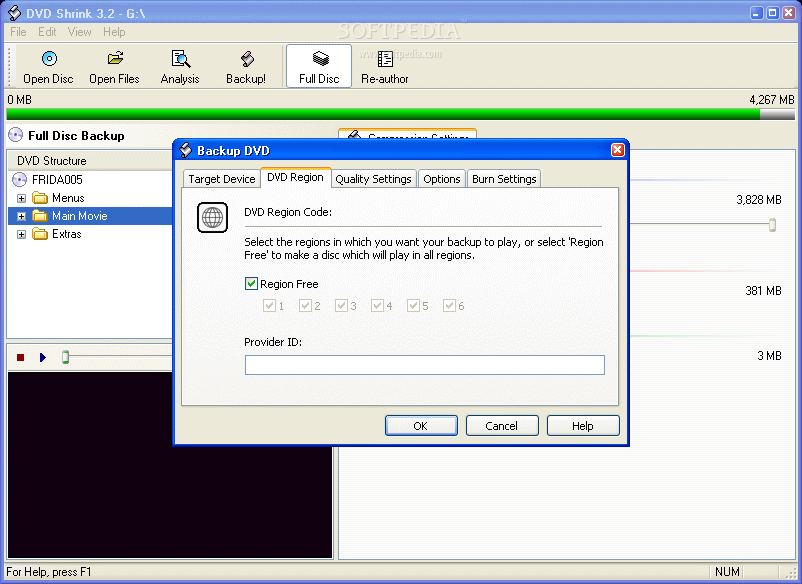
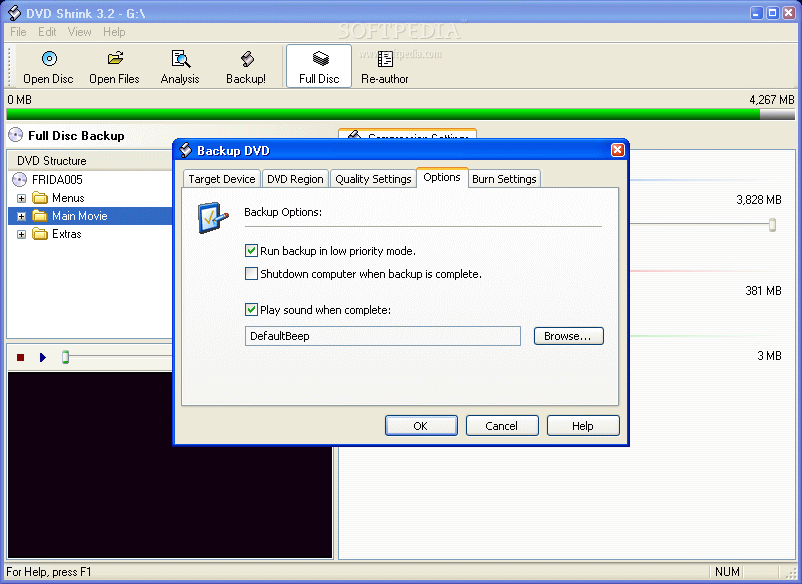
When you figure out your compression settings, it would be a good idea to backup your movie. With this tool, you're going to see that you can back it up to either blank media or directly to your hard drive. I also don't recommend enabling 'video preview' since it might bog your system a little (if you have the system resources, then don't worry about it).
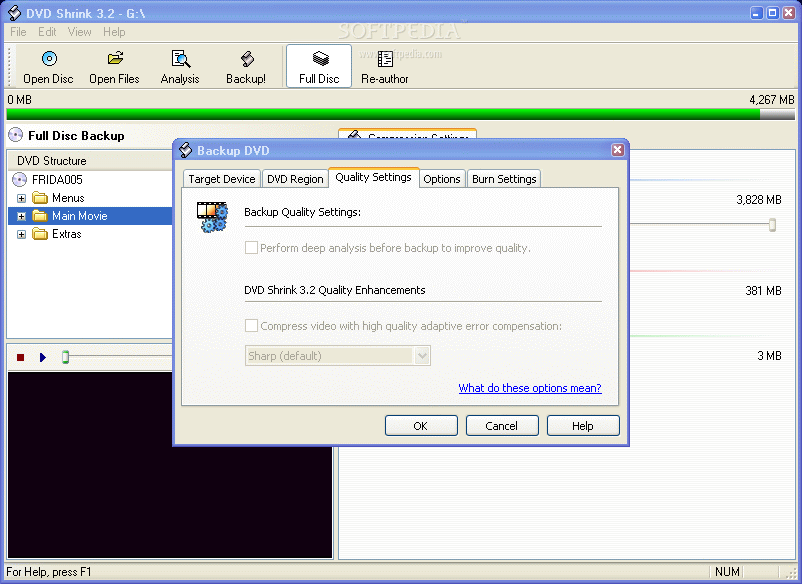
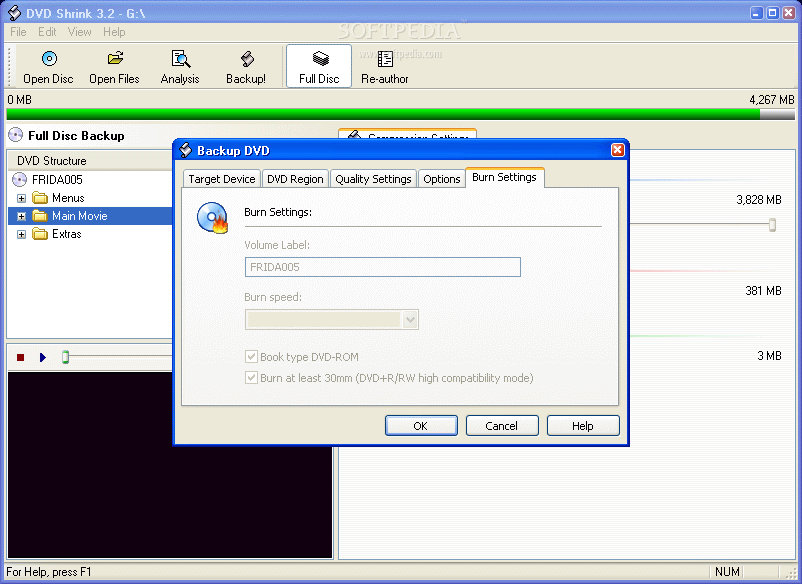
From these same setting tabs, you're able to set the 'Region Code' on your DVD. I'd recommend setting it to the Region Free option so your DVD can be viewed by anyone who wishes. Out of the five tabs that are given, there are three important ones to take a look at; Target Device, Quality Settings, and DVD Region.
In the 'Quality Settings', if you're set on performing a deep analysis before backing up, beware that this will take more time than usual (for me it was about 20 more minutes). Another option is that you can check the little box when you want to compress video with high quality adaptive error compensation (if you want to be sure the job is done right, then it would be an option to think about enabling).
The burn setting are enabled only in case that we have selected in Target Device tab a recorder instead of Hard Disk.
Compression
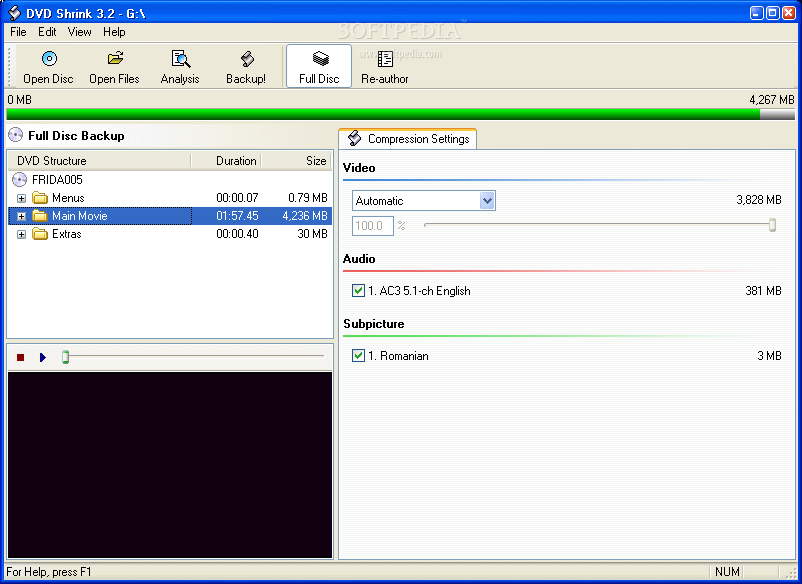
When you're compressing your DVDs, you're given a number of compression options. The default is set to automatic and that's also the most recommended since it only loses a minimal amount of quality. If you're not really interested too much in quality, but more on quantity (or the lack thereof), you can manually adjust the compression ratio to fit your own needs.
I only played around with compressing my main movie, but you can also select from any of those listed if you want to compress some parts but not others. So if you have lots of menus that don't necessarily interest you, go right ahead and compress away.
Under the compression options, you're also given the option of compressing to still pictures and still images rather than the movie itself (this also helps when messing with your movie menus).
The Good
DVD Shrink has great compression capabilities. It's fast, effective and its ease of use will let any user (novice or pro) run it without any problems. It has great backup options and great features. One of the few of its kind that lets you manipulate the material you have on it. From subtitles to menus, you can keep or get rid of anything that's not necessary. Re-authoring does save time. You also get the ability to burn with Nero now.
The Bad
But, at the same time, the Re-Authoring function doesn't seem to be that useful, you can do everything you do from Re-Authoring in 'Backup'. Other than that I find nothing wrong with it. It's still a great program.
The Truth
In my opinion, it's the reigning champion of its field. There are so many reasons why you should have this program on your computer. Aside from being free, fast and effective, it's easy to use, it has a clean interface and it'll get the job done. If you haven't used it yet, then that's your loss. Grab this guy while it's still free.
Check out the screenshots below.