14 DAY TRIAL //
 Have you backed up those drivers?
Driver Magician does the job that you should have done by yourself a while ago. A time will come when something (who knows what) will make you have to reinstall your drivers. Be it a virus, be it a system crash, it could happen and you should be prepared for when that situation presents itself.
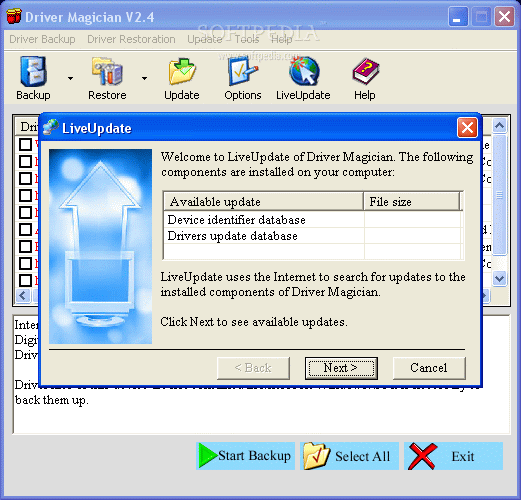
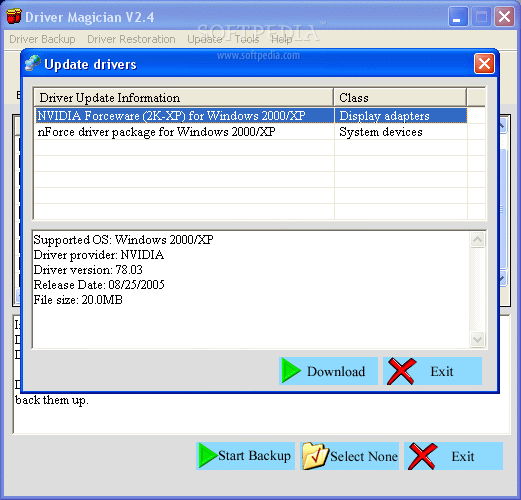
Driver Magician is a program that could help you be that technological boy-scout so you're always prepared. That's their motto right? Driver Magician is a backup program that helps you identify non-Microsoft drivers (these are also usually the ones that aren't backed up), backs up the necessary files, and also informs you of any updates that you may need (the Liveupdate is disabled in the unregistered version of D.M. so don't expect any freebies).
What's Inside
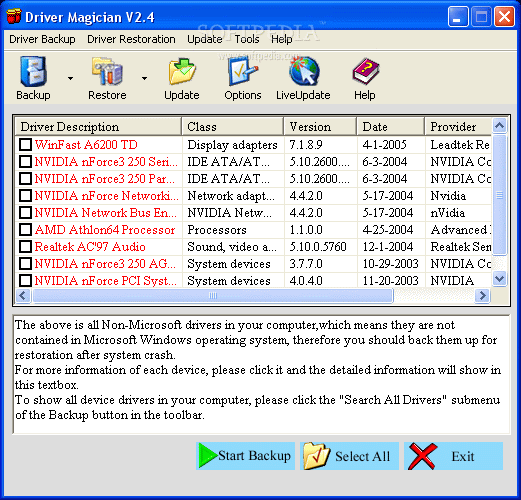
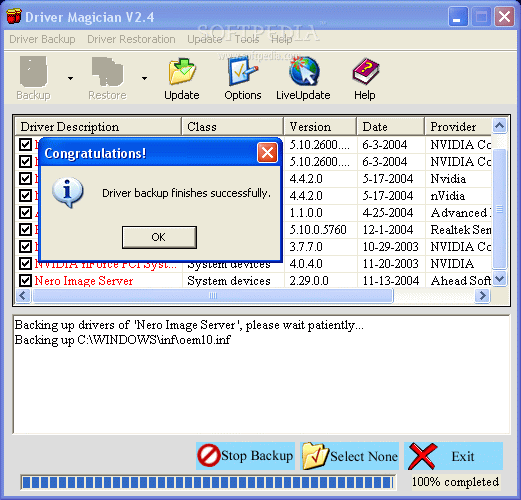
The interface is quite simple for this program. You have a basic window where your drivers are displayed and you simply click the ones that you want to back up. In the 'backup' option, you get to choose between backing up all or only the non-Microsoft drivers.
In the options menu, Driver Magician lets you back up your files in numerous ways. You can go for the simple backup that writes your basic files to folders, you can backup to a compressed file which will save you some disk space, you could create a self extracting .EXE file that you can run, or even an auto-setup.EXE file that automatically does everything for you. The same goes for restore options (you can restore from specified folders, a compressed file, or an .EXE file).
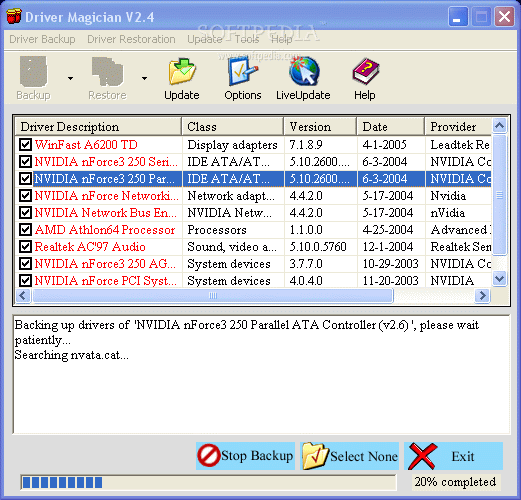
I ran a few tests, the first being a regular (files/folders only) backup of my non-Microsoft drivers and after I chose where I wanted them to be saved, it took about two minutes for the whole operation to work. I then tested out the same thing, but this time with compression (set on high).
Again, the process was speedy and it didn't take long to compress, but it saved them as .BCK file extensions. I would have preferred that I had the option of choosing which kind of compression format rather than having it automatically do it in its own format.
The restore was just as successful, except for that with the unregistered version I could only restore the video and network adapters. Although this went silky smooth, I would have wished to actually try out the full functionality of the program, but if they'd let people do this, I guess no one would actually register with Driver Magic.
There's a lot of simplicity in this product that makes it easy for you to do the things you should have done a while ago? And that's backing up your drivers. Do it right with this easy to use, simple interface, and recommendable program.
The Good
They've got tons of drivers in their system so you won't have to worry about never having the latest updates. It's a simple user interface so you won't get confused when you're wondering what to do. Last but not least, the backup process is decently quick so you don't have to wait forever to get your drivers backed up.
The Bad
I can't say that it differentiates itself from a lot of other driver backup utilities (I guess it doesn't necessarily have to). I also wish I had more accessibility to what I could restore (to see if it actually worked). I had a random instance when I was testing the program out and the RAM sky-rocketed up to 160Mb usage (when I wasn't running any backups of any type) so I thought this was extremely weird.
The Truth
There's nothing much to day. This program does the job, does it well and does it quickly. It's a great tool to have and it's something you should get before you have to deal with a full driver restore. If you don't know how much of a pain that can be, take my word for it, you'd rather be prepared than spend a whole day restoring your machine the hard way.
Check out the pictures below.