14 DAY TRIAL //
 Duplicate files will always find a place on your computer. They will appear due to the updates performed, installed software etc. Your computer will not work better if you have the same file in several different places. On the contrary, the machine will begin to run slower and slower by the day. Searches will take an awfully long time and the computer resources used will increase significantly. Your computer becomes a slug and it may even freeze.
There are two methods of cleaning your computer of such unwanted files: the manual way and the automatic way. As it is impossible to delete all the duplicates manually, the only option available is the automatic one. This one is not 100% reliable as it depends entirely on the software's ?judgment? and scanning capabilities. But it is a whole lot easier to put a software to work then to damage your eyesight and lose a lot of time by comparing and looking into all the never-heard-of folders.
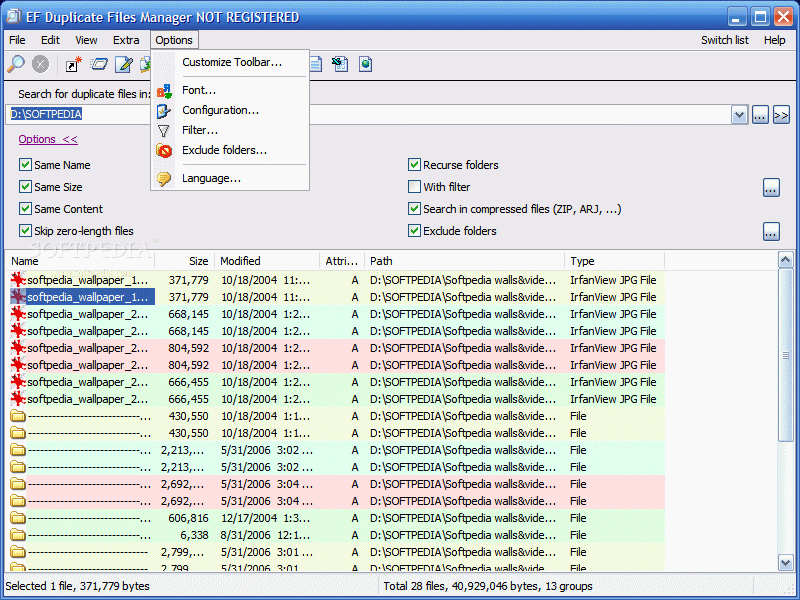
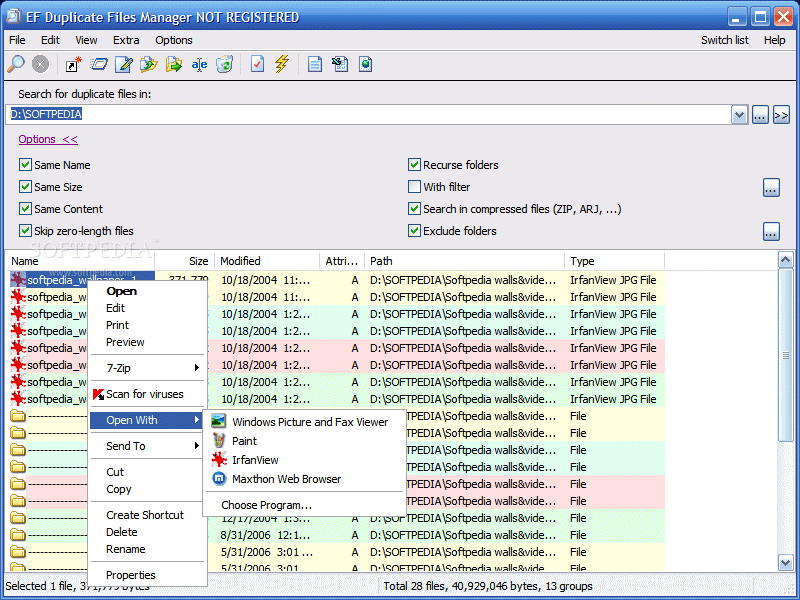
The most comprehensive duplicate finders available on the market today are of course under the commercial license and cost good bucks, but at least they do a good job so it is not wasted money. Somehow I managed to find a low priced duplicate finder tool. The developer is EFSoftware and the price for this tool is only $10 and it is available free of charge for a trial period of thirty days. The interface is extremely simple and there are no special colors except for those showing the duplicates found on your computer. Unlike some other similar applications, EF Duplicate Manger will detect all the duplicates of the same file, not only one of them.
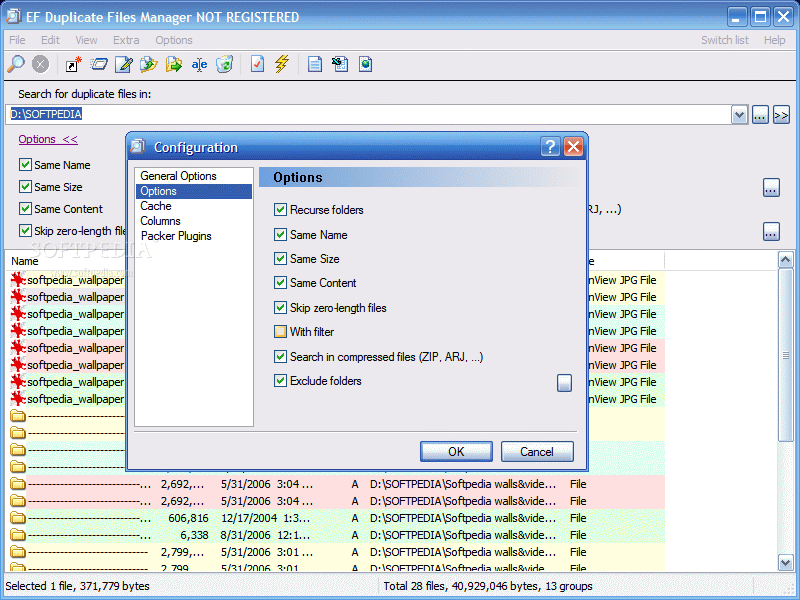
Starting the scan for the duplicates is easy as the interface provides the user with intuitive icons. The search options are available in plain view and they can be hidden or shown, depending on the user's wish. They include searching for files having the same name, size and content, but for a faster scan you can configure the scan to skip zero-length files and exclude certain folders that you are certain that do not contain duplicates.
Filters are also included and the user can make use of them simply by applying the search process. The Filter window lets you choose the file name, which files to exclude, as well as specifying date/time, length and attributes related information. Compressed folders will not be overlooked and the scan will also affect the archives. EF Duplicate can analyze the contents of the usual types of archives (7-Zip, RAR, ACE, ZIP) as well as in the image files (IMG and ISO).
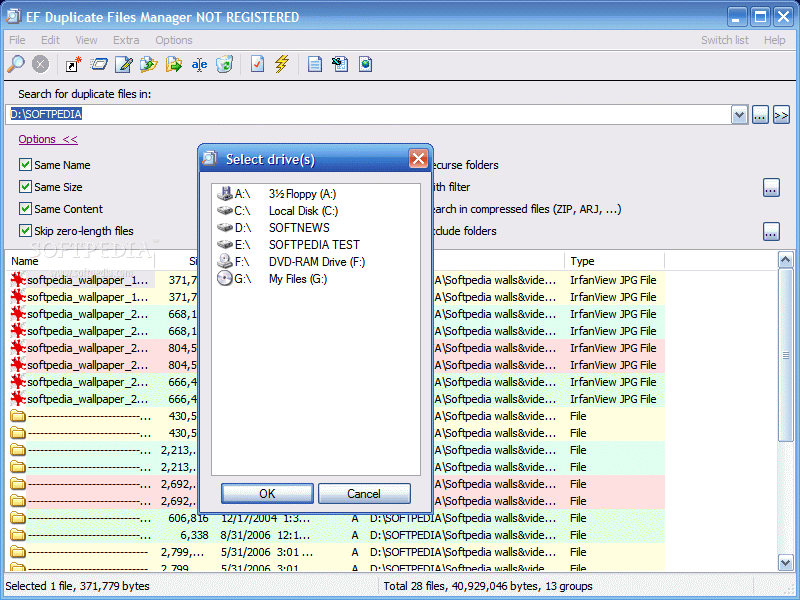
This was the regular part of the application, but here comes the hard weaponry: you can perform a search on multiple drives at the same time. The option is a bit out of plain sight, but I will guide you into finding it. Right next to the regular Browse button at the end of the Search bar there is a ?>>? sign. That will enable you to select multiple drives to scan at the same time.
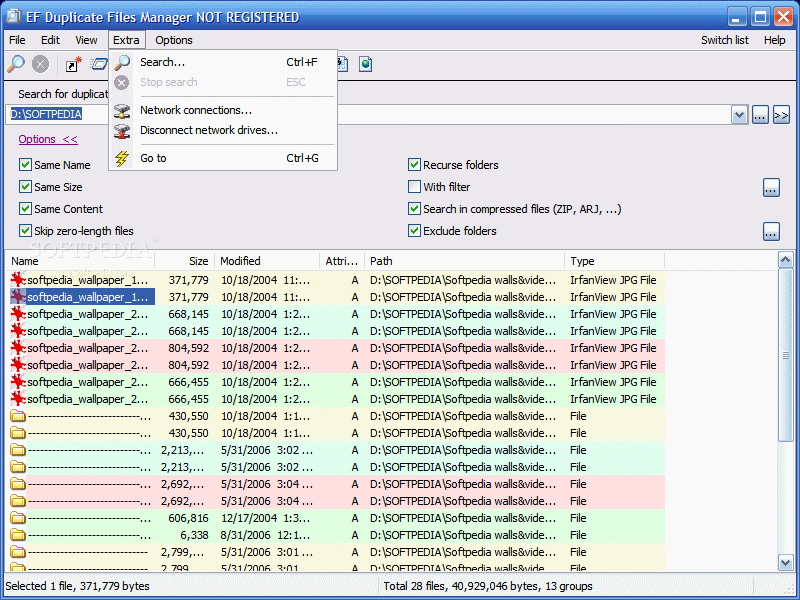
The great thing is that if you are in a local network you can add locations from your network. In order to do that you will have to connect to the network drives. If you are not connected, EF Duplicate will help you and even provide the tools: in Extra menu, choose Network connections and browse for the necessary location in your network.
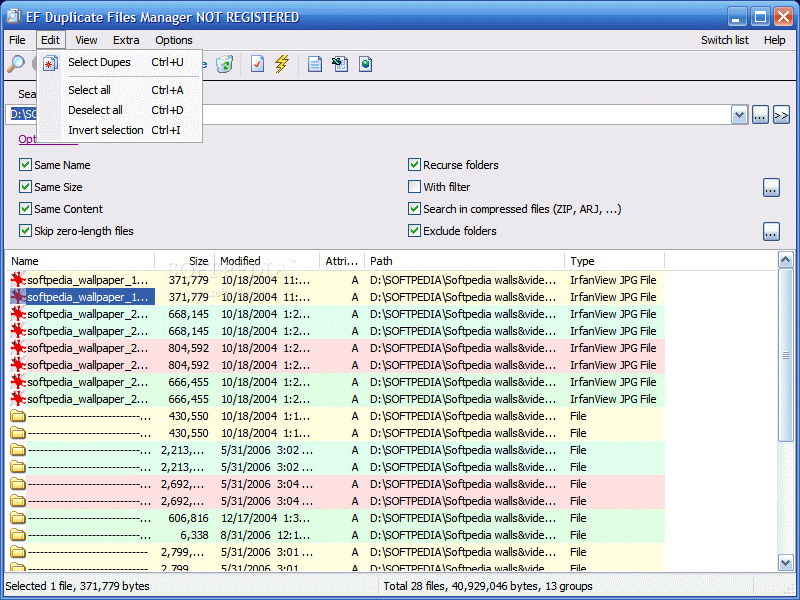
The nice part is that the user can run the duplicates directly from EF Duplicate, and the items will open with the associated application. The duplicate files it finds will be displayed by assigning colors, so that you know where a series of dupes ends and another one starts. The selection can be made automatically due to the Ctrl+U keyboard shortcut or the Select Dupes function in the Edit menu.
The list of the duplicate files found on your computer can be exported into several formats, like text, CSV or HTML.
The Good
The application is pretty complex, despite its innocent looks. The price is not too much, there are other softwares that cost three times more and are not equipped with all the features EF Duplicate Files Manger has.
The Switch List is absolutely great (look for it in the right hand upper corner) as it allows you to switch between the opened applications. Of course, power users will still ?abuse? the Alt+Tab keyboard shortcut.
The Bad
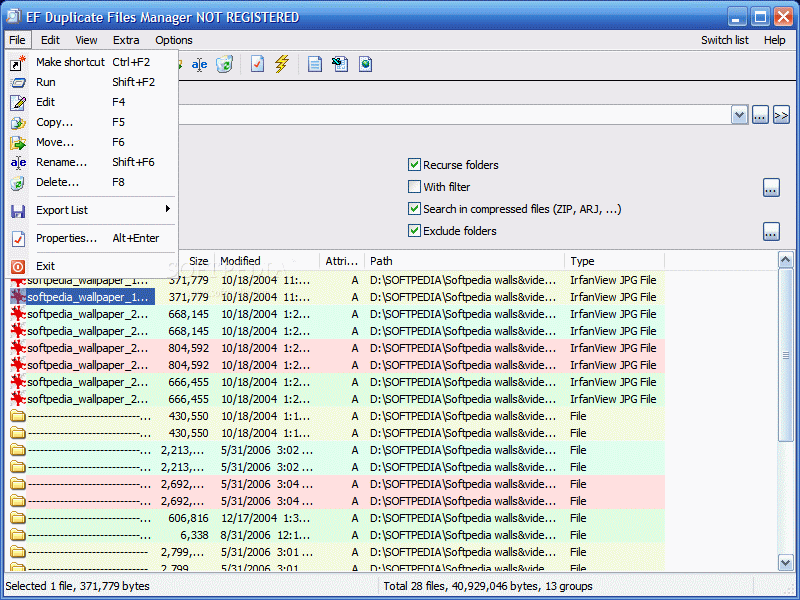
After the scan for duplicates was over, I wanted to move some of the files to a different location. Evidently, I tried right clicking, but the move option was not to be found. This operation can be done either by remembering the keyboard shortcut (F6) which is intuitive enough for Total Commander users or by going all the way to File menu.
A little flexibility in what concerns choosing the colors assigned for the duplicates would be great.
The Truth
Good price, reliable, flexibility of the search, scans network locations, I think you should give it a try to see how it moves. By the way, the resources it uses are minimum.
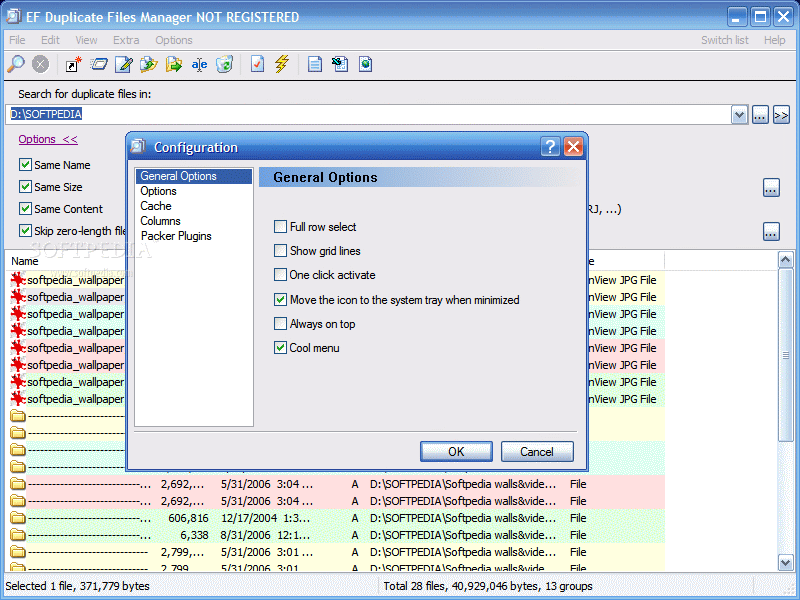
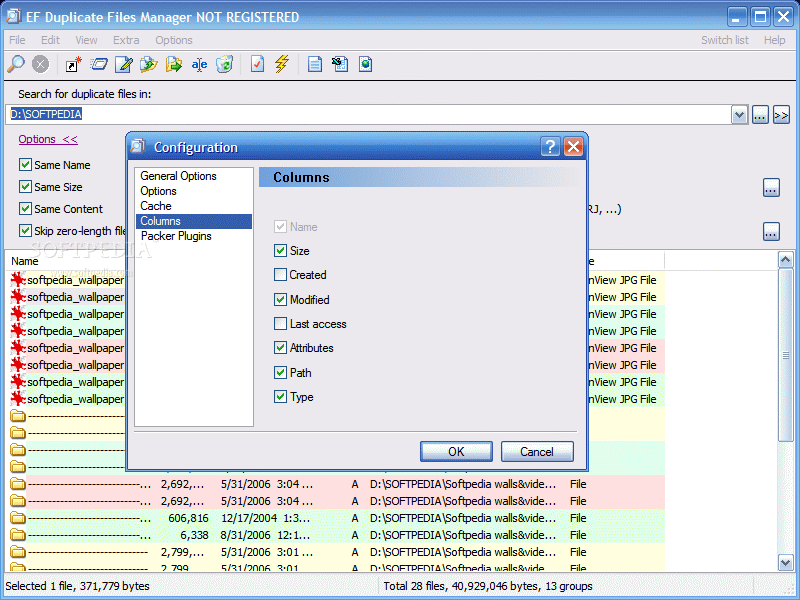
Here are some snapshots of the application in action: