 14 DAY TRIAL //
 They say an image is worth a thousand words, but with the technological advances of today the story may turn into a novel.
A simple snap taken with a smartphone and posted online may reveal much more than what is captured by the lens of the camera. Details about the camera or the settings used for taking the still are embedded as metadata and passed along with the picture.
More importantly, if the device is equipped with GPS capabilities, chances are the exact location and timestamp are also included. It might not seem too much for some people, but a picture taken in the back garden and shared online could actually show to the whole world you live in.
ExifCleaner is a simple utility designed to eliminate any metadata embedded in JPG images. The application is not free of charge, but the $15.95/€12.51 price for a single license should not be too much of a problem, especially for photography aficionados. One license allows you to use the program on two computers.
You can also try the application before shelling out the money, although there are some limitations. One of them is that only seven files can be stripped of the additional data at the same time, although the ExifCleaner has been created for batch processing.
Another hindrance is the nag screen that pops up when starting the application and again when initiating a cleaning operation.
Installing ExifCleaner is nothing complicated; just follow the on-screen indications and you’re good to go. There is also a portable version available, which does not require installation; the same limitations apply.
The developer focused on the functionality of the program rather than its looks and the interface clearly shows it. The main application window is intuitive and easy to work with.
Loading up images can be done by simply dragging and dropping them and the EXIF data is scanned and displayed quickly in the right-hand part of the screen. ExifCleaner also shows a thumbnail for the selected picture, for better identification.
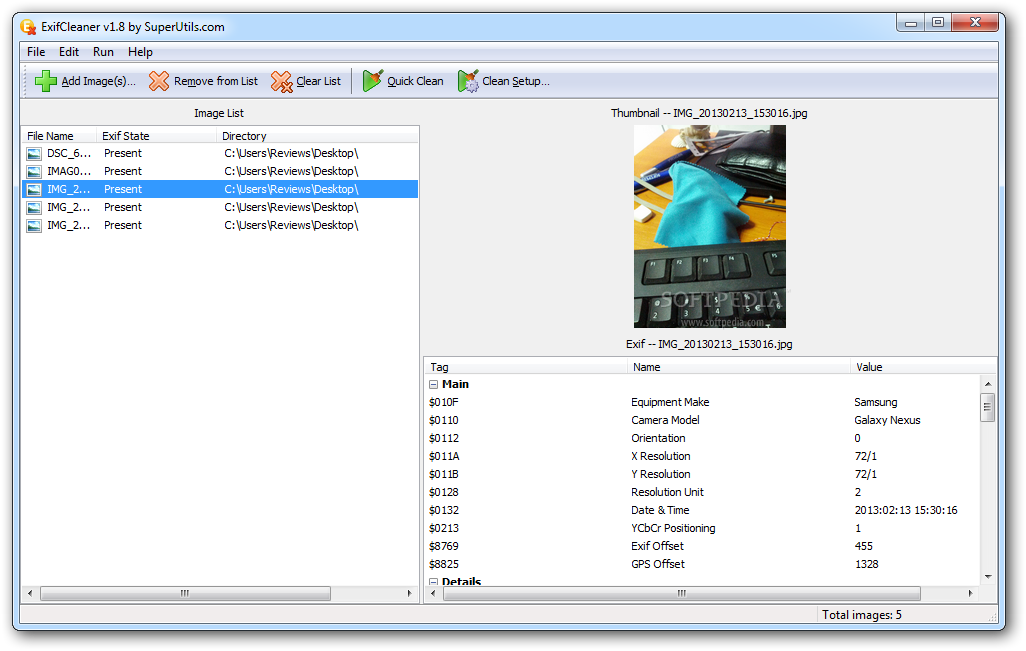
The amount of metadata stored in an image is impressive. Details range from the make and model of the camera used to take the picture, orientation, resolution, date and time, software used for processing (if any) to GPS info, exposure time, ISO, shutter speed, compression or aperture.
It may not seem like much to the untrained eye, but these are details a photographer would not reveal easily. They’re part of the secrets of the trade.
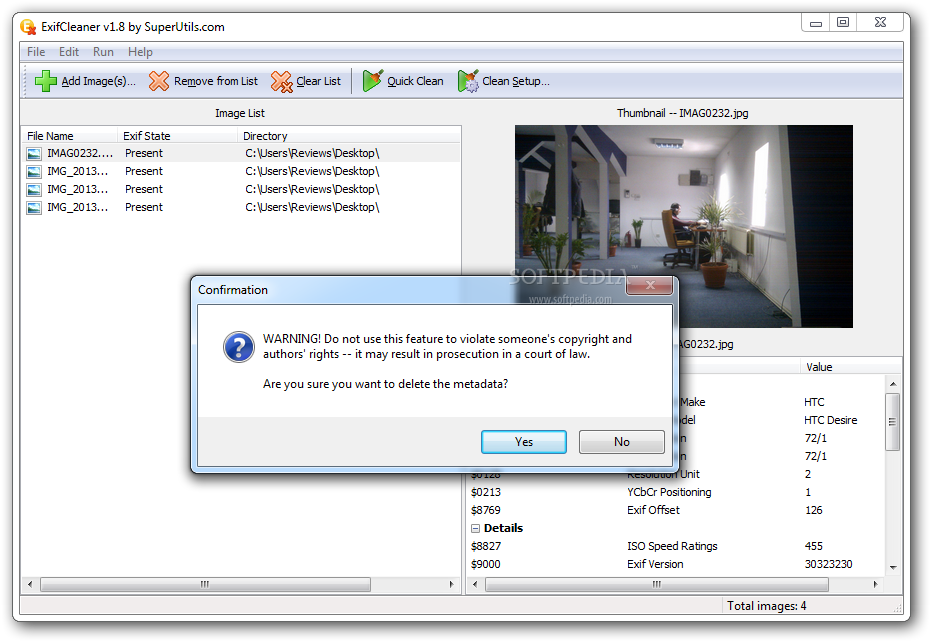
All of these and much more can be easily removed by ExifCleaner with a single click of the button.
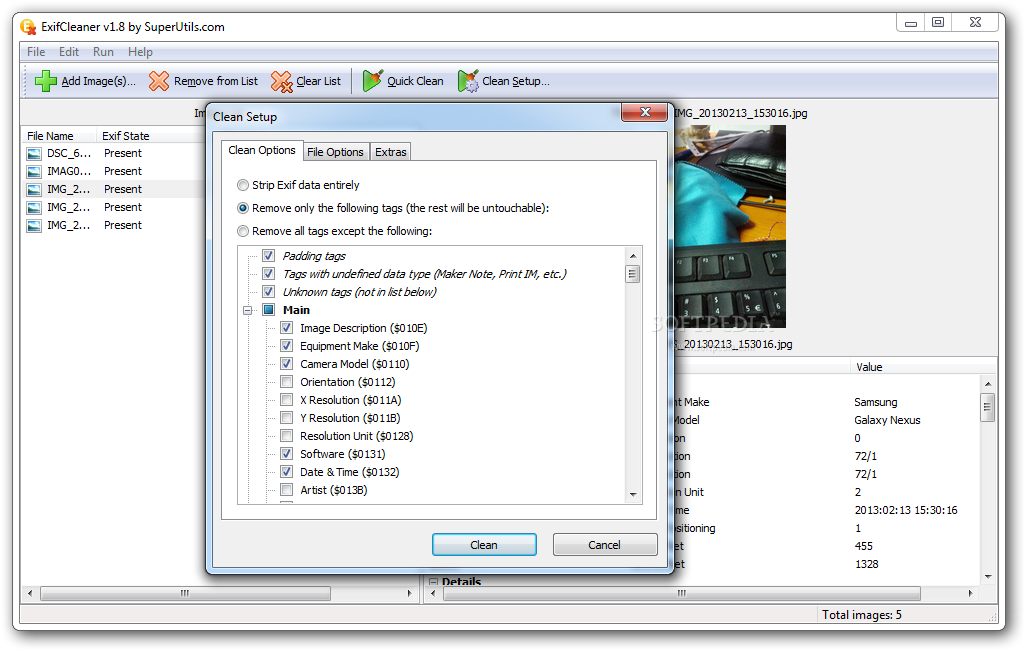
However, you can also configure the program to eliminate only the tags you want from the picture. This can be done from “Clean setup” setup menu. It makes available options for removing all EXIF data as well as for keeping some of the details. The list is huge and unless you are experienced with this type of metadata, it can be a pretty time-consuming task.
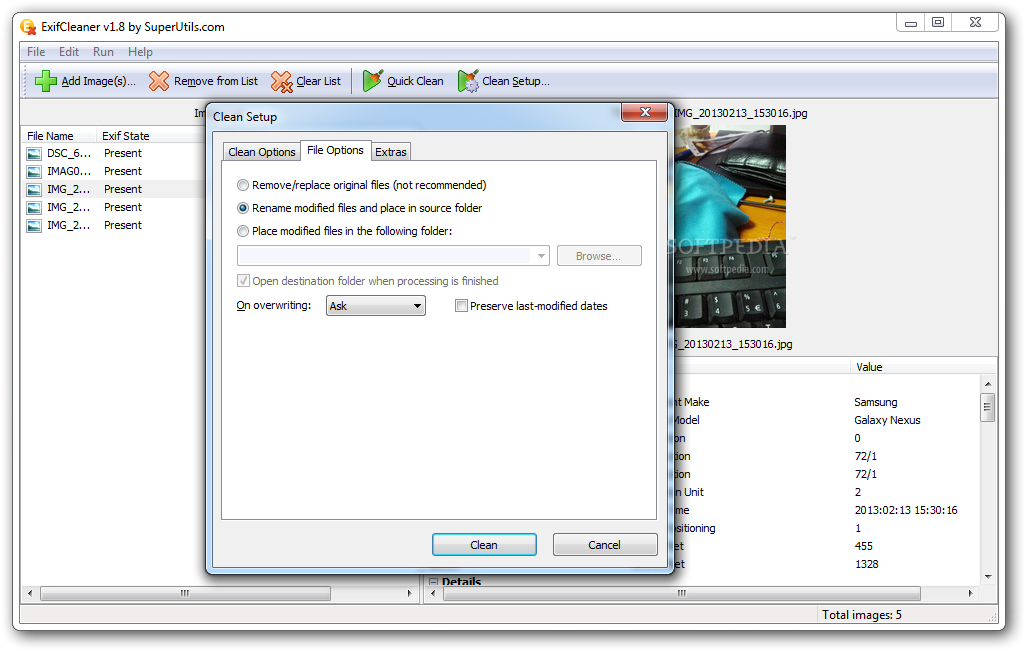
Additional settings refer to how the resulting clean images are stored. The choices at hand include replacing the original (although this is not a recommended action) and renaming the results and saving them in the same location as the originals.
A third option allows you to set a default storage location for all processed files. Should there be any collisions, the application is set to ask how it should proceed by default. You can change this so that ExifCleaner automatically skips the transfer of the respective file, replaces the old item or keeps them both by renaming the new file.
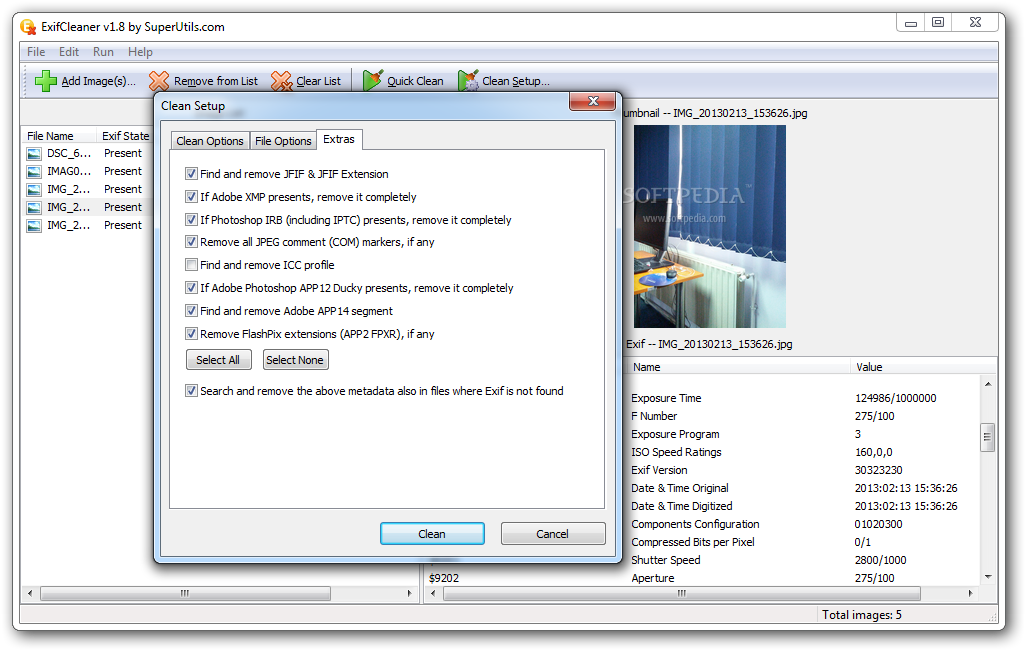
The configuration panel of the application also brings to the table a set of extra settings that enable it to remove Photoshop Information Resource Block (IRB), JPEG comment (COM) markers, ICC profile, or Adobe APP14 segments, which stores image encoding information for DCT (discrete cosine transform) filters.
Keep in mind that ExifCleaner does not affect the quality of the original image; it targets only the additional information embedded in it.
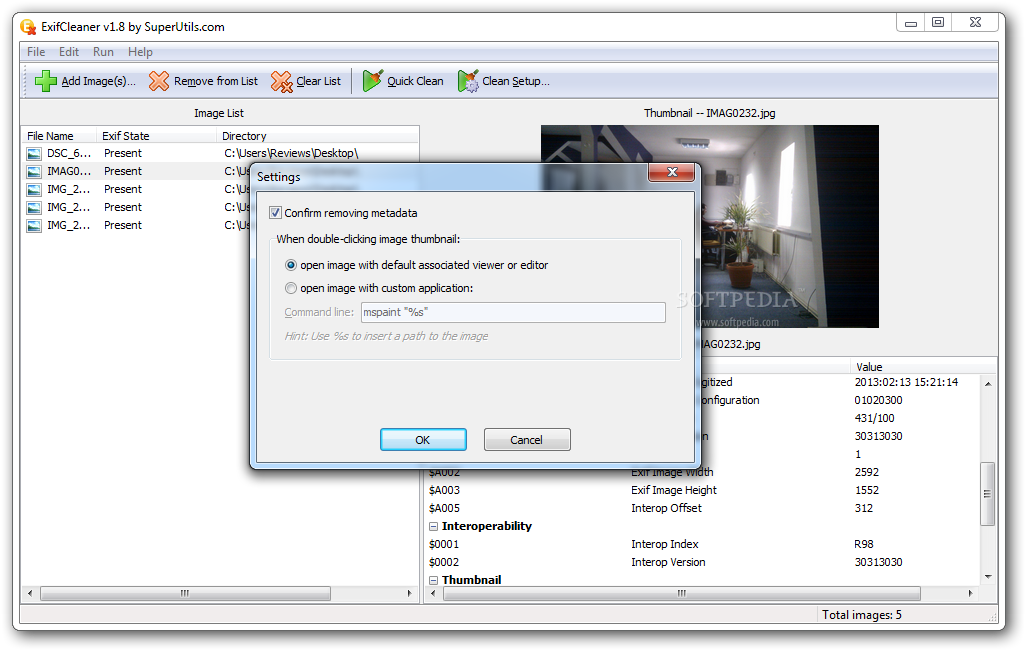
The application is quick in removing all this type of information and, at the end of the job, it opens the result in the default viewer available on the system. You can set it to open the tag-free pictures with a program of your choice.
Some services strip user uploaded photos of sensitive metadata before sharing them online (Twitter is one of them), but not all of them do that. However, not all of them offer this sort of protection and plenty share the picture exactly as you upload it.
The Good
Removing the EXIF tag is quick and can be started with a single click of the mouse. You have control over the details that get eliminated.
