14 DAY TRIAL //
 Since the market seems to be flooded with archivers, I can't do anything else but go with the flow and review as many as I can, without having one each day - after all, there are a lot of programs to discover, and it can get really boring to do the same thing each day. I can't promise I'll keep my word, but I'll try to have an interesting archiver here each week, so let's see what we have now.
Today's archiver is called ExpressZIP, its latest version is 4.5.0 and what I have here is a trial version. The full program costs 19.95$, but the trial version allows you to use all its features for no less than 15 days. The installation package has 3.9MB in size and installing it was as easy as possible, so no problems with this part! Now, let's move on and see if this program is really worth its price.
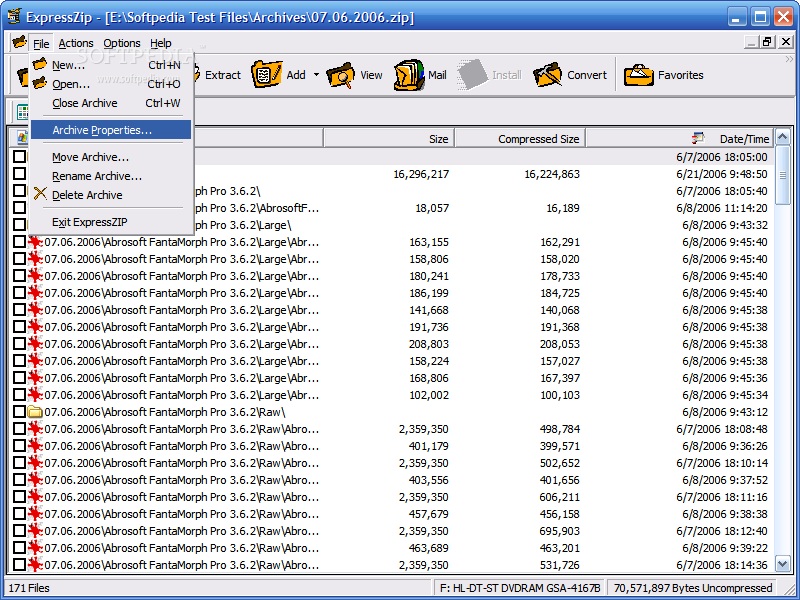
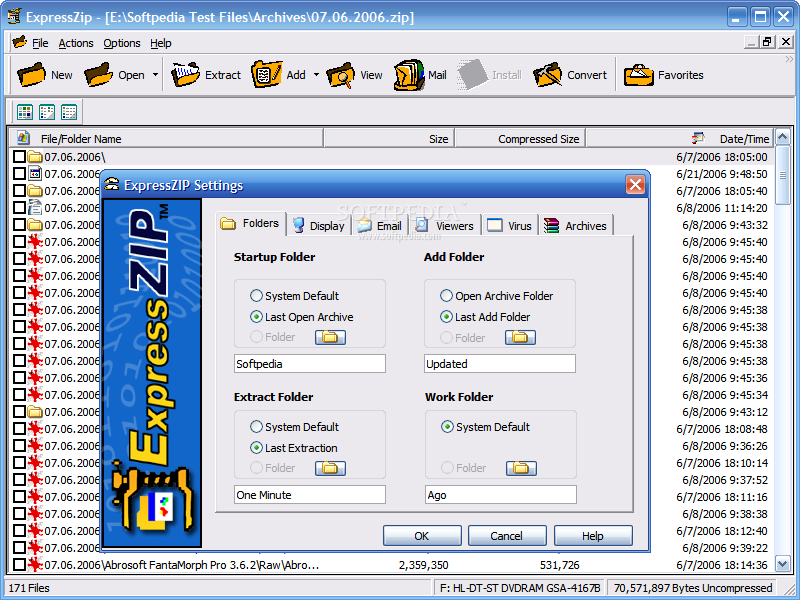
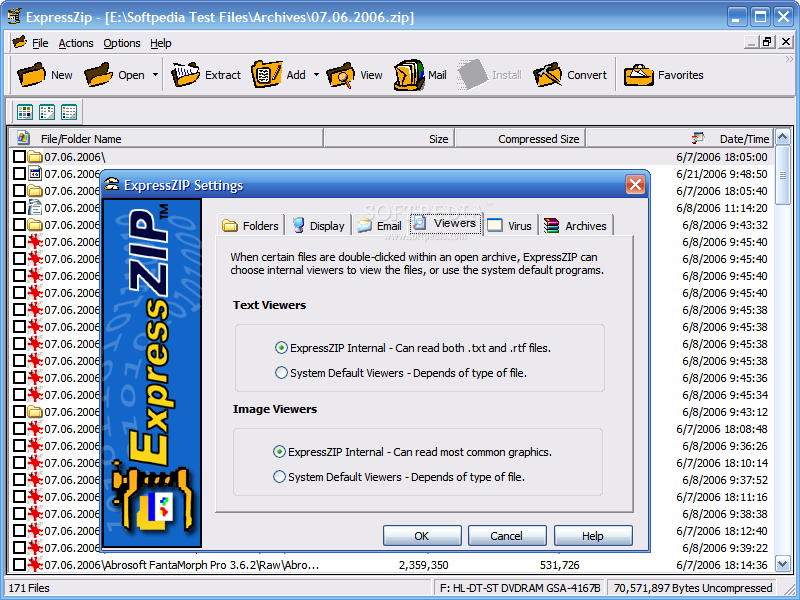
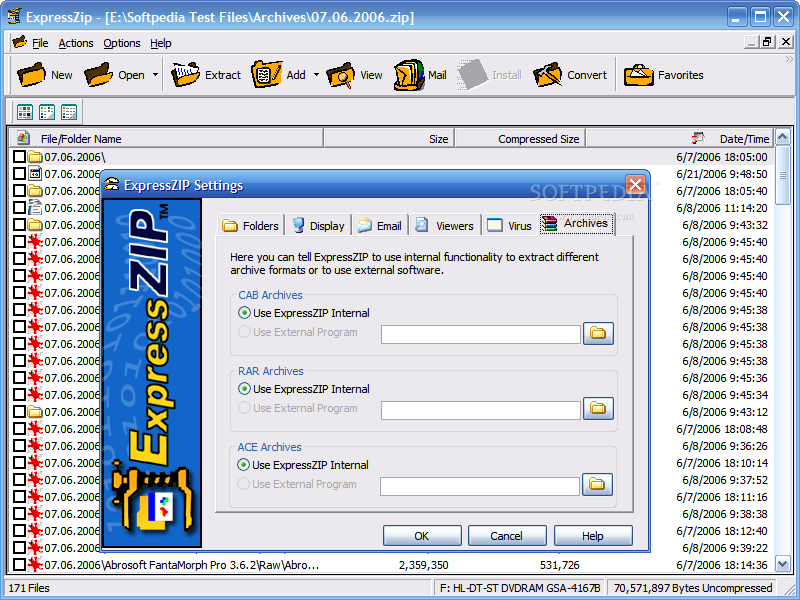
I can't say that ExpressZIP's interface blew me away, because I am not impressed at all. There's nothing special to be seen, but a regular Windows interface, with a menu bar, a toolbar with less than average-looking icons (I don't want to say they are bad, but I can't say they're average either) and a work area that shows the contents of the currently open archive. The good part about the interface is that you get wizards to help you with certain tasks and using it shouldn't be much of a hassle.
Now, the interesting part: features. First of all, let's see what archive types can be handled by this program. Things don't look so bright here as apart from the ZIP and self extracting EXE archives, there are only three file types supported: RAR, ACE and CAB. For each of these three file formats, you can choose to use an external program or the internal functionality provided by ExpressZIP.
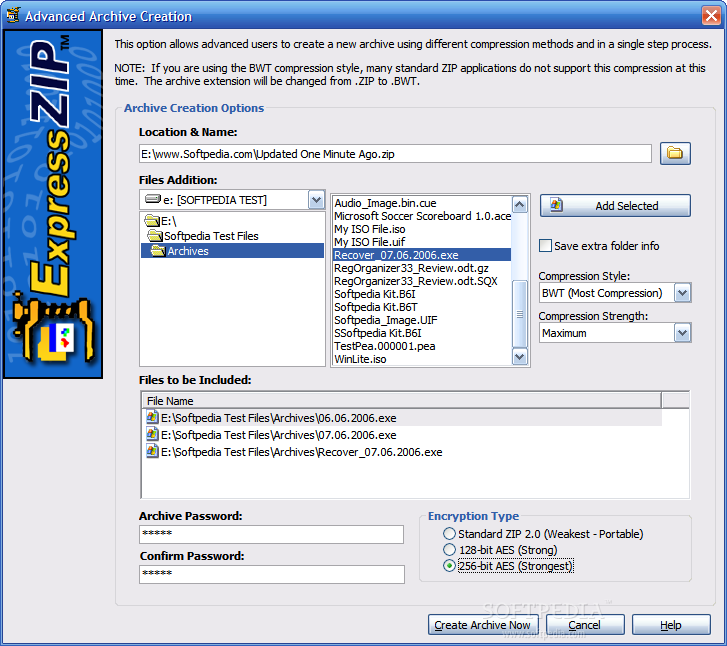
Most people try to live on the safe side, and this program lets you encrypt your archives supporting standard ZIP 2.0, 128 and 256 bit AES encryption. You won't get any amazing security features, but 256 bit encryption sounds great to me, so I can't ask more on this side.
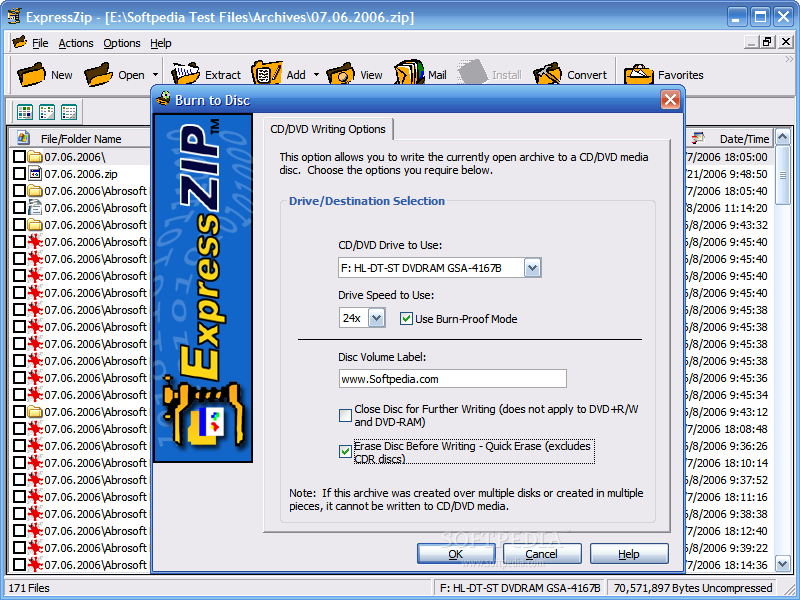
The feature that I was amazed to find here allows you to burn the open archive to a CD or DVD using a wizard like interface that won't give headaches to anybody.
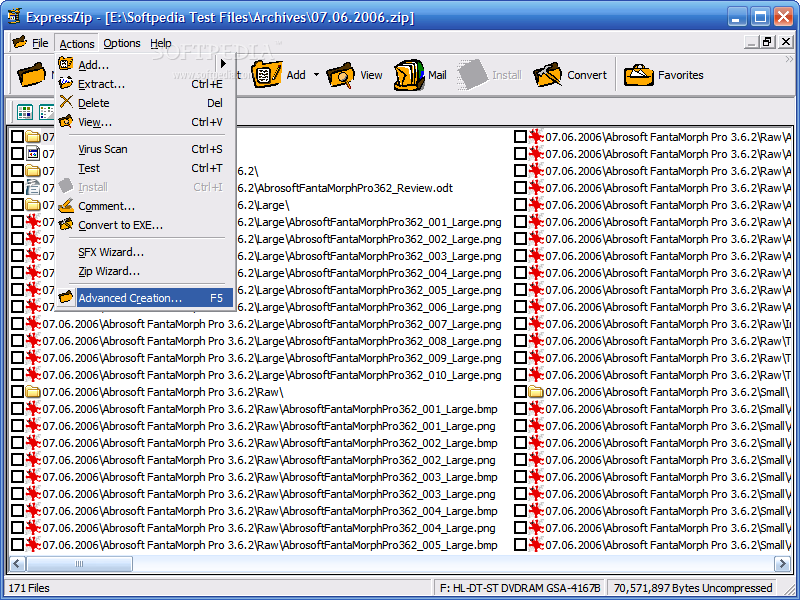
Since I mentioned the wizards, let's see - we have the ZIP and SFX wizards, with step by step guidance, and the one screen interfaces that help you burn optical discs that I just told you about and the Advanced Archive Creation screen, accessible from the Actions menu or using the F5 key. Oh, I forgot about the converter! Its purpose is to convert the current archive into SFX format, and good things don't stop here!
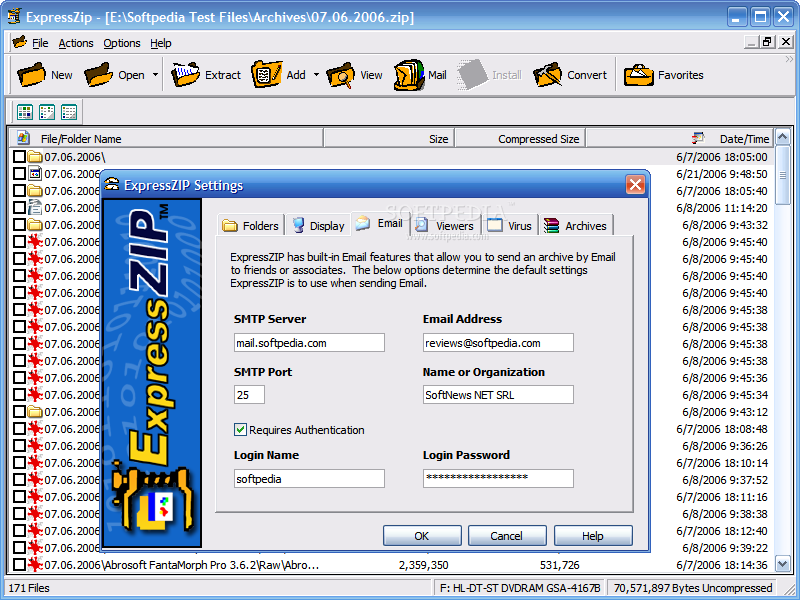
The current archive can be sent through e-mail, your favorites can be easily managed and there may be even something more to discover, but I'll leave that to you and move on to the conclusions.
The Good
ExpressZIP is easy to use, fast and reliable. The features it offers are good, and the documentation that comes with the program can give a hand in clearing out most problems.
The Bad
There are three things that I don't like about this program - its limited file support, the fact that you can't open more archives at once and its interface. Add also the fact that you have to pay for it after 15 days of free use and you can already figure out the truth.
The Truth
Although it's interesting to burn archives from your archiving tool and encrypt them using the 256 bit AES strategy, I can find free programs to burn my discs and encrypt archives, and there's still a lot to go to the day when a commercial program will beat 7-Zip that bad to make me want to buy it, but until then, I wish ExpressZIP a lot of customers. Speaking for me, I am not going to be one of them, but if you have the time, you can give this program a try.
Here are some snapshots of the application in action: