14 DAY TRIAL //
 What you're in for
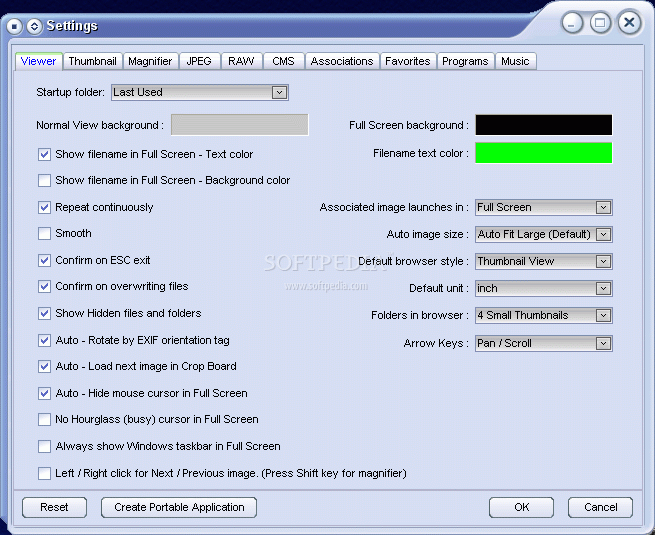
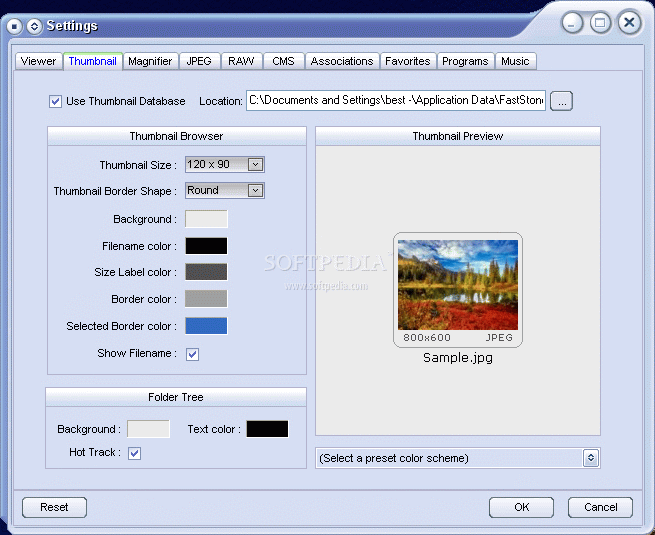
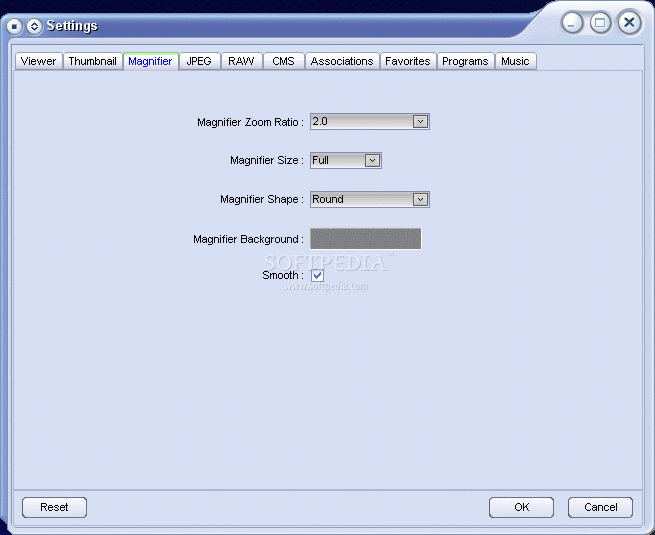
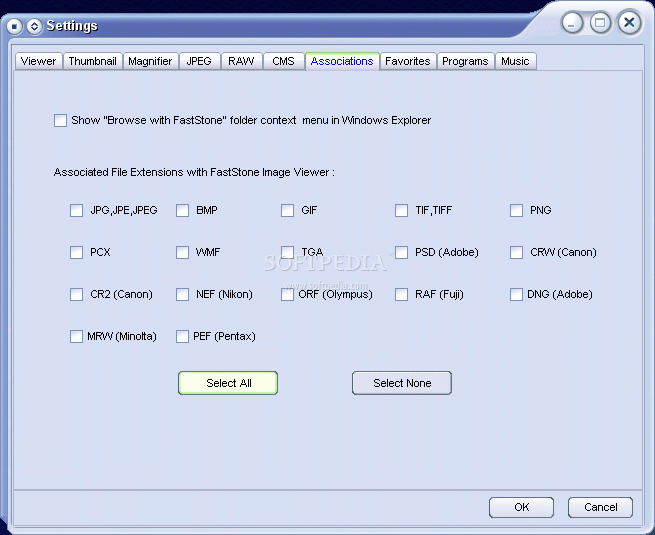
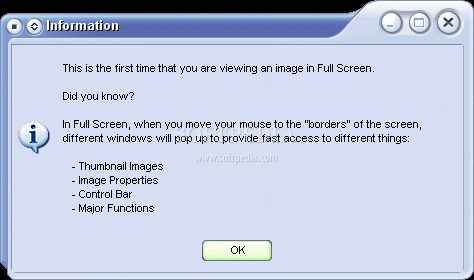
When you run FastStone Image Viewer for the first time, it starts you off in the options menu, letting you set your preferences and file associations. It gives you some quick user hints and the viewing begins.
This is one of the more interactive picture viewers I've seen, since it gets down to the nitty-gritty of things. If you have thousands of pictures to go through daily, you're going to need something like FastStone. It's remarkably light, aesthetically pleasing on your eyes and it doesn't give you too much information at once.
Some Features
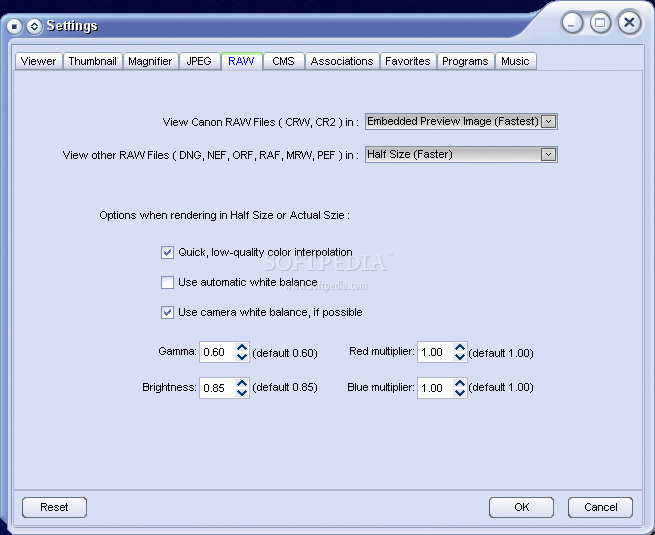
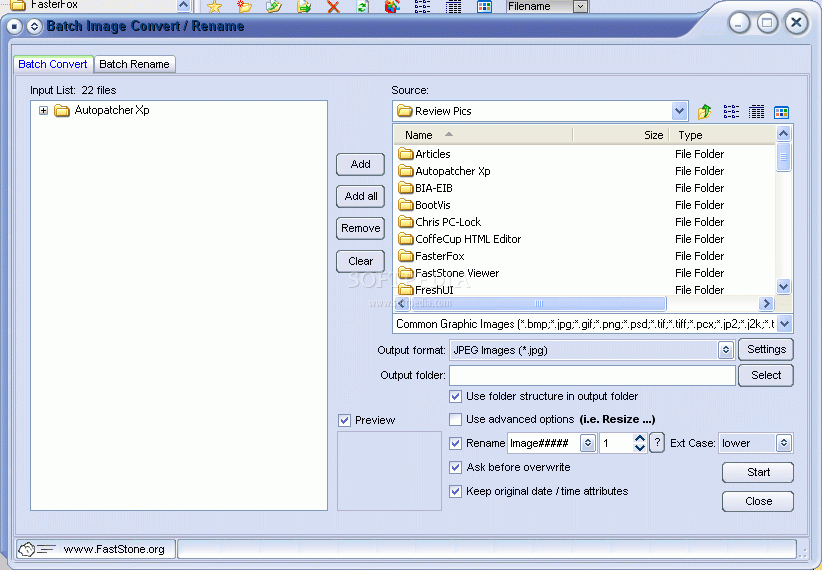
That's not to say that it doesn't have features, on the contrary, FastStone is packed with specialties of its own. You can easily browse, convert and edit your pictures. The true wonder comes with its support for all major graphic formats; BMP, JPEG, JPEG 2000? its animated formats; GIF, PNG, PCX, TIFF, WMF, ICO and TGA? and its RAW formats: CRW, CR2, NEF, PEF, RAF, MRW, ORF and DNG.
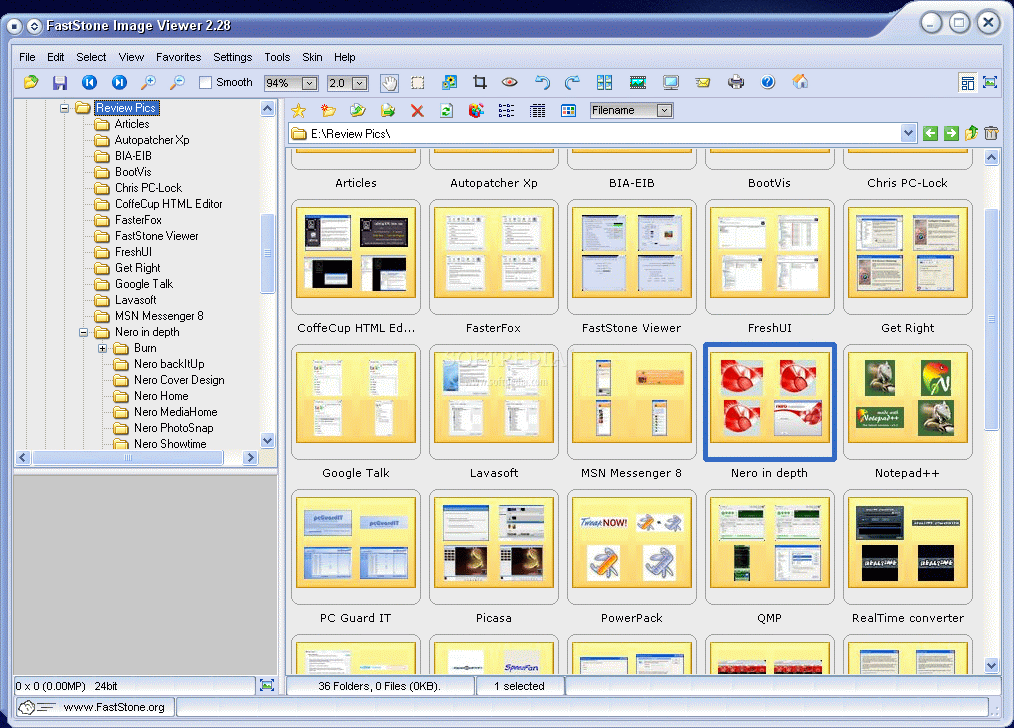
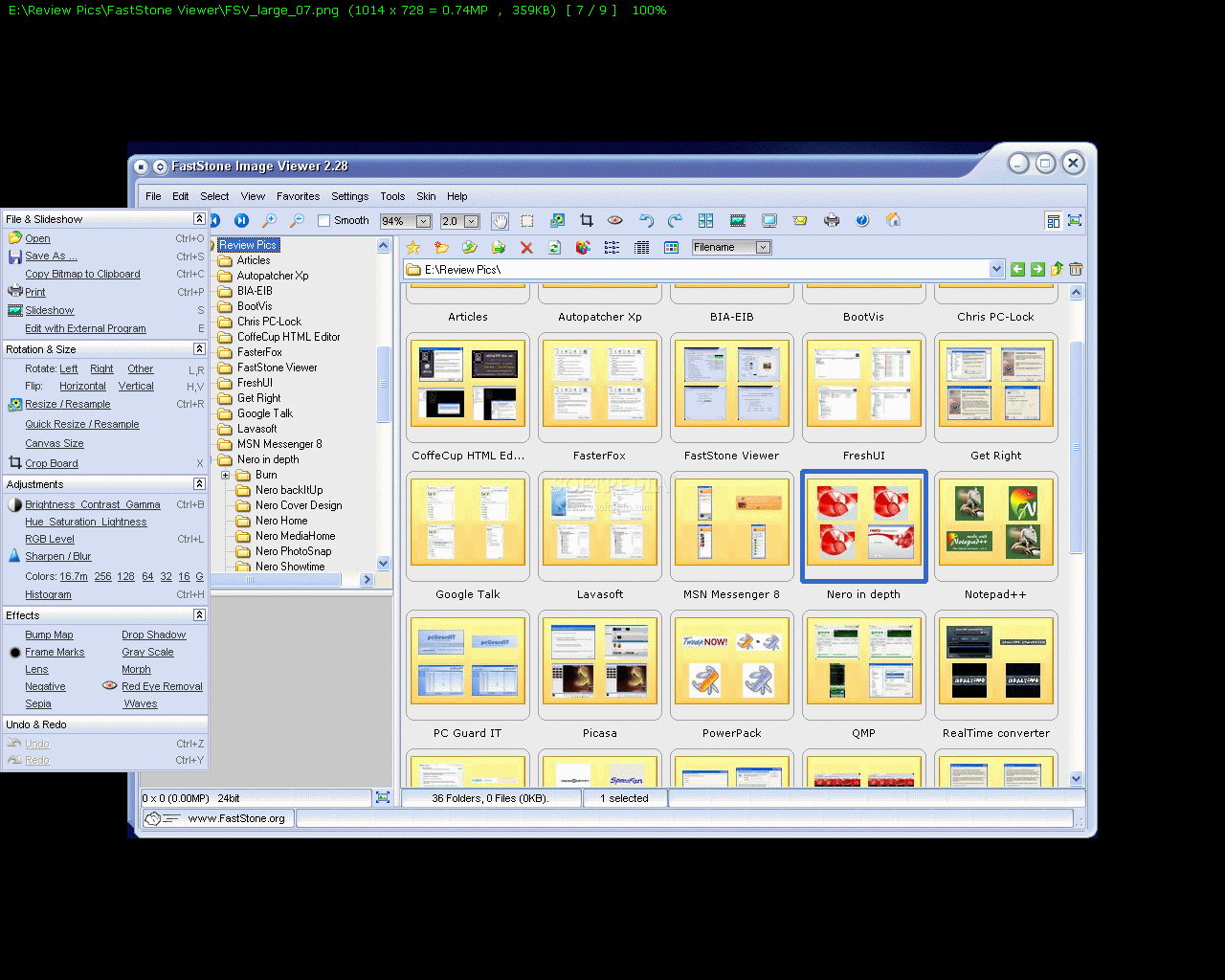
The actual picture viewing in FastStone comes in two modes. The first is a normal viewing mode that's divided into three main parts. A part for viewing the directory of your file (essentially a mini Windows Explorer) on the left, a center view shows what you've selected on the left, and finally a quick snapshot of the picture appears on the lower left. A sharp little add-on is the zoom in feature with a click.
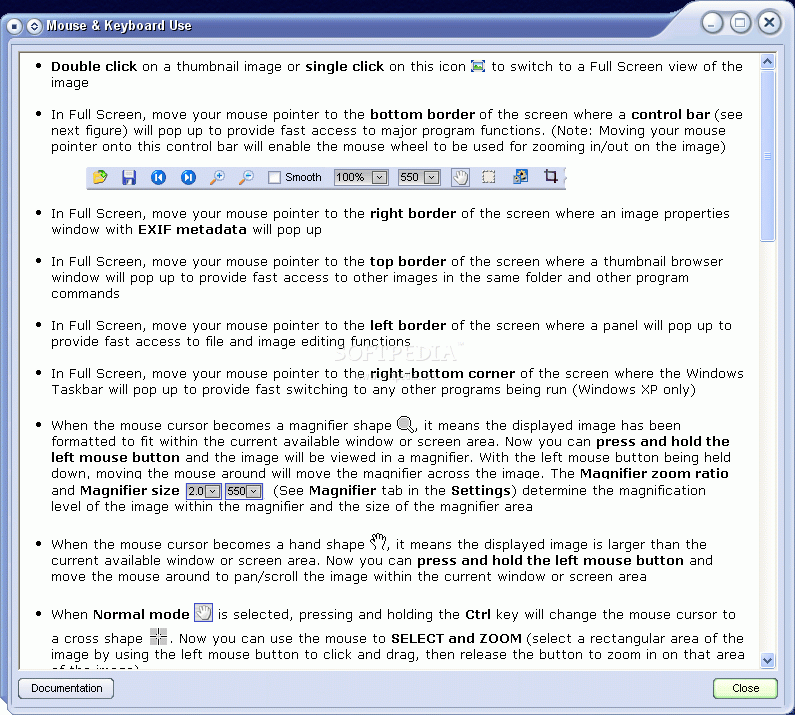
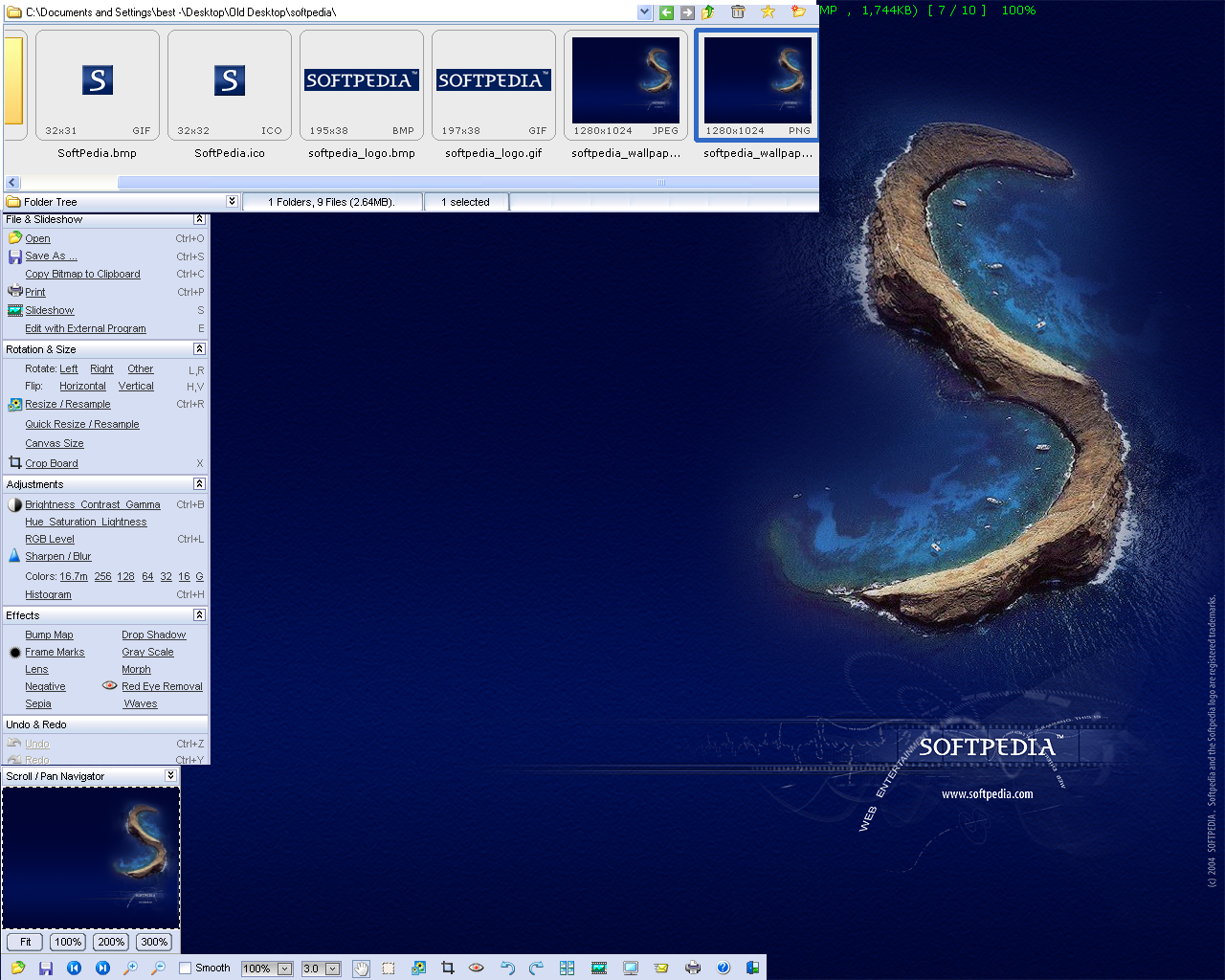
The Full View is more for those that really need to examine a picture in full. The picture is displayed in the center of your screen while your mouse makes everything happen. Interactive menu pops up depending on where your mouse rests.
On the left it gives you the option of playing with some effects. When resting your mouse on top, the menu displayed lets you choose your picture directory, the right lets you play around with the file's attributes and the bottom menu brings up navigation and zooms.
It loads picture files extremely fast, which helps if you have to go through so many. Although its lackluster image editing tools don't compare to others you can find online, it more than makes up for it with its browsing features.
The whole setup is conducive for fast and thorough image viewing. It lets you configure your viewer for any sort of fast or thorough viewing situation. I don't know why they included a skin feature other than to appeal to a wider audience. I personally didn't see a need to have anything else aside from the default skin. The slideshow feature was nice since you can mix and match pictures with songs.
Aside from its ease of use and speed, there are tons of picture adjustment tools that make this program worth the download. What stood out as a bit unpractical was the fact that I couldn't easily drag and drop pictures into the main viewing window, but instead had to drop them into the explorer window, then click on the picture itself.
As a side note to one of the reviews already posted by a user, FastStone does not hog up and automatically associate all image file types with its own program, it lets you decide. The battlefield has been set between FastStone and Google's Picasa2. Which image browsers do you guys prefer?
The Good
Great speed and aesthetic views that are conducive to quick viewing. It's got a skin modifier for those who want to color coat your whole computer theme and, more importantly, it has features that will save you time and make it easier to view pics.
The Bad
I can't find too many things that are bad with this program. If it supported more file types, that would be great, but I'm certainly NOT complaining. Some drag-and-drop annoyances, but I'm just nitpicking.
The Truth
It's one of the best freeware image viewers that's on the net. I can honestly find no good reason why you shouldn't have this on your computer (unless you simply don't need it). If you look at a lot of images daily, this should be in your arsenal. At least try it out, it's small, powerful and practical for image viewing.
Check out some screenshots below.