14 DAY TRIAL //
 It is difficult to go through the image in your photo album one by one, especially when the viewer you use comes with slideshow feature. Foto2AVI goes a step further and glues your pictures into a video, complete with sound, transition effects or animations, so anyone can view them without the restriction of proprietary formats.
The freebie seems like the perfect way to make a slideshow from your images and be sure that the targeted audience enjoys an experience enriched by custom audio tracks playing in the background or personalized animations and effects in tune with the photo they introduce.
Getting the app is not a complicated thing, since all you have to do is click your way all through the end of the process. However, during the process you may install more than just Foto2AVI, since the application appeals to AVISynth to process the resulting video, and this also needs to be on the system.
But once you have everything in place you’ll be able to start producing those slideshows in an easy way. As far as the effort you’ll have to put in, this depends on the customization level you’re going for, since each image in the show can be personalized with subtitles, a different transition and animation; besides this there is also the number of elements in the equation.
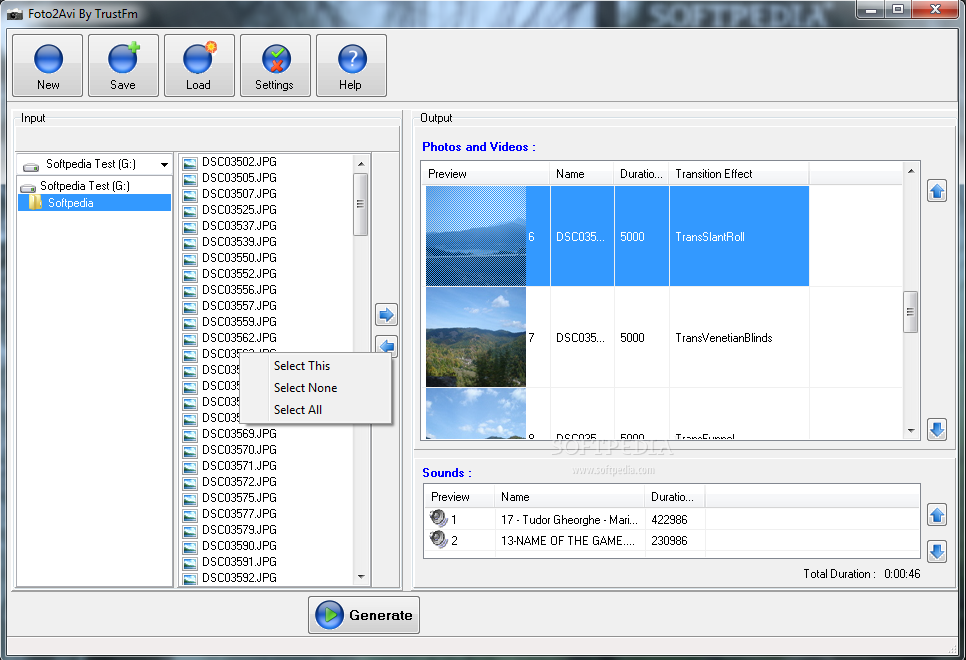
The interface is pretty simple and intuitive with an explorer like browser in the left and the set of items you decided to include in the show, on the right hand part of the screen. Foto2AVI does not work accept only photos, but it can help you produce a combination of images, audio and video.
According to the tooltip in the main application window it can work with BMP, JPG and PNG images, AC3, MP3, OGG and WAV audio and AVI, FLV, MKV, MOV, MP4, MPG and WMV video. However, during our tests the application could not load up all of these file types and failed to work with MP3, MKV, MOV, MP4 and FLV although the files played fine in various video players.
Once you’ve added all the elements you want to combine into a video file you can proceed to customizing the way the show makes the transition from one element to another. The set of options available is comprehensive considering the simplicity displayed by Foto2AVI.
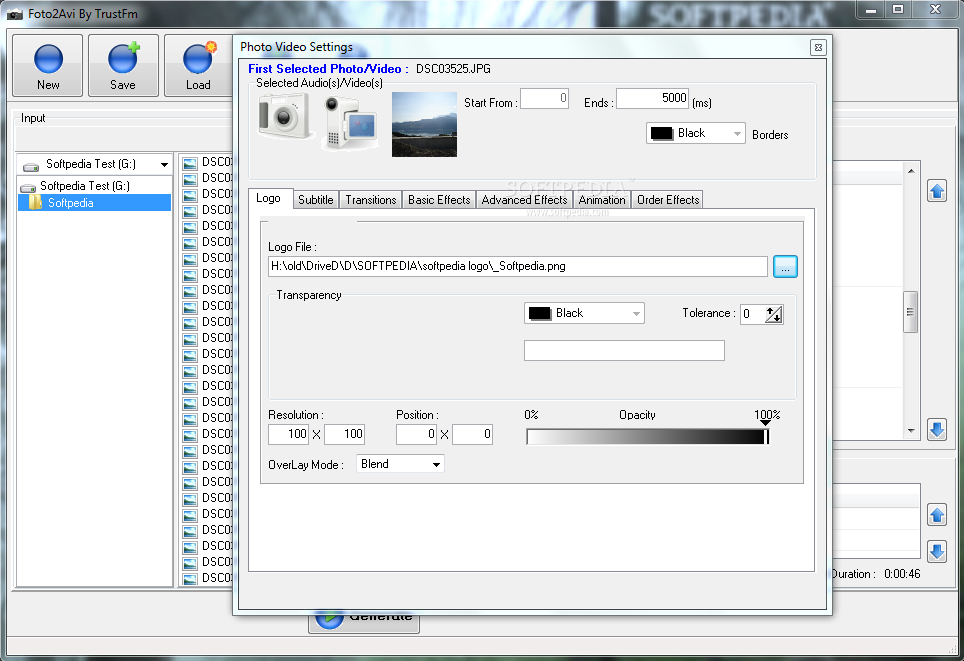
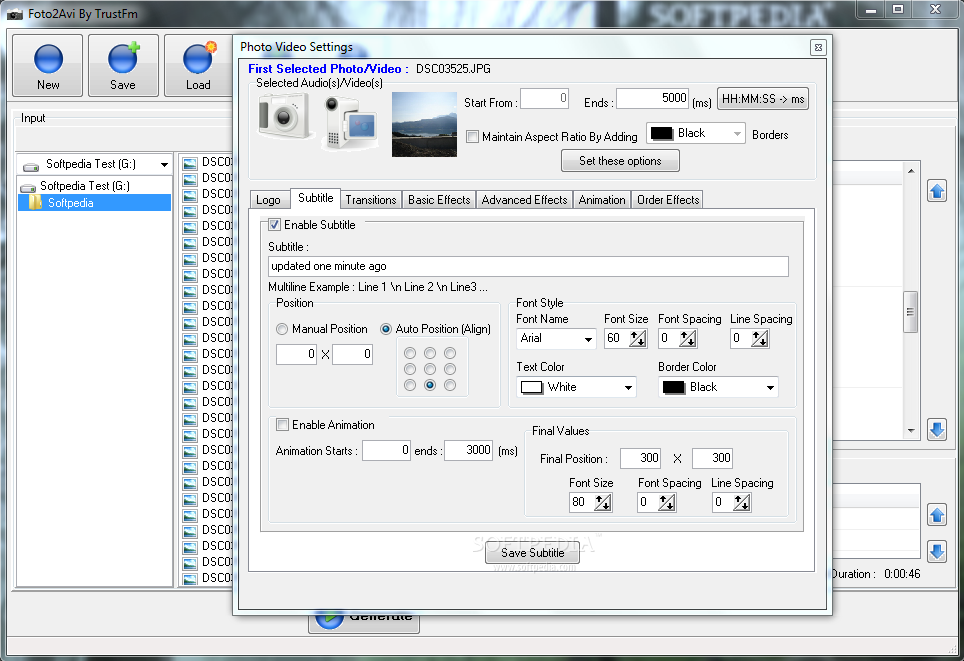
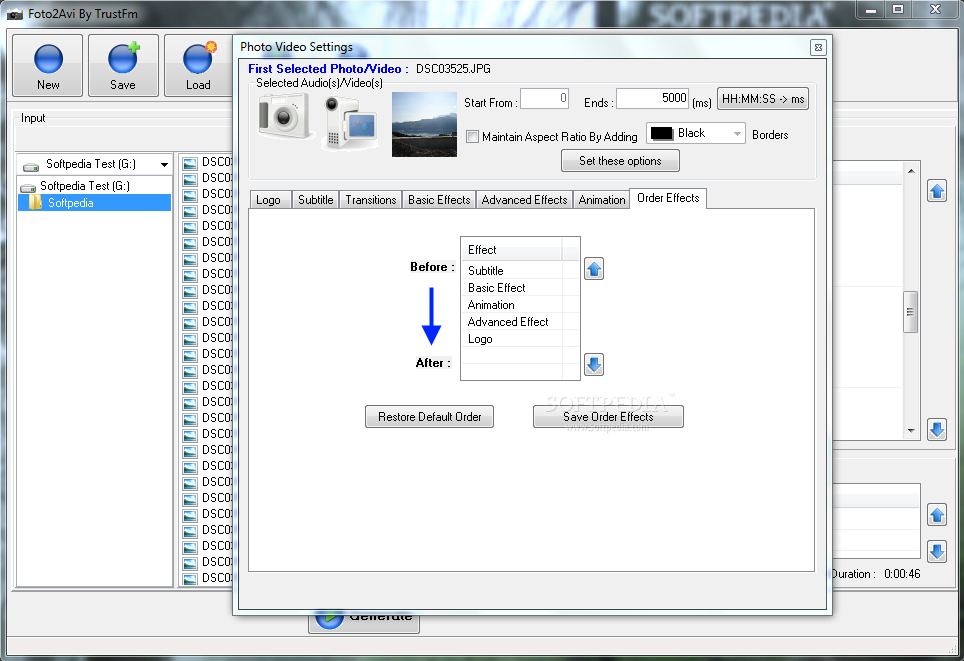
Apart from transition styles, effects and support for audio, which are specific to slideshow creators, the application puts at your disposal the possibility to add a watermark on the desired elements of the slideshow or pin text strings to offer more information about what’s displayed on the screen.
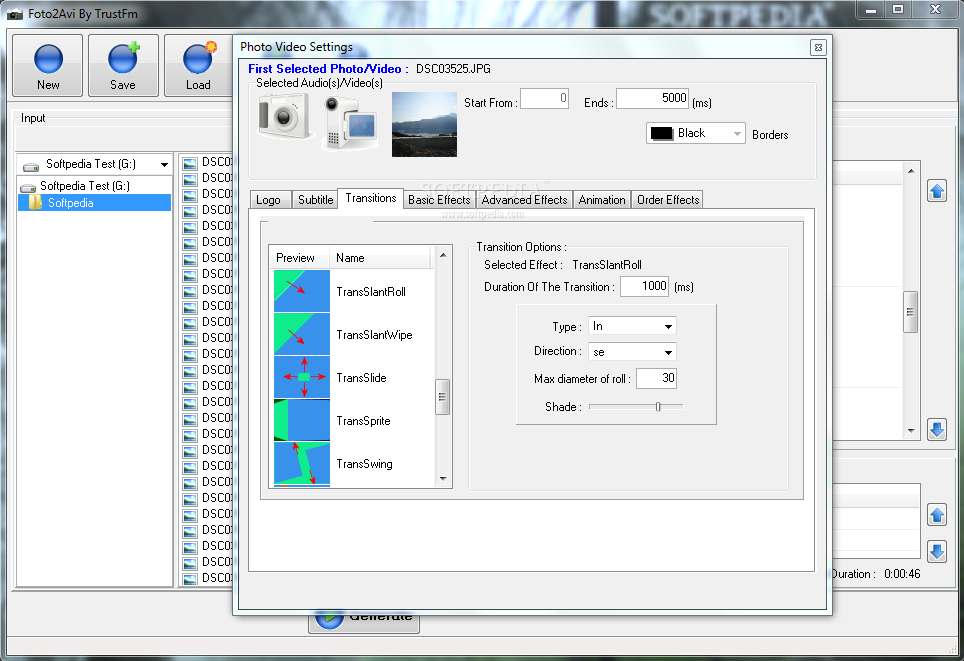
Foto2AVI’s main feature, though, is the plethora of transitions and effects. Moving from one item of show to another can be a spectacle in itself. In the case of transitions selecting one of the 27 choices is not all you can do. There is also the possibility to define its duration and direction.
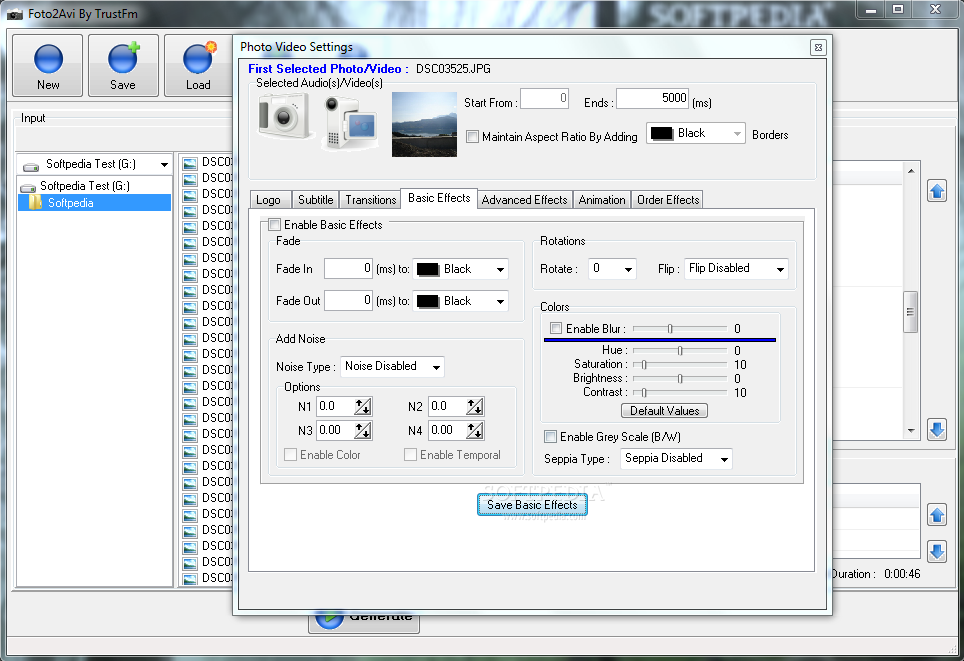
Basic effects add to the customization possibilities in the program. As their name suggests, these are pretty simple, but quit efficient if you go for a professional-looking slideshow. The options present in this screen let you enable fading in or out to a specific color, define a rotation angles and blur level.
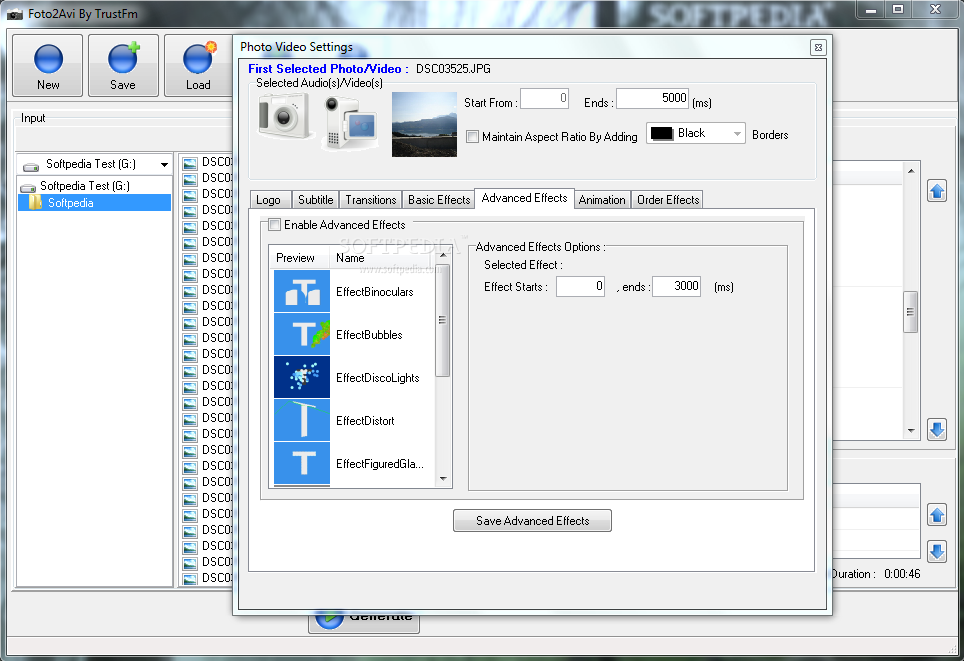
For a wider palette of choices you should move to “Advanced Effects” section, which comes with 9 choices, each with its own settings and having in common only duration and start and end position. Individual customization depends on the effect type: for instance, in the case of Binoculars effect you can define the radius of view circles, while Disco Lights comes with the possibility to define the style of lights movement, spot size and velocity.
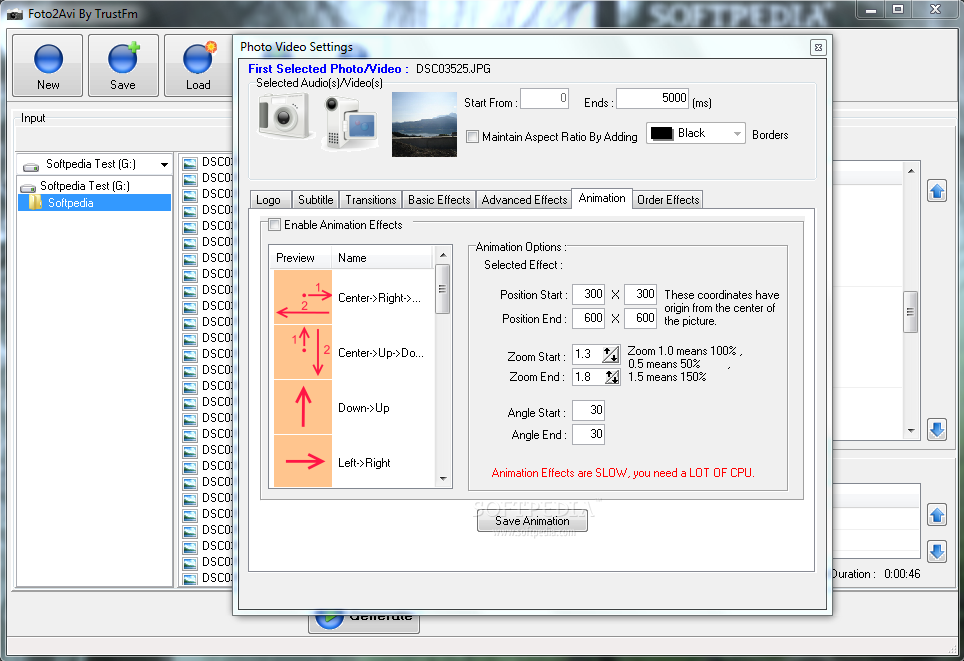
On the downside, in both cases (effects and transitions), there is no live preview of the movement. The graphic representation gives you a hint on the end result, but a more realistic view applied on the selected slideshow element would be very useful for all users. And this drawback is visible for animations as well. Viewing the actions drawn up in a thumbnail may not be quite enough for some of us.
Foto2AVI aims to be a complete instrument for creating both simple and complex slideshows. Depending on the complexity of the end result you can spend, you can spend a massive amount of time tweaking effects and transitions or start the conversion process in less than a minute.
The audio files you load can also be tinkered with. And the options let you set the maximum duration and add some fade in/out. Moreover, you can enable and personalize echo effect, which is on the more complex side of things for plenty of users.
Previewing seems to be the weak spot of the application because it is supposed to show the result before starting the actual conversion. However, in our case it failed to do so on multiple systems and all we got was a black screen with audio playing in the background. On the upside, should there be any settings to tune up for the result to be as expected, it is worth waiting for the preview to load up, even if it shows no image.
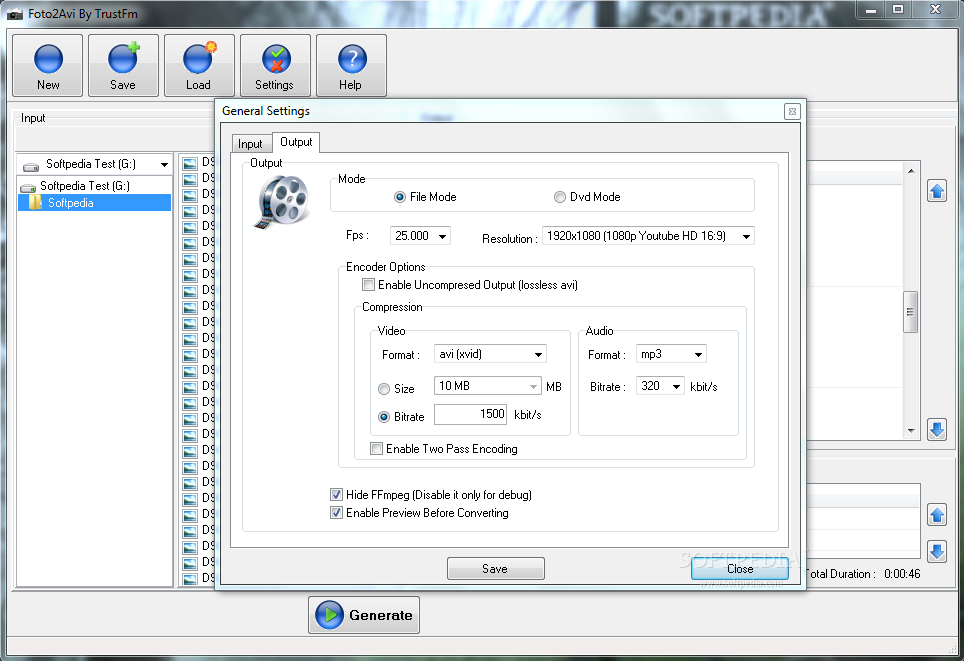
As far as system resources are concerned, the application showed moderate CPU usage at 50% but it avidly gulped up RAM, as the average settled around 280MB for a HD result (1280x1024). CPU usage does not change in the case of lower resolutions, but RAM can drops dramatically for lower sizes (we noted ~90MB for a thumbnail-sized project).
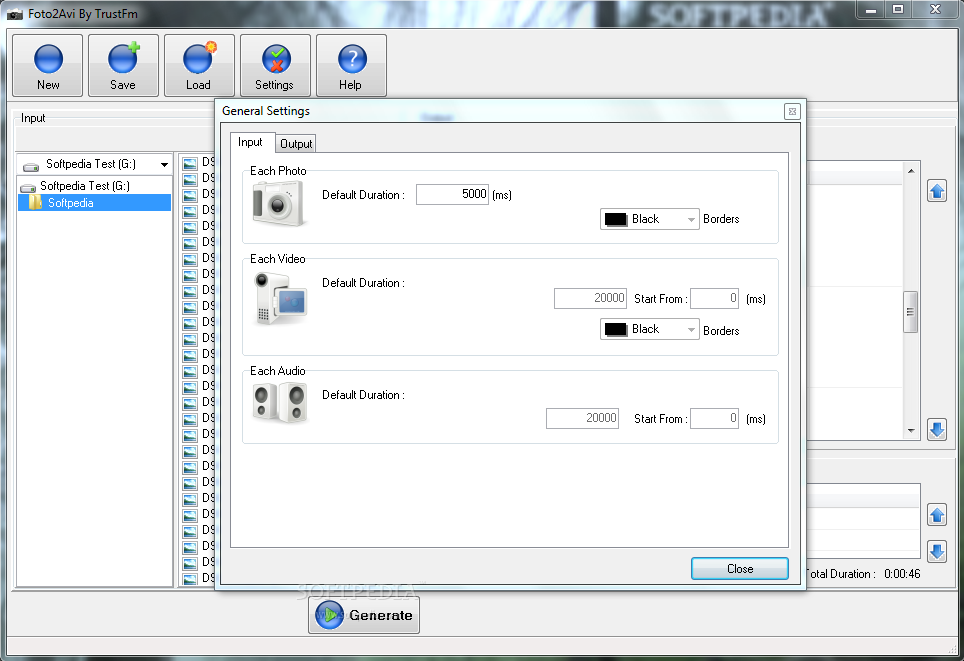
It is suitable for large-resolution projects that combine video, images and audio data. As the elements are displayed you can make the experience more informative by adding text strings or custom logos. If transition elements are not configured correctly and the parameters are out of range you get to know about the problem at preview stage of the project, before starting the conversion process. You get to decide which part of the loaded audio gets played and for how long. Also, we were unable to preview the entire project before kicking off the conversion, as audio would play on a black screen. It would be nice for all settings to adjust according to the resolution of the video as defined in the general settings area of the application.
The Good
The Bad
The Truth