14 DAY TRIAL //
 Image editing is the process of altering images, of changing their initial properties and aspect. These thousands and thousands of pixels contained in an image can be easily changed with the purpose of enhancing and transforming it into a new one. There are various image editors to do that and Free Image Editor is one of them.
Free Image Editor is a FilesGuard bitmap image-editing application that enables you to retouch existing photos or create original graphics.
At a first glance, the program looks pretty simple and not very attractive. But as you begin exploring it you realize that less attractive isn't always equivalent with not useful or not good.
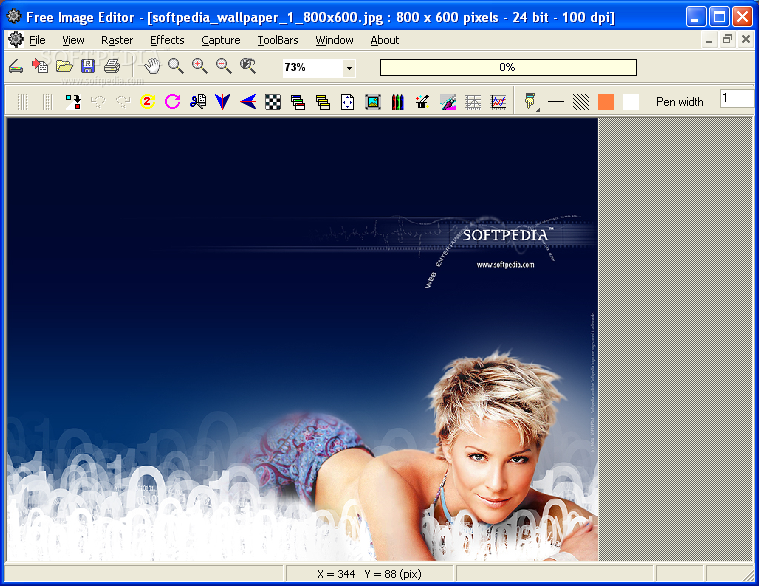
Although it doesn't have a very impressive interface, this image editor has a lot to offer. The user interface displays several toolbars that allow you to easily access all its main features. It also displays shortcuts bar and the layers toolbar, all well organized and accessible. The shortcuts bar actually displays an icon that corresponds to the program's main features. Just hover your mouse cursor over the icon and a tooltip window will tell you what that button does.
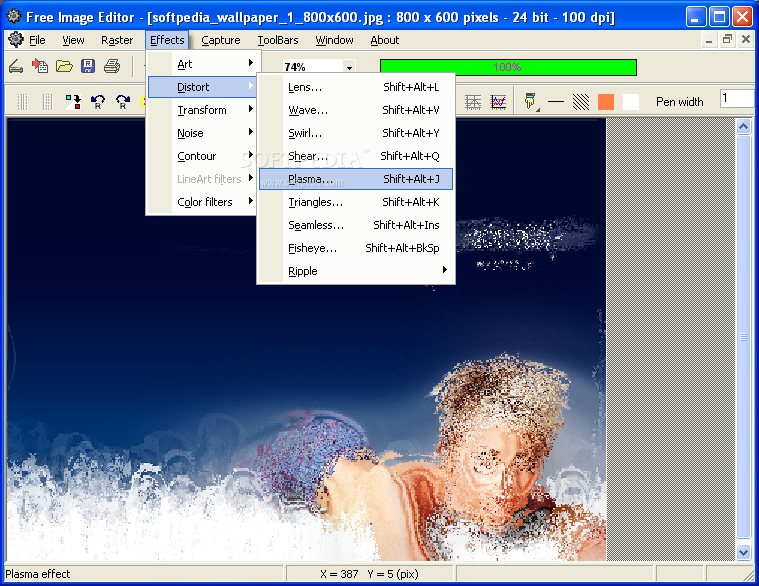
If you zoom, raster or transform the image, a progress bar will display you the process percentage.
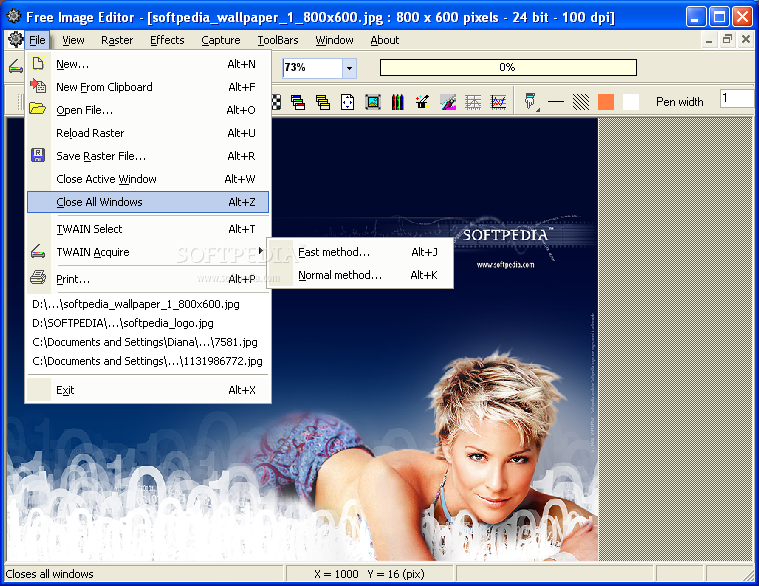
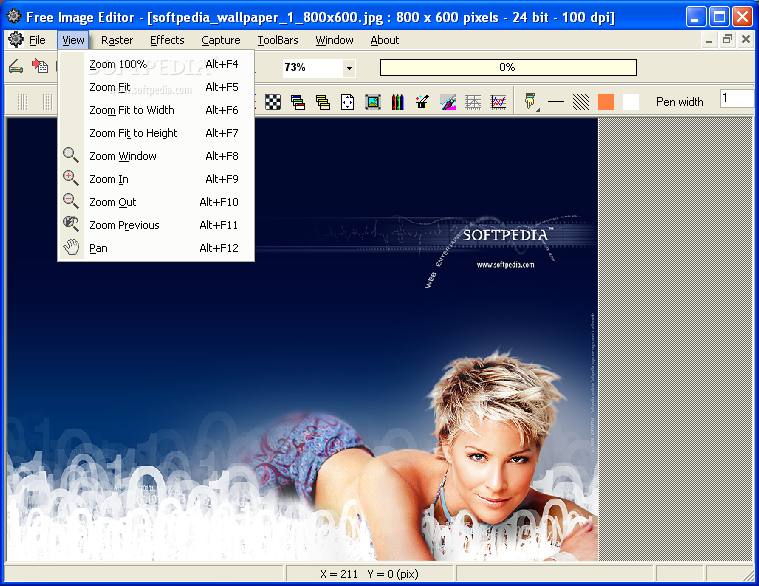
The menu bar contains all Free Image Editor's main functions. First of all you can open an image file from your computer, create a new one, reload a raster and save it. The View panel allows you to easily zoom the image. As a plus, Free Image Editor proposes you the TWAIN options, allowing you to acquire images from image scanners.
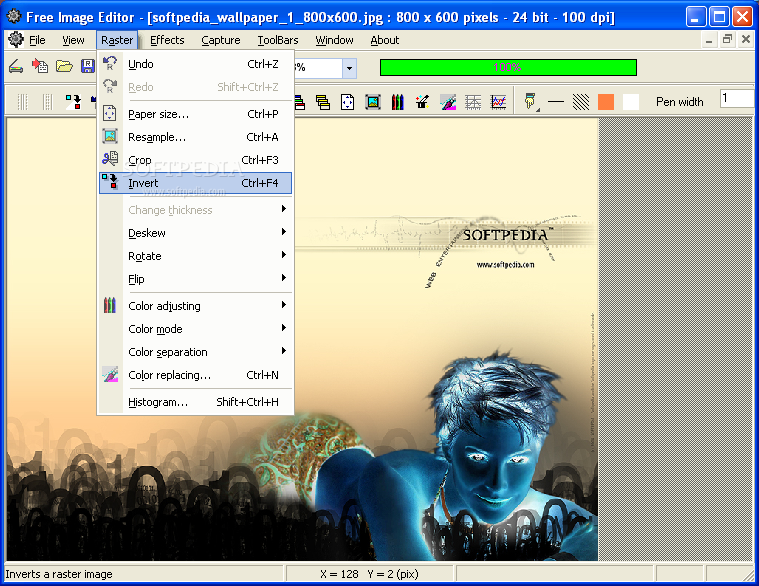
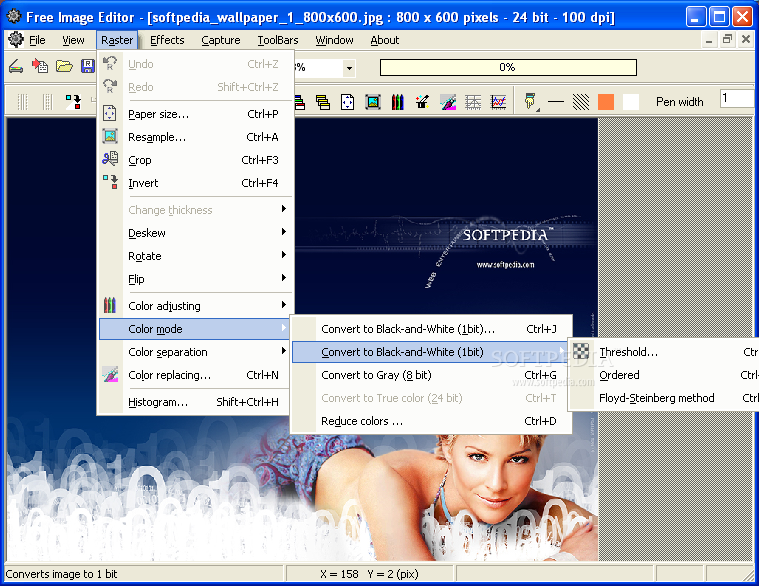
The Raster section displays a list of features for processing and analyzing the image. Before you start your work you may want to know that you can easily undo and redo your last operations by using shortcuts or by pressing the Reverse or Redo buttons displayed at the beginning of the raster toolbar.
The user can easily alter the image size, resample it, making it larger or smaller. Using the Crop tool, you can isolate and remove an unwanted part of the image. The Invert option inverts a raster image.
When the image comes from a scanner, it is often skewed. No more worries. Free Image Editor includes the Deskew option, allowing you to correct the skew and bring the images to its right position.
If you want to change the orientation of the image, use the Rotate tool and alter it in any direction and to any degree. You can also flip the image vertically and horizontally.
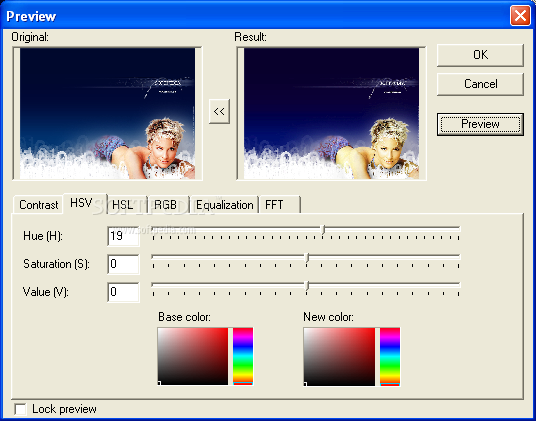
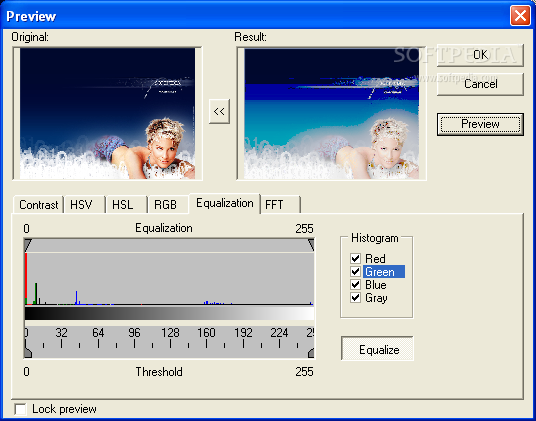
The Color Adjustment tool enables you to alter the color of images in a variety of ways. The user can adjust the contrast of the image and improve the color balance especially for images that where made indoor, set the hue, saturation and luminosity levels. The Gamma filter is easy to use and gives you the possibility to line and equalize the RGB channels, or to separate the HSV and RGB channels.
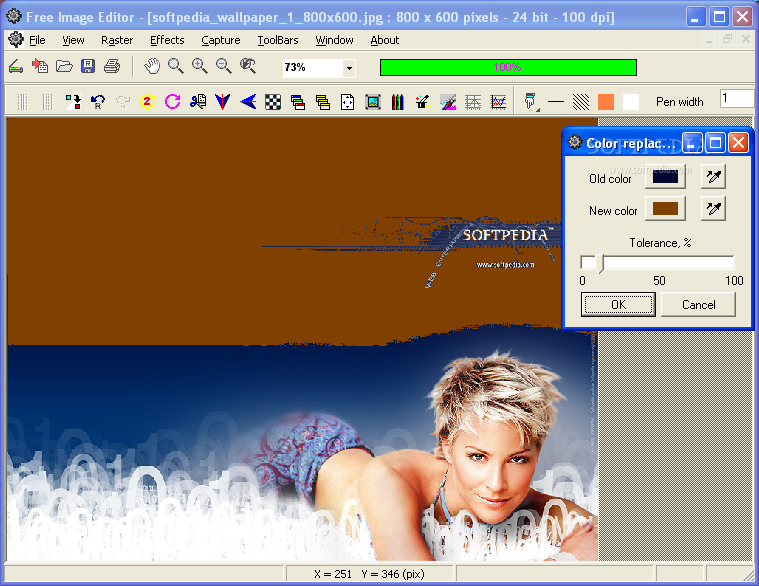
Free Image Editor has the ability to change the color of specific items in an image. It can also create an image histogram that will graphically represent the number of pixels with a particular brightness value.
In addition, the user can add special effects to the image like artistic, distort and transform, texture and geometric effects. The Color filters allow you to soften, sharpen, color emboss, gaussian blur, antialias, remove red eyes and auto equalize the image.
One of the best things about this image editor is that, apart from the fact that it offers you all that you need for enhancing your images, it is also a screen capturer using various methods (all desktop, rectangle selection, object and active window). The user can make video capture from various video sources.
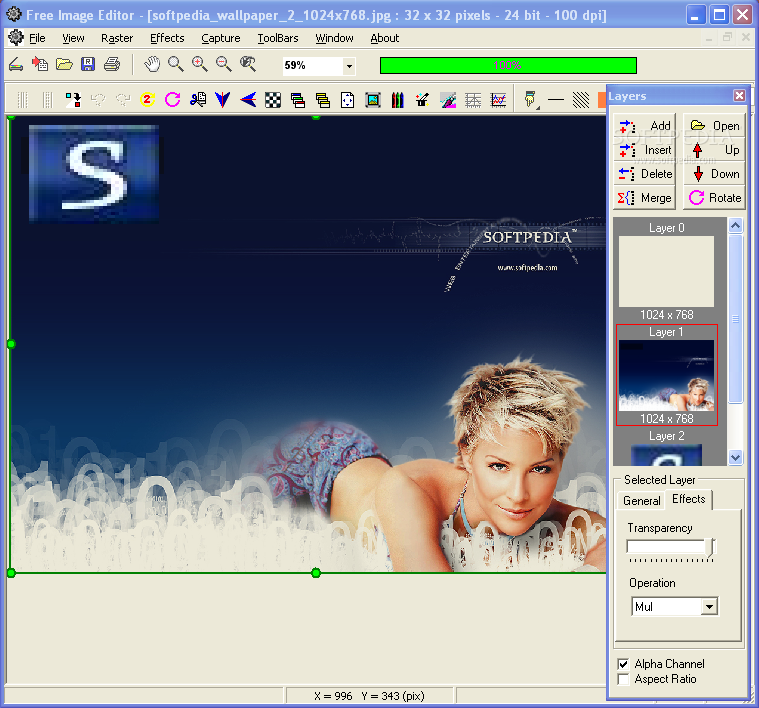
Another very useful feature is the Layers toolbar that allows you to add, open, insert, delete, merge, rotate each image's layer and select the effects, giving the user a maximum of flexibility and ease of use.
The Good
Whether you add some new effects or you just want to adjust your image, Free Image Editor allows you to preview all the effects in a single dialog, with 8 preset filters and save/load filters from file.
The Bad
The program doesn't have a help file, which is somehow annoying for those less familiarized with the process of image editing and its vocabulary.
The Truth
The Free Image Editor is very easy to use thanks to its one-click-away features that enable the user to quickly transform and enhance images. It does an excellent job for free software.
Here are some snapshots of the application in action: