14 DAY TRIAL //
 Before starting, I must specify that the content you're about to read is addressed to women only, and men should step out for a minute while the ladies enjoy the program.
Whether you've decided to change your look, but aren't really sure about how it would fit you, or simply want to try a new hairdo for that Saturday evening date that you've been waiting for, you're approaching a big decision point, and risk blocking yourself there for quite some time.
Making a change to the style of your hair is not reversible, and once it's cut, you can't "Undo" it. The best that you can do is cut it some more, and get a different style, if you don't like the current one.
But what if I told you that there are programs which allow you to preview the way you would look with a different hair style?
Working with the program
Let's have a look at Hair Pro, and see whether it's a good solution for you, or you should be looking for something else.
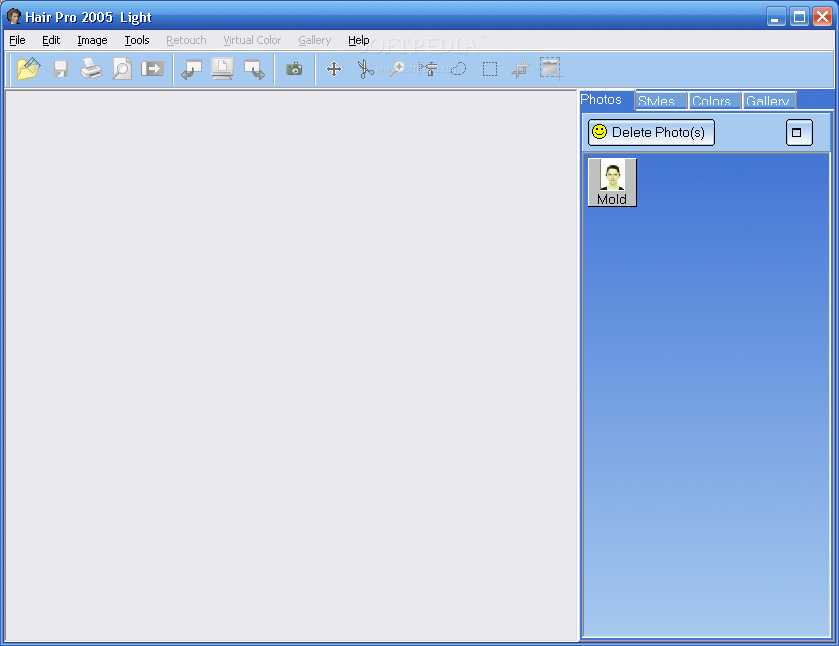
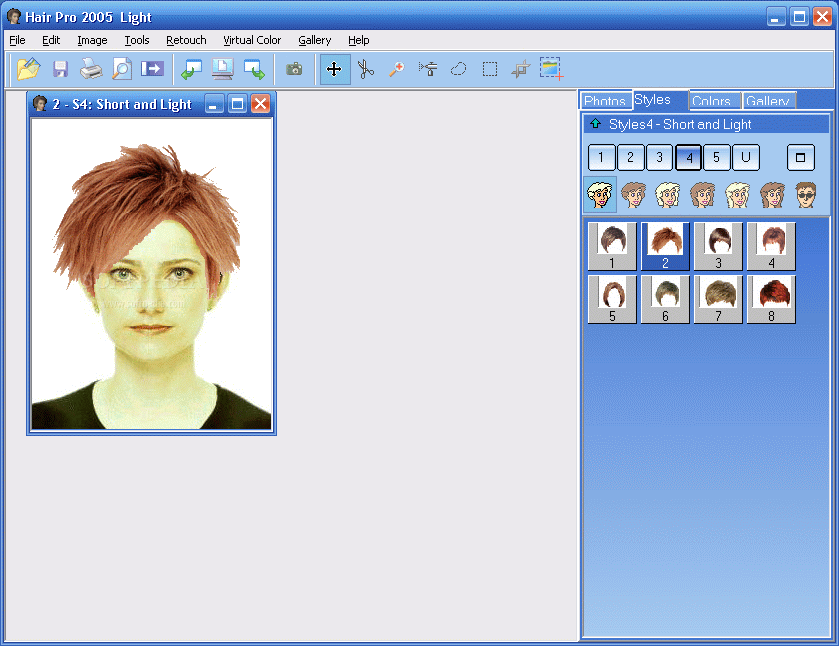
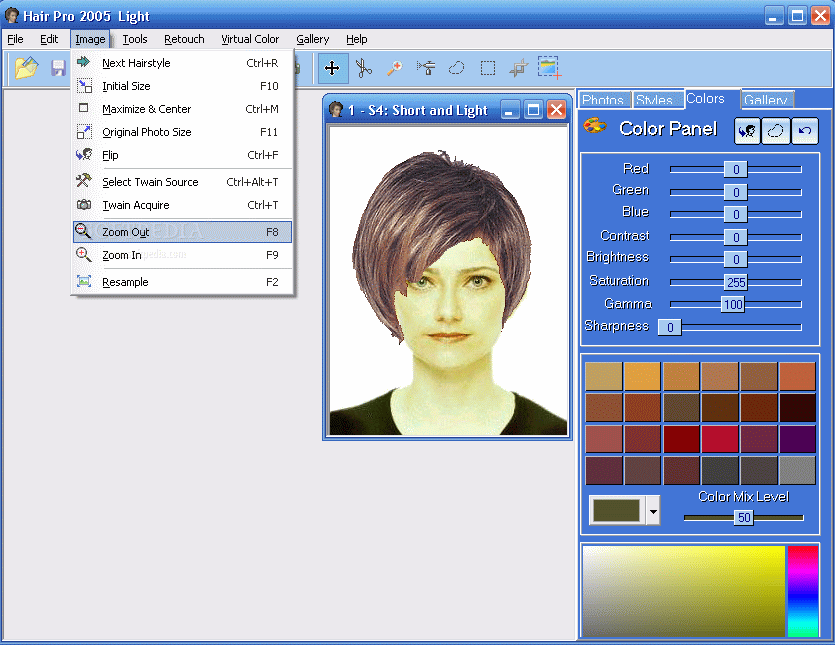
The main window of the program has a light blue color, which relaxes your eyes, and prepares you for the changes that you're about to perform. All you have to do is open your picture and apply the featured hair styles.
There is a sample picture included with the program, and this allows you to practice working with it without going through the pain of seeing yourself go through all those changes. The picture that you import has to be bald so that the natural hair wouldn't interfere with the sample styles, and so that you can get a good result. But we have to be practical here, and since baldness is out of the question (and is one of the reasons for using this program instead of wigs, for previewing purposes) simply get a hair clipper and pull your hair back so that it doesn't have a voluminous look (just as you would do when using a wig). The program also allows you to select parts of the picture that you want to cut or delete, so that you can completely get all the unnecessary details out of the way.
Once you're done importing your own picture, you can choose the style that you want; the program has enough included so that you can go crazy with your fashion needs, and if this is not enough, you can use the Style creator wizard, which will enable you to create personalized haircut styles.
What's nice about the program is the fact that it allows you to resize both the picture and the hair style, so that they fit together nicely, and get a good idea about how you would look.
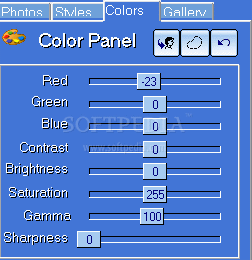
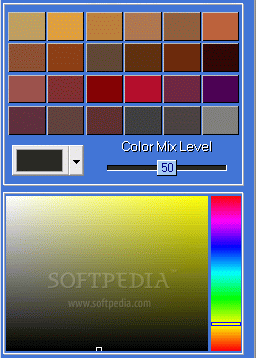
You can also change the color of the hair style, so if you're looking for the blonde effect but worry about people's prejudices you can simply try it out in here and see whether it's worth trying or not. You can apply one of the four virtual colors (yellow, brown, red and black), or use the color panel to adjust more advanced settings (such as sharpness, brightness, RGB settings, and so on).
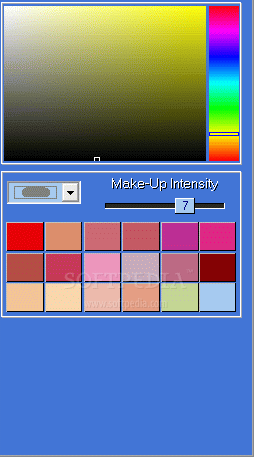
A hairstyle alone can do wonders for your look, but if you combine it with a good makeup, then fairytales can become true. The program allows you to apply make-up, and the good part is that you can easily undo the operations, in a single click, and no complex make-up removing procedures (such as the real-live ones) will be needed.
The program also allows you to see all the hair styles displayed automatically, in a slide-show display, so that you can see which one suits you better without manually applying them all.
The help menu is consistent and gives instructions for every single button and feature that the program has. It also gives you some pointers as to how to take the picture that you want to import, how to apply make-up, use the built-in gallery, and so on.
The Good
Hair Pro has many good features that will certainly help you decide whether it's worth applying that hair style you've been longing for, but didn't have the courage to have it done. There are plenty of styles included, and you can also create your own. Also, you can cut out parts of your hair out of the image, and you can apply colors to your natural hair.
The Bad
This is the Light edition of the program (the name is deceitful), and many features are either limited or restricted: you cannot create or edit hair styles, nor can you change the program's preferences, you're limited to 56 hair styles; the only way to unlock these restrictions is by registering to the full version, which will cost you $59.95. This is a little spice up, but think about what it would cost you to get a hair style done in a saloon (not to mention what the consequences would be if you didn't like the result).
The Truth
Hair pro is a nice program that allows you to preview the way you would look like with a hair style before you can have it done in a saloon. The interface doesn't excel in design, but is good in functionality. It may not be the best in its branch, but it's a good alternative. Try out the light version, and see whether it's what you've been looking for!
Check out the screenshots below to get a glance at the program in action: