14 DAY TRIAL //
 A little treat for IE users
Microsoft? Web browsing domination seemed to fade quickly with the arrival of new and improved browsers the likes of Firefox, Opera and Maxthon. In order to counterbalance the scale, Microsoft announced a year ago that XP and Win2K users will have their very own upgrade to Internet Explorer. With their claims ripening, Microsoft?s released a Beta of the eagerly anticipated browser, Internet Explorer 7 (Beta).
It?s been quite some time now that we?ve awaited the next generation of Internet Explorer and today is the day that we can criticize something else Microsoft has done. I?m joking people. Instead of rejoicing that Microsoft? browser is finally catching up to the level it should have set for the rest, people are already jabbing at the updated browser. For those skeptics and critics, all I have to say is that ?it?s only a Beta?. I?ll try to be less subjective and more objective on the review.
The initial install ensures you have a real copy of Windows since it takes you through a verification process. End users should know that not all Web sites will function properly using IE 7 for XP SP2 Beta 2 so don?t get your hopes up just yet. Also noteworthy of mentioning is that the final version of IE 7 for XP SP2 should be in around the same time as the release of Vista (end of the year), but could surprise people with a Q3 arrival. When we get into it, you'll find out that you?re not in Kansas anymore.
The Goods
According to Microsoft, Internet Explorer 7 focuses on three key areas:
1. Dynamic Security Protection: Internet Explorer 7 takes security to a new level with new functionality that helps thwart malicious software, as well as protect users against data theft from fraudulent Web sites. Additionally, Internet Explorer 7 gives users full control over adding functionality to their browsing experiences, allowing for safe and easy add-on functionality while avoiding inadvertent downloads of unwanted software.
2. Everyday Tasks Made Easier and Faster: Internet Explorer 7 was redesigned with new and enhanced capabilities, making it even more productive for today's savvy Internet users. Internet Explorer 7 focuses on making the tasks people do every day such as searching, browsing multiple sites, and printing easier and faster. The toolbar search box contains MSN Search; you can modify the search bar to include AOL search, Ask Jeeves, and Yahoo Search.
3. Improved Platform for Web Development and Manageability: Enhancements to the Internet Explorer 7 display engine allow Web developers to create attractive and functional Web sites more easily, while maintaining the ability to browse existing Web content. The new Really Simple Syndication (RSS) platform support also allows other applications to integrate with the browsing experience. Additionally, Internet Explorer 7 makes it easier for network administrators to centrally deploy and manage Internet Explorer for large numbers of users.
The Nitty Gritty
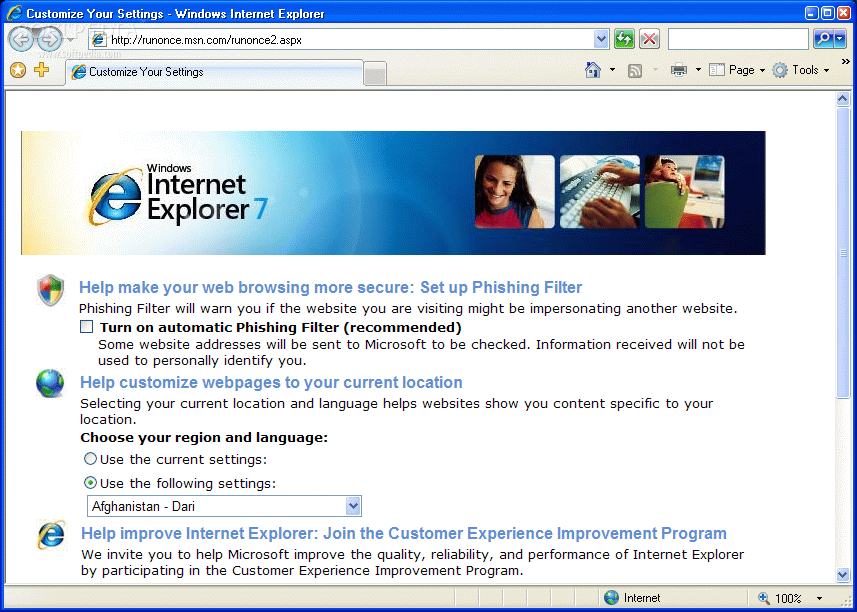
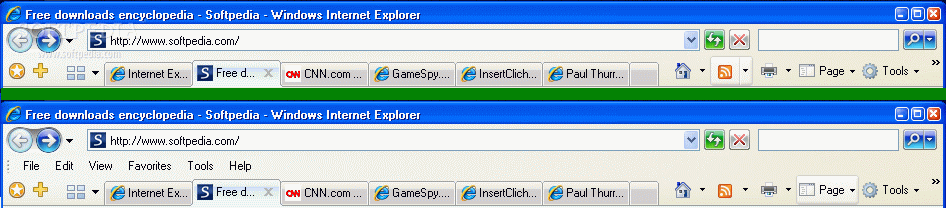
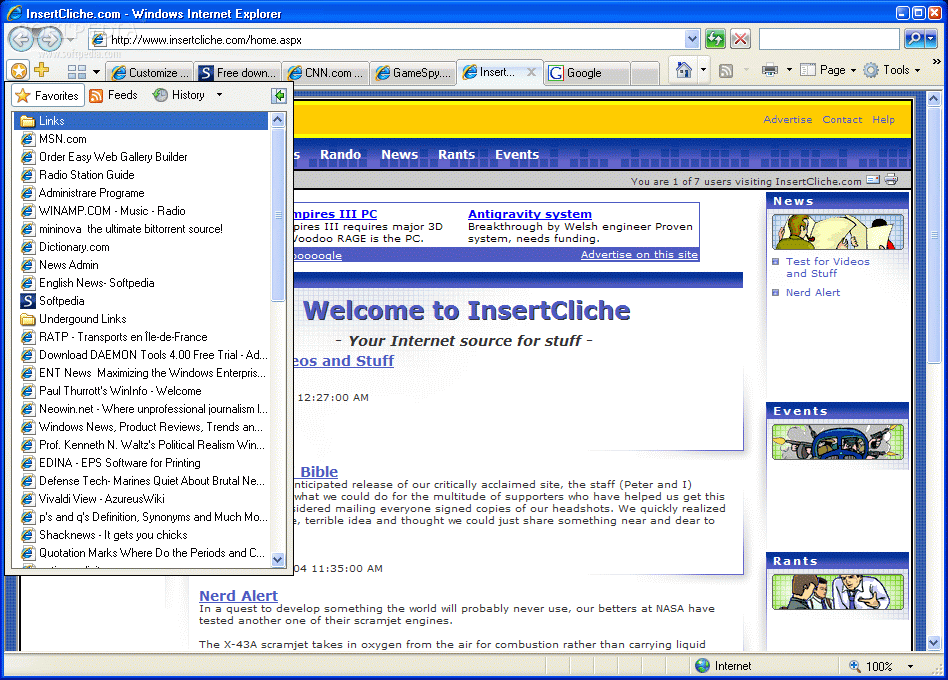
The first and foremost noticeable change is the GUI. It looks like it?s been revamped to have a sleeker, rounder, more Lexus-of-the-future look than its predecessors. An unmovable address bar stands atop the browser (this is basically a safety feature for spyware that relocates the bar). It looks like MS has scrapped the bulk and kept the hulk. This means it?s kept the icons and gotten rid of a lot of the extras. If this is too simple, you can just add the ?Classic Menu? back to your browser without a hassle. You don?t have your typical Favorites anymore, but instead a Favorites Center.
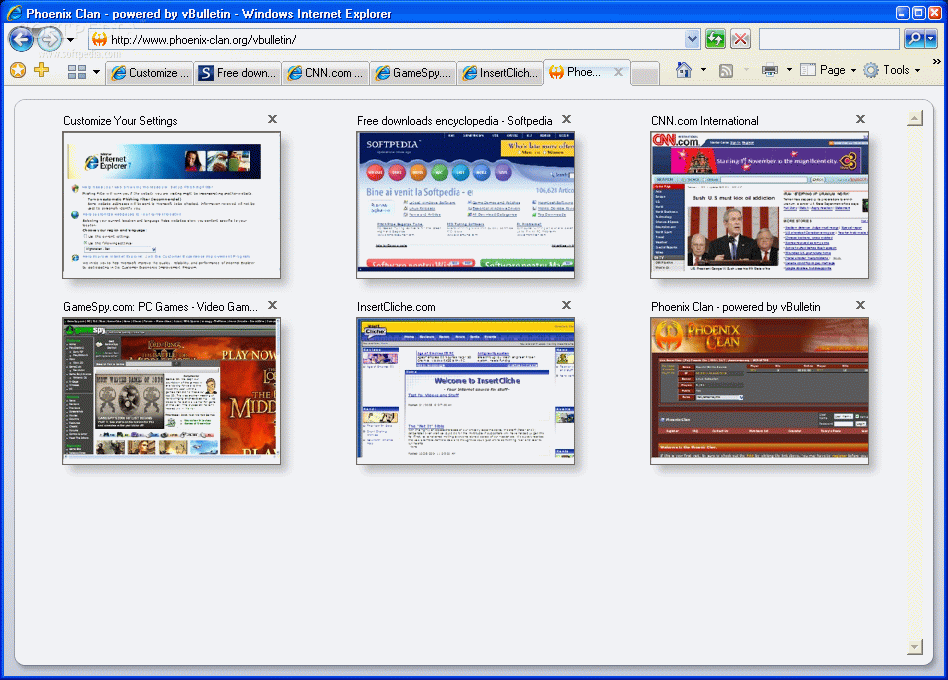
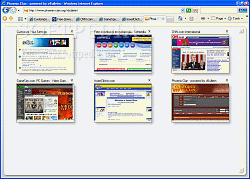
Let?s go over the basic improvements that we can clearly spot in the IE7 Beta. The tabbed browsing is what everyone and their cousins have been talking about. Heck, it?s probably going to beat out the Steelers V. Seahawks for front page news. I haven?t been this excited about a concept since I heard that Tonya Harding would take up a career in boxing, boy was that disappointing. What?s more disappointing is that although tabbed browsing is included in this lovely update, you can't mouse over the open tabs to see previews of each page, like the IE7 in Vista, Firefox and Opera currently allow you to do.
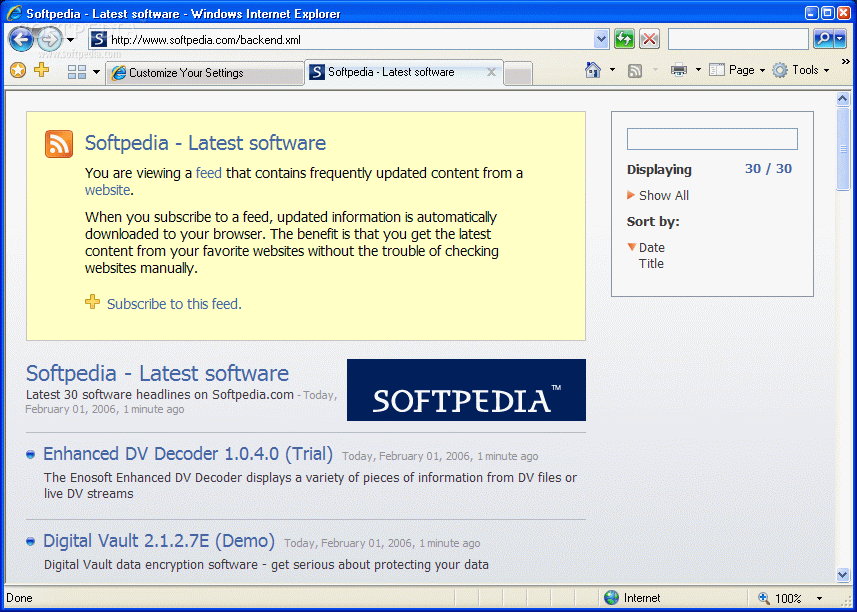
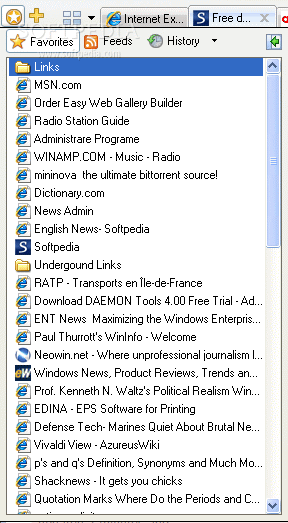
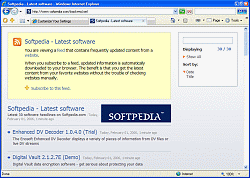
Your ?Favorites? have been revamped as well. You now get a Favorites Center which includes your Favorites, History, and RSS feeds. The feeds are a new addition to Microsoft and one that?s welcome too. You no longer have to download an external RSS engine to see your feeds since MS created one of their own. Lucky for network administrators and trigger-happy-censoring Chinese officials, both can use the Web feeds API to manipulate the set of feeds to which users are subscribed (system feed list).
Security
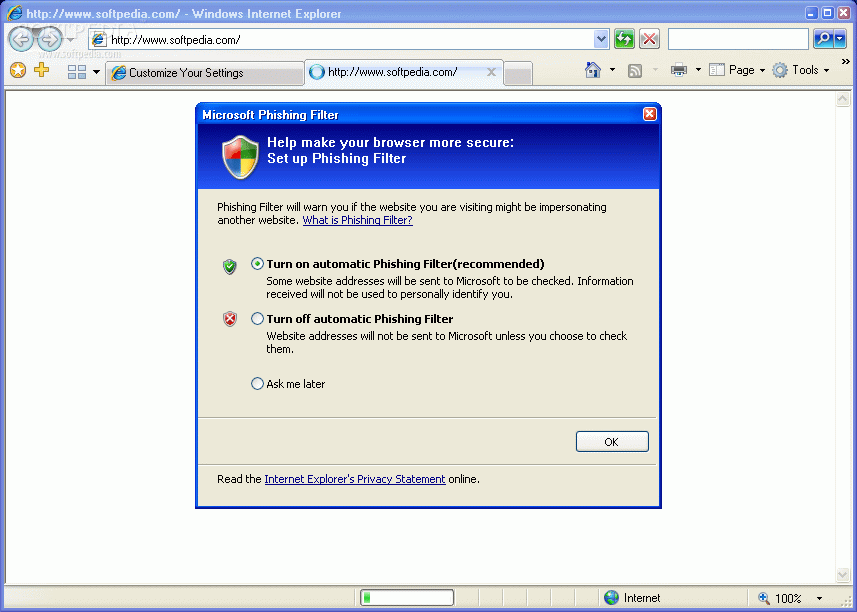
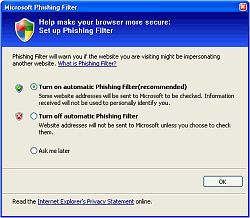
Since IE7 is keen on security, the Phishing Filter was added to protect against the thousands and thousands of identity theft cases that happen each year. Instead of using whitelists, IE7 relies on ?Heuristics? to analyze whether a Web page is legitimate. The triggering effect is a golden bar that appears on top of the page. If you get a false positive, it?s easy to correct and save any pages you know aren?t frauds.
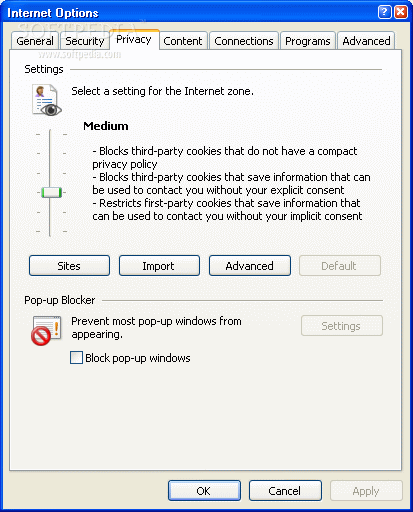
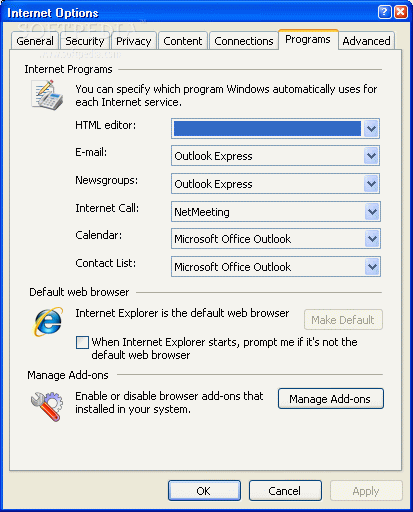
The good thing about IE7 is that it has an upgraded Pop-up blocker that works quite well. Along with the simplified security settings, this browser makes it easier for IE users to surf the net at a more hassle free level than they?ve previously been used to. An added bonus is that every window now has an address bar, so if a pop-up does manage to infiltrate your viewing screen, you can determine whether you want to stay or move on from within that same window.
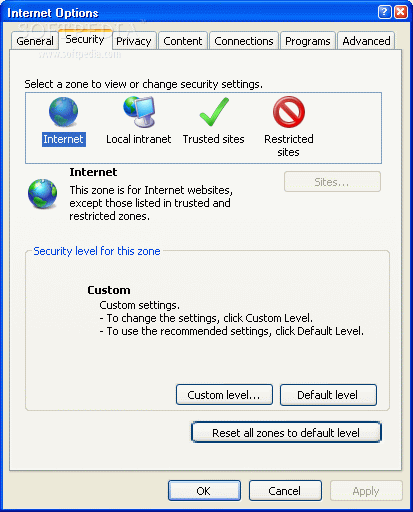
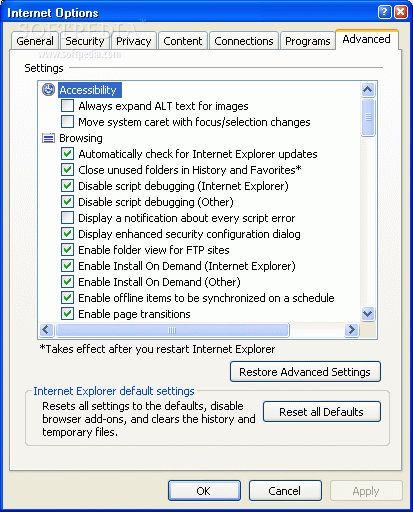
A side note: Microsoft has raised the normal security level to ?Medium-High? in order to give a better overall sense of security.
Because the company has had some ActiveX Control sore spots, it?s all but thrown most of them out the window. You can always add more if you so choose, but by limiting them to a smaller number, this in turn limits the possibility of hacker attacks. Since there were many security holes in IE6, Microsoft decided to incorporate some of its OS architecture into its browsing tool.
High assurance security certifications are part of IE7 as well. This pertains to increased security for users who are adamantly involved in online banking or e-commerce.
Overall
By taking a look at some of what other browsers have, Microsoft?s been able to raise its standards to meet those set by other browsers. It now has a quick One click cleanup, for anyone interested in deleting their browser history.
A thing to note though is that you won?t be getting the same IE7 that Vista users will be getting at the end of the year. According to Paul Thurrott, ?The version of IE in Windows Vista will include advanced graphical capabilities, unique new features, and will benefit from the underlying search functionality in Windows Vista (the omission of WinFS won't change that). Windows Vista's IE 7 will be much safer than XP SP2 + IE 7 because of low-level changes to the attack surface in that OS.?
So here?s what you get:
-IE 7 will include tabbed browsing -IE 7 will not include a new Outlook Express version -IE 7 will be free -IE 7 will ship for XP SP2, XP x64, and Windows Server 2003 SP1 customers only -IE 7 will likely ship this calendar year -IE in Windows Vista (codenamed Longhorn) will be different from standalone IE -IE 7 will include major changes for Web developers -IE 7 will include some interesting end user features -IE 7 will not include ad blocking
The Good
The good news is that IE users finally get to see the Web in a more secure fashion, an easier viewing style and they?re given a more practical way to do it in. It?s got so much more functionality, increased security and a newer sleeker look, one would be quite a fool to go back to any previous release of IE.
The Bad
At present, IE7 has a problem rendering some Web pages (according to Microsoft, this is caused by the sites, which need to update their detection code for IE7). Although it has new features, many of these have been around in other browsers for quite some time now. It?s also a little slow at loading. You?re either going to love the new interface or hate the new interface, I still can?t decide myself.
The Truth
?What?s better, being a one legged man in an ass kicking contest or IE7?? I?d have to say IE7, but if I were to ask you ?what?s better, IE7 or any other good Web browser?? Well, you get where I?m going with this. I do have to say that Microsoft is finally starting to catch up to the standards people had expected to see from the world?s leading software company, but it took some time. I can't say whether or not it lives up to people's expectations because it's just the Beta, but I'm not overwhelmed by what I saw... I liked the new features, but I'm not overwhelmed by them. Until the full version comes out later this year, I wouldn?t switch just yet, but if you?re truly a diehard IE fanatic, stick with the new Beta, it still has some bugs, but it?s much much better than any previous build.
Check out the picks below.