14 DAY TRIAL //
 Well, what do you know, IE8 is out. It did not take too long for the successor of IE7 to make an entrance, and judging by the strain on the Microsoft servers, my guess is that the latest web browser from Microsoft was long awaited. True that this is beta issue of the application, but it made some waves today and for a while many web locations were unaccessible due to unusual traffic (at one point I even checked my Internet connection for any problem).
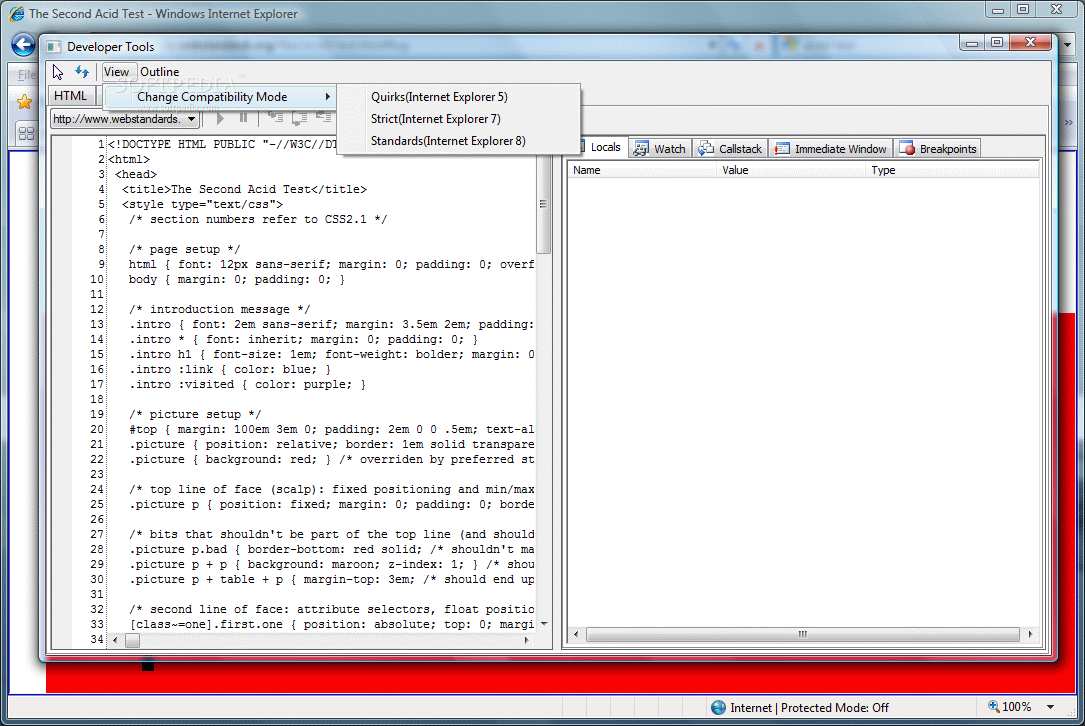
IE8 targets web developers and designers of all skill levels making available tools tailored to help write more efficient code by integrating in the browser the necessary development environment. Development Tools included in this version make it easy for web developers to check the compatibility with IE starting version 5. Readiness Toolkit is already loose and developers are explained in detail how to make use of the new features implemented in IE8 and optimize websites for Microsoft's latest release.
Leaving all developing possibilities aside, the interface has not changed dramatically, in fact it takes a while to notice the modifications and additional features. You will still be able to hide menu bar and the options are pretty much the same at a first glance, but taking a closer look will bring out features, like Activities, which permit faster access to online services or Webslices to monitor different information while surfing.
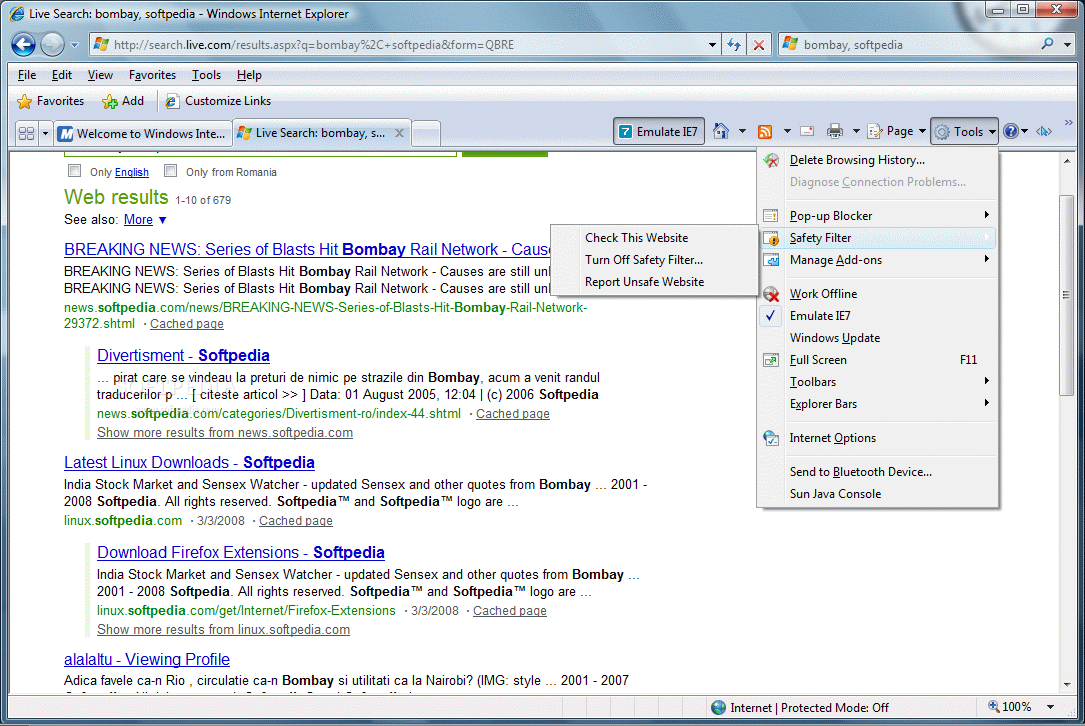
Checking out how a website looks in lower versions of Internet Explorer is no longer an issue to be solved with the use of virtual machines, as in IE8 you benefit from an emulation button that renders the pages just as if they were opened in IE7. The only downside is that you have to close all tabs and restart the web browser, a very comfortable alternative.
Besides what's right in the face and what has been promoted by Microsoft, all the details are so smoothly inserted in the version that many users may not even notice them. The highlighting of the domain name in the address bar for instance is one such modification. After typing the address, move the mouse from address bar and take a look at the entire link. All elements composing it, except the domain, are greyed out, thus highlighting the name of the website. Navigating to different pages will not change this one bit. Place your mouse in the address bar again and everything is just like in any other browser.
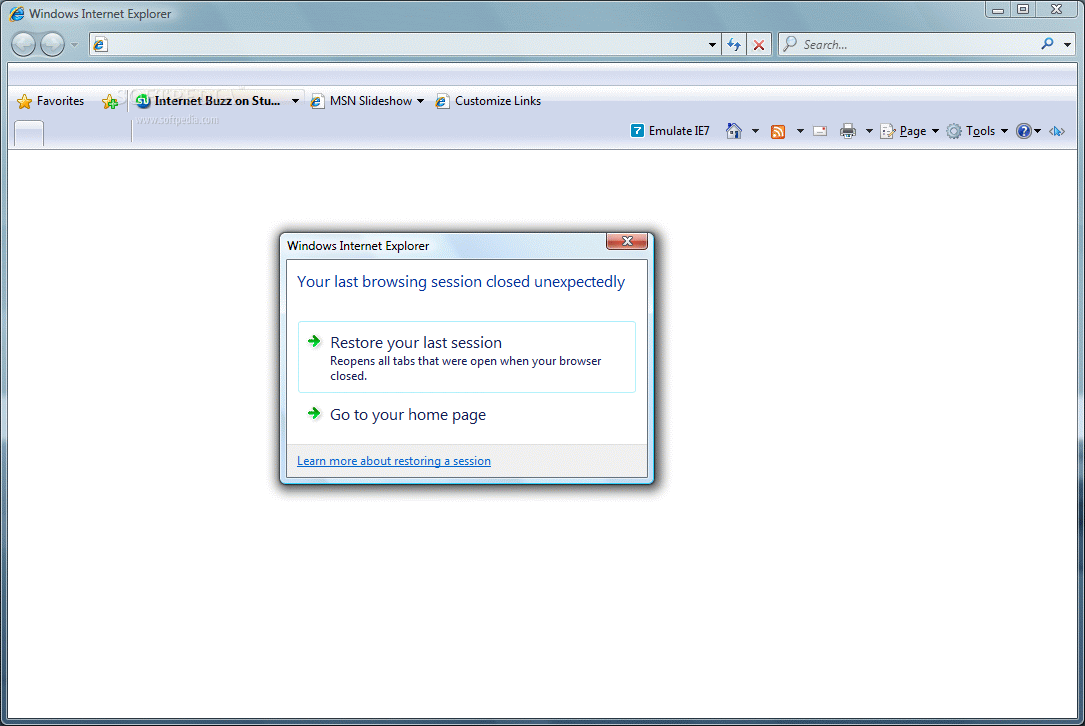
One of the great features introduced in IE8 is Automatic Crash Recovery which basically saves all opened tabs, should an unexpected event that abruptly closes IE8 occur. During our testing, the application promptly displayed the tab recovery dialog after our deliberate crash of the application.
As for resource usage, there is a slight change as IE8 seems to need a bit more power, but not by much. During our testing, the difference was of about 4MB between IE7 and IE8 loaded with the same webpages, a result that has little relevance. Also, the same handling of windows is maintained: opening a link in a new window is not considered a new instance and, as a consequence, there will not be an additional IE process in Task Manager.
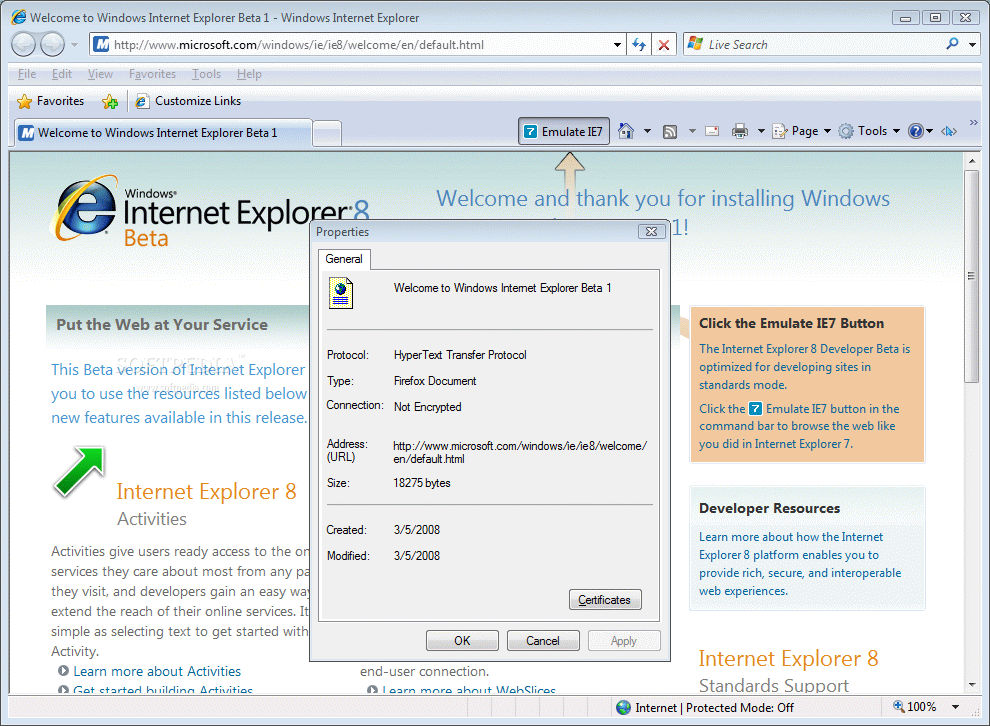
To prove itself worthy of the beta label, IE8 shows a few glitches here and there and the fact that fullscreen view no longer works as in the previous version can confirm it. Taskbar will no longer be covered by the browser, depriving the browser of one feature that made it unique among its competitors. Also, if you take a look at the webpage properties under File menu, you will see it filed as Firefox document, and not HTML as it should. So I guess the open-mindedness of Microsoft employees towards using competitor tools is not actually a myth, but a fact.
Just like everybody else, I have seen the famous screenshot with IE starting to care about web standards, so the second thing I did after making sure I've got the right version of the browser was to perform the Acid2 Test. Let's put it this way: IE8 is still in early beta but it does pass the test on all Vista editions and XP. We tried it on Vista Business, Home Premium, Ultimate and Basic and on XP Home and Professional. The same cute smiley was rendered flawlessly on all of them.
At settings level, the application has not too much to show, either as there are very few changes. Parental Controls are one addition, and you will find more changes under Advanced tab of Internet Options menu. Here, the list of options has grown, but not by much, in the sense that, under Browsing sub-menu, there are two new additions (Display Activity button on selection and Enable Automatic Crash Recovery - which requires restarting the browser) and under Security sub-menu you have Document Object Level (DOM) storage and the phishing options have been assimilated into the same sub-menu.
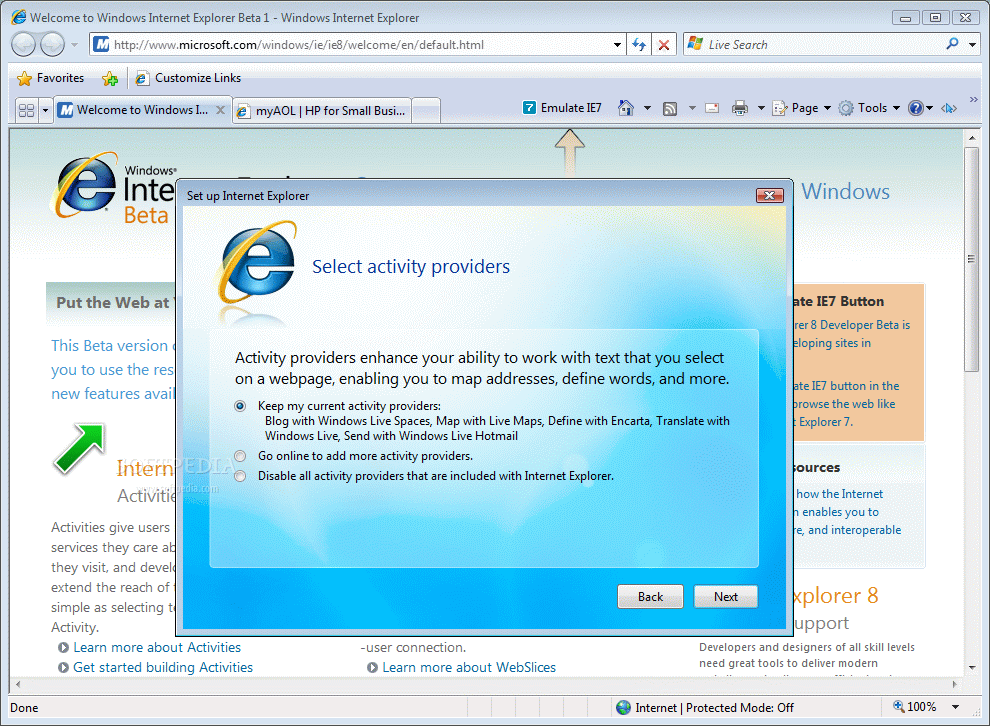
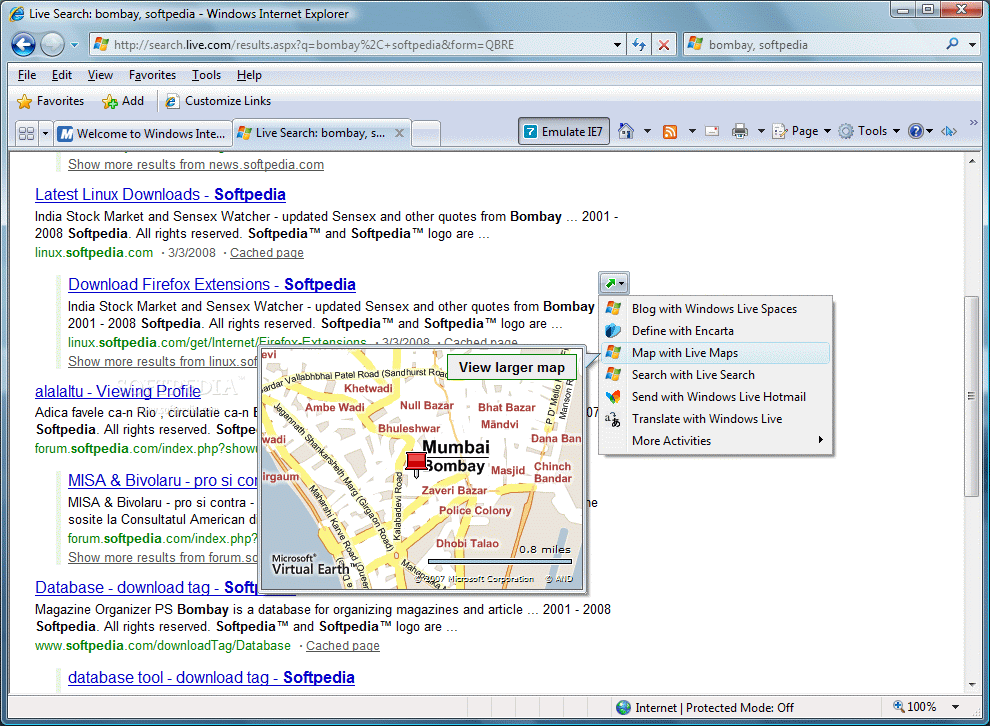
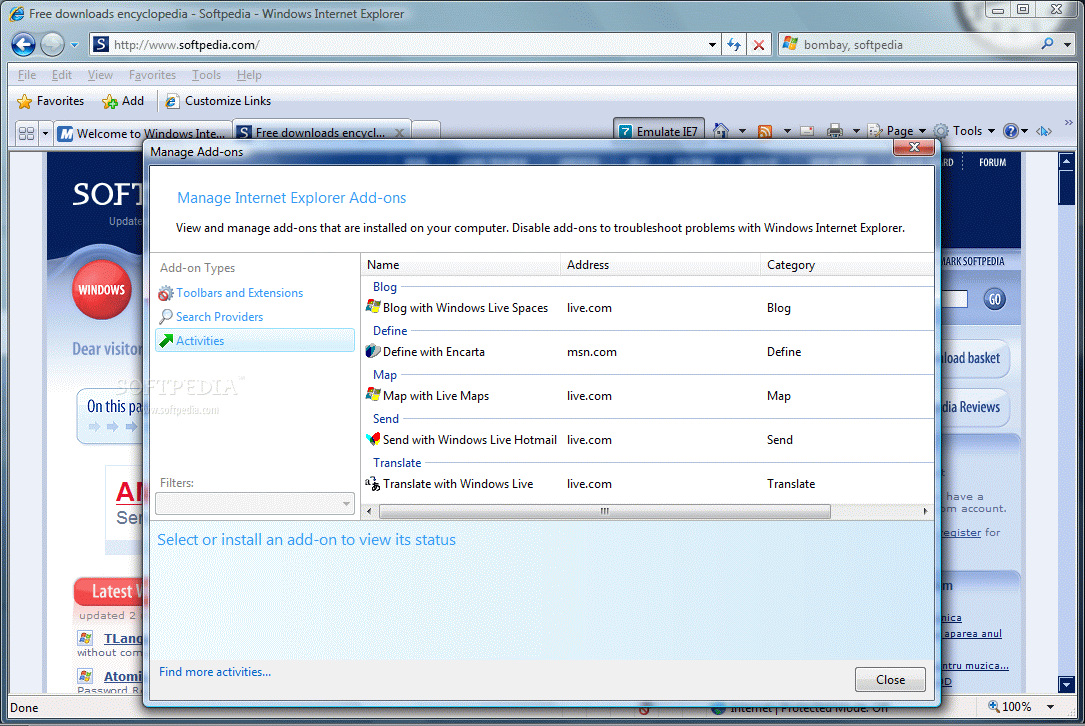
IE8 is not really worth drooling over, but it comes with new functionality, especially through Activities and Webslicing features that make information retrieving, dissemination via blogs and learning easier. The first one is available upon selecting a piece of text in a webpage, allowing you access to a bunch of activities, such as defining the term with Encarta, locating it on Earth if it is a geo-location, sending it via Windows Live Hotmail, blogging it with Windows Live Space, translating it, finding with a search engine, etc.
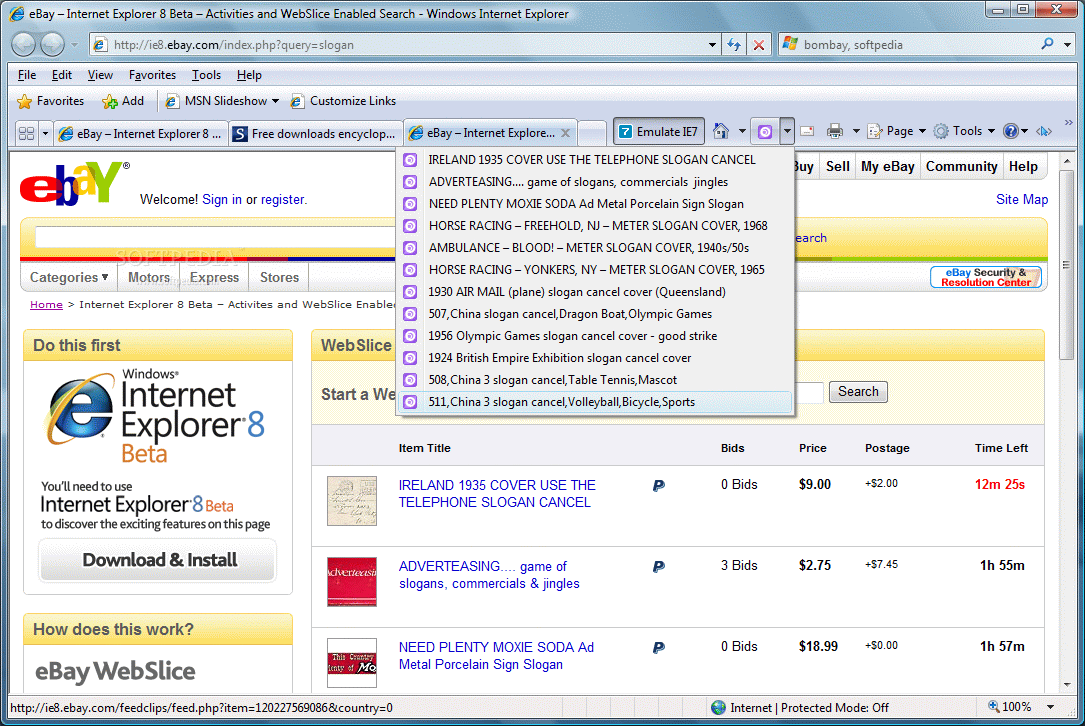
Webslices are snippets of the Web that can be monitored by the users while surfing to different locations. They consist in rich visuals that can be accessed directly from Favorites toolbar (they are actually a more elaborate and eye-candy form of accessing favorite locations). Unfortunately, these two features are at the beginning of the road and there isn't support for them on too many websites.
The latest version of IE is shy in features and changes, but still makes a step forward as it helps with compatibility issues in web development. As for the end user, s/he won't be too excited about the new main features, Activities and Webslices, as there is still little knowledge about them (with Activities things are as simple as can be, but Webslices may be a bit more difficult to swallow).
The Good
Although there aren't many differences from IE7, IE8 manages to bring innovative features like Activities and Webslices which have the potential of becoming a standard feature in all future web browsers (well, my bet is on Activities).
Crash Recovery is an evolution as it allows the user the recovery of all opened tabs in case IE8 crashes. The overall feel of the browser seems to have improved.
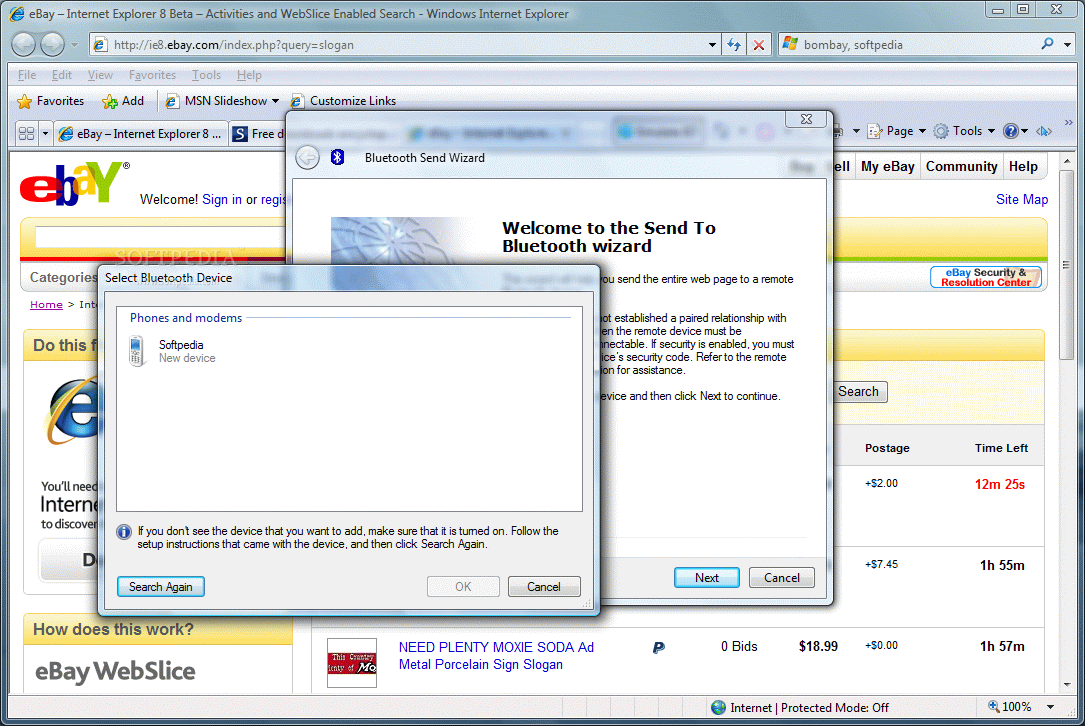
Bluetooth capabilities are included in the browser, allowing the sending of files to a compliant device.
The Bad
It is still in beta, so there are several glitches. IE8 can have problems with passing Acid2 test, but this is not really its fault, more the test source you are using.
The list of features is quite limited and the changes are barely noticeable and some glitches still occur.
The Truth
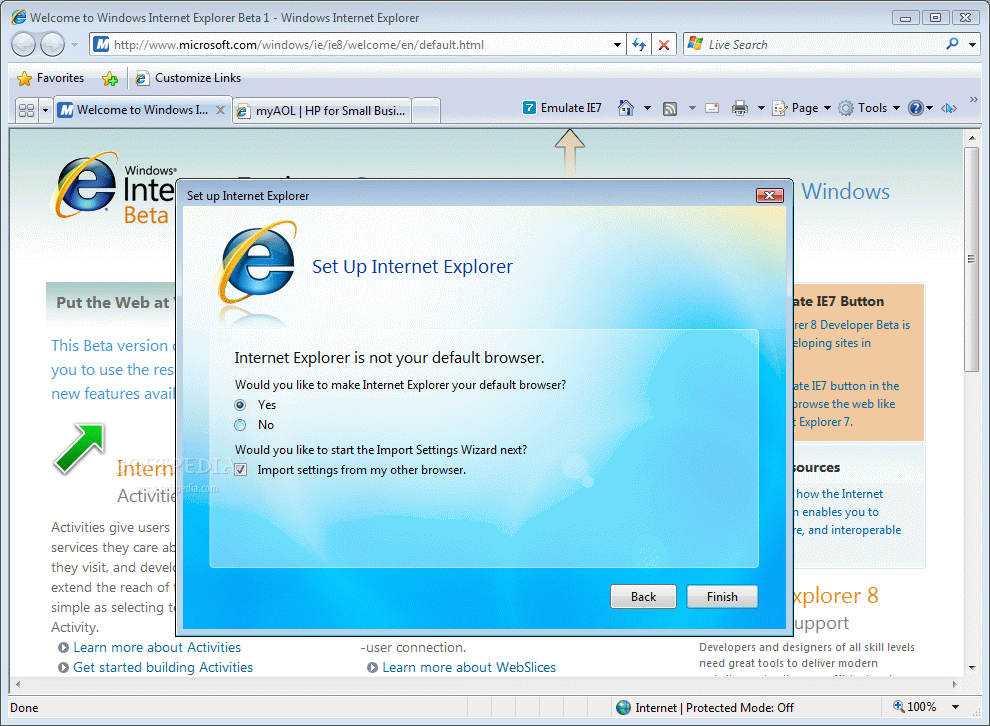
Not quite what we expected, IE8 performs very good and bares the marks of the beta. It is not mature enough to find a definitive place on user's computers but it is worth a shot. However, be careful that it will install as an update to IE7 and replace it.
Bottom line is that IE8 is not impressive in terms of features and options, but during our testing it had a good behavior and did not cause any trouble with the computer (as some voices on the Internet so vehemently sustain).
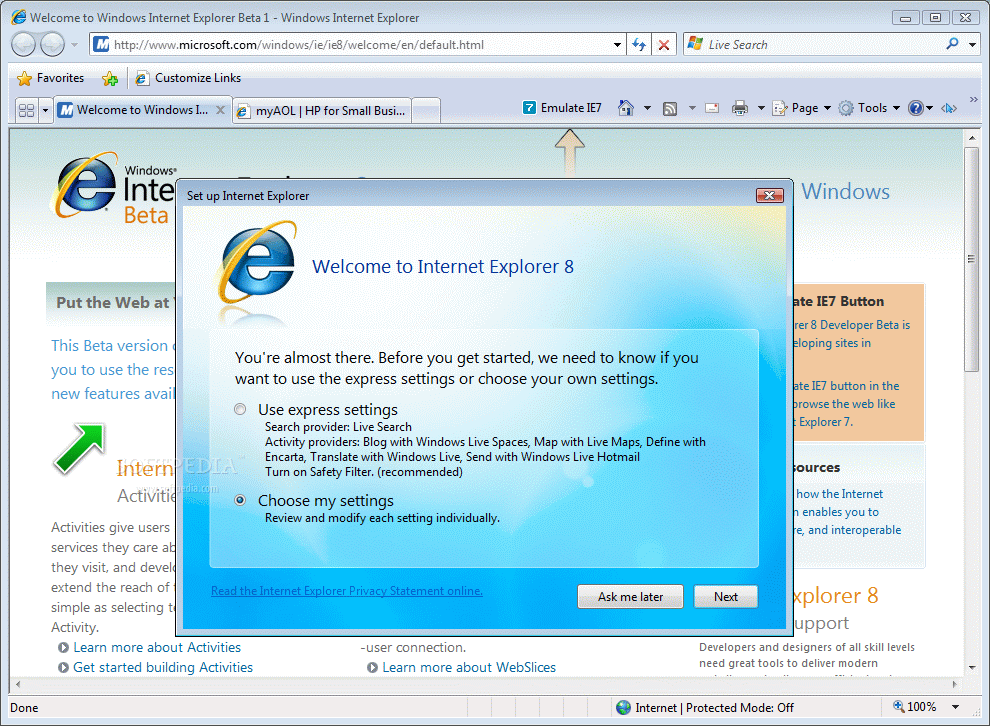
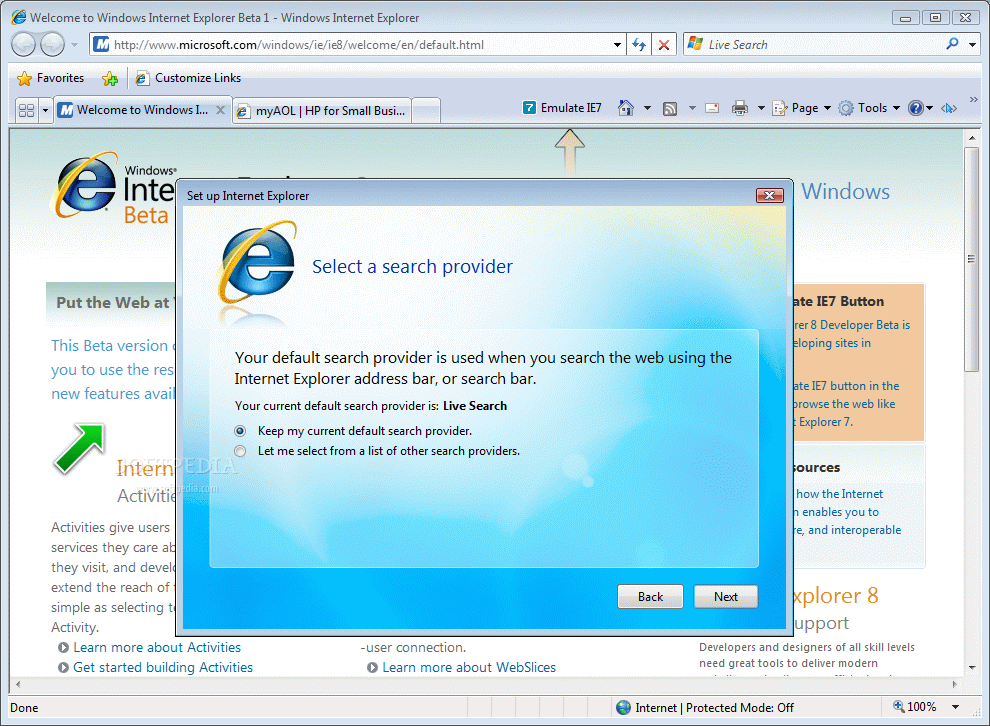
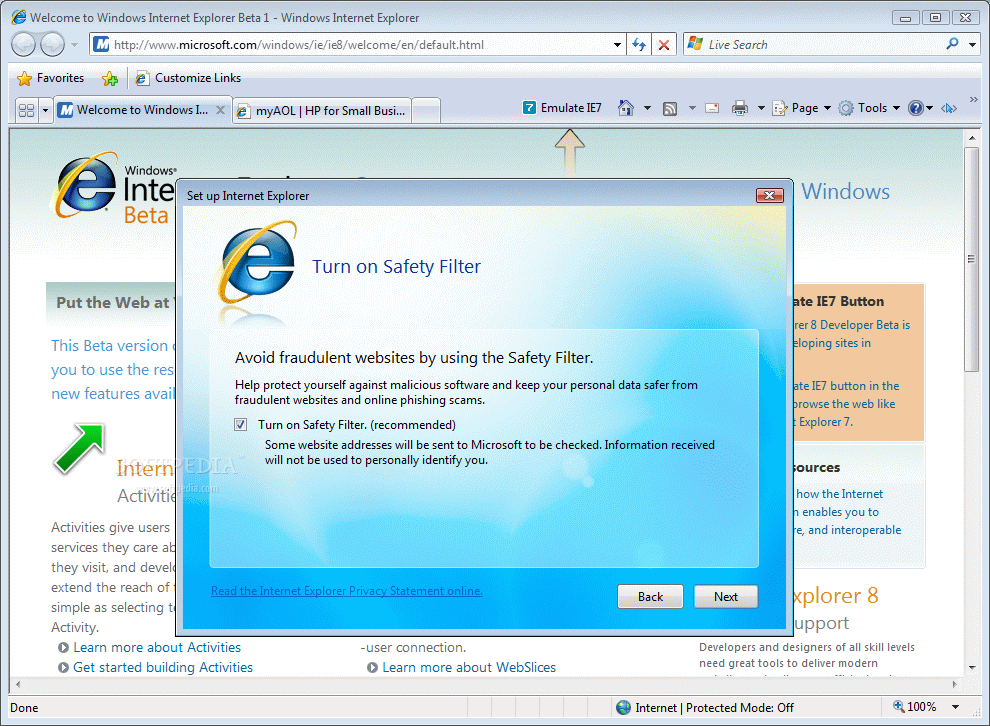
Here are some snapshots of the application in action: