14 DAY TRIAL //
 Back at it Again
Lavasoft's at it again with its release of its personal firewall software. It runs off of the same engine as Outpost (sorry for the previous typo guys), the software that essentially made Lavasoft FireWall. I was curious to see how effective this firewall was at steering my PC clear of the ungodly amount of cyber crime that's floating around the net.
Let it do all the work
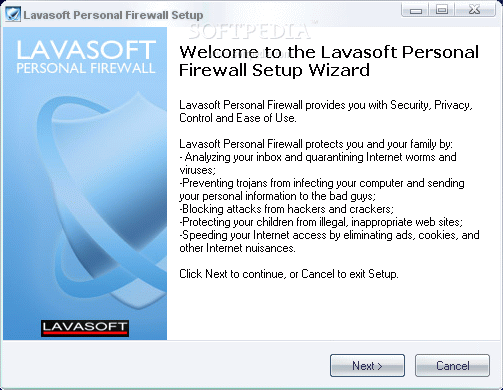
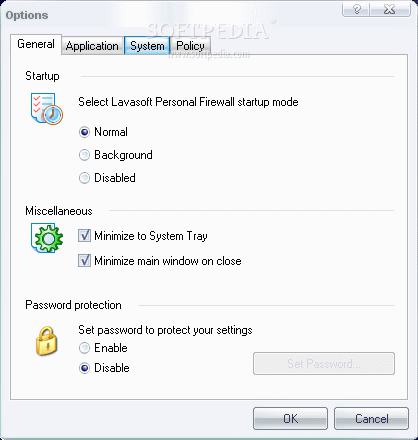
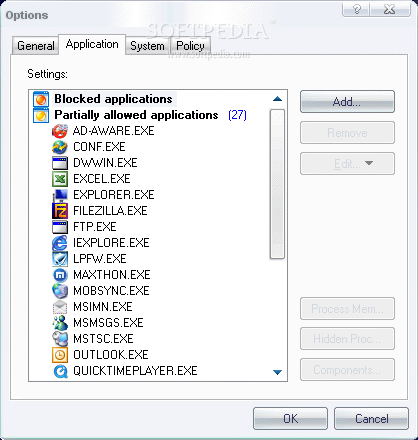
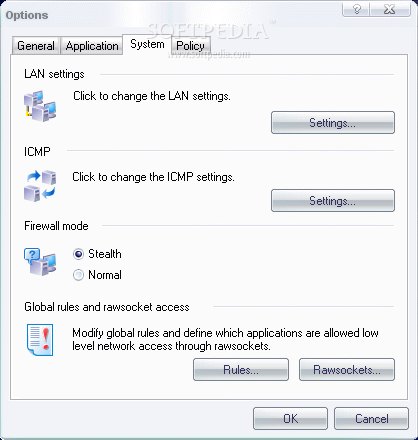
Using the automatic configuration install, it searches for networks and applications, then creates the component control DataBase. I then go over a few options relating to the way I want my firewall to run, which applications I want to allow or block, my overall system and which policy I want to implement.
After finishing the quick install and reboot, I test out my new impervious computer.
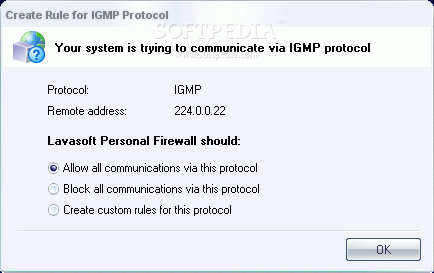
With any newly implemented firewall, there are a lot of specific program settings that you need to apply. The first priority is usually permissioning. For almost every application you run, you will be asked whether or not to allow or block. Don't worry, you only need to do this once, in order to get your preferences recorded.
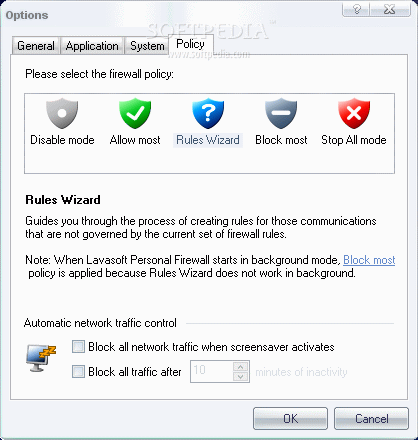
The firewall itself is pretty thorough, but if you don't think it's doing a good enough job, you can switch around your settings toward a more aggressive 'nothing gets past me' sort of stance. Your 'Policy' in the options menu lets you go as far as blocking most communications if you really want to.
Nothing has to get through
Blocking most communications means that you're gonna have to create a specified firewall rule for any communications that aren't' explicitly allowed. You can also go to an extreme which completely blocks you off from the rest of the world.
Lavasoft's 'Stop All Mode' blocks any and all inbound and outbound communications. It's a sure way to stop unwanted traffic.
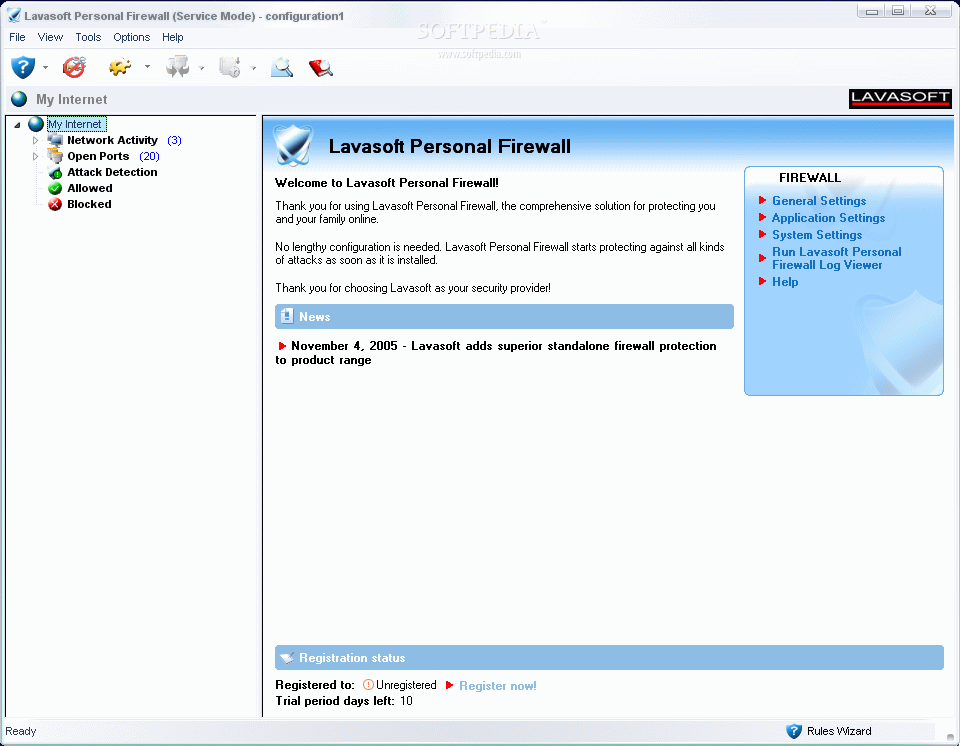
The interface is easy to work with and users with advanced or novice experiences can use this application with just as much ease. You can check out your Network activity, which is sorted by process names. You can check on open ports, detect potential attacks, what's allowed or what's blocked.
An icon in the top left-hand side lets you run a system scan using Ad-Aware, the other wonder-child of Lavasoft. If you ever get confused with what you're doing, just click on the 'Help' icon, and then just click on what you're having trouble with. A clear and explicit help window will pop up and explain the problems.
The Good
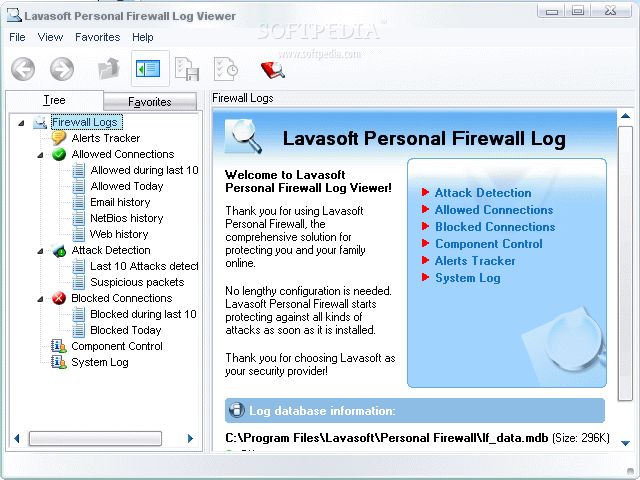
For those who've already used Ad-Aware, it should be clear that Lavasoft is a reliable company that brings out quality products. Their Firewall software doesn't deviate from the norm of excellence. Lavasoft Personal Firewall has the essentials of being a great firewall and more. It's adaptable, gives clear logs of all aspects of traffic that happens on your machine and more.
The Bad
I wish that they'd give you a little more time on the trial version. Aside from that, it offers a service similar to a lot of other firewalls.
The Truth
For $ 29.95, it's a great price. It has your typical firewall attributes plus a few more. Definitely worth the download of the trial version.
Check out some screenshots below.