14 DAY TRIAL //
 There is little more than a couple of words to say about a wav convertor. Except that it's damn fast?the MP3 Wav Converter is. And works exactly the same both ways. A high-speed mp3 to wav and wav to mp3 conversion software.
Simple design, yet highly functional, pleasantly coloured, easy to use and again...fast. MP3 Wav Converter is a very handy option when you need to switch between mp3 and wav formats and don't intend to spend much money on software. Few minutes will pass before you become an expert in using this software so it's a speeder at this chapter as well.
The looks
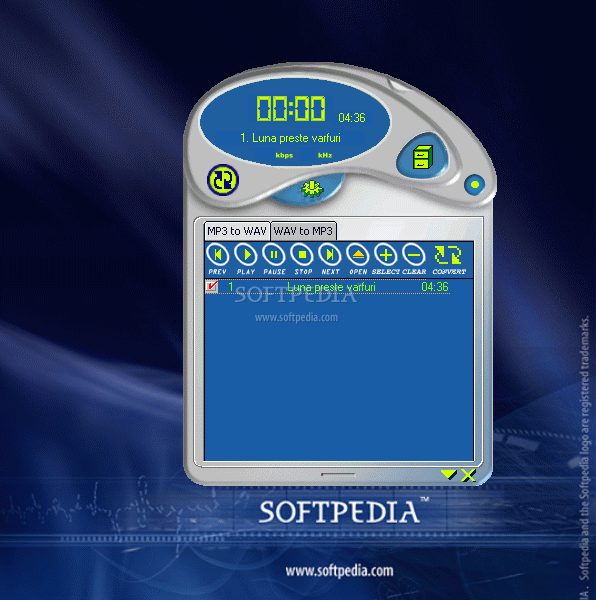
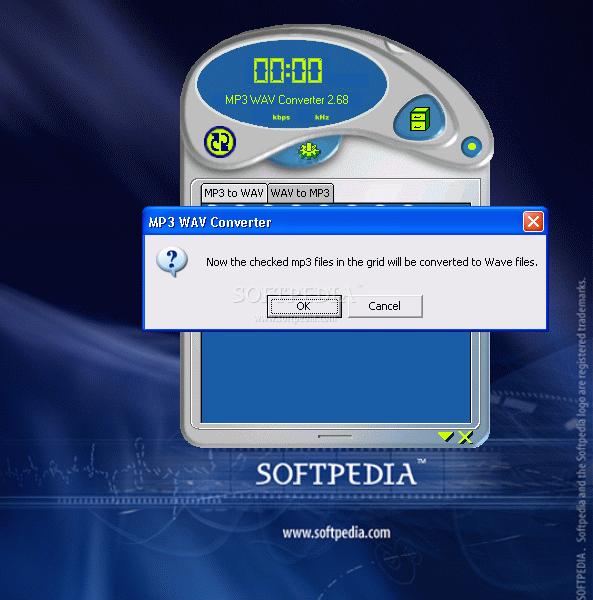
MP3 Wav Converter's graphic interface creators understood the modern software's need for the looks. So they abandoned the classic rectangular window appearance and went for the rounded shapes.
Slightly asymmetrical, therefore highly contemporary, the MP3 Wav Converter looks pretty good. A bit more detail should be though added on the round portions to make the UI very sleek. A combination between a blue background and light green lettering ensures a high readability of the screen, being very eye-comforting at the same time.
A big digital-style counter displays information on top of the application, while the control buttons are easy to see and push as well. The "mp3 to wav" and "wav to mp3" tabs are also almost in the center of the window and navigation is instantaneous.
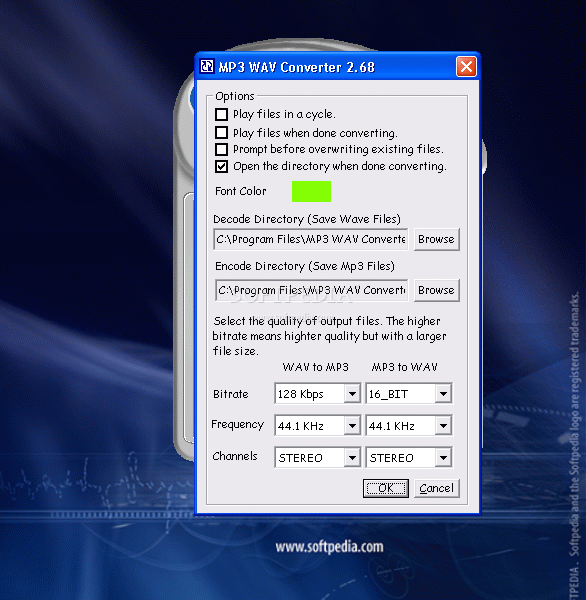
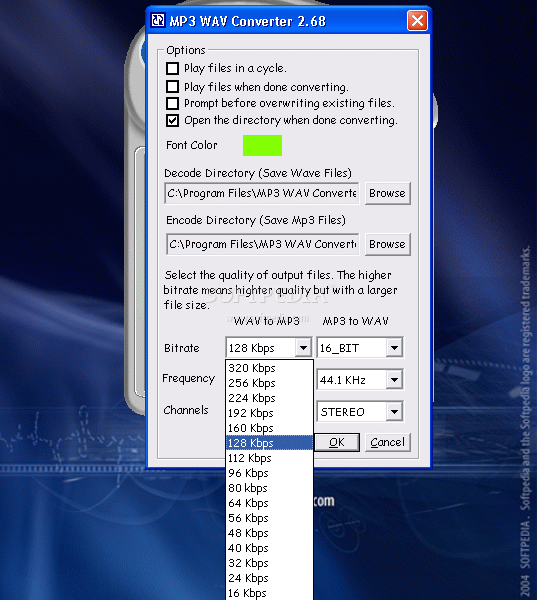
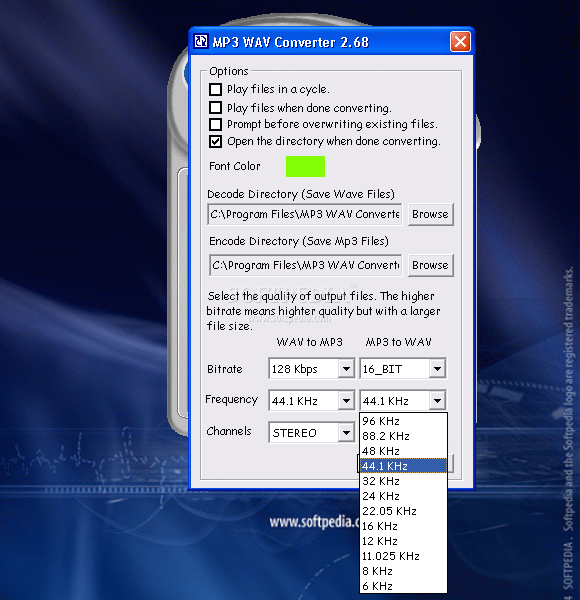
The settings pane has some weird fonts, meaning that they don't really seem the right choice for an interface. Too thin, I'd say and looking not-so-arranged as we are used to see in everyday settings-panels. But after all, it's not all day you'll spend in there.
The works
When I first saw the speed of conversion I thought the result HAD to be crappy. I must admit I was totally delighted to see I was wrong. The quality is as it should be for a paid software: good! After finding out the rest about the quality of the MP3 Wav Converter, I started wondering about the awesome speed.
When it comes to convert mp3 to wav, each minute of mp3 is being processed in about 1 second. The reverse process, from wav to mp3 is 6 times slower, only 10 seconds of wav being transformed in mp3 each second that passes. Even so, the MP3 Wav Converter works fantastically quick: let's say a 50 minutes album processed to wav in 50 seconds and from wav to mp3 in just 5 minutes!
The only thing that slightly disappointed me was the lack of "drag and drop" support and the fact that, maybe as a consequence, to delete files from the queue list you have to press the - button in the MP3 Wav Converter. Delete is "dead".
The good
MP3 Wav Converter works both ways and is very fast, which is extremely good. It has a very simple graphic interface, the colors have been wisely chosen and there are no "cool" or "show-off" features. Basically MP3 Wav Converter is a very sober software and I liked that in combination with the hard work it does.
The bad
Should this "piece-of-code" (as I like to name the small softwares ) be free it would be a perfect one :) But it's not...and this doesn't alter too much of its high ranking obtained from me. Some code revisiting would be quite welcome, especially in the fields of dragging and queue list - administration.
As a personal option, I would put inside the MP3 Wav Converter a minimize-to-tray feature, just in case longer operation-times are due.
The truth
One of the fastest converters of its kind I tested so far. A good program which produces good results. I liked it so if you liked it too, definitely go buy it: it's worth.