14 DAY TRIAL //
 In our every day activity, we always look for the easiest way to get the job done. When you work with computers and you have a huge volume of work to finish in a short period of time, the only thing that I look for is to discover every small tweak tool that can help me gain time to concentrate on getting the job done. Shortcuts are always helping people to have a quick direct access to files, folders, applications etc, but when it comes to speed, a key manager is the best way to rapid access.
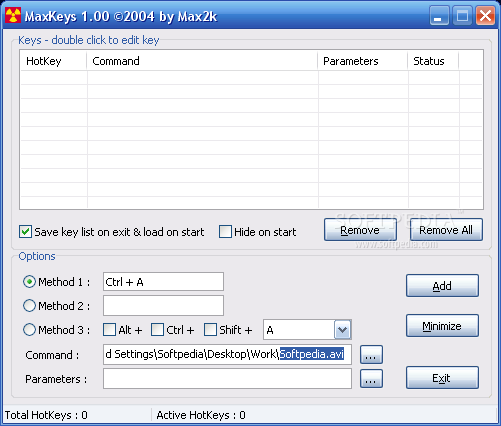
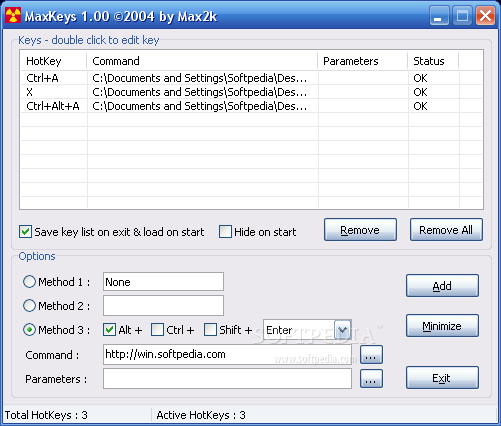
MaxKeys application is a small, simple, easy to configure key manager. Is just the type you want for your quick access control. The software has a simple interface with intuitive options, which make it very easy to work with. It gives you the possibility to choose from a set of three assign methods.
In the first method, the software lets you choose the hotkey you desire for your application, file, folder or even your favorite website, by pressing one key or a combination of up to 3 simultaneous keys, whether the combination contains the CTRL or SHIFT or ALT key.
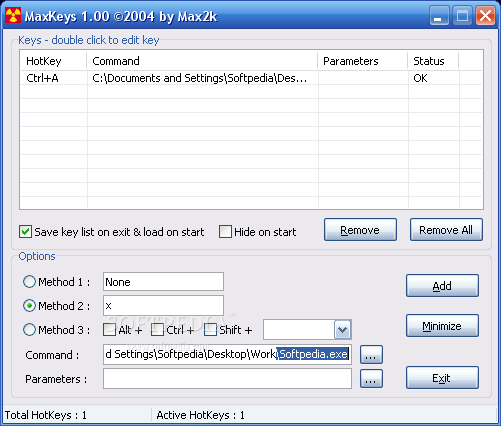
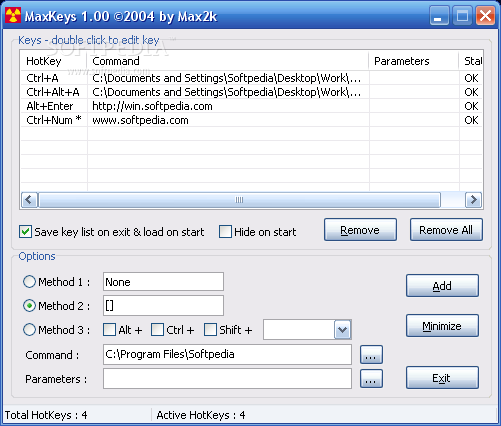
The second method of the software options will be limited to letters and numbers key. Choose a key and then in the COMMAND tab you will be able to set the operation you want the assigned key to do: open a specified (enter the path) file, folder, application or just type the URL of your favorite webpage.
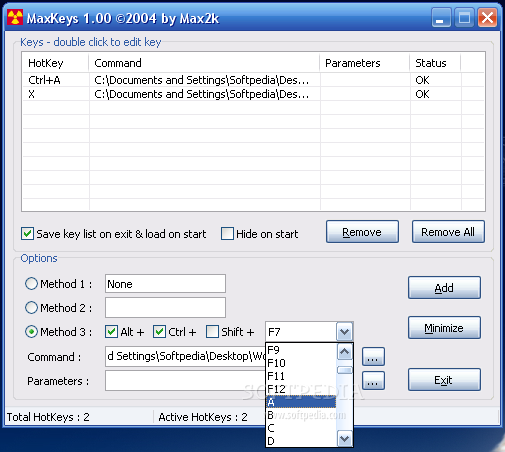
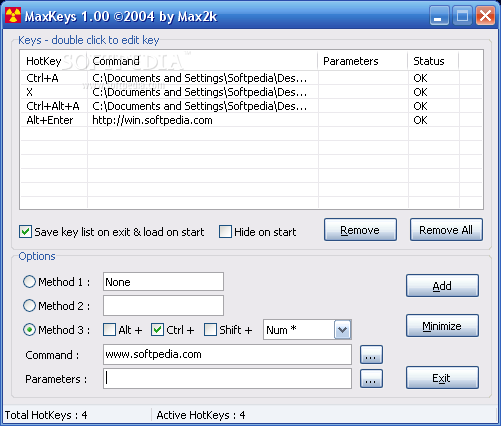
With the third method, the hotkey manager lets you specify the key you wish to use, by enabling the CTRL, ALT, SHIFT keys and scrolling down a key list to complete the combination.
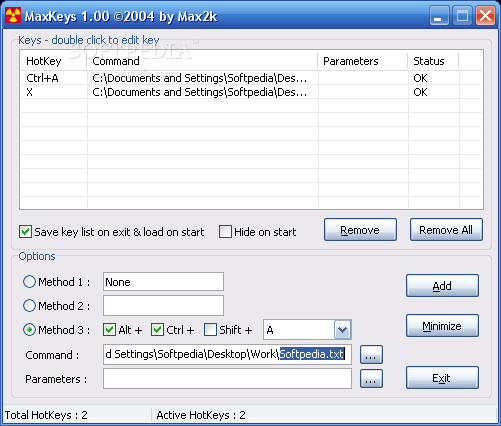
For every hotkey, you will be able to attach a command and attach the parameters you want for every command.
It is equipped with the possibility to save and load the hotkey list on program start, and tray hide. But it does not register on Windows startup. You will be able to edit the .ini file from root folder and add, or remove hotkeys.
I have entered a few supported command types such as a simple file (picture file, txt file, exe file), or a direct URL, but I wasn't able to discover the correct command to open a mail client. I didn't manage to assign a hotkey, to be able to press a key and send mail.
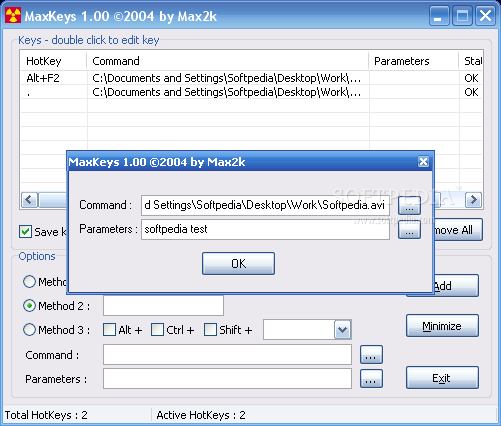
If you double-click on an assigned hotkey, an edit window will appear and will let you change the Command path, or the Parameters. But you cannot change the hotkey of a pre-assigned command. If you decide to change the hotkey for a specified command, you have to delete the command and then reset a hotkey to that command.
The Good
Simple, small, free, very easy to use hotkey manager, with three key choosing methods, that will fit your need of quick access to your files, folders, applications, URLs.
The Bad
I couldn't find the correct command for launching my default mail client (maybe it's implemented and I haven't used the correct line). Editing a pre-assigned hotkey will have a plus if the hotkey itself can be changed.
The Truth
Besides the fact that I could not find the correct command line for opening my default email client, MaxKeys hotkey manager behaved really well during the test. The fact that it's free of charge, the small size and the easy way to set up a hotkey make this software a good candidate for the "must have" list.
Here are some snapshots of the application in action: