14 DAY TRIAL //
 Web page editing can be done with a wide range of applications, starting with simple text editors like Notepad and ending with full-featured authoring tools like Dreamwaver. The problem with the first category is its lack of advanced functions, while on the other hand, advanced editors have a wide range of features but are pretty expensive and harder to master.
Microsoft's FrontPage is a visual web authoring tool widely used, especially because it's easy to use for average computer users and doesn't require programming (almost) at all for laying out a basic website. I used it for a while until now and I can say that it has strong points and weak points, but enough about it. Things are changing rapidly in the Microsoft camp, and it seems that this program is going to become history soon.
Microsoft Expression Web Designer is the application breathing down FrontPage's neck, and I have its Community Technology Preview 1 version right here, right now. It is completely free for everybody to test, but prepare yourselves for a heavy installation kit that weighs over 220MB.
I got it, I installed it...WOW! This thing looks new, but it's not such a big step forward when we are talking about the interface. For example, I don't like the way Office 2007 Beta looks and feels, but Expression is a program that I like to look at. Next, we have to dig in and see what's new.
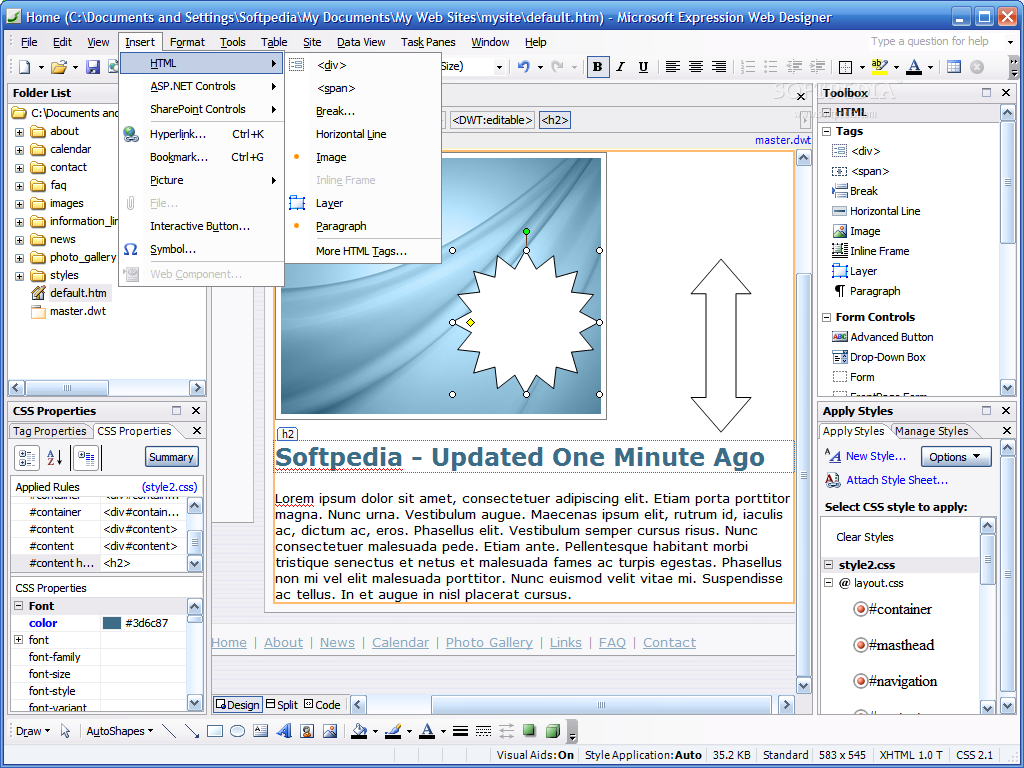
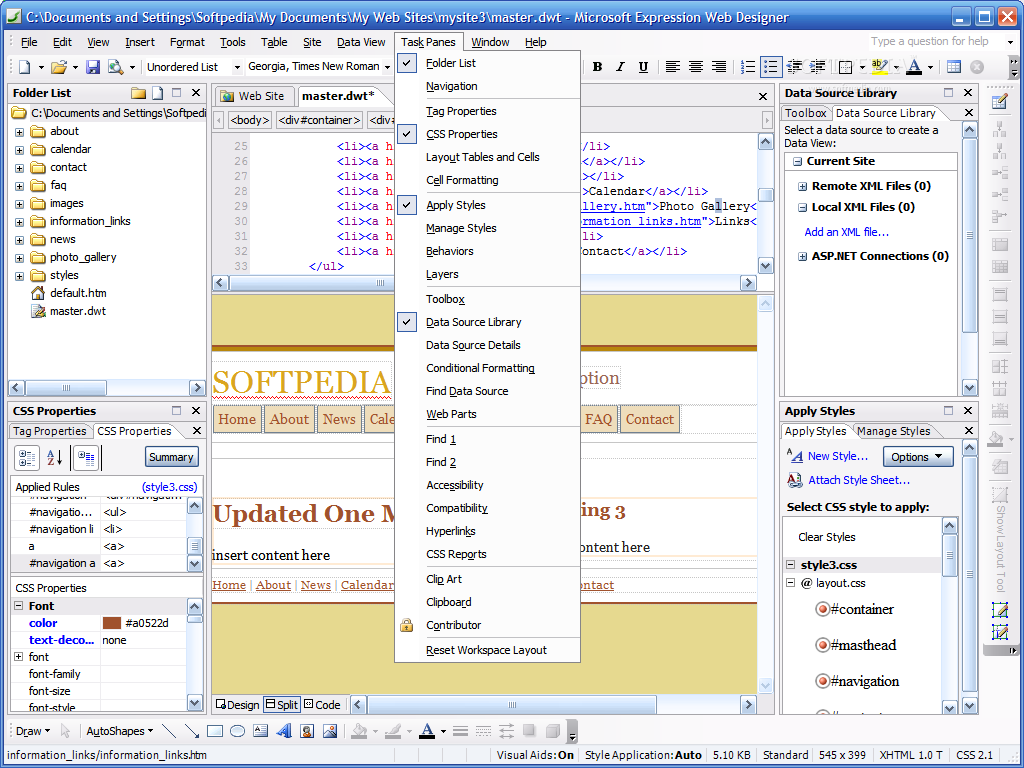
The workspace is easy to customize and can easily fill your entire screen even when running at 1600X1200 resolution, depending on the panels opened and how you have positioned them.
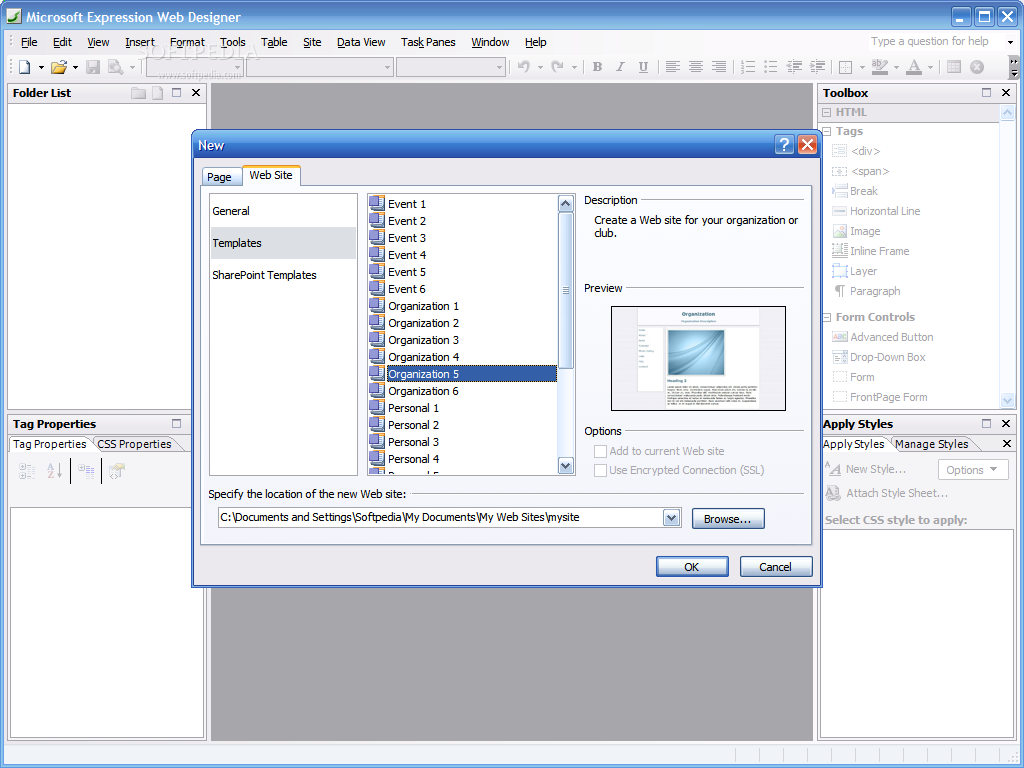
Expression can use dynamic Web templates to help you build your pages and there are some nice templates already included. I am sure the final product will have much more of them, because that would be very attractive for average users.
But what about the advanced users?
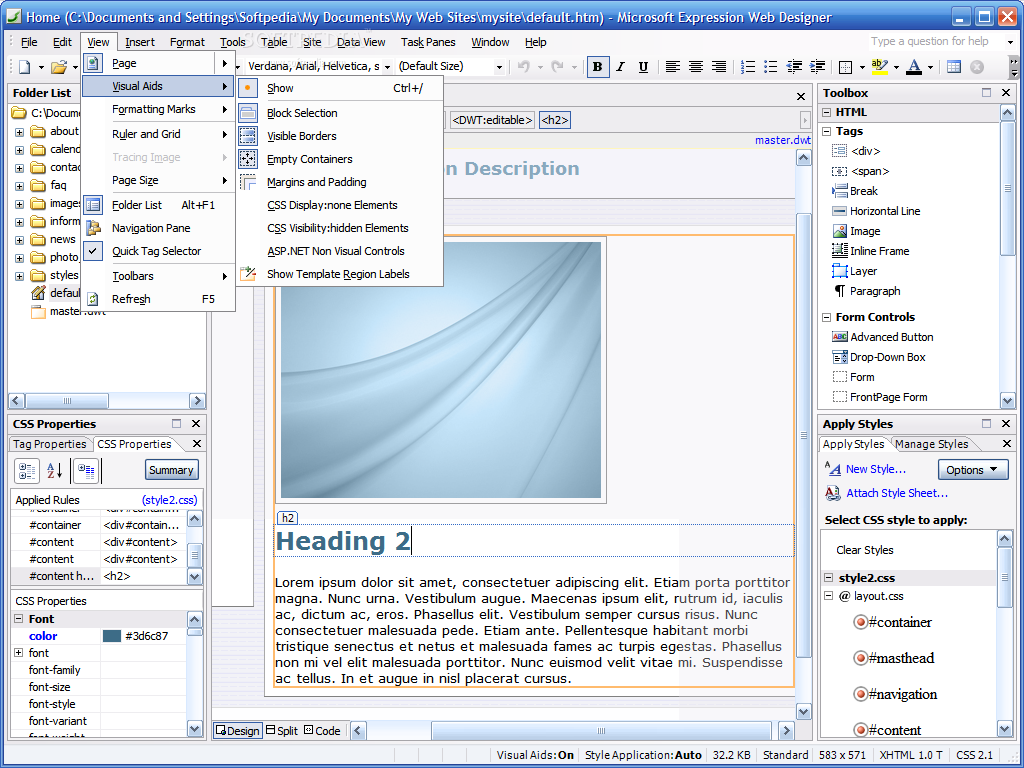
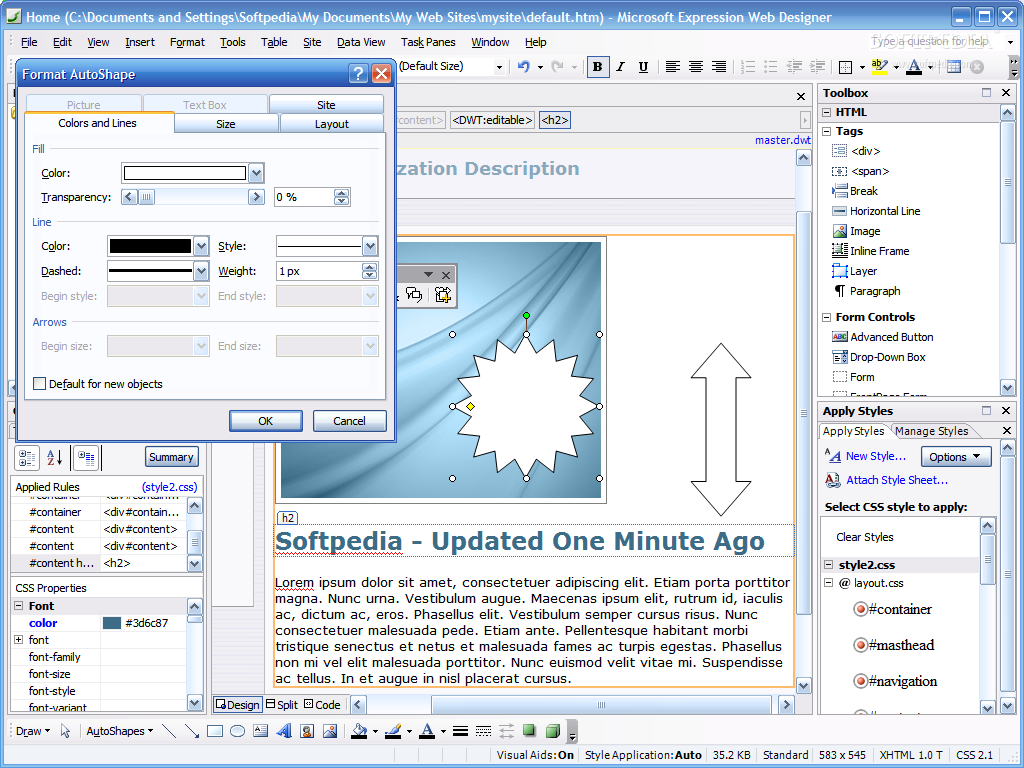
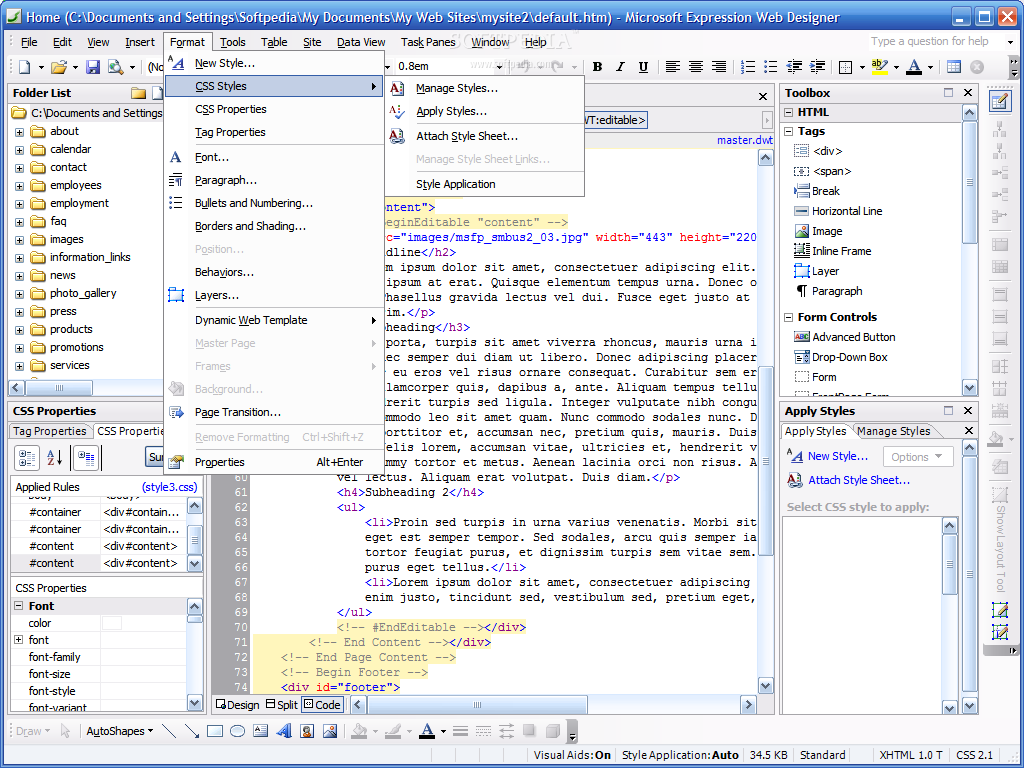
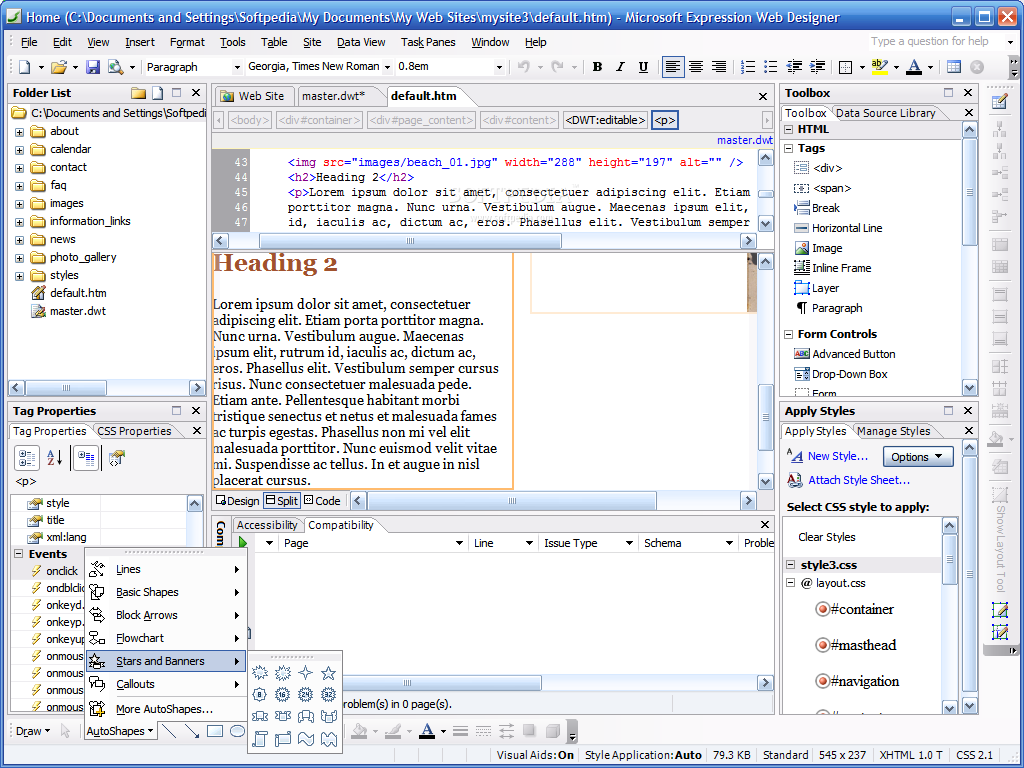
Today's expansion of the Web based businesses still leaves place for beginners, but in order to ensure a long term success you have to do your best in becoming a pro. Sophisticated CSS designs are one of the deadliest arms in the Web wars today, and while professional programmers and web designers would rather use Notepad or a CSS editor, the rest of the world finds it a lot easier to work using visual tools. Expression Web Designer includes visual designers, specialized task panes or toolbars that give you complete control over page layout and formatting.
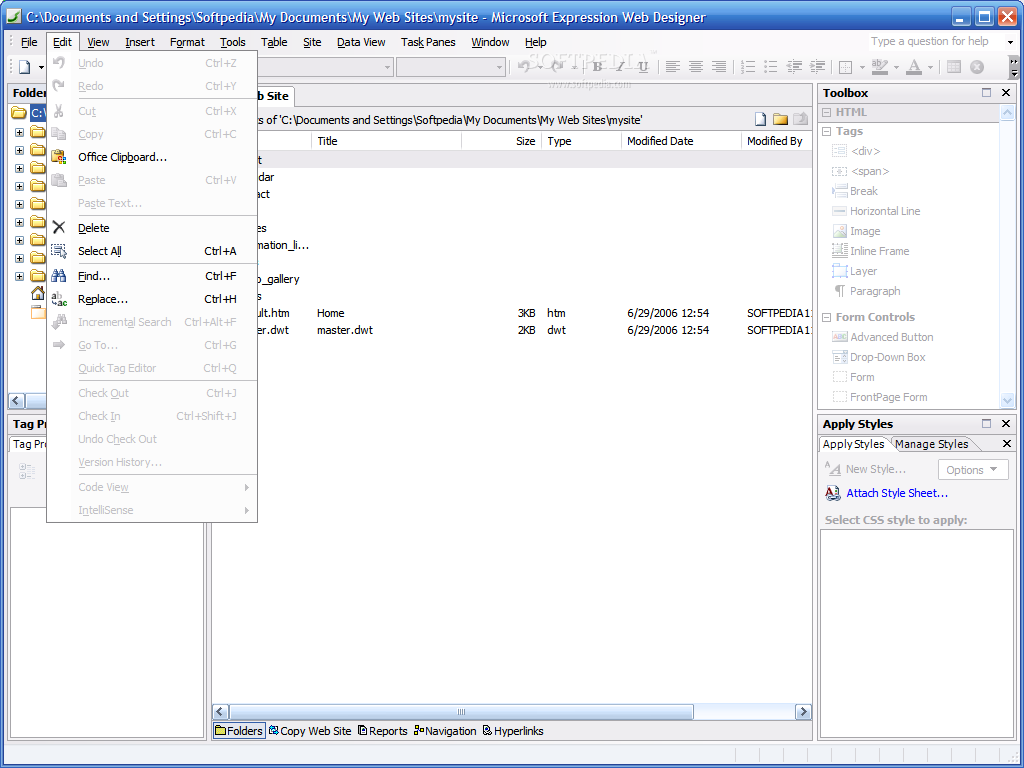
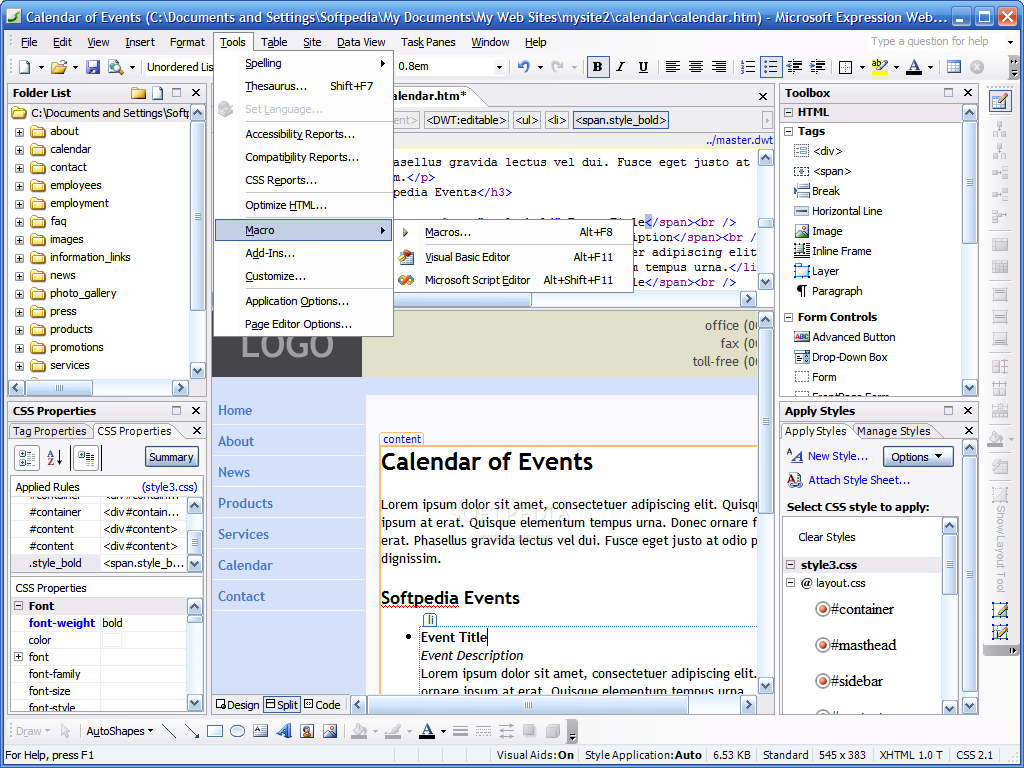
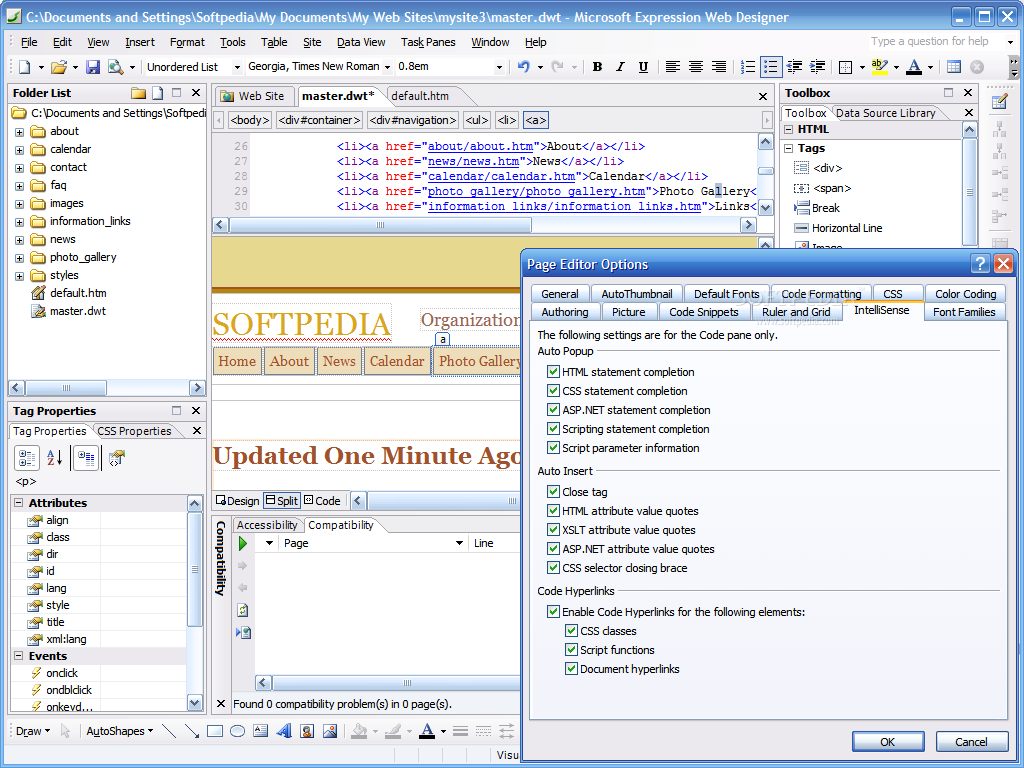
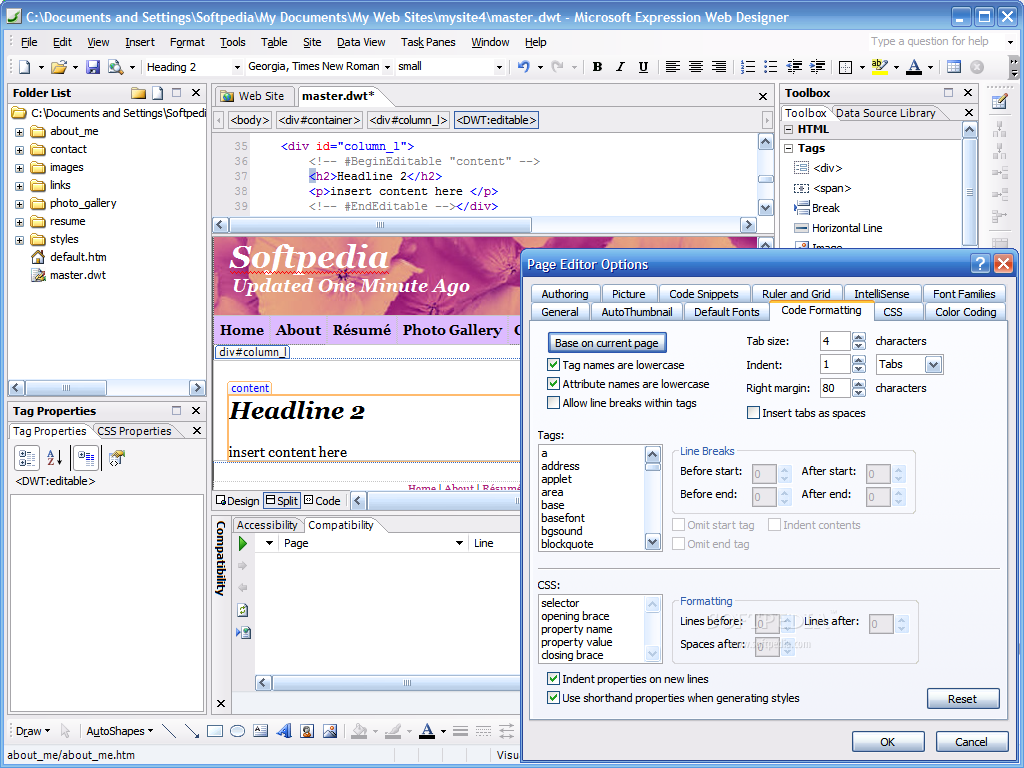
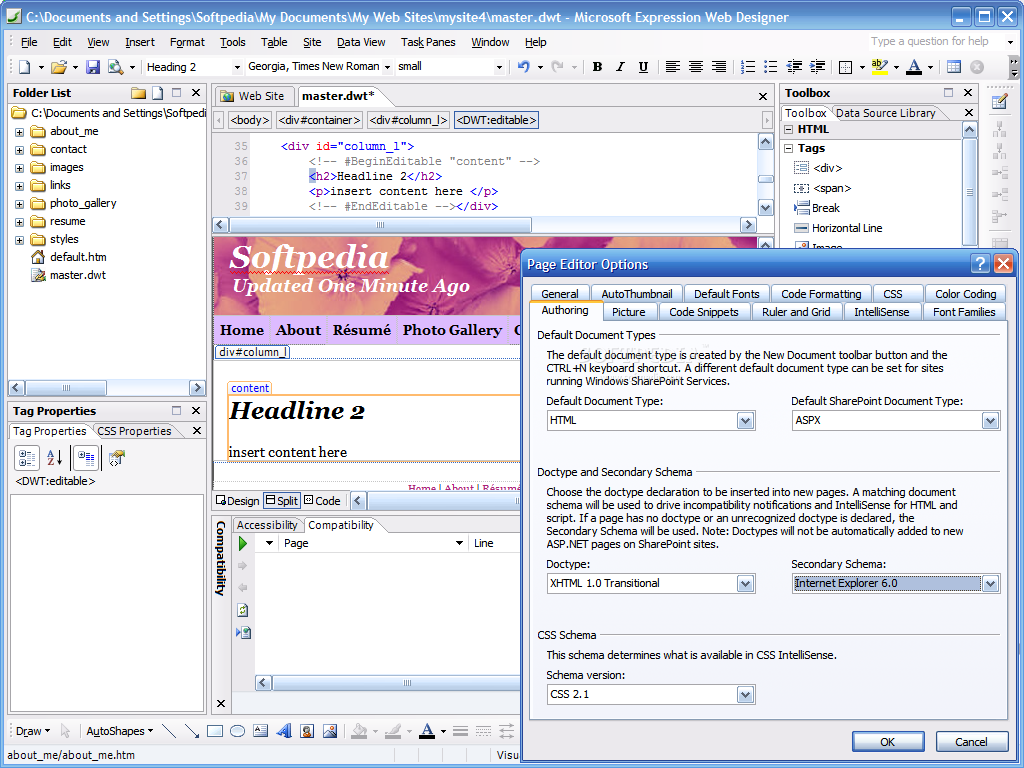
There are a lot of code formatting options available, and as a consequence, we have more preferences areas now. For example, Page Editor Options takes care of the page editing options (there are a lot of them, really!), while the Application Options can change more general program settings.
As it happens with all Microsoft products, a golden keyword for Expression Web Designer is "integration". The application has superior support for XML, ASP.NET and XHTML and supports Visual Basic and Microsoft Script macros.
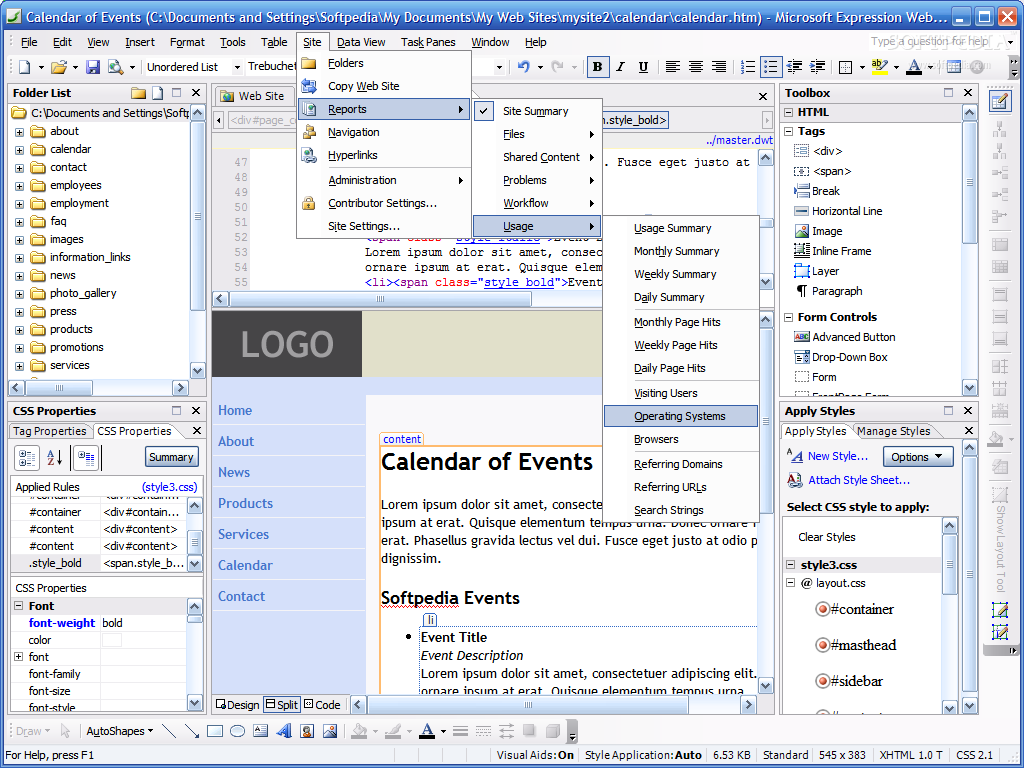
There are a lot of Web components ready to insert into your projects, and I will name only few of them. Hit counters, photo galleries, link bars, Top 10 lists or MSN components...how do these sound?
All FrontPage users concerned about the quality of their code know that pages saved from it are pretty "dirty", containing a lot of useless information. Expression Web Designer has a HTML optimizer included that it is able to remove most of the useless code, such as comments, empty tags, unused styles or Generator and ProgID tags.
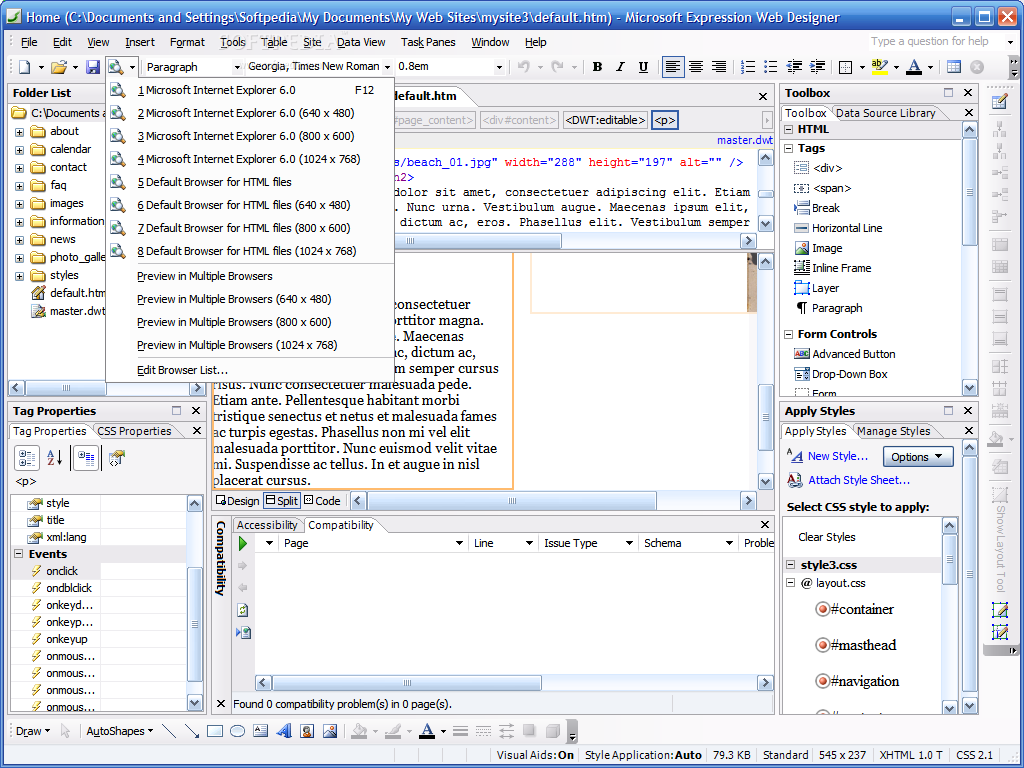
What other promises should we see fulfilled with Expression Web Designer? Browser compatibility is another issue still present with FrontPage, and now that should be solved. Web sites will be based on standards, will benefit from sophisticated layouts and extensive CSS formatting and will take full advantage of the ASP.NET 2.0 power.
As always, I have shown you only the top of the iceberg, the rest of it is up to you to discover. Hurry up and get Microsoft Expression Web Designer Community Technology Preview 1 while it's hot!
The Good
Expression Web Designer smells like future spirit...it's nice, has a lot of new features, supports all technologies up to date and can be tried for free. I can't wait to see the final version!
The Bad
Being a Beta release, this program still misses some features, has some bugs and can cause problems, but I had no problem. Of course that if you use it for more than one day, some bad things may come out, but for me, the only bad thing was that the Help file is empty for now...so using this program is like wandering in a country with city signs but without having a map.
The Truth
I don't have any doubt that Expression Web Designer will successfully replace FrontPage, but I am also sure that some people will remain faithful to it. Why? Compared to FrontPage, this is a larger application, with more features, up to date when talking about the latest technologies, but also harder to learn.
Anyway, let's remember that this is only a Beta version, so get it while it's free and enjoy it!
Here are some snapshots of the application in action: