14 DAY TRIAL //
 The Internet if full of solutions for any problem you may have. A couple of days ago, I just saw a clip showing how you can make the gazebo of your dreams with less than $100. Unfortunately, the attempt ended badly for the designer, thank God I'm not into woodwork.
This was an isolated case, but when it comes to image editing, the answers are all over the place. Whether you are using MS Paint, Paint.NET, Photoshop or something in between, you are editing images. Of course, the employed tool and the level of your skills are paramount for the quality of the results.
As more and more companies are releasing software suites instead of stand alone applications, Nero included all sorts of instruments in their suite. You have everything from media center, disc burning, video manipulation to audio editing, disc labeling or video playback. Image editing is also included under the form of PhotoSnap.
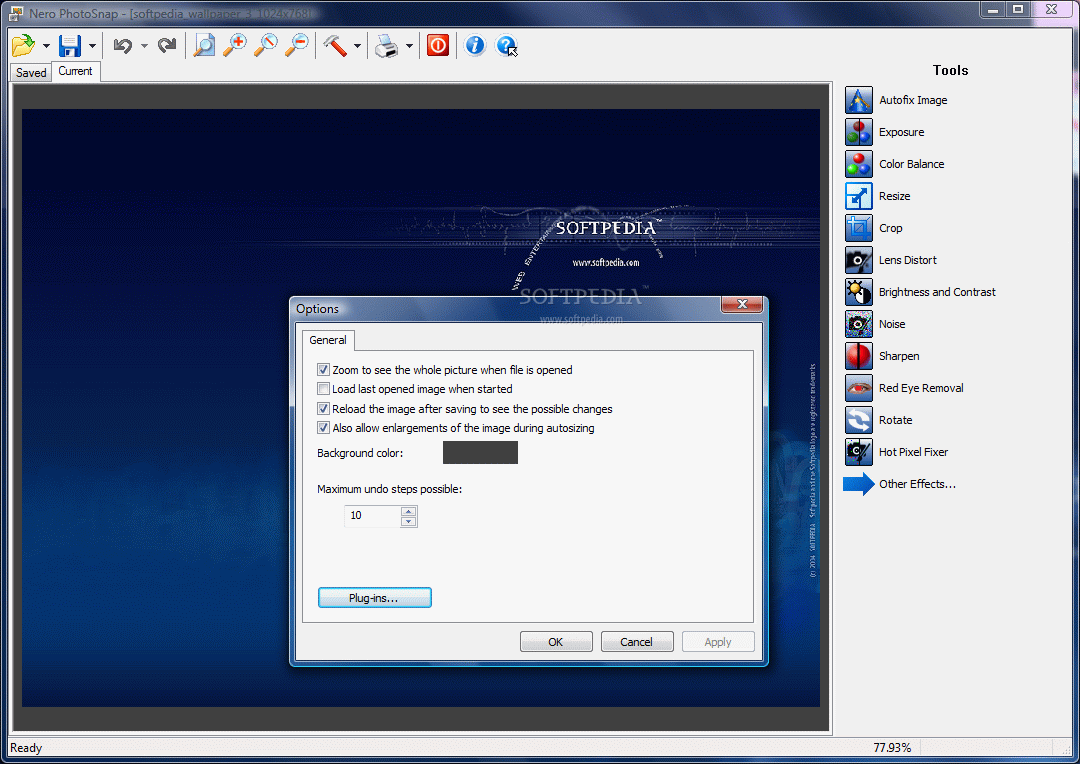
The instrument is a handy tool for adjusting your pictures and applying all sorts of effects. The interface is straight to the point and there isn't too much configuration to be done under the hood (set he maximum number of „undo" steps, auto-resize image to see it in its entirety, reload image after saving and allow enlargements during autosizing).
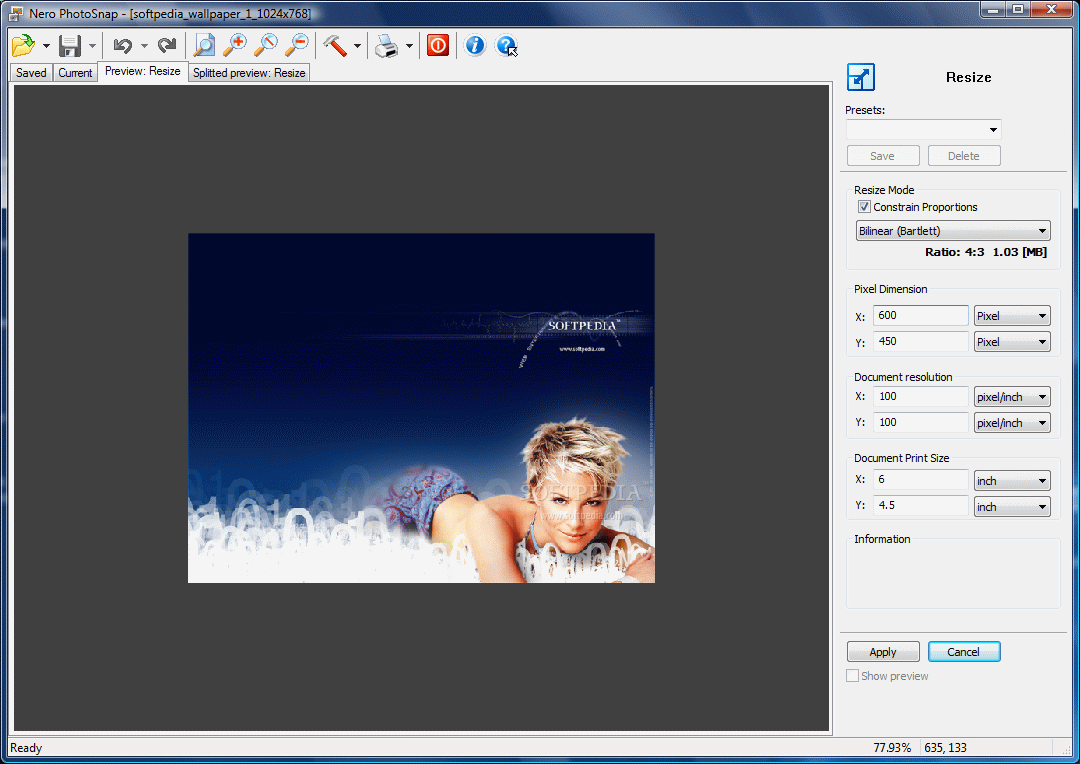
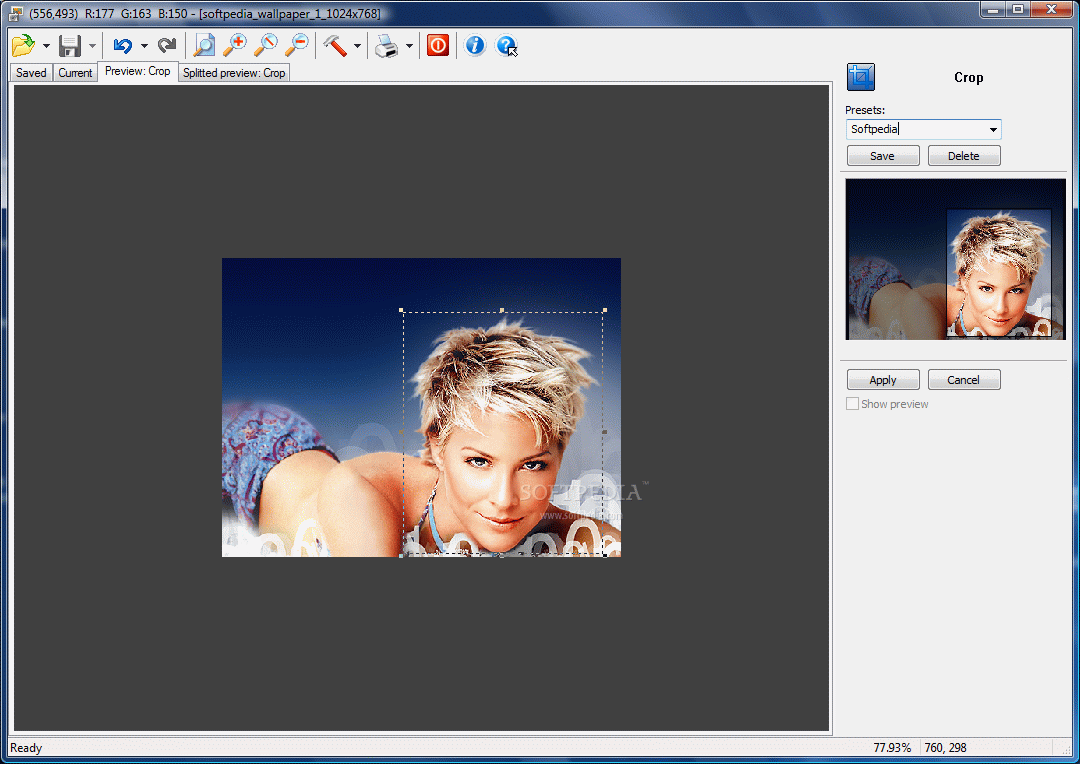
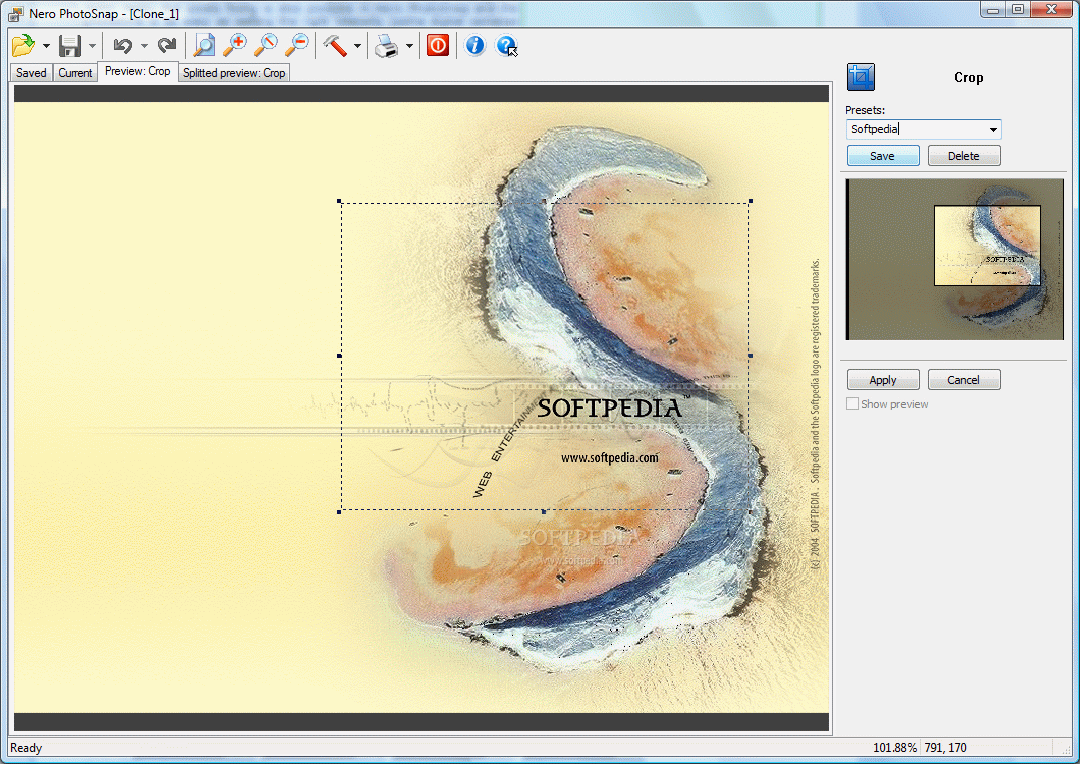
All the options run down in the right hand part of the interface and the moment you access one of them, its menu will be displayed on the screen in order to make suitable adjustments. If you have a myriad of images and want all of them to suffer the same adjustments, Nero PhotoSnap allows creating and saving presets of your settings. This way, each time you want to apply the pre-defined parameters, all you have to do is select the right preset.
The list of tools is split into two sections: Main Effects and Other Effects. There is nothing fancy about these filters, save there are a lot of them. The first tool available is Autofix Image. The name says it all. Suffice to access it and select what you want to be autofixed: colors, exposure, noise or rotation. After all the settings have been made, the software will auto-adjust the image. If you want to see the changes appended to the file, take a look at the tabs in the top left hand side of the interface: you can see a full image preview or a split one, making it easier for you to notice the changes.
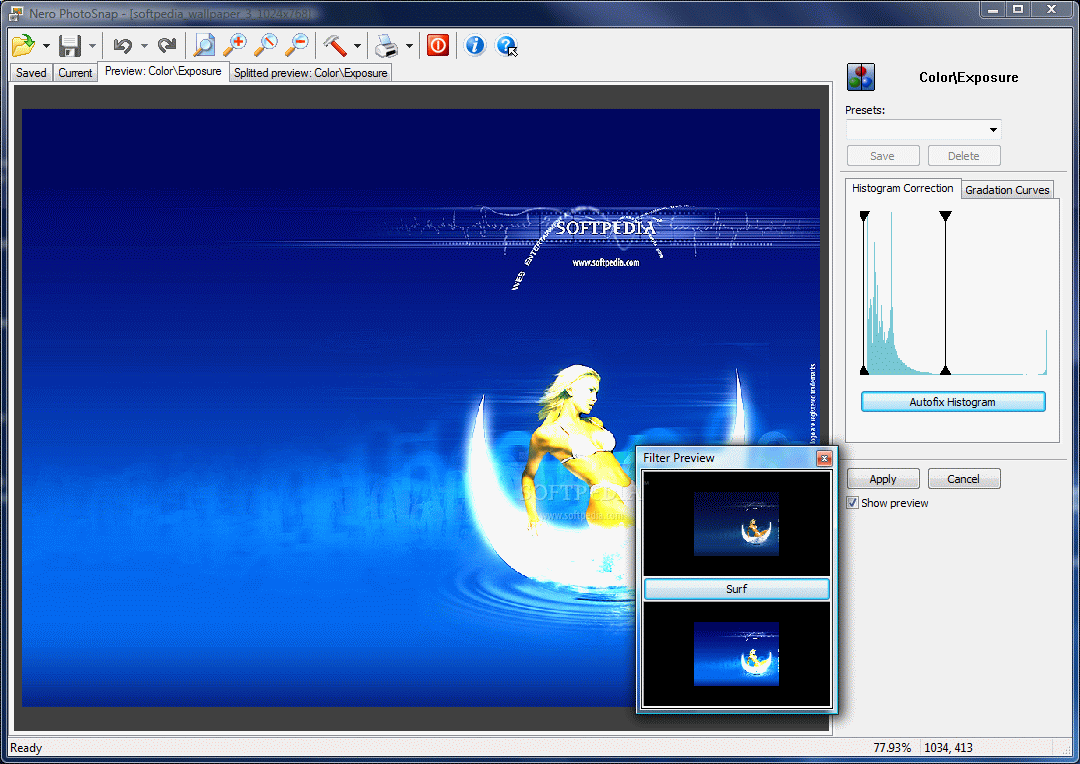
Next is Exposure which works either by adjusting the colors histogram or the gradation curves. It is a simple process as all you have to do is drag by the sliders or pinch the curve. The great thing is that you get to see the modifications on the spot and decide upon preserving them or not.
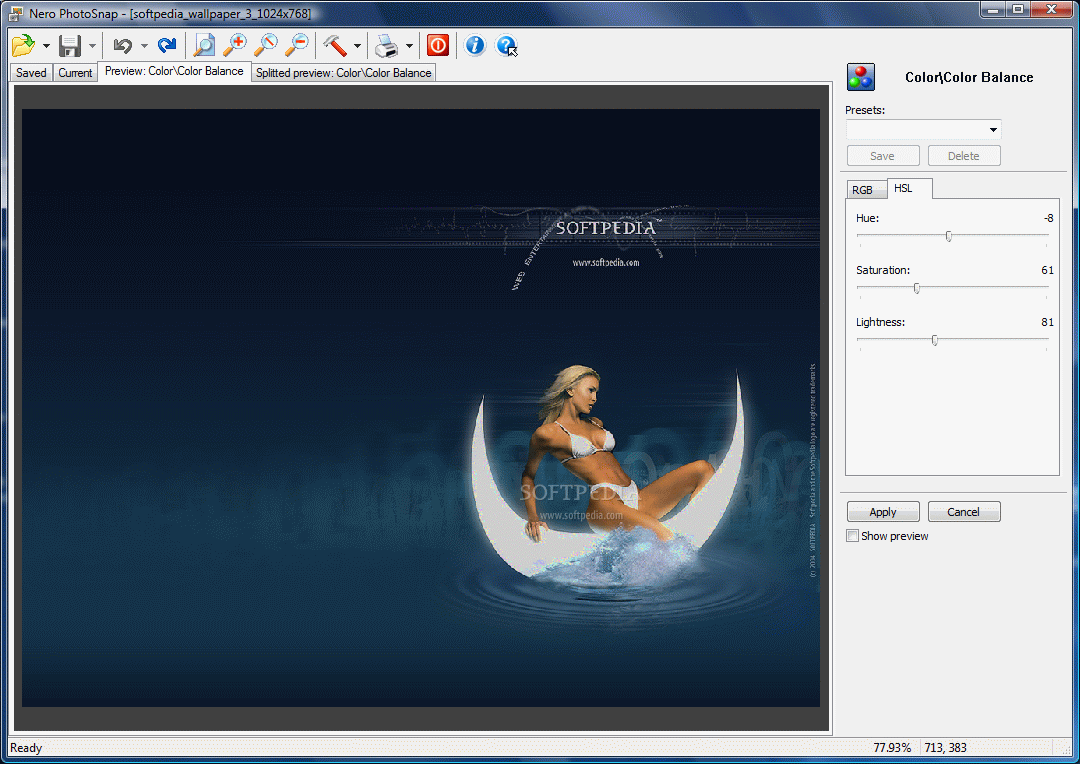
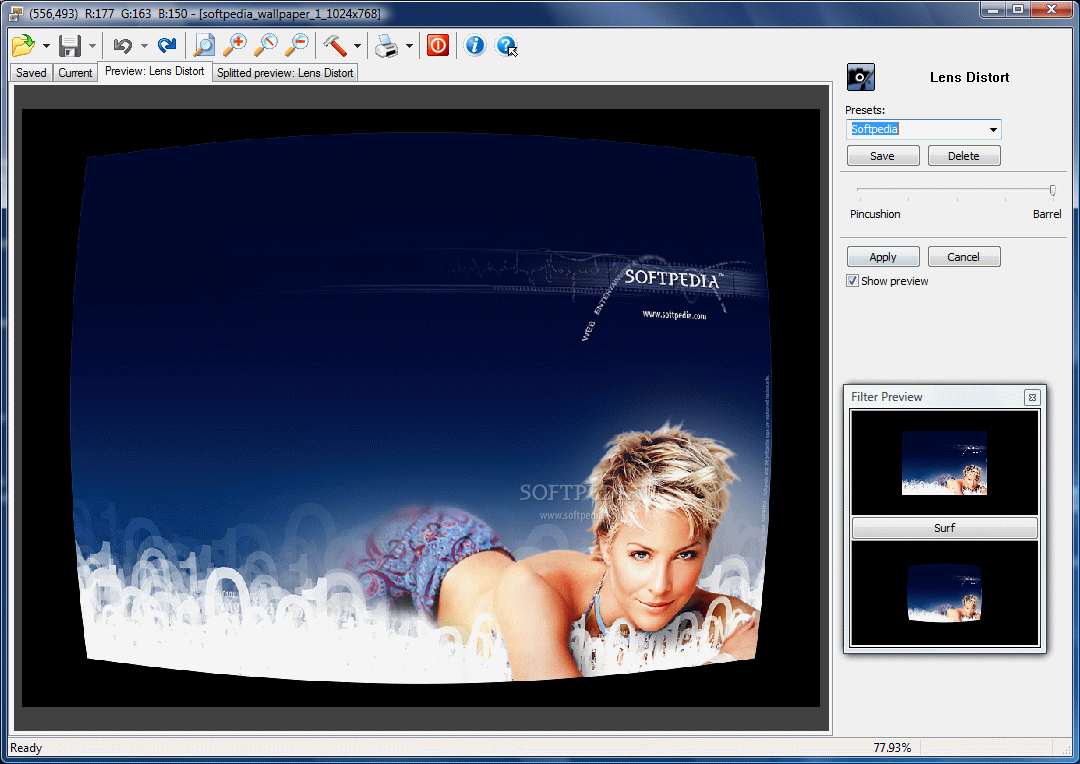
Color Balance offers adjustments of RGB channel or HSL (Hue, Saturation, Lightness). Again, all you have to do is drag by the sliders and view the effect on the picture. As the application is not professional, the only options available under this effect are "pincushion" and "barrel". But you can set the amount of the effect.
Noise effect works two-ways: it can remove noise or add it. When removing it, you get to set the smoothness level and the levels for RGB channel. There may be no noticeable effects, but applying a zoom factor of 100% will make them visible. Adding noise to the picture is done by simply dragging by a slider to the desired level.
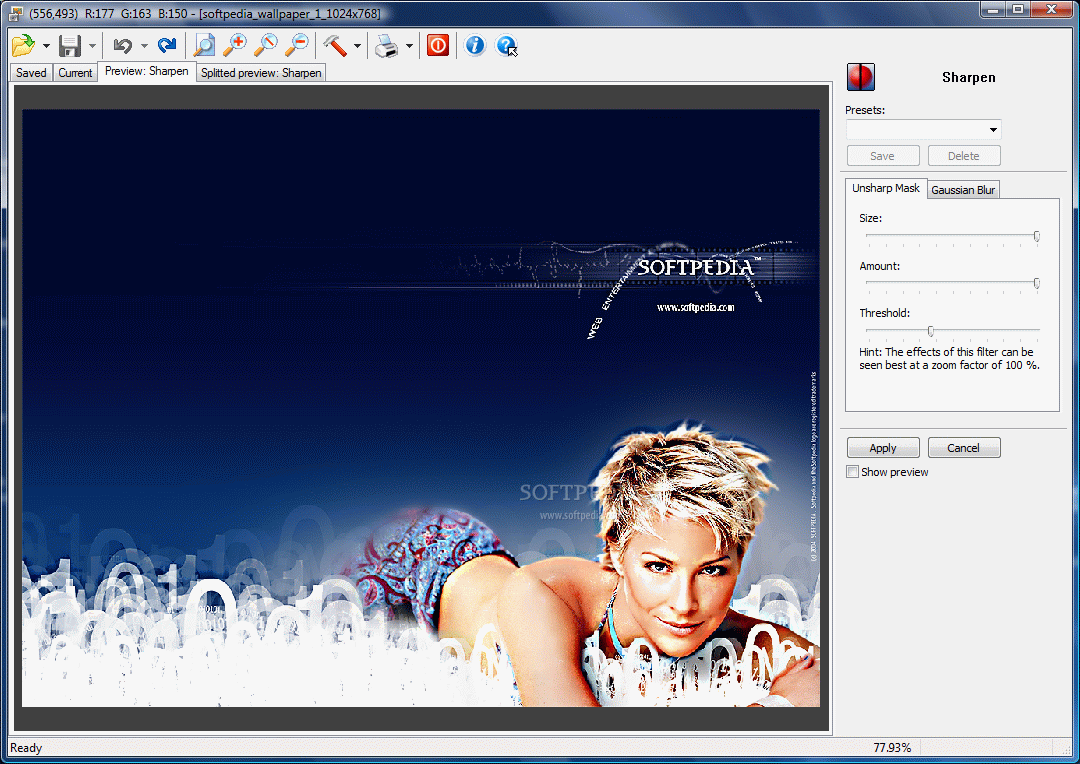
Sharpen filter is just another way of blurring things. Unsharp Mask lets you set the size, amount and threshold while gaussian blur effect is a drag of a slider away. Hot pixels fixing is also possible in Nero PhotoSnap and the procedure is as easy as setting the right intensity (some digital cameras store hot pixels in images when light exposure is poor).
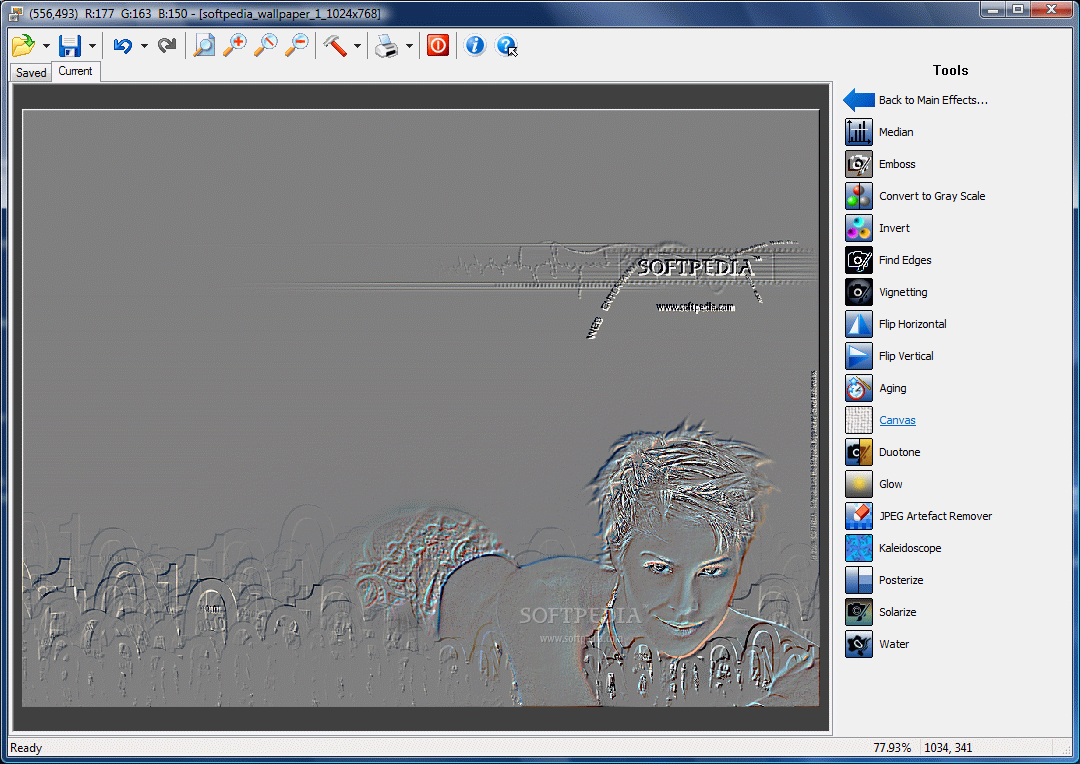
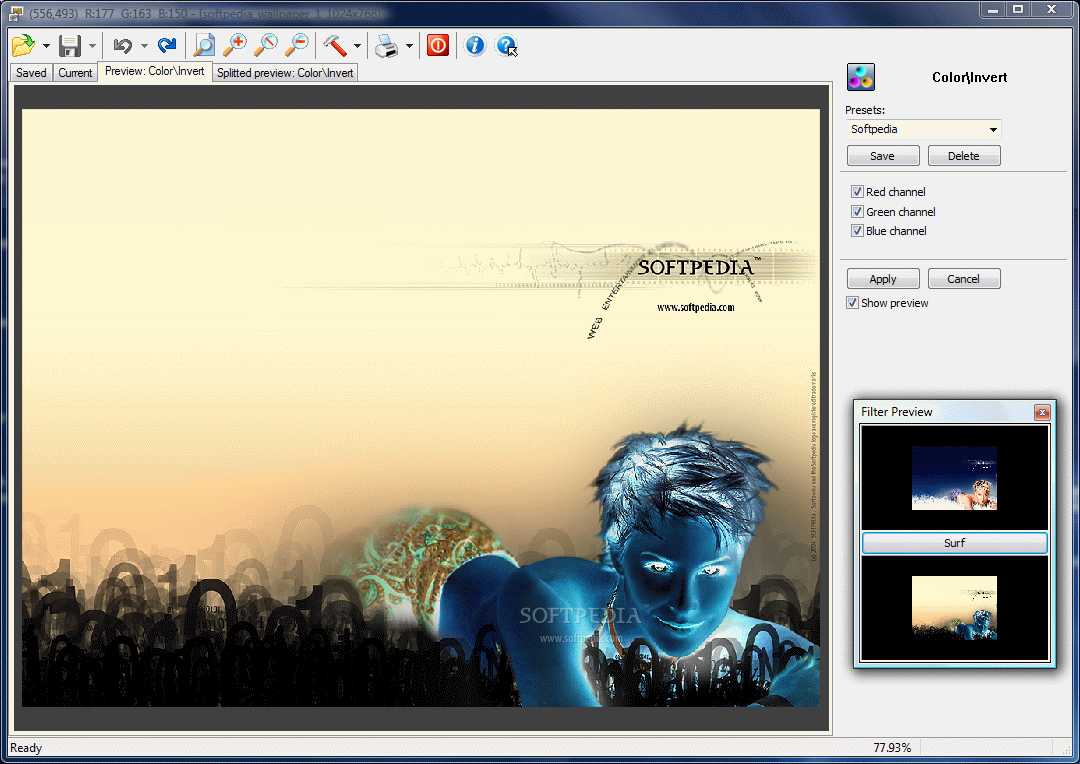
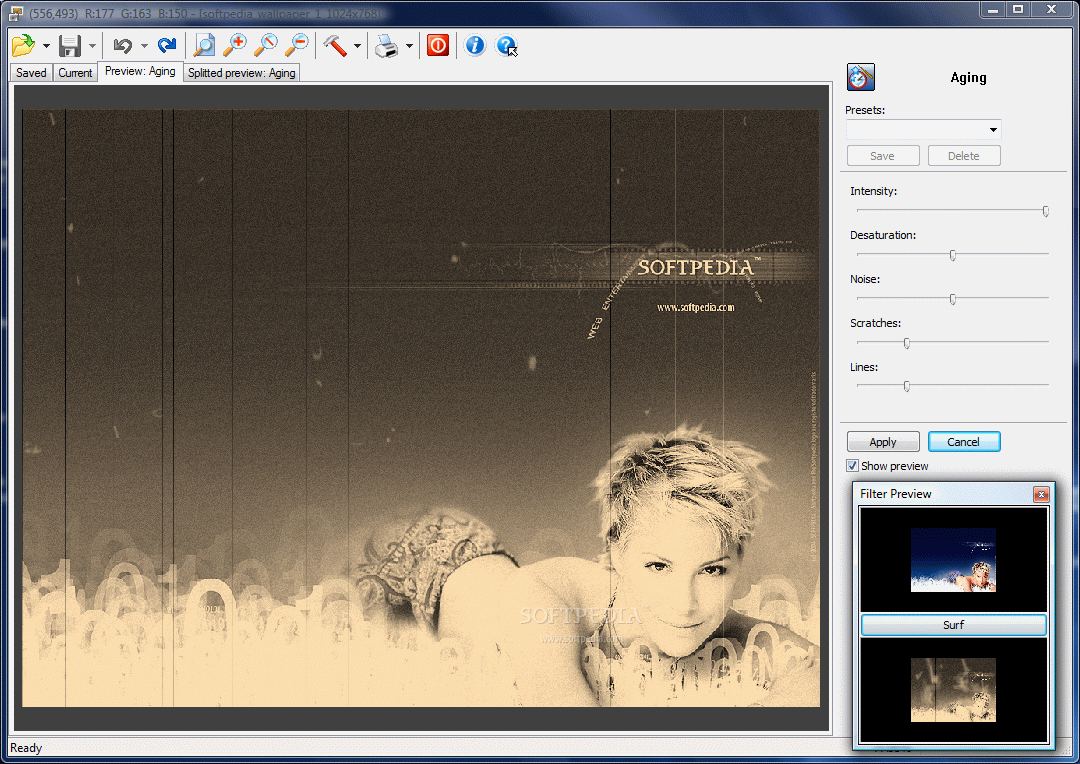
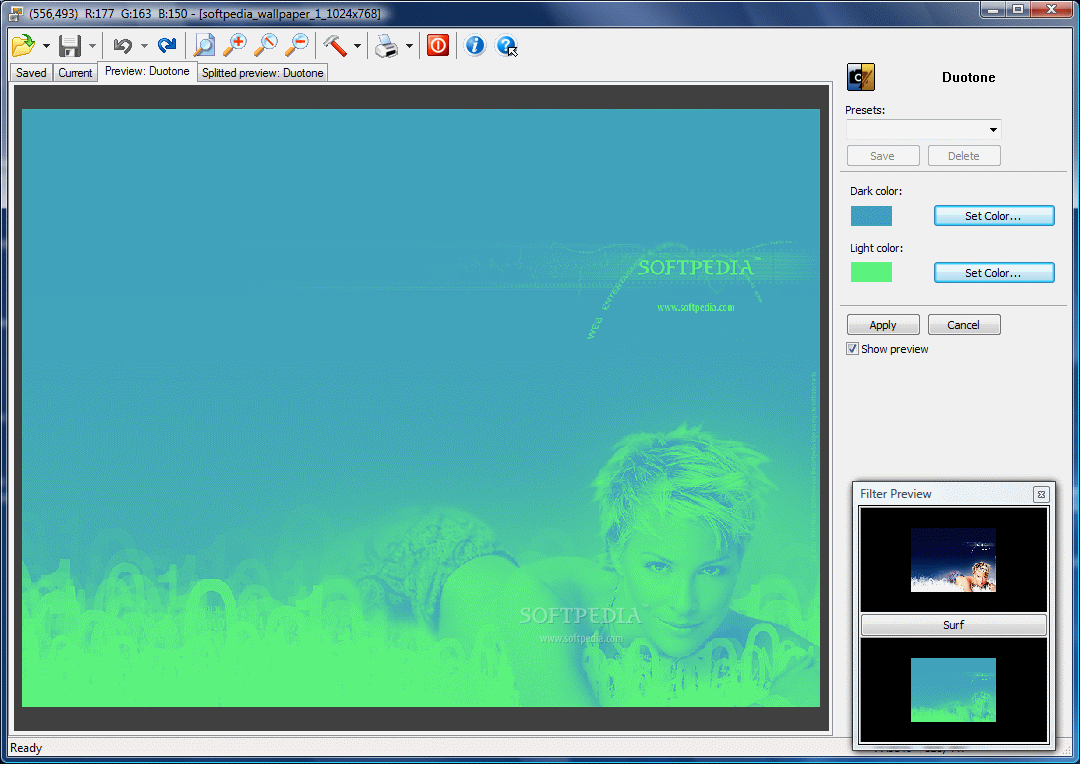
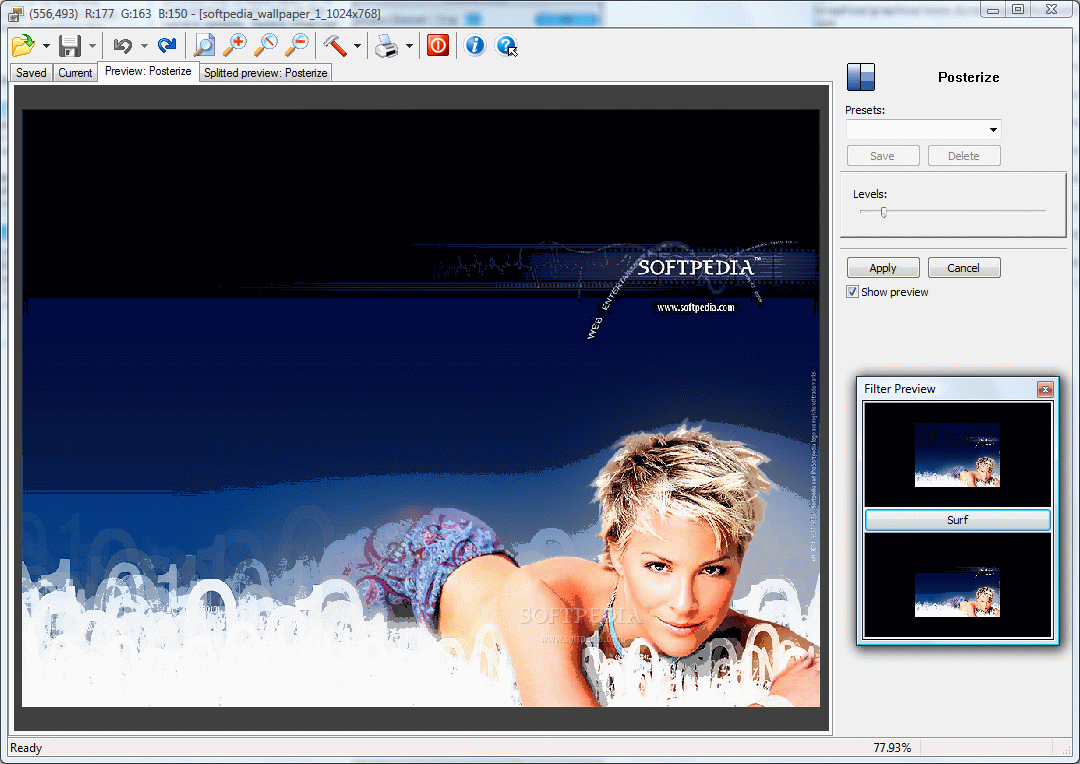
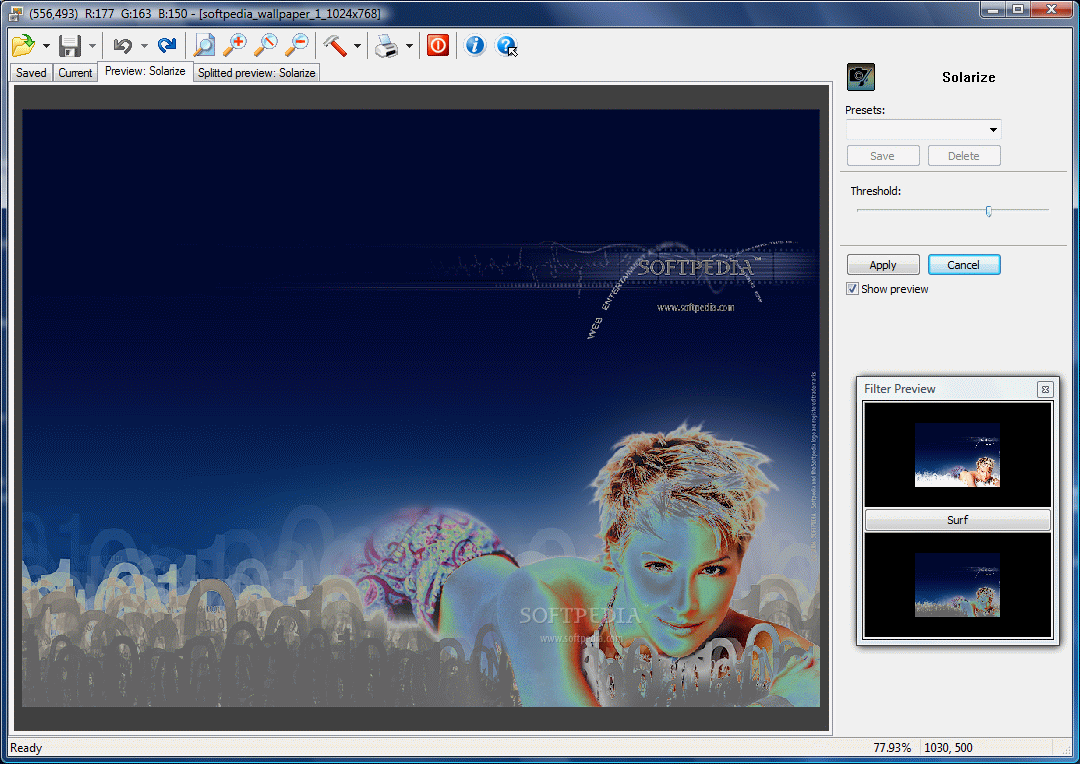
The list of additional tools available in the application include emboss, converting to grayscale, color inversion, aging effect (with complete control over intensity, noise, scratches lines and desaturation level), duotone effect, glow effect (flexible strength and diffusion), solarize, water effect and posterize.
Almost all of them support a minimum configuration of the amount, intensity or level applied, so you are in total control of the final result. The application is extremely easy to use and the fact that it provides two windows after the effect has been applied makes it even easier for you to analize the difference before actually saving the image.
The Good
Every option is out into the open and all you have to do is choose the right one. You can combine different effects until you reach the expected result.
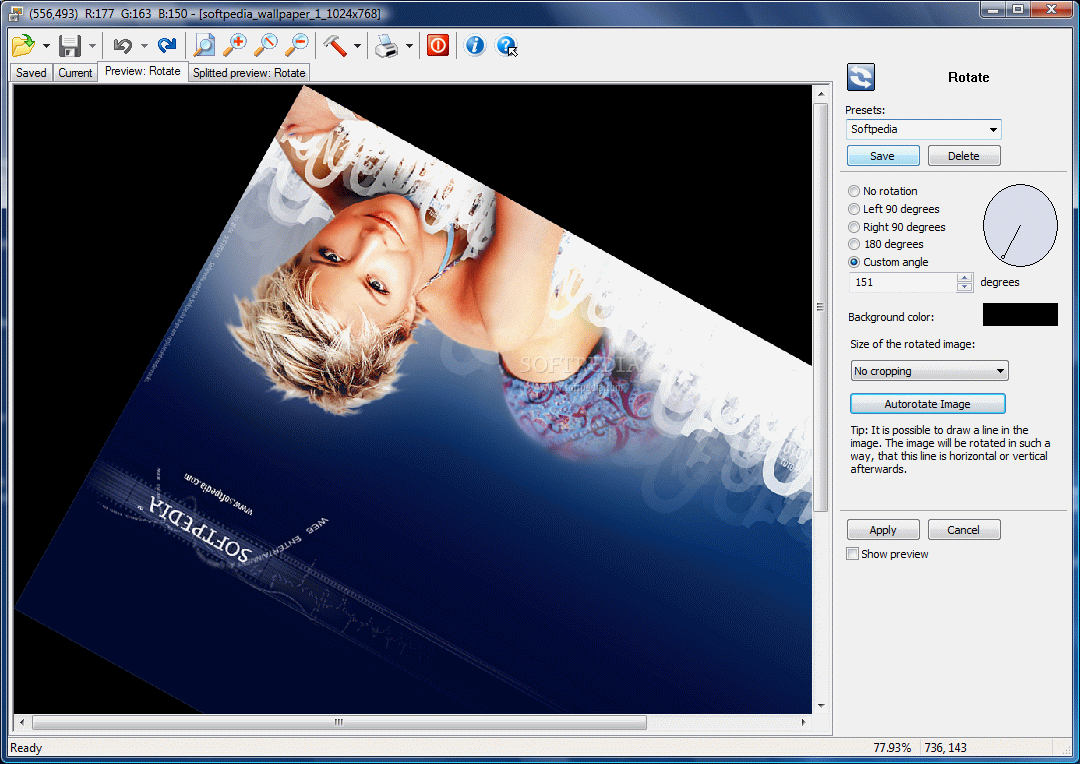
Learning curve in this case is nice and smooth as the software is definitely aimed at beginners. Rotation of the image can be of 90 degrees to the left or right, of 180 degrees or customized by the user.
Storing presets can be of great help when applying the same effect on a large number of images. It definitely saves a lot of time.
The Bad
There are no drawing tools and Nero PhotoSnap is more like an image processing tool rather than an image editor. It cannot save the items under other formats than the original ones.
The Truth
If you want to add a quick effect to your images, then Nero PhotoSnap is the perfect tool for you. There isn't any actual image editing, but there are plenty of effects to choose from and most of them are customizable.
Proceed to Nero BackItUp, Nero BurningROM, Nero CoverDesigner, Nero Express, Nero Home, Nero PhotoSnap Viewer, Nero Recode, Nero ShowTime, Nero Vision, Nero WaveEditor, Nero StartSmart, Nero Scout, Nero InfoTool, Nero RescueAgent, Nero DiscSpeed, Nero DriveSpeed, Nero BurnRights, Nero ControlCenter, Nero SoundTrax
Here are some snapshots of the application in action: