14 DAY TRIAL //
 Some of you already know that after a while the files on the disk become fragmented. This happens because new data is stored in the first free piece of space available. If the file is larger than the first free space chunk found it will be fragmented and scattered in other free spaces until storage is complete. As a result of this administration your operating system will take longer to access fragmented files as it has to put more effort into finding all the scattered pieces.
And if the fragmented drive happens to be the system partition then the entire working with the computer turns into a real drag. Windows brings an automated defragmentation method but it is just a basic tool that cannot optimize the disks thoroughly.
We've already made a round-up of the new features of the upcoming PerfectDisk 10, which is one of the most appreciated defragmentation tools at the time. It has stirred more and more interest with each release as reliance on its performance combined with the utmost ease of use and a complete set of scheduling options improved beyond the power of most competitors.
Regarding its ascension, this year's PerfectDisk 10 is no different than the one launched last year. It brings the goods to the table under the form of an improved defragmentation engine that moves up to 30% faster, a pause button that lets you suspend defragmentation for as much time as you need, idle state defragmentation and space management reports.
The interface has not changed a lot but the minor details that have been added or modified certainly make for an improvement. Structure-wise the options and functions are still there but there are new elements finely integrated. A keen eye will definitely observe the new items among the old assortment of options as well as the slightly different separation of the menus.
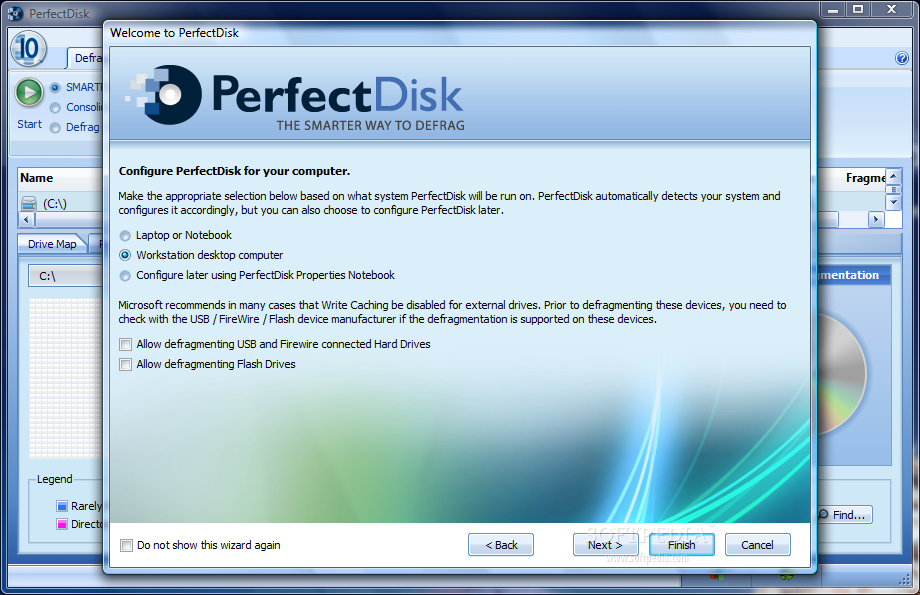
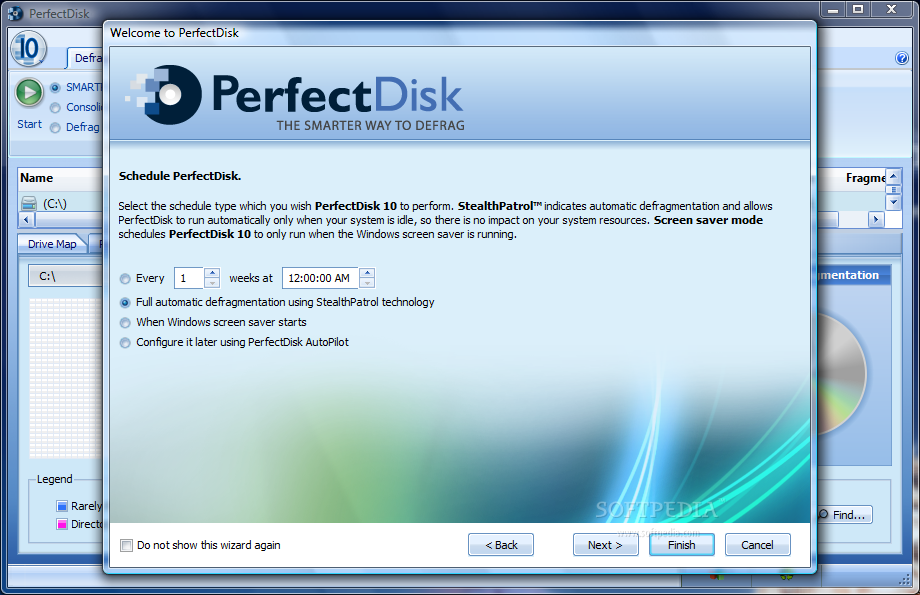
Once PerfectDisk 10 is installed and launched it will provide a brief configuration wizard to set it up as it best fits your needs. It comprises two steps that include choosing between a notebook or desktop configuration of the program (here you can enable defragmentation of USB, firewire connected hard drives and flash drives) and creating the first defragmentation schedule and specifying when it should be enabled.
Just like in the previous version of PerfectDisk, the Defragmentation menu window is split into three distinct panels: the upper part is occupied with menu options, the middle part contains all detected drives and the lower side provides results and statistics.
The three defragmentation methods have been preserved, with SMARTPlacement (optimizes file placement and performs one-pass free space consolidation) leading the way, followed by consolidation of free space (aggressive free space consolidation) and simple defragmentation (defrags all fragmented files).
Every detail is broken down in an understandable form for any type of user to see exactly the fragmentation level and its impact on drive performance. The drive map is sometimes not enough for this so PerfectDisk makes available graphical statistics for comparing drive performance and free space file fragmentation before and after the intervention of PerfectDisk.
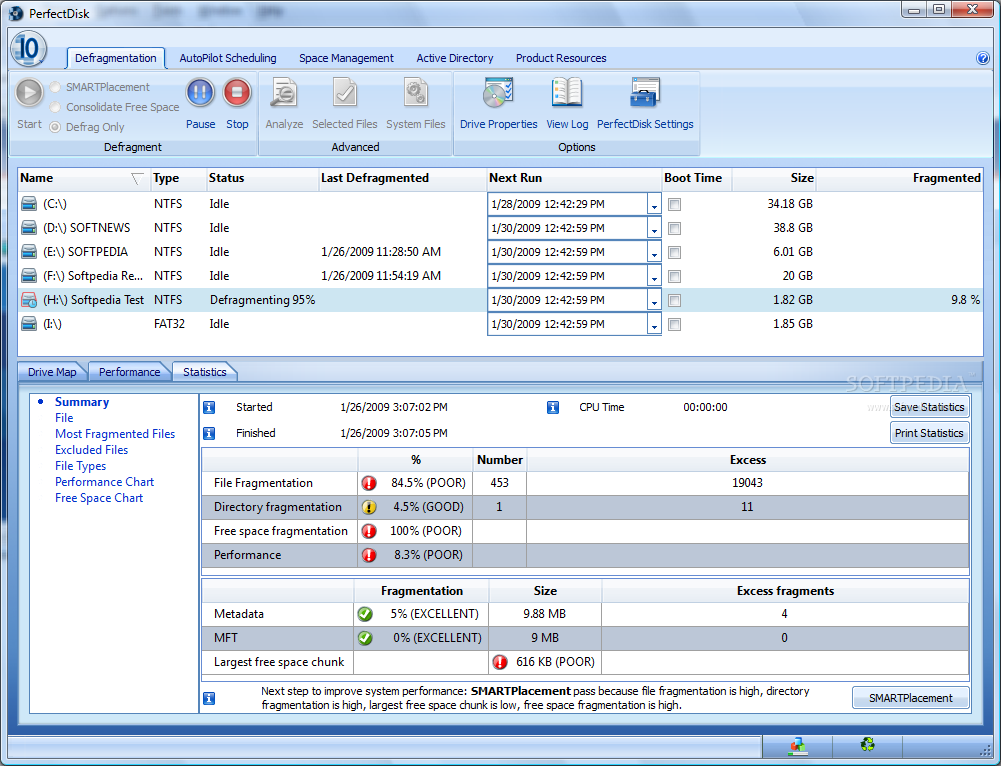
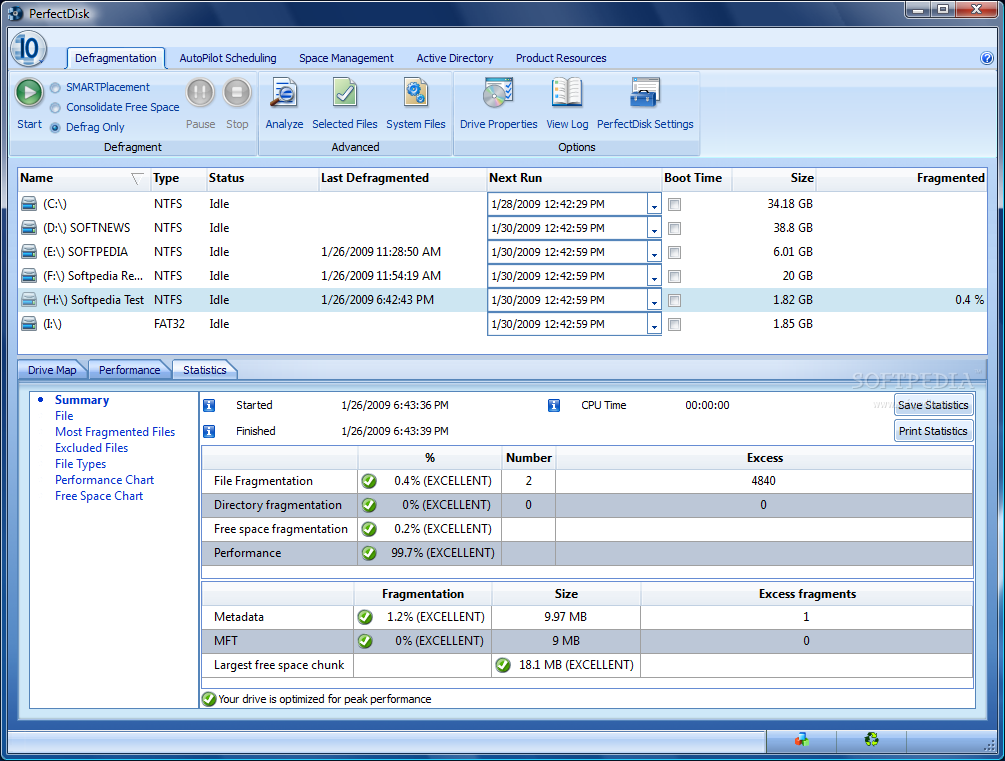
The Statistics view in the lower part of the interface provides a pervasive look over all factors contributing to the drive's performance degradation, from file and directory fragmentation status to free space and system file fragmentation. The performance level of the partition is also present. Additional data collected by the application includes a list of the most fragmented items (with the possibility of fixing them up individually), performance and free space charts.
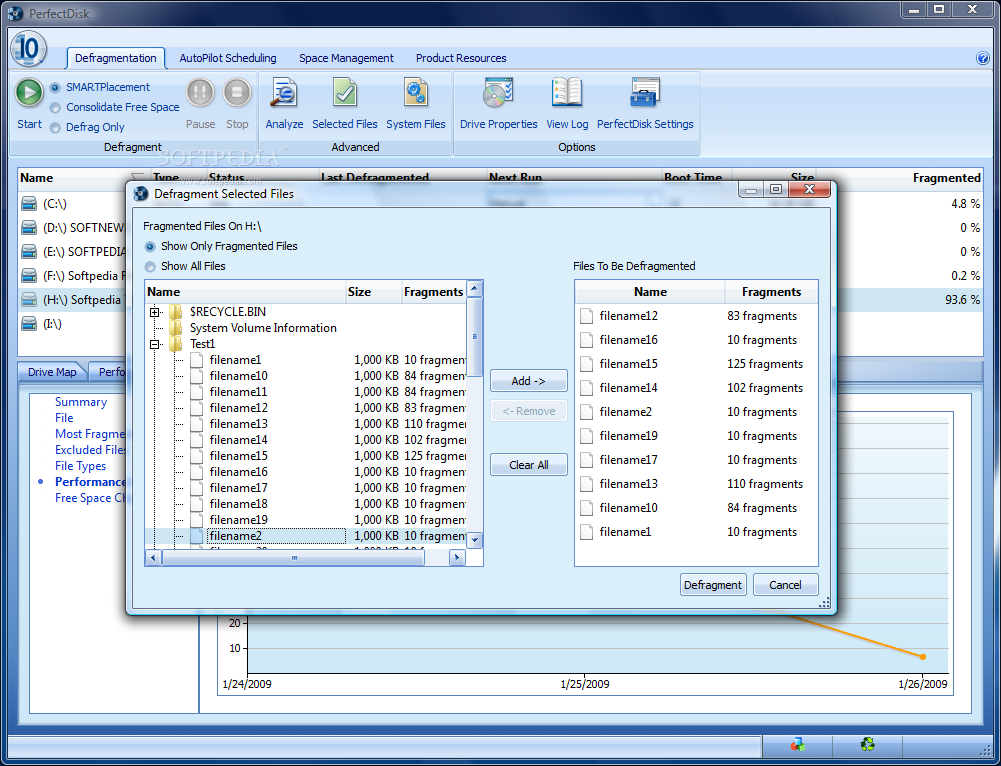
PerfectDisk 10 allows you to defragment individual files on a selected drive and the option is to be found in the Defragmentation view (Selected Files option). You will be presented with a list of all the drives and you can choose off each one which items should be defragged. To make it easier on you the application can show only the fragmented elements.
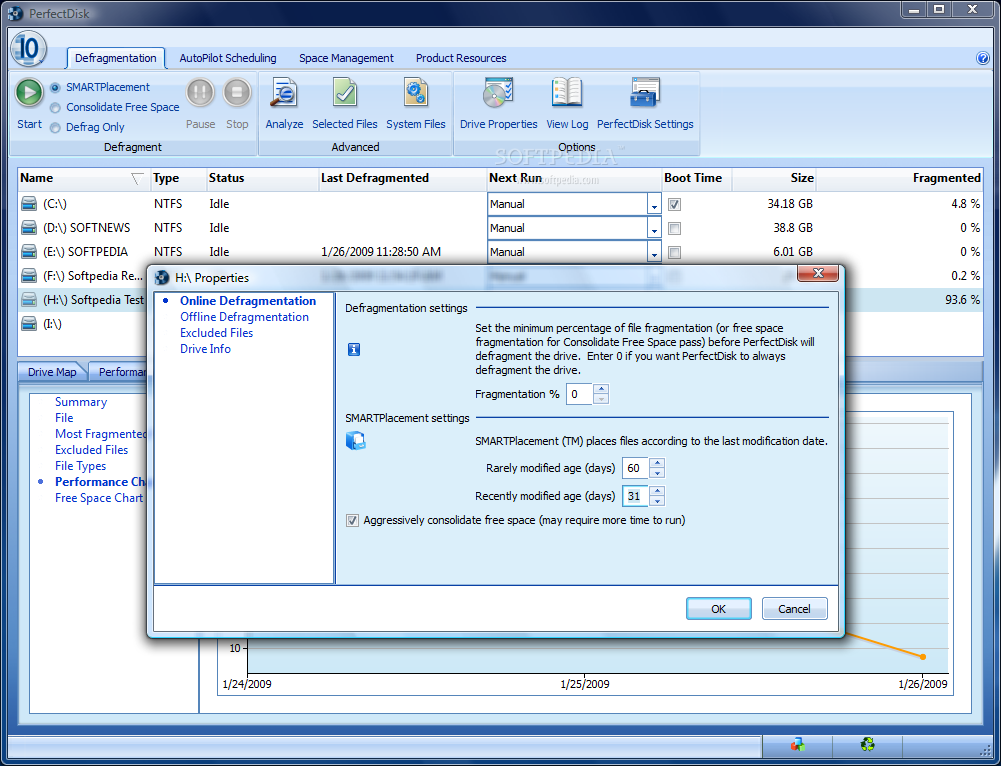
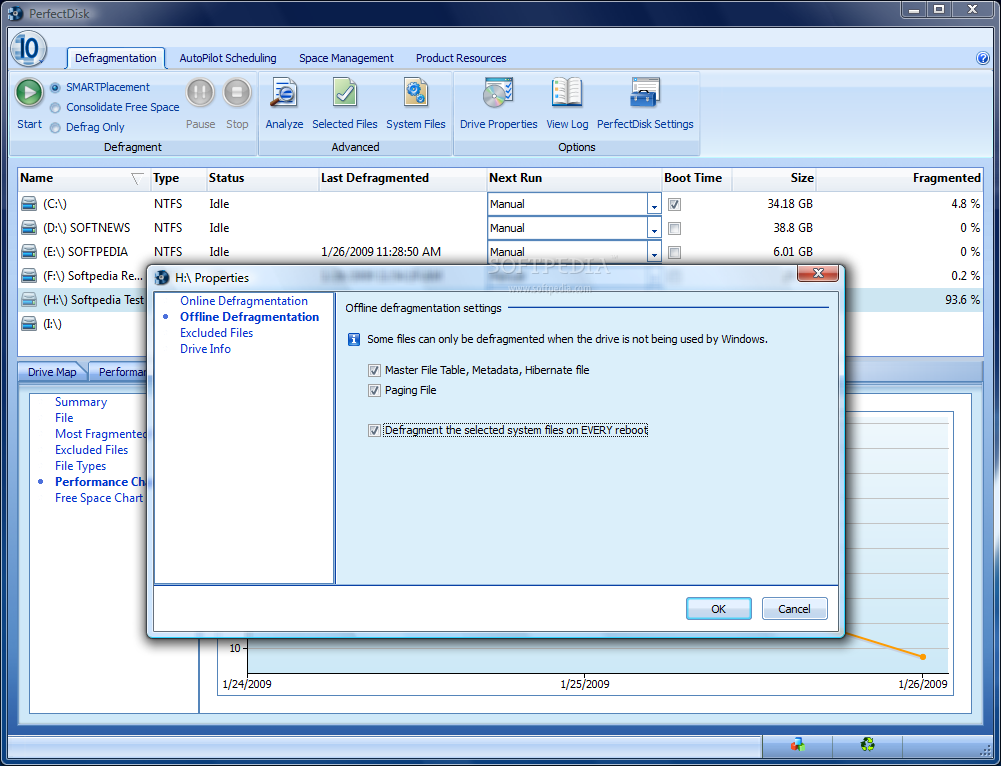
System files cannot be dealt with while the OS is loaded but PerfectDisk is utterly capable of performing both online and offline defragmentation. You can set the minimum fragmentation level accepted before PerfectDisk starts the optimization procedure as well as make the SMARTPlacement settings. SMARTPlacement is a finer way to control the data that should be accessed the fastest from a partition. It will actually move the file to the fast-access tracks of the hard disk.
While on the job, PerfectDisk displays in Drive Map the file it is currently moving around as well as the current status of the defragmentation in percentages. It will also estimate the time to complete the given mission. However, I would not rely on this too much as during our testing the times showed for more ample jobs were almost always inaccurate (they kept modifying) or off the track. One time it happened for the estimation to freeze at a certain time and for the defragmentation to run at least 20 minutes more (the task was stopped before completion).

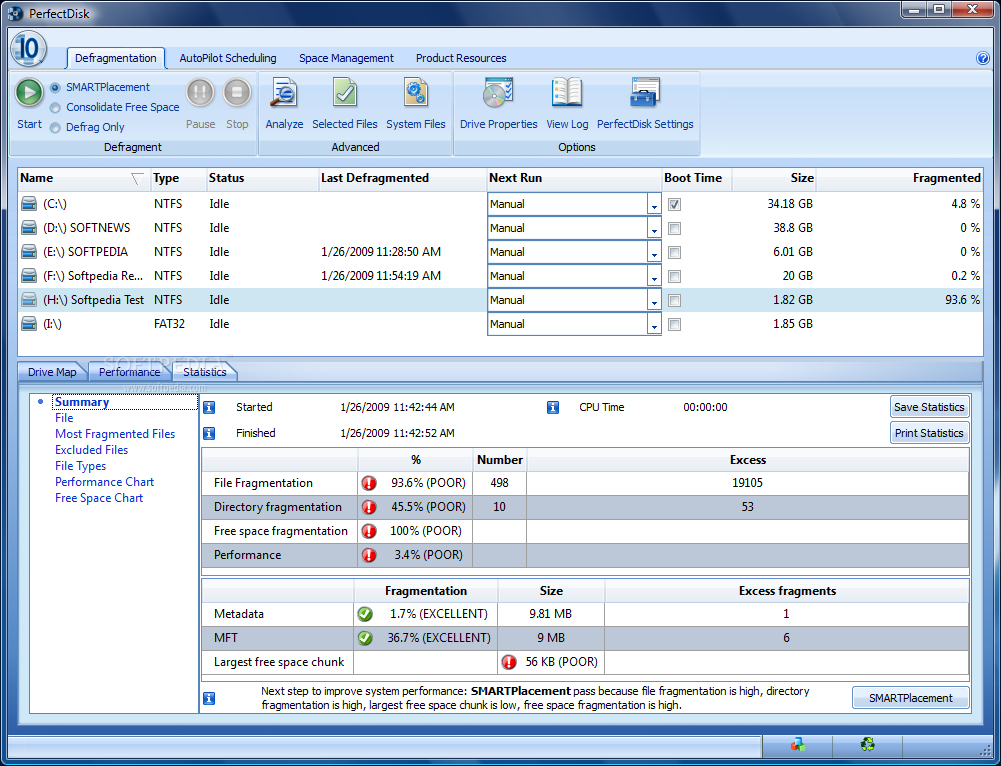
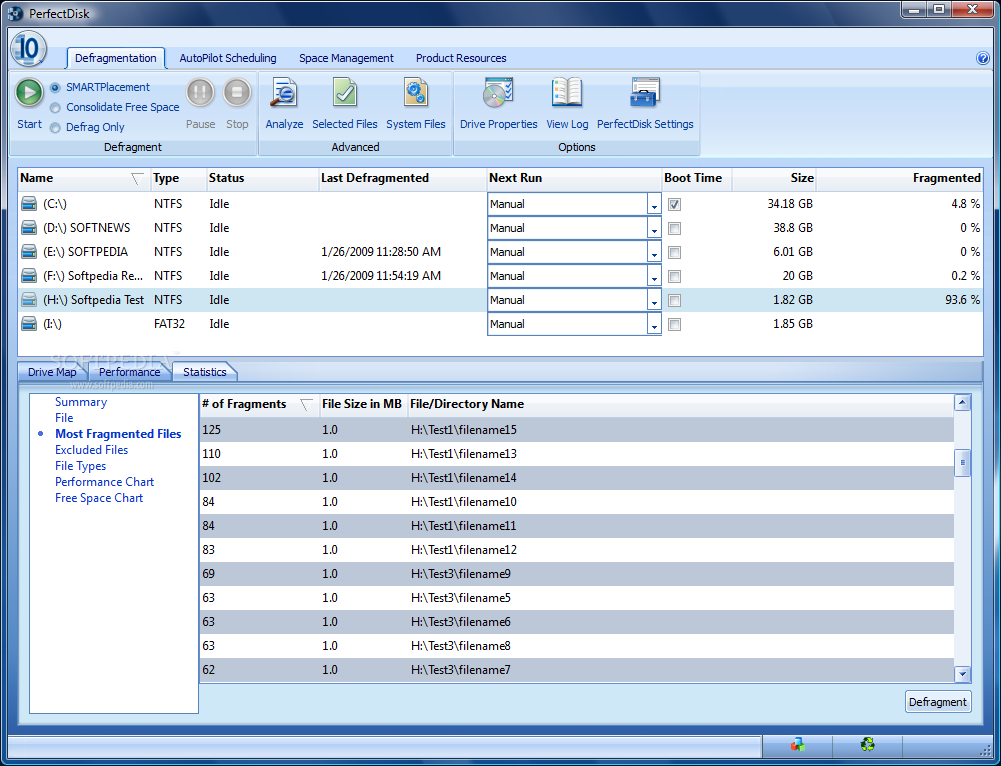
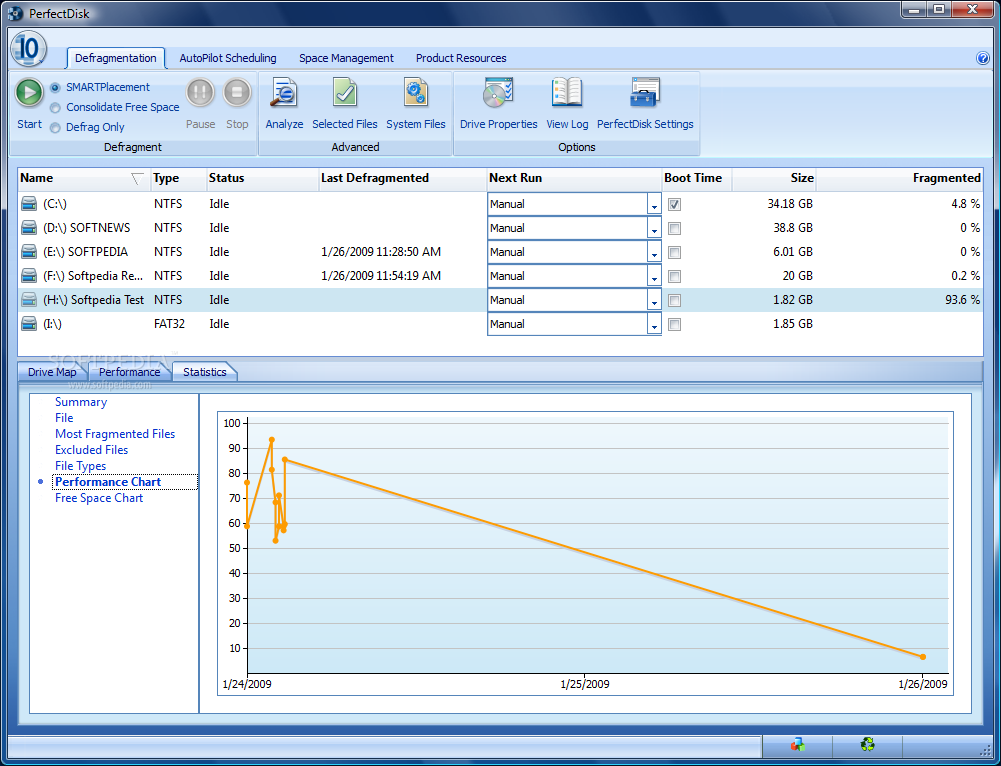
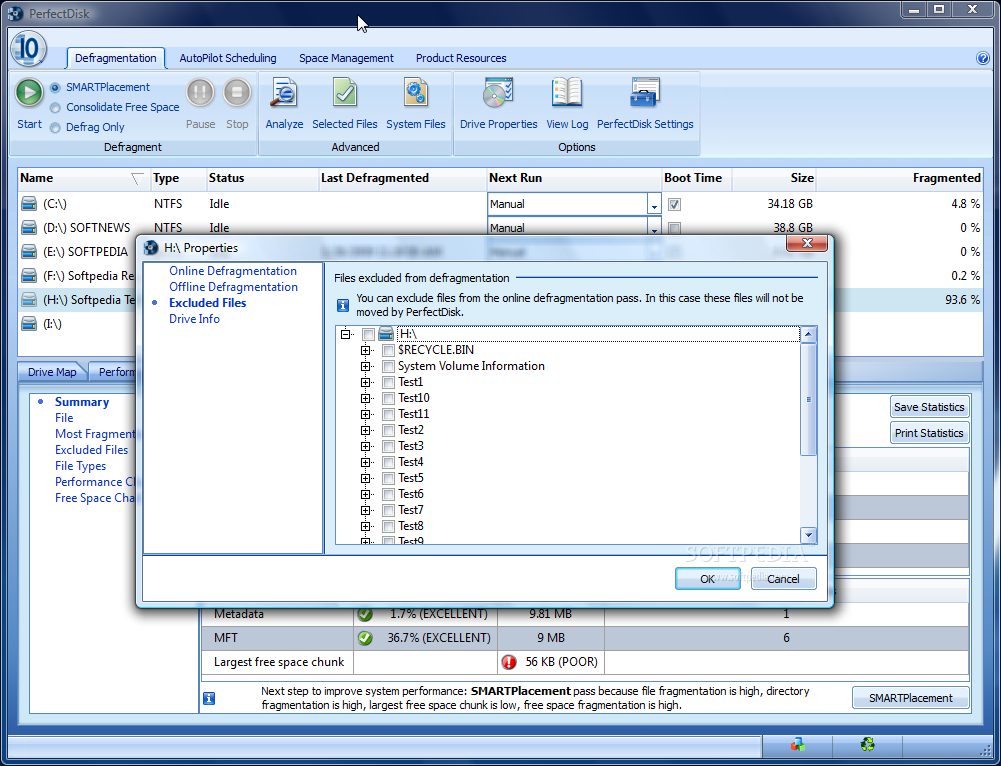
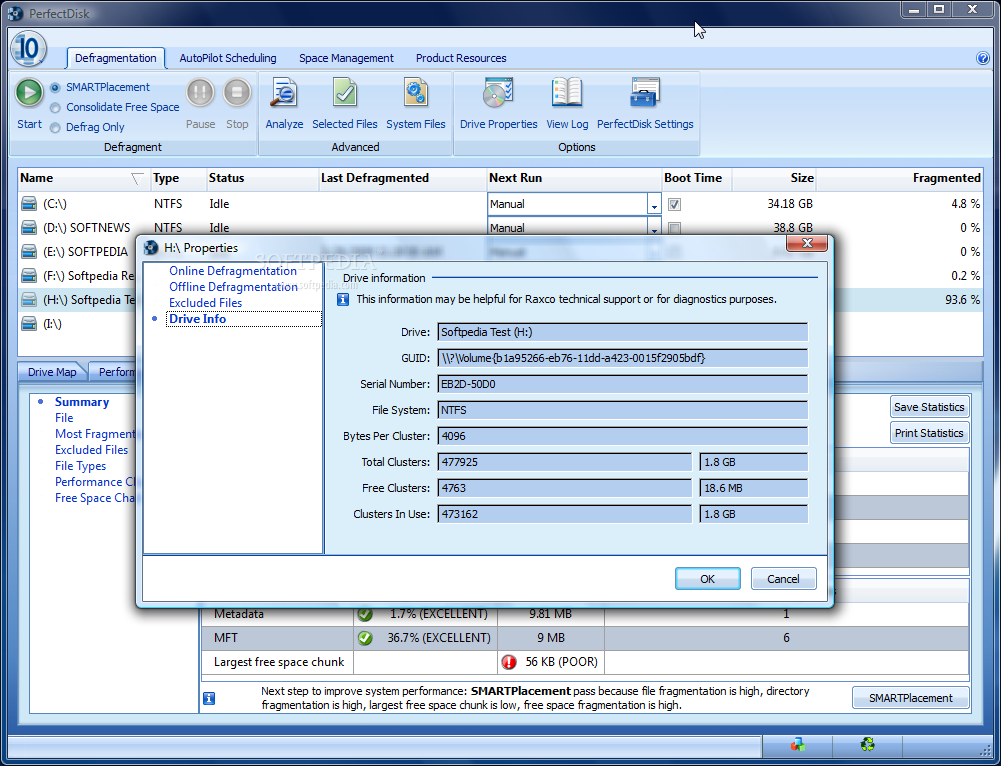
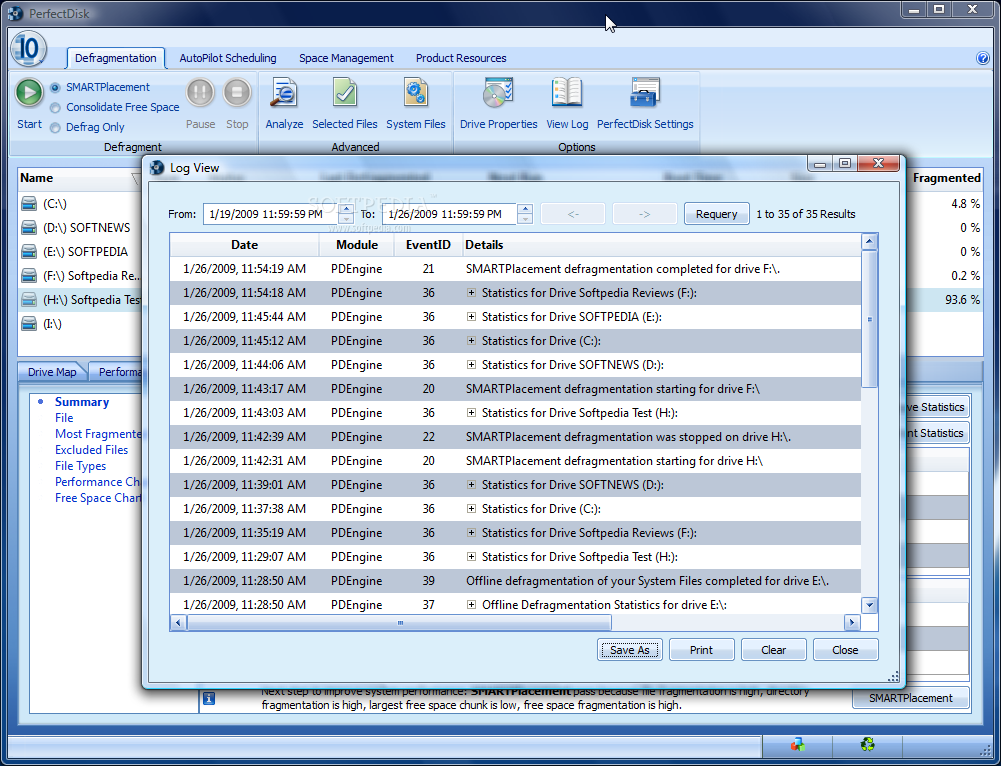
As you can see from the images below, we have given the best of us to create PerfectDisk 10's worst nightmare by creating a partition with as elevated a number of fragments as possible. 93.6% file fragmentation combined with 45.5% directory fragmentation and leaving 56KB as the largest free space chunk was the best we could accomplish. The total amount of free space on the drive was a little over 18MB.
Given the insufficient amount of free space, the application could not perform a SMARTPlacement defrag but running the simple defragmentation procedure or free space consolidation showed the efficiency of the software. After about 20 minutes of free space consolidation PerfectDisk reduced the percentage of fragments from 93.6% to 84.5%. Despite the small difference this should by all means not be neglected given the shape of the partition.
A couple of hours of simple defrag later, with 72% of the task completed, fragmentation level dropped to 47.8%. And it kept on dropping to 9.4% when it stopped due to insufficient space to complete the job. A second defragmentation increased performance even more, to 99.7%, reducing fragmentation level to 0.4%.
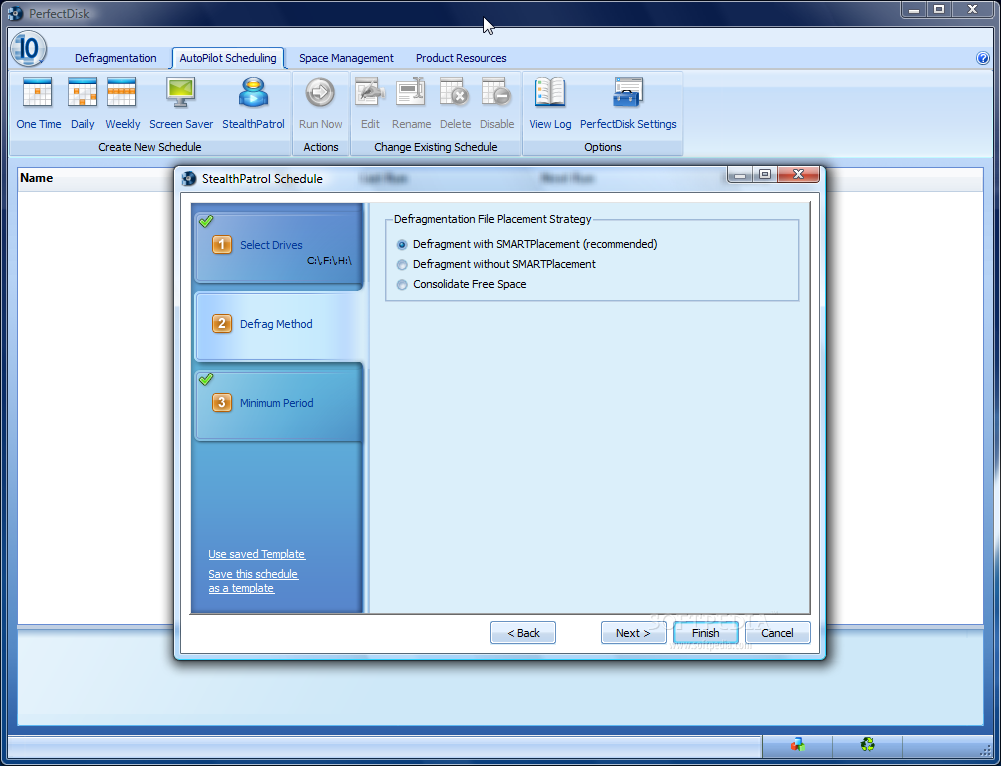
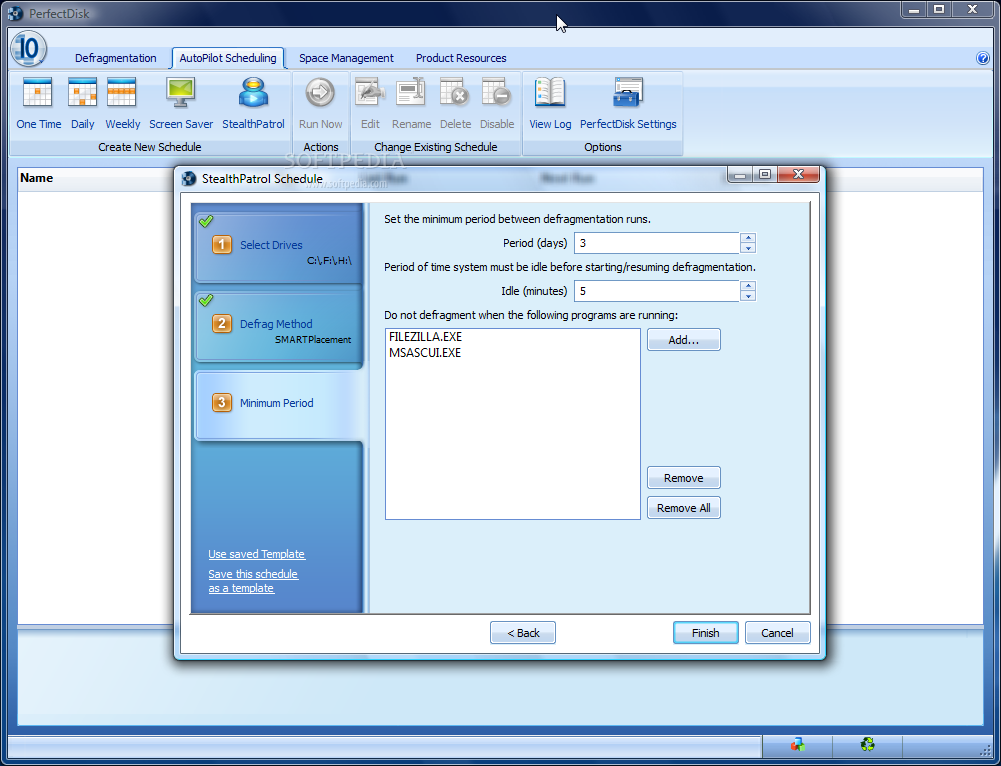
Although planning future operations may seem like a stroll in the park, PerfectDisk makes available wizard-assisted set-ups as scheduling takes into account a set of factors generally neglected by most apps of the same feather. Thus, in case multiple-drive defragmentation is desired ,you have the choice of selecting if the partitions should be defragged in series (one after another) or in parallel (all at the same time). Another step in the process involves enabling the recovery of free space (empty Recycle Bin and temporary file folders), choosing a defragmentation method and enabling offline defrag as well (this includes MFT, Metadata, Hibernate and Paging files).
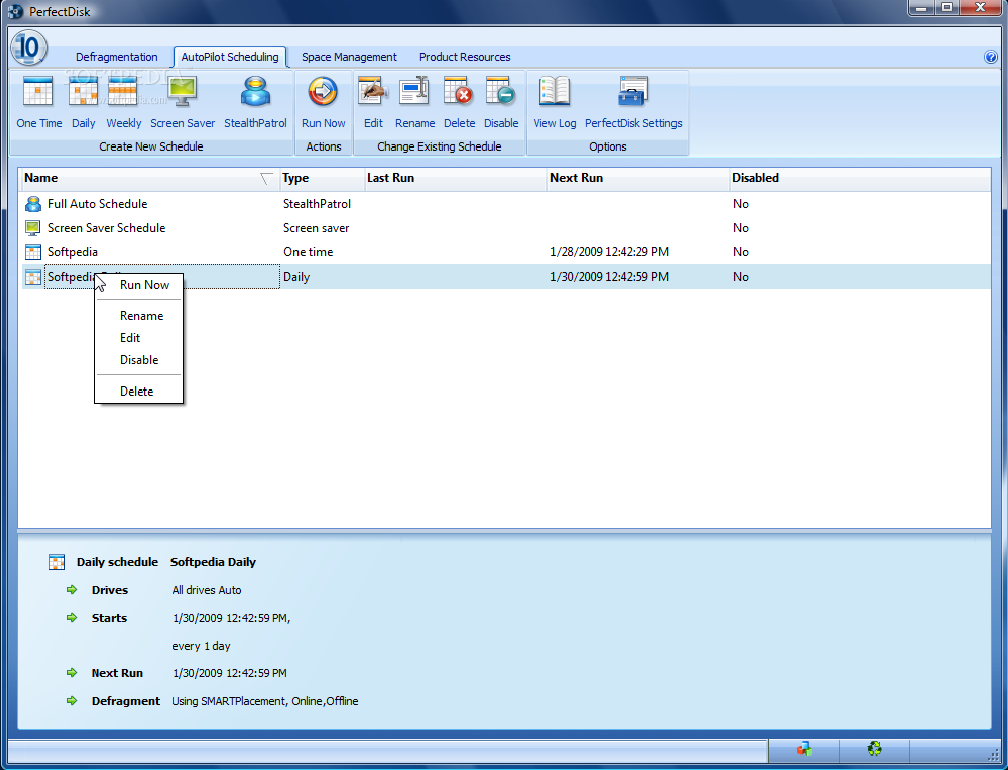
Of course, offline process is unavailable in the case of screensaver scheduling and StealthPatrol. For these two you can set a minimum period between defragmentation runs. Multiple schedules can be created and you can view, edit or run them at any time with absolutely no trouble.
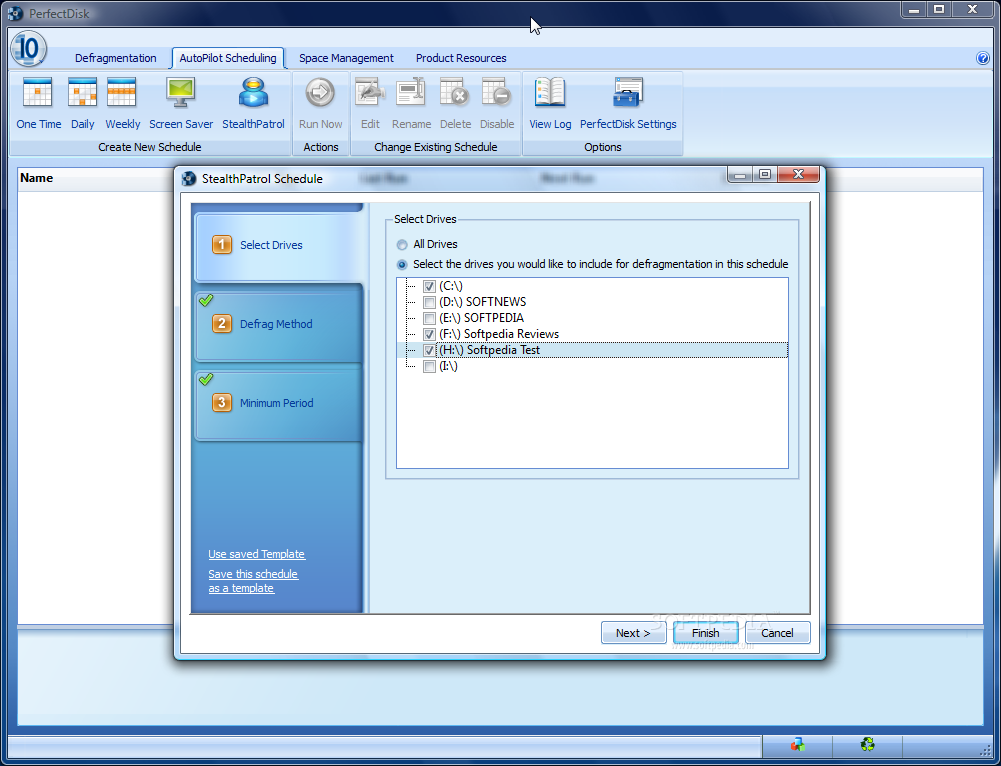
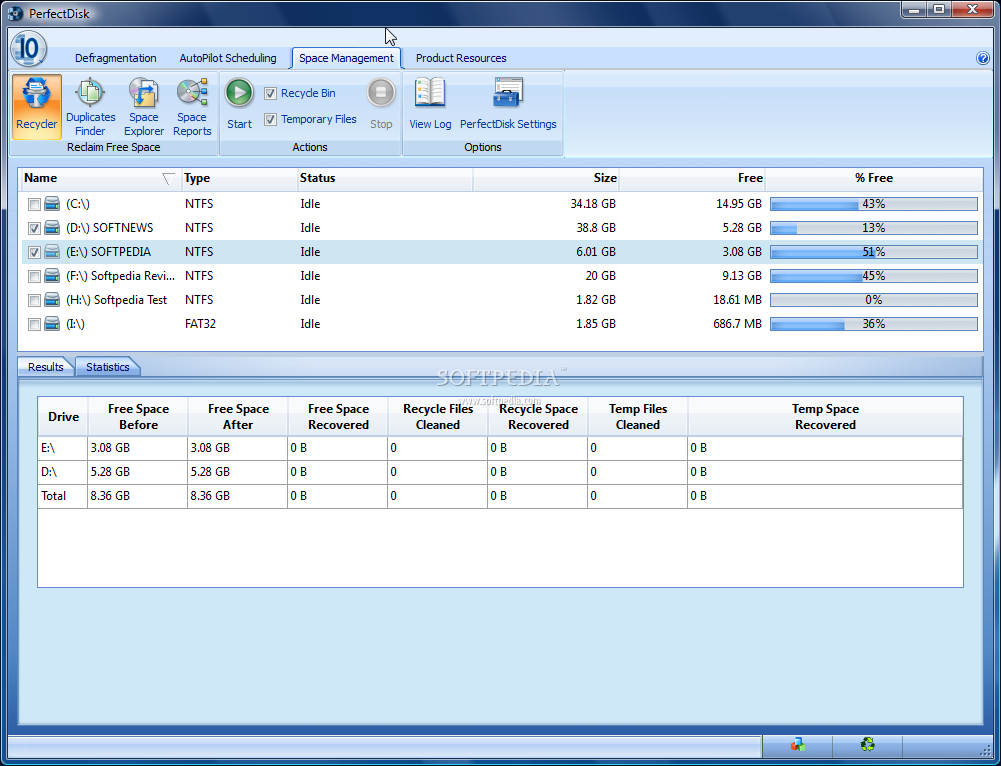
The Space Management panel contains results and statistics on the amount of free space of all detected drives. The details provided present the amount of free and used space and the total size of each partition on the system. In order to increase the total of free space PerfectDisk can automatically empty the Recycle Bin or eliminate temporary files.
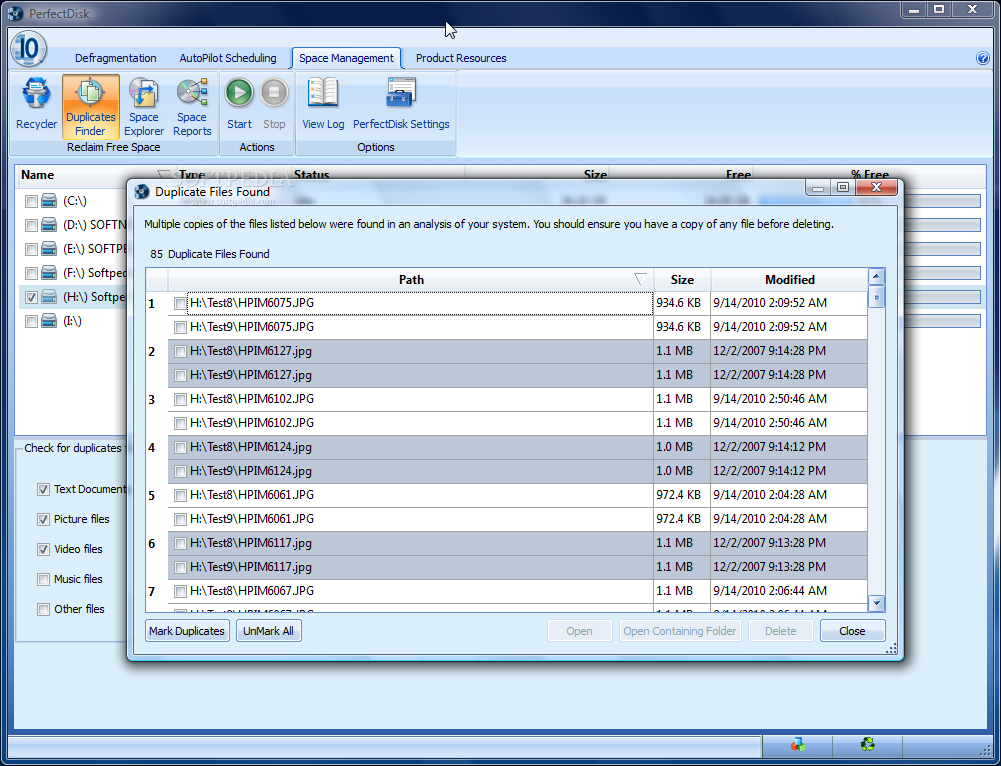
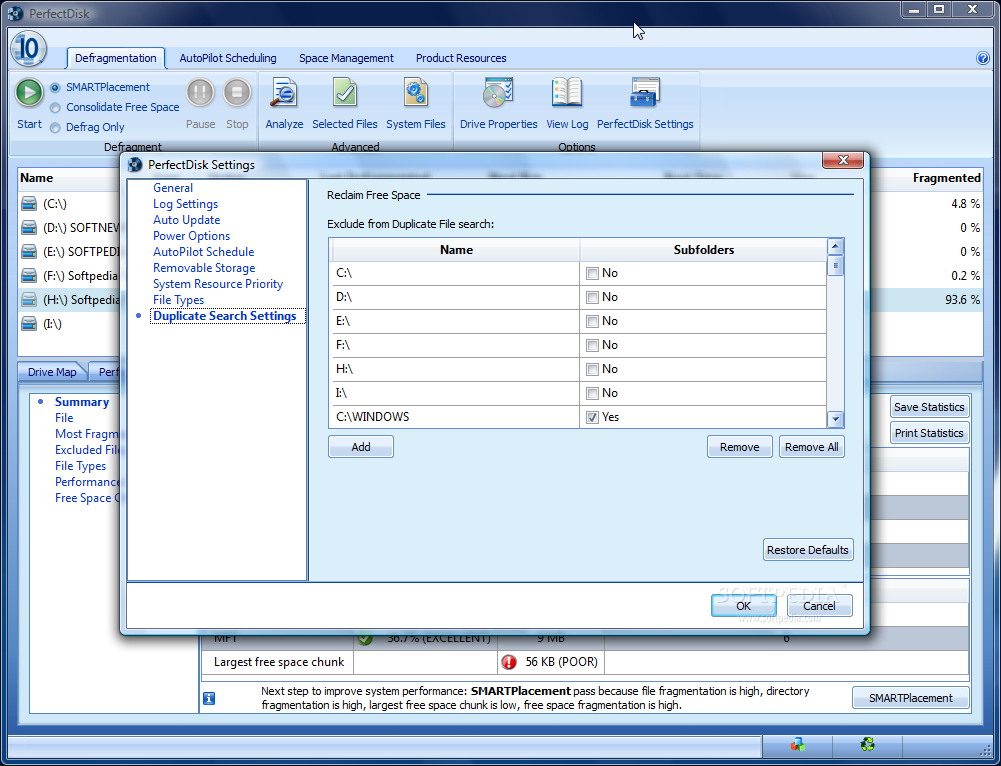
An additional instrument designed to help you get as much free space as possible is the duplicate finder, a not too sophisticated tool that can discover twin files on your computer. The tool permits defining the types of file the application should look for and compare, and it comes with some extensions of its own. More than this, the search can be limited to user-specific locations on a single drive.
Testing it showed that the engine rooting out the dupes can make a very thorough comparison job and in our case it did not miss even once. It simply detected the duplicates with no fuss and without requiring additional parameters, save for the location where to search for them.
Space Explorer, a component of Space Management, is the viewfinder into the arrangement and usage of files and folders on your drives. It is useful for navigating the file structure: hovering your mouse over the structure will show you the exact file stored in that section; and the context menu lets you open, delete or analyze a specific item (file or folder) directly from PerfectDisk. It provides an overall look at all the files occupying the drive. The largest items will be highlighted and marked on the file map.
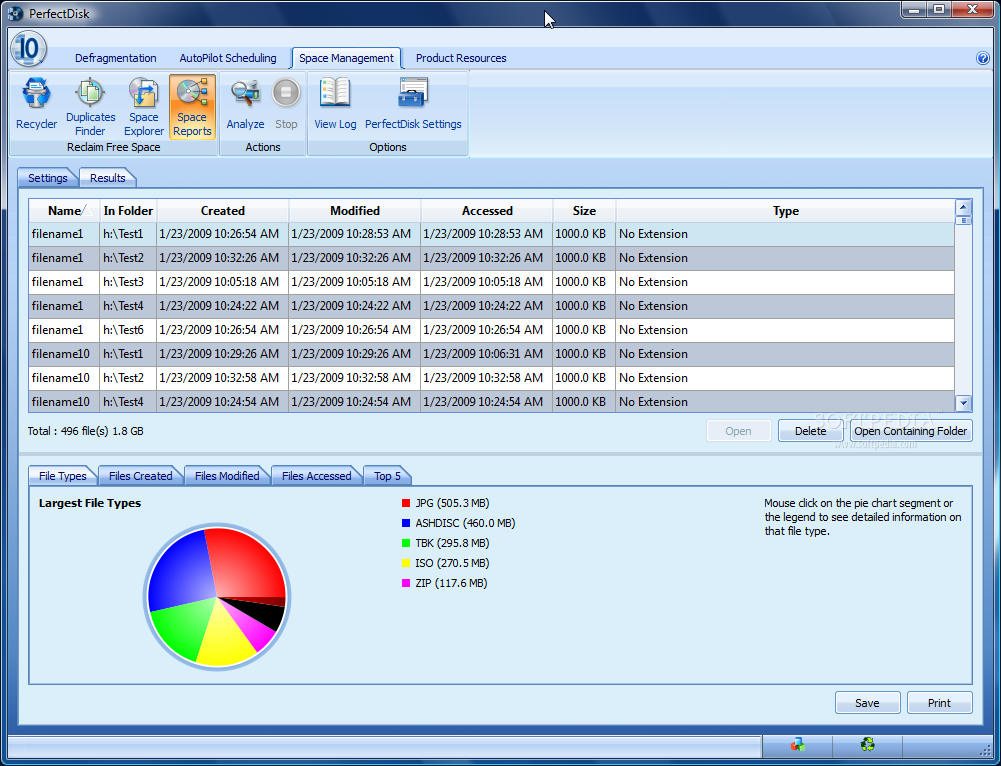
The Space Reports instrument comes in handy if you want to see the predominant file types on a particular drive or graphs with files created, modified, accessed, or a top five of the largest items. It represents a good way to keep track of all the behemoths stored in a certain location without too much sweat. You can configure it to take into consideration files according to their created/accessed/modified date, their size or type.
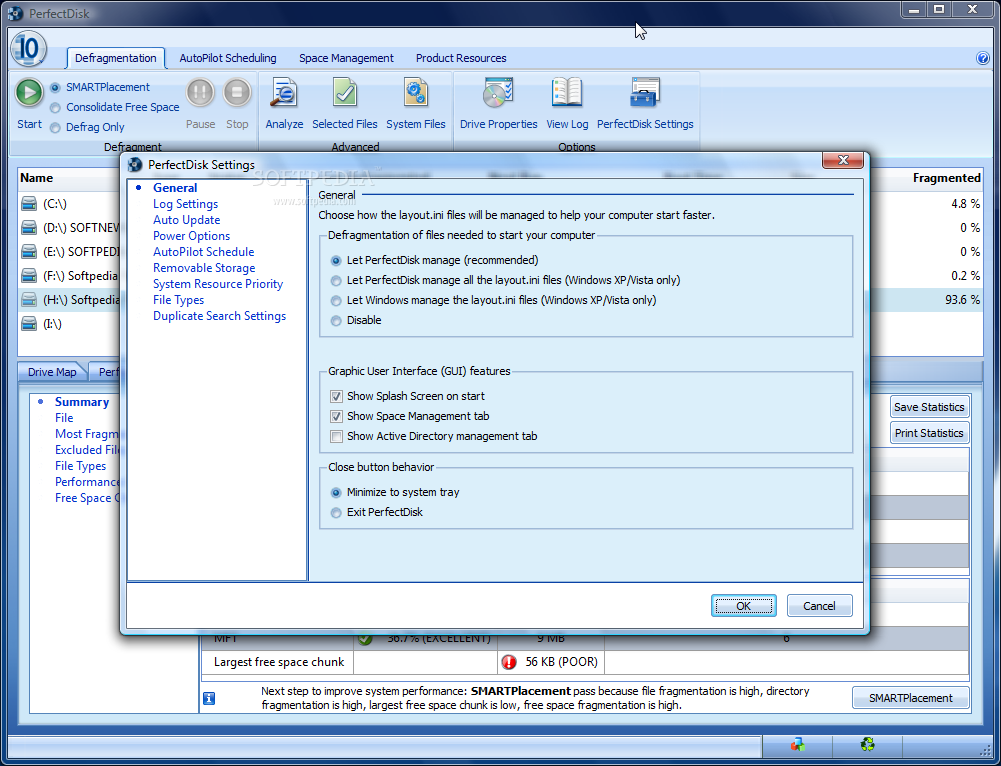
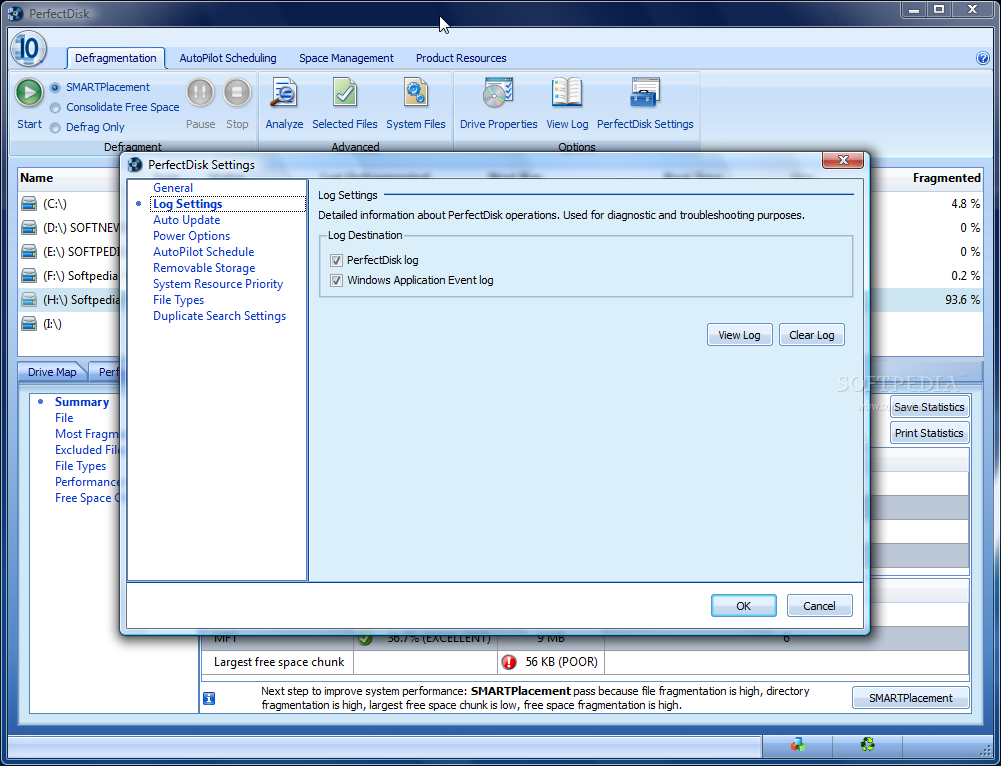
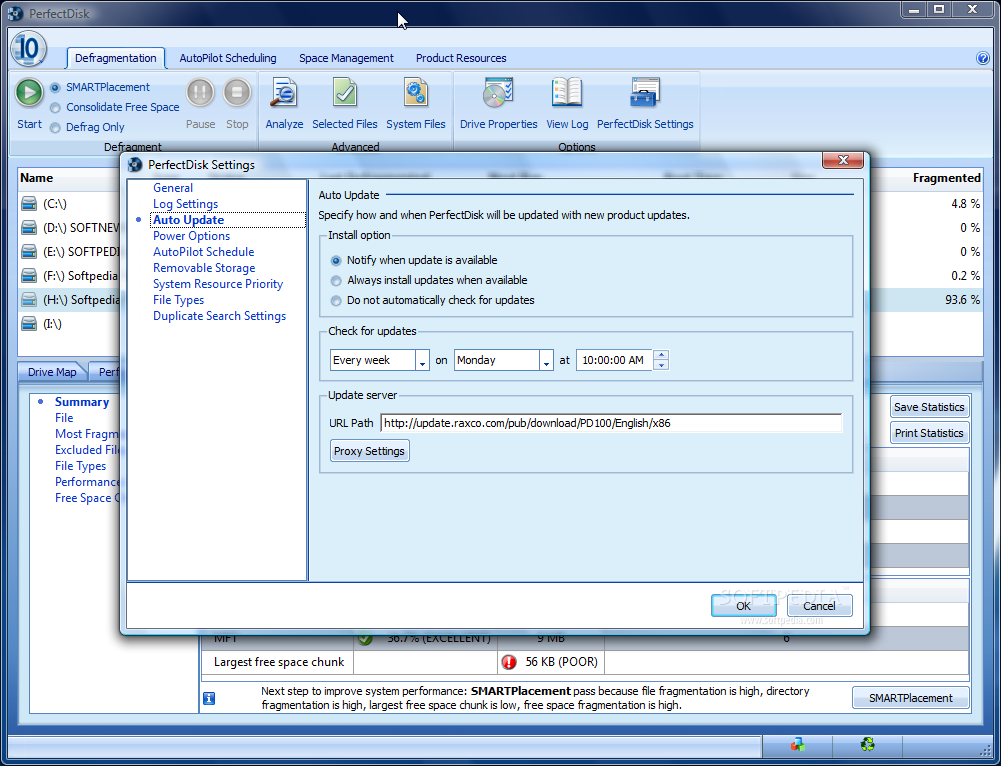
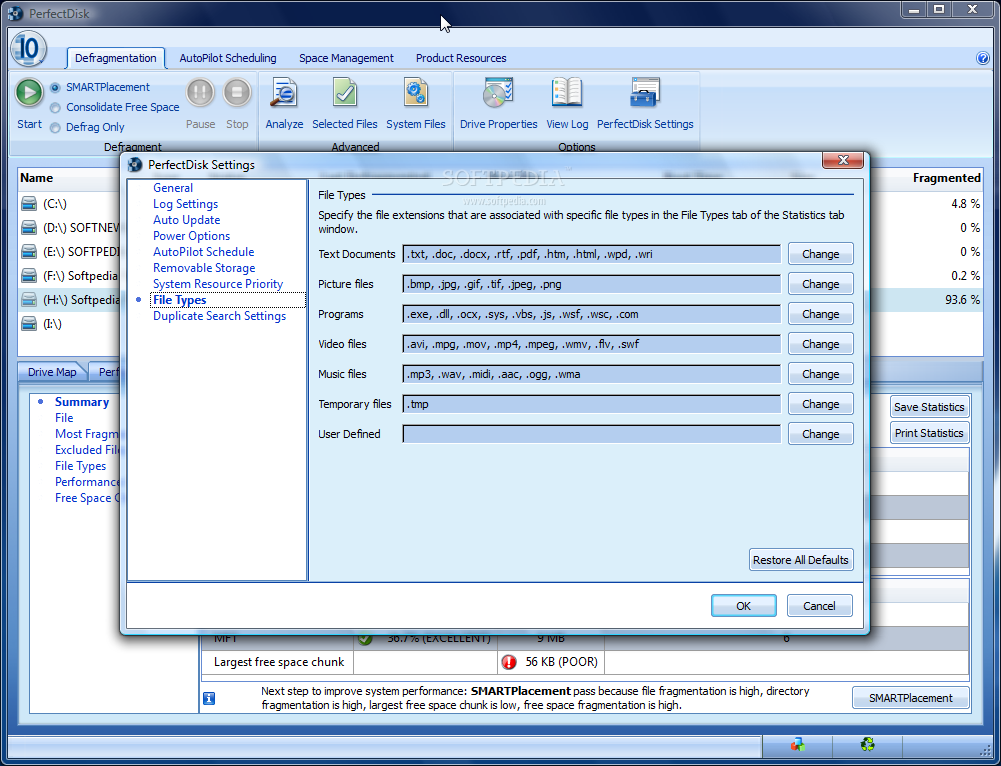
Setting up PerfectDisk 10 is as easy as managing the options available in the interface. It is all a matter of better fitting your needs by providing finer tuning of the software. As the application brings to Windows its own services, which run in the background taking care that all tasks are carried out according to your wish and monitoring drives' idle times, there is no option for starting it with the operating system. You have on the other hand the possibility to set it to minimize to tray once Close button is pressed. Also, if the start splash-screen is more of a nag, you can disable it completely.
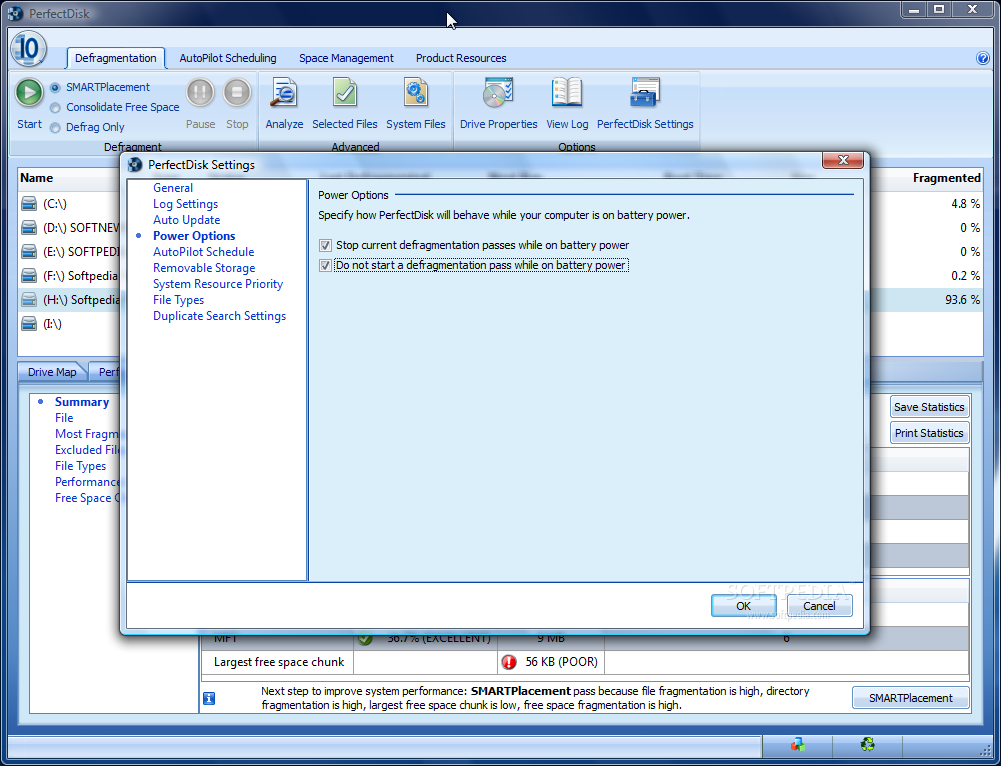
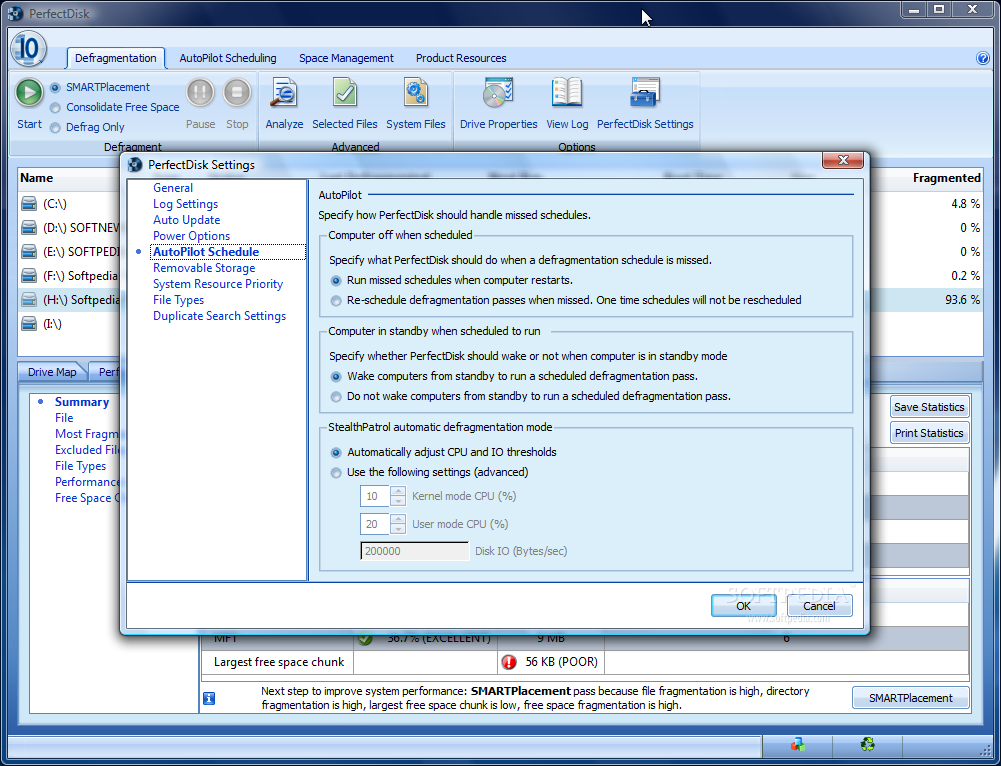
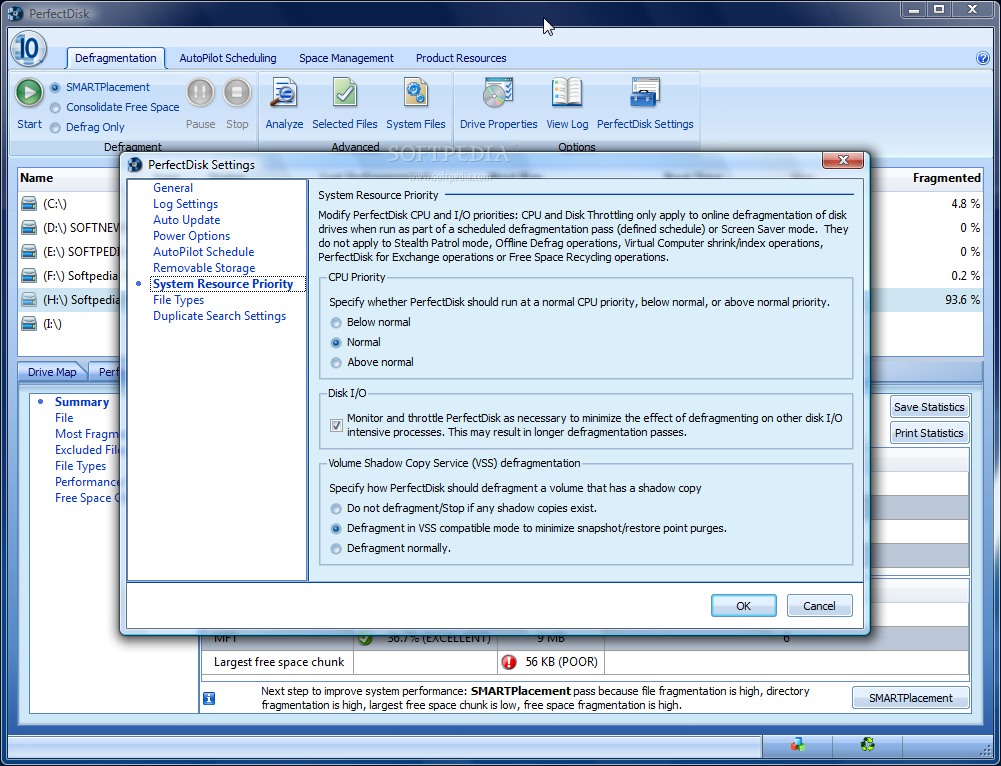
But this represents the lowest set-up level for PerfectDisk. More interesting options include the management of the files needed to start the computer (layout.ini), of the defragmentation while your notebook is on battery, or of how the missed defragmentations are cared for. In the same category are CPU priority settings and the way shadow copy defragmentation is performed.
PerfectDisk 10 is a heavyweight defragmentation solution providing a terrific set of options for gathering together scattered files on disk and regaining the read/write performance you should always benefit from. All the functions are neatly wrapped up in a shiny new GUI that gives easy access to all the options and completes reports on all jobs run.
It can be easily turned into a set it and forget it defragmenter due to the AutoPilot menu, which allows task planning seven ways till Sunday.
Besides the great drive optimization the application also supplies the necessary instruments to view a complete report on how space is used and see which are the most prominent files and file types. Additionally, the duplicate finder can greatly contribute to getting rid of useless data and increasing the amount of free space. It can start its job at drive idle times so that its impact on your work is minimal during the defragmentation procedure.
Active Directory management of PerfectDisk eases up the work of system administrators who no longer need to be aware of the changes of the groups as Active Directory will instantly recognize a new user and ensure that all members of the group have the application installed and configured according to the policy of that group.
The Good
Pausing a task allows you to suspend its activity for an unlimited period of time and resume it later with no impact on the quality of the job.
You can view a log for any of the run tasks complete with time and date as well as details on the results achieved after its completion.
Scheduling options have been developed up to the point of defining the idle time delay for the defragmentation procedure to begin and setting a minimum period between defrag runs.
The Space Management panel brings a suite of instruments that will give all the information you need on the files stored on disk, their size, time of creation/modification. Duplicates Finder does a great job without having to configure entire sets of parameters for the findings to be 100% accurate.
The Bad
It happened quite often that after analysis of the drive to get one fragmentation value and when commencing the actual process the application to start from a different one, always higher. This may be confusing for the users.
The Truth
PerfectDisk 10 managed to pull out a critical state drive with 93.6% fragmentation and increase its performance from 3.4% to over 99.7% in just a couple of runs.
It lets you perform both online and offline defragmentation so system files are taken care of as well. More than this, each file can be individually defragmented or you can add items to the ignore list for the software to avoid them during defrag operations and finish faster.
On the downside, there are still minor aspects to be revised in order to accurately show all the details and users to trust its statistics completely.
PerfectDisk 10 proves to be a reliable defragmenting companion for your system. It is highly flexible and easy to manage and thanks to the complete Help file it comes with you will have answers for all the questions regarding options, functions and how it all works.