14 DAY TRIAL //
 The Internet is crawling with spyware that's ready to mess with you, and get hold of your private information, be it personal or corporate.
Whether you get it by visiting a web site, or by having specialized software installed on your computer, the main issue with spyware is that it's easy to get infected, and hard to get rid of it.
Antivirus software is specialized in protecting and removing viruses, from the most "innocent" to the most harmful ones. Scumware developers study the main antivirus programs, and figure out ways to dodge them, so that the little spies that they create aren't detected, and can run just like a safe program.
But, if you get a program that's specialized on spyware, and that runs along with your antivirus program, you can then say that there are not many things that can harm your system.
Cleaning out the pests
Such an application has been developed by eTrust, and it's called Pest Patrol.
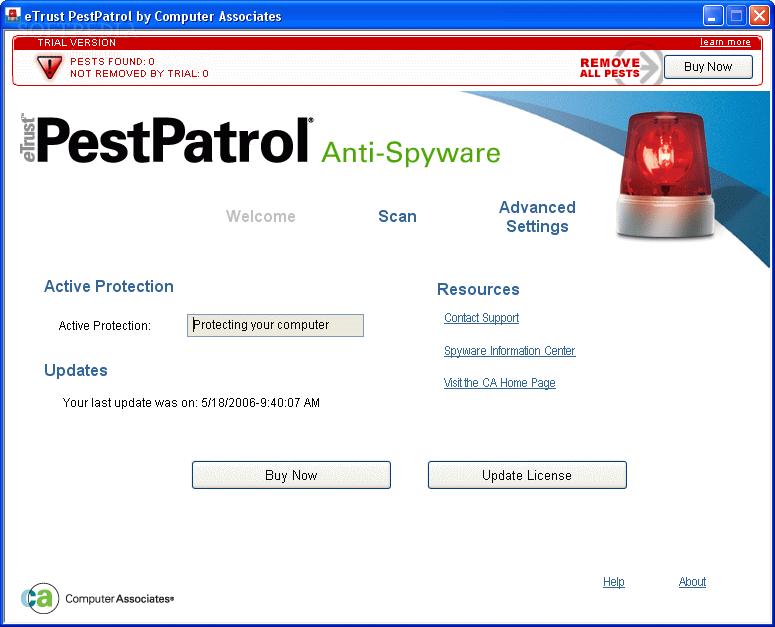
What it does is exactly its name: it patrols your computer, eliminating all the "pests" that invade the machine. Not only does it offer a scanning service, but it also provides live protection, so that it can monitor your every move.
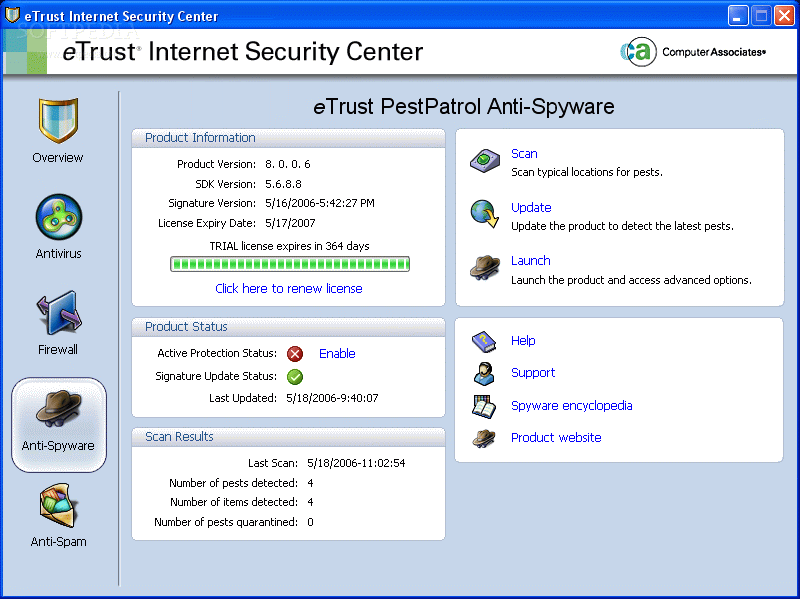
This is part of the eTrust Internet Security Center, and can be installed individually: you will get the same control panel, but the only active item is the Pest Patrol.
It has a nice and clean interface that gives you good control over the program's resources. It's straight to the point, and you won't get lost in all the buttons or features.
The main window shows you all the essential information about the program and the functions it can provide: product status, scan results, scanning options, update, help and support.
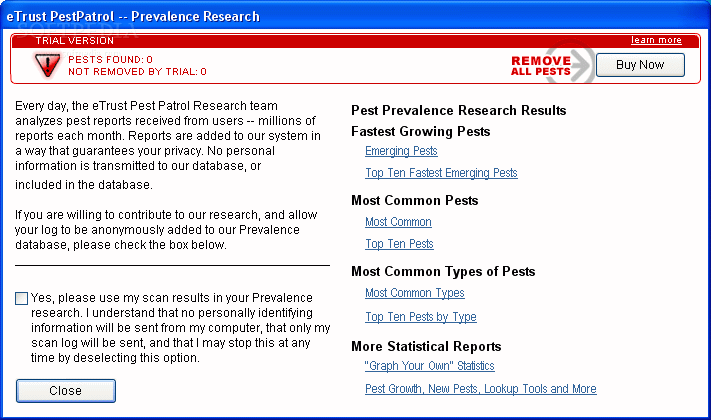
What I like is that you get a spyware encyclopedia (you are directed to the producer's website for this) that's dynamically updated, giving you up to date information about the latest threats. This way, when a malware is detected, you can look it up in the encyclopedia, and you will know what you're dealing with.
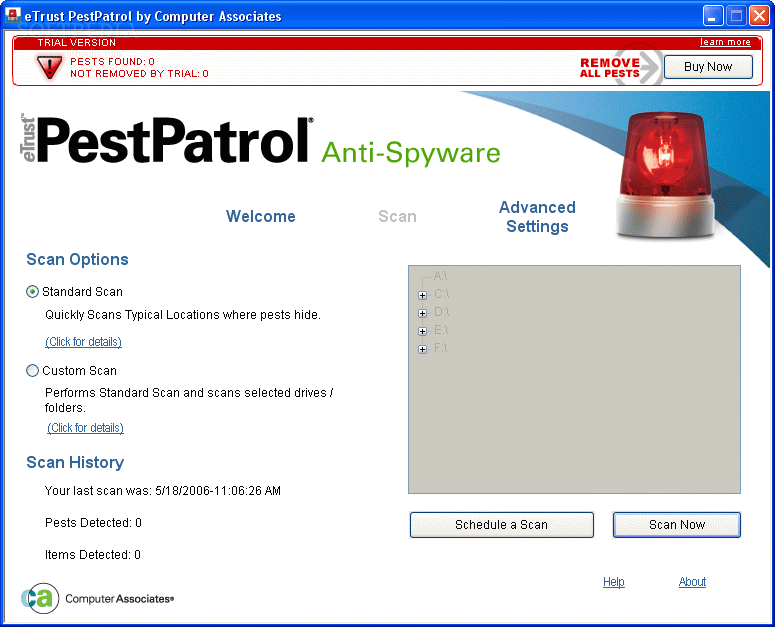
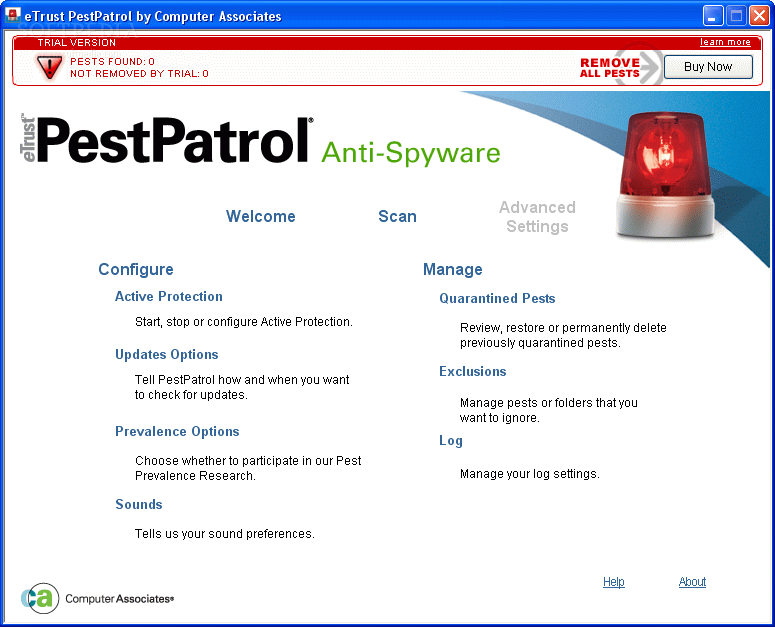
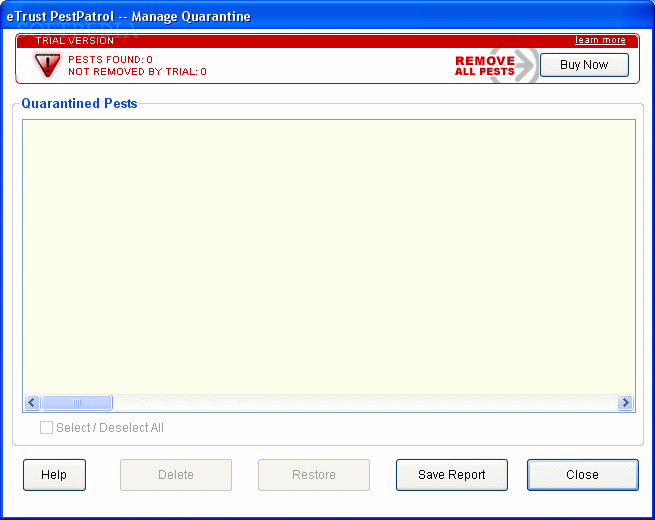
The scan panel is simple to use, and you'll get a good idea about how to master it from the first use. You can exclude items from the list (after, of course, you have informed yourself about their threat from the encyclopedia section), or you can quarantine them so that they won't affect your computer anymore. If you've quarantined a program and find out that it presents' no threat whatsoever at a later time, you have the option of restoring it from the quarantine panel, and it will be allowed to run.
The same case applies for the Exclusions list: if you exclude a program from the list, and see modifications in your computer's performance you might consider getting more information about the programs that you've excluded. But you don't have to worry, because you have the options of deleting it from this list, and move it to the quarantine.
Besides the active protection, and the standard scan that checks the default locations where pests could be found, you can perform custom scans where you can select specific folders or drives to be checked for junkware. You also have the option of scheduling a scan for a later date.
The help menu is designed so that everyone can understand the program's functionality. For every feature, there's a step-by-step walkthrough, ensuring that no detail escapes your attention.
What I like about this version is that it offers a 365 day trial, which is more than generous. But there has to be a catch somewhere, and working with the program you'll discover many limitations: you cannot remove high level spyware, the custom scan option is not available at all, nor is the scheduled scan. The active protection is also available only in the registered version, thus your computer is not at all fully protected.
You have to pay $29.95 for the Pest Patrol license, which is comparable to protection suite prices on the market. But, as we've previously established, it's worth to pay a little more for a program that really protects you.
The Good
The program is easy to use, and offers an automatic update feature that, combined with the active protection, makes it scumware proof. The user interface is friendly and gives fast access to all the features. The help menu is detailed even for the narrow minded and can really help you when needed.
The Bad
Even though you get a long trial period, the limitations that are imposed are essential, and can only give you an idea about how the full program works, without protecting it from the main threats. This is only a bad part for the freeware hunters. Otherwise it's just a minor inconvenient.
The Truth
The price isn't the best on the market, but the value you get overcomes it. I had a comfortable feeling when working with Pest Patrol, and I would recommend it for use along with a good antivirus software, so that your computer is fully protected.
Here are some screenshots of the program in action: