14 DAY TRIAL //
 I have always wished I were a cartoon animator, so I could create my own little world, and control it by my own rules. But for this job one needs talent, and many, many hours of work.
I couldn't believe my ears when I've first heard about it, but there's a tool out there that can help me fulfill my dreams, and make me become the animation master over night. This "little engine that could" is called Pivot Stickfigure Animator, and is created by Peter Bone.
What it does
Stickfigure animator is small in size, and has an intuitive interface. Its menu is simple and straight to the point.
As the name suggests, this is a program that enables you to create stickfigure animations. I admit, the characters that you can create are not the most artistic ones, but I'm not struggling to win the Beauty Contest here.
Let's get moving!
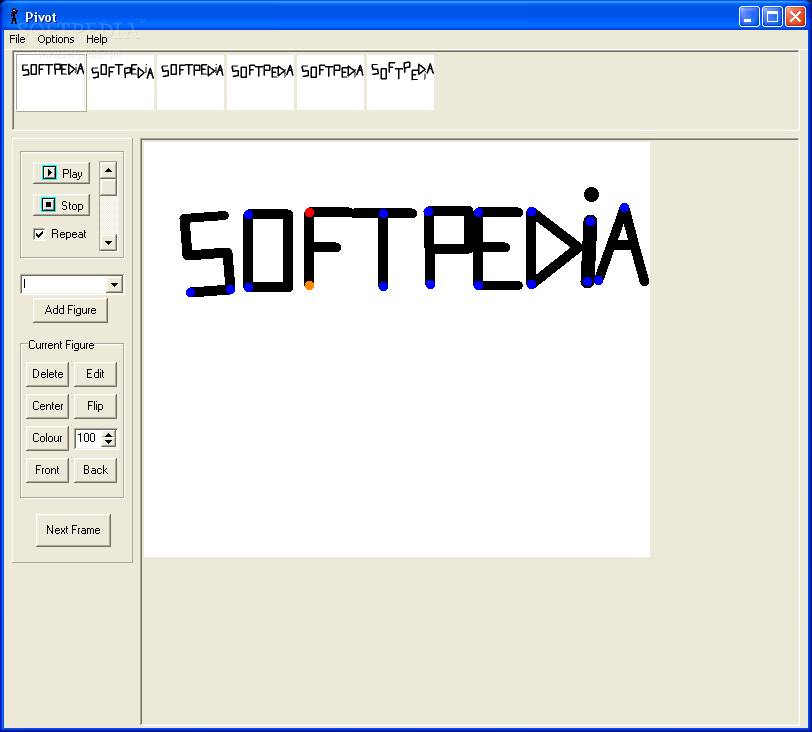
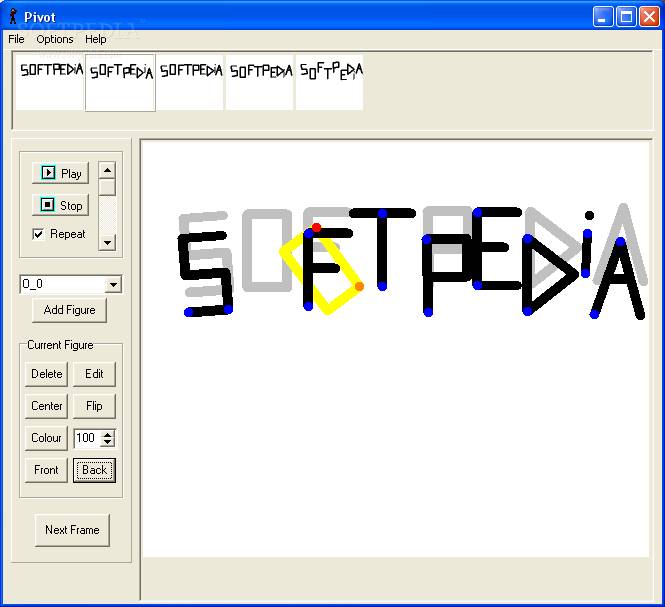
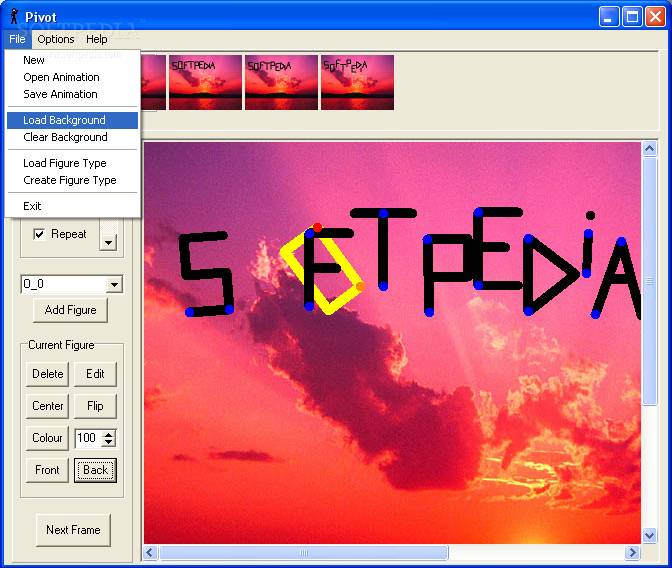
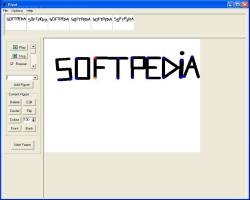
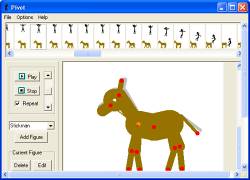
When running the program, you are presented with the main screen that's divided in three sections: on the right there's the work area which takes up most of the space. Then, on the left part of the screen, is an operational section, where you can control the figures that you create or insert. And, in the top portion of the window, there's a frame list that shows all the frames that you've created in a thumbnail view.
By default, when opening the application, a human stickfigure is placed in the work area. If it's the first time you're using the program, you can use it as a test dummy and learn your way around the program.
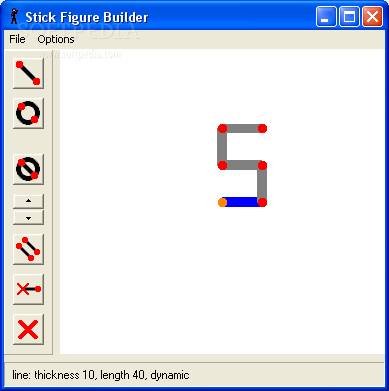
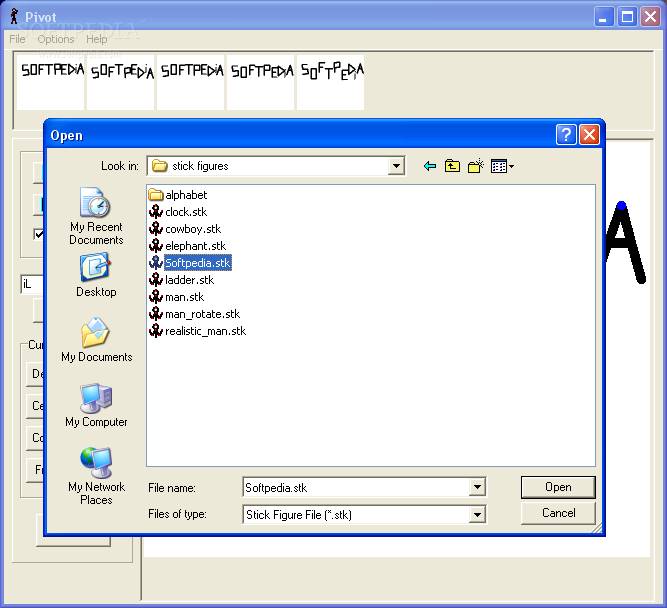
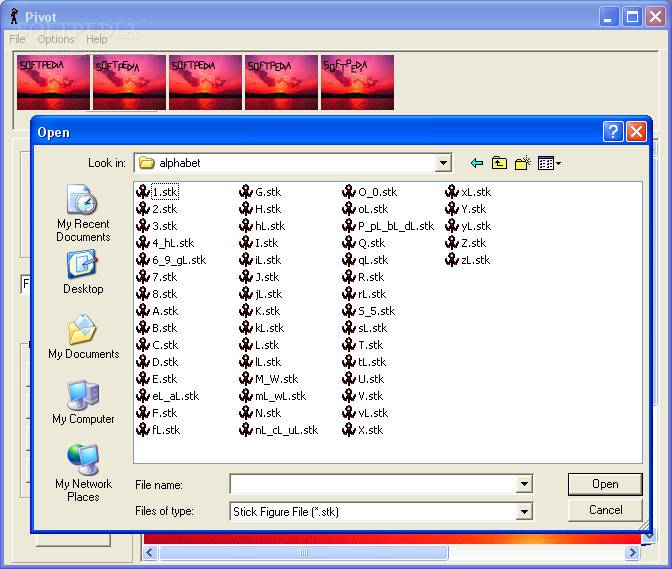
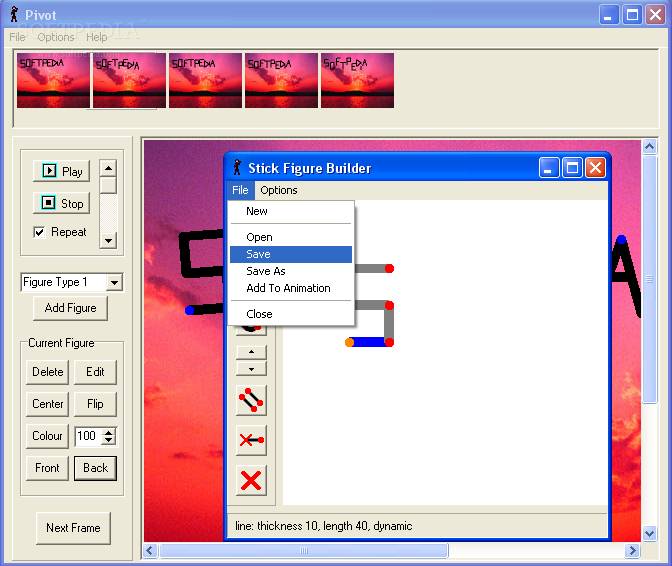
Once you've passed this step, you can move on to some more serious animations. You can either load some figures that the producer has included with the software (the letters in the alphabet, a horse, a cowboy and a few others). If you have your own ideas, you are free to put them into practice. For this purpose, you have a figure builder that lets you create new figures, or edit the existing ones.
In order to select a figure that you want to move around, or edit it, you can either click on it, or select it from a drop-down list that includes all the figures in the animation, placed in the operational area.
A figure can be formed by several objects (lines, circles and so on), and each one has a fixed pivot point and at least another one that helps you rotate or move it as you wish. Working with figures is intuitive, and requires no hassle. You can perform basic operations on them such as: rotating, adding, deleting, editing, flipping (mirror view), changing color and size, placing to center of screen, and bringing to front or back. Combining these options would result in a variety of animations.
There is no undo option, except for when you are creating or editing a figure (you can only undo one step), thus some attention is required when you perform operations on the animation.
If you want to insert a new frame, you can either right click the current one in the frame list, and select Insert (you also have the Delete option), or simply click on the Next frame button placed in the operational area.
You can preview your animation, by using the Play and Stop buttons.
I have noticed that you cannot work on the frame delay when you want to preview your masterpiece. The default speed is pretty fast (too fast), and all you can do to overcome this issue is insert several identical frames, so that it looks like you have a delay.
You do, however, have the possibility to create a GIF animation. This is not too obvious, though. I was looking for an export button, or a Create Gif animation menu item, but none of them exists. In order to transform your file into GIF, when saving, simply change the file type to .gif (instead of the default .piv). After doing so, an option box pops up and here you have some basic optimization features, you can shrink the frame dimensions, and you can select a time delay between your frames.
It's a little twisty, but after you play a little with the program, you'll get an idea about how fast you want your animations to be, and it will be no trouble at all.
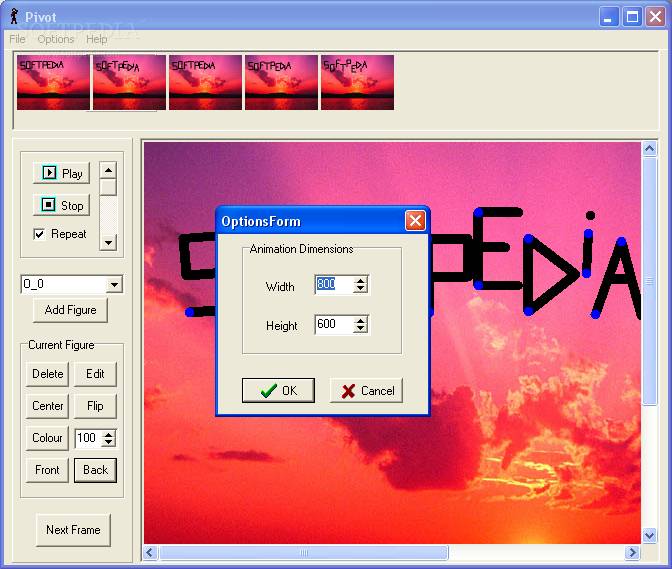
You can change the animation's dimensions from the options menu in the main menu (and this is all you can do here).
If you don't appreciate the default white background, you can load your own. Bare in mind that loading and unloading the background affects all frames in your animation, and you can only select from JPG and BMP files.
All I can say is that I had fun working with the Stickfigure Animator, and I'm eager to try out my new ideas (that keep coming and coming).
The Good
The program is easy to use, and doesn't require a lot of time to get used to its features and operations. It includes sample animations, giving you assistance in your creations.
The Bad
What I didn't like about the program is the fact that you can't use your keyboard to delete or move the figures around. You can only use your mouse (and the program's buttons) to do this kind of operations. This is not a major fault, though. Also, the help menu is pretty poor (there is no help file).
The Truth
The child in me is really happy now. I'm glad that there's a piece of software that allows me to create animations so fast and easy. The lack of the help file is surmounted by the friendly interface, which doesn't require any assistance. Try it for yourself, it's free!
Check out the screenshots below to get a glance at the program's look: