14 DAY TRIAL //
 When you move in a larger house you usually end up buying more furniture than you had before, and if it's not placed carefully, you may waste a lot of space. The same thing happens when getting a bigger hard drive. Your files will have more space to fill up and even if you don't fill all the empty space, placement of existing files becomes a problem with time. Why? The name of the problem is "file fragmentation". But what is this?
When a hard drive is new or has been recently formatted, it has enough clean space to store the blocks of a file all together in one place, allowing for rapid sequential file reads and writes. However, as files are added, changed and removed, the disk becomes fragmented, leaving only small holes in which to place new data. When new files are written, or when existing ones are extended, the new data blocks will be scattered across the disk, slowing access due to seek time and rotational delay of the read/write head.
In order to keep your file system to its peak level of performance, you need to run a defragmentation tool periodically. The standard defragmenter that ships with Windows is known to be extremely slow and limited in features. Most of the commercial programs that can help you with this do their job well, but they cost some money too. What about a free tool for this purpose?
Sysinternals has released a command line defragmentation tool that makes files contiguous on your disk called Contig. Its only problem is the lack of a GUI, and this is what we are going to check next - a graphical interface for Contig.
Power Defragmenter is a friendly user interface that helps you defrag your files, folders or disks easily. Before I tell you more about its features, I have to explain the installation process a bit.
After downloading the archive you have to place the files together with Contig.exe in order to run. When you start Power Defragmenter it checks if Contig is present, and if not, you will be taken to the download page. Once the download is complete, you have to place Contig in the same location as its GUI and we're done! Don't worry about download times, both files are under 1MB in size.
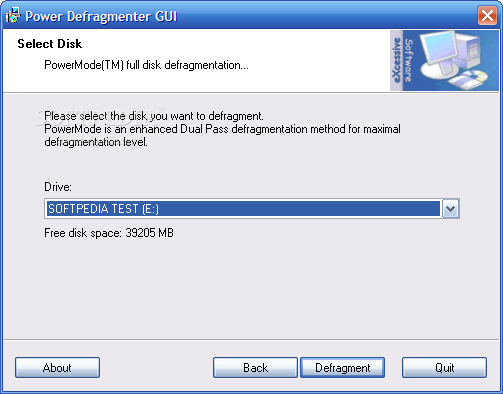
The interface of the program is a small window that allows you to perform all operations available. Let's check out these operations...
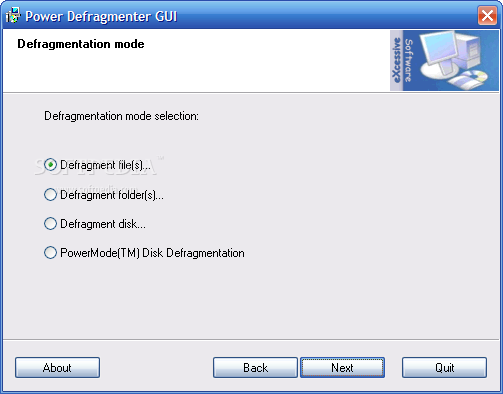
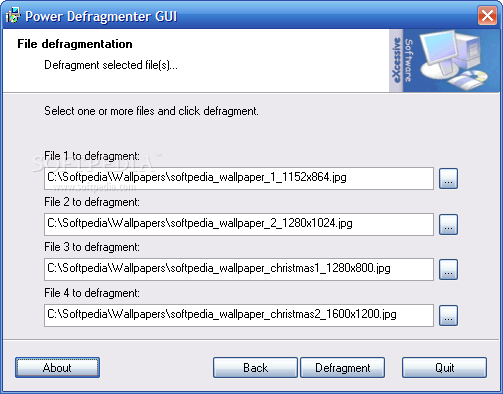
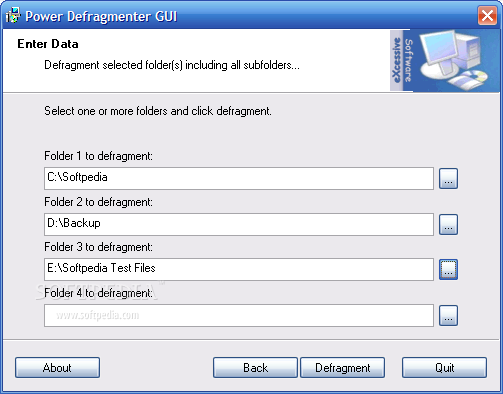
Files and folders defragmentation: if you don't need to defragment entire disks, you can choose to do this only with files or folders. Check the radio button for the item you want to defrag, press Next, then browse for one up to four files or folders. Hit Defrag to start the processes and it's as done! The defragmentation is done much faster than with the default tool that comes with Windows, so you won't grow old waiting for it to finish.
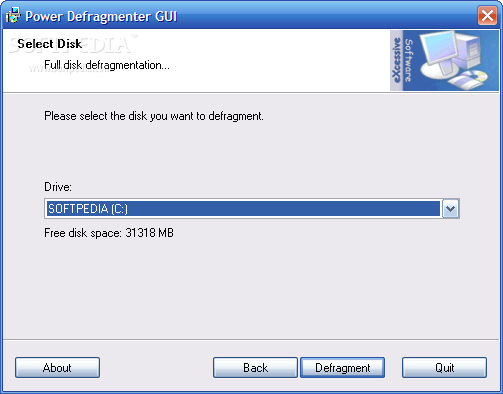
There are two more defragmentation modes: full and PowerMode. The first method processes all files from the chosen disk in a single pass while the seconds defragments the files twice to ensure best results (and it takes more time to do it, of course).
Is it done? It seems so... I don't have anything else to say about this little and useful tool, but I can advise you to try it, it won't cost you a single penny. For those still using the default Windows defragmenter, this is one of the best choices available around. It can't compete with programs like Diskeeper or O&O Defrag, but it doesn't have any reason to be ashamed of.
The Good
This application (together with Contig, of course) is one of the best free defrag solutions available. It's light, fast and does its job well. It can be used without any problem by beginners, intermediate and expert computer users.
The Bad
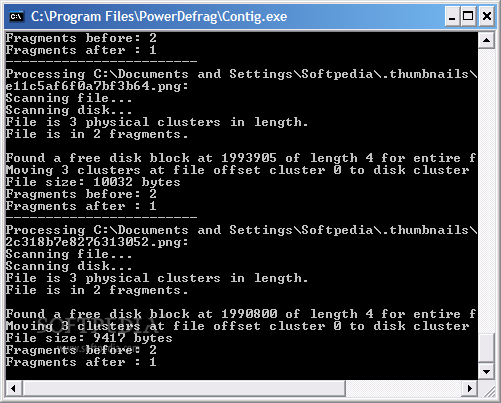
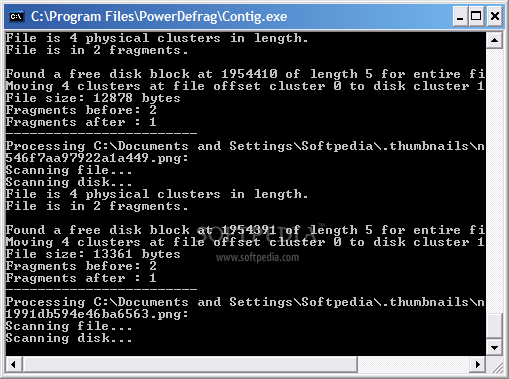
I would like to see more features available in this program and a complete interface. It's really ugly to see the command line window. Another thing missing is a scheduler, and I hope these will be solved in the future.
The Truth
Power Defragmenter is a tool that together with Contig can send the old Windows defragmenter to its eternal sleep.
Here are some snapshots of the application in action: