14 DAY TRIAL //
 I cannot think of one person from my entourage that is not familiar with Real Player. They all say that it has great features, but none of them use it. Some of them motivate the giving up on it by saying that it has too much and they do not need everything that is in there.
I rarely use Real Player mainly because I feel too comfortable with the softwares I use both for video and audio. I usually install real player for the codecs it provides. The same happens with QuickTime. But it has come the time to make a deeper analysis of RealPlayer so that I know what I am missing.
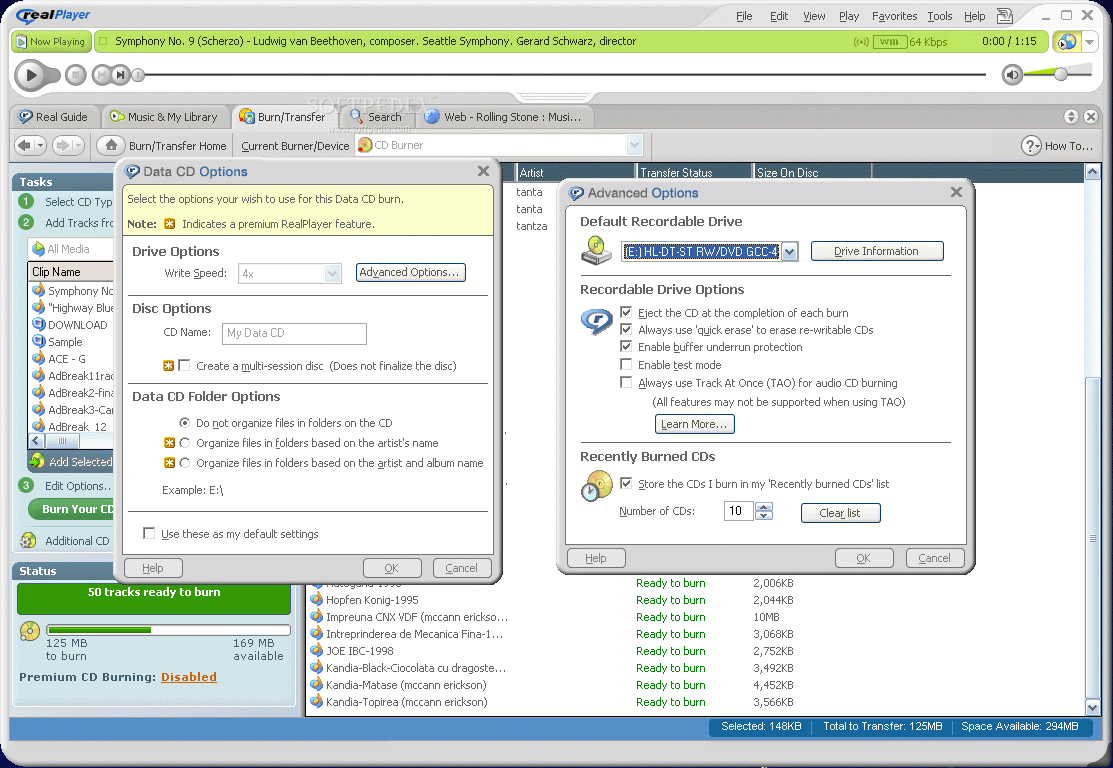
The developer of RealPlayer is RealNetworks and the software is freeware, so everybody can enjoy it. There is also a richer version that has all the features presented in the free one fully functional. The price for RealPlayer Plus, the full version (includes advanced CD burning, Crossfade, Analog Recording, 10 band graphic EQ, multi channel stereo sound, multiple audio formats, etc.) is $19.99.
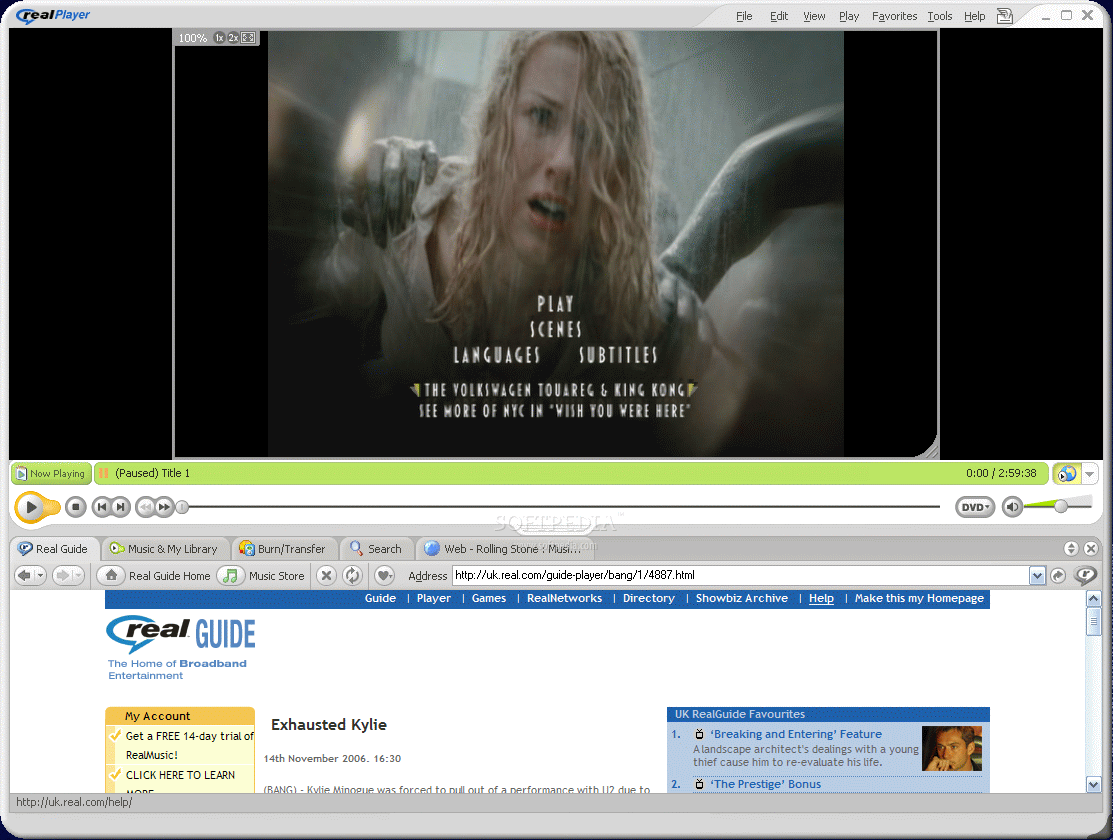
The interface is as nicely drawn as when I first made contact with this software. Of course, the developer made the necessary improvements in order to keep up with the trend. And the features have also been improved and are designed to bring you all the options you need, all included in only one, easy to use software.
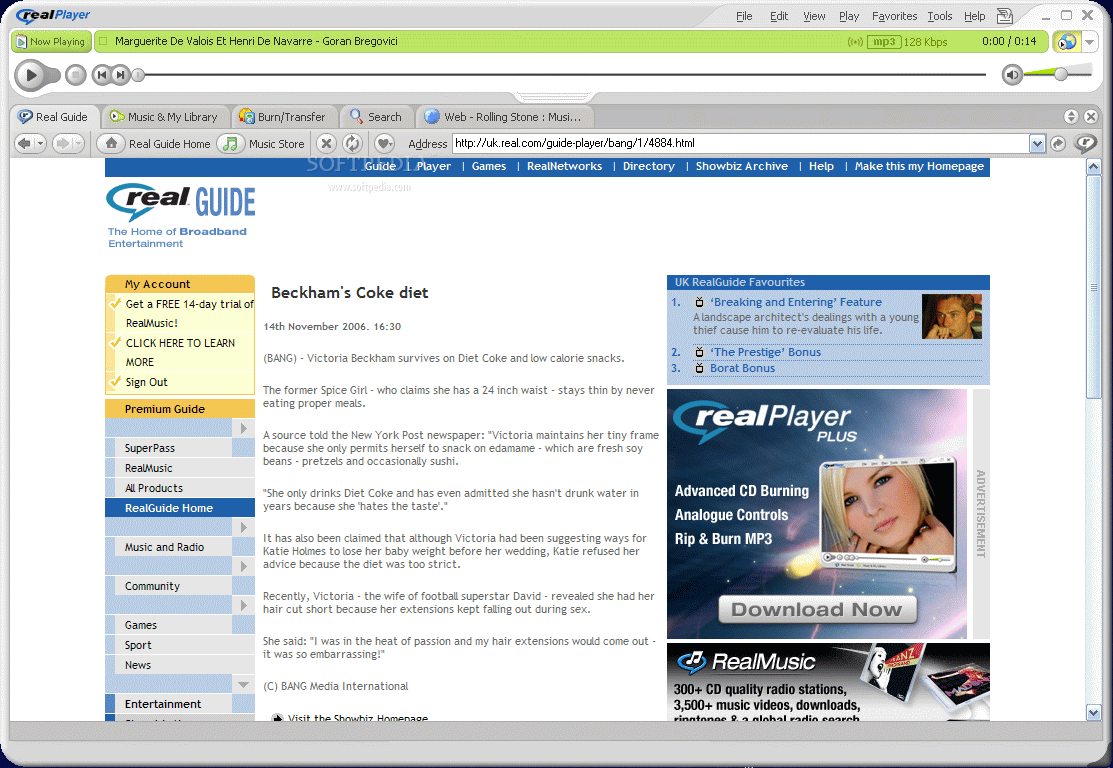
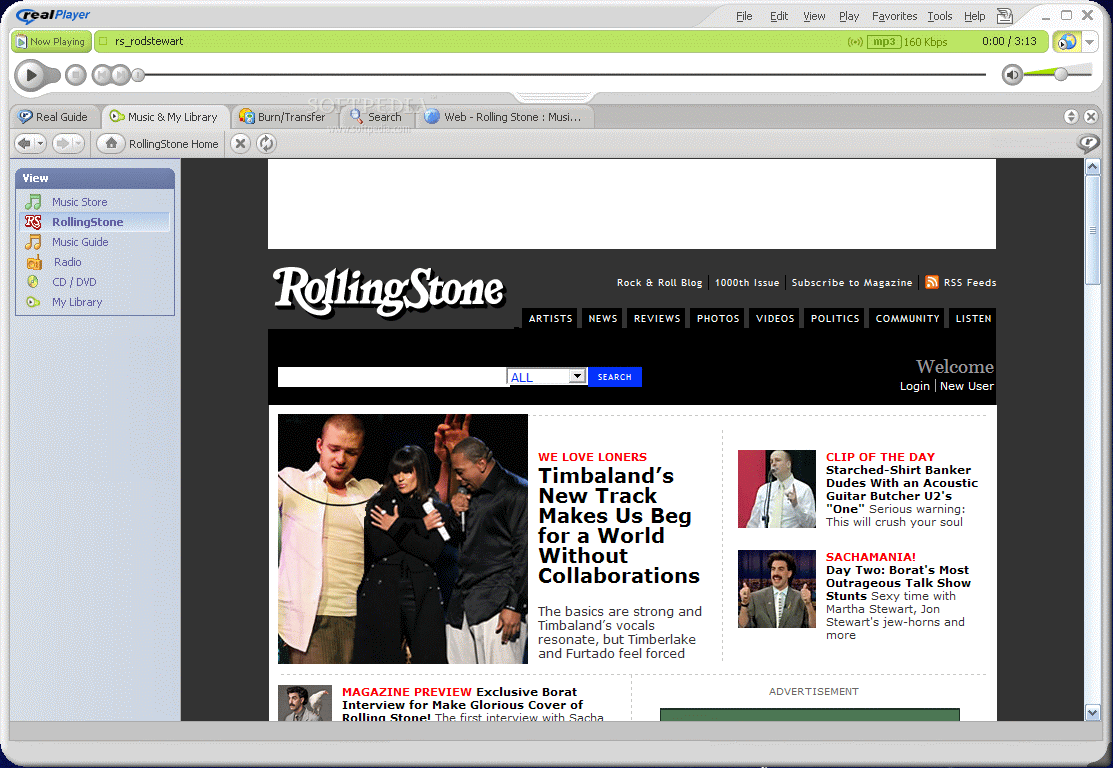
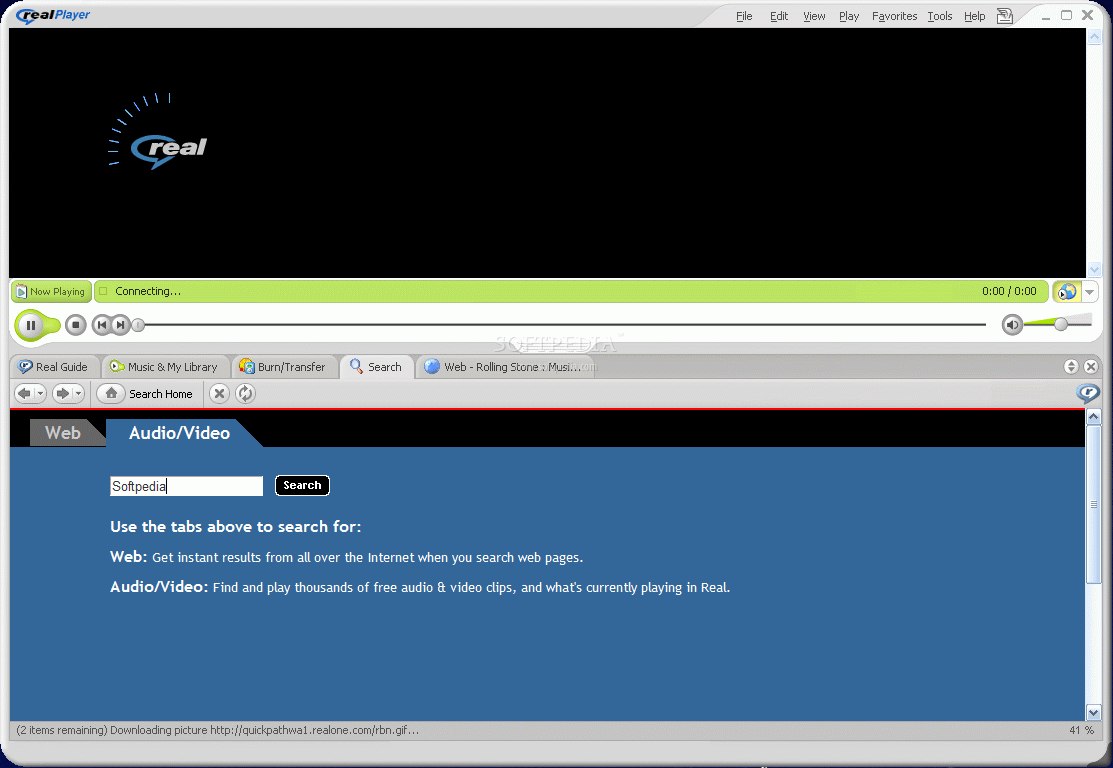
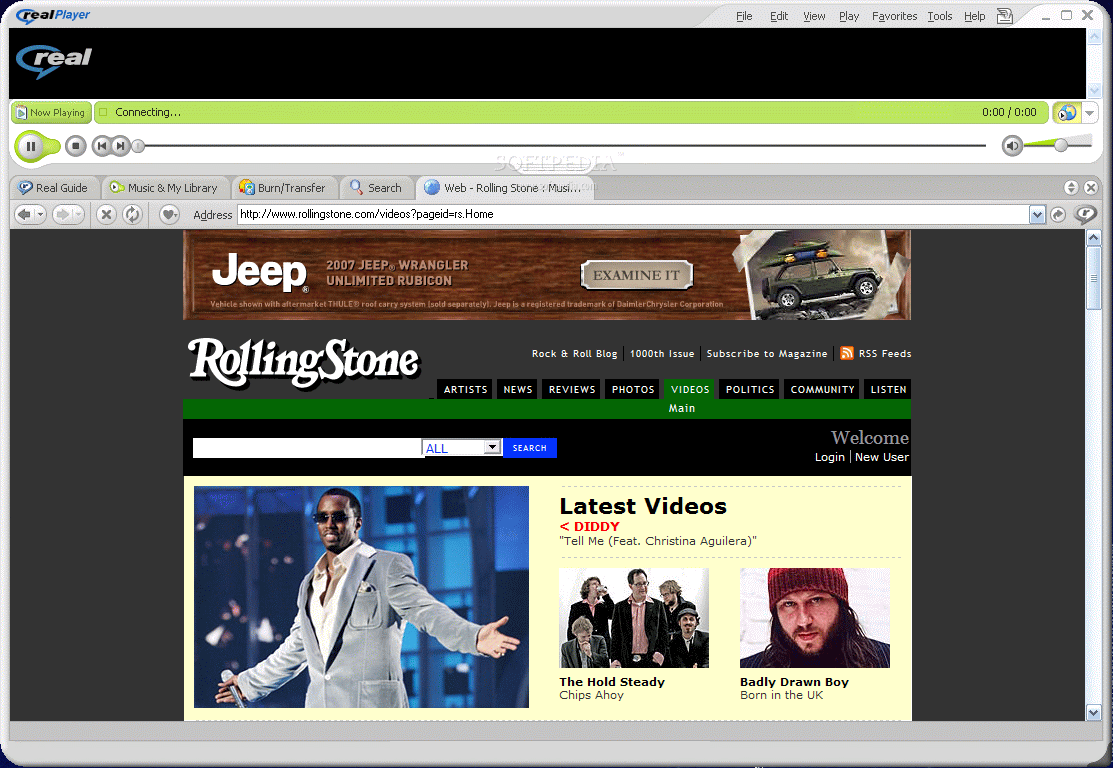
I guess it is futile to say that the software comes equipped with an internal browser that allows you to navigate on the web in search of the desired media.
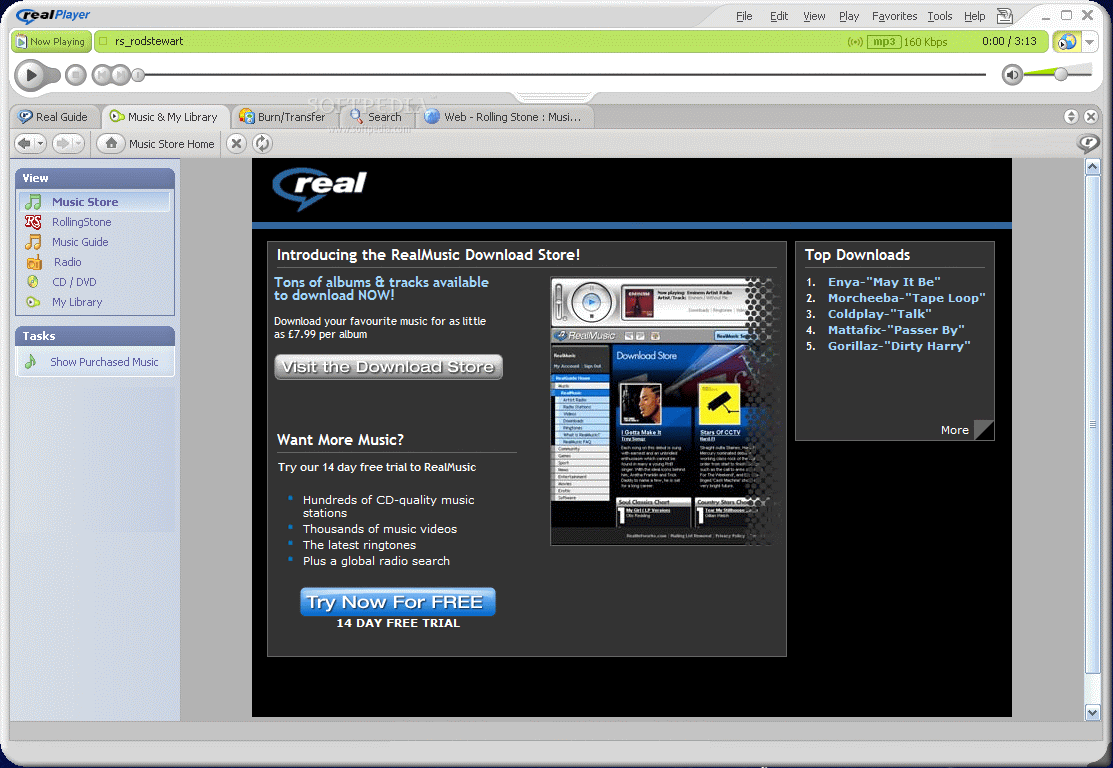
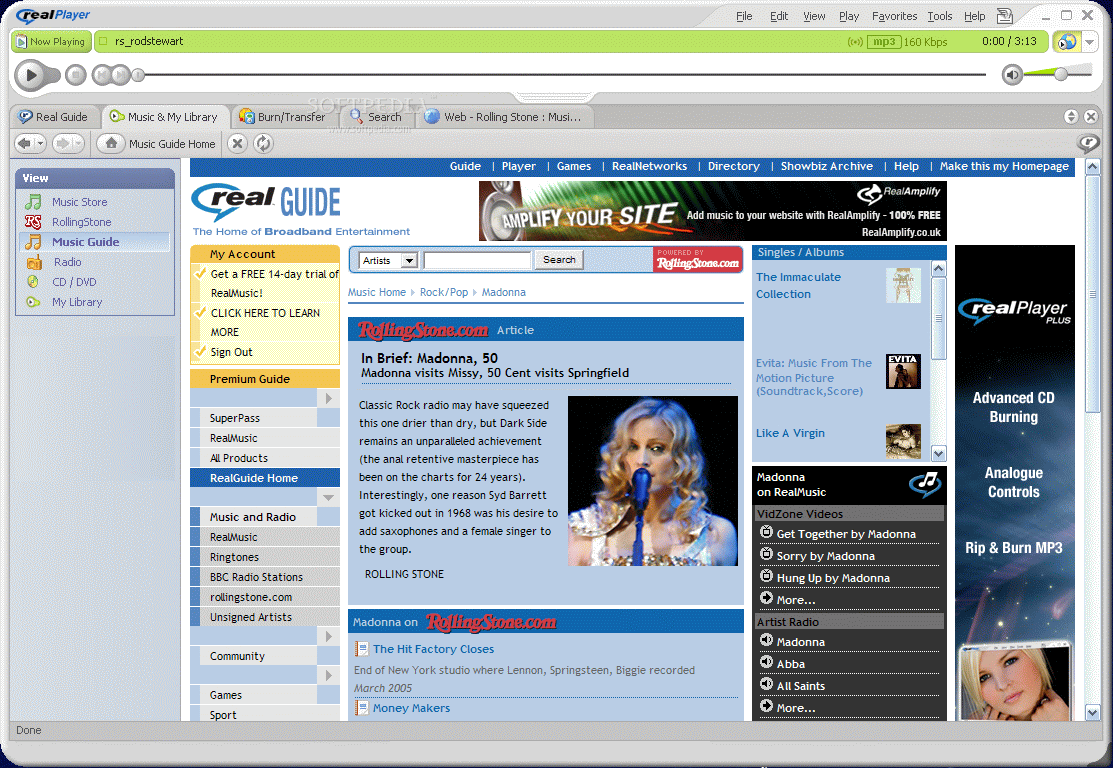
Among the changes that have been added to the new 10.5 version of RealPlayer, we can distinguish the new Real Music Guide that gives the user detailed artist information, presents reviews, recommendations and the most popular charts. Music and My Library page is also part of the new equipment of this version and it will give you easy access to your radio stations and your music.
Portable Devices support backs up over 100 portable devices, from cell phones to PDAs, mp3 players and iPods. The media formats include now M4A and M4P files and the WAV lossless format.
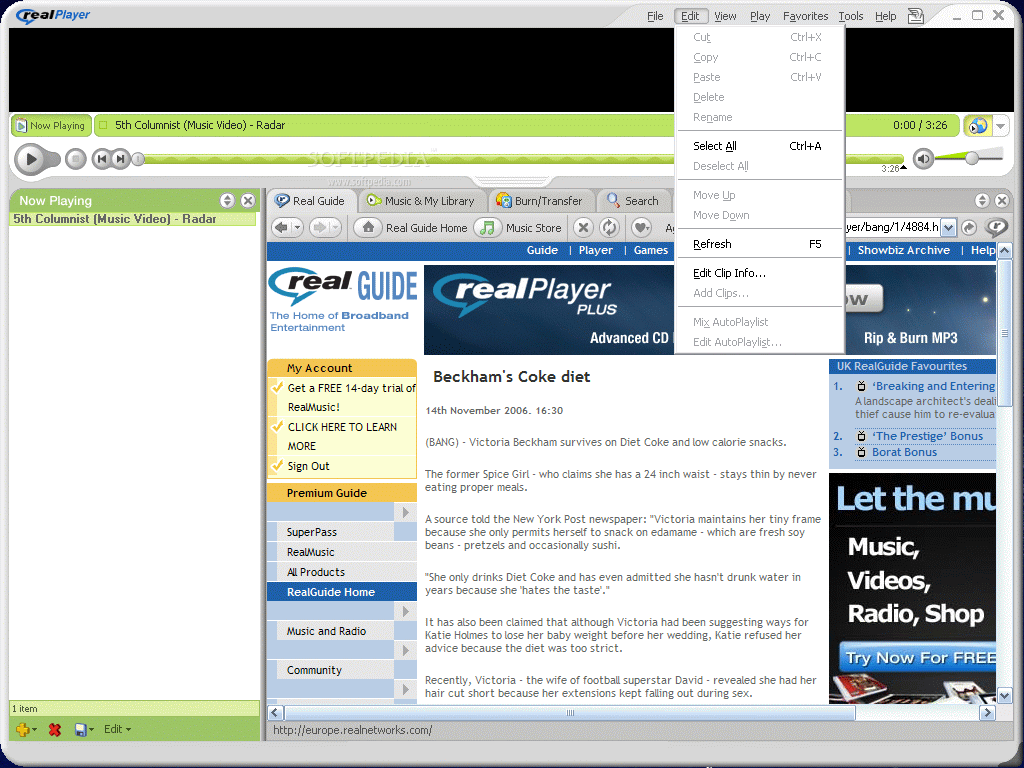
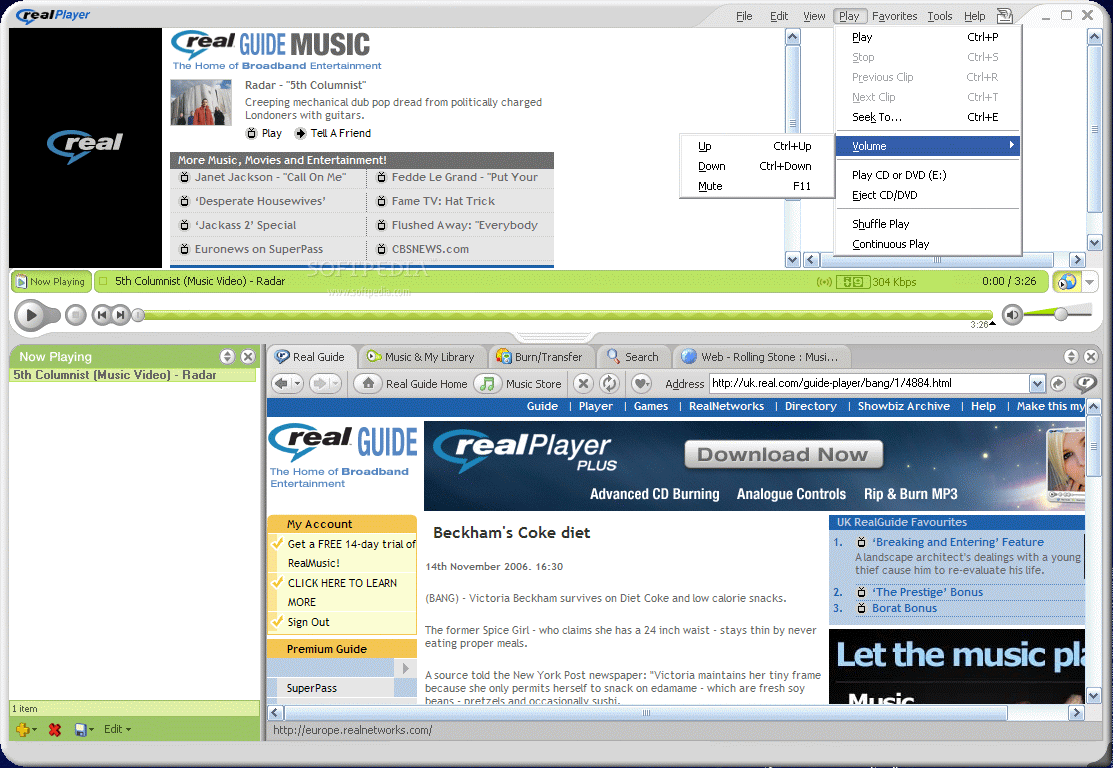
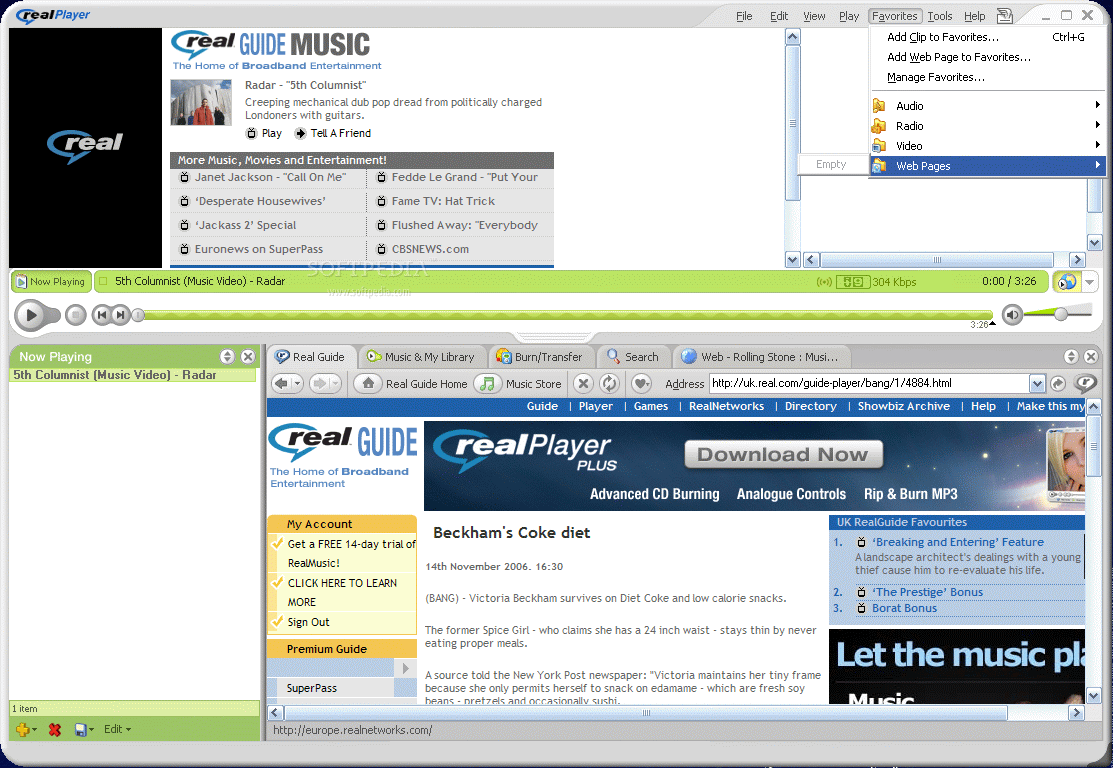
The menu bar presented in the right side of the application window contains six menus, each of them providing you with the necessary features to make the player more suitable for your needs.
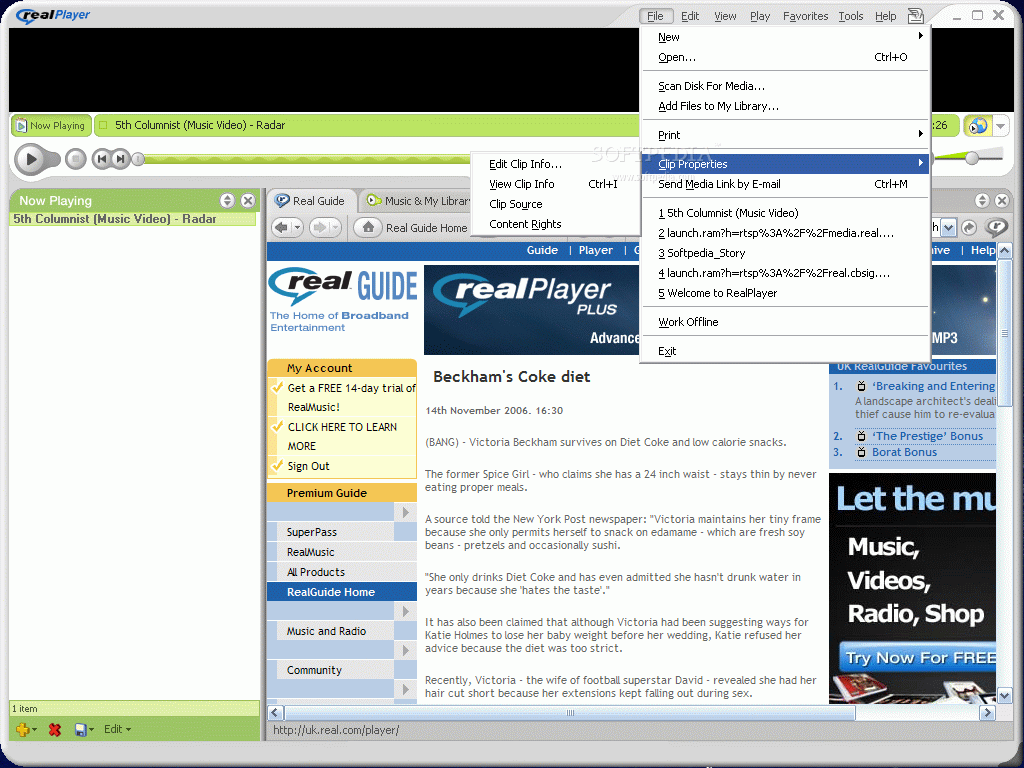
File menu's first option is New and here you can open a new browser, create a new playlist or a new autoplaylist. In order to make available to the player the media files on your computer, you have to use the Scan Disk for Media option. The software will check either on your entire storage devices or in user defined locations for supported media. The user can set the application to include subfolders or system folders in the search.
Step 2 of the search allows the user to select the file formats RealPlayer should look for (and the list is comprehensive enough to suit your standards). Some users may not want to add files that have a duration shorter than a certain time. This can be fixed by choosing not to import files with a duration than a user specified one. At the end of the search (which will be very fast, depending on the amount of media files on your computer) you will be displayed with all the desired files. The ones that have metadata available will show the artist, album and genre. The rest of info for each file includes the category (music or video), user's rating, length, format and quality (bitrate).
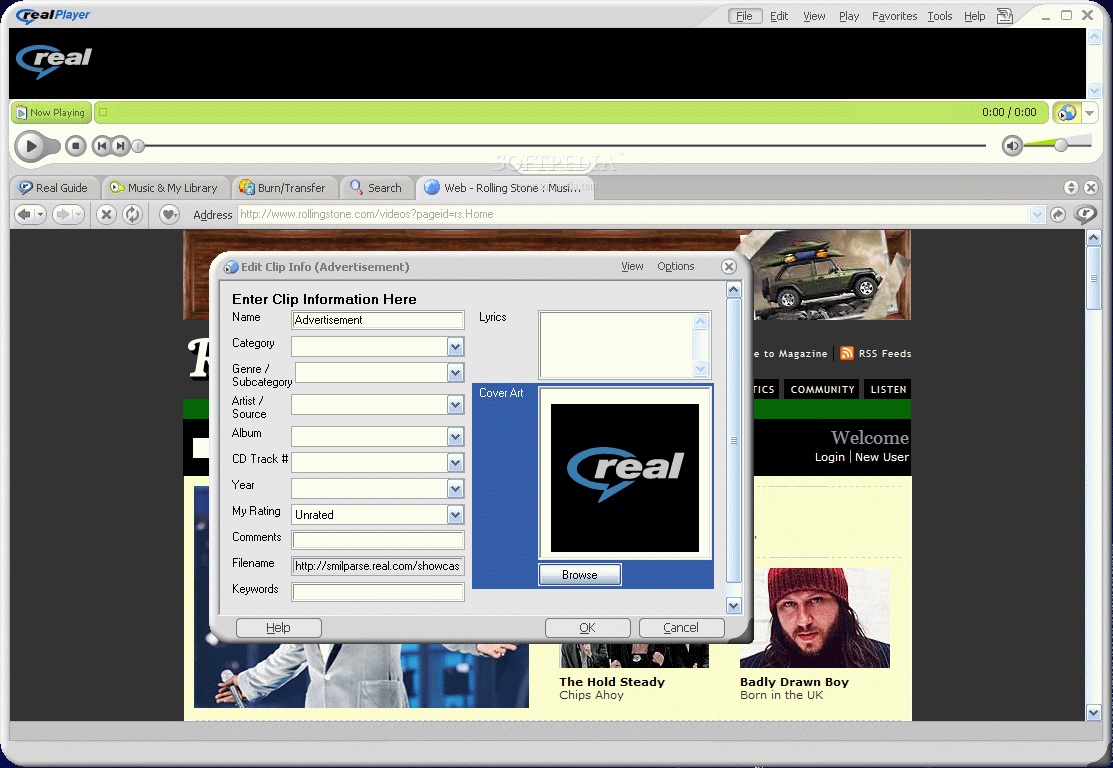
You can search inside the library for a certain file by using the Search Library option in the right upper side of the Search window. Right-clicking on the files will open a context menu that allows you to play the file, add to Now Playing, to Favorites, Edit/View the Clip Info, rate the file, move it, locate it on your drive, convert it (option available in RealPlayer Plus) copy, delete or rename it.
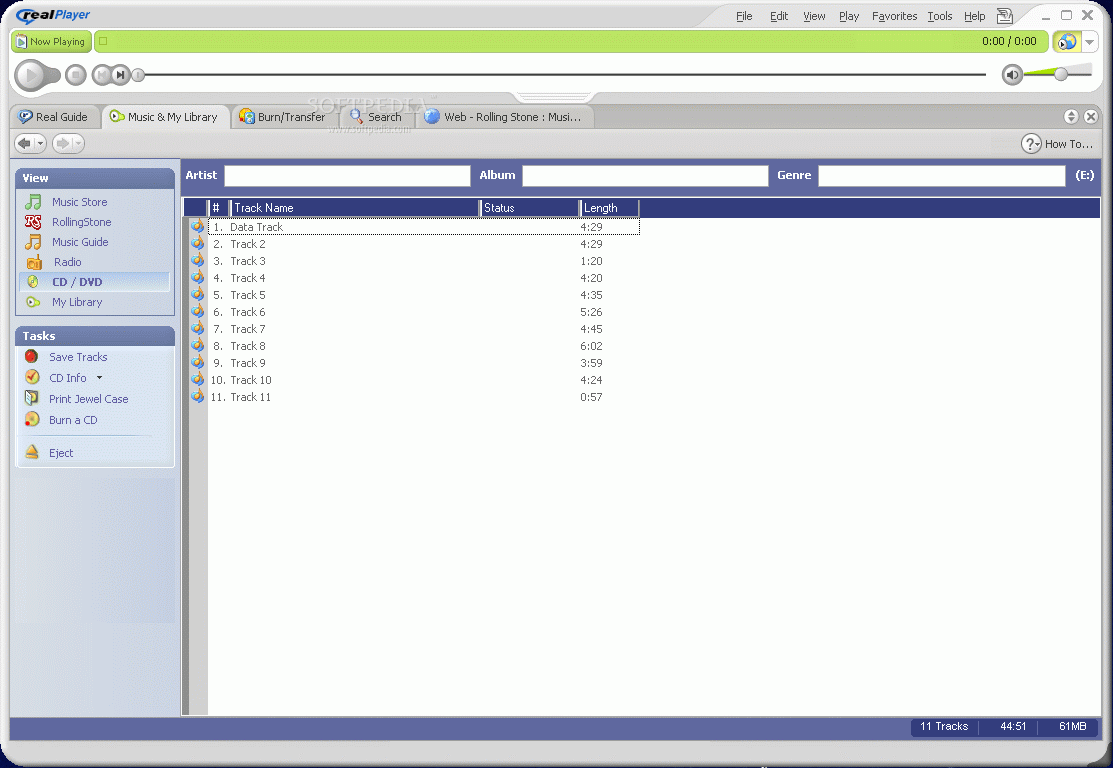
In fact, all the options available by right clicking on the items can be found in the left side menu, in the Tasks section. View section covers the online music store, Rolling Stone online magazine, the music Guide, Radio, CD/DVD burning option (for RealPlyer Plus), MyLibrary manager and the Purchased Music.
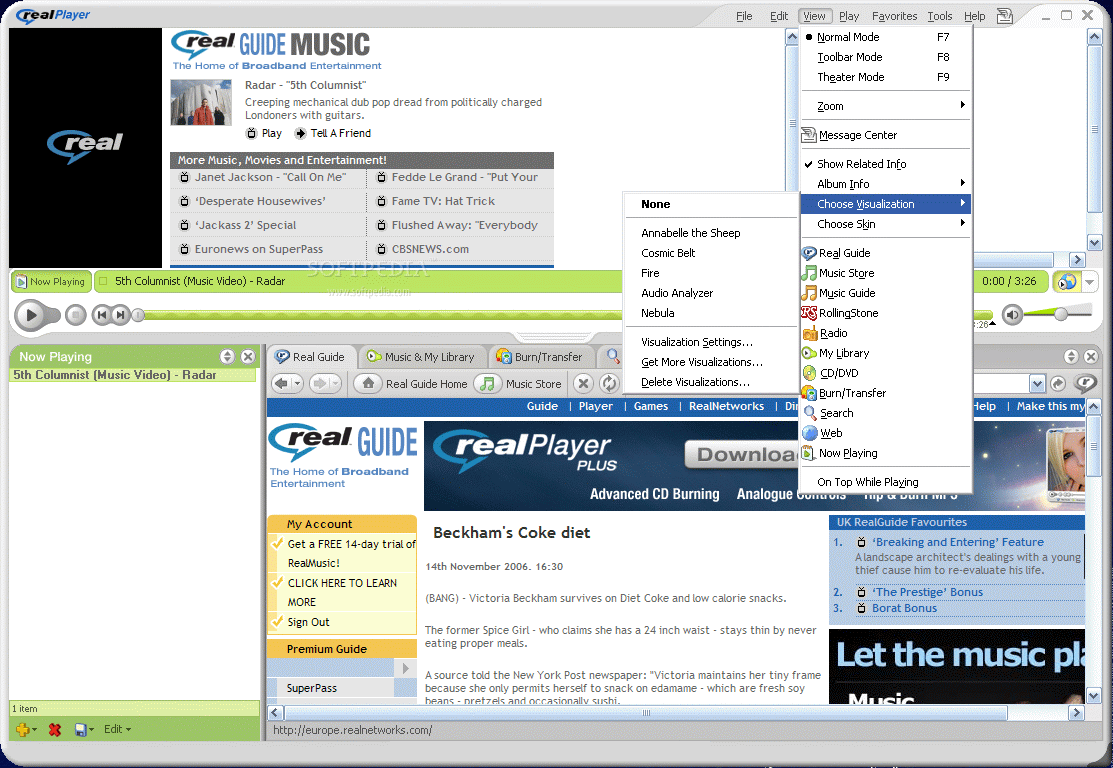
View menu, besides the usual viewing mode selection, contains the Message Center, a new addition in this version. This feature allows you to be updated with the latest news. The received messages can be customized, so that you get news only from the topics you are interested in. At the top of the window there are two tabs: US Selections and Europe Selections and you can customize both of them.
The topics available for US Selections are Most popular clips, News: Powered by CNN, ABCNews, c/net, WSJ and the Weather Channel, Sports: Powered by MLB.com, Nascar.com, NBA, CNNsi and FoxSports, Entertainment, Living and Music.
For the European Selections, the topics are related, though a little different. Here you have News, Sport, Entertainment and Music. Each of these topics has a number of subcategories from which you can choose. You will notice that some subcategories are marked with a little flake. That means that the respective topic is restricted for the free version and only RealPlayer Plus users have access to it.
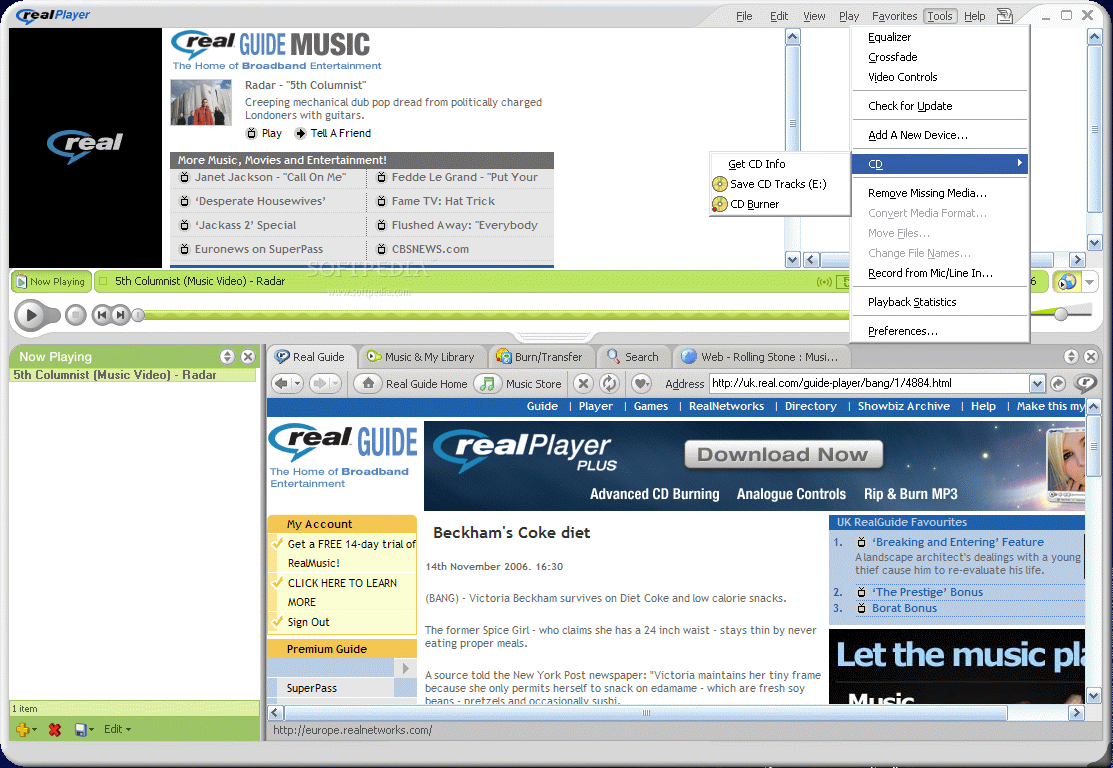
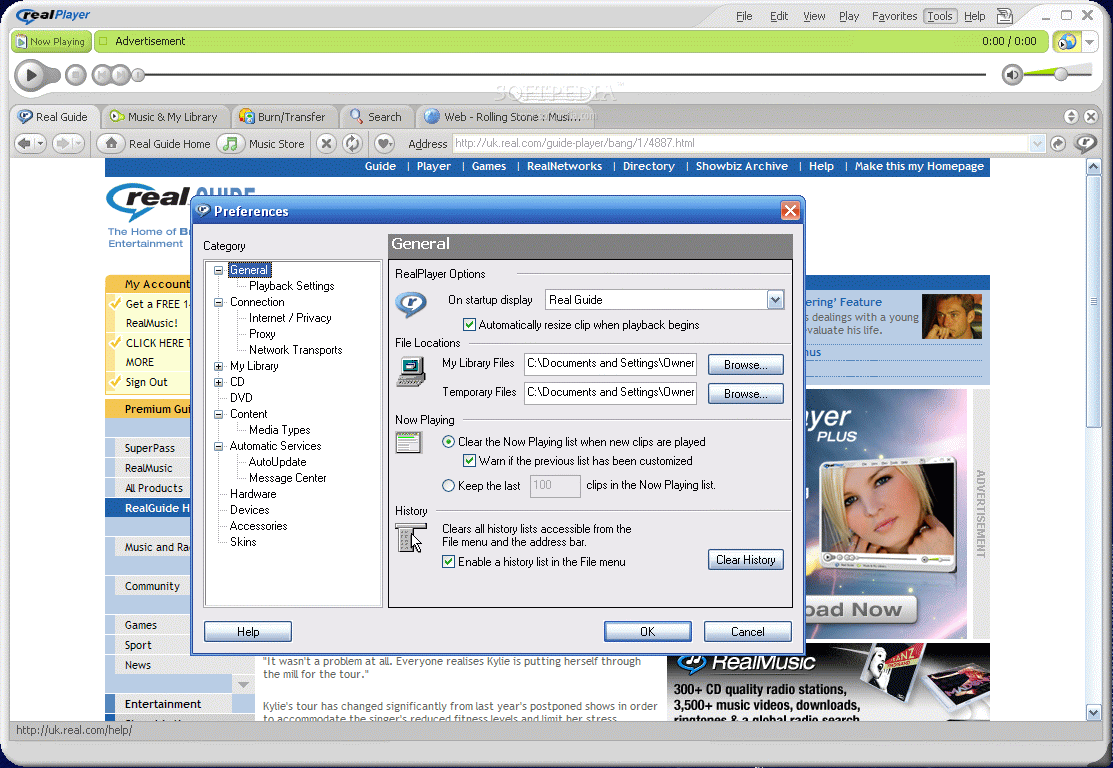
Tools menu shelters the EQ, Crossfade option (available in RealPlayer Plus) and, the most important option of all, the Preferences. This section permits you to configure the software to the smallest detail, from the startup display to the CPU usage.
The Good
The software simply amazed me with the options and features. Everything is placed in plain view and you do not have to search for a certain option for minutes. Of course, this will take place as soon as you get used to the player and make the difference between the player and the web browser.
The Bad
At the beginning you may feel a little overwhelmed by the online features of the application as the Hide /Show Media Browser is a little hard to find (just above the volume control slider in the player).
The Truth
I think I am going to use it more often now that it supports the iTunes files (M4A and M4P). You should try it for a while and see how it works, it won't cost you a thing.
Do not forget to check for updates and choose the desired plugins for a more comprehensive opinion.
Here are some snapshots of the application in action: