14 DAY TRIAL //
 Something new for most
I was a bit hesitant to switch to a new file manager because I hadn't used too many that I liked. I've also gotten used to Windows explorer so much that I haven't even thought about switching to another file manager. I thought I'd give Servant Salamander a shot since it was getting pretty rave reviews from its following.
A treasure chest of options and upgrades
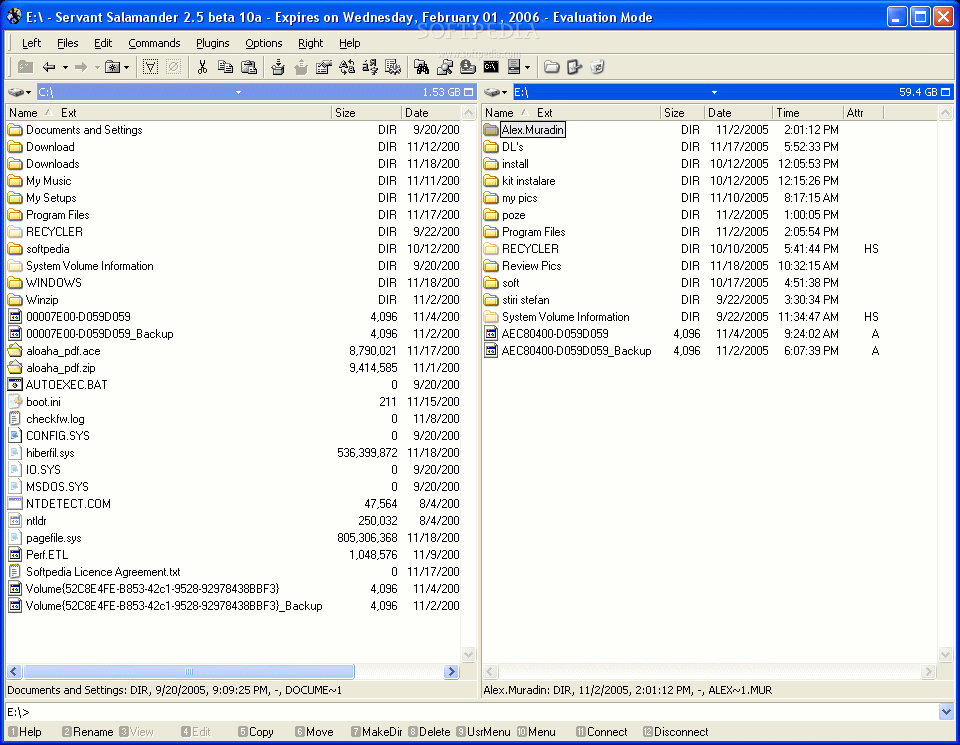
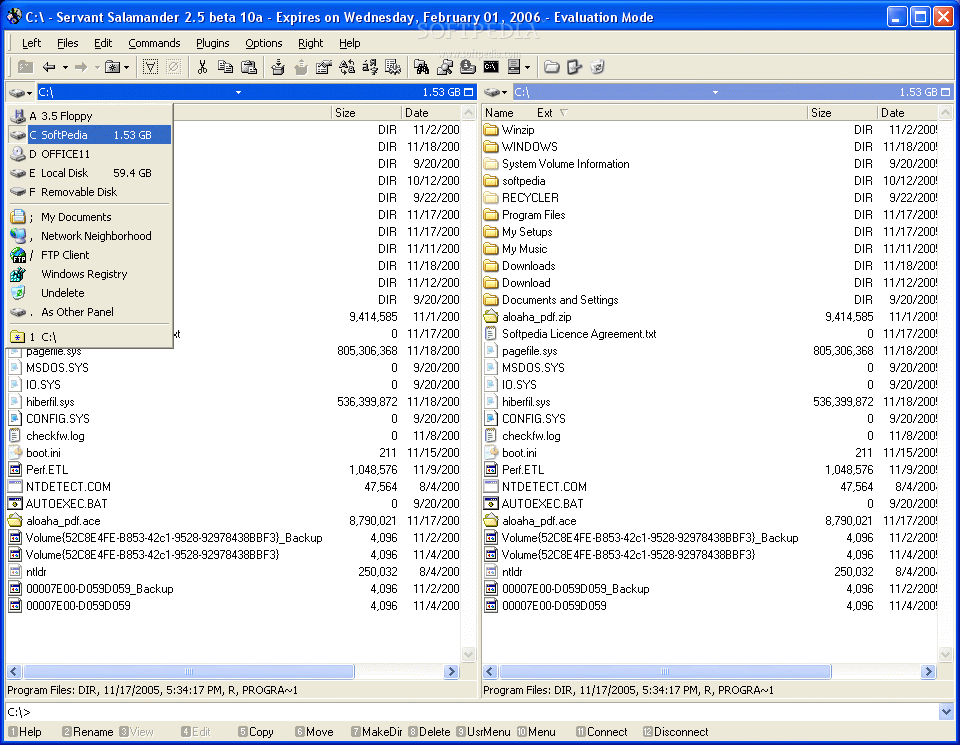
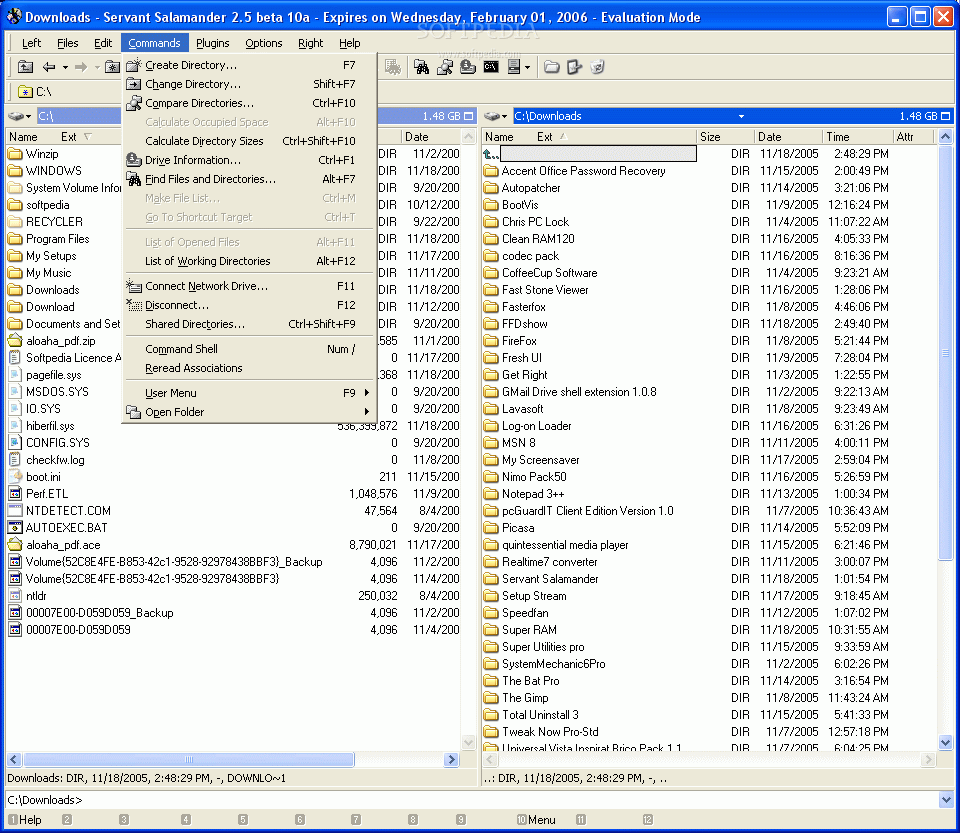
The install was harmless and I was soon on my way to discovering the inner blessings of file management with Salamander. The biggest change was the fact that I was now using 2 simultaneous windows instead of one. For lots of cutting and pasting, this is a nice change from the unilateral explorer view that I had been used to all my life. Yes, it's also not hard to open more than one window with explorer, but this saves me that extra double click, so I was thankful.
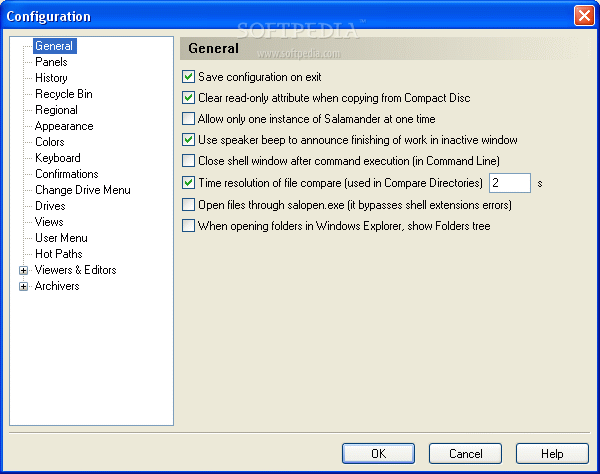
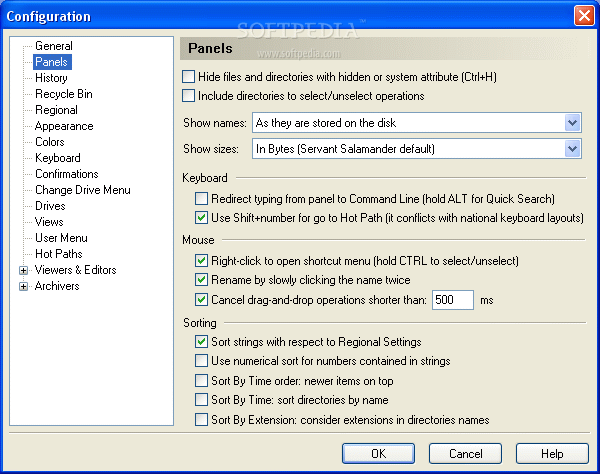
I was immediately aware of the heightened speed that Servant Salamander brought to my fingertips. There was no longer a delay from file jumping within my system. It's got great customizable keys that you can set yourself to your keys and it still retains the intuitiveness and practicality of certain commands that have been ingrained.
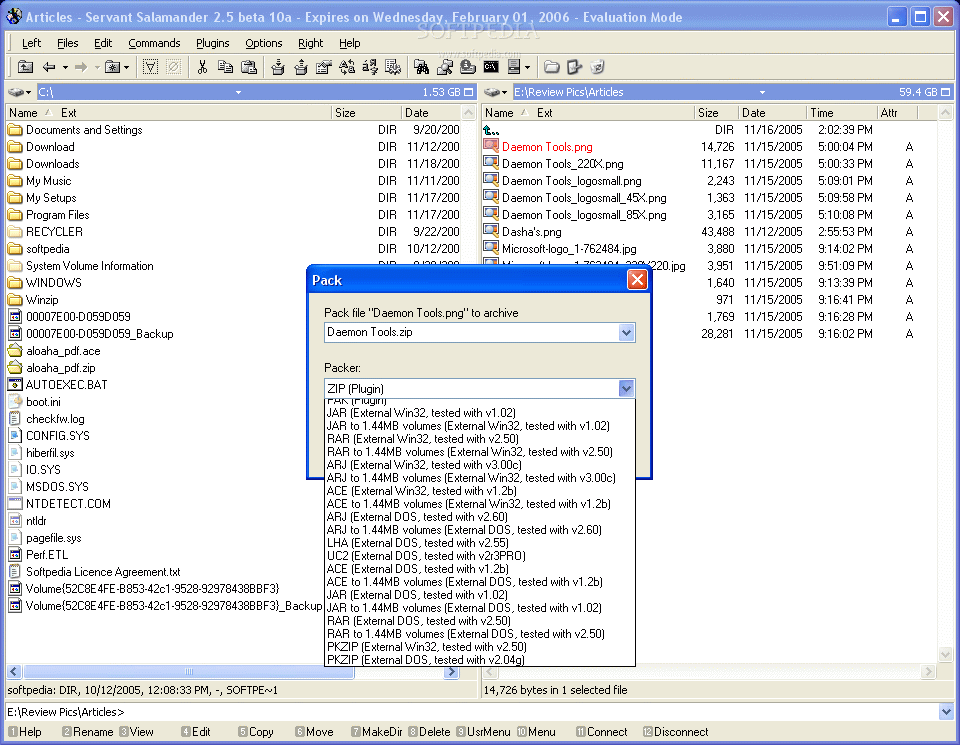
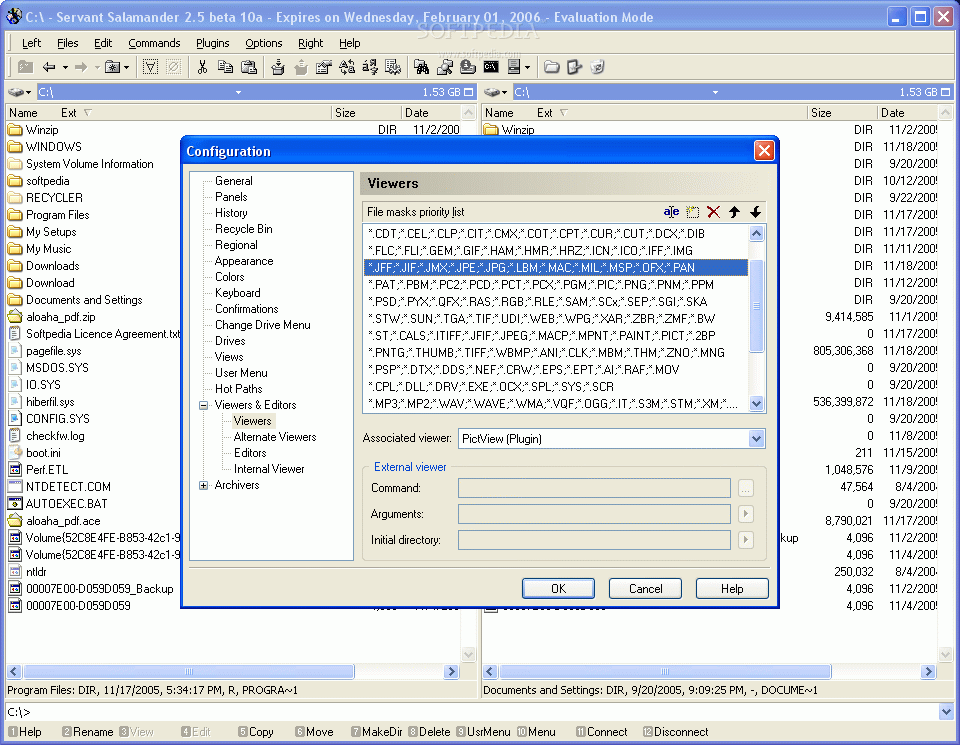
I quickly noticed the functionality of the whole managing application was indeed a lot bigger than I had imagined. It had tons of plug-ins and supports some of the latest and greatest like 7-zip and FTP client, and that's only naming a few.
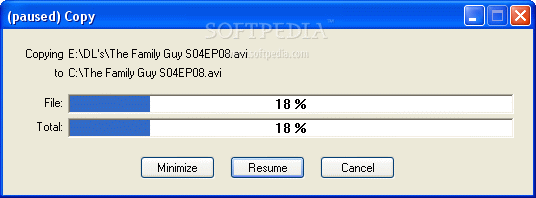
If you ever get tired of the dual view, all you need to do is go to any of your 'Right' or 'Left' views and minimize or maximize. An option that I haven't seen before was the ability to pause during the transferring of files.
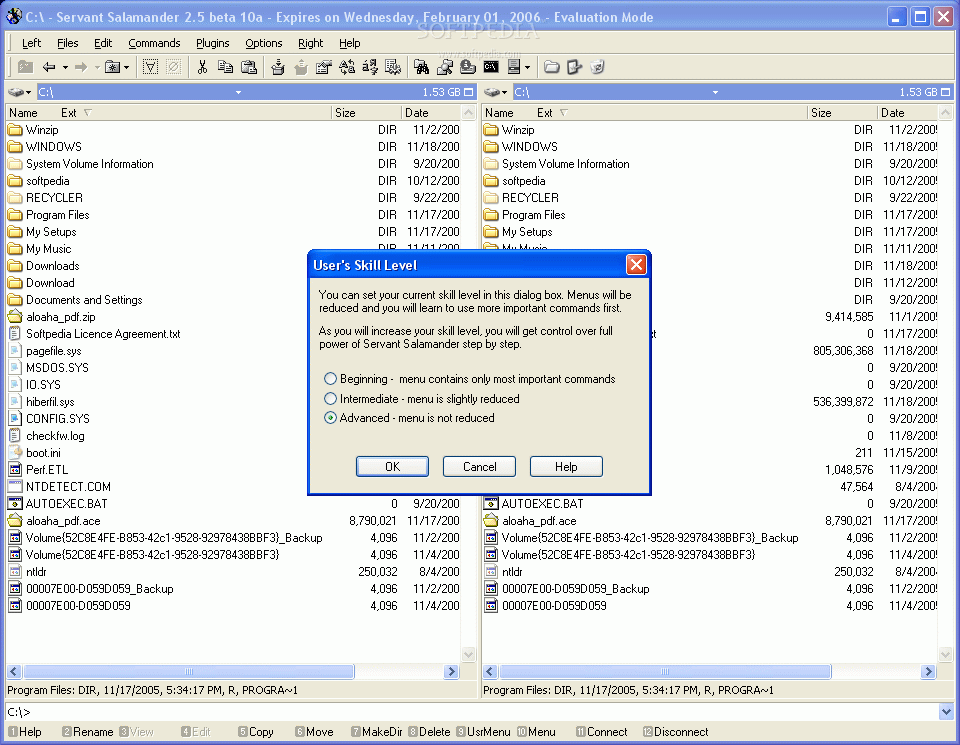
After a few more attempts at trying to get a grasp of the whole program, I slowly began to understand that Servant Salamander is indeed a tool for the power users (you even get an option to choose between three user skill levels).
One of the things that I really liked was the fact that it opened to the same directory as the last session. You can setup directory keyboard shortcuts for faster access. I can't stress enough the accurate indicator that it gives you when copying larger files.
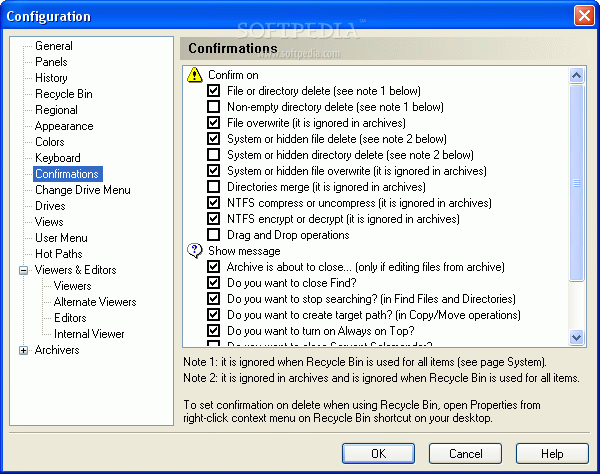
Servant Salamander has so many options to choose from that, for some users, it can easily be overwhelming (you should switch to the beginner setting). It has encryption, compression and decompression functions, and so many plug-ins that might even get you lost. But most of all, Servant Salamander has speed.
The Good
Tons of options to choose from. You definitely have a faster file manager with Servant Salamander that saves you time over the long haul. It gives you everything you want Windows Explorer to do.
The Bad
Its still in Beta form so until the full version comes out, I can't say I trust it completely. I would also like to see it jump all the way up to my desktop instead of only stopping at my first drive. Oh, it also costs $20.00.
The Truth
This file manager is easy to use and definitely fast. You've got great user options and lots of adaptability in the sense of shortcuts. There are a whole lot of options for power users to learn and master which makes this product a hidden gem for power users and micro managers. It has a very ergonomic feel which is obvious to anyone using Servant Salamander. It also offers great support.