14 DAY TRIAL //
 It seems there are so many media players around that I'll keep reviewing at least one or two per week a long time from now on. That doesn't bother me at all, since I have the freedom to choose only those worthy of my attention, with so many available.
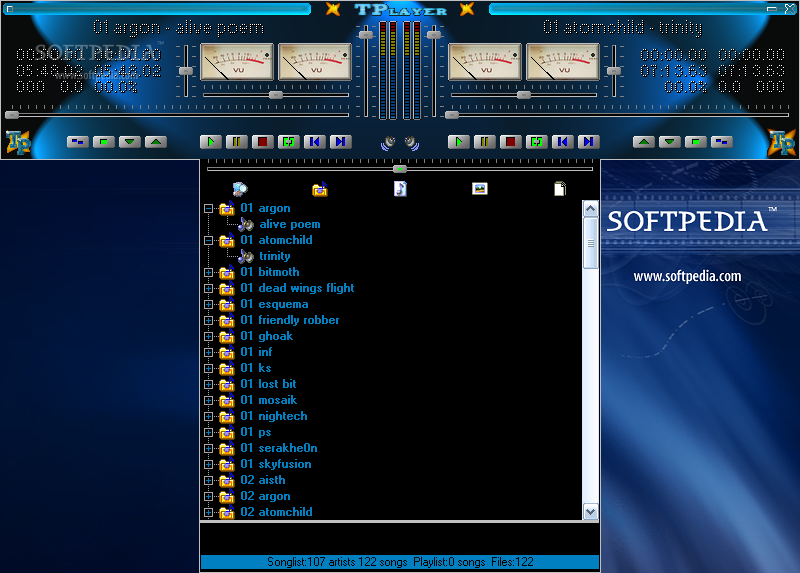
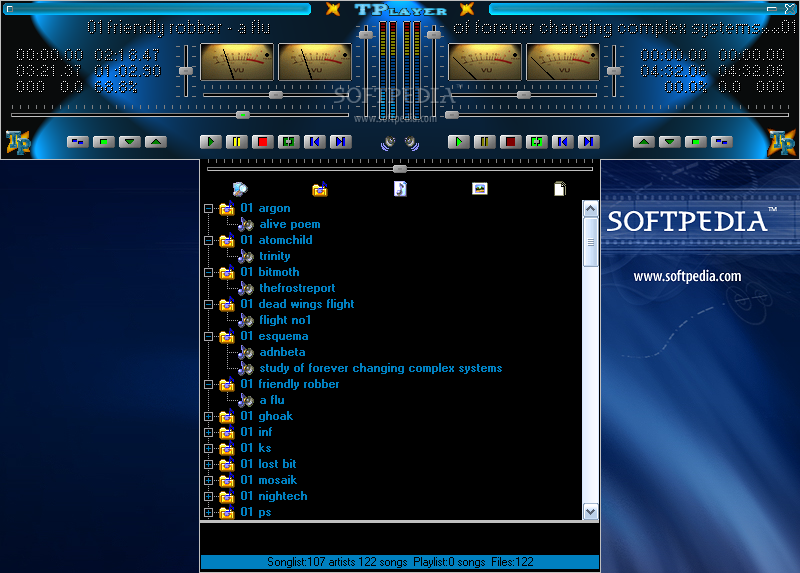
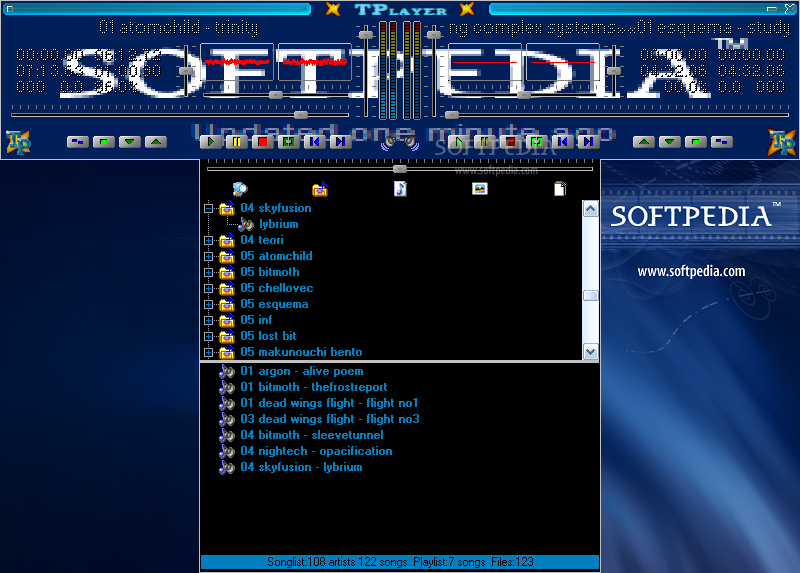
The name of today's player comes from its shape. Its interface is composed of two audio players side by side with a Songlist and Playlist area under them. Unfortunately the only resizable windows are the two lists, while the main interface can't be resized at all.
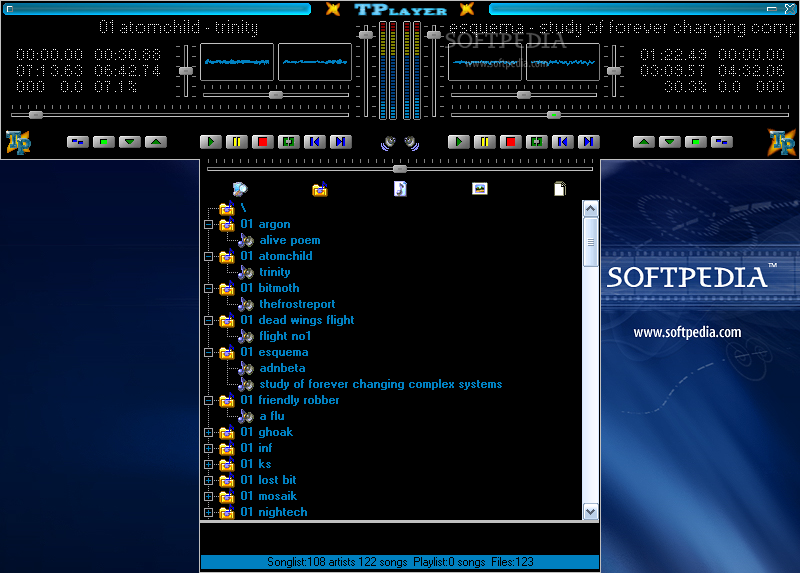
Don't worry, even if most people don't like fixed size windows, everybody is crazy about skins. TPlayer can use bitmaps from the disk as skins for the player's area. Smaller or larger images will be automatically resized to fit. There is no special skin file format and the only file format that can be imported is BMP.
Each player has two VU meters, one for each channel, and two volume bars. Besides these there are also two sliders: one for volume and the second for current song position.
The buttons available at a time are highlighted, while the ones that can't be used are grayed out. Each player can be moved, its output can be sent to master or monitor output (useful for DJs when having to crossfade between songs). The crossfader bar is placed just above the window lists and controls the volume of each player. When the bar is in the middle, if you start both players then you will hear them play simultaneously.
Next we have the Songlist and the Playlist. The first one uses the file and/or folder names to achieve artists grouping. It has different commonly used naming formats already built-in. The only requirement is that the different sections of the file name (artist, album, track title) must be separated by "space dash space".
With the Automix Playlist, you can select and rearrange the songs that will play next. The Playlist can be filled automatically by the Automix or manually by dragging/dropping items from the Songlist.
TPlayer has a built in Help system based on tooltips- that's very good to get you started. Just hold the mouse cursor over an area to find out more about it. If you are a keyboard-driven DJ or just a keyboard shortcuts addict, don't worry, you have enough keyboard shortcuts in TPlayer to make your life much easier.
This is it. Words lose their meaning after a while when talking about audio players, so all I can say now is "get the program, install it, plug in the speaker system or headphones and enjoy it!"
The Good
TPlayer is a program easy to use and free. It allows auto mixing, dual sound output (to master and monitor speakers) and the sound quality is good.
The Bad
After the first minutes, the program becomes so easy to use, that you start to miss the equalizer, advanced sound output settings, support for file types like MPC or FLAC, or the fact that it just can't be minimized to the system tray. One last annoying thing that I found is that the interface can't be resized at all.
The Truth
TPlayer can be used as a basic broadcast tool or as an audio player. This program misses a lot of features and looks outdated, but it's small, fast, easy to use and free. I've seen enough players that weren't up to their task at all, so if you need a good player with limited features that can also be used as a basic mixing software, try TPlayer!
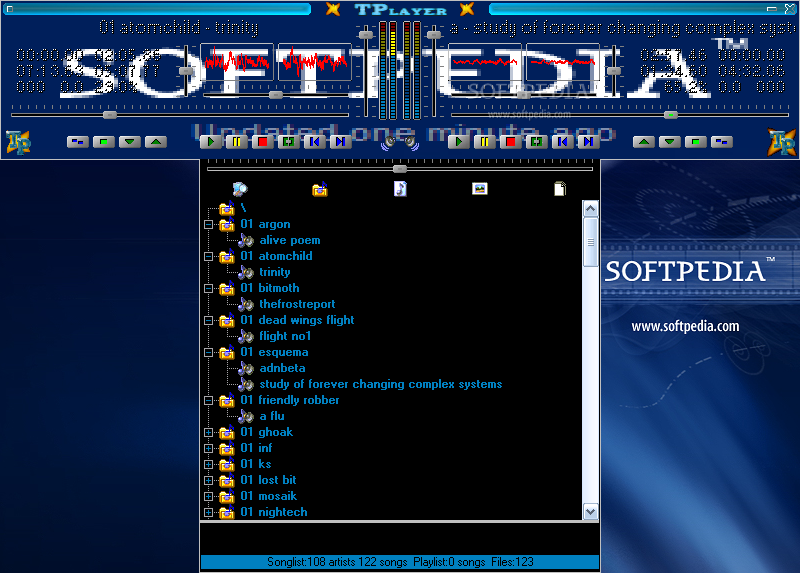
Here are some snapshots of the application in action: