14 DAY TRIAL //
 Zzzzzzzzzzzzip it up!
Compression Compression Compression. We can't seem to live without compression. We're all little pack rats when it comes to our computers. We want to store things, make them smaller to store other things. We want to compress in order to take up less space, send each other smaller files, and make this technologically dominated world a little neater (after we compress that is).
The hard part is choosing out of the hundreds of compression tools at your disposal. I heard about TUGZip from a hardcore gamer I know and he says that this little product is a dream. Let's see how it really performs.
What it has to offer
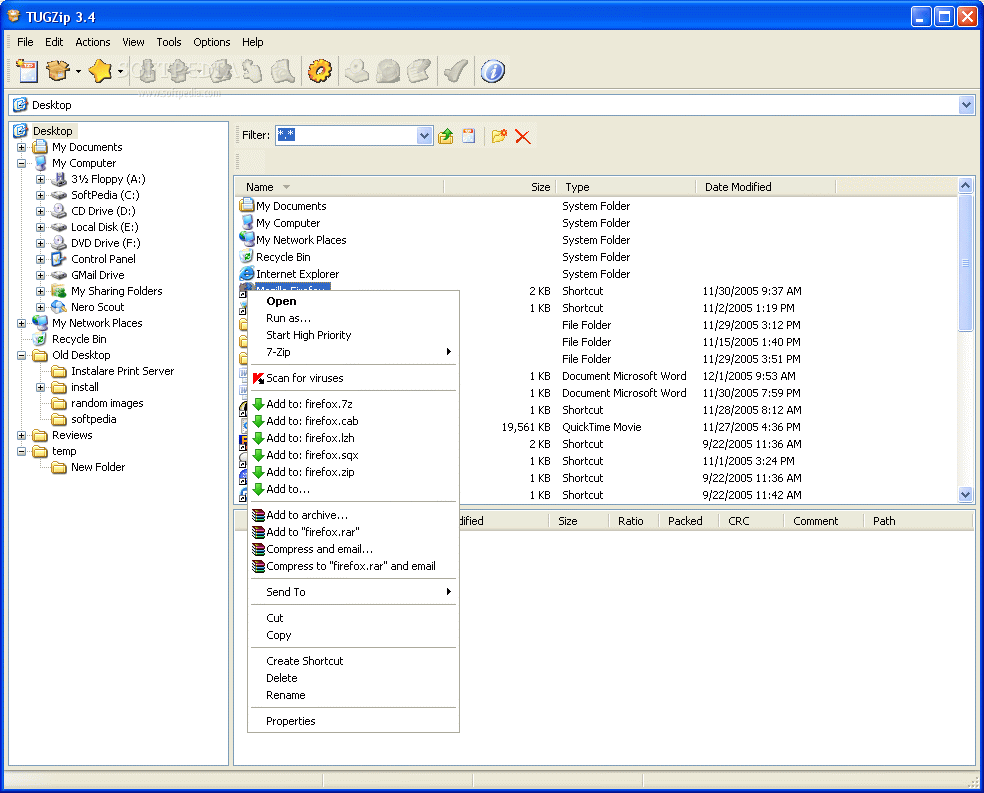
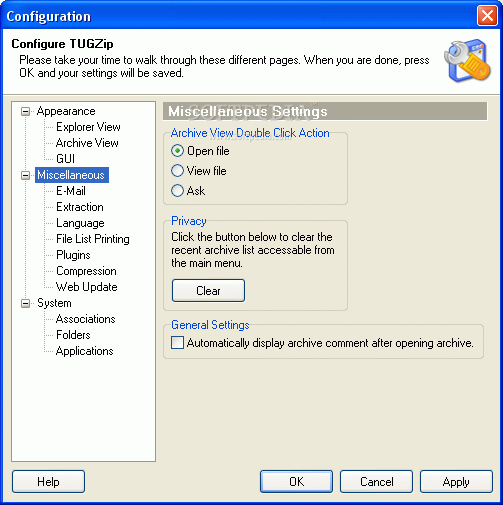
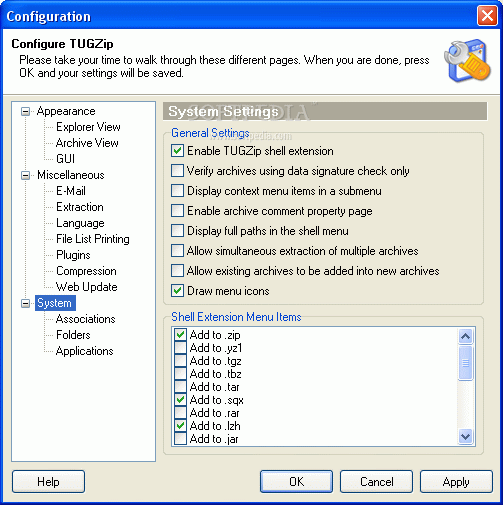
Sweet, 32-bit blended icons and an explorer shell, so far it's a good start for TUGZip. I was immediately surprised that TUGZip offered ACE and RAR compression (something few other free compression tools offer). I also liked the fact that, unlike other compression tools, TUGZip didn't automatically associate itself with every kind of archiving file format, but instead let you choose which one you wanted. Already I was beginning to like the program without even testing it out.
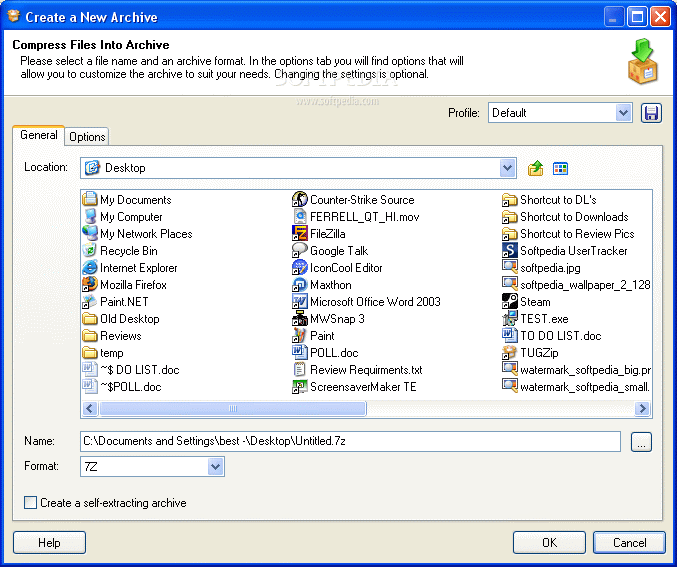
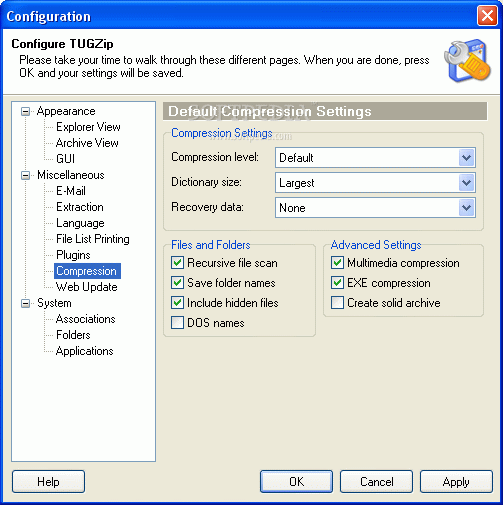
The available file compression types I had at my disposal from TUGZip were uncharacteristic for your average freeware. I had 7Z, ACE, BH, CAB, JAR, LZH, RAR, SQX, TAR, TBZ, TGZ, YZ1, and ZIP compression abilities. How in the world did I not know about this program sooner?
When decompressing, TUGZip supports ZIP, 7-ZIP, A, ACE, ARC, ARJ, BH, BZ2, CAB, CPIO, DEB, GCA, GZ, IMP, JAR, LHA (LZH), LIB, RAR, RPM, SQX, TAR, TGZ, TBZ, TAZ, YZ1 and ZOO archives (also has support for BIN, C2D, IMG, ISO and NRG disc-images).
I had no problem with windows throughout the whole time that I tested out its speed or compression rates. I had found on the net that TUGZip tends to crash Explorer when it's running, but that never happened once.
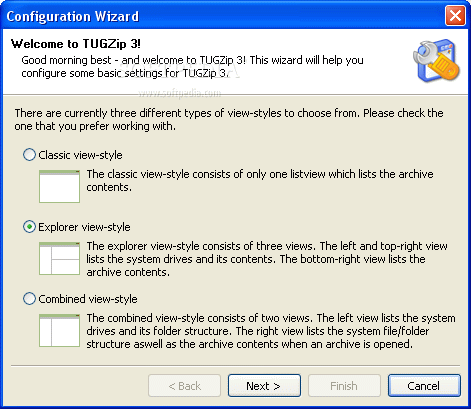
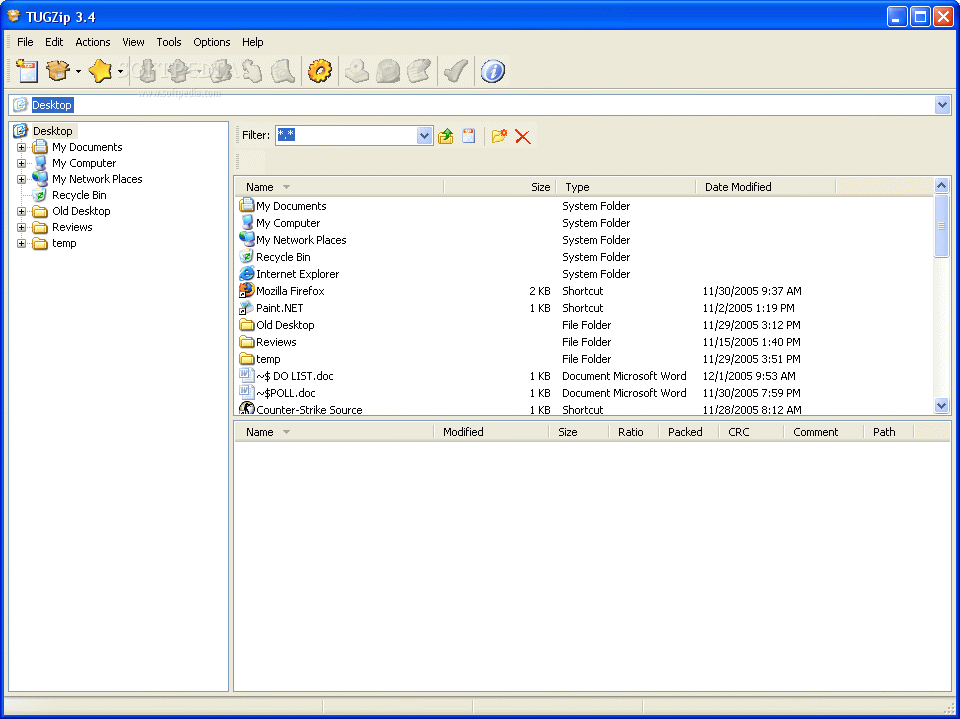
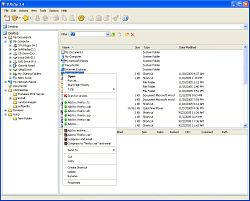
I liked the fact that you can create normal and self extracting archives. I chose the Explorer GUI since I wanted to have quick file access, but the two other views were just as intuitive. TUGZip has your typical encryption and security features that one would expect from a compression program. I liked the repair capabilities that were also offered.
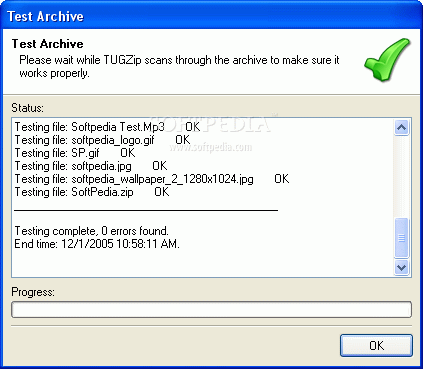
I had absolutely no problem when archiving in every single different format that was offered (and decompressing afterwards). It's a little tricky at first to see where you're archiving to, but all you need to remember is to follow your address bar. The one thing I saw that TUGZip lacked (which really isn't that big of a deal) was the fact that it didn't have an FTP function. A nice little add-on would make a few more people happier.
The Good
TUGZip is Shell integrated with three different viewing modes that offer a good intuitive GUI. It covers a lot of ground when it comes to the types of files you wish to compress (and decompress). The program doesn't bog or slow down, it definitely has good speed. This compression software has nearly anything you could want.
The Bad
I'd like to see an FTP functionality, but there's no major thing that I can think of pointing out right now.
The Truth
I really felt like I had found the pot of gold at the end of the rainbow. I'm an avid WinRAR guy, but I think that I'll start incorporating TUGZip into my arsenal. This program has awesome compression features that have been combined into main program. There's no good reason why you shouldn't try it out. Come to think of it, there's no good reason why you shouldn't have it on your PC.
Check out some screenshots below.